
 Dwi Wanna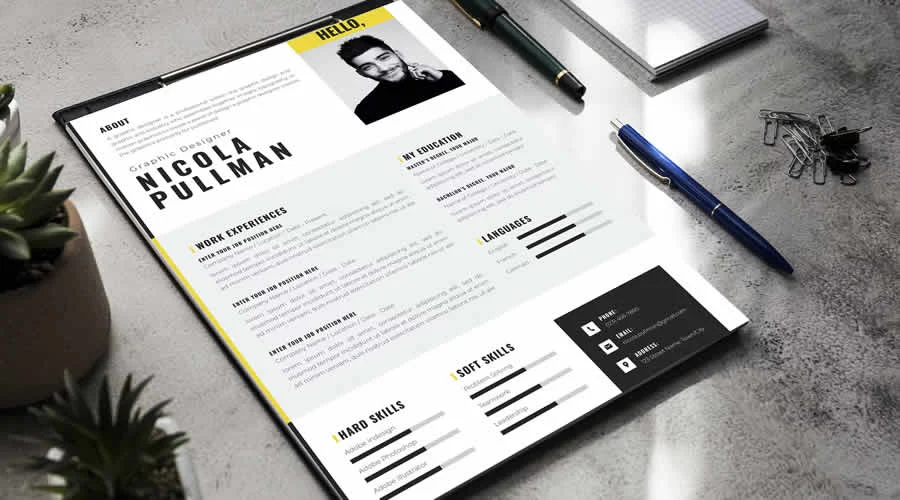
In the modern job market, the role of a recruiter is often one of high-pressure filtering. Employers and hiring managers are frequently tasked with sifting through hundreds—sometimes thousands—of applications for a single vacancy. Within this overwhelming volume, the "perfect candidate" is rarely just the person with the most impressive bullet points; they are the individual who manages to capture attention within the first few seconds of a document review.
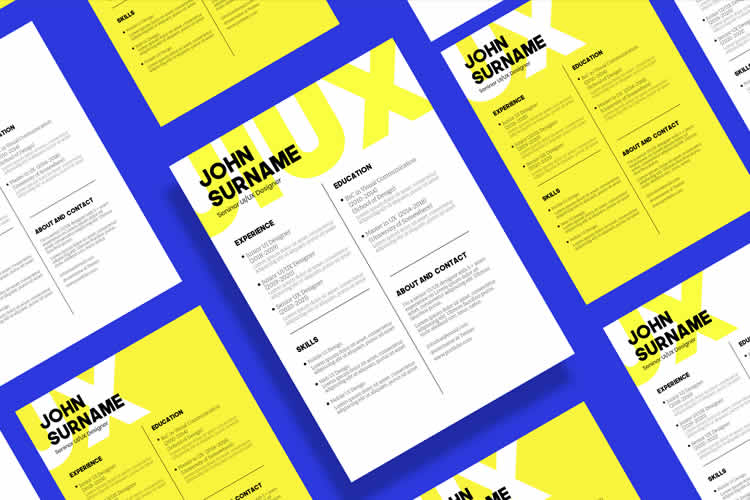
For professionals in the creative industry, this challenge is magnified. When applying for roles as a graphic designer, UX/UI specialist, or art director, the resume acts as the primary piece of design work a recruiter sees. If the document itself is cluttered, outdated, or poorly formatted, it inadvertently signals a lack of professional awareness. This is why professional resume design has evolved into a critical component of the application process.
The Evolution of the Creative Resume
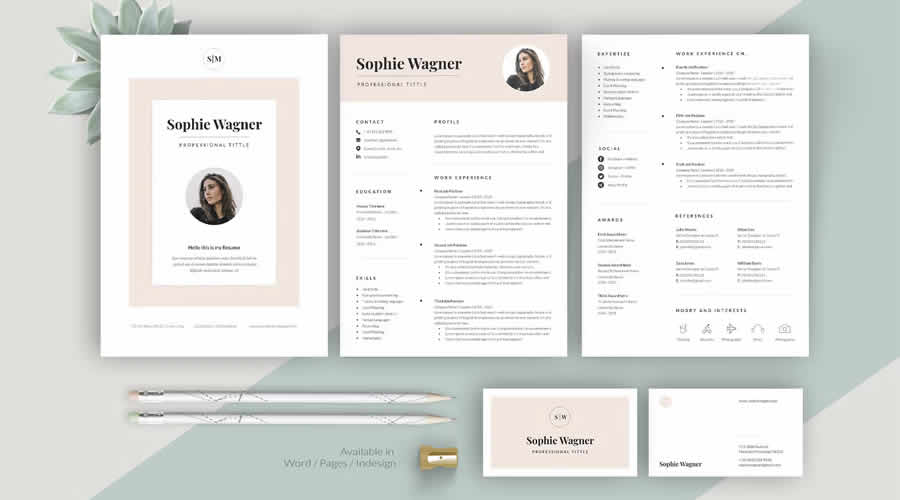
While the internet is saturated with generic, basic resume templates, most fail to address the specific needs of the creative sector. These standard templates rarely account for modern aesthetic trends or the intense competitiveness of the current job market. A creative role demands a document that balances technical proficiency with personal branding.
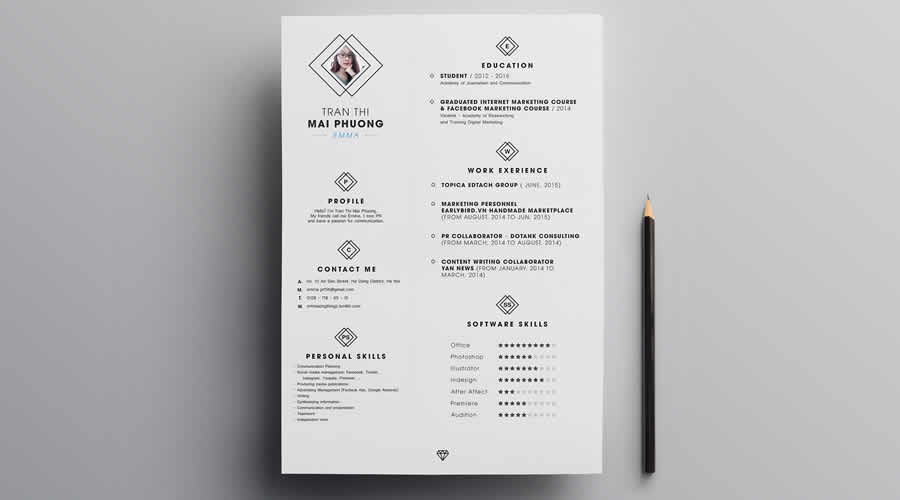
The curated collection of templates provided here serves as a strategic starting point. These resources have been crafted by designers for designers, ensuring that they prioritize whitespace, typography, and visual hierarchy—the fundamental pillars of good design.
Which Format Should You Choose?
Selecting the right format is more than a matter of aesthetic preference; it is a technical decision that hinges on your workflow and the submission requirements of the target employer.
- Adobe InDesign: The industry standard for layout. It offers granular control over typography and imagery, making it ideal for high-end, print-ready resumes.
- Adobe Photoshop: Excellent for highly graphical resumes, though it can become cumbersome for text-heavy documents.
- Adobe Illustrator: A versatile middle ground, perfect for vector-based, scalable layouts.
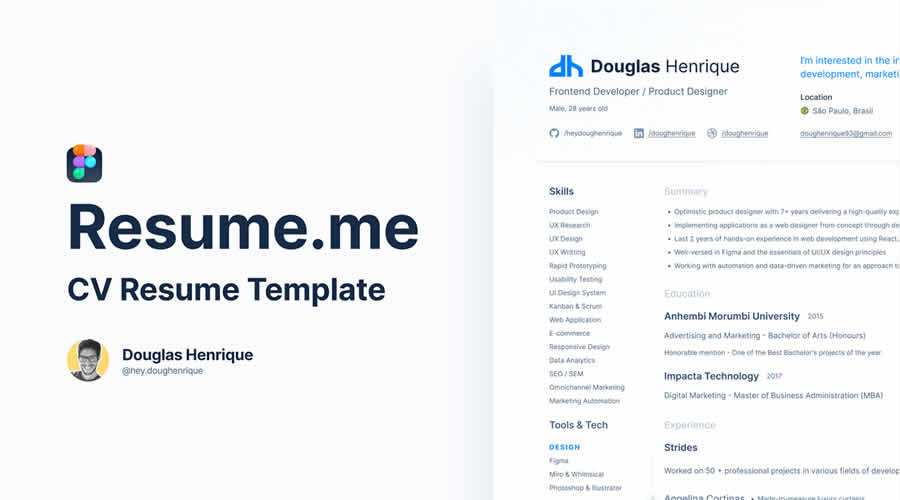
- Figma: The rising star for digital-first designers. It is highly collaborative and perfect for those who want their resume to feel as polished as a modern web application.
- Microsoft Word: Often overlooked by designers, yet essential for automated Applicant Tracking Systems (ATS). If a job posting specifically requests a Word document, do not try to "hack" a PDF into it; use a native Word template to ensure your data is parsed correctly.
Curated Professional Resume Templates
1. Comprehensive Packages (Resume, Cover Letter & Portfolio)
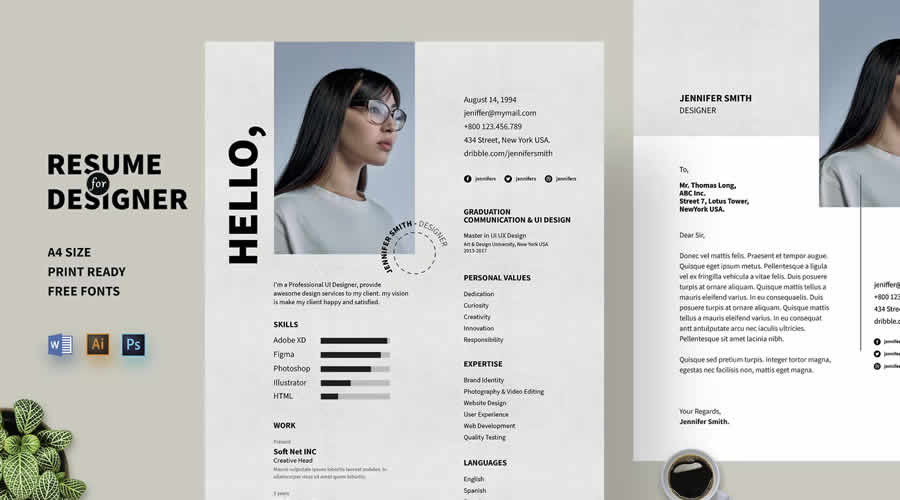
- Resume, Cover Letter & Portfolio Templates: Ideal for those who want a cohesive brand identity. This package includes matching assets that elevate your application from a single page to a professional, branded campaign.
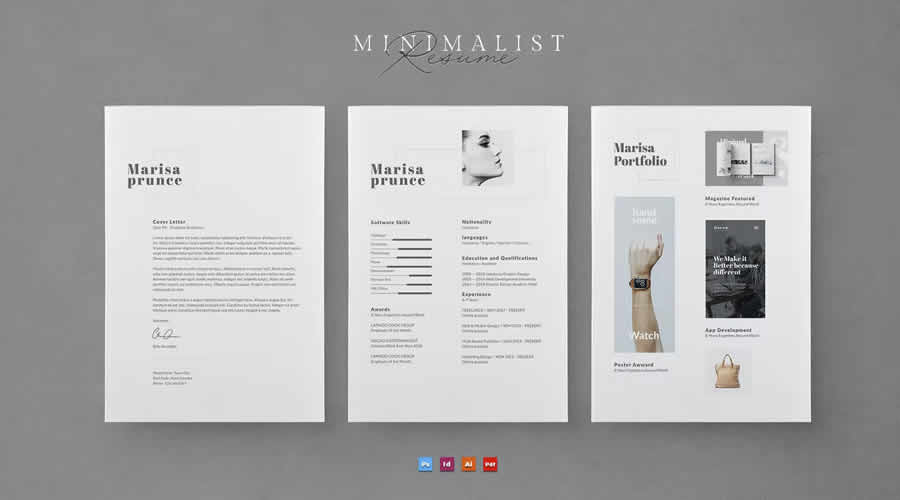
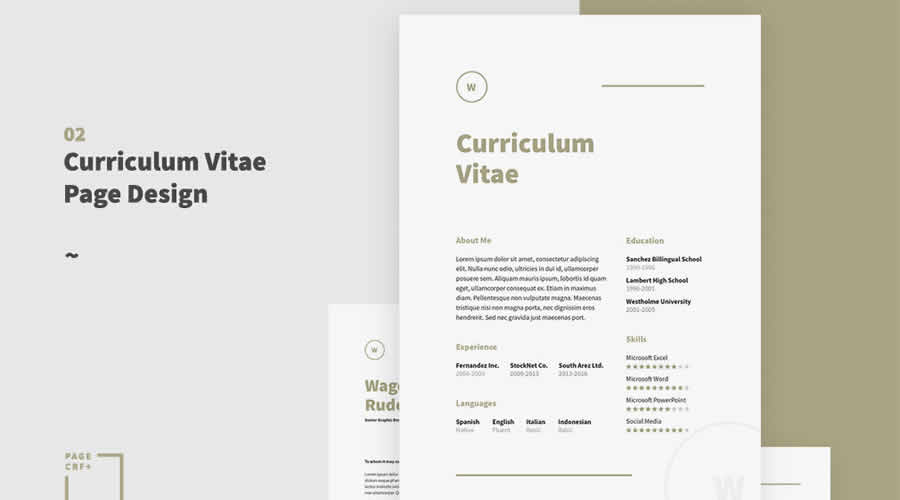
- Minimalist Resume Template for Creatives: Focusing on high-contrast readability, this suite is designed for those who want their work to speak for itself.
2. Figma-Based Modern Templates
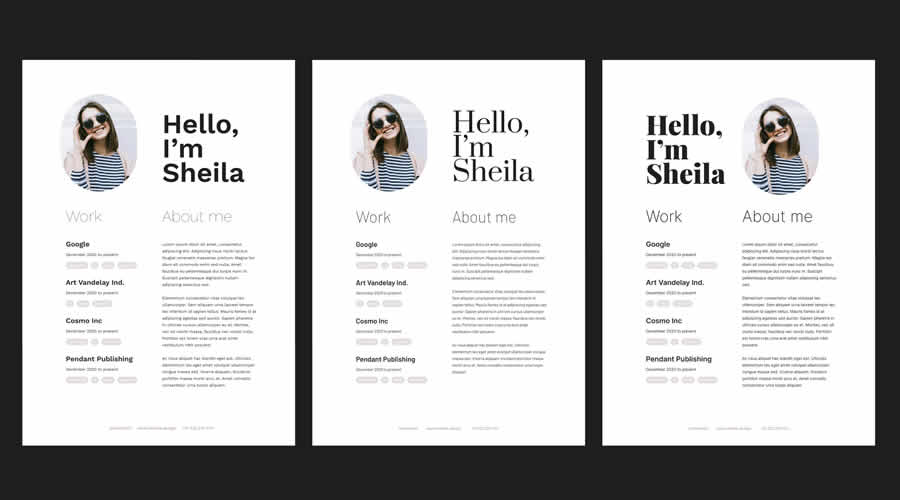
- Minimal Resume Template: Built with modern web standards, this template is perfect for digital designers.
- Clean & Professional Resume Template: This resource includes a printable portfolio layout, bridging the gap between your resume and your full design body of work.
- Resume Template for UX/UI Designers: Specifically tailored for user experience professionals, this template offers sections designed to highlight case studies and project metrics.
3. Photoshop (PSD) & Illustrator (AI) Essentials
- Neat Resume Template: A contemporary, highly customizable template that focuses on elegant typography.
- Clean & Modern Resume Templates: These come with clearly labeled layers, allowing for rapid customization without sacrificing structure.
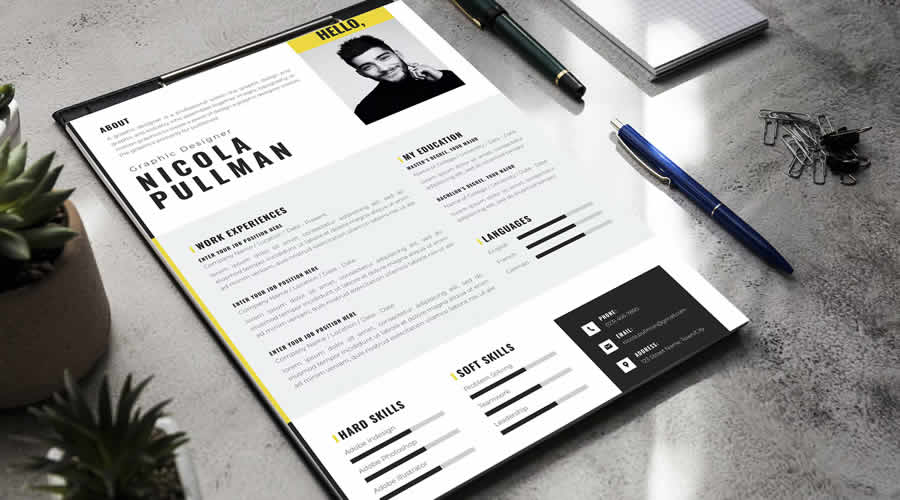
- Self Promotion CV Template: A two-page, bold design meant for designers who want to showcase their personality alongside their professional history.
Strategic Implications: What to Include
A designer’s resume is a delicate balance between content and restraint. You are not writing a novel; you are providing a map of your professional competency.
The Essential Hierarchy
- Contact Information: Keep it simple. A link to your portfolio is mandatory; a link to your social media is optional, provided it is professional.
- Professional Summary: A concise 2–3 sentence hook that defines who you are and the value you bring to a team.
- Work Experience: Focus on results. Instead of listing duties, list accomplishments. Use metrics: "Increased user engagement by 15%," or "Reduced design-to-development handoff time by 20%."
- Skills Matrix: Categorize your skills (e.g., Software, Methodologies, Soft Skills) so a recruiter can scan them in seconds.
- Education & Certifications: Keep these brief unless you are a recent graduate.
What to Exclude
Avoid adding "filler" content. References are unnecessary unless specifically requested. Avoid cluttering the page with visual "skill bars" (e.g., a chart showing 80% proficiency in Photoshop), as these are subjective and often confusing to hiring managers.
Best Practices for Final Review
Before hitting "Submit," treat your resume as a final design project.
- Check Accessibility: Ensure your text is at least 10pt for body copy and that the contrast ratio is sufficient for all readers.
- Proofreading: Typographical errors in a design resume are often interpreted as a lack of attention to detail, which can be fatal for a creative application.
- File Naming: Never name your file
resume_final_v2_new.pdf. Use a professional format:FirstName_LastName_Role_Resume.pdf. - The PDF Advantage: Unless an employer specifically requests an editable format, always submit a flattened PDF. This ensures your chosen fonts and layout remain intact regardless of the device the recruiter uses to open it.
Conclusion: The Resume as a Gateway
Ultimately, your resume is the key to the interview, but your portfolio is the key to the job. The templates provided here are designed to give you a professional, clean, and highly readable foundation. By choosing a layout that reflects your personal style while adhering to professional standards, you demonstrate that you understand the fundamental requirement of design: communicating a message clearly and effectively.
Remember, the goal is to make the recruiter’s job easier. When you provide a document that is easy to navigate, aesthetically pleasing, and rich in relevant content, you move one step closer to landing your dream role. Select a template that fits your career stage, customize it with your unique professional narrative, and let your work take center stage.

 Reynand Wu
 Iffa Jayyana
 Sagoh
Sagoh
 Ali Ikhwan
 Laily UPN
 Jia Lissa
 Neng Nana
