
 Lina Irawan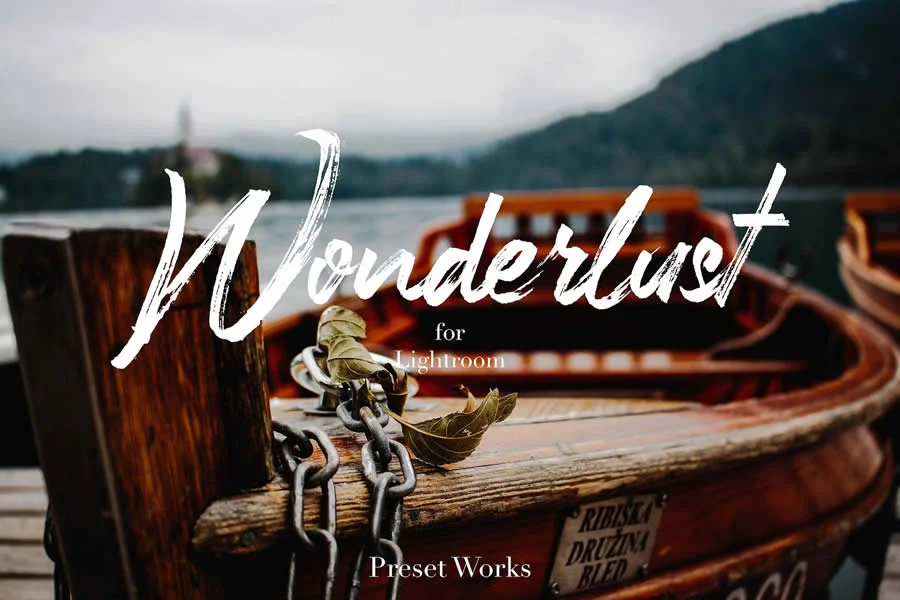
In the rapidly evolving landscape of digital photography, Adobe Lightroom Mobile has cemented its reputation as the gold standard for mobile editing. Whether you are a seasoned professional capturing high-resolution RAW files on a DSLR or a casual enthusiast documenting daily life with a smartphone, Lightroom Mobile offers an unparalleled suite of tools. Yet, the true power of this application lies in the efficiency and creative consistency provided by presets.
By leveraging pre-configured settings—ranging from exposure and contrast adjustments to complex color grading—photographers can transform raw images into polished, professional-grade works of art with a single tap. This guide explores the significance of these digital assets, provides a curated list of top-tier free presets, and outlines the implications of workflow automation in the modern photographic era.
The Evolution of Mobile Editing: Why Presets Matter
The transition from desktop-bound editing to mobile workflows has fundamentally changed how images are consumed and created. With the rise of social media platforms like Instagram and TikTok, the demand for high-quality, stylistically consistent imagery has never been higher.
Presets function as the "digital darkroom" of the 21st century. Historically, photographers spent hours in a physical darkroom manipulating chemicals and light to achieve a specific look. Today, a preset encapsulates those artistic choices—color balance, tone curves, and saturation levels—and applies them instantaneously. For the working professional, this means meeting tight deadlines; for the hobbyist, it means achieving a cohesive "feed" aesthetic that previously required years of technical mastery to emulate.
Curated Collection: The Best Free Lightroom Mobile Presets
Below is a curated selection of some of the most effective, high-quality free presets available to enhance your photographic portfolio.
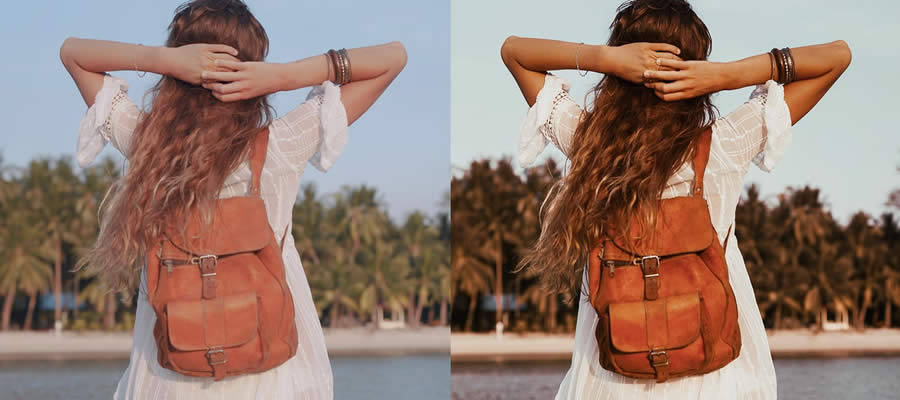
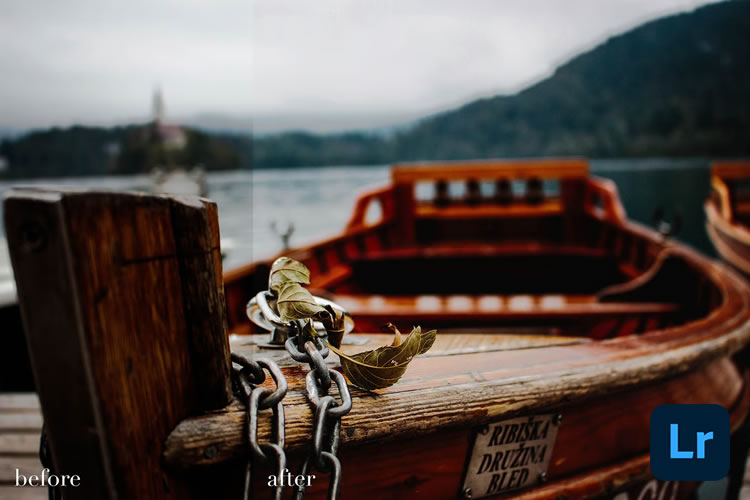
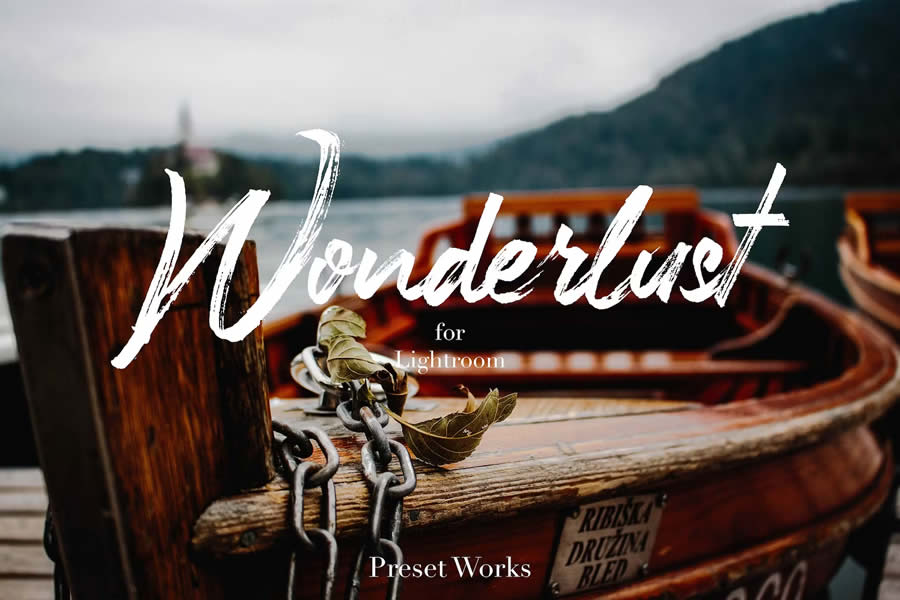
1. The Wonderlust Mobile Collection
Designed for the modern traveler, the Wonderlust presets are engineered to handle the high-contrast demands of cityscapes and the soft, expansive tones of natural environments. These presets emphasize dynamic range, ensuring that both the shadows of an alleyway and the highlights of a mountain vista retain their detail.
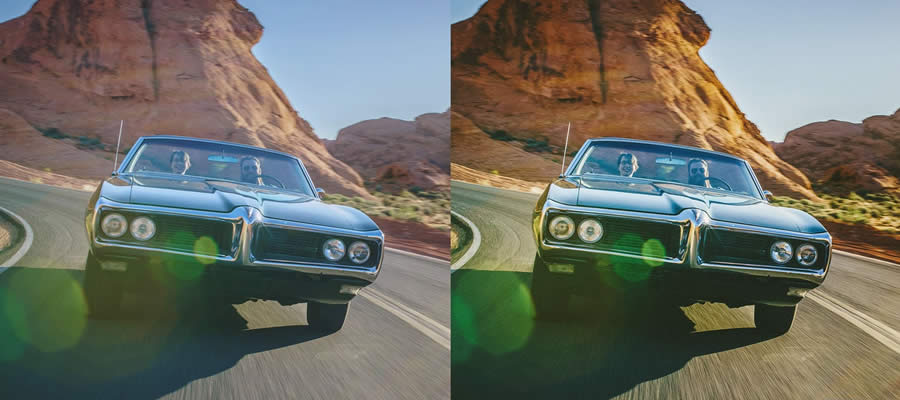
2. Road & Travel: Capturing Nostalgia
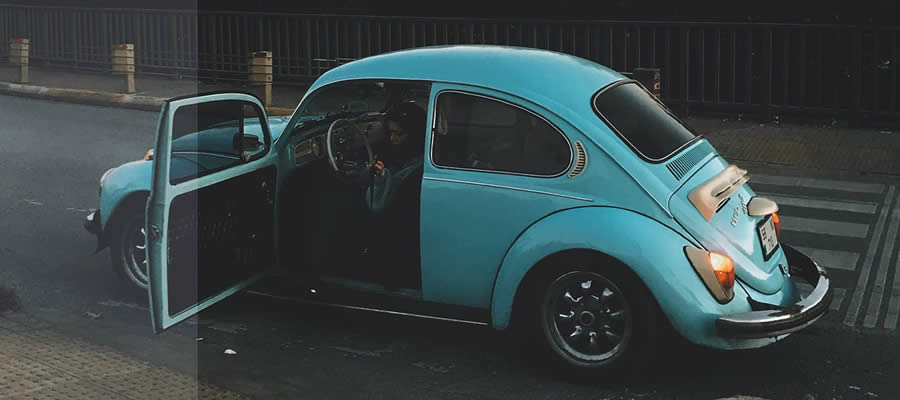
For those who prioritize mood over clinical perfection, the "Road & Travel" DNG preset is an essential download. It introduces a subtle vintage wash to your imagery, bringing out a sense of nostalgia that is perfect for capturing the spirit of the open road and the spontaneous nature of travel photography.
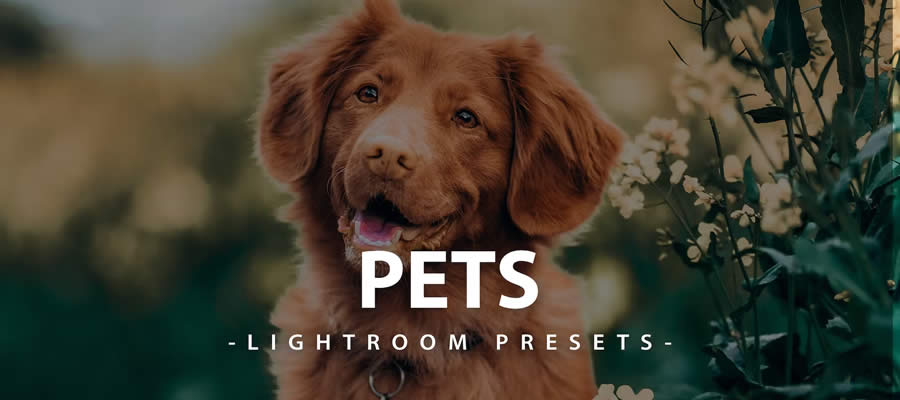
3. Pet Photography: Highlighting Animal Splendor
Pets are notoriously difficult to photograph due to their unpredictable movement and varied fur textures. This specialized preset collection is designed to enhance the brightness and clarity of animal portraits, bringing out the joy and innocence in your four-legged companions.
4. Bronze Effect: Dramatic Flair
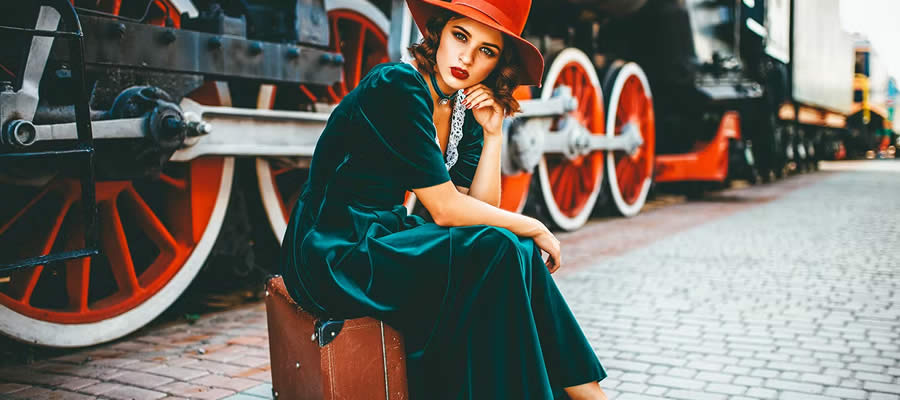
When an image calls for intensity, the Bronze Effect preset delivers. By shifting the color spectrum toward deep, warm, and metallic tones, this preset turns ordinary scenes into cinematic displays of light and shadow. It is particularly effective for golden-hour portraiture.

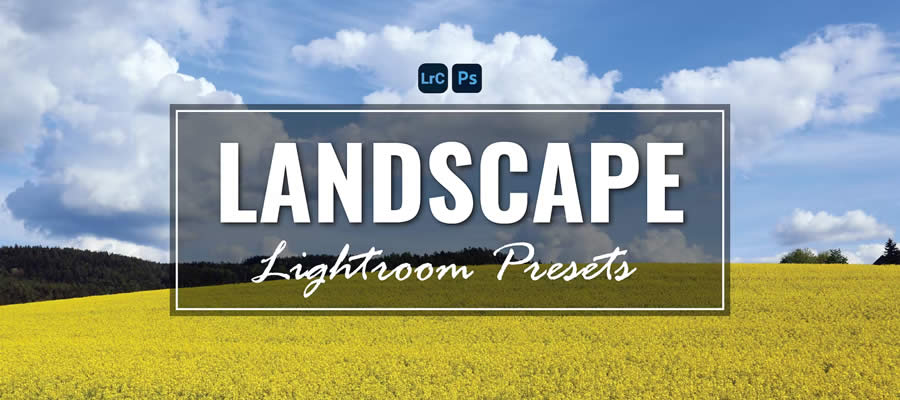
5. Landscape Mastery (35-Preset Set)
A comprehensive solution for outdoor photographers, this collection of 35 presets focuses on color depth. It enhances the greens of forest foliage and the deep blues of the sky, ensuring that the majesty of the natural world is rendered with vibrant, true-to-life color accuracy.

6. The Cinematic & Gritty Aesthetic
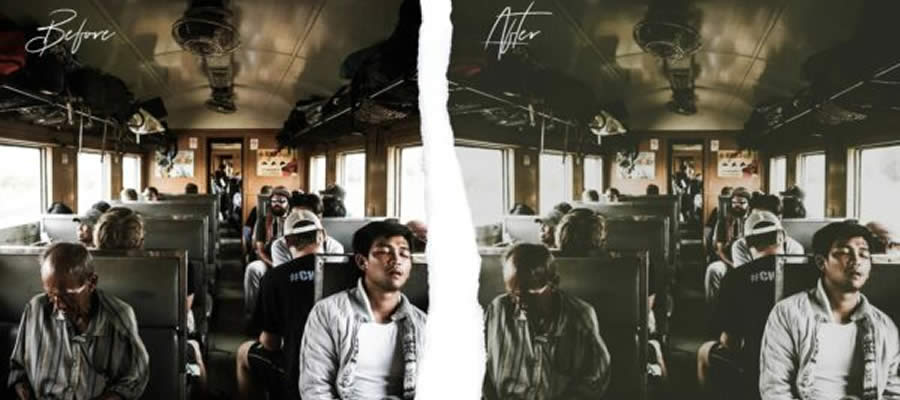
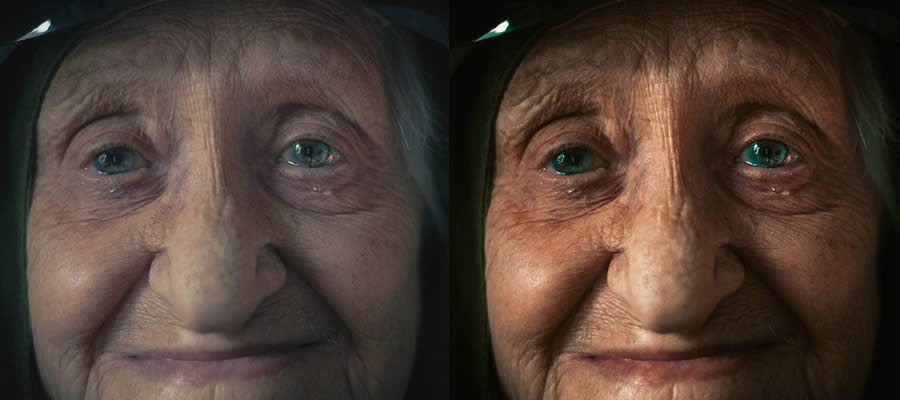
For those who seek an emotionally charged, film-like appearance, the "Cinema Effect" and "Film Grade" presets are indispensable. By introducing green-tinged shadows and a calculated amount of grain, these tools strip away the "digital" look of smartphone photos, replacing it with the raw, imperfect charm of analog motion picture film.
7. Lifestyle & Social Media Trends
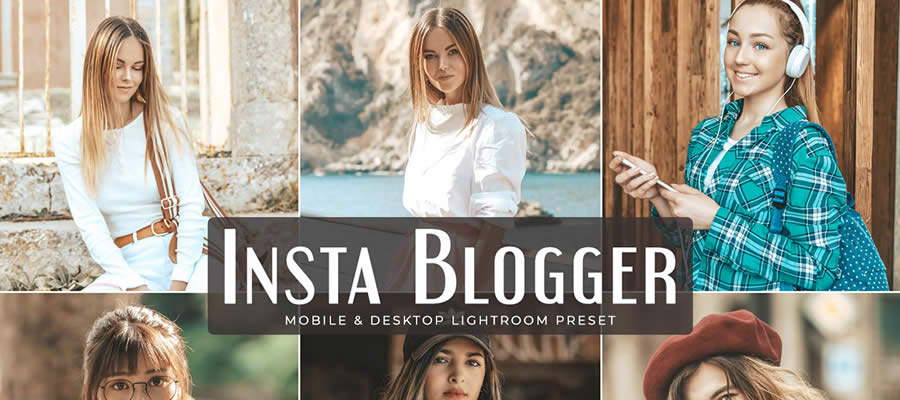
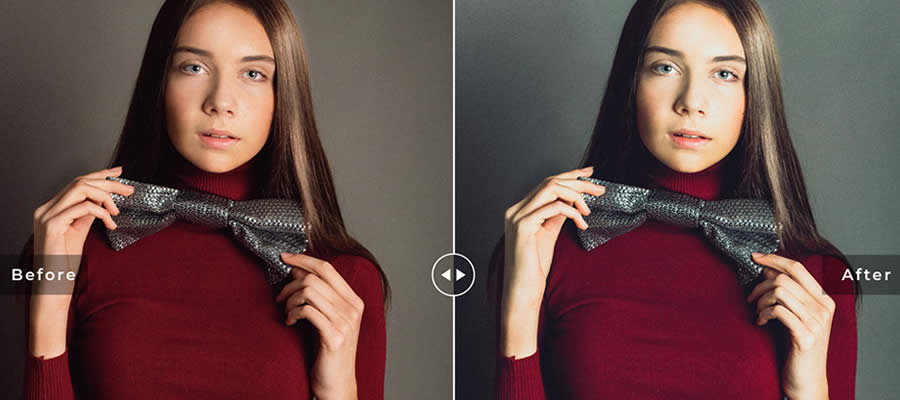
The "Insta Blogger" preset is specifically tailored for the influencer ecosystem. It prioritizes skin-tone accuracy while brightening the overall image—a hallmark of contemporary social media aesthetics. It ensures that your content remains at the forefront of digital trends without requiring deep technical knowledge of color theory.

8. Architectural & Interior Design
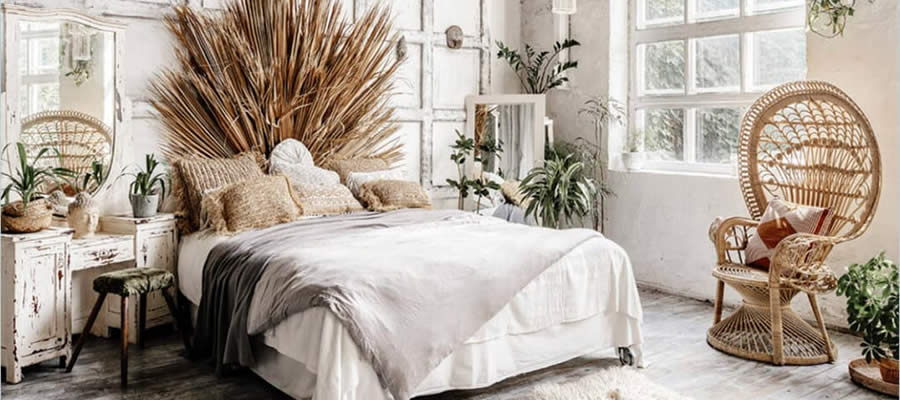
Interior photography requires a delicate balance of lighting to ensure that architectural details do not get lost in the shadows. This dedicated interior design preset is engineered to highlight textures, lines, and décor, turning living spaces into polished, magazine-worthy compositions.
Workflow Implications: Efficiency and Consistency
The adoption of presets in a photography workflow has significant implications for both creative output and productivity.
Time-Saving Mechanisms
The most immediate benefit is the drastic reduction in post-processing time. By automating the foundational adjustments (white balance, exposure, contrast), a photographer can bypass the repetitive "initial pass" of editing. This allows the creator to allocate more time to the actual act of photography—scouting locations, framing shots, and interacting with subjects.
Establishing a Signature Style
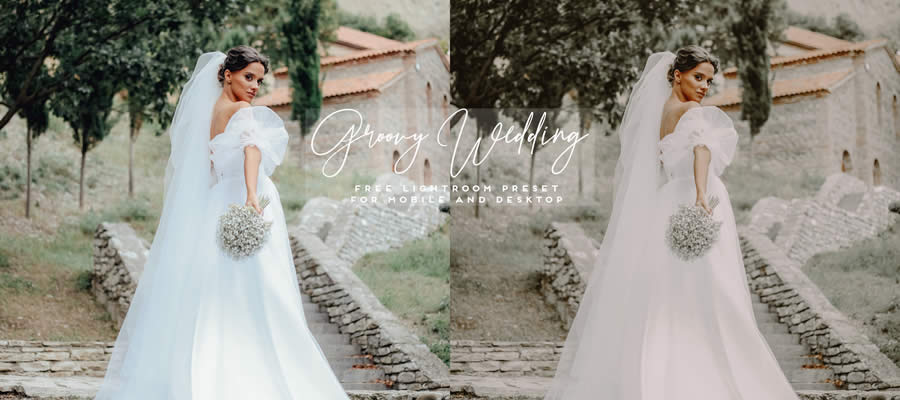
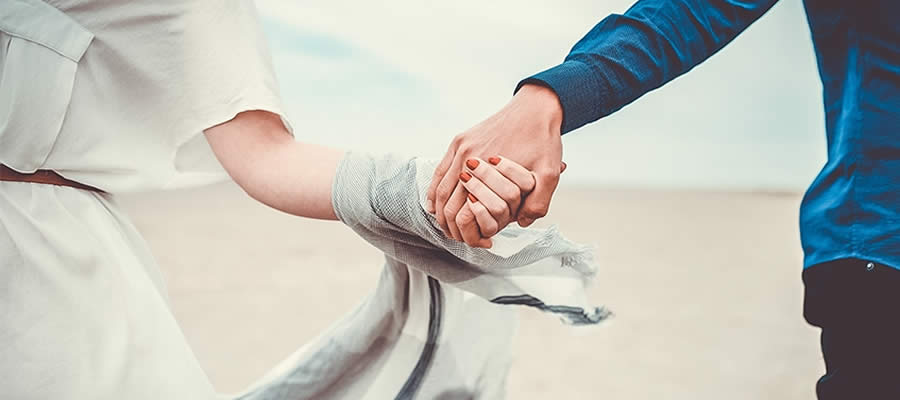
Consistency is the cornerstone of professional branding. When a photographer uses a uniform set of presets across a collection or a social media feed, it creates a cohesive visual identity. This consistency tells a story; it allows the viewer to immediately recognize the photographer’s "voice" regardless of the subject matter.
Technical Integration: How to Install Your Presets
Integrating these assets into your mobile workflow is a straightforward process, regardless of whether you are using an iOS or Android device.
- Download the DNG File: Most free presets are distributed as DNG (Digital Negative) files. Once downloaded to your mobile device, these files contain the metadata and edit settings required for the preset.
- Import into Lightroom Mobile: Open the Lightroom app and create a new album. Import the DNG image into this album.
- Save as Preset: Open the imported DNG photo, tap the "three dots" icon in the upper right corner, and select "Create Preset." Name your preset and save it to your library.
- Apply to Your Work: Open any photo you wish to edit, navigate to the "Presets" tab in the bottom menu, find your saved group, and tap to apply. You can then fine-tune the settings to match the specific lighting conditions of your photo.
The Future of Mobile Photography
As mobile sensors continue to improve, the gap between professional DSLRs and smartphones is narrowing. We are entering an era where computational photography—combined with the sophisticated color science found in Lightroom presets—allows almost anyone to produce work that rivals professional editorial photography.

However, it is important to remember that a preset is a starting point, not a final destination. The most successful photographers treat these tools as a foundation, always adjusting the intensity or fine-tuning the individual sliders to suit the unique context of their images.
Conclusion
The availability of high-quality, free Lightroom Mobile presets is a democratization of professional photographic tools. By leveraging these assets, photographers of all skill levels can elevate their work, streamline their editing process, and focus on what truly matters: capturing the world through a unique, personal lens. Whether you are aiming for the gritty, nostalgic feel of analog film or the bright, airy aesthetic of modern lifestyle photography, there is a preset designed to bring your creative vision to life.
Explore these collections, experiment with their settings, and start building your own unique visual narrative today. The tools are in your hands—all that remains is the capture.

 Reynand Wu
 Evan Lee Salim
 Basiran
 Neng Nana
 Iffa Jayyana
 Raul Delapena Setiawan
 Rifan Muazin
 Asro
Asro