
 Nana Muazin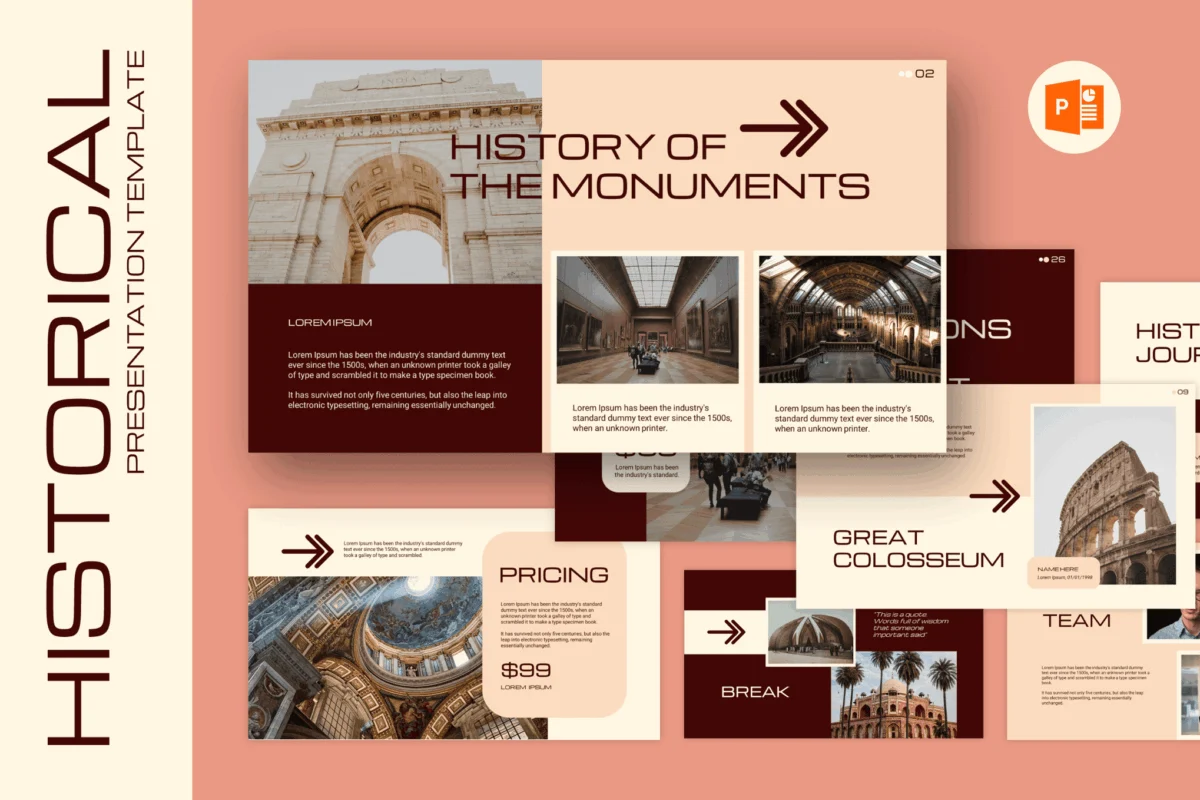
History is far more than a collection of dates and dusty facts; it is a tapestry of human experience, conflict, triumph, and evolution. When educators, researchers, and museum curators stand before an audience, their goal is to transform static records into a living narrative. However, the medium through which this story is told—the presentation slide deck—often serves as a barrier rather than a bridge. To truly make history feel immersive, polished, and unforgettable, the visual framework must match the richness of the subject matter.
The Evolution of Historical Presentation
In the modern academic and professional landscape, the expectation for visual storytelling has shifted. Gone are the days of dense, text-heavy slides that act as a teleprompter for the speaker. Today’s audiences demand visual literacy. Whether it is a university lecture on the Reconstruction Era or a museum exhibit proposal detailing ancient architectural marvels, the design of a presentation dictates how effectively the audience absorbs complex historical context.
The transition from traditional, bland presentation styles to curated, theme-conscious layouts has been facilitated by a new wave of high-quality PowerPoint templates. These resources offer more than just aesthetics; they provide a structural foundation that allows the narrator to guide the audience through the complexities of the past with clarity and visual impact.
A Curated Selection of Premium History Templates
The market for historical design assets has matured, offering versatile tools that balance modern functionality with period-appropriate design cues. Below are some of the most effective templates available to historians and educators today:
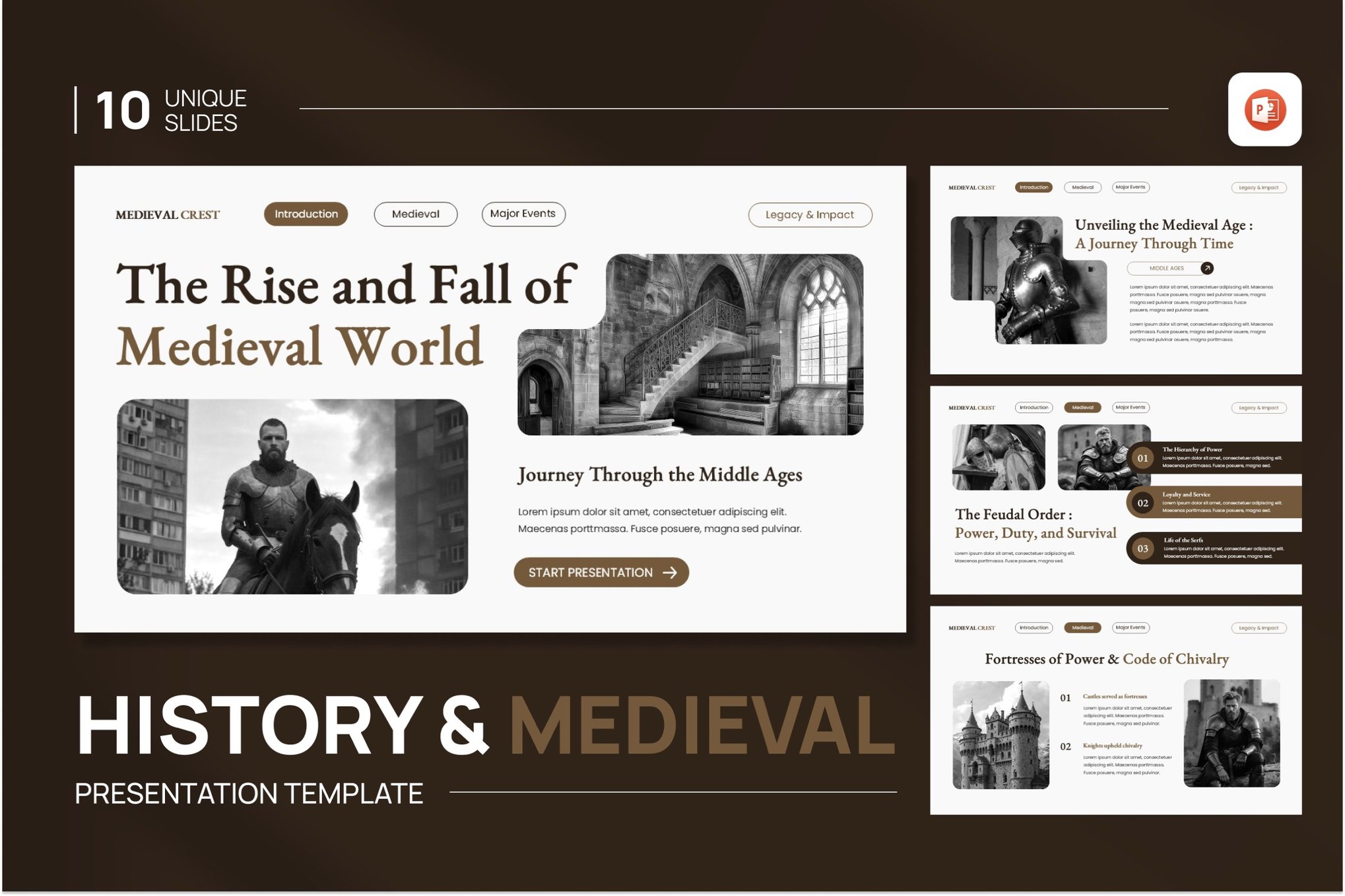
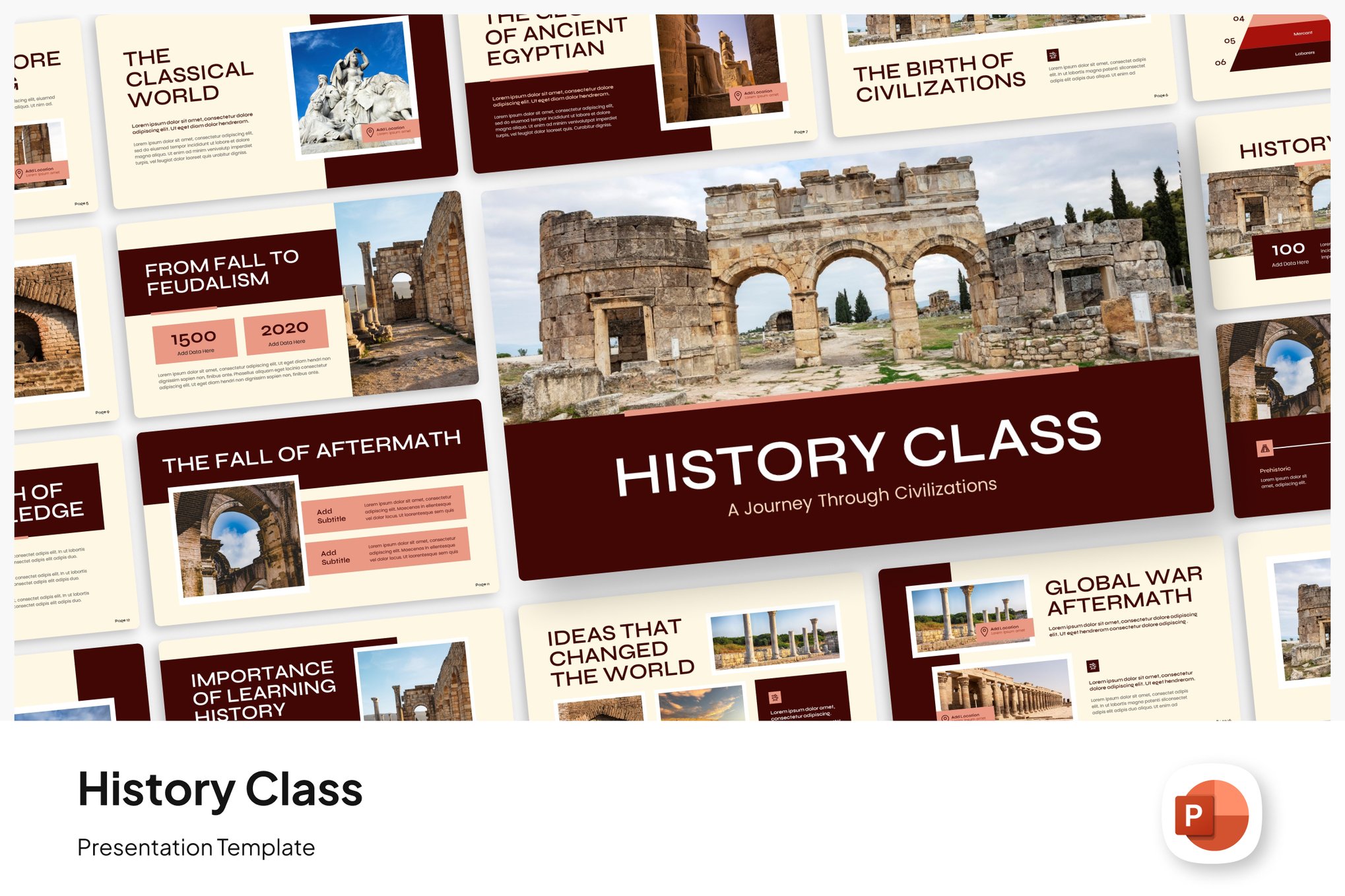
1. The "History & Medieval" Suite
This template is specifically engineered for versatility. Spanning ten unique, wide-screen (16:9) slides, it focuses on clean lines and professional typography. It is an ideal choice for classroom settings where readability is paramount, ensuring that historical data remains engaging rather than overwhelming.
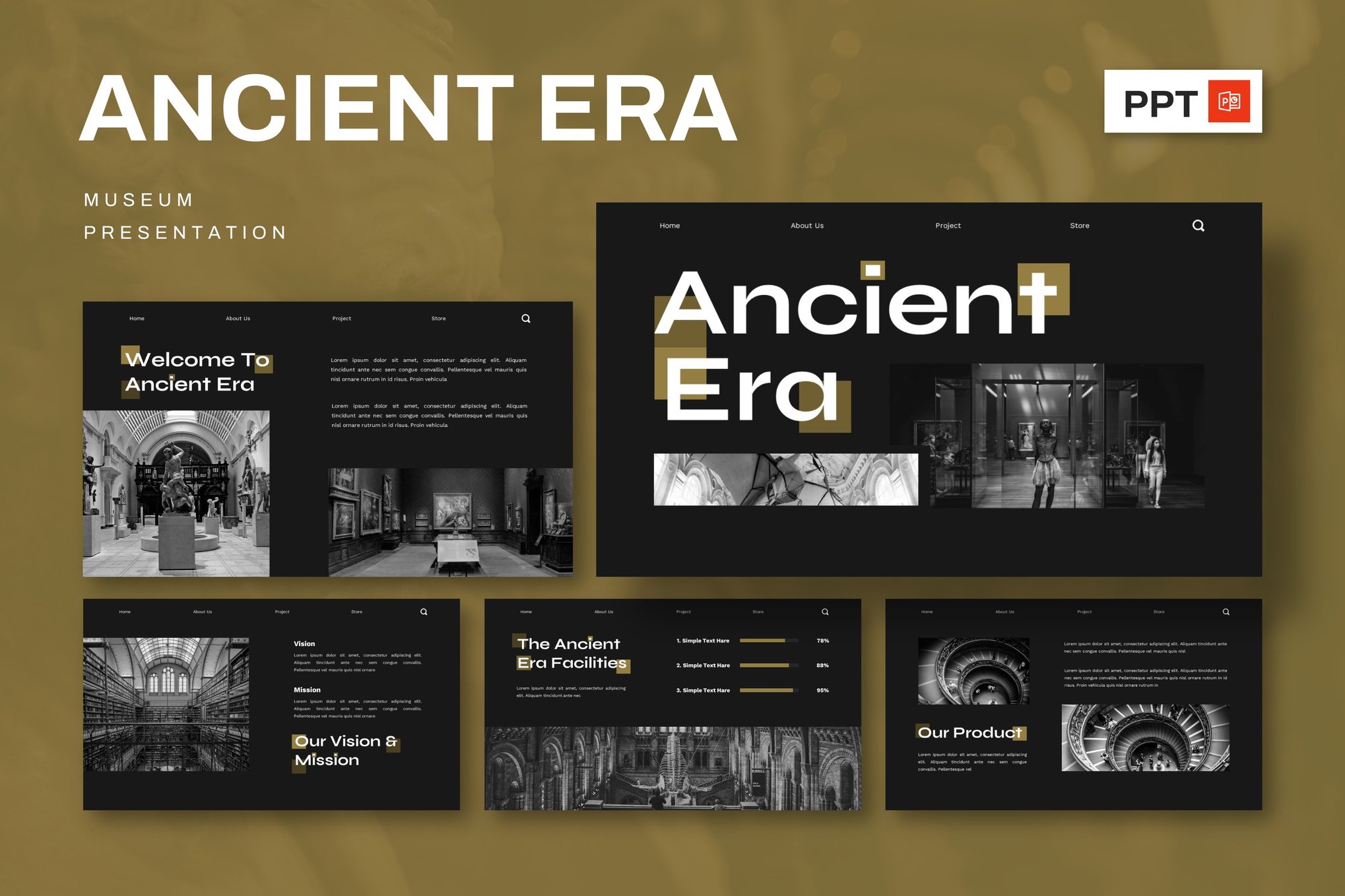
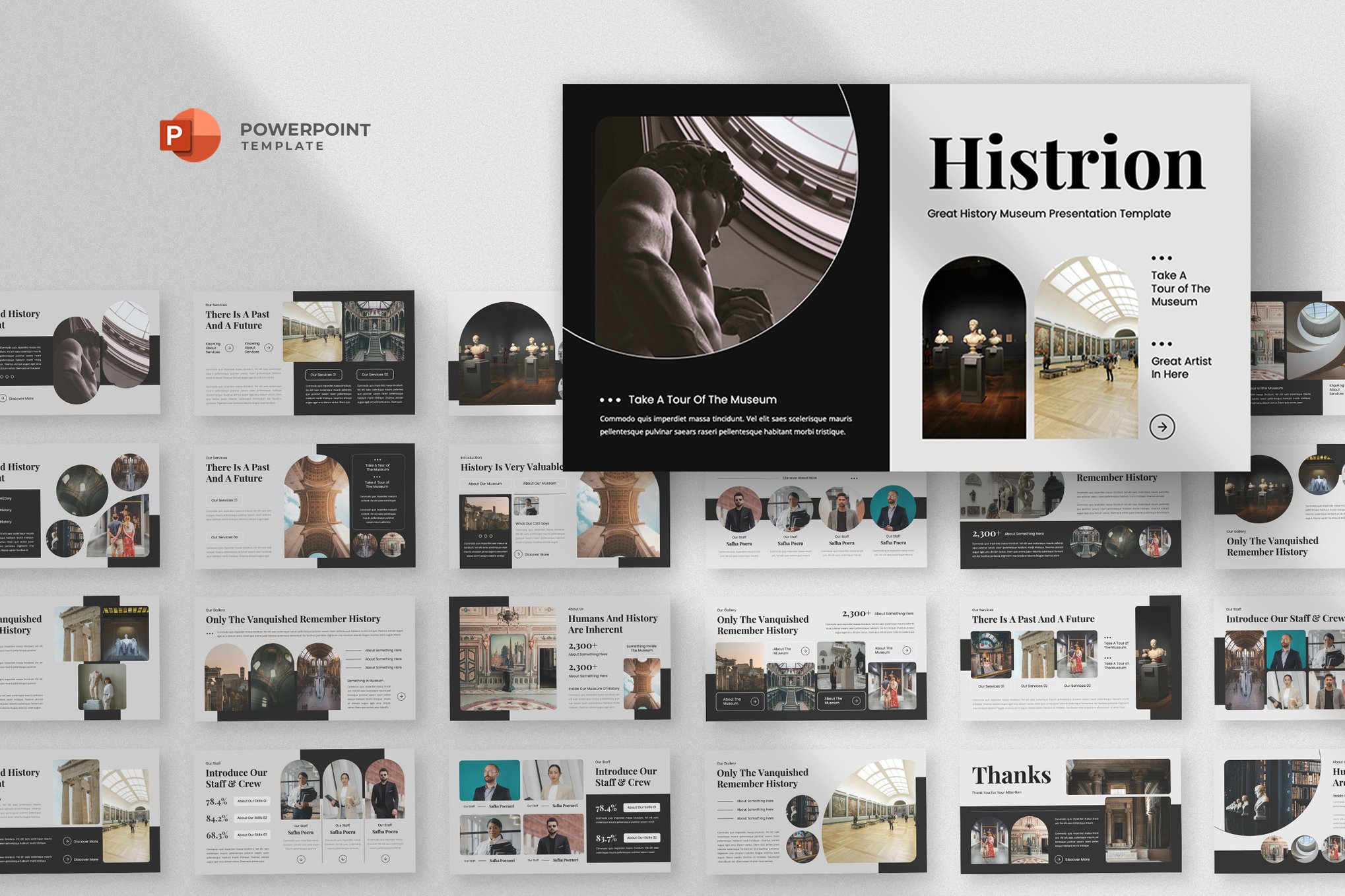
2. Ancient Era & Museum Aesthetics
For those focusing on archaeology or cultural heritage, the Ancient Era templates are particularly effective. These designs often feature minimalist, elegant layouts that allow artifacts and art to take center stage. By supporting platforms like PowerPoint, Keynote, and Google Slides, these templates ensure that the narrative can be shared across diverse technical environments.
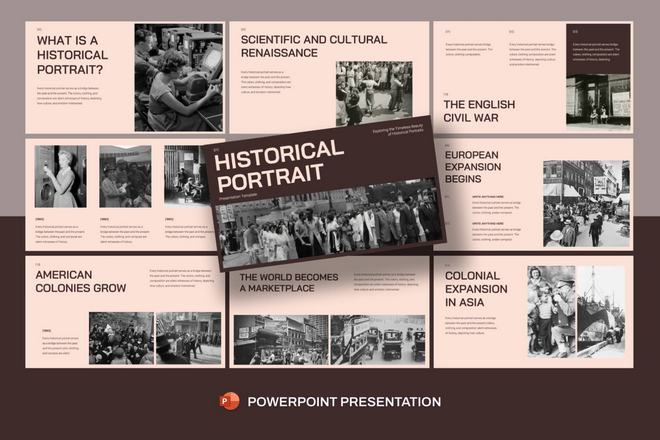
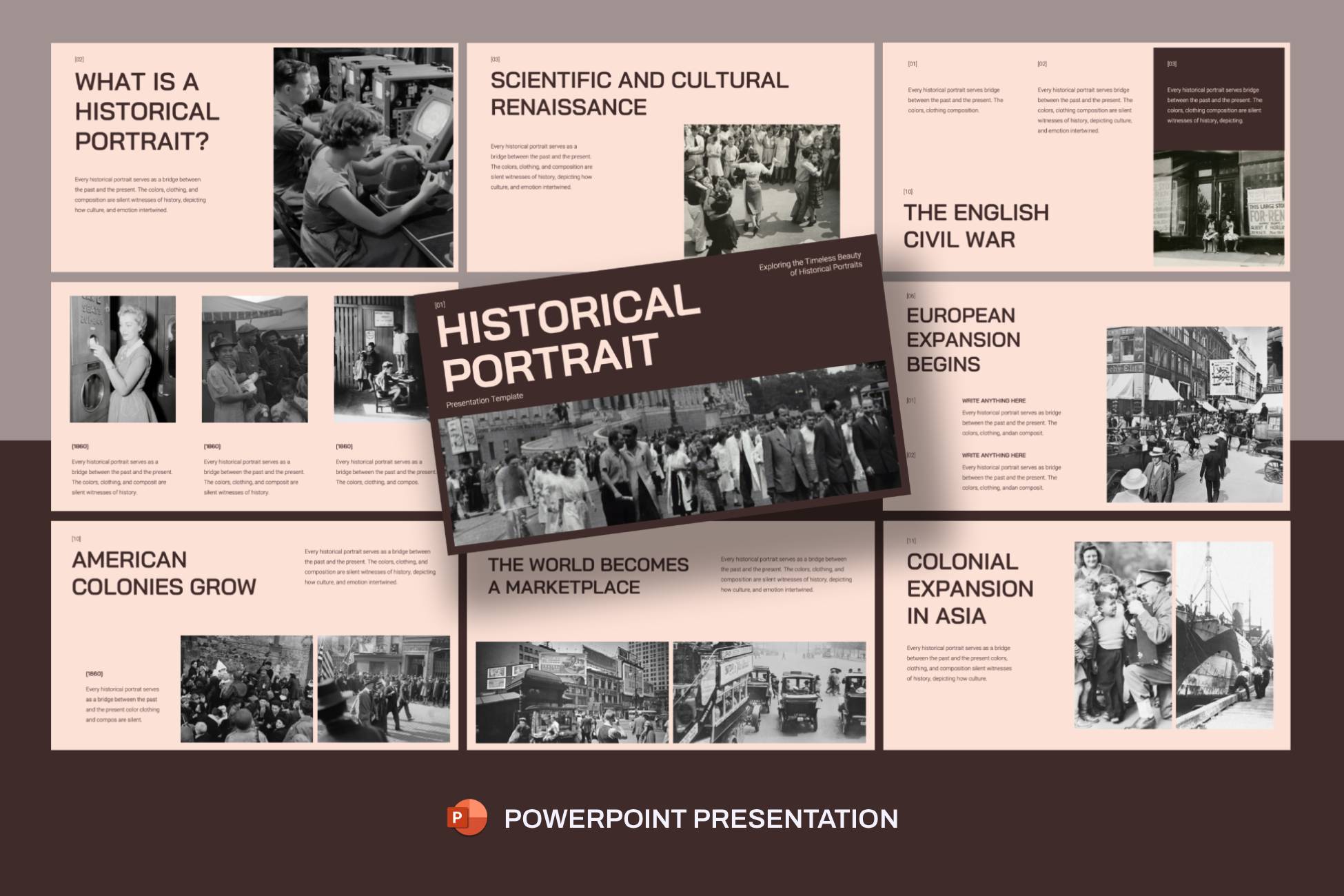
3. Bold and Professional: Historical Portraits
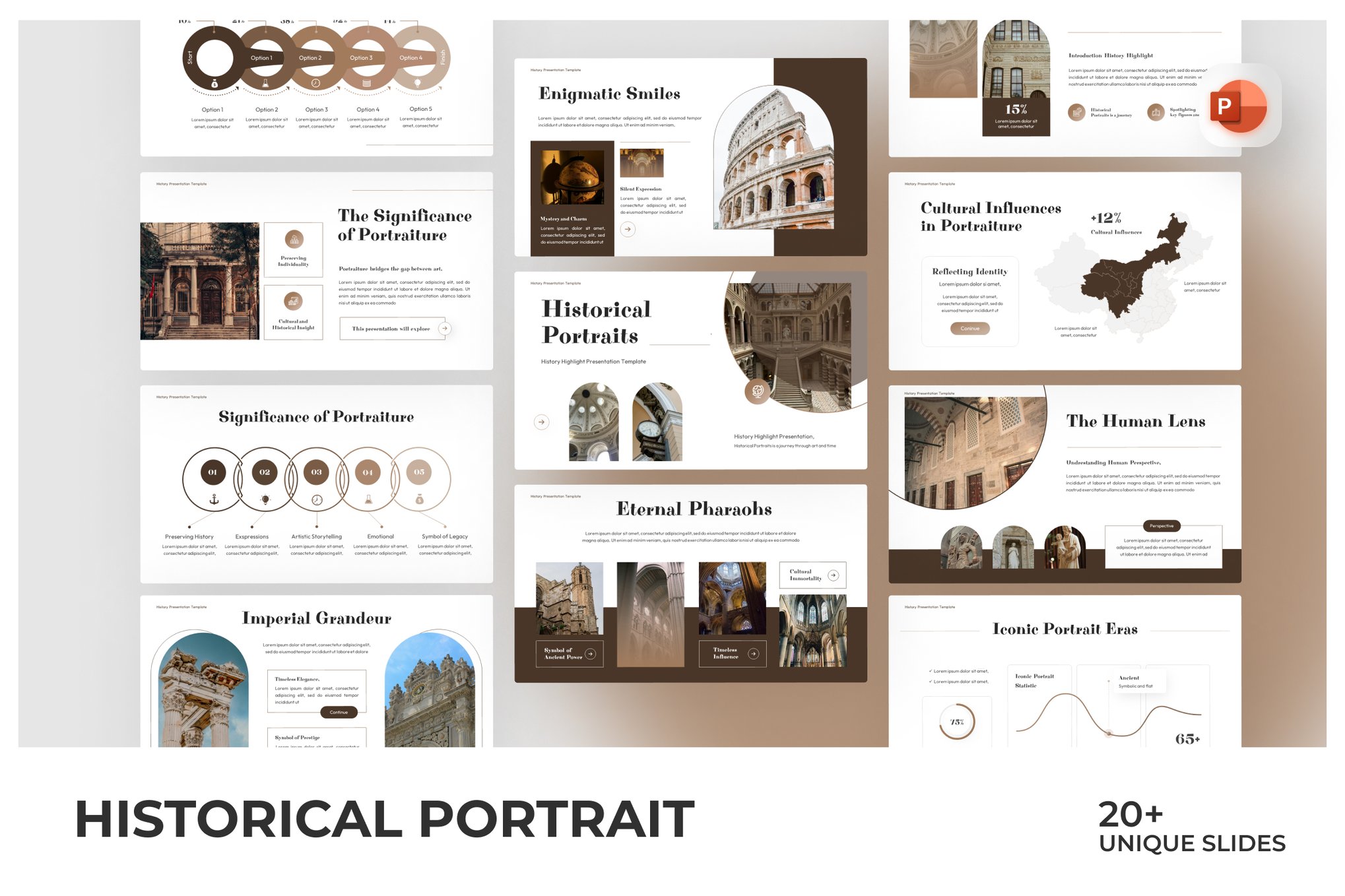
When the subject matter requires a more authoritative tone—such as business-related historical projects or high-level academic thesis defenses—the Historical Portrait template offers a bold, graphic-heavy approach. With features like Master Slides and integrated picture placeholders, it allows for the seamless inclusion of primary source photography without compromising the layout’s integrity.
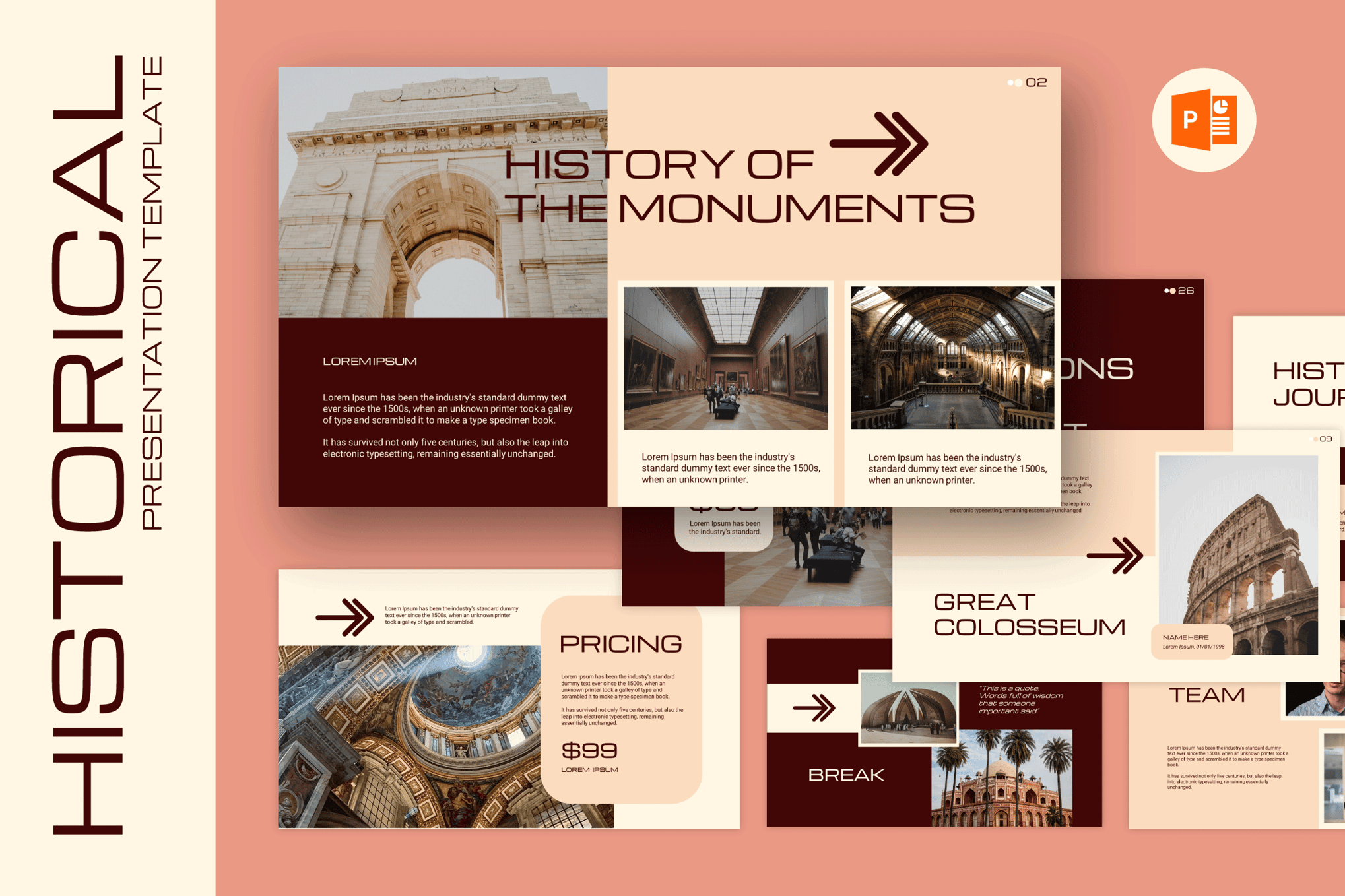
4. Comprehensive Collections
Templates like the Creative Historical PowerPoint and Unfolding History offer a higher volume of slides (30+). These are designed for deep-dive presentations that require extensive data visualization, such as charts and graphs tracking economic shifts or social movements over centuries.
Chronology and Flow: Structuring the Narrative
The most common mistake in historical presentations is a lack of chronological clarity. A disorganized timeline can alienate an audience within minutes. The best templates currently on the market address this by prioritizing flow.
By utilizing structured templates, presenters can:
- Establish a Baseline: Start with the "what" and "where," using wide-angle imagery to set the scene.
- Map the Sequence: Utilize built-in timeline layouts to show the progression of events. This helps the audience grasp cause-and-effect relationships that are often lost in purely oral presentations.
- Highlight Milestones: Use specific "milestone" slides to mark major turning points or thematic shifts in the historical narrative.
Supporting Data: The Role of Visual Hierarchy
A compelling historical presentation relies on the synthesis of text and image. Modern templates facilitate this through sophisticated grid systems. When presenting complex data—such as population shifts during the Industrial Revolution or military movements in World War II—designers must utilize the "Rule of Three":
- The Hook: A high-quality, period-accurate image that sets the emotional tone.
- The Fact: A concise, bolded statement that delivers the core information.
- The Context: A short, supporting explanation (kept to two or three sentences) that provides the necessary nuance.
The use of infographics in templates like the History Milestones or Academic Social History sets allows for the translation of dry statistics into visual patterns that the human brain can process more efficiently than raw lists.
Official Perspectives on Educational Design
Educational institutions have increasingly begun to mandate higher standards for presentation materials. The consensus among pedagogical experts is that "cognitive load" must be minimized. When a slide is cluttered with text, the audience is forced to choose between reading the slide or listening to the presenter.
By employing templates that utilize negative space and clear, serif-based typography, speakers can ensure that their voice remains the primary source of information. These templates are not just decoration; they are tools for cognitive management. They provide the "white space" necessary for the audience to digest the weight of historical events.
Implications for Future Storytelling
As we move further into the digital age, the way we consume history is changing. The "Papyrus" and "Vintage" style templates, which use textures to evoke the feeling of old-world documents, serve as a bridge between the physical archive and the digital screen. This creates a tactile experience for the audience, even in a virtual or remote setting.
Furthermore, the rise of cross-platform compatibility (PowerPoint to Google Slides to Keynote) means that historical narratives can be more portable than ever before. This accessibility is crucial for global collaboration between museums and researchers.

6 Principles for Designing Impactful Historical Slideshows
To ensure your next presentation leaves a lasting impression, consider these six design pillars:
1. Period-Appropriate Visual Cues
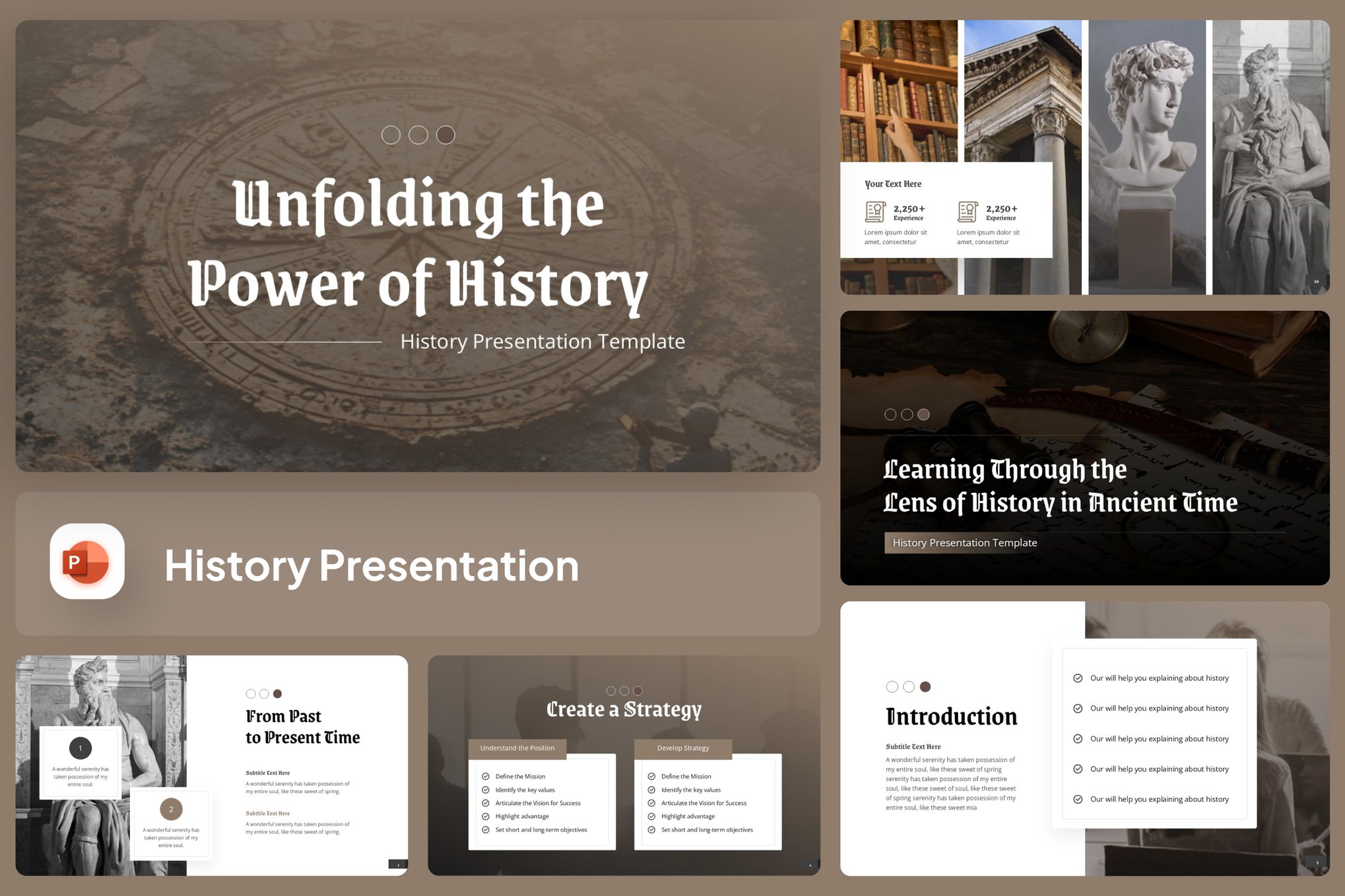
Do not force a modern, neon-accented template onto a presentation about the Renaissance. Use fonts like Garamond or Baskerville for classical history, and opt for muted, earth-toned palettes that mimic the materials of the era you are discussing.
2. The Power of Authenticity
Avoid generic stock photos of "people looking at books." Use authentic scans of primary documents, maps from the period, and archival photography. Authentic imagery serves as a stamp of credibility that builds immediate trust with your audience.
3. Focused Key Moments
A single slide should cover a single theme. If you are discussing a war, don’t try to cram the entire conflict onto one slide. Devote one slide to the inciting incident, one to the major turning point, and one to the resolution.
4. The Clarity of Timelines
A timeline should never be a cluttered mess. Use horizontal or vertical paths that allow the eye to move naturally from left to right or top to bottom. If the timeline is extensive, break it into smaller, manageable segments across multiple slides.
5. Typography as a Narrative Tool
Use hierarchy. Your title should be the largest element, followed by the date, then the primary event, and finally the supporting detail. This allows the audience to scan the slide and immediately understand the importance of the information presented.
6. Balancing Mood and Readability
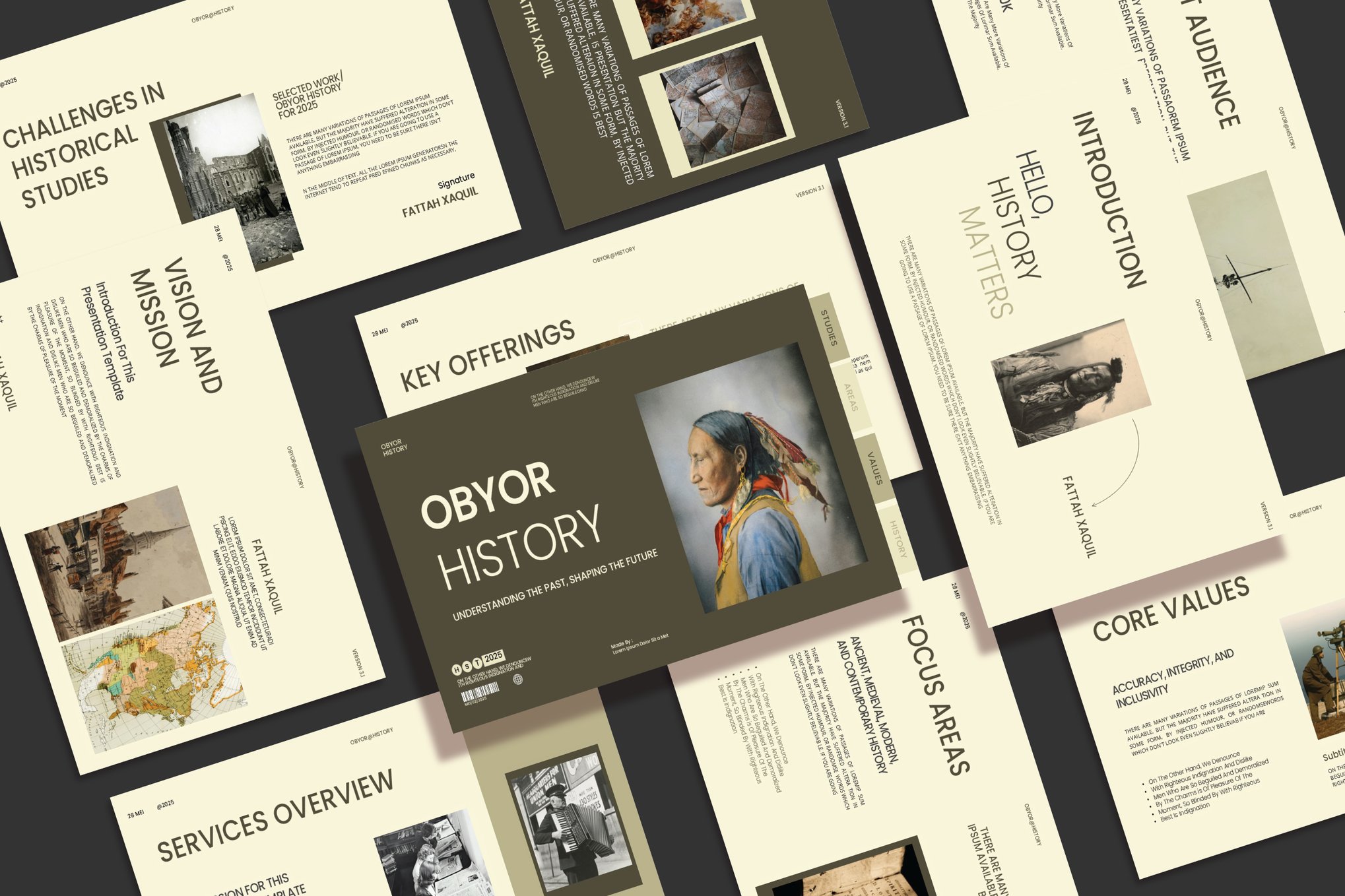
This is the golden rule: never sacrifice legibility for style. If you use a dark, textured background to simulate an old parchment, ensure your font color provides a high-contrast, sharp finish. If the audience has to squint to read your dates, you have lost their attention.
Conclusion
History is a living dialogue. By choosing the right template, you are not merely selecting a background; you are selecting a vessel for your narrative. Whether you are teaching a classroom of eleventh graders or presenting a thesis defense to a board of experts, the visual presentation of history serves as the final, crucial element of your argument. When design meets narrative, history stops being a set of dates on a page and becomes a story that the audience will remember long after the last slide has faded.

 Neng Nana
 Asep Darmawan
 Raul Delapena Setiawan
 Dwi Wanna
 Muslim
 Nana Wu

 Rifan Muazin