
 Raul Delapena Setiawan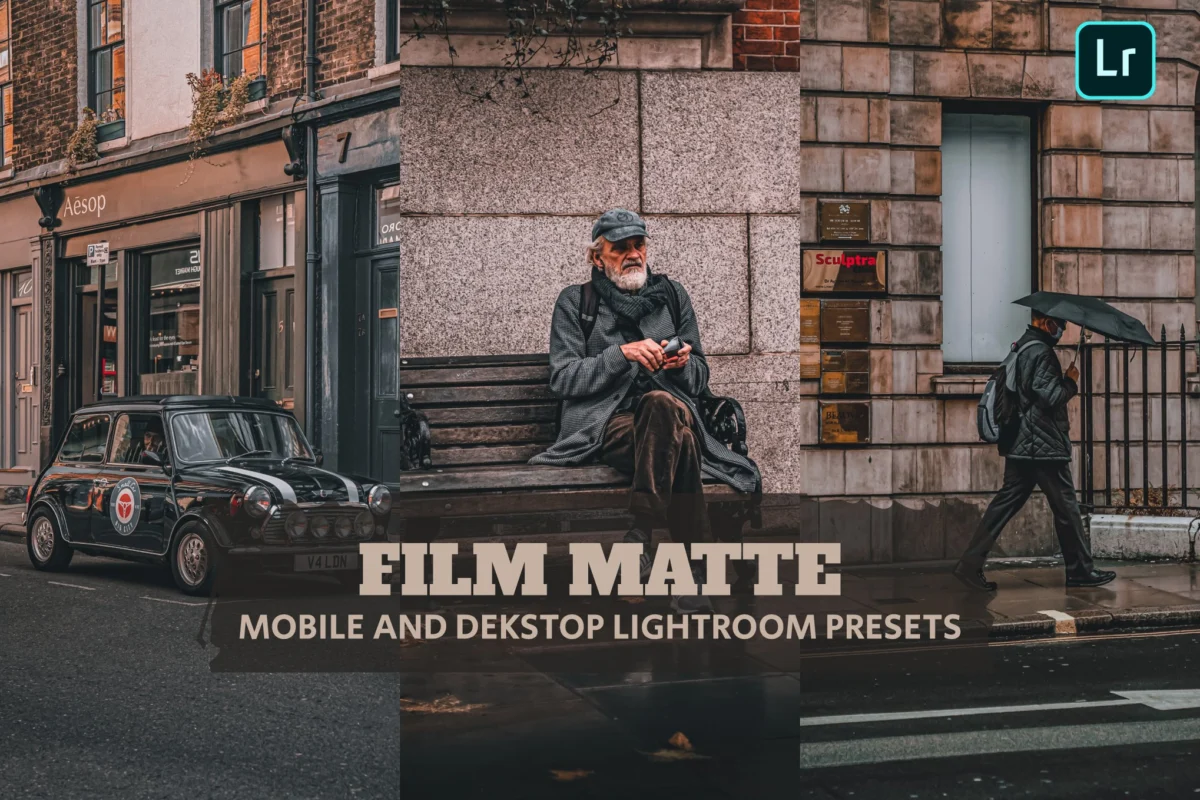
In the high-definition era of digital photography, where sensors capture every microscopic detail with clinical precision, a counter-movement has emerged in the world of post-processing. The "matte" effect—a style defined by lifted blacks, reduced contrast, and a deliberate, atmospheric softening of colors—has become the gold standard for photographers seeking to imbue their work with a sense of nostalgia, intimacy, and cinematic depth. By stripping away the harshness of digital capture, these edits evoke the texture and soul of classic analog film.
For creators ranging from professional wedding photographers to Instagram lifestyle influencers, the matte look has become a visual shorthand for quality. It is a timeless aesthetic that suggests a narrative beyond the frame, transforming ordinary snapshots into moody, professional-grade compositions.
The Evolution of the Matte Aesthetic: A Chronology
The origins of the matte look are deeply rooted in the physical limitations and chemical properties of traditional film photography.
- The Analog Era (Pre-2000s): Historically, "matte" was a byproduct of light hitting negative film stock in specific conditions—often under-exposed or processed with specific chemicals that prevented true blacks from reaching pure density. This resulted in the characteristic "faded" look seen in iconic 1970s and 80s film photography.
- The Digital Transition (2000s–2010s): As digital photography replaced film, the industry initially prioritized "sharpness" and "dynamic range." However, as social media platforms like Instagram rose to prominence, users began craving a softer, more "human" look. Photographers began manually manipulating the Tone Curve in Adobe Lightroom—specifically by lifting the bottom-left point of the curve—to simulate that elusive analog faded black.
- The Rise of Presets (2015–Present): With the democratization of editing, the "one-click" era arrived. Developers began packaging these complex manual adjustments into Lightroom Presets, allowing photographers to apply professional-grade matte looks in seconds. Today, the style has transcended mere filtering; it is now a foundational element of visual branding for digital creators worldwide.
Decoding the Mechanics: Why Matte Works
To understand the appeal of the matte aesthetic, one must look at the technical mechanics behind the edit. At its core, the matte effect is an exercise in restraint.
When a photograph is "contrasty," the shadows are deep, rich, and dark. By "lifting" the shadows, a photographer shifts the black point of the histogram upward, turning true blacks into deep greys. This reduces the overall contrast of the image, which serves two primary purposes:

- Visual Comfort: It reduces eye strain by eliminating harsh, "blown-out" or "crushed" areas of the image. The result is an image that feels "soft" to the touch.
- Atmospheric Density: By muting the deepest shadows, the image gains a sense of "haze" or "film dust." This is particularly effective in portraiture, as it tends to smooth out skin tones and reduce the sharp, sometimes unflattering digital artifacts that high-megapixel sensors can capture.
Professional Perspectives: The Value of Cohesive Editing
The industry has moved beyond viewing presets as a "shortcut." Instead, they are now regarded as professional tools for efficiency and consistency. For wedding and lifestyle photographers, the ability to maintain a consistent color palette across 500+ images is paramount.
"The matte look allows us to create a ‘film-like’ consistency that tells a story," notes one industry analyst. "When every photo in a client’s gallery shares the same muted blacks and soft color grades, it elevates the final product from a collection of files into a cohesive artistic portfolio."
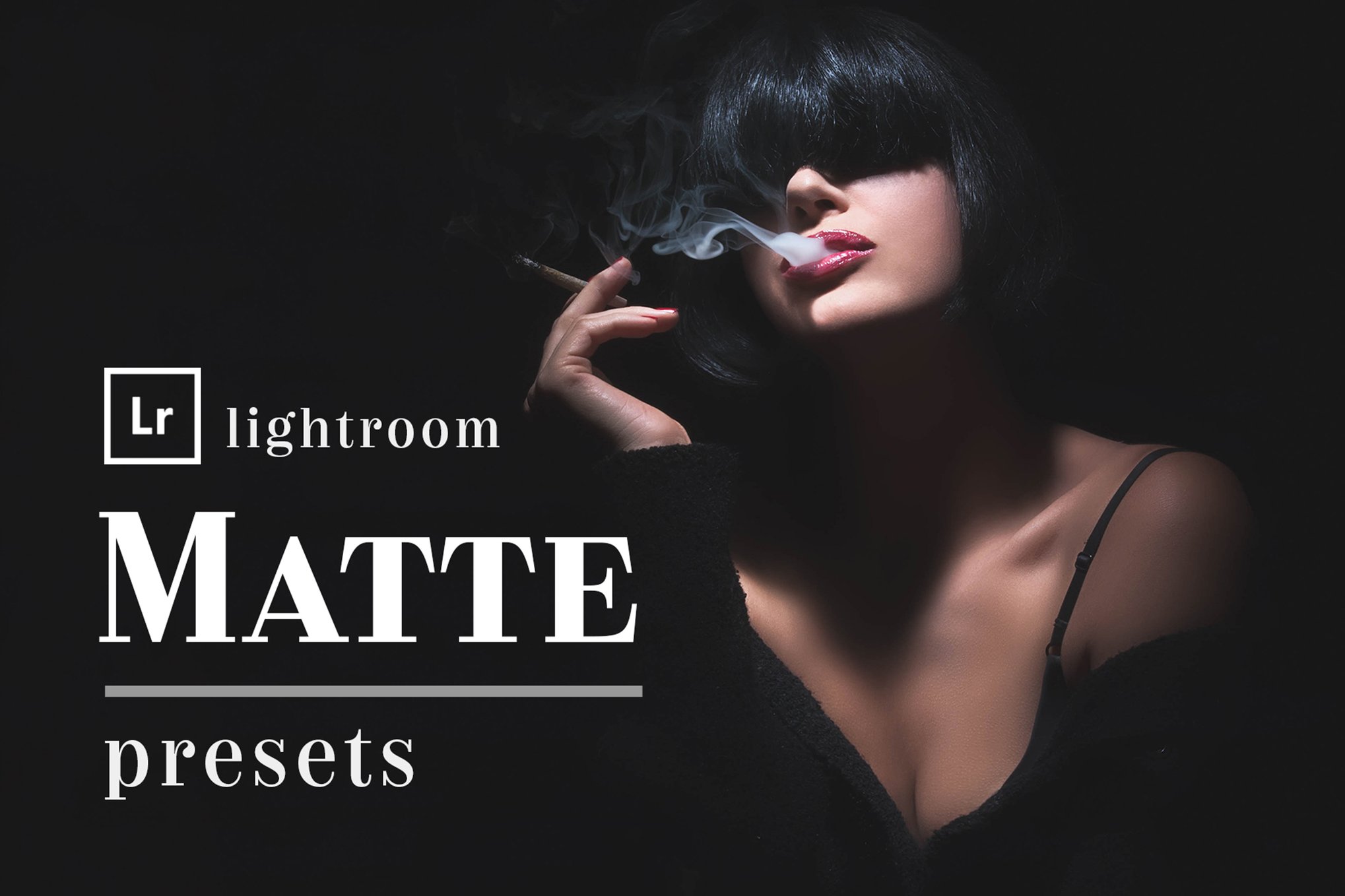
Curated Collection: Top-Tier Matte Presets for Lightroom
For those looking to adopt or refine this style, the market offers a wide array of options, ranging from industry-standard paid collections to high-quality free resources.
Premium Collections for Professional Results
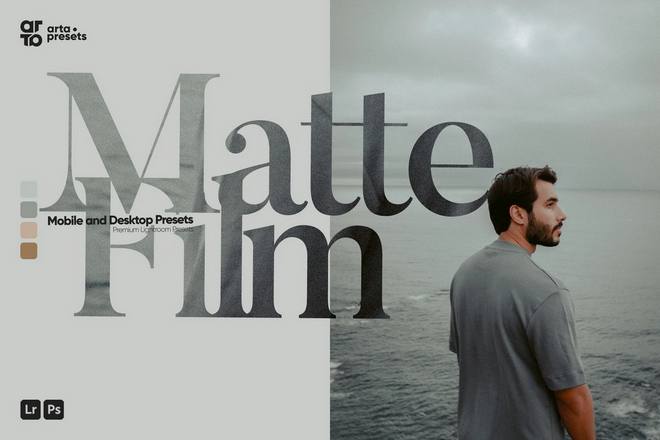
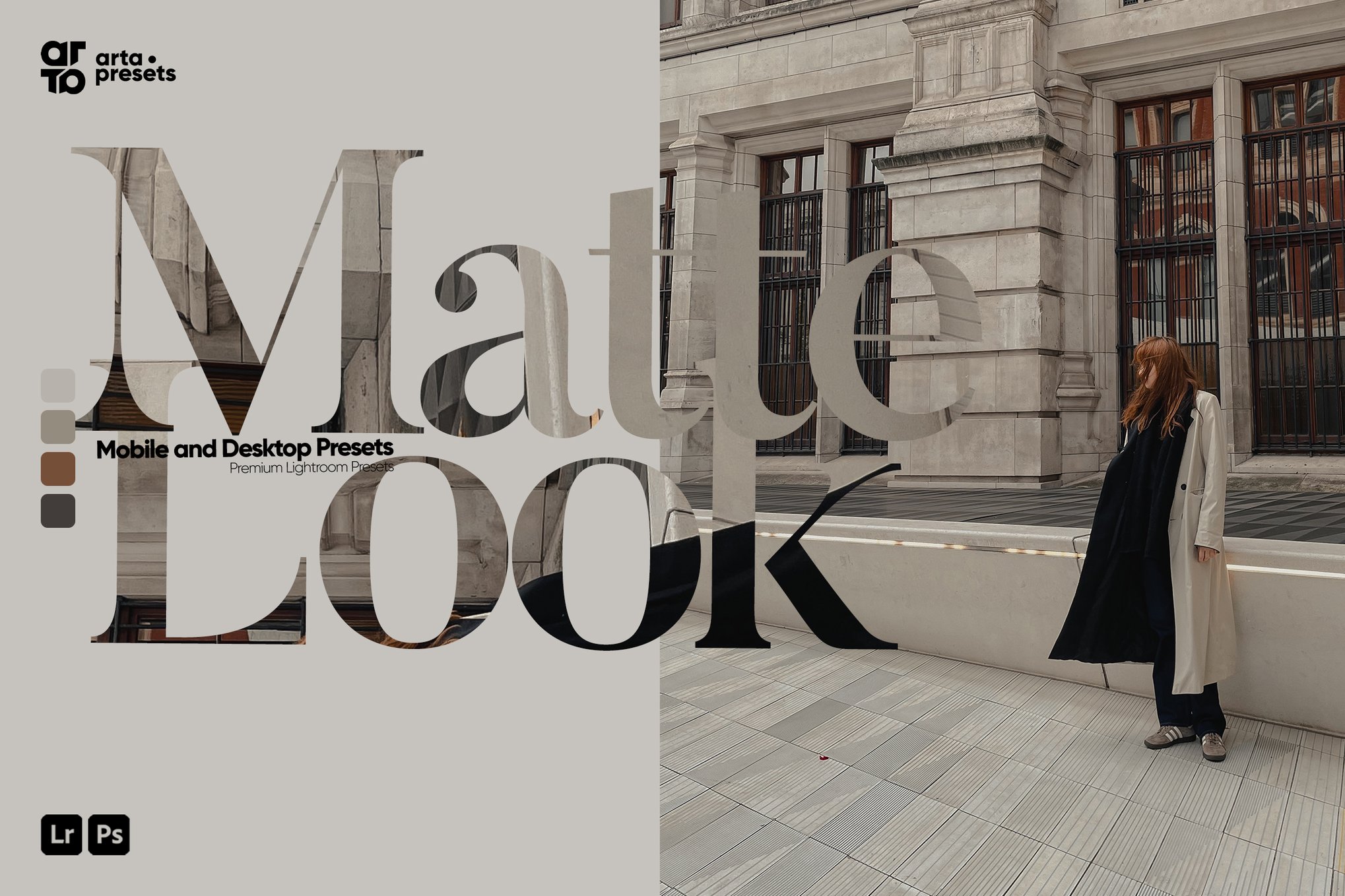
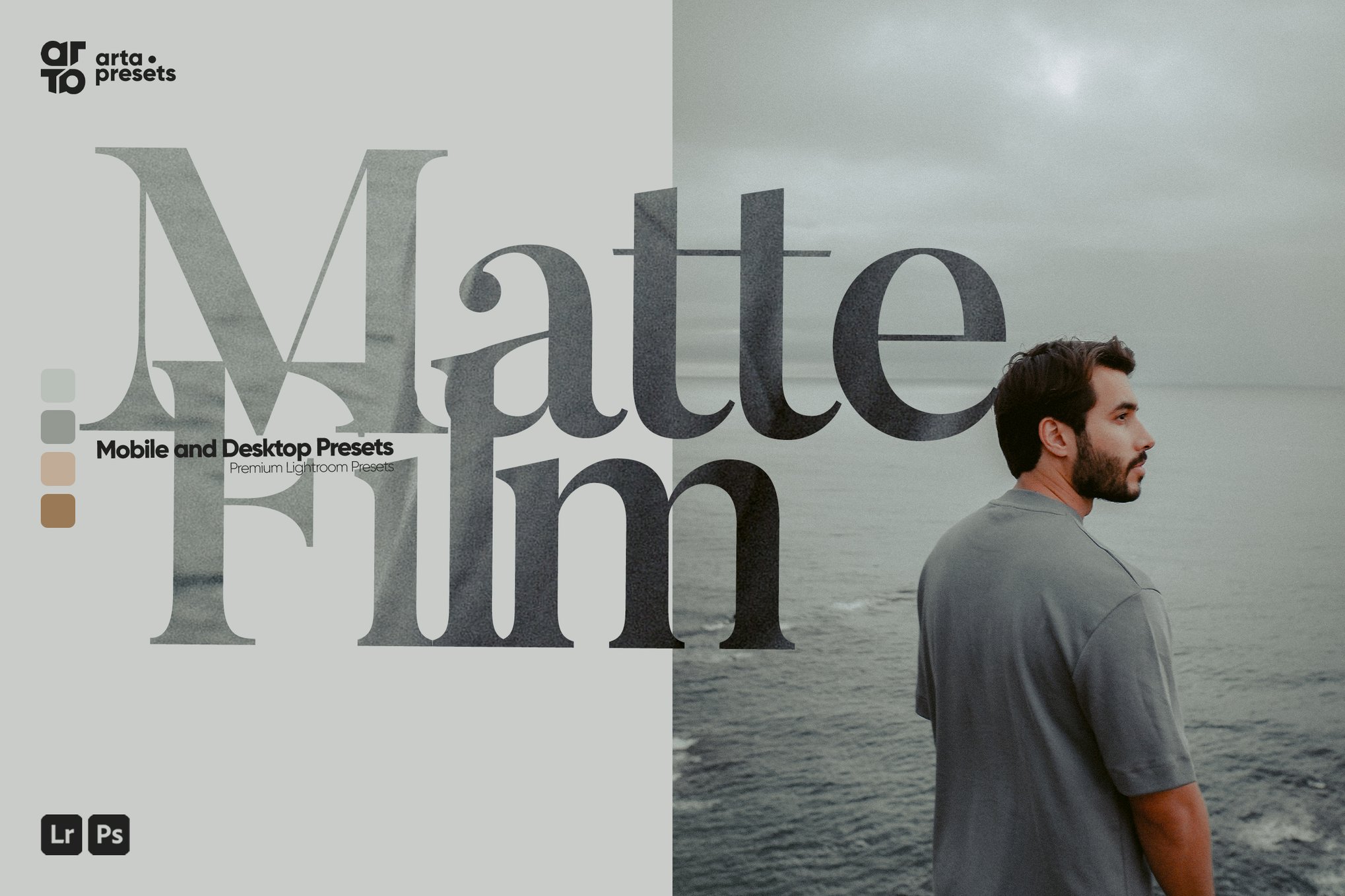
- ARTA Matte Look & Film Presets: Known for modernizing the classic film look, these presets are a favorite among travel bloggers. They offer a perfect balance of color accuracy and matte-finish, available in both XMP and DNG formats for seamless cross-platform use.
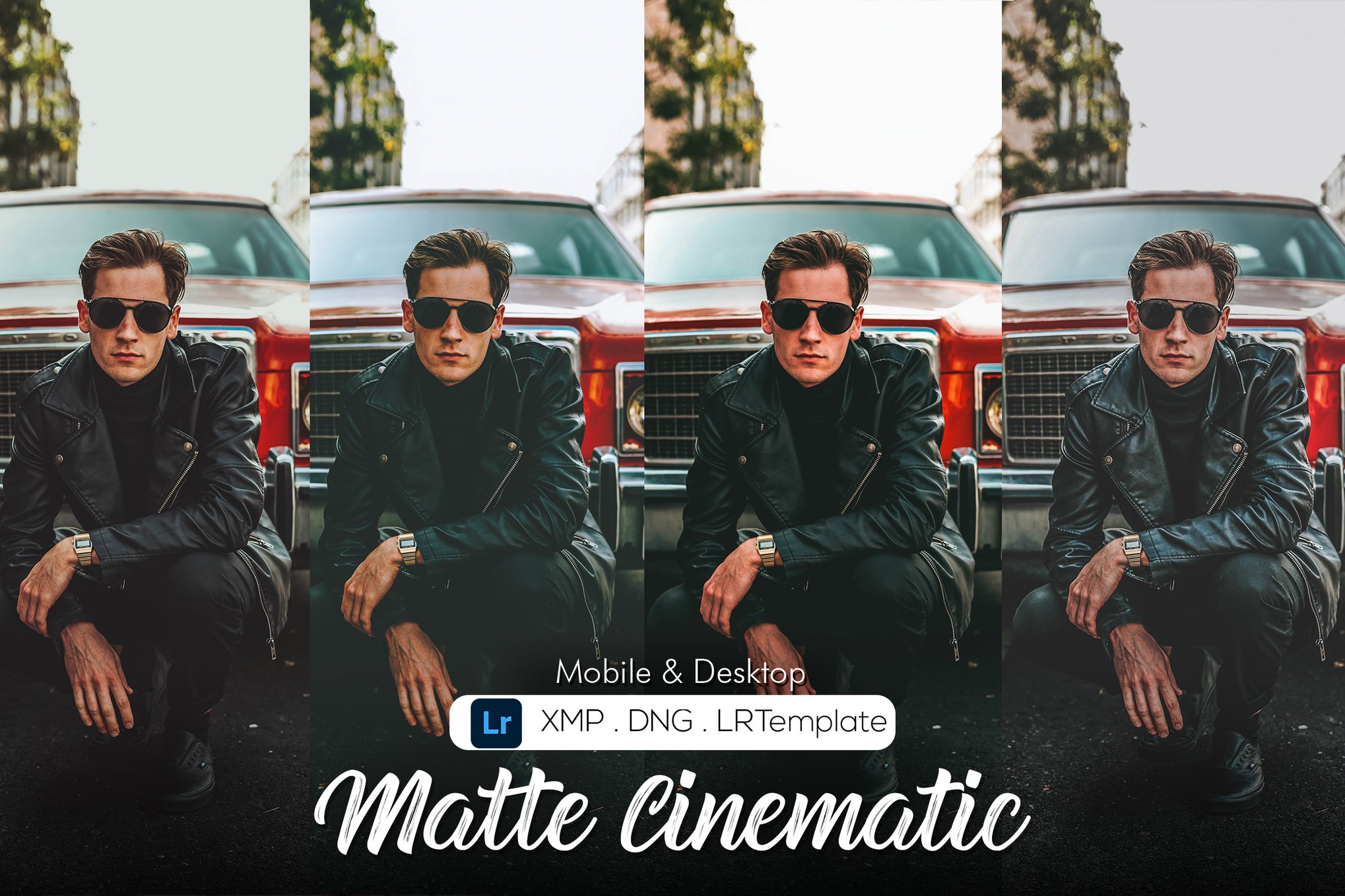
- Matte Cinematic Presets: Utilizing sophisticated calibration techniques, this collection is designed for those who want a "big screen" feel. The 10-preset pack is highly recommended for graphic designers who need a polished, film-inspired aesthetic.
- Deep Matte (Actions & Presets): A hybrid solution that includes Photoshop actions alongside Lightroom presets. This is an essential tool for high-end wedding photographers who require a deep, moody, and timeless look.
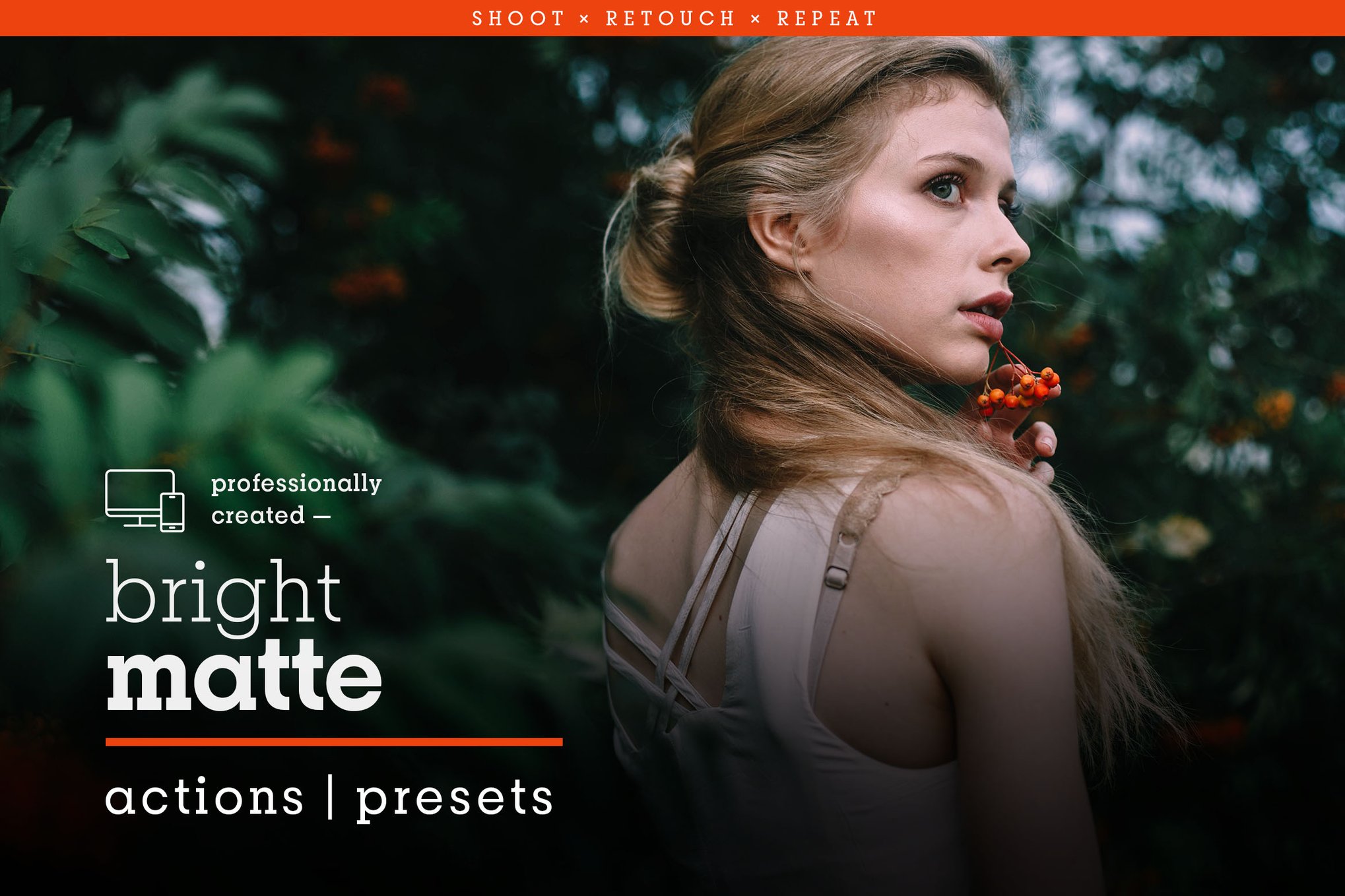
- Bright Matte (Bold Presets): Many matte presets risk making images look "muddy." The Bright Matte collection solves this by maintaining color vibrancy while still applying the signature faded-black effect. It is ideal for vibrant, outdoor lifestyle photography.
- Matte Box: With 39 individual presets, this is perhaps the most comprehensive collection available. It is designed for creators who want to experiment with different degrees of "fadedness" without losing the sharpness of their subject.
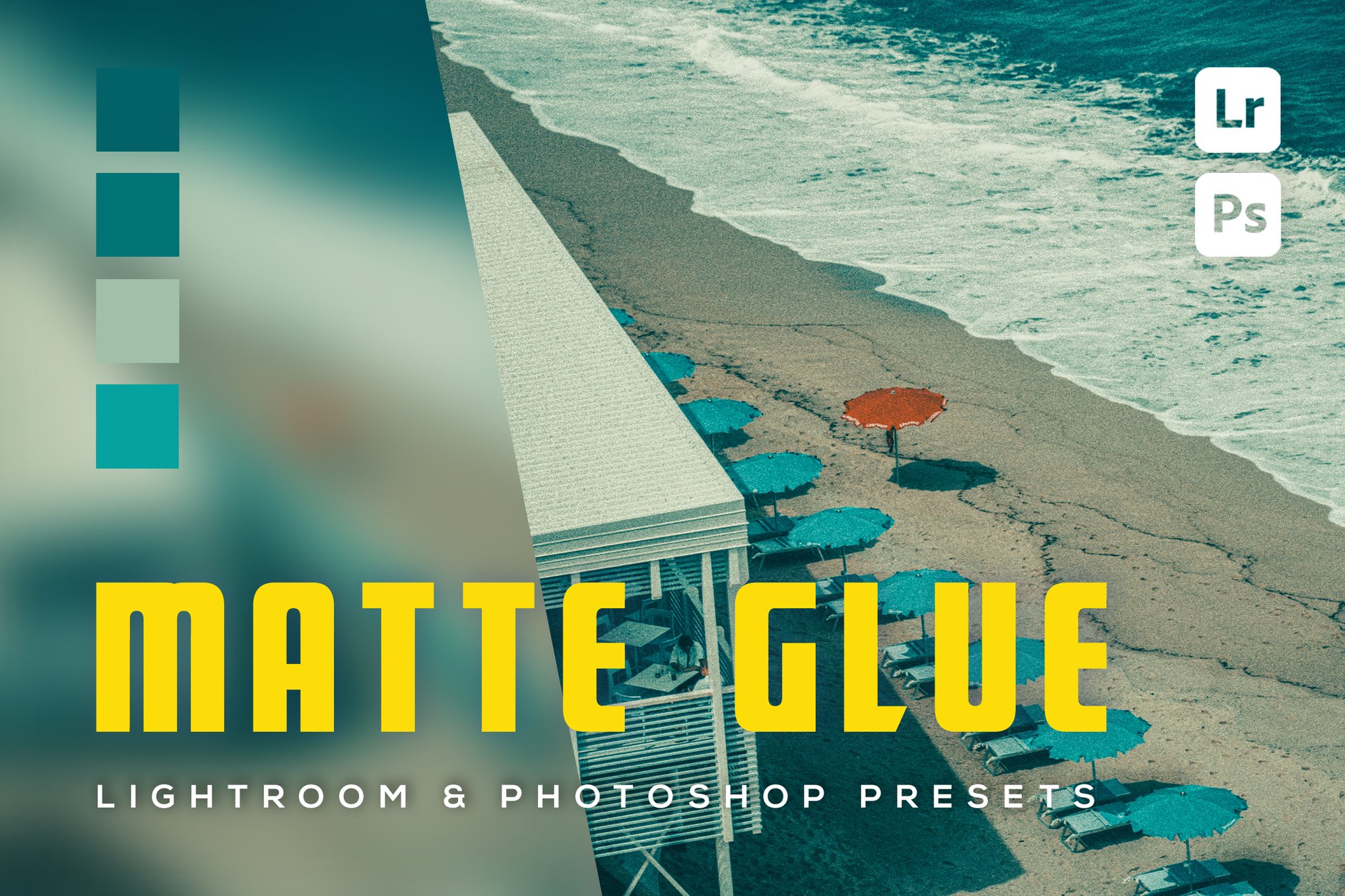
- 6 Matte Glue Presets: Focused on lifestyle photography, this pack provides a very specific "glued-together" look, where the shadows and midtones are unified into a soft, consistent wash.
Essential Free Resources
For beginners or those on a budget, several high-quality free presets provide a perfect entry point into the matte style:
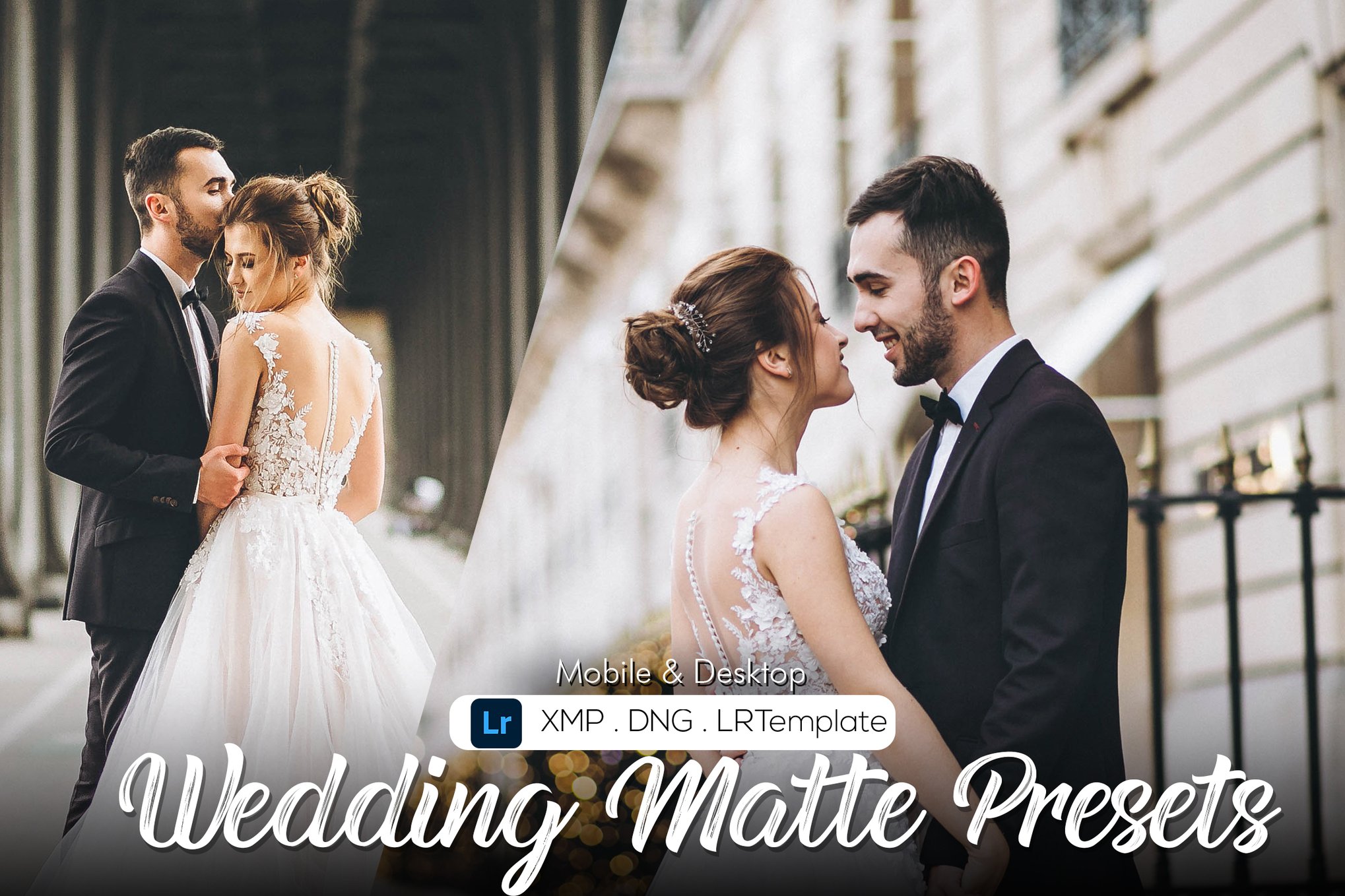
- Matte Film (PresetPro): Offers a classic faded black and muted contrast, perfect for beginners looking to replicate vintage film stock.
- Matte Color (PresetPro): Focuses on blending matte shadows with warmer, richer color tones.
- Matte Fade (PresetPro): A softer, more relaxed look that excels in natural light, outdoor settings.
- Mood (PSDStack): For those seeking a darker, more dramatic aesthetic, this preset is excellent for street photography and urban storytelling.
Technical Implications: Best Practices for Usage
Applying a preset is only the first step. To truly master the matte look, photographers should keep the following technical considerations in mind:
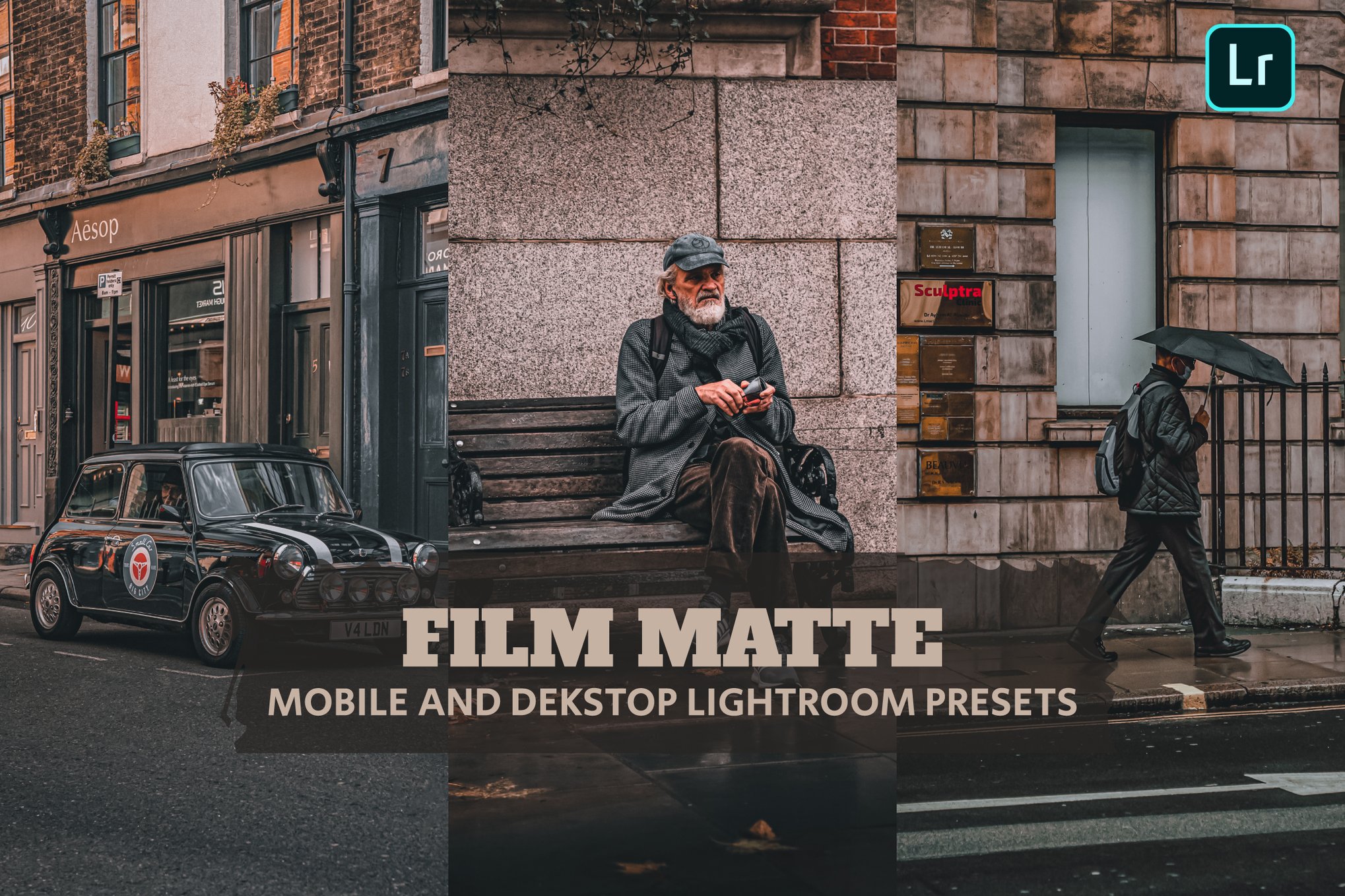
- Non-Destructive Editing: Always ensure you are working on a copy of your original file. While presets are generally non-destructive in Lightroom, it is best practice to keep your RAW files untouched.
- Skin Tone Protection: When lifting shadows, you risk "washing out" skin tones, making them appear grey or sickly. Ensure your chosen preset includes "skin tone protection" or manually adjust your orange/red saturation sliders after applying the preset.
- Customization: Never rely on a preset as a final, "one-size-fits-all" solution. The beauty of Lightroom is the ability to adjust the "Amount" slider or modify the Tone Curve after the preset is applied. The best results often come from applying a preset at 70-80% opacity rather than 100%.
- Platform Compatibility: Ensure that the files you download are compatible with your workflow. Desktop users should look for XMP files, while mobile users (Lightroom Mobile) will primarily need DNG files to import the settings correctly.
The Future of the Matte Look
As we look toward the future of digital editing, the matte aesthetic is showing no signs of fading. With the rise of AI-assisted editing, we are likely to see "Adaptive Matte" presets that automatically detect the lighting conditions of a photo and adjust the intensity of the shadow-lift accordingly.

Ultimately, the matte look represents a human desire to find warmth and emotion in an increasingly digital world. Whether you are a professional photographer managing a wedding gallery or a casual Instagram user looking to polish your feed, the matte aesthetic offers a proven, elegant, and timeless way to elevate your imagery. By choosing the right collection and mastering the underlying tools, you can ensure your photography stands out with a unique, atmospheric, and highly professional touch.

 Reynand Wu
 Evan Lee Salim
 Basiran
 Neng Nana
 Iffa Jayyana

 Rifan Muazin
 Asro
Asro