
 Layla Zulfa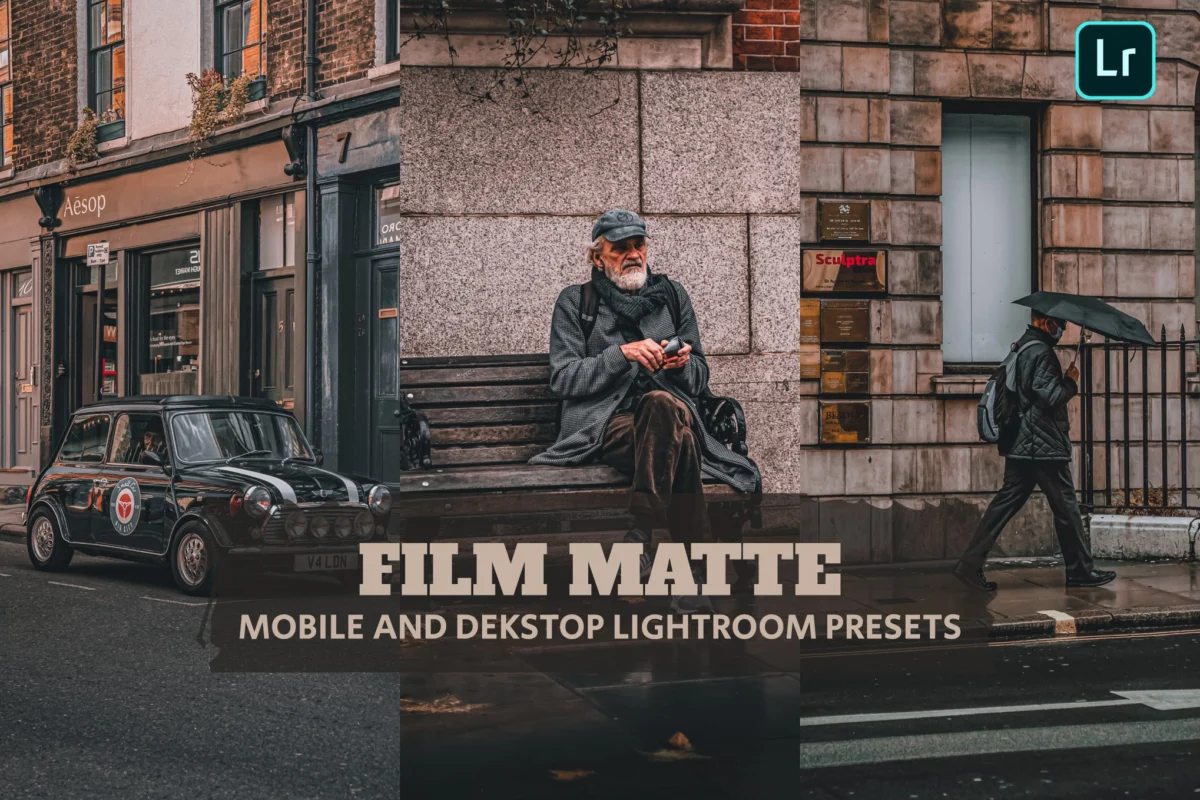
In the high-definition era of digital photography, where sensor technology pushes for clinical sharpness and infinite dynamic range, a counter-movement has emerged in the editing world. Photographers, influencers, and digital artists are increasingly turning to the "matte effect"—a stylistic choice that intentionally rejects extreme contrast in favor of a soft, cinematic, and timeless aesthetic. By lifting the black levels, compressing the dynamic range, and muting highlights, the matte look transforms crisp digital files into images that feel evocative, nostalgic, and deeply atmospheric.
Whether you are a professional portrait photographer looking to imbue your work with a film-like quality or a content creator aiming for a cohesive Instagram grid, matte Lightroom presets have become the essential tool in the modern post-production workflow.
The Technical Foundations of the Matte Look
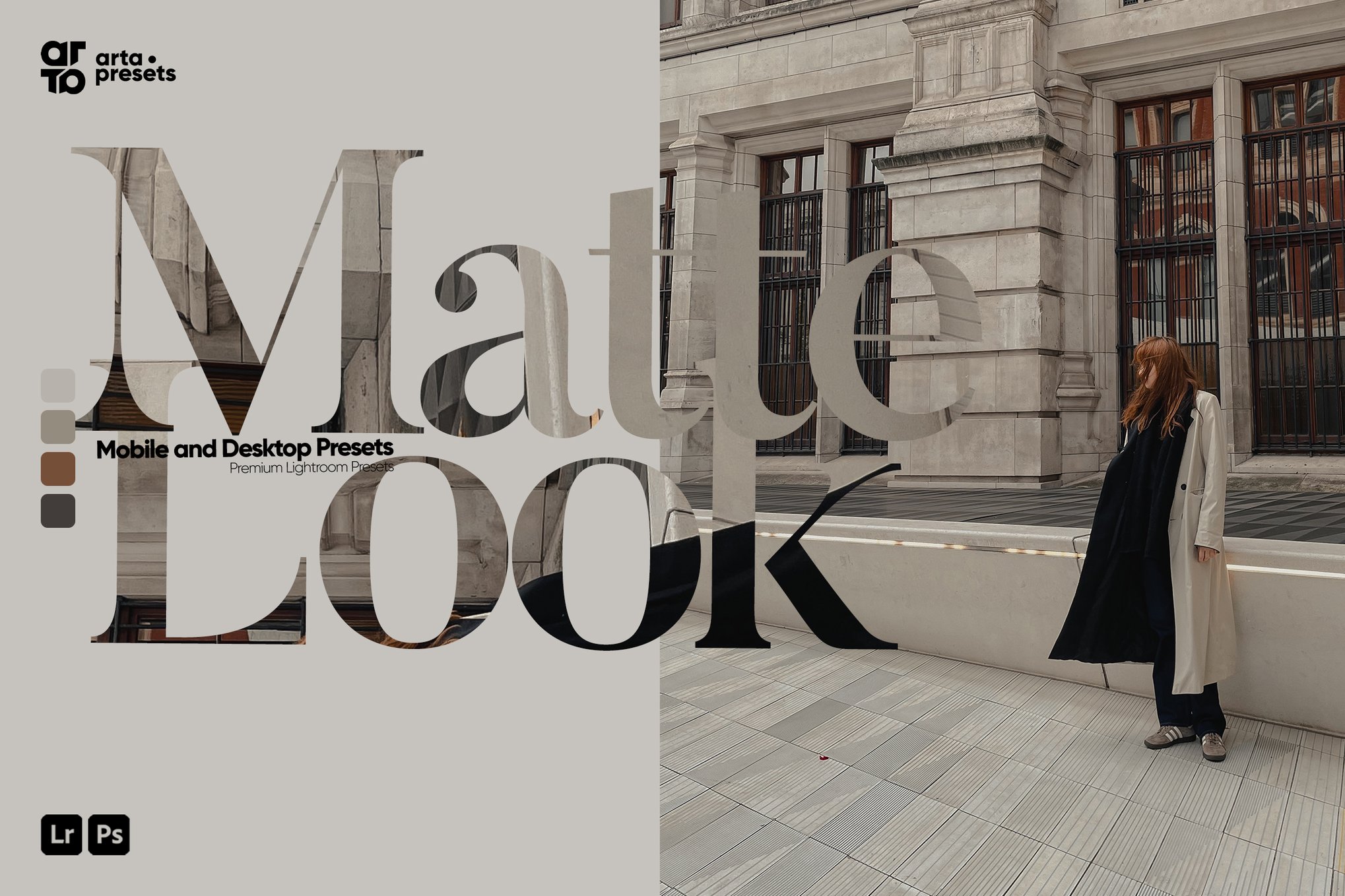
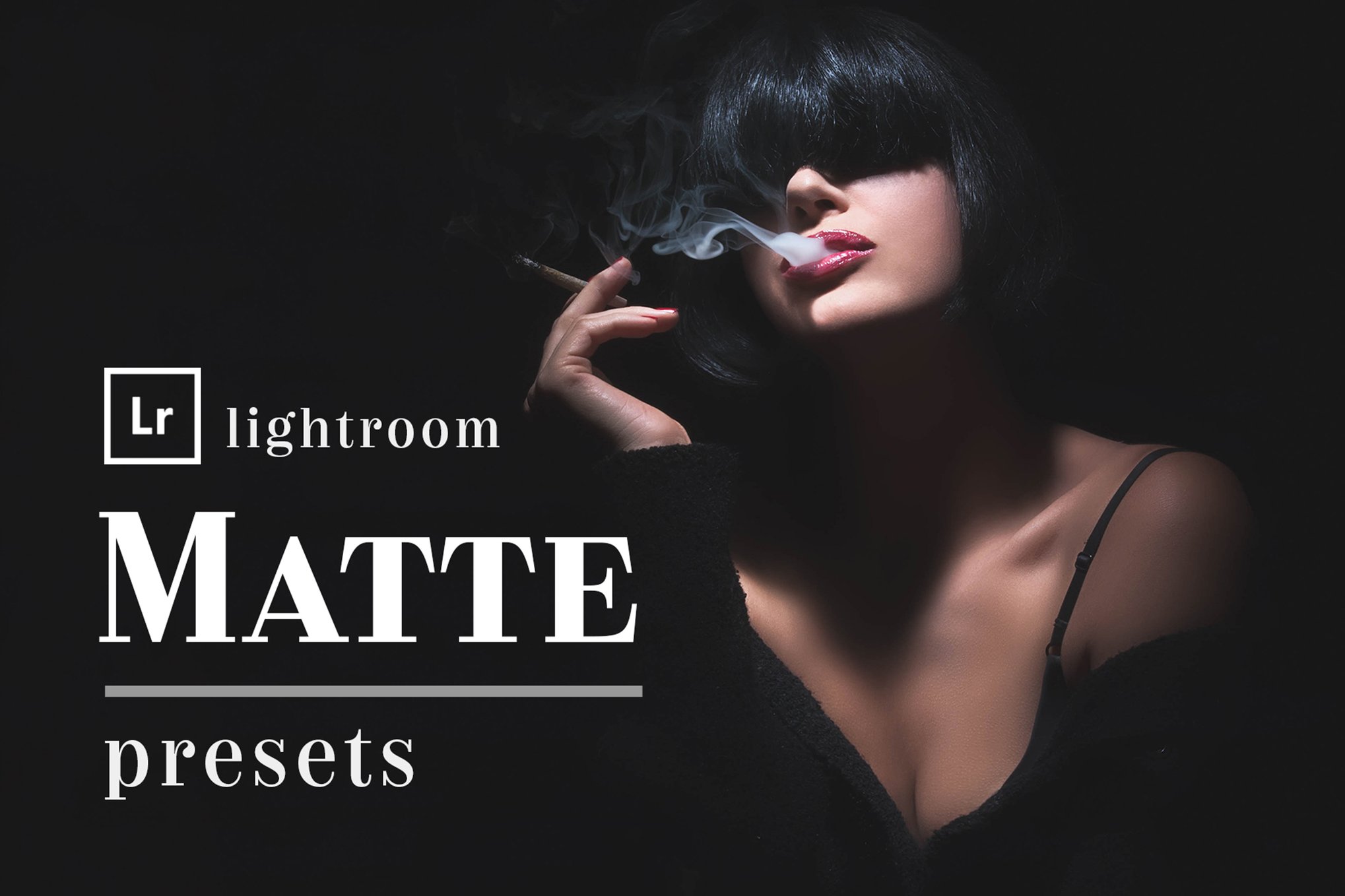
At its core, the matte aesthetic is an emulation of the physical limitations of analog film and aged prints. In a standard digital image, "true black" is represented by a value of 0 on the histogram. By utilizing the Tone Curve in Adobe Lightroom, photographers can lift the bottom-left point of the curve, effectively telling the software that the darkest shadows should actually be a deep grey rather than pure black.
This technical adjustment—often referred to as "crushing the blacks" or "fading the shadows"—is the hallmark of the matte style. When combined with a slight reduction in overall contrast and a softening of the color palette, the result is an image that feels less "digital" and more tactile. This style has transcended its origins in film-inspired hobbyist photography to become a staple in wedding, lifestyle, travel, and high-end editorial portfolios.
Chronology: From Darkroom to Digital Preset
The desire for a "faded" look is not new. In the traditional chemical darkroom, photographers would often intentionally underexpose or use specific paper stocks to create lower-contrast prints that emphasized mood over detail.

- The Early Digital Era (2000–2010): As digital cameras became standard, the initial focus was on technical perfection: sharpness, clarity, and deep contrast.
- The Rise of VSCO and Film Emulation (2011–2015): As social media platforms like Instagram rose to prominence, a nostalgia for film began to grow. Developers introduced mobile-friendly filters that mimicked the look of Kodak Portra or Fujifilm stocks, which inherently possessed a softer shadow response.
- The Professional Adoption (2016–2020): High-end portrait and wedding photographers began adopting these looks, not as "filters," but as calibrated, non-destructive Lightroom presets. This allowed for batch editing while maintaining a consistent "artistic" signature across hundreds of images.
- The Modern Era (2021–Present): Today, the matte look is a sophisticated industry standard. With the advent of AI-driven masking and advanced color grading in Lightroom, the matte effect has evolved to be highly customizable, allowing for selective fading that preserves skin tones while softening backgrounds.
Supporting Data: Why the Matte Aesthetic Prevails
The longevity of the matte aesthetic can be attributed to the psychological impact of low-contrast imagery. According to recent surveys within the photography community, creators prefer the matte look for three primary reasons:
- Atmospheric Cohesion: High-contrast images can often look jarring when placed next to one another in a feed. The matte effect acts as a "glue," neutralizing extreme brightness and shadow, which results in a more harmonious visual flow.
- Reduced Visual Fatigue: In a digital space cluttered with hyper-saturated, ultra-sharp advertisements, the softer, "duller" matte image is often perceived as more relaxing and authentic by the human eye.
- Timelessness: By mimicking the physical aging of film, these edits distance the image from the "perfect" look of current smartphone sensors, granting the photograph a sense of history.
Curated Collection: Premium and Professional Matte Presets
For those looking to integrate this aesthetic into their workflow, we have categorized the most effective tools currently available. These presets offer a balance of one-click convenience and deep customization.
1. ARTA: The All-Rounder
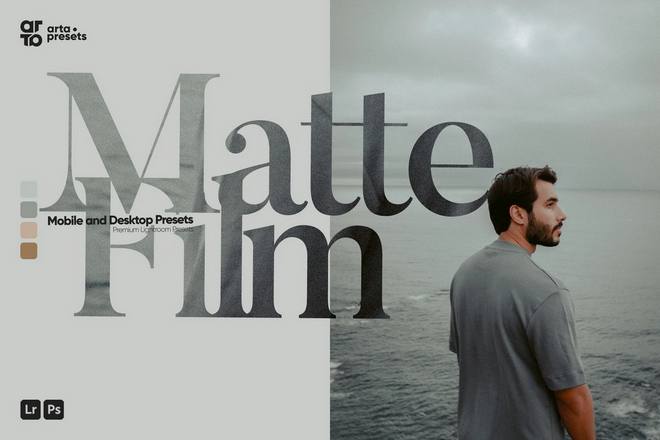
The ARTA collection is designed for the modern multi-platform creator. With support for both XMP (desktop) and DNG (mobile) formats, these presets allow for professional-grade color science. They are particularly effective for bloggers who need a quick, reliable way to transition between indoor lifestyle shots and outdoor travel photography.
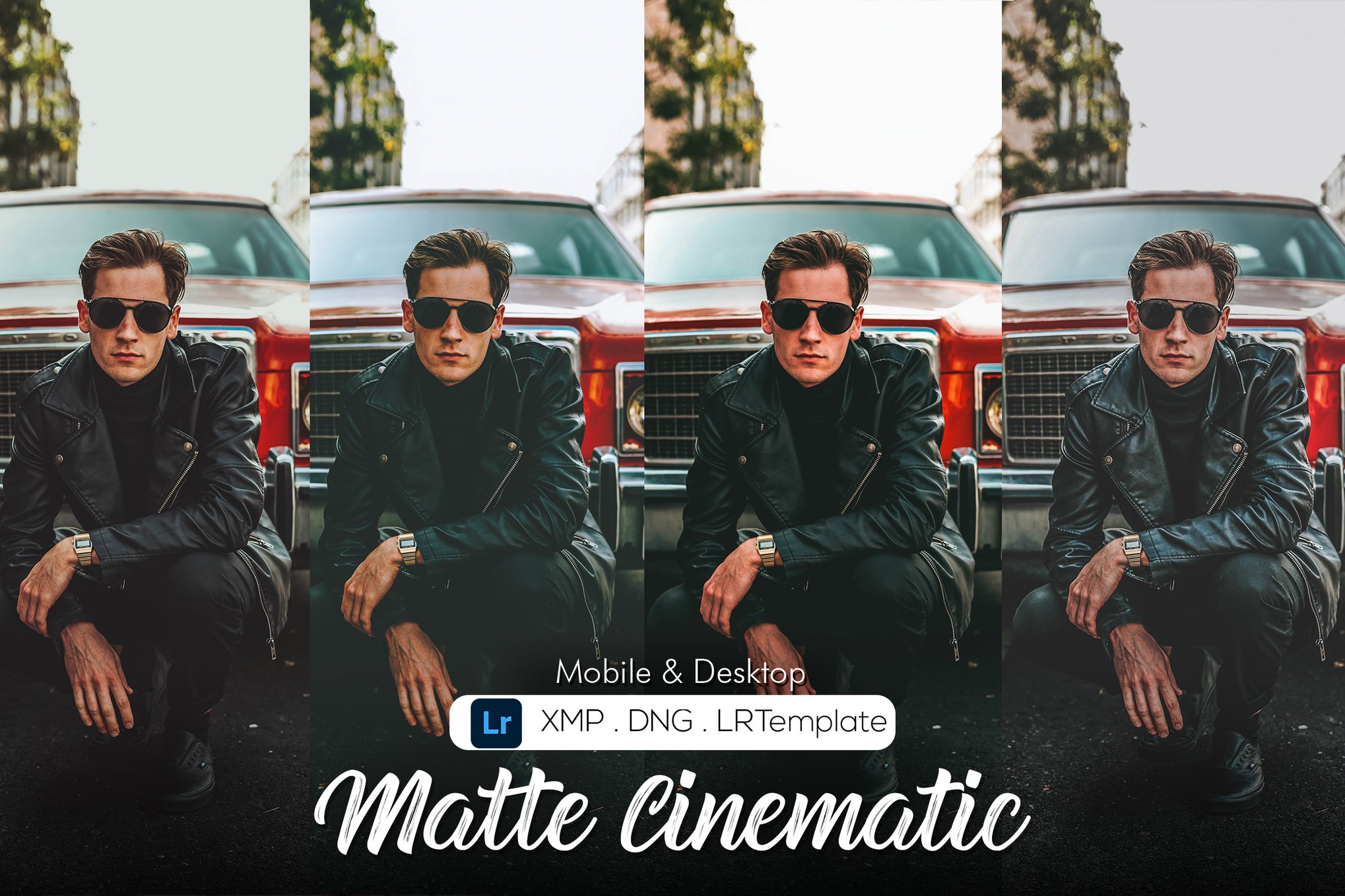
2. Matte Cinematic Series
For those prioritizing a filmic narrative, the Matte Cinematic bundle utilizes sophisticated calibration techniques. Rather than simply raising shadows, these presets adjust the Hue, Saturation, and Luminance (HSL) sliders to emulate the color shifts typical of cinema-grade film stocks. This is an ideal choice for storytelling through photography.
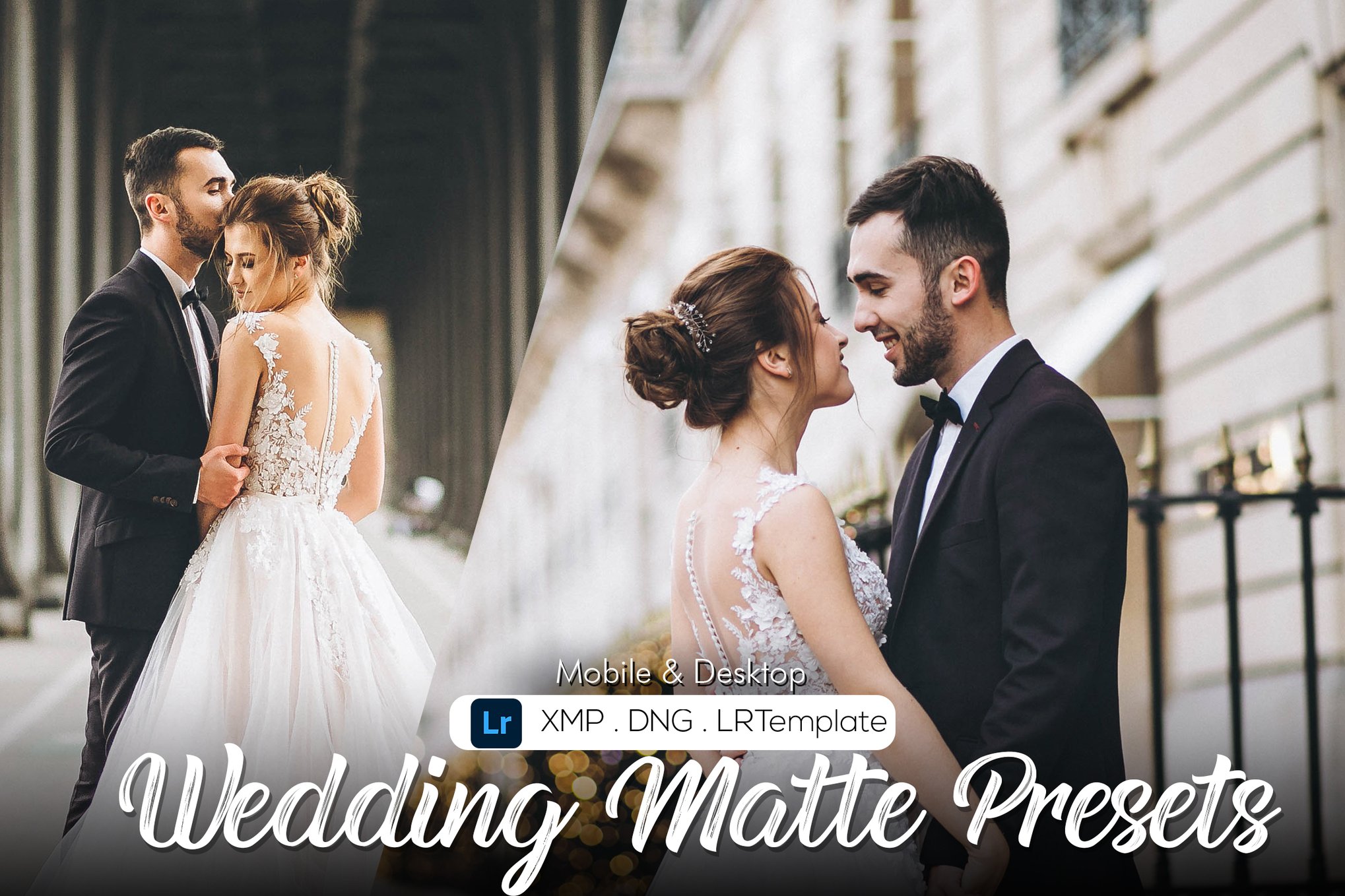
3. Deep Matte & Bright Matte
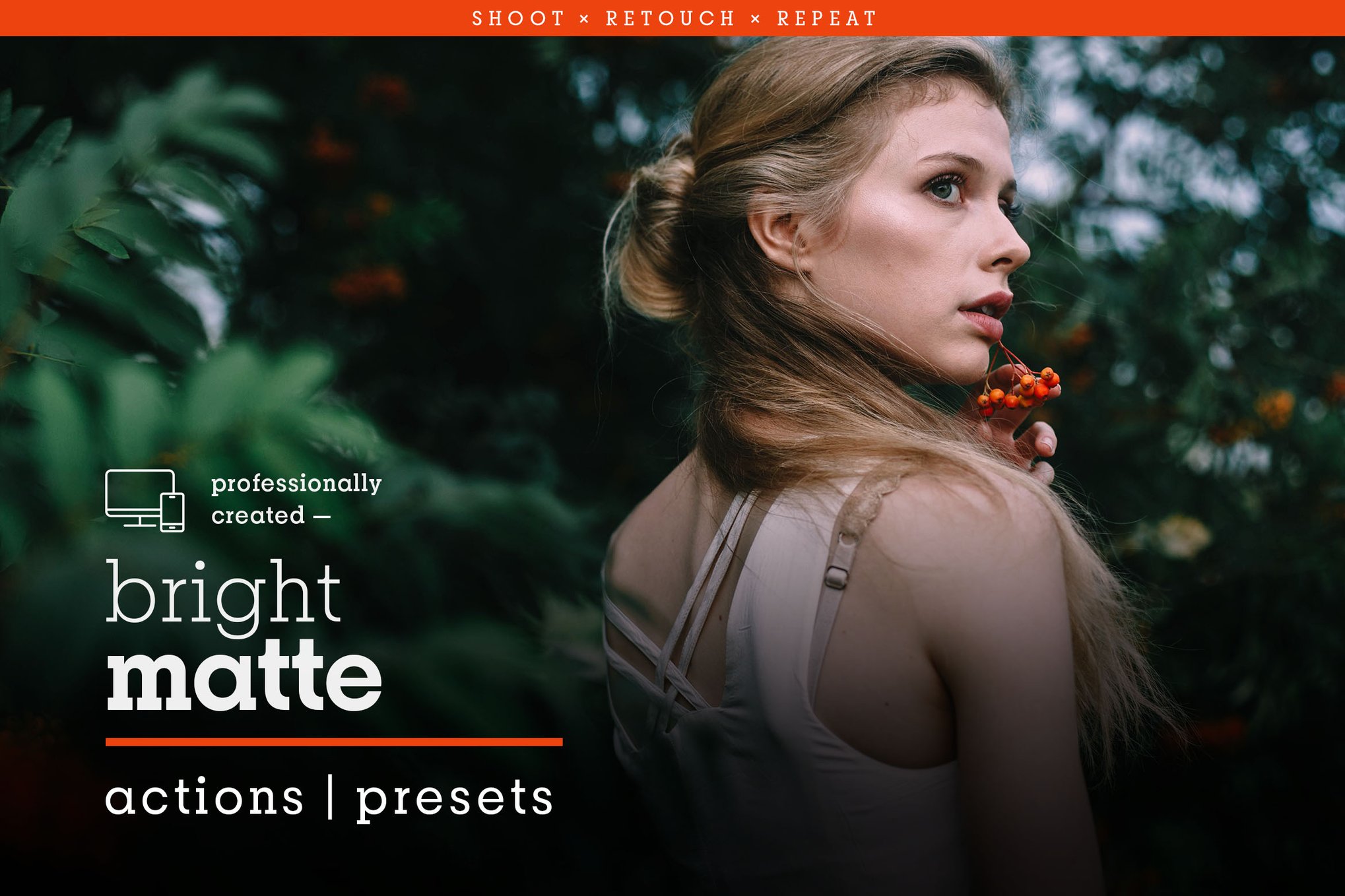
These two collections represent the spectrum of the style. Deep Matte focuses on moody, high-emotion photography—perfect for weddings or dramatic portraiture. Conversely, Bright Matte maintains vibrant colors while stripping away harshness, making it the preferred choice for fashion and lifestyle photography where skin tone accuracy is paramount.
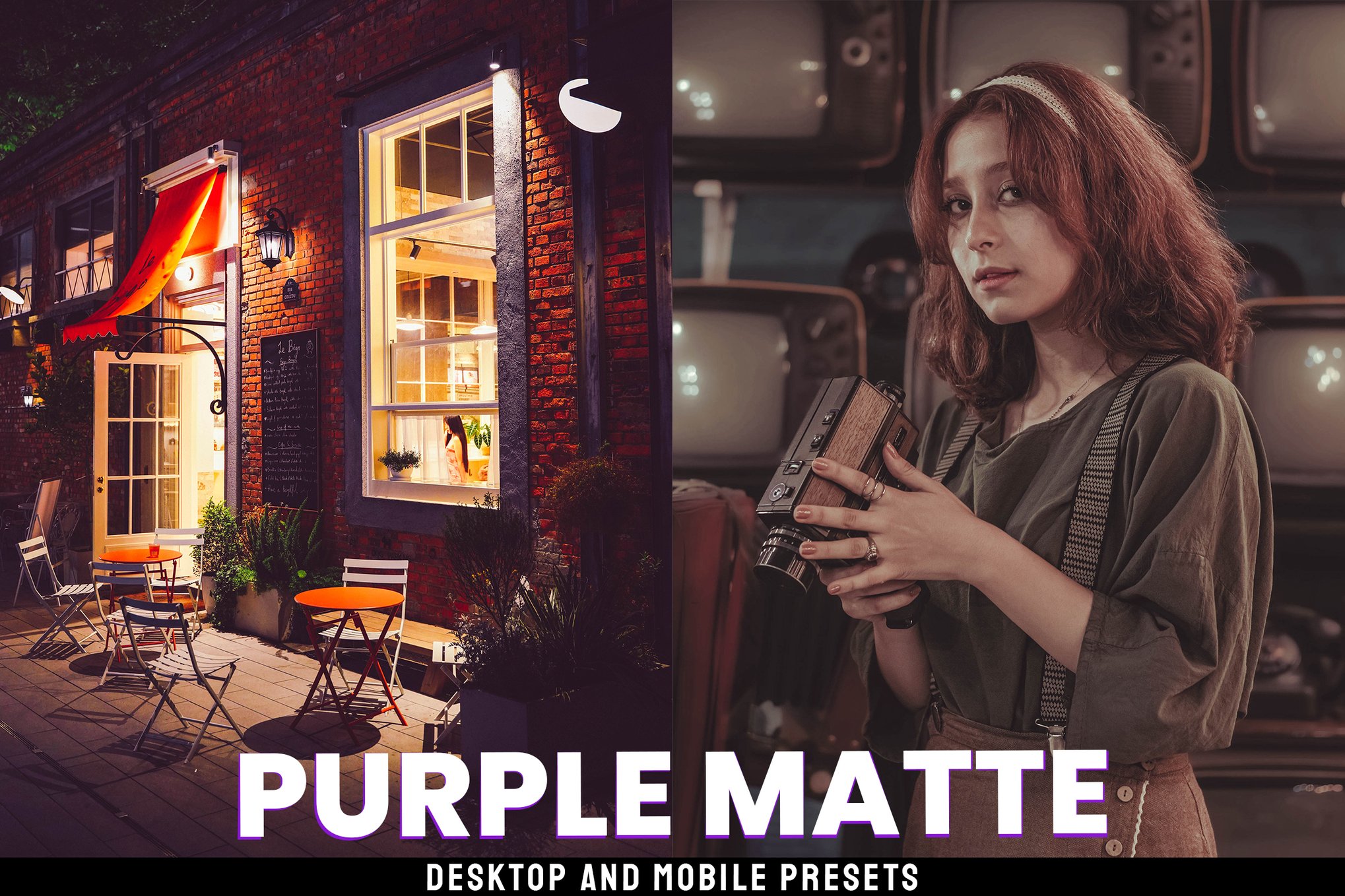
4. Specialized Collections: Matte Box and Matte Glue
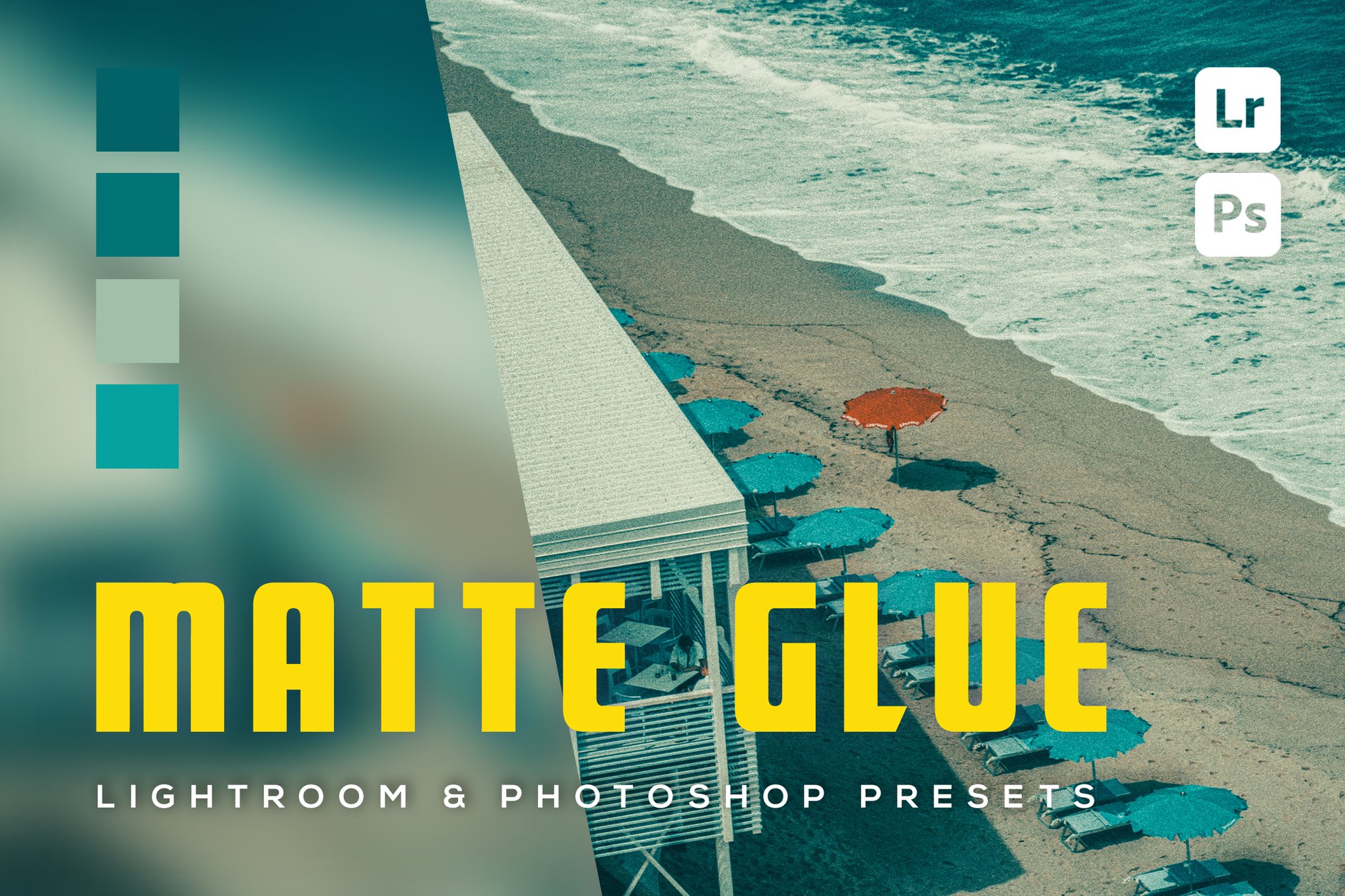
For users working across Adobe’s ecosystem, the Matte Box and Matte Glue packs offer a bridge between Lightroom and Photoshop. By including both presets and actions, they provide a comprehensive solution for photographers who need to perform advanced retouching after the initial color grade has been applied.

The Role of Free Presets in Creative Development
The entry barrier to professional color grading has never been lower. Several high-quality, free resources allow beginners to experiment with the matte aesthetic without financial commitment.
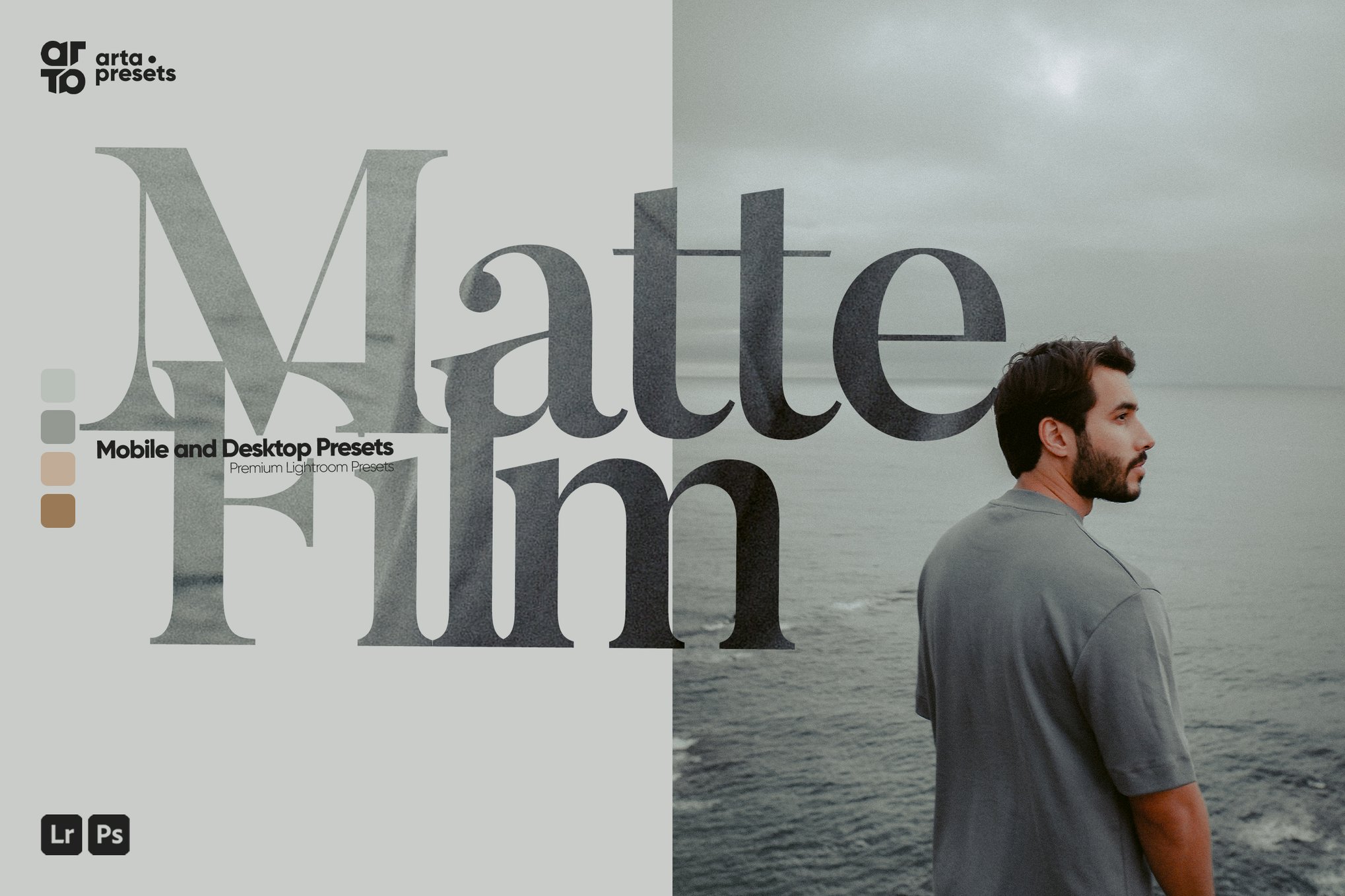
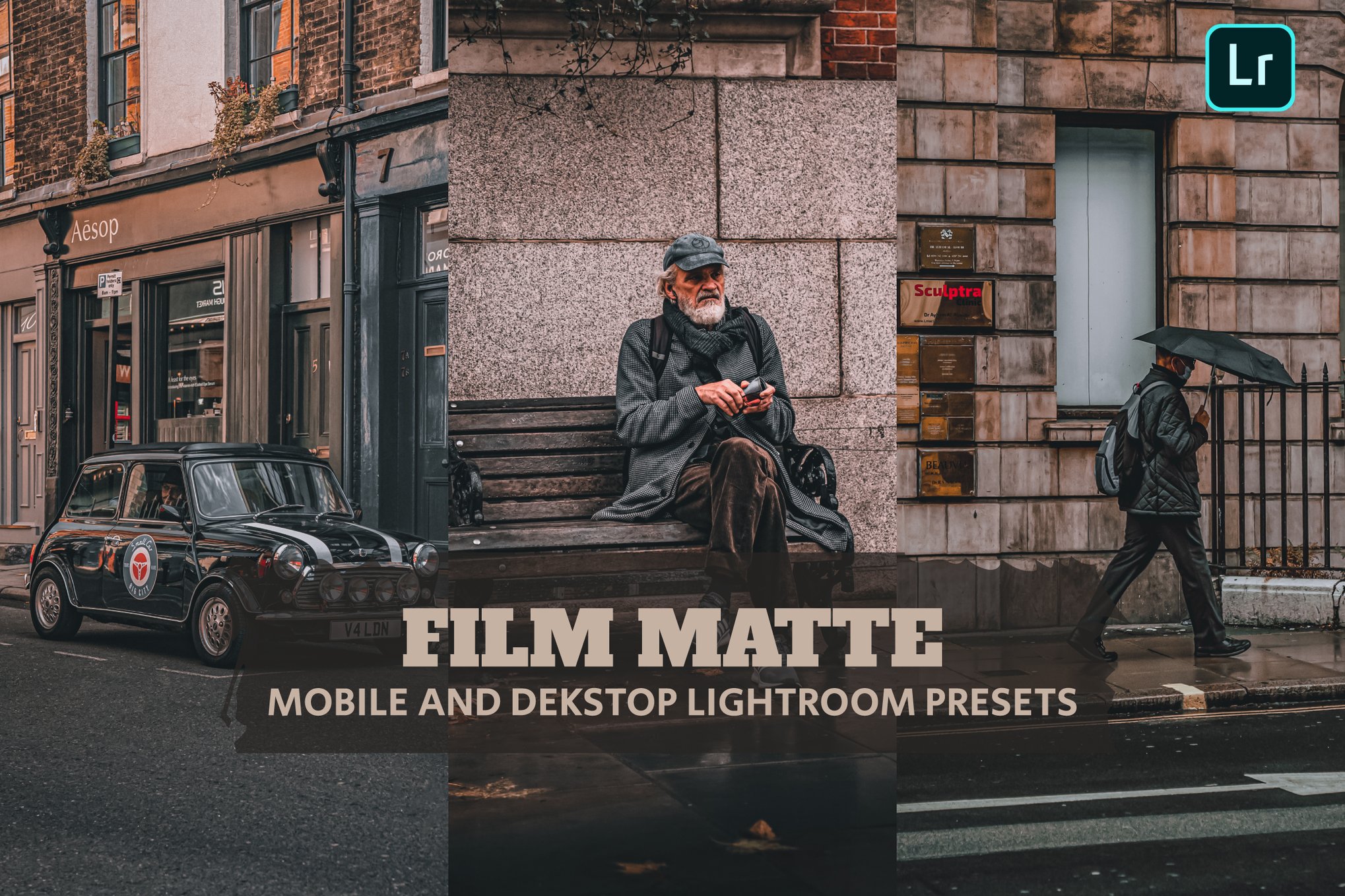
- Matte Film (Free): An excellent entry point for those wanting to understand the basics of faded blacks.
- Matte Color: This preset is unique in its focus on color warmth, proving that "matte" doesn’t have to mean "desaturated."
- Matte Fade: A minimalist approach that is perfect for those who want a very subtle, clean, and professional look.
- Mood: Designed for the dark and dramatic, this preset is a masterclass in using shadows to create narrative depth.
Official Responses and Industry Implications
The rise of the matte preset market has forced software developers like Adobe to improve their own internal tools. While third-party presets remain popular for their "one-click" ease, Adobe has responded by enhancing the "Curve" and "Color Grading" panels within Lightroom. This signifies a broader shift in the industry: the recognition that "editing" is no longer just about fixing exposure or white balance—it is about "artistic grading."

Industry experts note that the democratization of these tools has had a double-edged effect. While it has allowed millions of people to produce professional-looking imagery, it has also led to a degree of visual homogenization. The challenge for the modern photographer is to take these base presets and treat them as a starting point, rather than a final destination.
Strategic Implementation: How to Use These Presets Effectively
To get the most out of your matte presets, consider the following best practices:
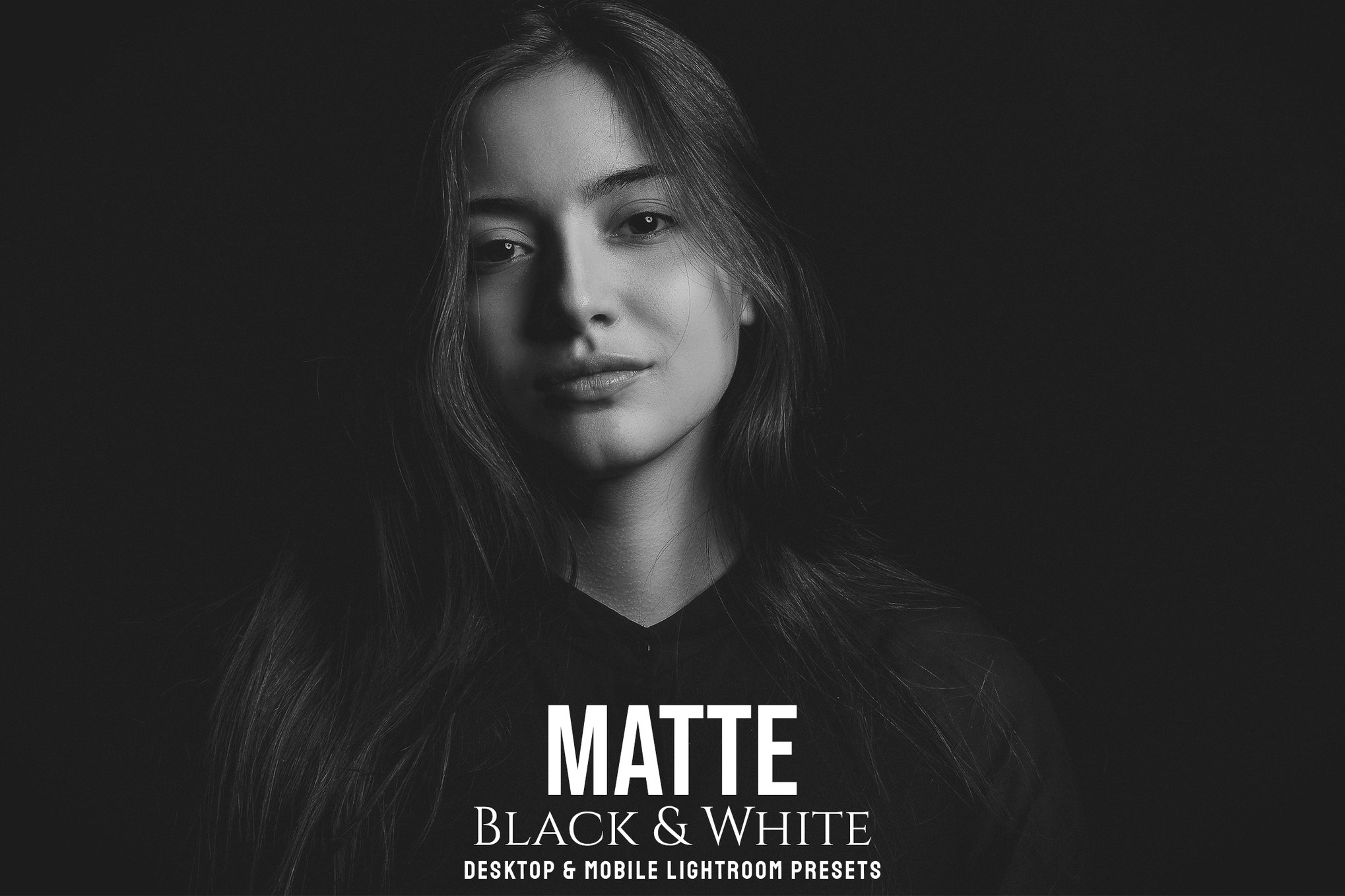
- Shoot for the Edit: If you plan to apply a heavy matte look, avoid underexposing your original images. Since the matte effect lifts the shadows, underexposed shots will appear noisy or "muddy" rather than "atmospheric."
- Adjust the Intensity: Most professional presets come with "Amount" or "Opacity" sliders. Don’t be afraid to apply a preset at 50% intensity to achieve a more natural look that retains some of your original image’s character.
- Prioritize Skin Tones: The most common mistake with aggressive matte presets is the desaturation of skin tones. Always check the Orange/Red luminance sliders after applying a preset to ensure your subjects look healthy and vibrant.
- Consistency is Key: If you are building a professional portfolio or a curated Instagram feed, choose one or two compatible presets from a single collection. Using too many different styles will make your body of work feel disjointed.
Conclusion: The Future of the Matte Look
As we look toward the future of digital imaging, the demand for "human" and "analog" touches will likely continue to grow. Even as AI generates perfectly sharp, hyper-realistic images, the human preference for imperfection—the soft shadow, the muted highlight, the film-like grain—remains a powerful differentiator.
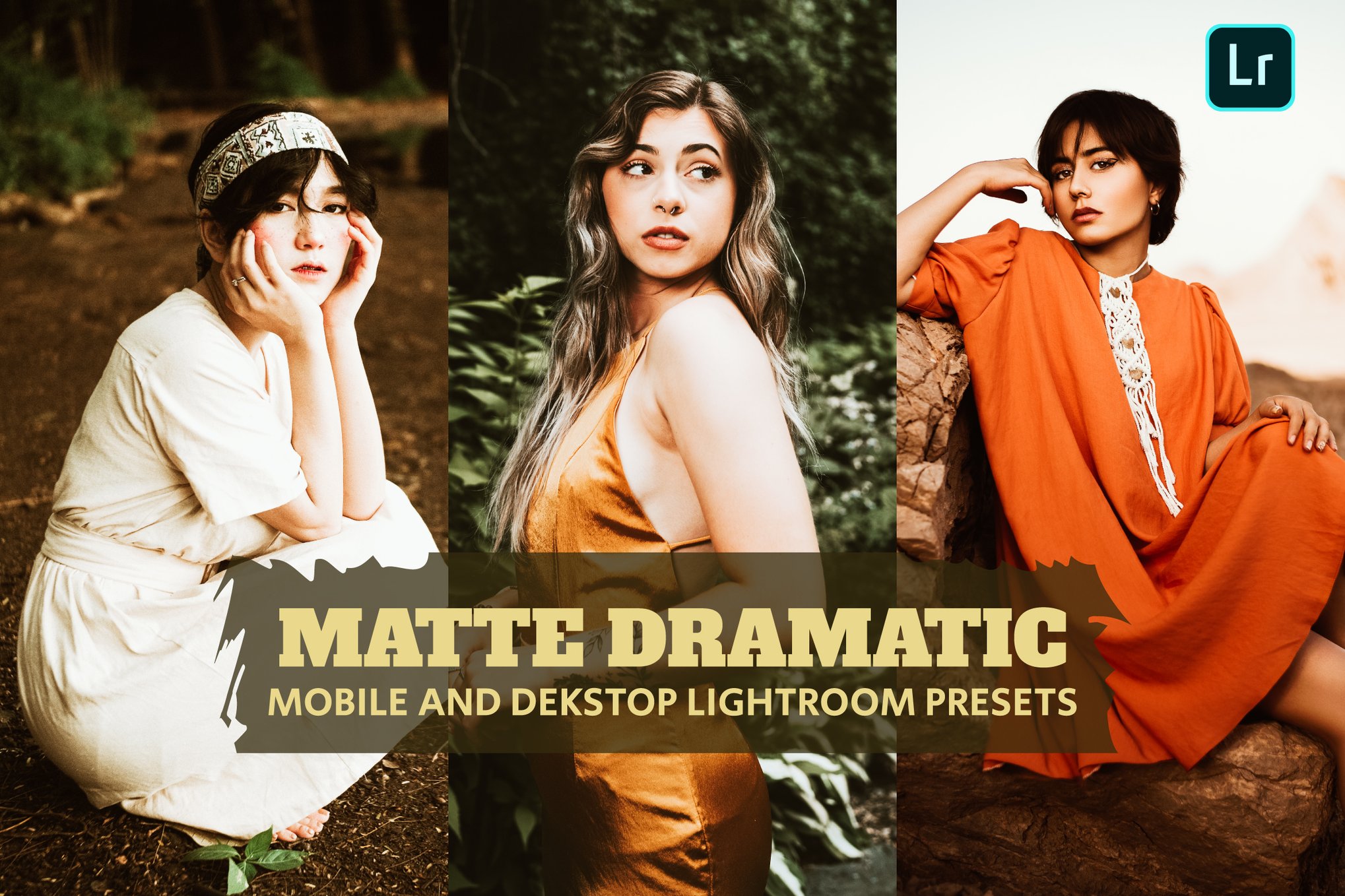
Matte Lightroom presets are more than just a passing trend; they are a bridge between the clinical precision of modern technology and the timeless, emotive quality of traditional art. By mastering these tools, photographers can ensure their work stands out in an increasingly crowded digital landscape, proving that sometimes, the best way to make a photo pop is to subtly soften it.

 Suro Senen
 Laily UPN
 Iffa Jayyana

 Pevita Pearce
 Basiran
 Azzam Bilal Chamdy
 Nila Kartika Wati