
 Muslim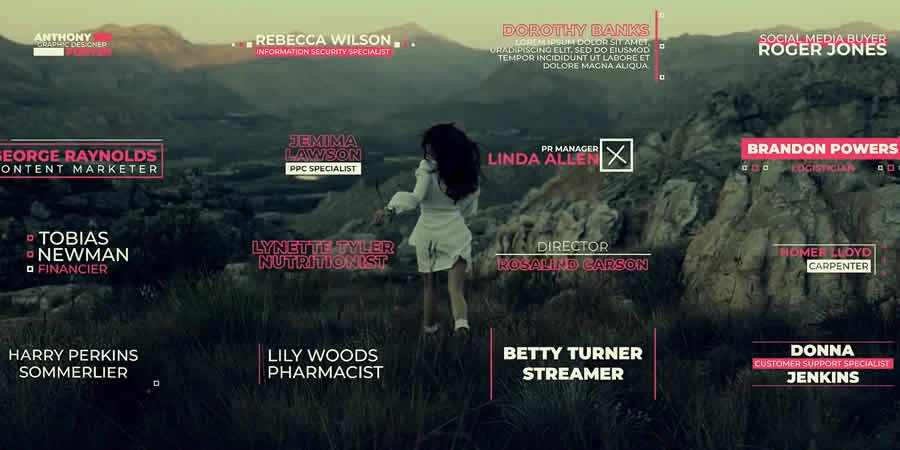
In the competitive landscape of modern video production, the difference between a amateurish home video and a broadcast-quality production often lies in the polish of the finishing touches. DaVinci Resolve, Blackmagic Design’s powerhouse application, has ascended to industry-standard status, favored by both Hollywood colorists and independent content creators for its robust feature set. However, mastering the intricate Fusion page or complex keyframe animation can be a significant barrier to entry for many editors.

Enter the curated template—a professional shortcut that allows creators to leverage high-end motion graphics, seamless transitions, and cinematic titles without needing to build them from scratch. This article explores a massive collection of free resources designed to supercharge your creative arsenal, streamline your post-production workflow, and elevate your visual storytelling.
The Strategic Value of Motion Templates
For the time-constrained editor, templates are not merely "shortcuts"—they are essential tools for maintaining consistency and efficiency. Whether you are a solo YouTuber or a corporate video editor, utilizing pre-designed assets ensures that your lower thirds, logo reveals, and transitions adhere to a professional aesthetic.
Templates serve as a framework, allowing you to focus on the narrative and the emotional arc of your story rather than the technical minutiae of frame-by-frame animation. By integrating these assets into your workflow, you reduce your project turnaround time significantly, providing more room for experimentation in color grading and sound design.

Essential Considerations: What to Look for Before Downloading
Not all templates are created equal. Before integrating a third-party file into your production, consider the following criteria to ensure a seamless experience:
- Customization Depth: Can you easily change the fonts, colors, and duration? A template that forces a rigid design will eventually become a liability.
- Resolution Compatibility: Ensure the template is compatible with your project’s resolution (e.g., 4K vs. 1080p).
- System Impact: Some complex Fusion-based templates are resource-heavy. Check if your hardware can handle the processing load during real-time playback.
- Licensing: Always verify the usage rights. Many "free" templates are for personal use only; if you are producing commercial content, ensure the license permits business application.
Curated Opener Templates: Setting the Tone
The first few seconds of your video are critical for audience retention. A high-quality opener establishes the brand voice and sets the pacing for the remainder of the piece.
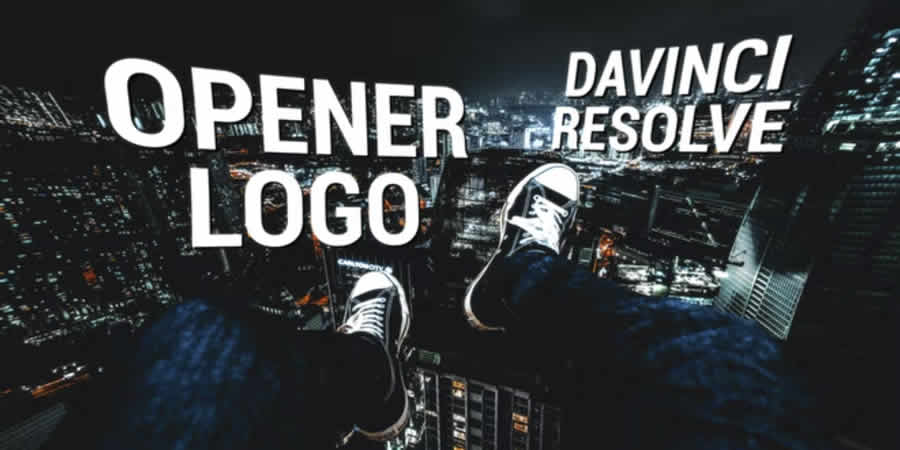
Modern Opener Logo Templates
For corporate environments, clean and minimalist is the gold standard. These templates provide a professional "stinger" that introduces your logo with fluid motion, establishing authority and brand identity immediately.
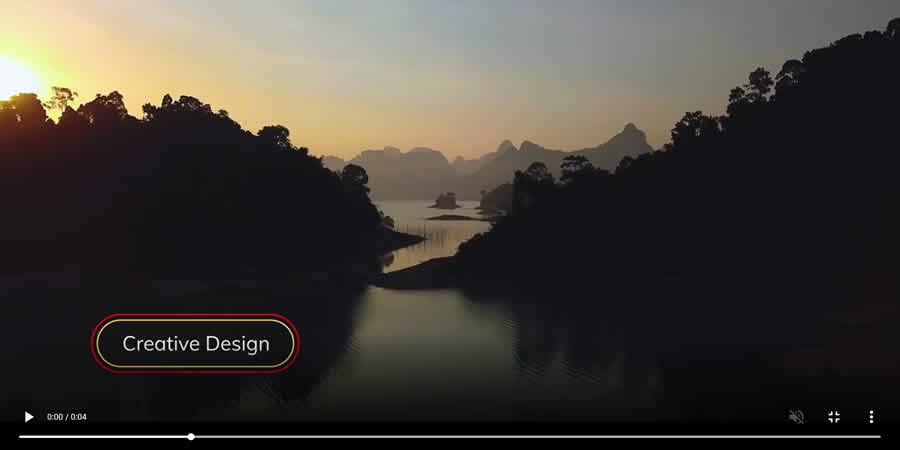
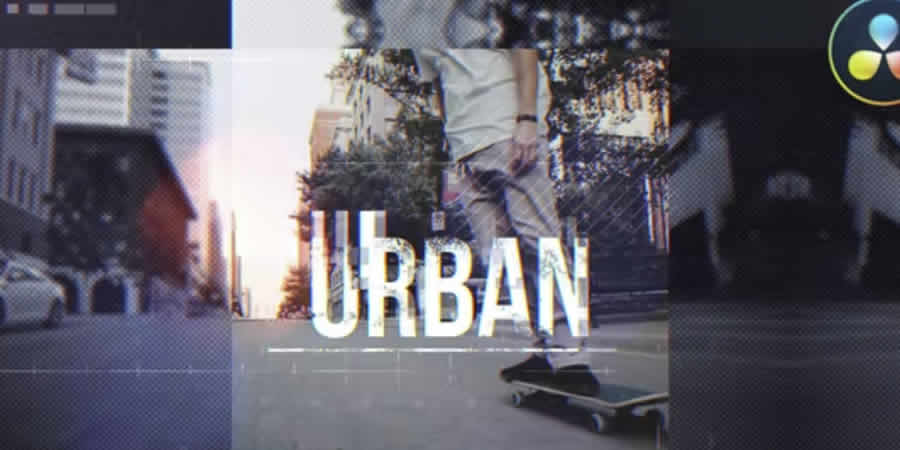
Urban and Dynamic Openers
If your content is fast-paced—such as sports highlights or music videos—you need an opener that reflects high energy. These templates often utilize aggressive motion blur, fast cuts, and punchy typography to grab the viewer by the collar.
3D Logo Reveals
For a high-end, cinematic look, 3D logo templates leverage the power of the DaVinci Resolve Fusion engine to create depth and light interaction. These are perfect for high-value productions where you want your logo to feel tangible.
Intro and Typography: Hooking the Viewer
Beyond the logo, your title sequences must communicate information clearly while remaining visually compelling.
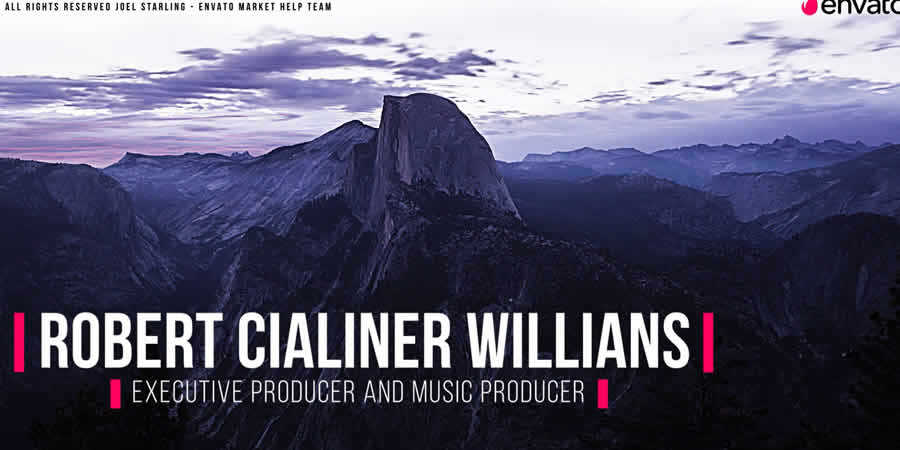
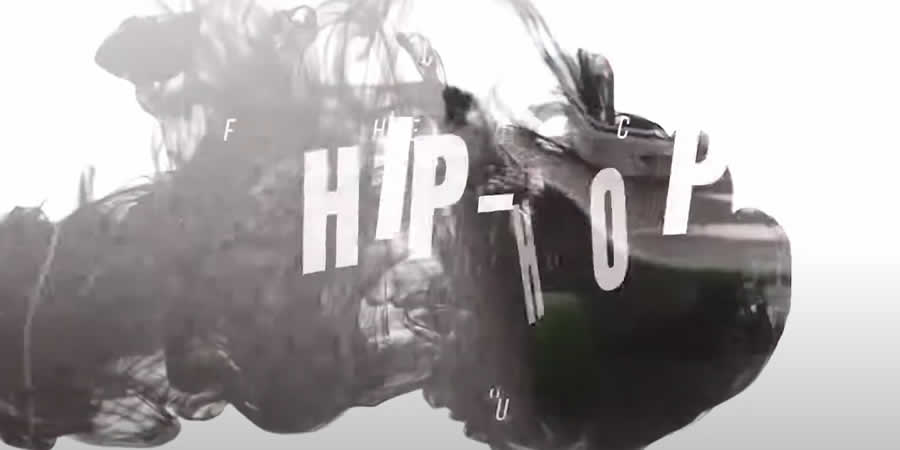
- Hip-Hop and Edgy Intro Packs: These utilize rhythmic animations that sync with the beat of your soundtrack, ideal for vlogs and lifestyle content.
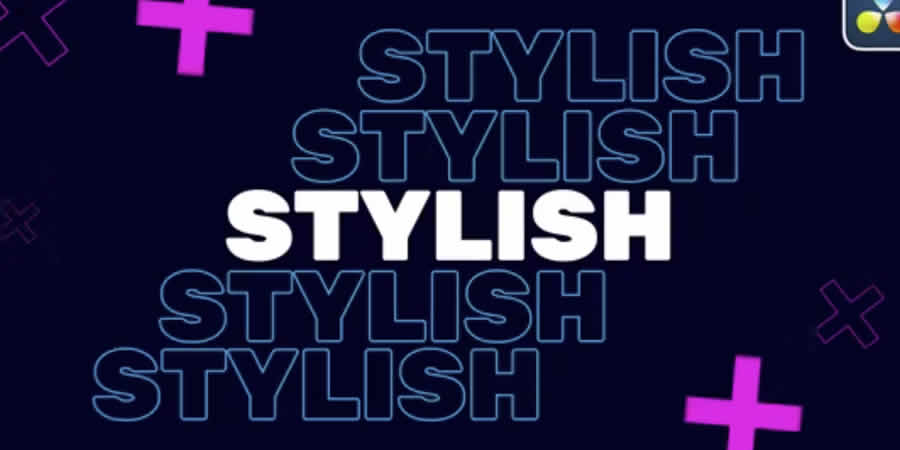
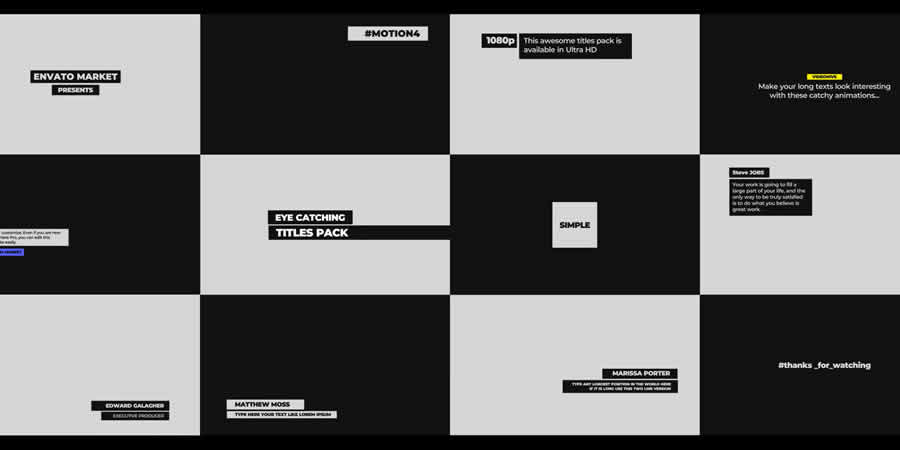
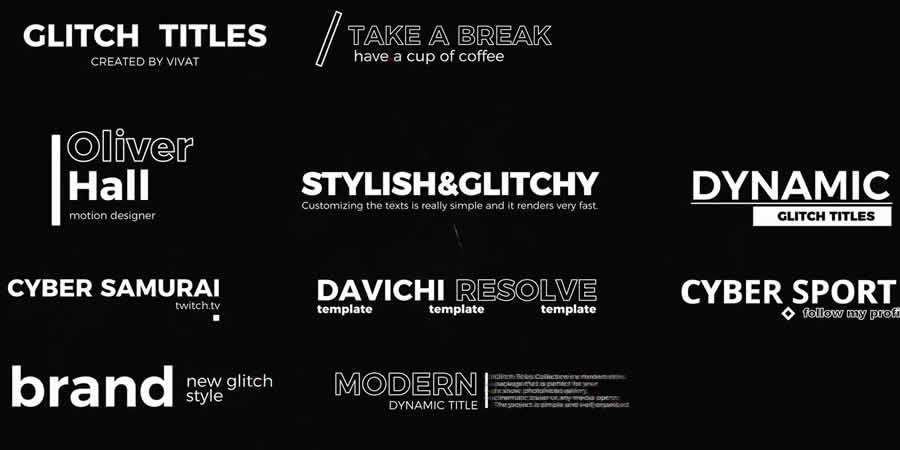
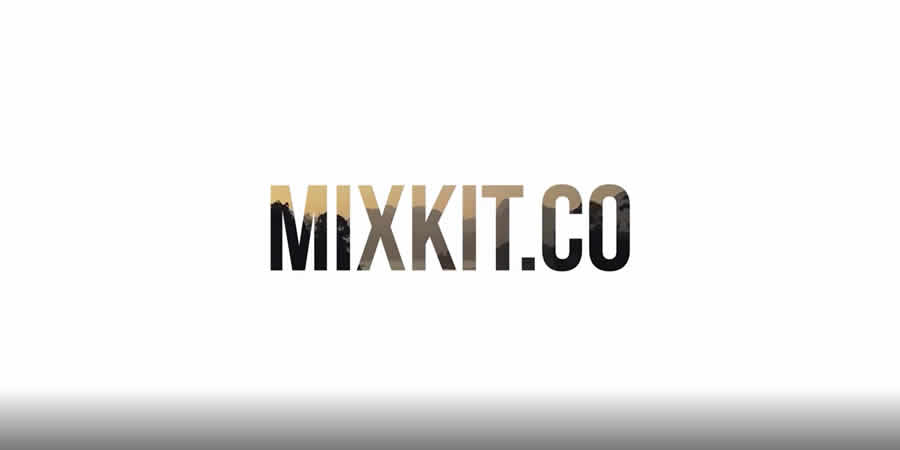
- Stylish Typography: Sometimes, a simple, bold text-based intro is more effective than a complex motion graphic. These templates focus on readability and modern design trends, such as oversized, kinetic typography that moves across the frame.
Lower Thirds: The Art of Subtle Information
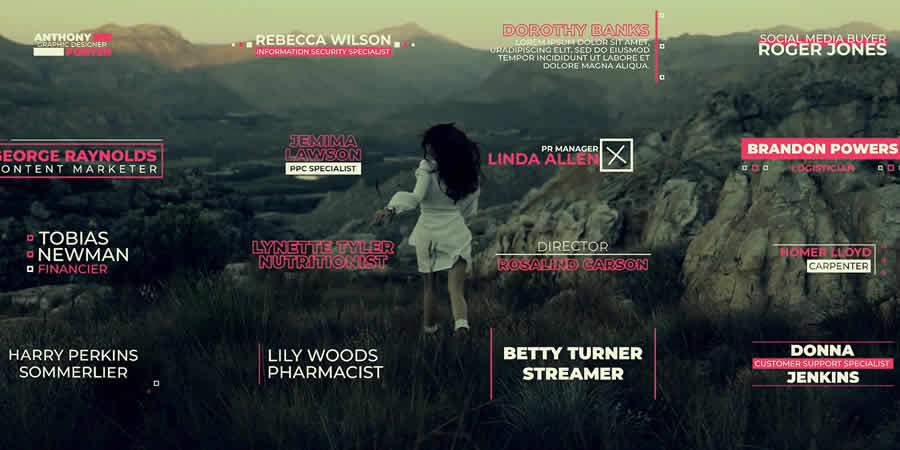
Lower thirds are the workhorses of the editing world. They provide context—names, locations, and titles—without obstructing the primary subject matter.
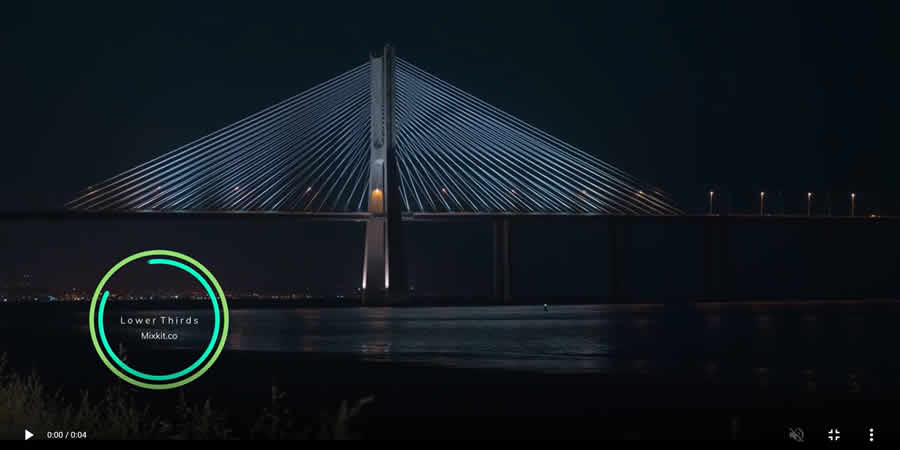
The "Less is More" Approach
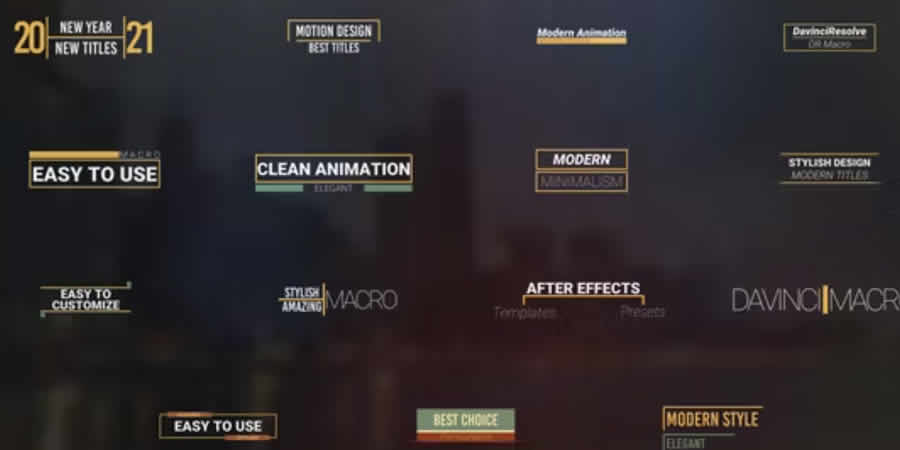
Look for "Thin Border" or "Minimalist" lower thirds. These designs are highly effective because they occupy minimal screen real estate while remaining legible against various backgrounds.

Integrated Packs
Consistency is key. Downloading a "pack" rather than individual files is recommended, as packs usually share a unified design language, ensuring your videos look cohesive from the opening scene to the closing credits.
Special Effects: Cinematic Magic
The Fusion page is where DaVinci Resolve truly shines, but it is notoriously difficult to learn. Special effect templates bridge this gap.
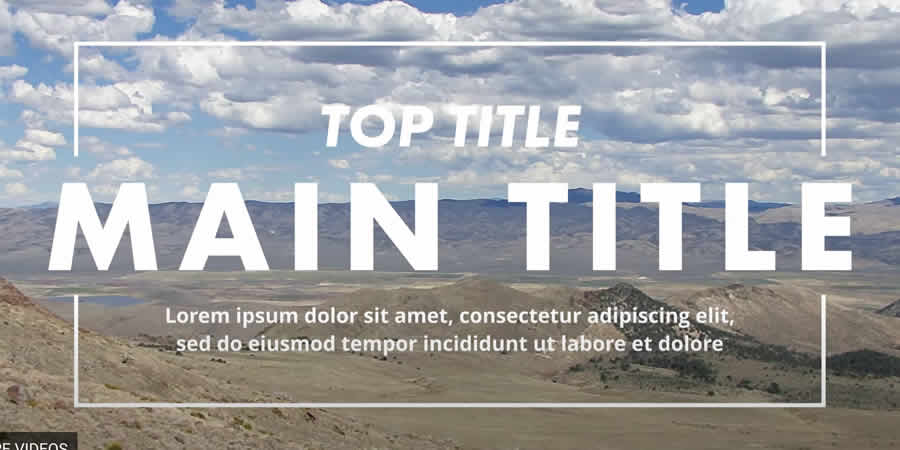
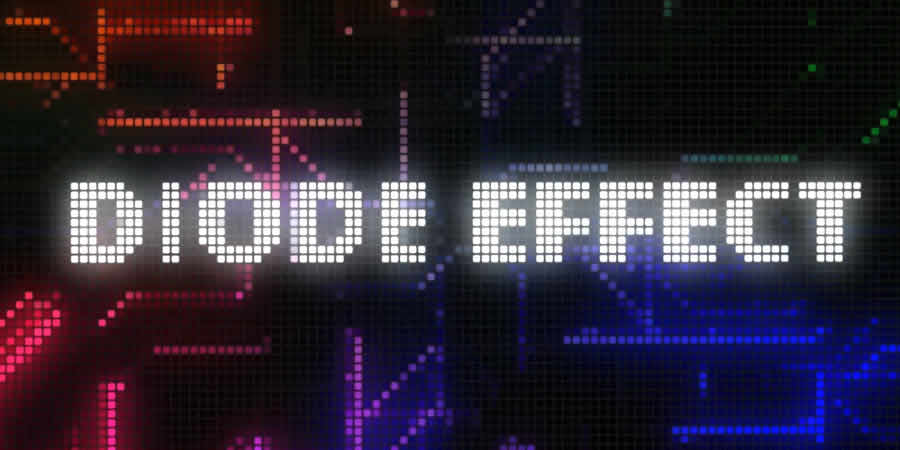
- Glitch and Diode Effects: These are essential for sci-fi or tech-focused projects, providing that "distorted signal" aesthetic that feels authentic and gritty.
- Magic Letterbox and Aspect Ratio Tools: A simple letterbox can transform a digital-looking shot into a cinematic widescreen experience. These tools automate the process of adding those professional black bars.
- Action Elements: If you are cutting action, "hits and rumbles" effects add the physical weight of impact to your scene, making your edits feel punchier and more immersive.
Seamless Transitions: Maintaining Flow
A good transition is often one the viewer doesn’t notice. It moves the eye from one shot to the next without breaking the immersion.
- Luma Matte Transitions: These use the brightness values of the footage to create organic, artistic wipes. They are far more professional than standard cross-dissolves.
- Motion Blur Swipes: Essential for high-action sequences, these transitions use artificial blur to hide the cut, keeping the energy high.
- Distort and Twist: Use these sparingly. They are excellent for dream sequences or surreal storytelling, adding a layer of psychological unease to your edit.
Installation and Optimization Guide
To ensure these templates function correctly, follow these standard installation procedures:
- Download and Unzip: Most templates come in a
.zipformat. Ensure you extract them completely. - Locate the Folder: Open DaVinci Resolve and navigate to your "Templates" folder (typically found in the
~/Library/Application Support/Blackmagic Design/DaVinci Resolve/Support/Fusion/Templatesdirectory). - Drag and Drop: Move the
.drfxor folder-based templates into the appropriate subfolders (Titles, Effects, Transitions). - Restart Resolve: If the software is open, you must restart it for the new assets to appear in the Effects Library.
Improving Performance
If your project begins to stutter:
- Cache Smart: Use the "Smart Cache" feature to render complex effects in the background.
- Proxy Media: Work with low-resolution proxies while editing and switch to original files only for final color grading.
- Lower Timeline Resolution: Edit at 1080p for a 4K project, and toggle to 4K only at the final export stage.
Implications and Final Recommendations
The democratization of high-quality motion graphics through free templates has fundamentally changed the power balance in the editing room. No longer must a creator possess the skills of a dedicated motion designer to achieve a high-end look.
However, a word of caution: don’t let the template dictate your edit. A template is a tool, not a crutch. If you find yourself choosing a transition simply because it looks cool, rather than because it serves the narrative, you have lost the plot. Always prioritize the story.
Before committing to a template for a client project, run a 30-second test. Ensure the colors don’t clash with your footage, that the text remains readable against various backgrounds, and that the timing doesn’t drag. If the template feels like it’s fighting your footage, discard it. Your audience will always prefer a clean, simple cut over a flashy, ill-fitting transition.

Finally, remember to respect the ecosystem. Many of these templates are provided for free by developers who make their living creating premium assets. If you find a creator whose work consistently helps your workflow, consider supporting their paid offerings. By fostering this cycle of creation and support, the community ensures that DaVinci Resolve remains the most accessible, powerful platform for video storytellers worldwide.


 Reynand Wu
 Evan Lee Salim
 Basiran
 Neng Nana
 Iffa Jayyana
 Raul Delapena Setiawan
 Rifan Muazin
 Asro
Asro