
 Suro Senen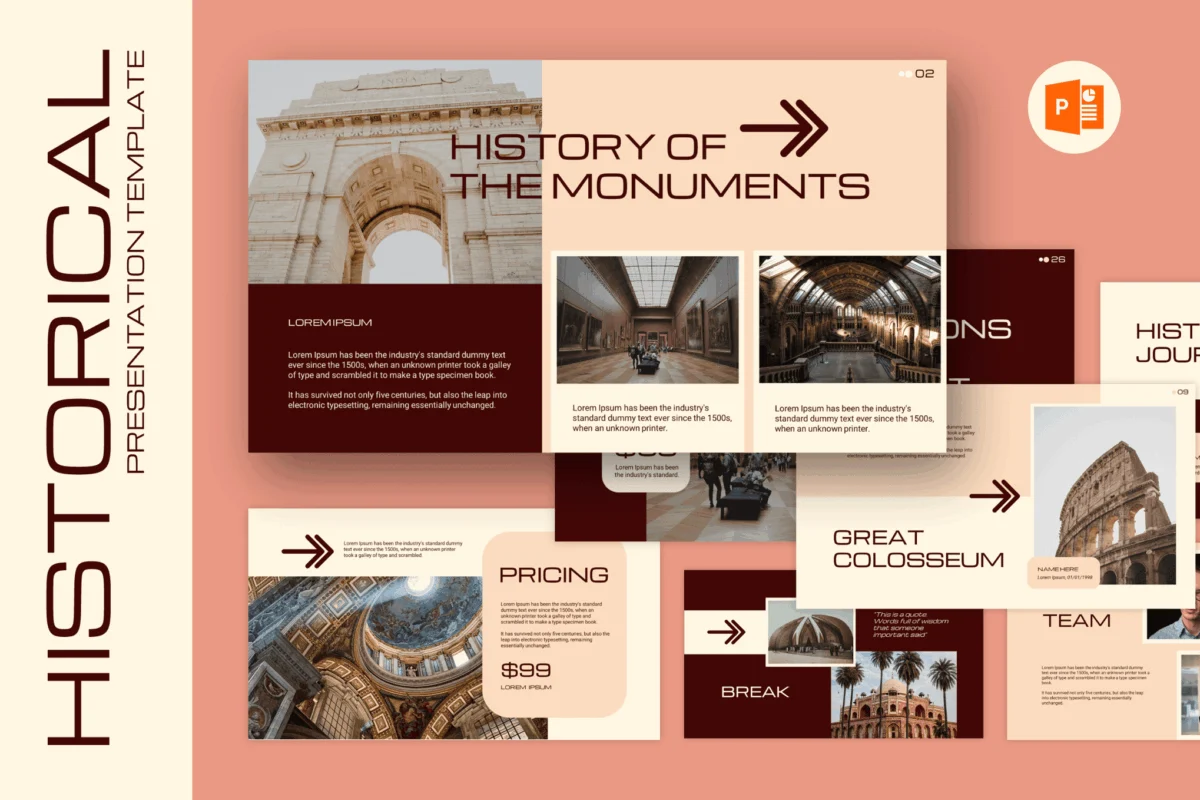
History is more than a mere collection of dates, names, and dusty archives; it is a tapestry of human experience, conflict, innovation, and evolution. When tasked with presenting historical narratives—whether in a university lecture hall, a museum boardroom, or a professional research symposium—the challenge lies in bridging the gap between the distant past and the present-day audience. To effectively convey this narrative richness, your visual aids must do more than just display text; they must frame history with the gravity and immersive quality it deserves.
In this comprehensive guide, we explore how to leverage professional PowerPoint templates to transform static information into compelling visual storytelling. By utilizing structured layouts, period-appropriate typography, and strategic image framing, you can ensure your historical presentations are not only educational but truly unforgettable.
The Power of Visual Storytelling in Historical Context
The most effective history presentations treat the slide deck as a secondary narrator. When you present historical data, you are essentially asking your audience to travel through time. A cluttered, poorly designed slide deck disrupts this immersion. Conversely, a well-curated template acts as a window into the era you are describing.
Whether you are detailing the structural intricacies of medieval architecture or the complex political shifts of the Gilded Age, the design elements—color palettes, font choices, and imagery—must align with the subject matter. Modern, clean designs can sometimes feel "too clinical" for a study on ancient artifacts, while overly ornate designs can hinder readability. Finding the balance is the key to professional success.
Chronology and Selection: Curating the Right Template
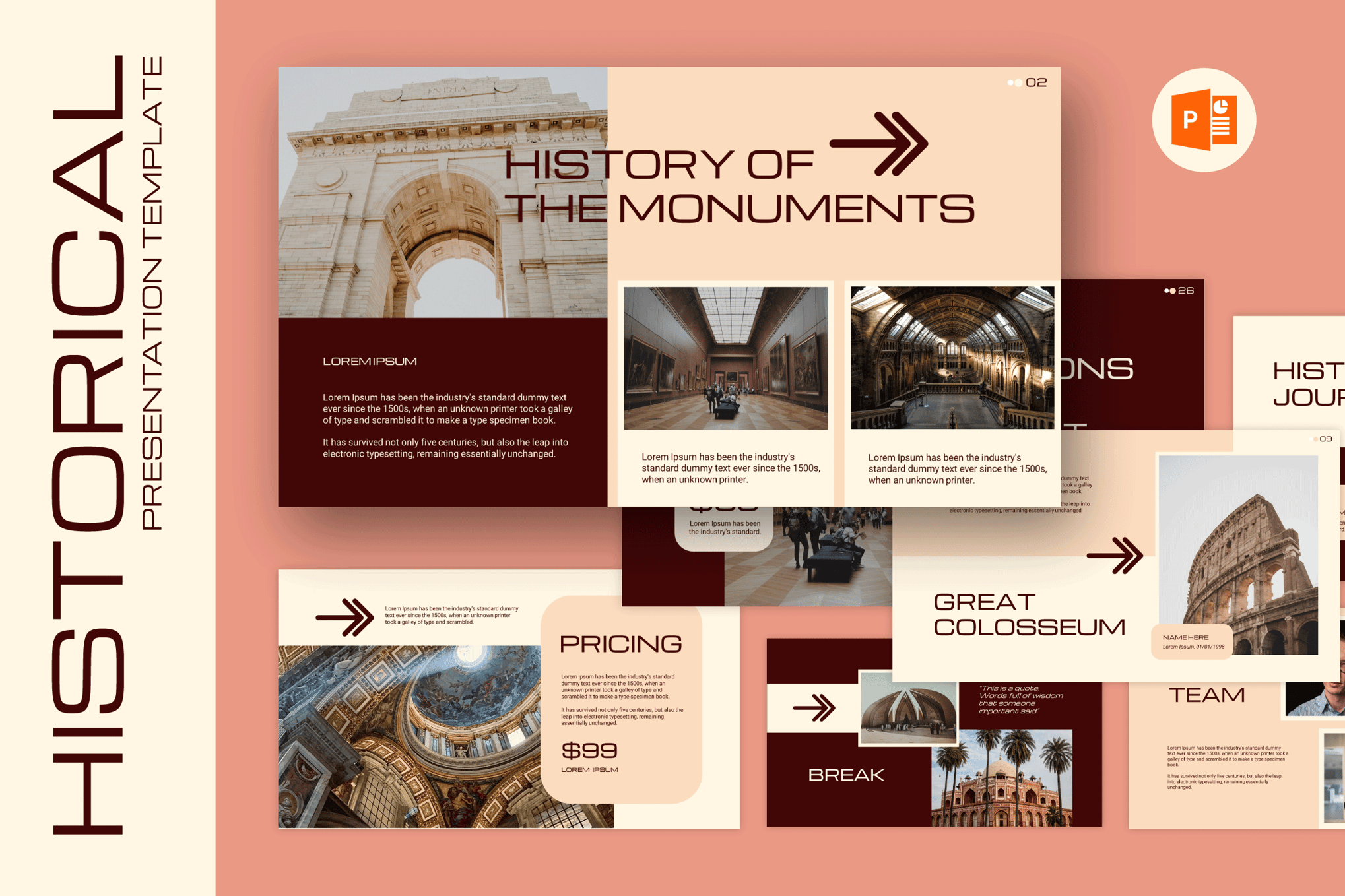
Selecting a template is the first step in building a coherent presentation. The market is saturated with options, but identifying the one that suits your specific historical focus is paramount. Below are some of the most versatile templates available for historians, educators, and curators.
Premium Solutions for Professional Impact
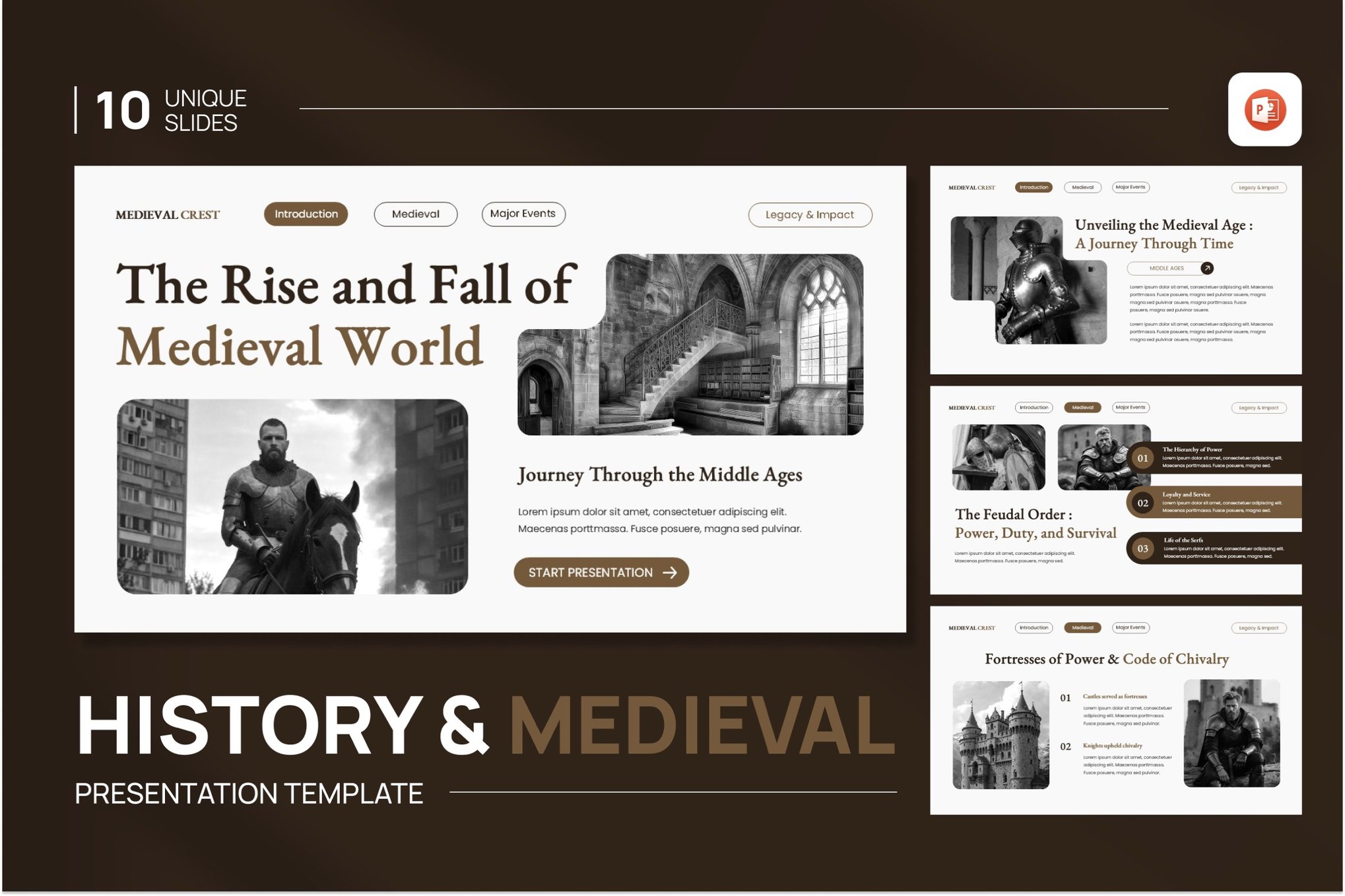
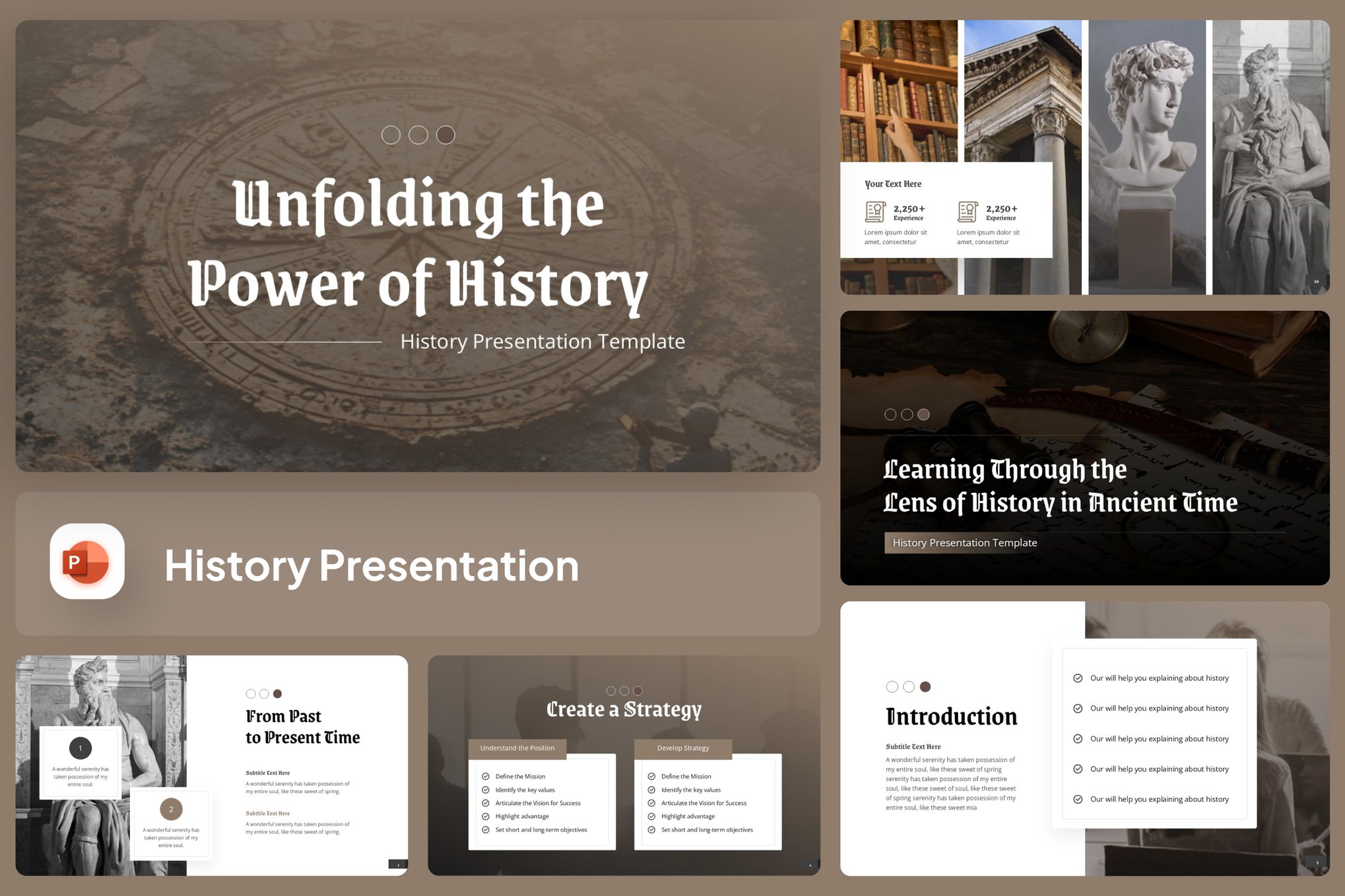
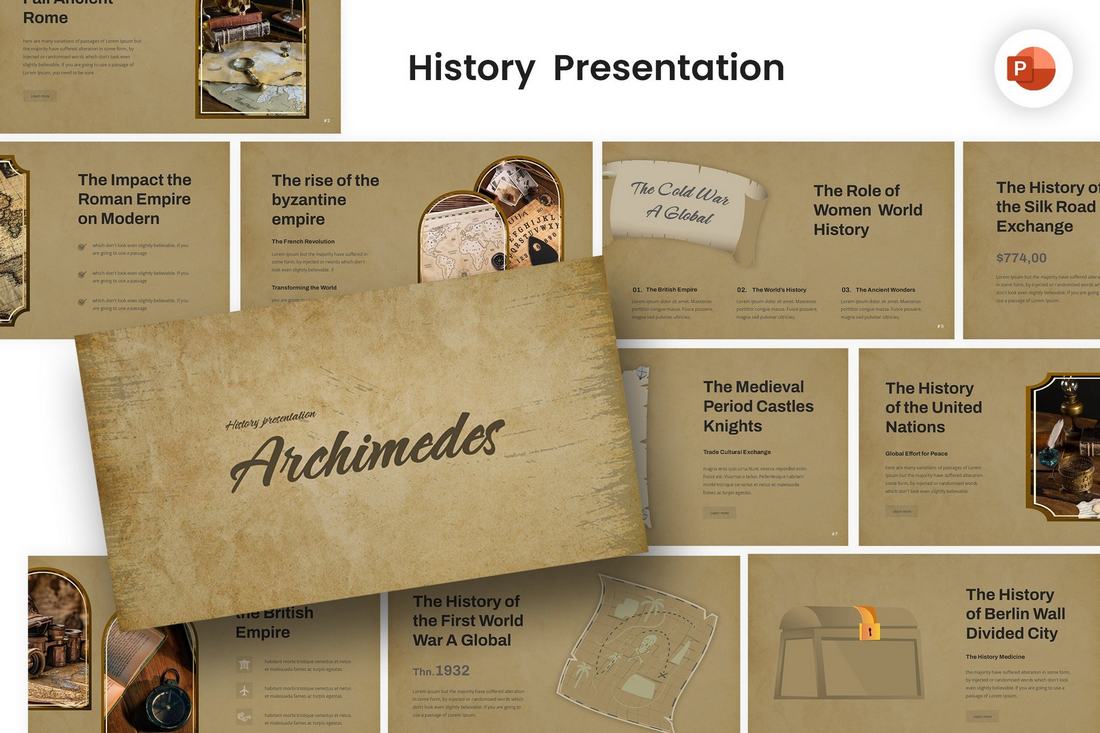
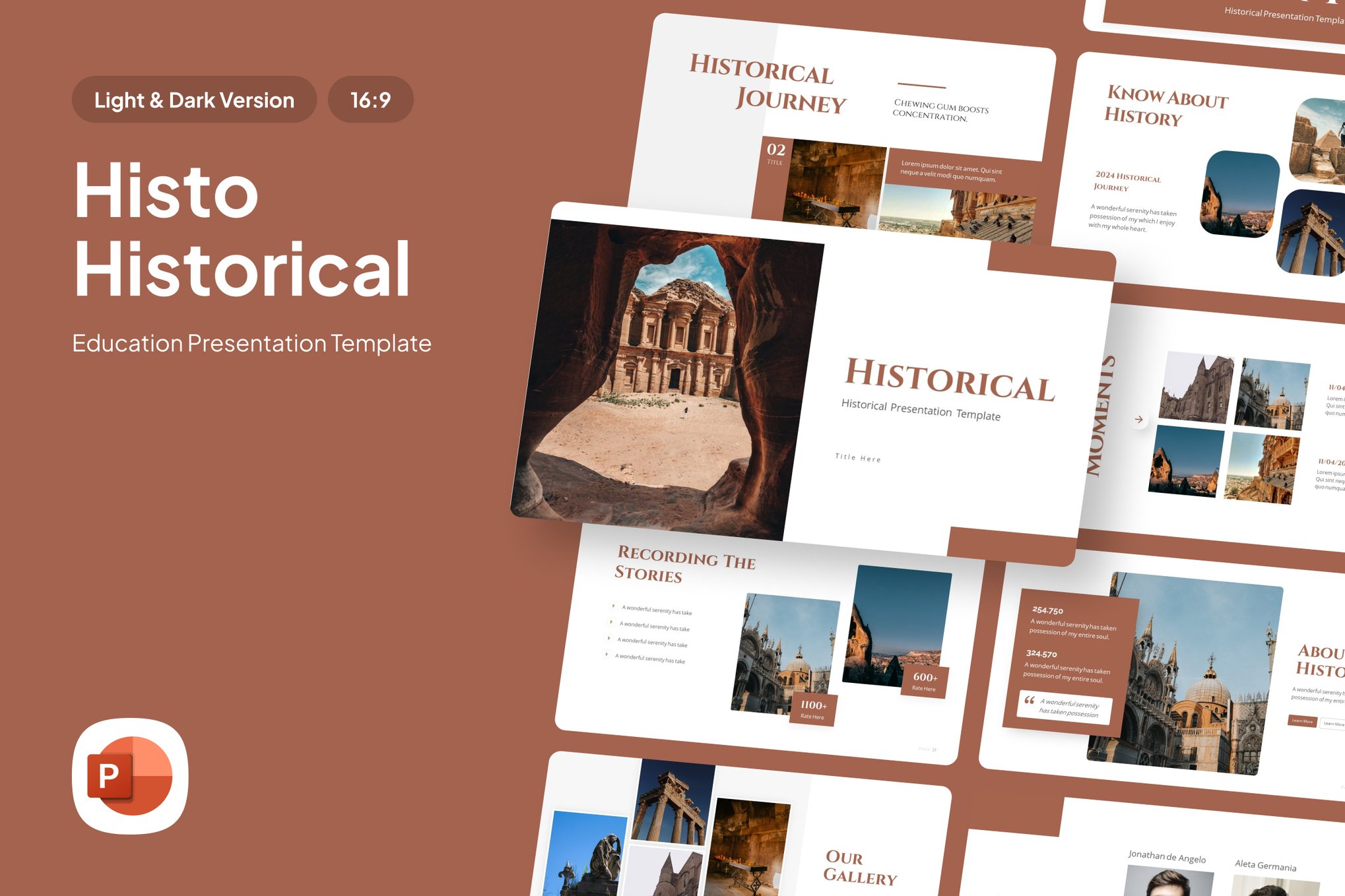
- History & Medieval PowerPoint Template: A versatile choice featuring ten unique, widescreen-ready slides. Its professional typography and clean layout are ideal for museum exhibitions where clarity is essential.
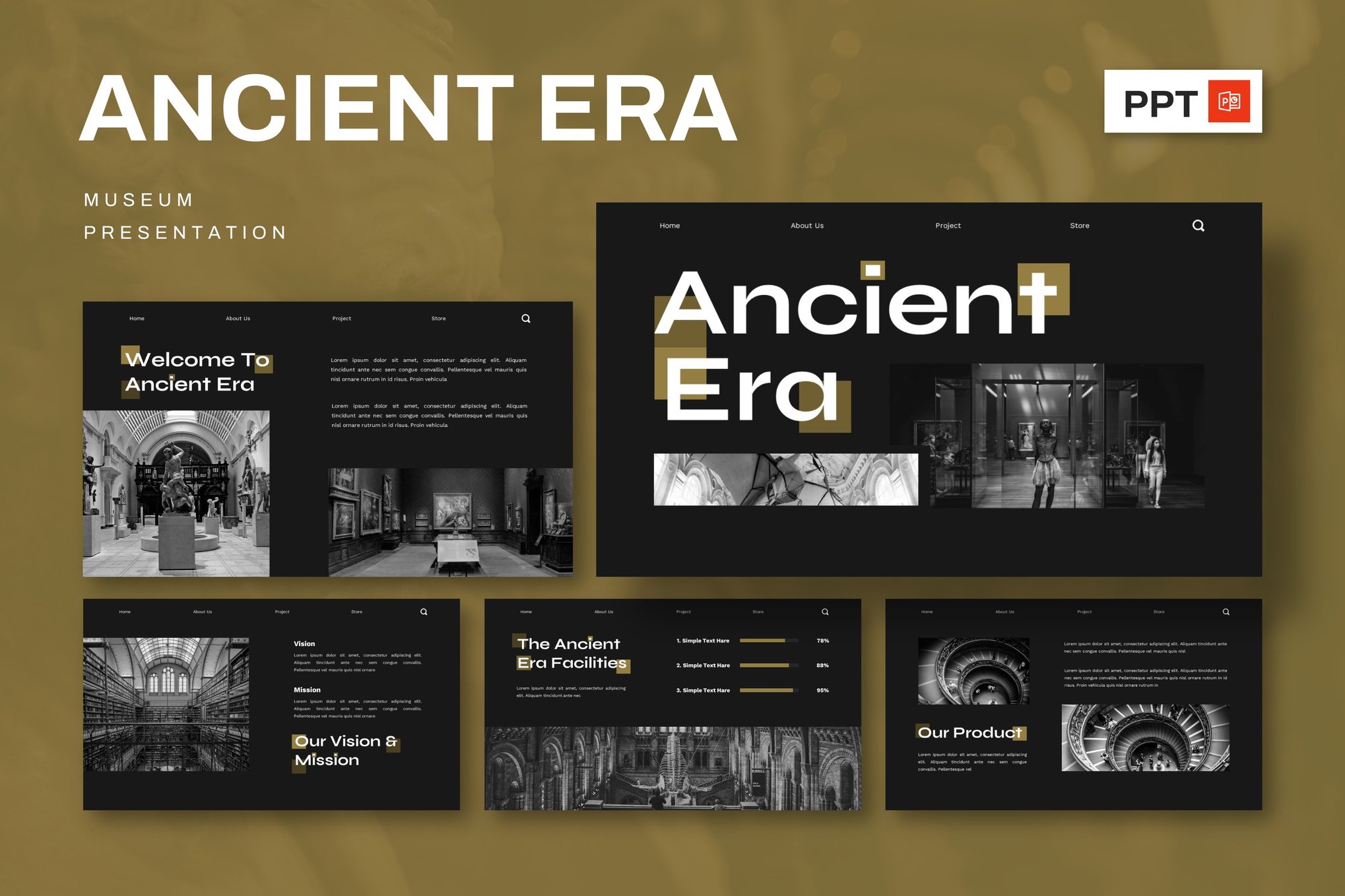
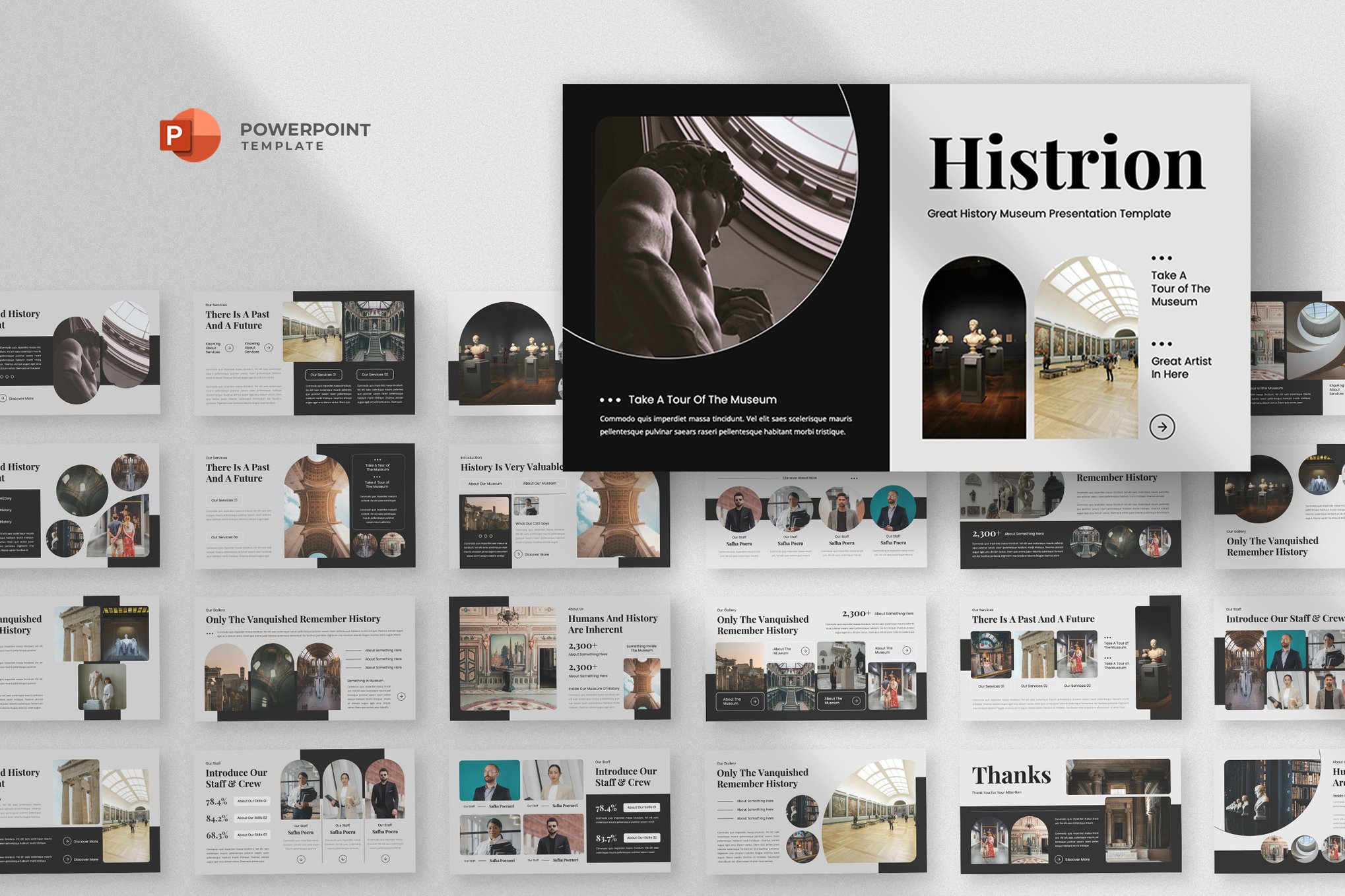
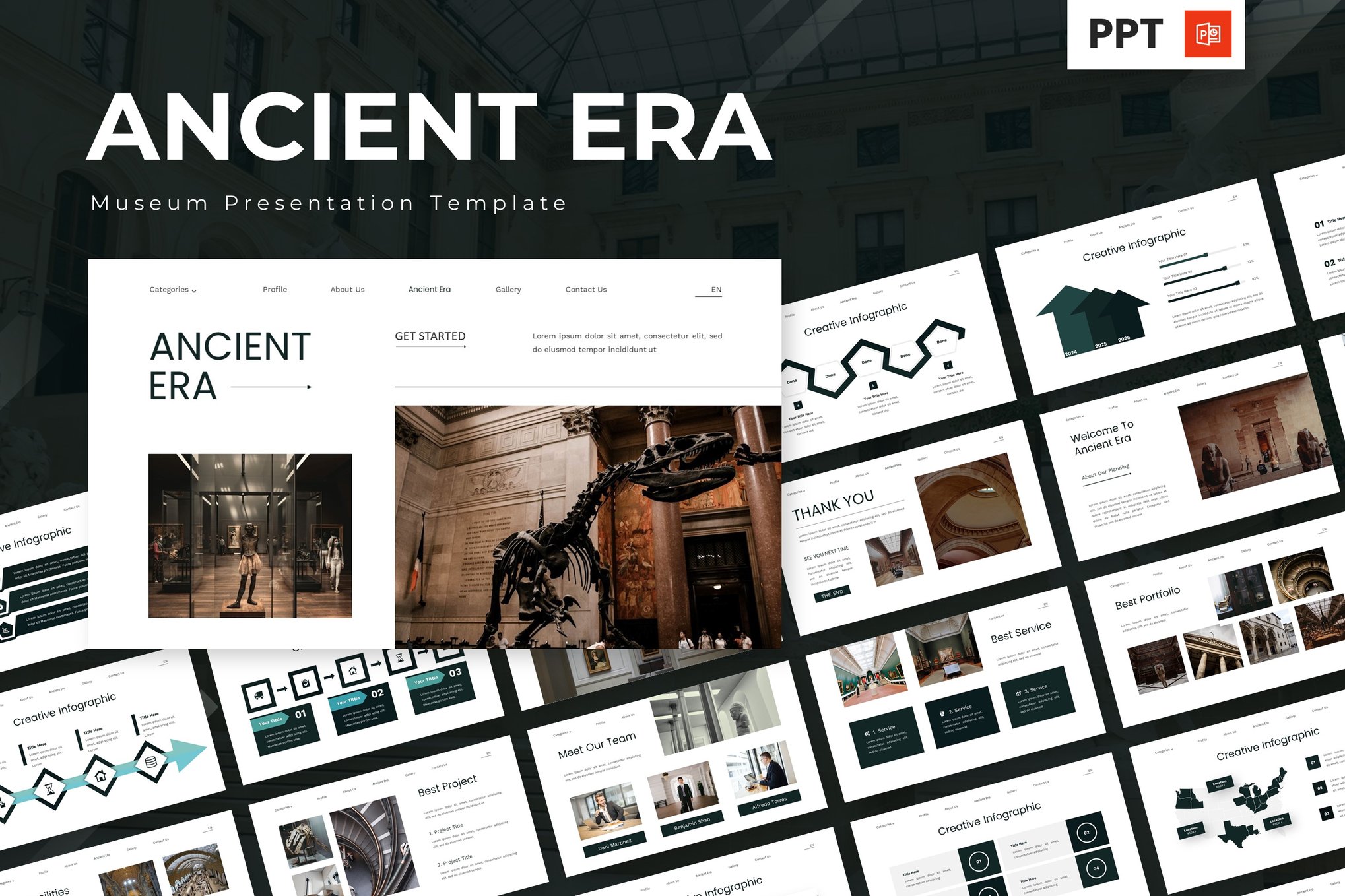
- Ancient Era & Museum Template: With a minimalist, elegant aesthetic, this template is perfect for art history and archaeological research, offering support for PowerPoint, Keynote, and Google Slides.
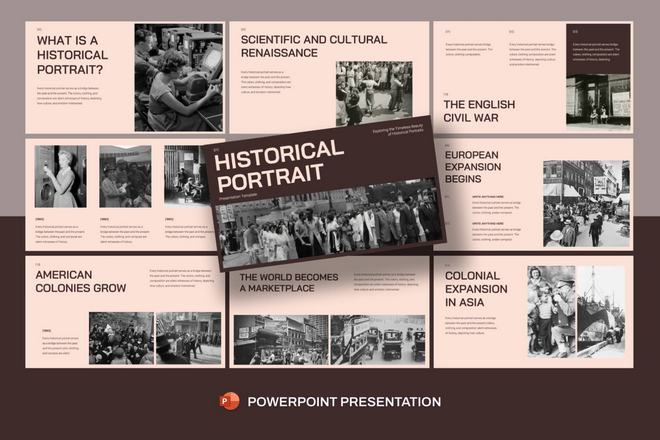
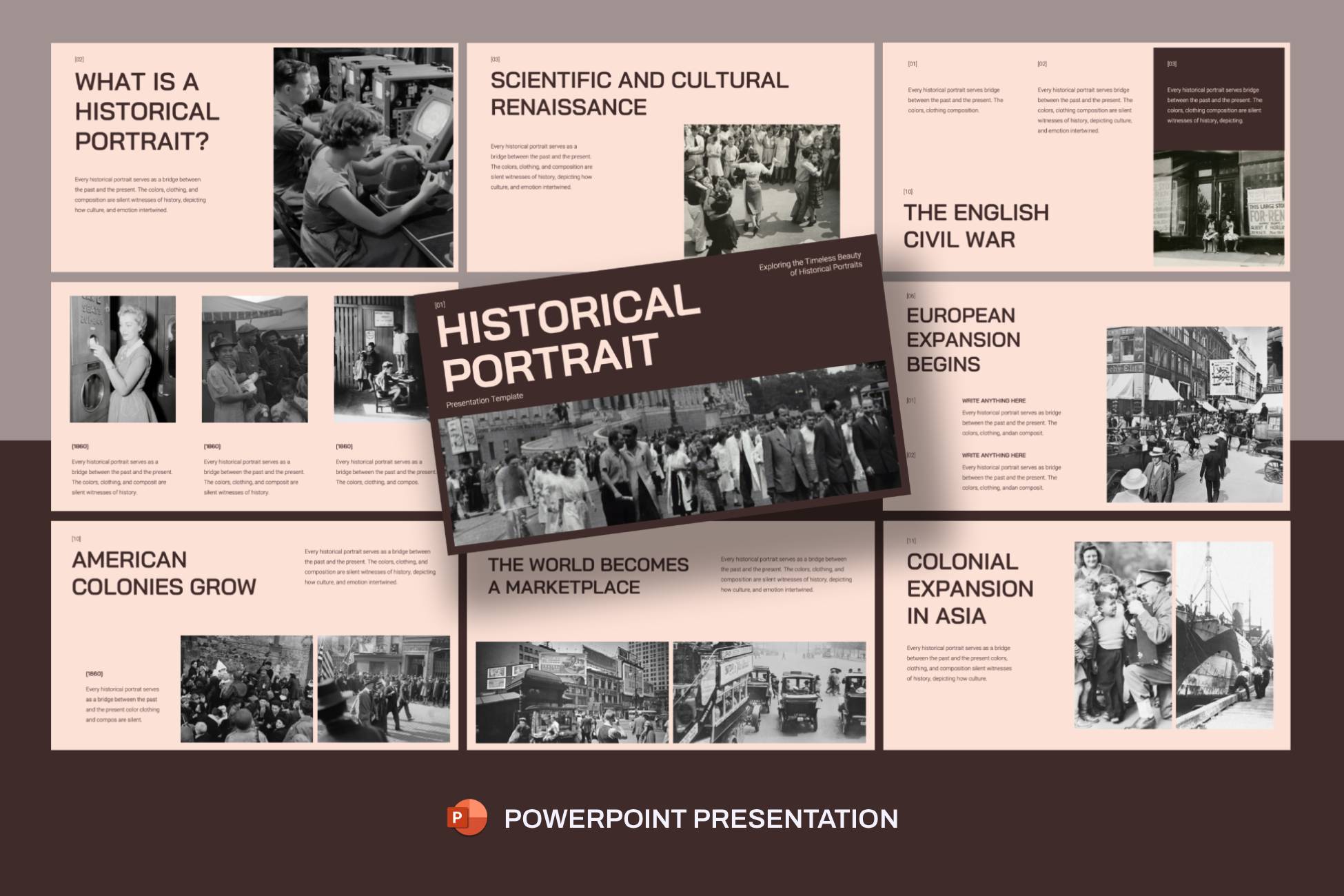
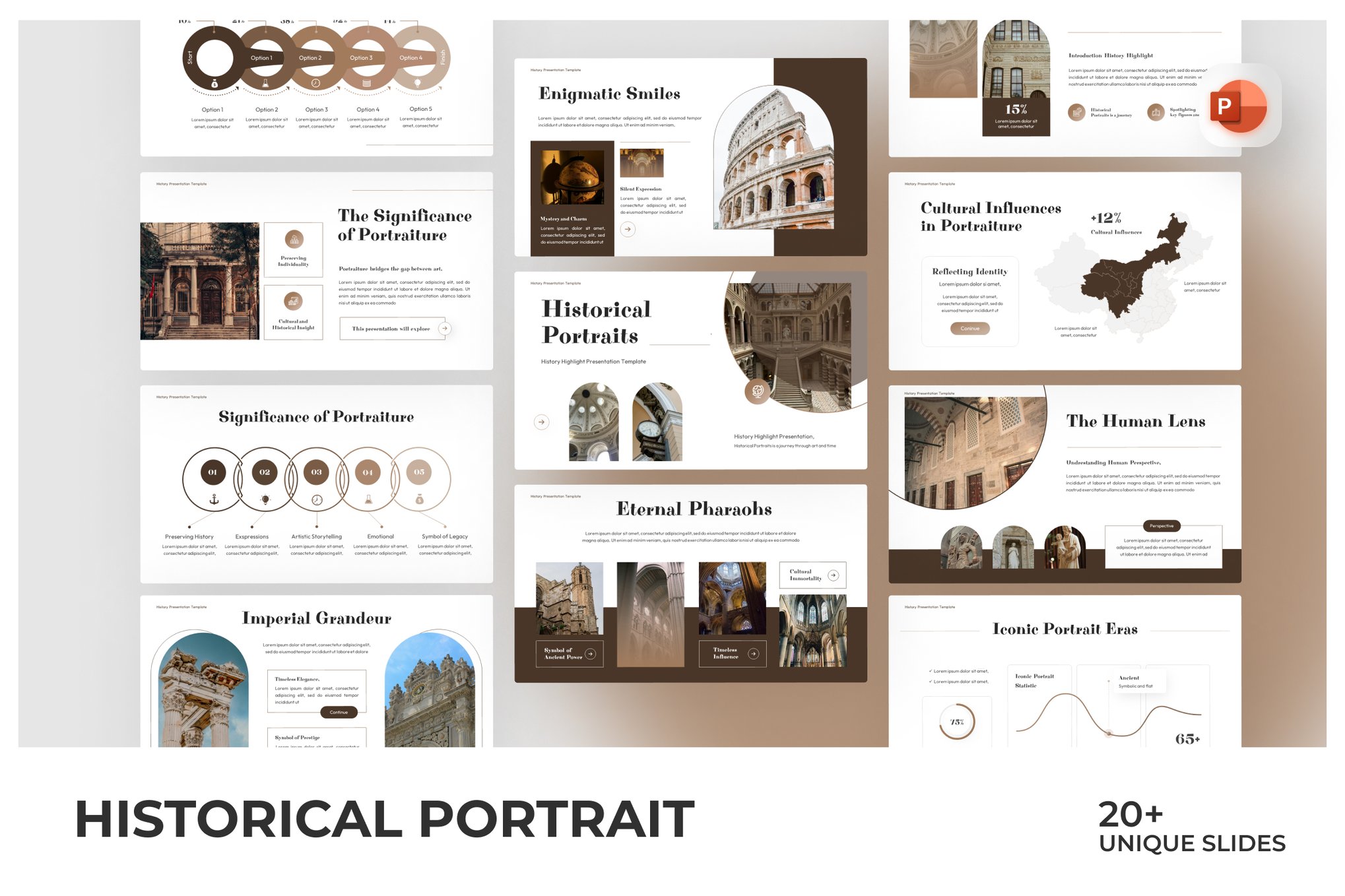
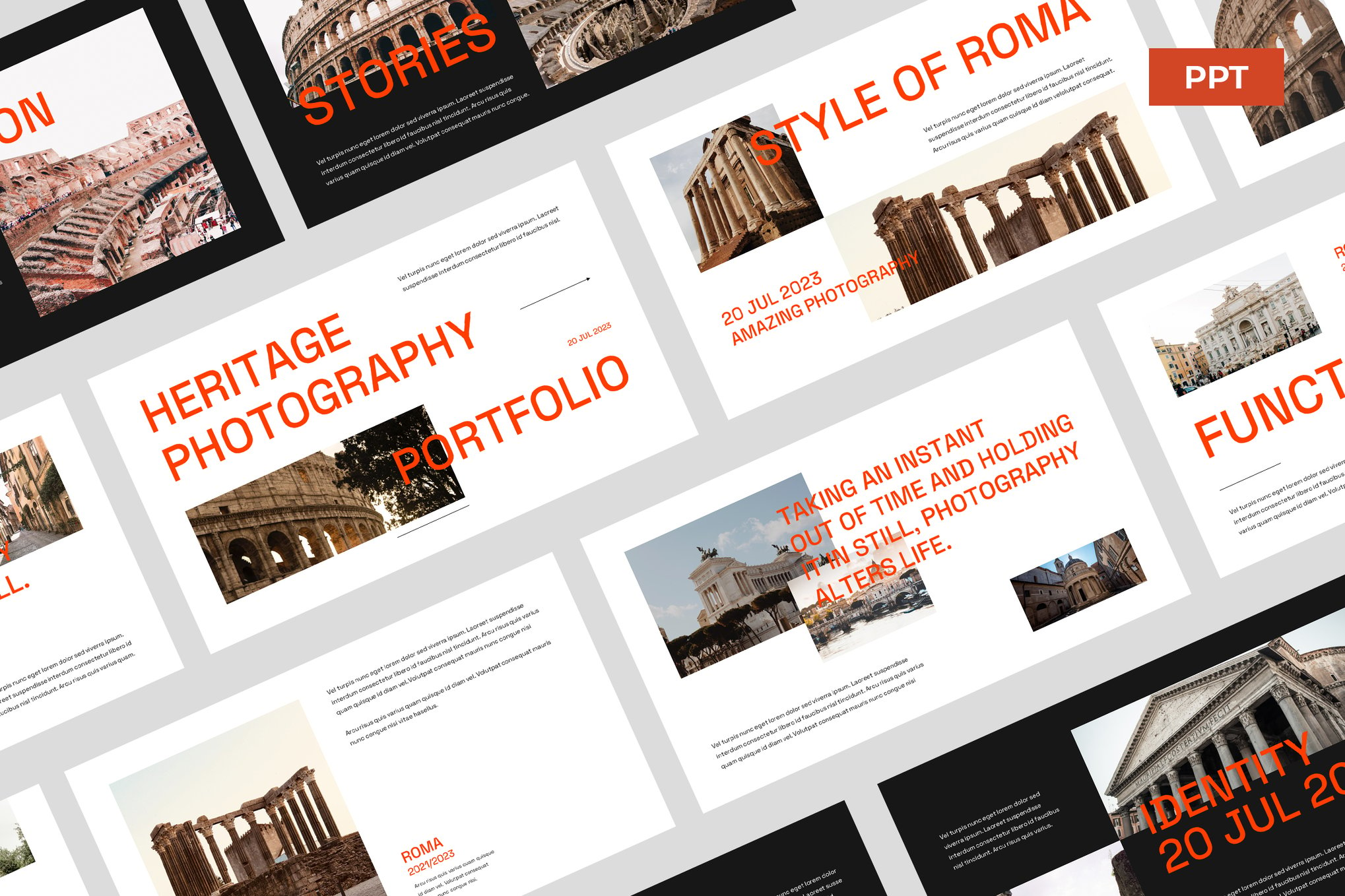
- Historical Portrait (Bold Template): For business-focused projects that require a historical lens, this template offers Master Slides and picture placeholders to ensure your presentation remains both eye-catching and highly functional.
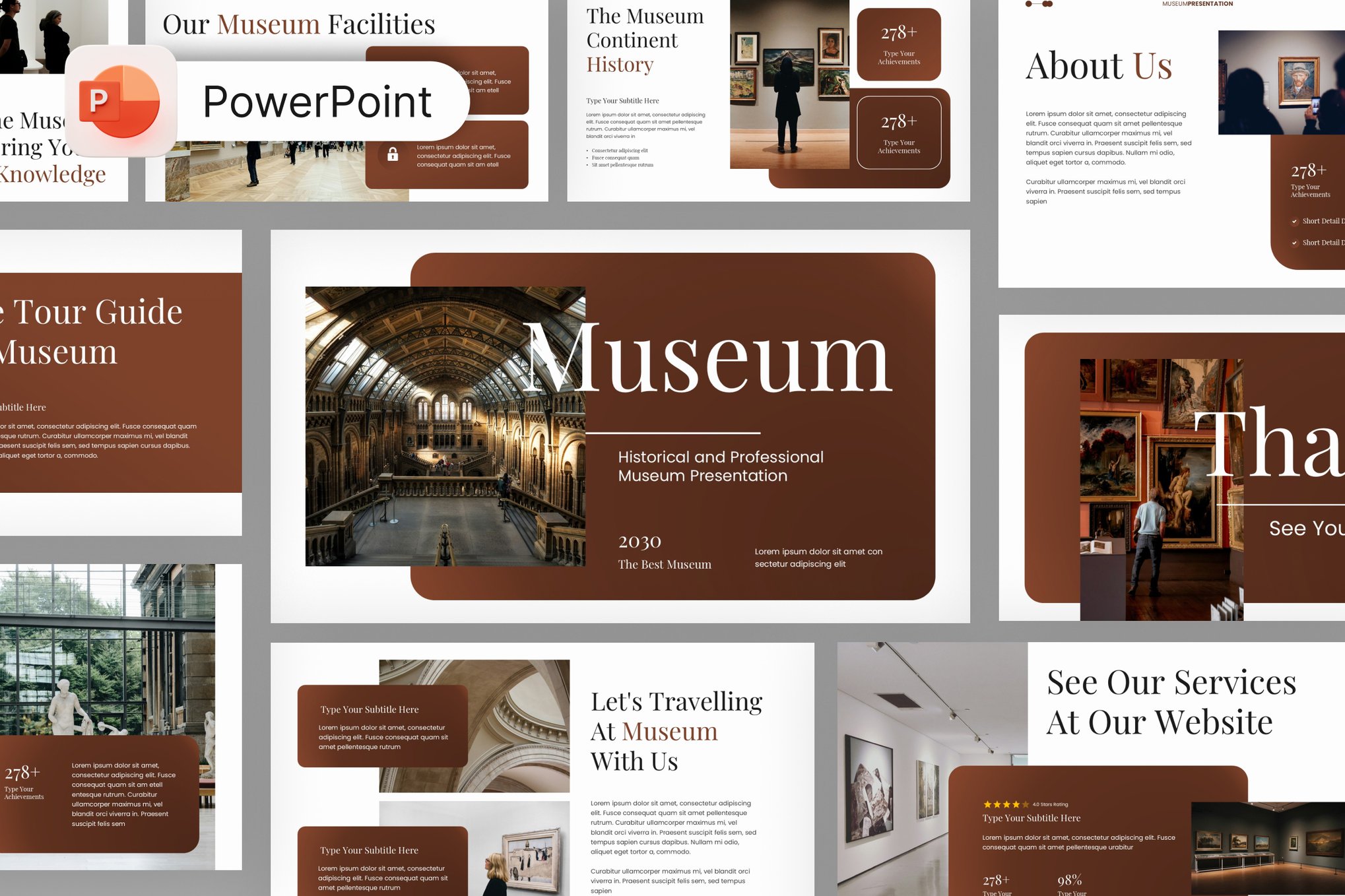
- Arthesia – History Museum Template: Designed with structured grids, this template is tailored for institutions that need to display catalogs and exhibit profiles with a refined, artistic sensibility.
- History Milestones Template: Specifically crafted for linear storytelling, its muted vintage color scheme helps guide the audience through chronological developments without overwhelming the senses.
Free Resources for Academic Excellence
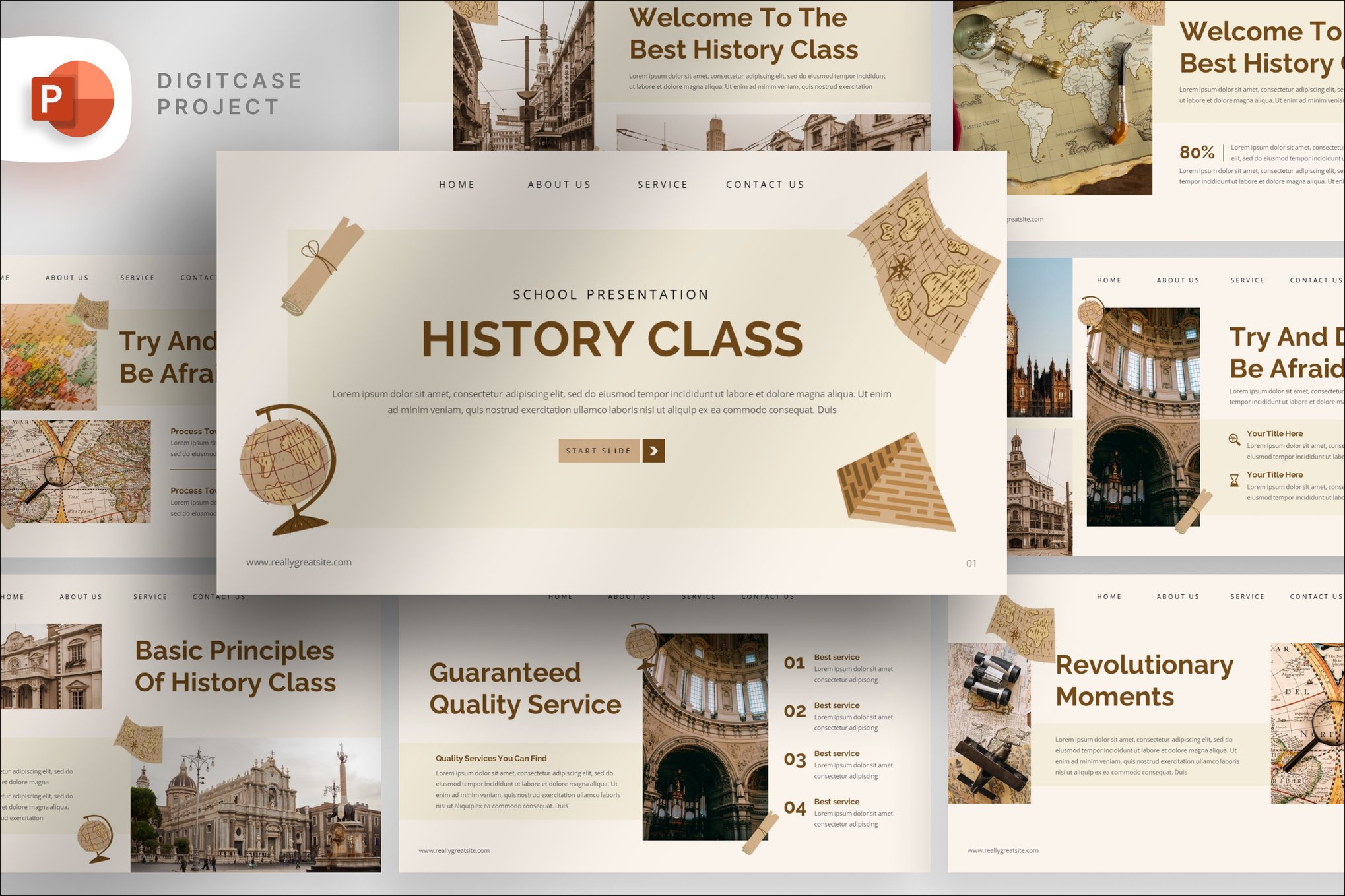
- Papyrus History Lesson: A textured, nostalgic design that evokes the feel of ancient documents. This is a favorite among educators who want to give their students an "old-world" experience.
- Reconstruction Era & The Gilded Age: A structured, content-heavy template ideal for thesis defenses or complex 11th-grade history lectures.
- World War II History Analysis: A somber, professional, and data-driven layout perfect for deep dives into military history, strategic analysis, and critical research.
- History Overview: A highly adaptable, general-purpose template that provides a clean slate for any historical subject, from the Bronze Age to the modern era.
Supporting Data: Why Design Choices Matter
A 2023 study on educational engagement suggested that visual learners retain roughly 40% more information when concepts are paired with consistent, non-distracting visual cues. In historical presentations, this means the "visual noise" must be kept to a minimum.
When presenting complex timelines, the use of infographics—such as those found in the Historical Study Presentation template—allows for a "bird’s-eye view" of events. Rather than explaining a three-hundred-year span of conflict in a long paragraph, a well-designed timeline slide allows the presenter to talk through the causal relationships while the audience tracks the progression visually.
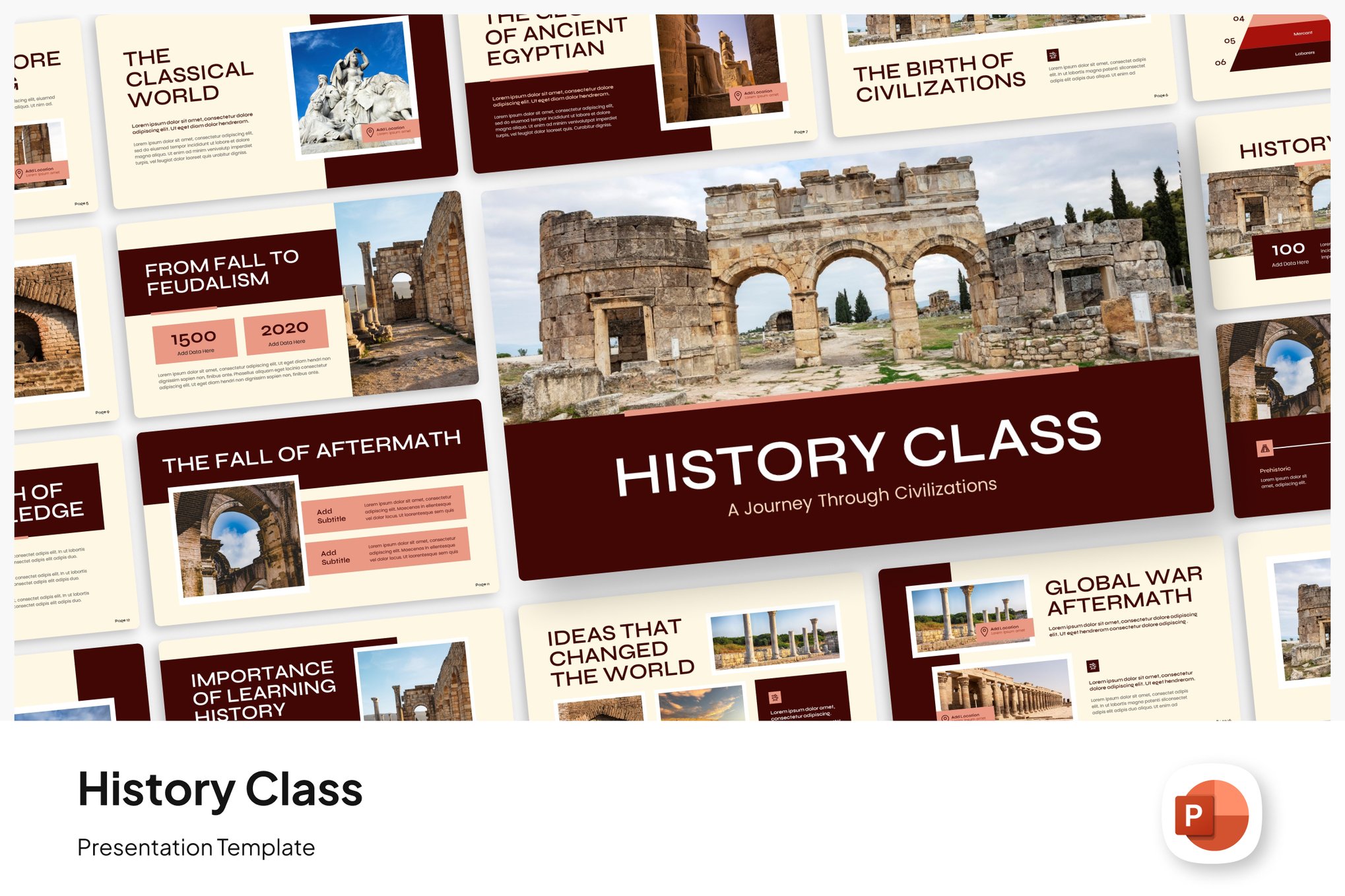
Furthermore, the integration of Master Slides—a feature common in high-quality templates—ensures that branding and design consistency remain stable across all 20 to 35 slides. This consistency is not just an aesthetic preference; it is a psychological tool that helps the audience stay focused on the narrative rather than the formatting.

Official Guidelines: 6 Rules for Historical Design
To maximize the impact of your presentation, consider these professional guidelines derived from expert design practices:
1. Match the Visual Style to the Era
If you are presenting on the Renaissance, your color palette might include rich, deep jewel tones and classic serif fonts like Bodoni or Garamond. If your topic is the Industrial Revolution, you might opt for colder, metallic tones and cleaner, more utilitarian typography.
2. Prioritize Authentic Imagery
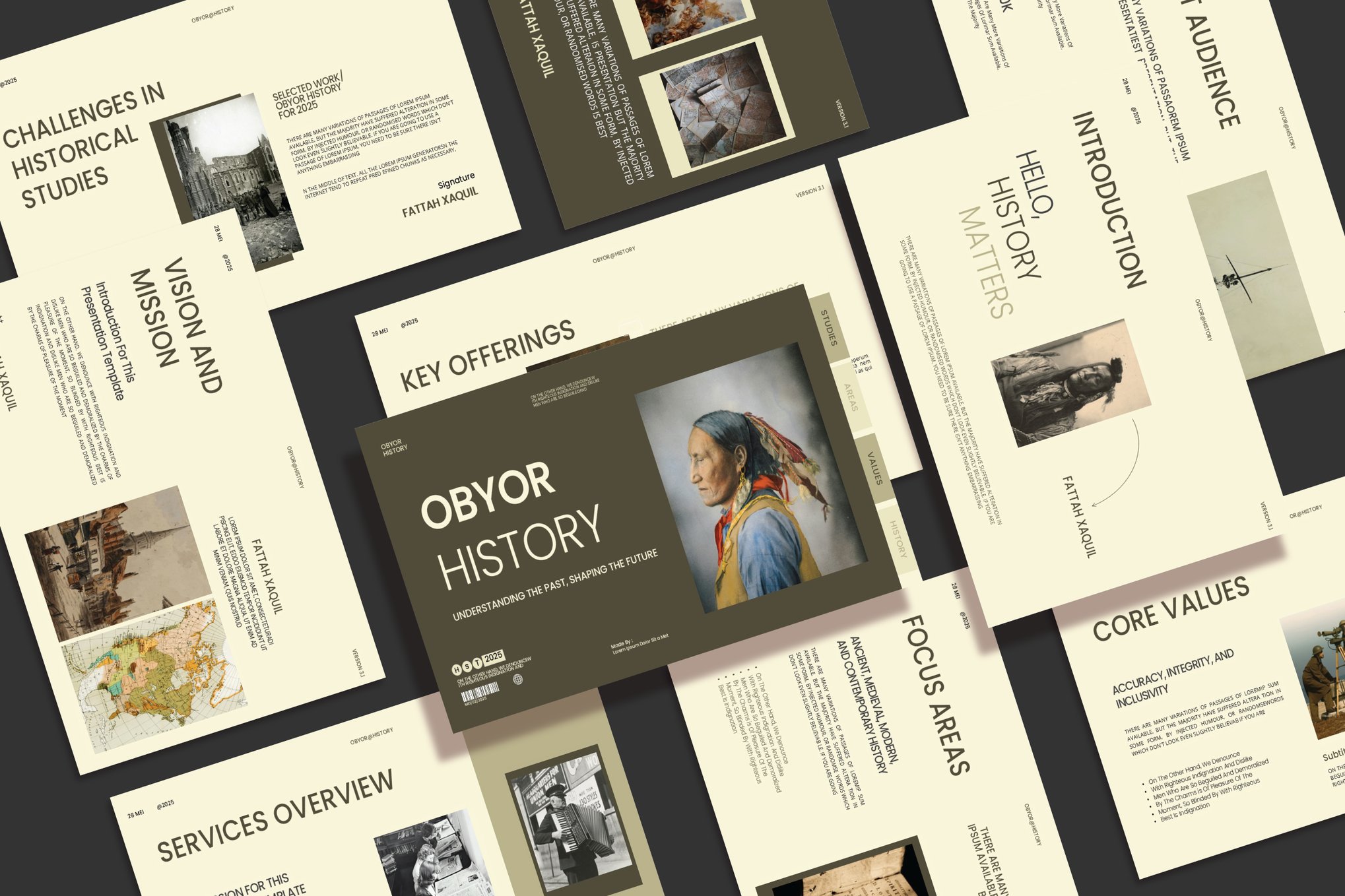
Stock photos of "generic ancient ruins" can be distracting if they don’t match the specific region or period. Whenever possible, use digitized archives, primary source paintings, or high-resolution maps from the period. Authenticity builds immediate credibility with your audience.
3. Emphasize Key Turning Points
Do not attempt to put every detail of a war or political movement on a single slide. Use the "Rule of Three"—highlight three major events or three primary drivers of change per slide. Leave the granular details for your verbal presentation or the "Notes" section.
4. Leverage the Power of Timelines
History is inherently chronological. Use your slide space to create a visual sequence. A horizontal flow is usually easiest for the human eye to process, allowing the audience to follow the progression of events linearly.
5. Typography as Tone
Headings set the mood, but body text must remain functional. Use decorative fonts sparingly for title slides and section breaks. For the main body text, ensure high contrast and readable sans-serif fonts to accommodate students or audience members at the back of a room.
6. The "Less is More" Philosophy
It is tempting to fill every corner of a slide with historical facts. Fight this urge. Use negative space (white space) to draw the eye toward the most important element on the slide, whether that is a quote from a historical figure or a map showing territorial changes.
Implications for Future Presentations
As we move toward more interactive and digital-first educational environments, the role of the presentation template continues to evolve. We are seeing a shift away from static bullet points toward "narrative architecture"—where each slide acts as a chapter in a larger story.
The templates highlighted in this guide are not just tools; they are foundational structures. By using them, you free up your mental energy to focus on the content—the stories of people, the lessons of failure, and the triumphs of human history—rather than the tedious work of formatting.
In conclusion, the next time you prepare to present a historical topic, remember that your audience is looking for more than just facts. They are looking for context, emotion, and clarity. By choosing a template that respects the gravity of your subject and following the design principles of consistency and focus, you can turn any lecture or presentation into a vivid, memorable journey through time. Whether you opt for a premium, feature-rich template or a reliable free design, the ultimate success of your presentation will rest on your ability to weave a narrative that makes the past feel immediate, relevant, and alive.


 Evan Lee Salim
 Rifan Muazin
 Asep Darmawan
 Nana Muazin
 Nila Kartika Wati
 Sagoh
Sagoh
 Raul Delapena Setiawan