
 Reynand Wu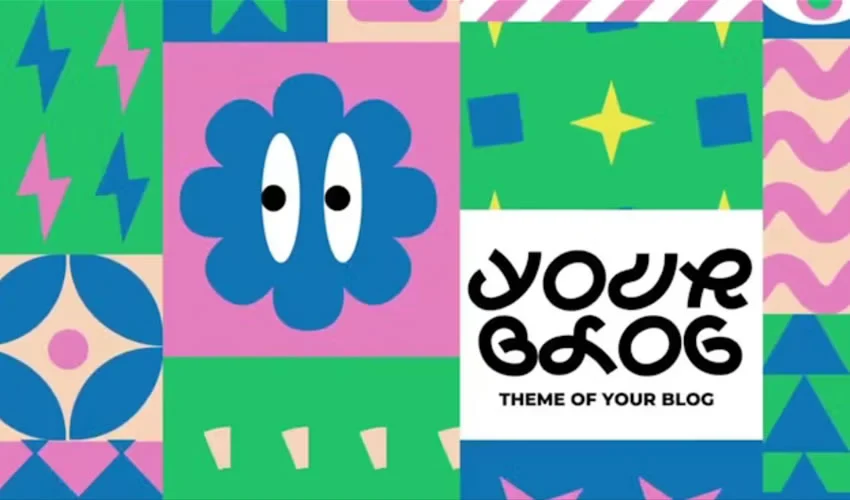
In the competitive world of motion design, Adobe After Effects stands as the industry standard for creating visual magic. However, the professional landscape is defined by tight deadlines and high expectations, making the practice of building every single animation from an empty composition an impractical luxury. This is where high-quality After Effects templates become indispensable. By providing the structural framework, complex technical timing, and intricate keyframe setups, templates allow designers to bypass the "grunt work" and focus on the creative refinements that define their unique brand voice.

Whether you are a freelance editor crafting a client’s promotional video or a studio artist working on a high-end commercial, templates serve as the ultimate foundation. This guide explores the essential categories of templates available today, how to select the best ones for your workflow, and the best practices for transforming generic assets into bespoke visual masterpieces.

The Strategic Role of Templates in Professional Workflows
Templates are not merely shortcuts; they are organizational tools. A well-constructed After Effects project file provides a roadmap for the editor. By standardizing the timing and technical architecture, these assets ensure that you can swap out footage, typography, and color palettes without breaking the underlying logic of the animation.

The current market offers a vast array of assets ranging from title sequences and logo reveals to complex slideshow galleries and lower thirds. However, the quality of these assets varies significantly. Professionals must learn to distinguish between "plug-and-play" files that are rigid and those that are modular, well-organized, and accompanied by thorough documentation.

Chronology and Evolution: From Static to Dynamic Design
The evolution of After Effects templates mirrors the shift in video consumption habits. A decade ago, template usage was largely confined to simple text reveals. Today, as social media platforms demand shorter, punchier, and more engaging content, the demand for sophisticated openers and kinetic typography has skyrocketed.

The "Chronology of a Project" has similarly evolved. Modern workflows now favor "modular" design. Instead of a linear, fixed-length animation, contemporary templates are often built using nested compositions that allow editors to extend or shorten sequences without distorting the motion curves. This shift has empowered creators to use the same template for a 15-second Instagram Story and a 60-second corporate presentation, marking a significant advancement in creative flexibility.

What to Look for in a High-Quality Template
Before you download or purchase a project file, you must perform a "technical audit." A polished video preview on a marketplace is an advertisement; the actual project file is a tool that must integrate into your system. Consider the following criteria:

- Version Compatibility: Ensure the template is compatible with your version of After Effects. Older templates may rely on legacy effects that are no longer optimized or may be missing the "Essential Graphics" panel support found in recent updates.
- Documentation: A professional template should include a "Read Me" file or a video tutorial. If the creator hasn’t documented the layers, you risk wasting hours deciphering complex expression-driven rigs.
- Plugin Dependencies: Check if the template requires third-party plugins (e.g., Trapcode Particular or Optical Flares). While these plugins offer superior visuals, they add cost and render-time complexity. Aim for native After Effects setups unless you specifically require the features of a plugin.
- Customization Controls: The best templates use "Control Layers" or "Essential Graphics" controllers that allow you to change the entire color scheme or font style of the project in one place, rather than digging through fifty individual layers.
Categorizing the Creative Essentials
1. Title Sequences and Kinetic Typography
Typography is the visual soul of your video. A title sequence isn’t just text on a screen; it’s an emotional anchor. Templates like the Funny Shapes pack for playful projects or the 2001 Space Odyssey recreation for high-concept, cinematic branding offer a starting point. By adjusting the tracking, kerning, and easing of the keyframes, you can make a standard title feel like a custom-designed sequence.

2. Logo Reveals
A logo reveal is a brand’s handshake. It needs to be brief, impactful, and consistent with the company’s identity. From tech-forward "Orbital HUD" reveals to clean, high-energy animations, these templates handle the complex masking and motion blur that usually takes hours to master.

3. Slideshows and Galleries
Slideshows are the backbone of event videography and portfolio showcases. The trick to a successful gallery is avoiding the "PowerPoint look." Templates that utilize parallax scrolling, telescopic zoom effects, or dynamic film strip layouts add a cinematic depth that makes static photographs feel alive.

4. Openers and Intros
An opener must establish the pace within seconds. Whether you are creating a YouTube intro or a corporate news-style opener, these templates provide the "rhythm" for your video. They act as the container for your narrative, setting the stage for what is to come.

5. Lower Thirds and Information Graphics
Lower thirds are the unsung heroes of professional broadcast. They must provide information (names, titles, locations) without obstructing the subject. Modern templates now emphasize "Adaptive Text Boxes," which automatically resize the background shape as you change the text length, saving immense amounts of time.

Implications of Using Templates: The "Foundation vs. Finish" Rule
The most common mistake novice editors make is using a template exactly as it comes out of the box. The implication of this is a "cookie-cutter" look that makes your work indistinguishable from thousands of others.

The golden rule is this: Treat a template as a foundation, not a finished design.

To elevate your work, you must apply the following modifications:

- Re-Time the Animation: Even a slight adjustment to the speed of a transition can change the "mood" of an animation from frantic to elegant.
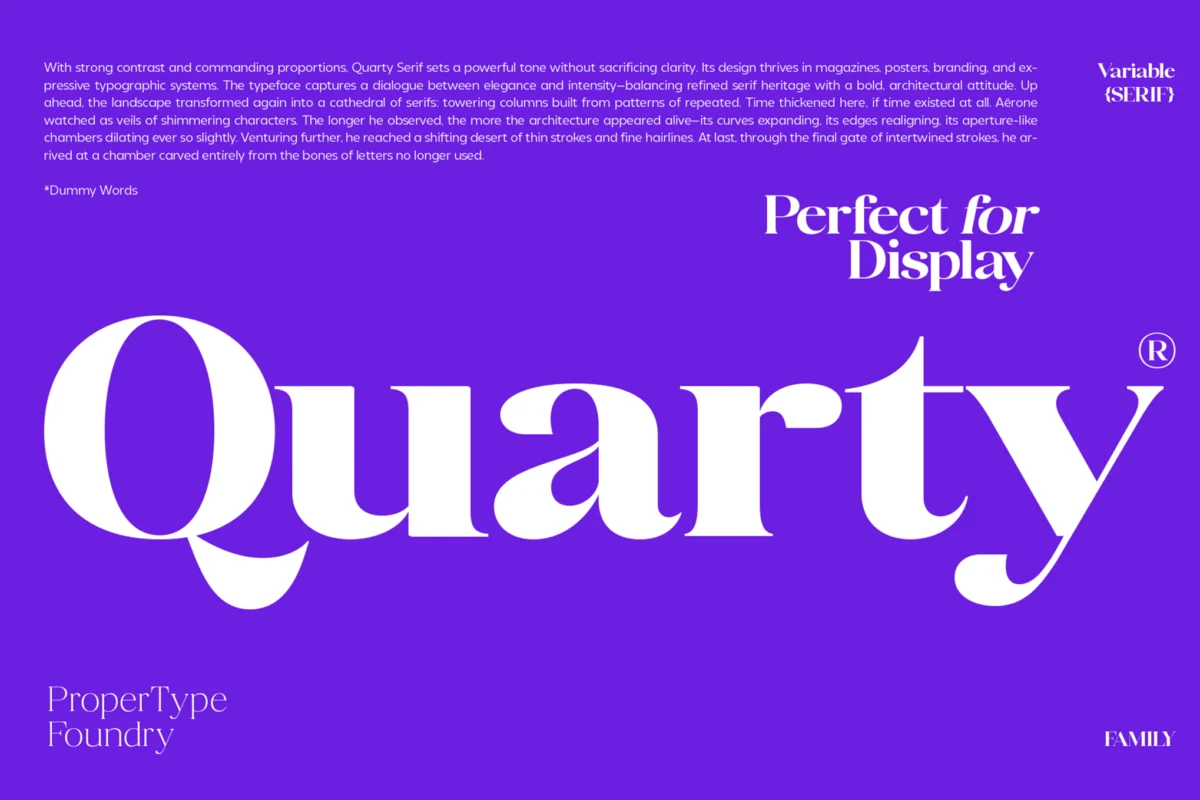
- Typography Overhaul: Never stick with the default font of a template. Choosing a typeface that matches your brand’s personality is the single most effective way to make the design yours.
- Color Grading: Use the template’s color controllers to align the project with your specific brand identity or color palette.
- Custom Sound Design: A template is only half the experience. The other half is audio. Adding custom sound effects (swooshes, clicks, ambient hums) that correspond to the motion will make the animation feel significantly more "expensive."
Performance Optimization for Complex Projects
After Effects is notoriously resource-heavy. When working with templates that feature 4K resolutions, complex 3D layers, and numerous nested compositions, performance can crawl.

- Cache Management: Regularly clear your disk cache to prevent drive clutter.
- Proxy Workflows: If the template includes high-resolution stock footage, create proxies for your editing phase to ensure smooth playback in the timeline.
- Resolution Toggling: Set your composition preview to "Half" or "Third" resolution while working on keyframe timing to keep the interface responsive.
- Nested Comps: If you find the project file overwhelming, identify the "Master" composition and focus your edits there, rather than opening every nested layer unnecessarily.
Final Thoughts: The Professional’s Mindset
The goal of using a template is to free your mind for higher-level creative thinking. When you aren’t stressing over the math of a bounce expression or the alignment of a mask path, you are free to think about the story, the flow, and the impact of the final piece.

Ultimately, a template is a tool for efficiency. The most successful designers are those who use these tools to build a baseline of professional quality, then layer their own artistic vision on top. Whether you are using a free Swirling Letters title pack or a premium 4K slideshow, remember that the template is the canvas, but you are the artist. Keep an untouched copy of the original file, experiment with bold changes, and always ensure that the motion serves the story—not the other way around. By balancing the speed of templates with the precision of custom design, you can produce work that is not only fast to build but truly memorable to watch.

 Sagoh
Sagoh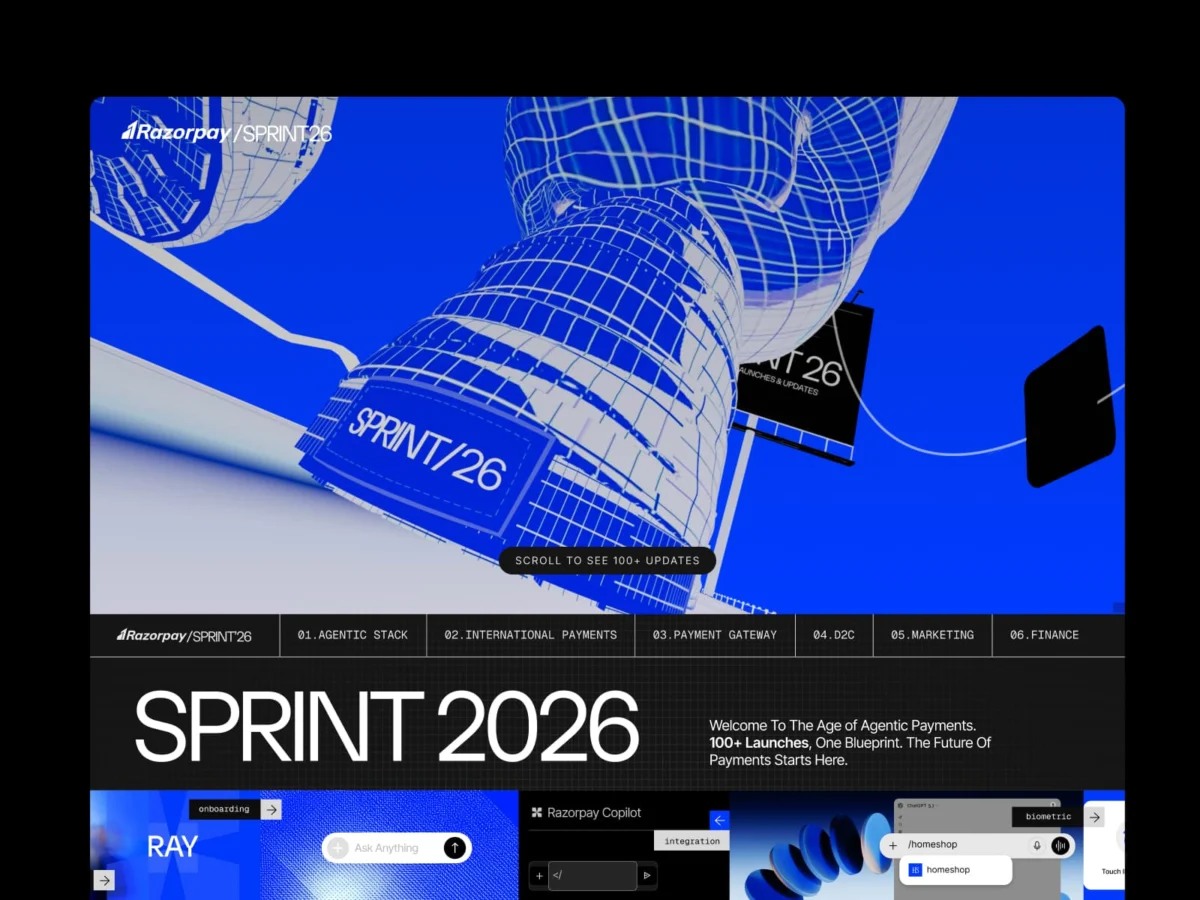
 Nana Muazin
 Nila Kartika Wati
 Jia Lissa
 Basiran


 Lina Hope