
 Layla Zulfa
Choosing a laptop for university should be a straightforward transaction. In an ideal world, you would assess a few key specifications, select a color that doesn’t offend your aesthetic sensibilities, and move on with your academic career. Instead, most students find themselves trapped in a cycle of "doom-scrolling" through technical jargon—chip names that sound like Cold War-era fighter jets and display specifications that read like ancient, indecipherable runes.
The current market is saturated with high-performance hardware, yet the prevailing advice from influencers and retailers often leans toward the excessive. Many students are pushed toward expensive, workstation-class GPUs they will never fully utilize, simply "just in case." However, the reality of academic success is more nuanced. Your major—your core field of study—is the primary determinant of the hardware you require. Not trends, not marketing hype, and certainly not the "overkill" specifications suggested by social media algorithms.
This guide serves to cut through the noise, providing a roadmap for students across various disciplines to select a machine that balances performance, portability, and fiscal responsibility.
Main Facts: Aligning Hardware with Academic Requirements
The fundamental mistake most students make is assuming that "more expensive" equates to "better for my studies." A laptop is a tool, and like any specialized instrument, its utility is defined by its application.
For the vast majority of university students, the primary bottlenecks are not raw graphical processing power, but rather system responsiveness, battery longevity, and screen real estate. Whether you are navigating a seminar room, conducting research in a library, or managing complex datasets in a lab, your machine must be reliable.
Key considerations for every student should include:
- Portability: You will be carrying this device across campus. Weight matters.
- Battery Life: Power outlets are a luxury in many lecture halls.
- Build Quality: A university laptop must survive the rigors of a backpack and the occasional accidental bump.
- Operating System Compatibility: Ensure your machine supports the specific software required by your department.
Chronology: The Evolution of the Student Laptop
The trajectory of student computing has shifted dramatically over the last two decades. In the early 2000s, students were tethered to heavy, beige "desktop replacements" that required a power cable within an hour of use. As the 2010s progressed, the rise of the Ultrabook—spearheaded by Intel’s push for thin-and-light form factors—changed the game, emphasizing mobility.
By 2020, the global shift toward hybrid and remote learning solidified the laptop as the singular most important piece of academic infrastructure. The industry responded with a massive jump in performance-per-watt, particularly with the introduction of Apple’s M-series chips and the refinement of Intel’s EVO platform. Today, we are in an era where an entry-level laptop often possesses more computing power than a high-end workstation from ten years ago.
Supporting Data: Decoding the Specs
To understand what you need, you must understand the components:
1. The Processor (CPU)
Think of the CPU as the brain. For general tasks, an Intel Core i5 or Apple M-series (base model) is more than sufficient. You only move to an i7, i9, or "Pro/Max" chip if you are engaging in heavy computational tasks like compiling code, rendering 3D models, or high-bitrate video editing.
2. Memory (RAM)
RAM is your short-term memory. 8GB is the bare minimum for light document work, but in the modern era, 16GB is the "sweet spot" for almost every student. It prevents system stuttering when you have 40 browser tabs open, a PDF reader active, and a word processor running simultaneously.
3. Storage
Cloud storage (Google Drive, OneDrive) is ubiquitous, but local storage matters for large creative files. 256GB is acceptable for humanities students; 512GB or 1TB is highly recommended for design and engineering students.
H2: Humanities: The Essay Machines
If your academic life revolves around English, Journalism, History, or Political Science, you are essentially an "essay machine." Your work involves intensive reading, research, and writing. You do not need a machine capable of ray-tracing or complex physics simulations.
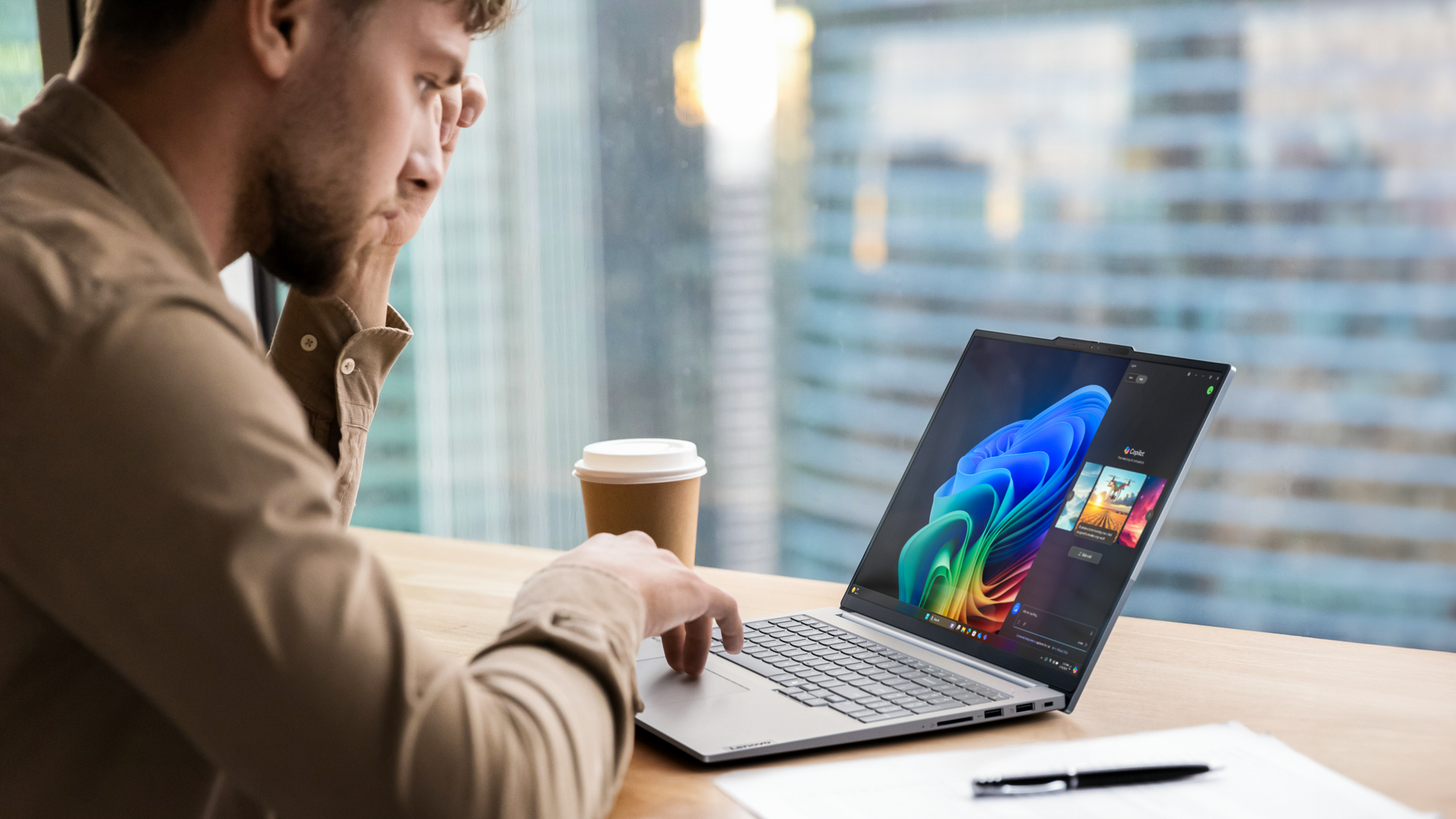
The Strategy: Prioritize keyboard quality and screen comfort. Look for an Intel i5 or Apple A/M-series chip, 8GB to 16GB of RAM, and a reliable SSD. The money you save by avoiding unnecessary graphical power is better spent on high-quality noise-canceling headphones, which are arguably more essential for a humanities student working in a bustling library.
H3: Computer Science: The RAM Paradox
Computer Science students often fall into the trap of underestimating their hardware needs. You might think you only need to run a text editor, but eventually, you will need to host a virtual machine, run a containerized environment (Docker), or compile large software projects.
The Strategy: If you think you need 16GB of RAM, buy 32GB. If you think you need 16GB, get 16GB at the absolute minimum. Processor speed is secondary to memory capacity here. A machine that cannot handle concurrent processes will lead to "compilation frustration"—a very real barrier to academic progress.
H3: 2D Design: The Color Purists
For Graphic Designers, Illustrators, and Photographers, the laptop is a portable studio. While raw CPU power is helpful, color accuracy is non-negotiable.
The Strategy: Focus on the display. You need a panel that offers 100% DCI-P3 coverage (or as close to it as possible). IPS or OLED screens are preferred. Furthermore, ensure you have enough storage for your "final_final_v3.psd" files. External hard drives are fine, but an internal 512GB+ SSD is the baseline for efficiency.
H3: Video and 3D: The Heavy Lifters
This is the only category where the "workstation" advice is valid. If you are rendering 4K video or working with complex 3D meshes, your machine is your engine.
The Strategy: You need a dedicated GPU (NVIDIA RTX series) or high-end integrated graphics (Apple M-series Pro/Max/Ultra). These machines are heavier and more expensive, but they are essential. Do not skimp on the thermal management—if your laptop throttles (slows down) because it overheats during a render, you lose hours of productivity.
Official Responses and Industry Trends
Technology manufacturers are increasingly segmenting their product lines to match these user profiles. Apple’s "MacBook Air" vs. "MacBook Pro" distinction is the clearest example of this strategy, intentionally designed to separate the casual writer from the creative professional. Similarly, Intel’s "Evo" branding serves as a seal of quality for students, guaranteeing that a machine meets specific requirements for battery life, instant wake, and connectivity.
Academic institutions have also begun providing "Minimum Recommended Specs" on their department websites. It is a critical, yet often overlooked, step for students to consult these pages. Some engineering departments, for instance, may require specific software (like AutoCAD or MATLAB) that runs exclusively on Windows, effectively making the choice for the student.
Implications: The Long-Term View
Choosing the right laptop has implications that extend far beyond the next semester. A well-chosen machine can last four or even five years, covering the duration of an undergraduate degree and potentially the first year of professional life. Conversely, choosing a machine that is underpowered for your major leads to a "death by a thousand cuts"—constant lag, frustration, and the inevitable need to replace the device prematurely.
By aligning your hardware choice with the specific demands of your curriculum, you are investing in your own productivity. You are ensuring that when the deadline looms at 2:00 AM, your machine will be an ally, not an obstacle.
Final Advice: Ignore the influencers. Ignore the "future-proofing" sales pitches that encourage you to buy hardware meant for professional animators when you are studying History. Buy for the major you have, not the imaginary high-performance workload you think you might need. Your bank account, and your future self, will thank you.

 Lina Irawan

 Ammar Sabilarrohman
 Nana Wu
 Suro Senen
 Jia Lissa