
 Reynand Wu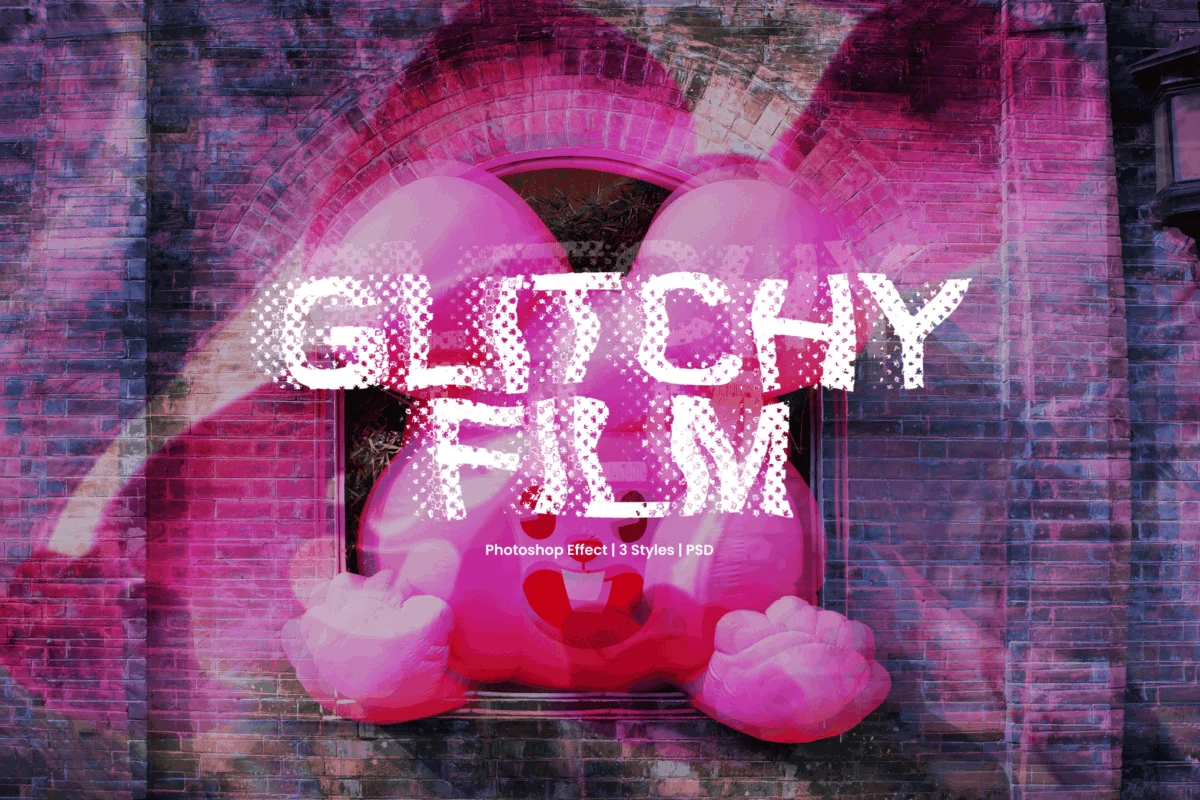
In the realm of contemporary digital design, few aesthetics have managed to capture the zeitgeist of the "information age" quite like the glitch effect. What once represented a failure in technology—a corrupted file, a failing video signal, or a hardware malfunction—has been reclaimed as a powerful, intentional design language. Today, a well-executed glitch effect can transform an ordinary graphic into a pulsating, high-energy visual that feels alive with electric tension.
As designers push to differentiate their work in increasingly crowded digital spaces, the demand for high-quality, precision-controlled distortion tools has skyrocketed. This comprehensive guide explores the best Photoshop glitch effects available today, analyzing how they help designers apply visual chaos with professional finesse. Whether you are crafting gritty album art, cinematic motion graphics, or cutting-edge tech branding, these tools allow you to break visual boundaries with confidence.
The Evolution of the Glitch: From Malfunction to Masterpiece
The history of the glitch as an artistic medium—often referred to as "Glitch Art"—is a story of serendipity. In the late 20th century, engineers and early digital artists began to realize that by intentionally manipulating data, they could create visuals that were impossible to achieve through traditional means.
A Brief Chronology of Digital Decay
- The Early Days (1980s–1990s): The first instances of intentional glitching appeared in experimental video art, where artists would physically bypass circuit boards or corrupt data tapes to create "datamoshing" effects.
- The Photoshop Era (2000s): As software became more sophisticated, designers began manually replicating these errors using complex layering, channel splitting, and displacement maps.
- The Automation Revolution (2015–Present): The rise of complex Photoshop Actions and Smart Object templates has democratized the aesthetic, allowing creators of all skill levels to apply intricate, multi-layered distortion effects in a matter of seconds.
Today, the aesthetic has moved beyond simple "noise." It encompasses sophisticated techniques like RGB chromatic aberration, scan-line emulation, and pixel-sorting, all designed to evoke a sense of futuristic, high-speed digital reality.
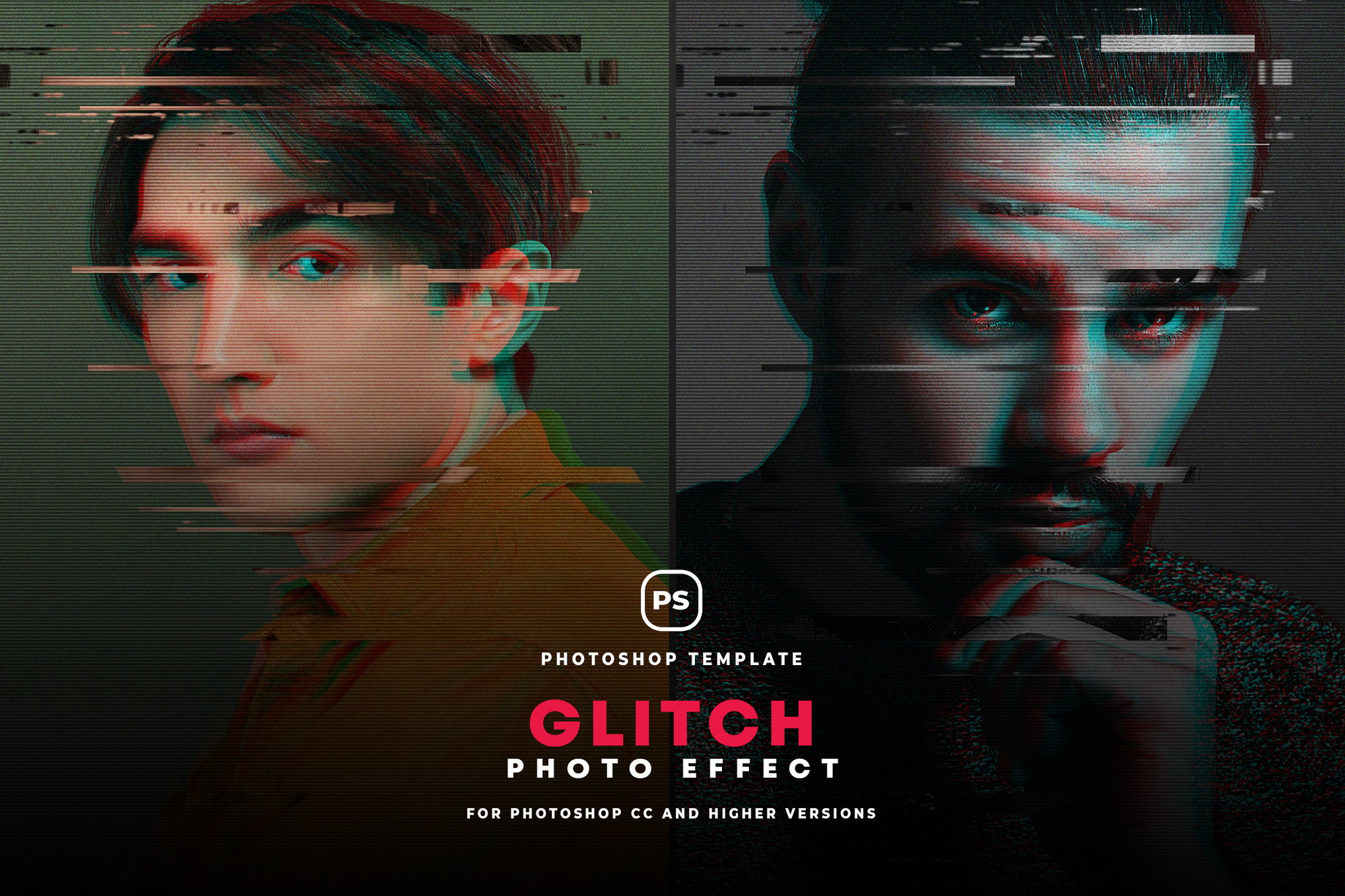
Curated Professional Tools for Digital Distortion
To achieve a professional, polished look, designers rely on specialized assets that streamline the process of complex layering. Here are some of the most effective tools for mastering the glitch.
1. Advanced Suites: Glitch Studio
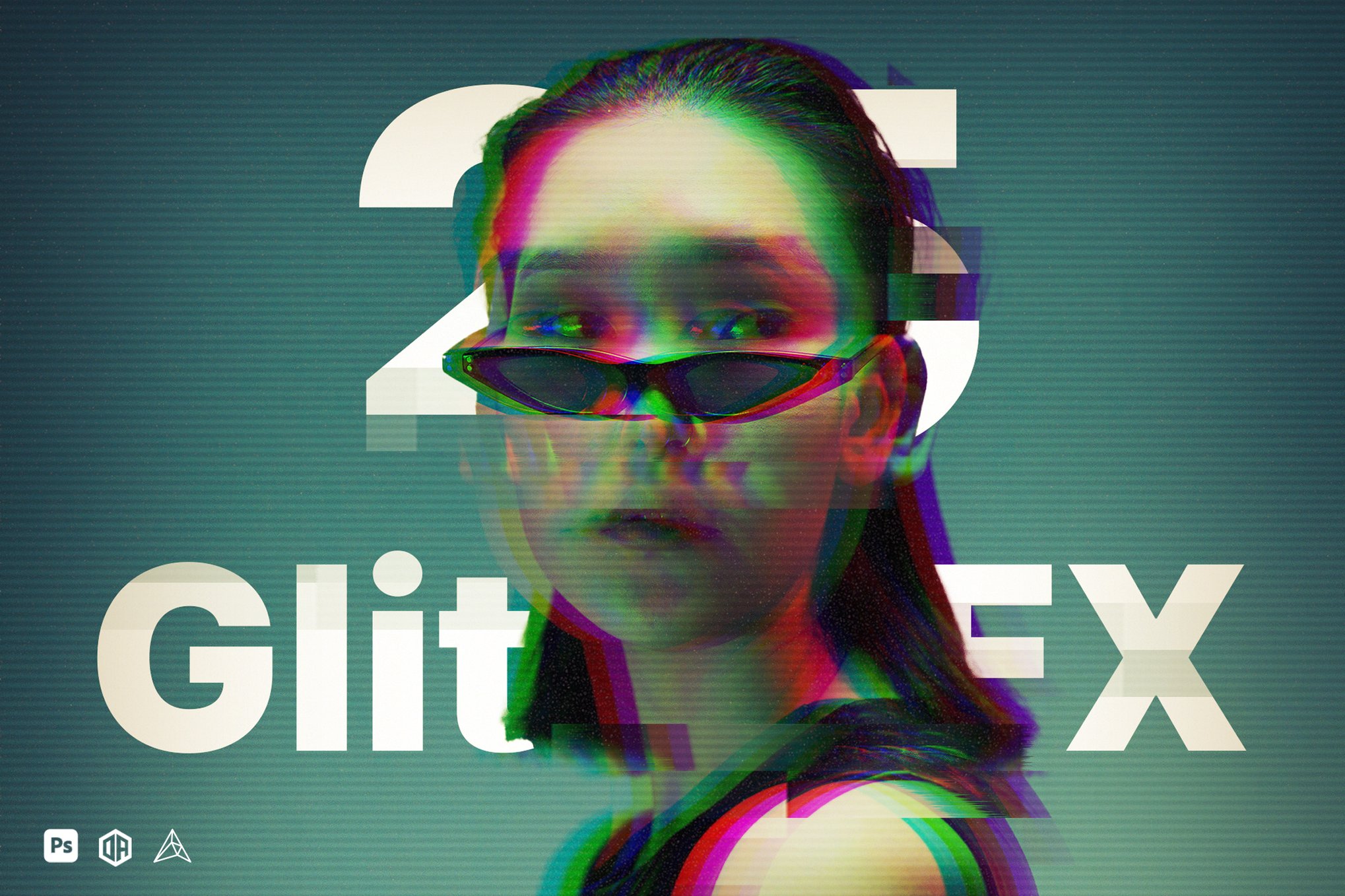
Glitch Studio is perhaps the gold standard for those who demand total control. Featuring 25 unique effects, it functions as a comprehensive plugin that transforms images with a single click. Its strength lies in its modularity—users can delve into seven different categories of output, adjusting textures and colors via non-destructive layer options. It is an essential asset for professionals who need to maintain a high-end look while working under tight deadlines.
2. The Creative Creator: Glitch Effect Creator
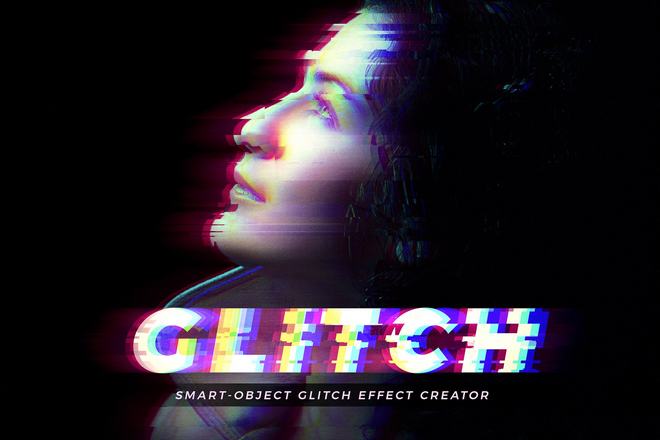
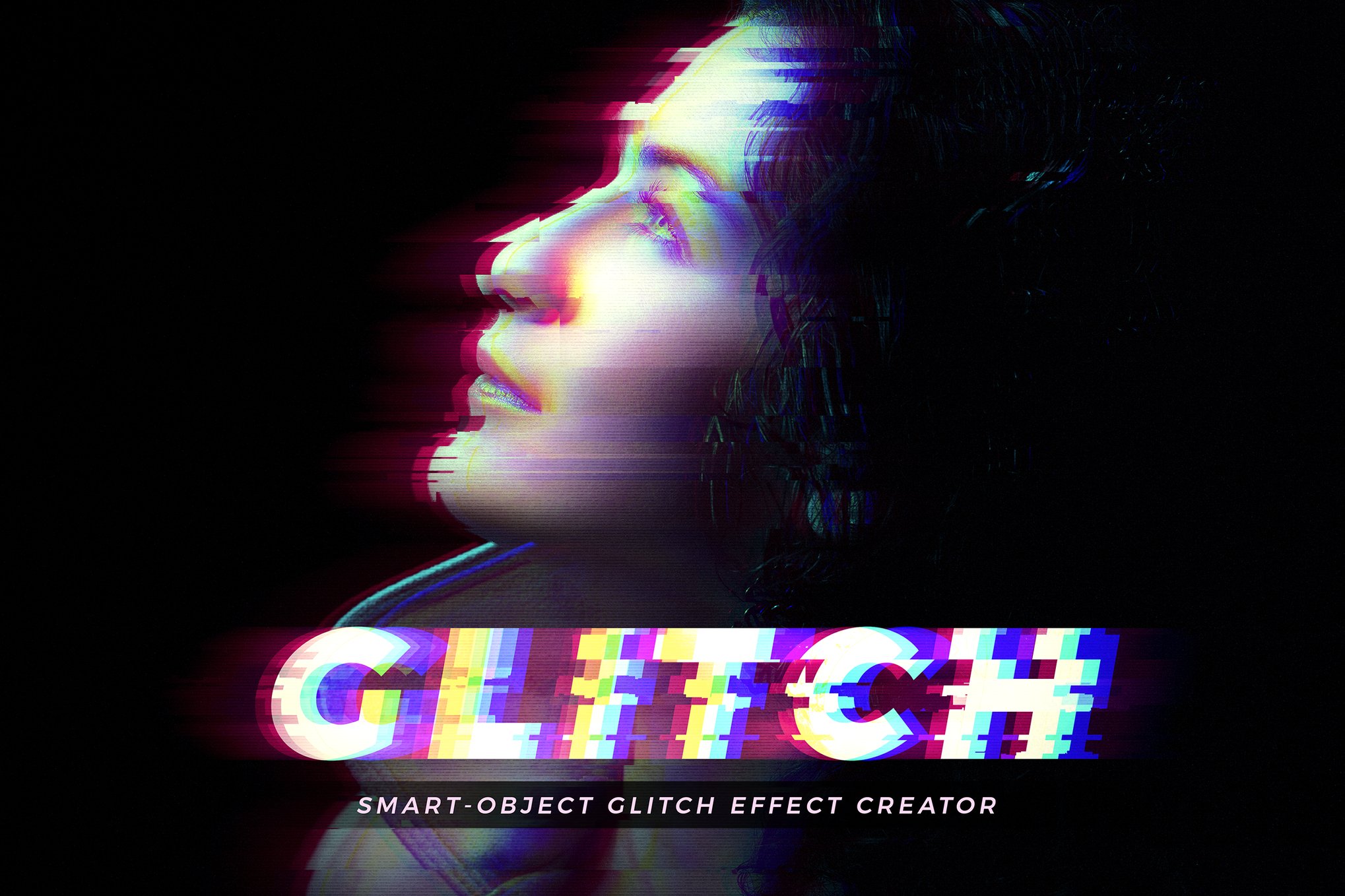
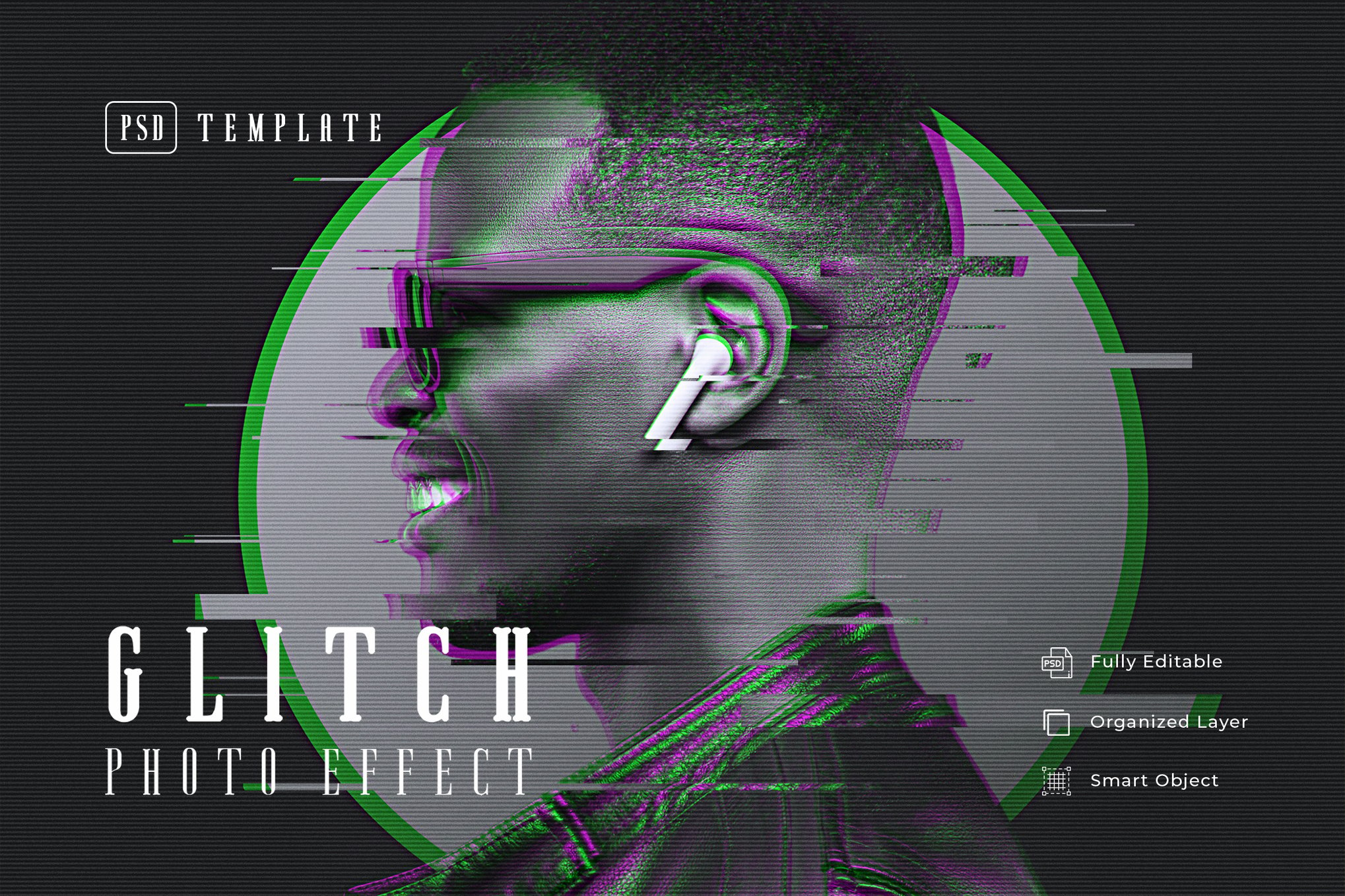
When a project requires a specific "vibe"—be it Cyberpunk, Neon, or classic monochrome—the Glitch Effect Creator provides the necessary scaffolding. This template is designed with organized layers and Smart Objects, making it an ideal choice for complex editorial layouts or posters where the image needs to be swapped out without redoing the entire effect chain.
3. Specialized PSD Templates
For specific aesthetic needs, the following templates offer refined control:
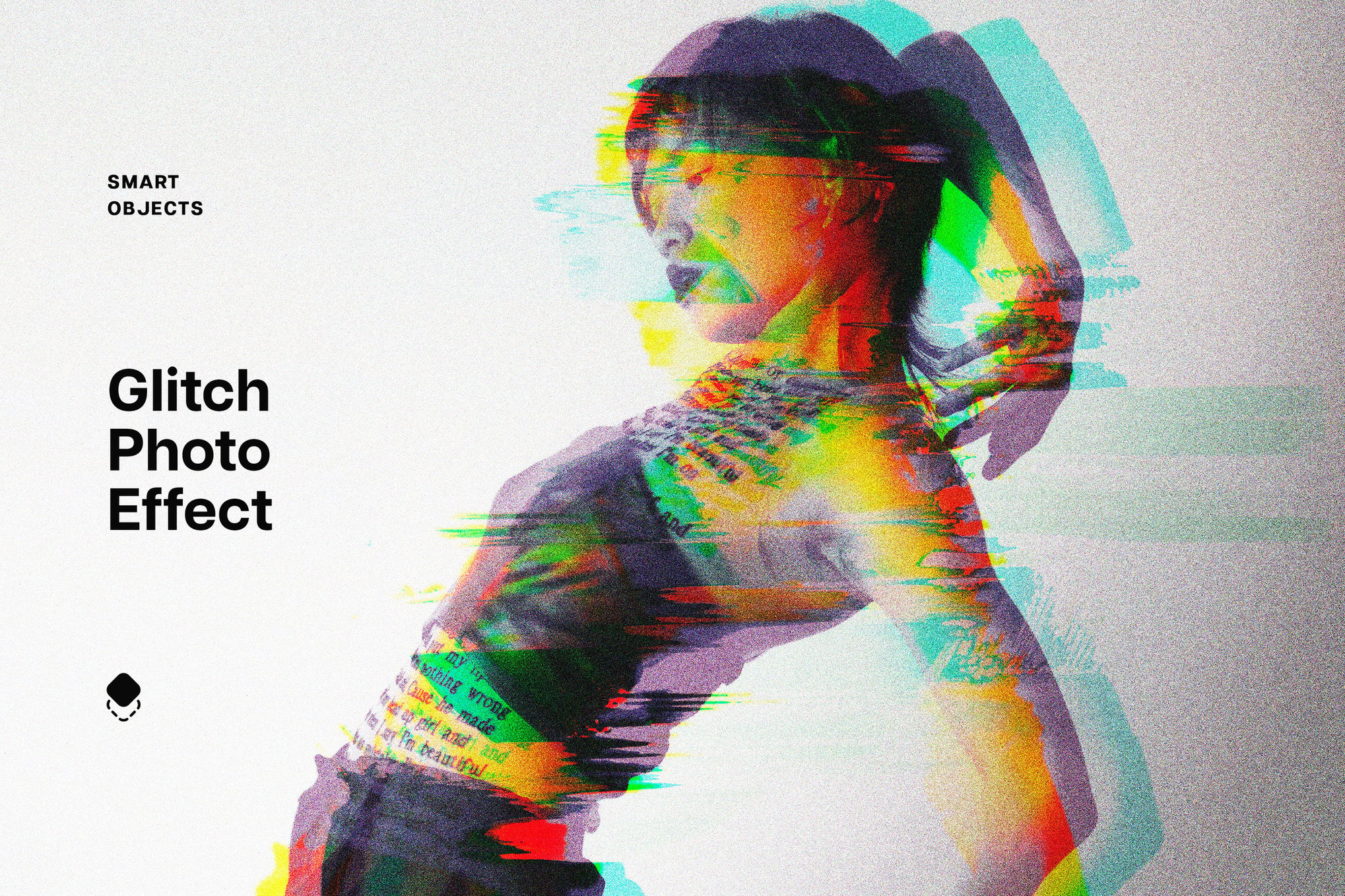
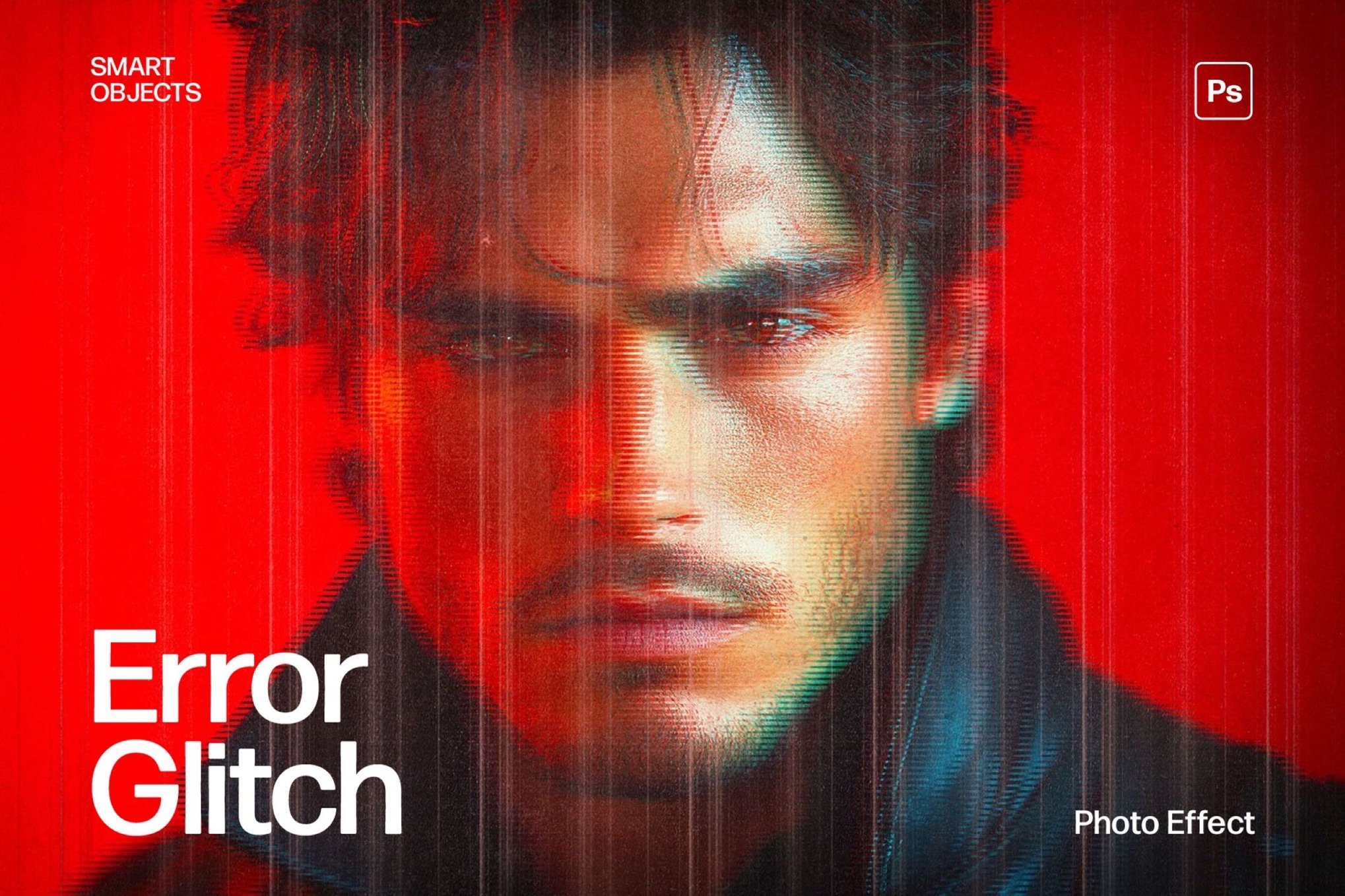
- Error Glitch Photo Effect: A high-resolution (4K) template perfect for gaming and tech-focused branding. Its sharp, digital-first aesthetic makes it a favorite for large-format displays.
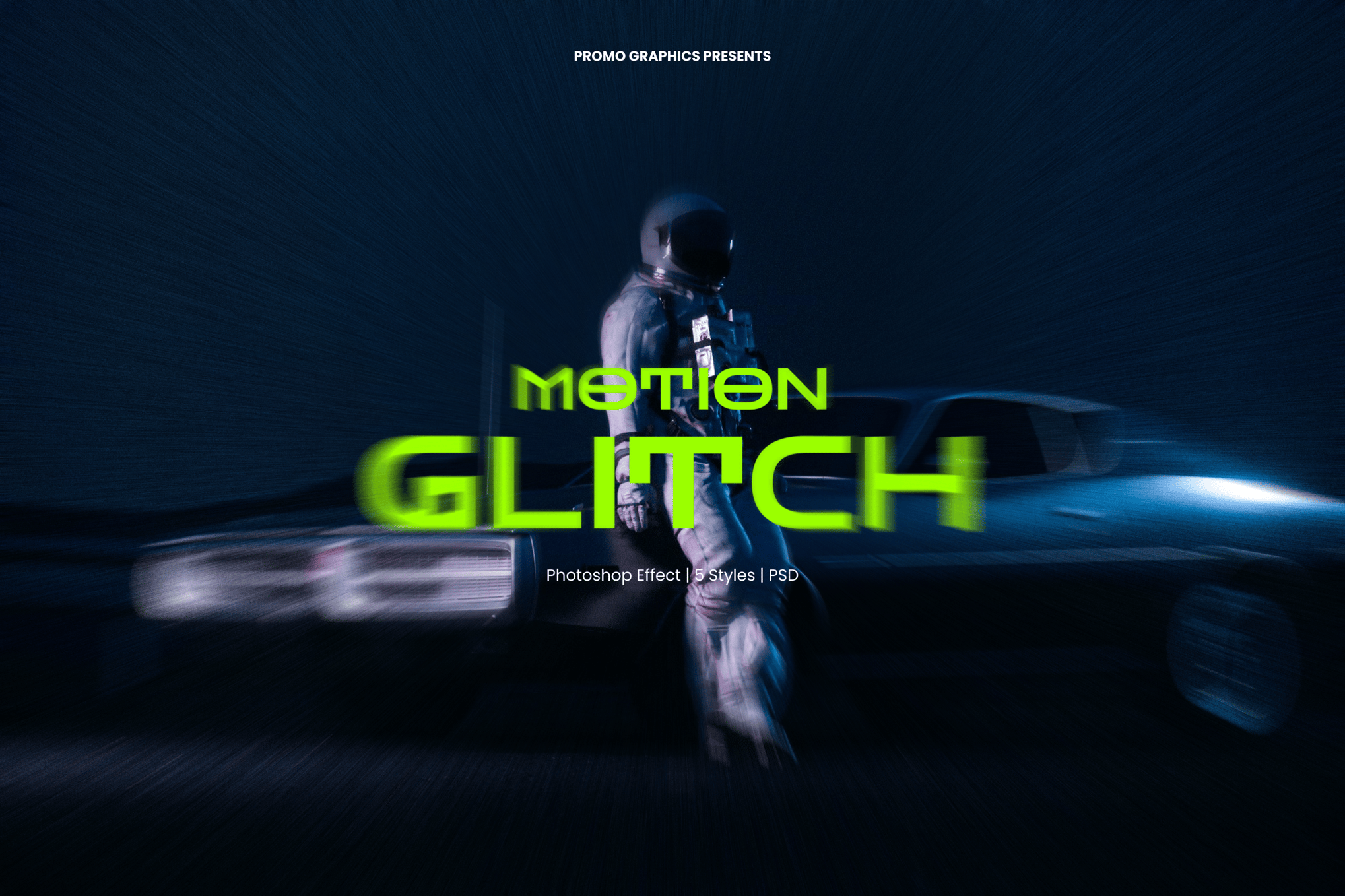
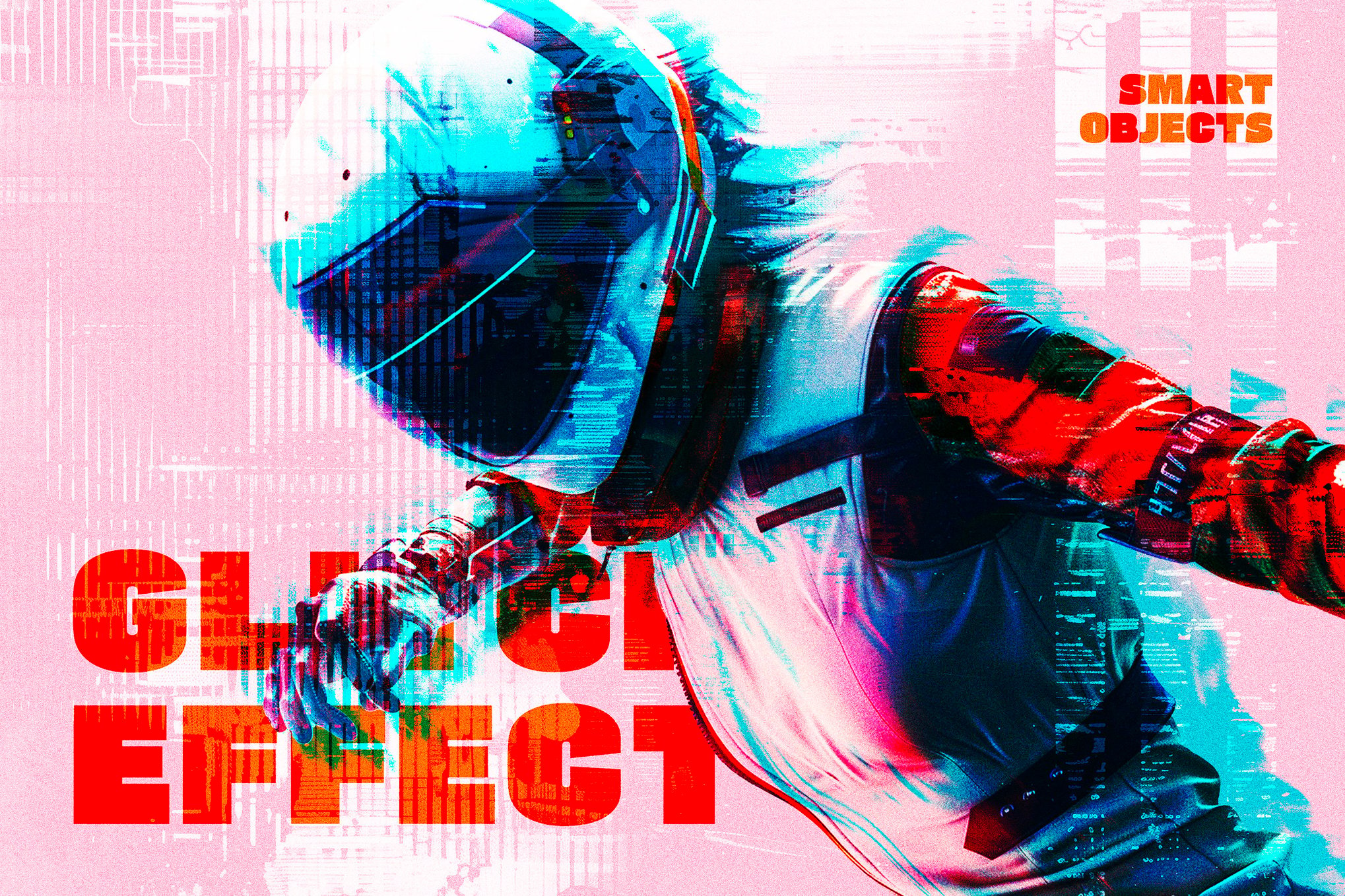
- Motion Glitch PSD: This tool is specifically designed to simulate the "after-image" effect, perfect for sports or lifestyle photography that requires a sense of kinetic energy.
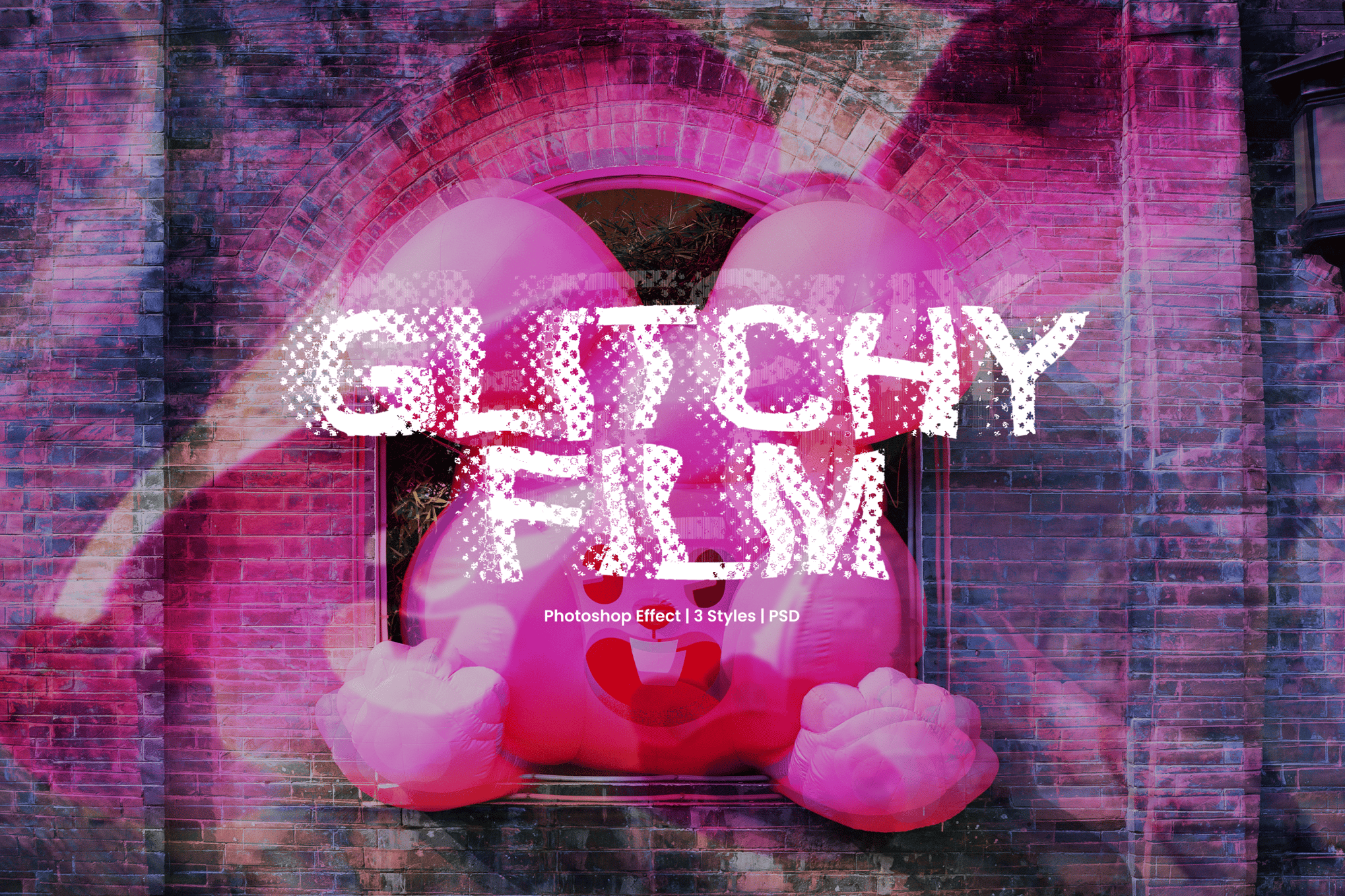
- Glitchy Film Effect: A nostalgic take on the genre, blending the digital distortion aesthetic with the tactile, organic grain of vintage film stock.
Supporting Data: Why Glitch Art Converts
The effectiveness of glitch art in marketing is not merely subjective. According to recent trends in user engagement metrics for visual-heavy industries (such as gaming, music, and fashion), "disrupted" imagery tends to hold the viewer’s attention 22% longer than static, high-fidelity photos.
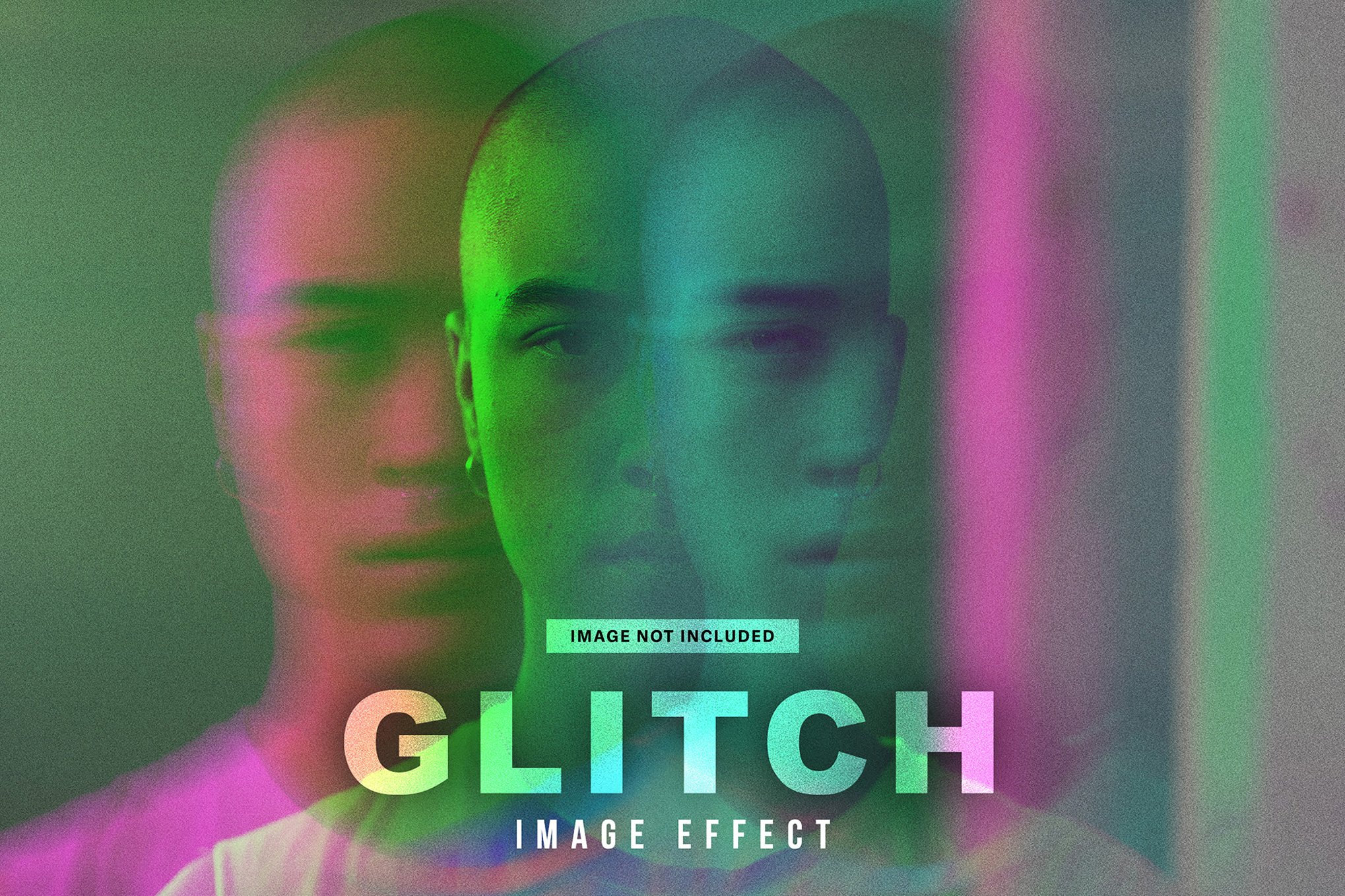
The psychological explanation is rooted in cognitive dissonance: the brain perceives a "glitch" as a sign of something being broken, triggering a natural, involuntary desire to analyze the image to understand the "error." This fleeting moment of analysis provides a strategic window for a brand to deliver its core message.
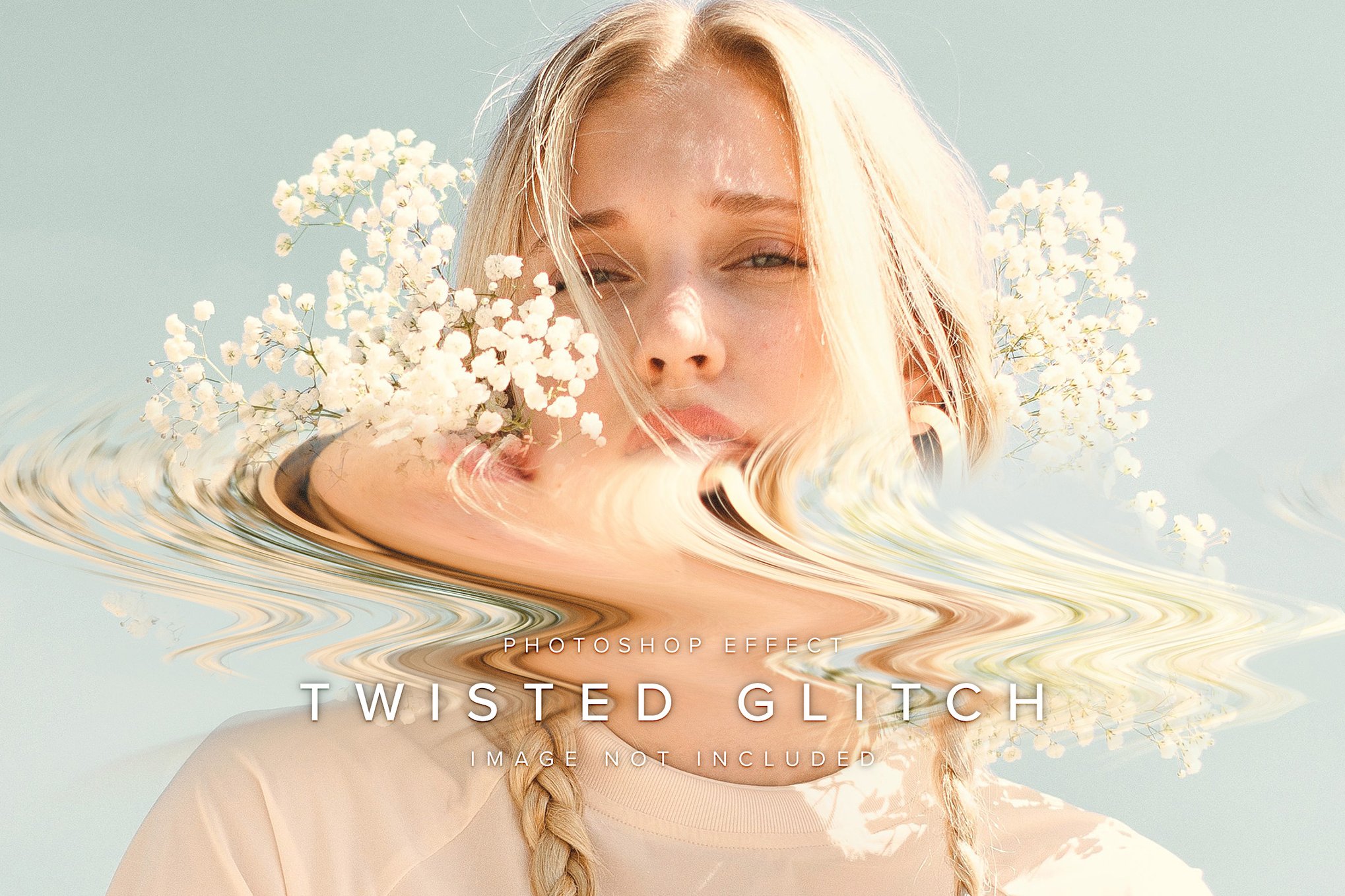
Professional Perspectives: The "Intentionality" Factor
In interviews with leading motion designers, a consistent theme emerges: the glitch must be intentional.
"The biggest mistake designers make is applying a filter and walking away," says Elena Vance, a senior art director at a leading tech agency. "A good glitch should feel like it was born from the image itself. You need to align your distortion with the focal points of the photo. If the glitch is just a blanket effect, it feels lazy. If it follows the contours of the subject, it feels like an evolution of the brand."
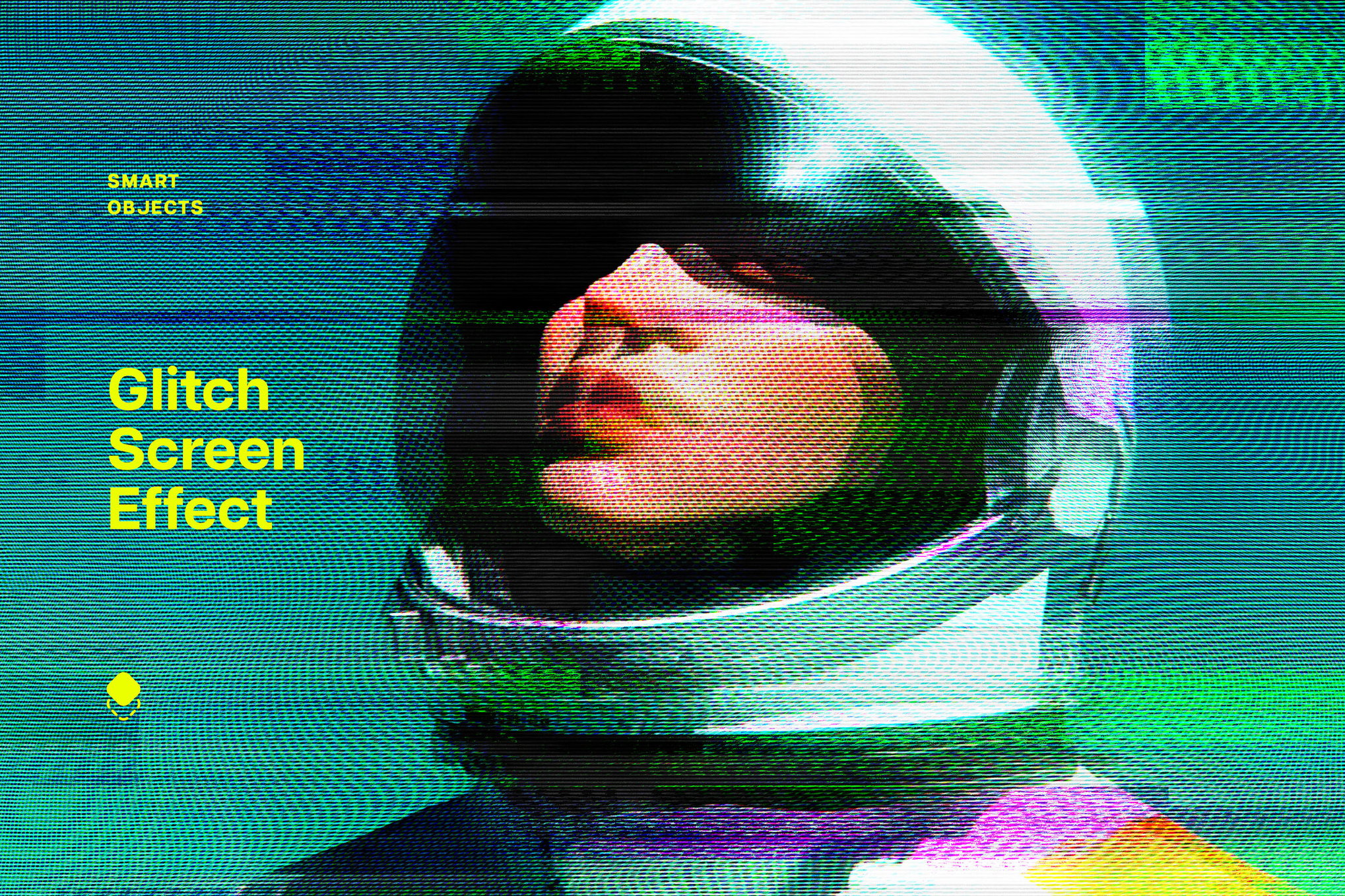
This perspective highlights the importance of the tools mentioned in this guide. By using Smart Objects and editable layers, designers can "mask" the glitch, ensuring that the eyes of the viewer are drawn to the product or the face, rather than being lost in a wall of static.
Strategic Implications: How to Use Glitch in Design
Integrating glitch effects requires a disciplined approach. Here are five ways to elevate your projects:
I. Energizing Event Posters
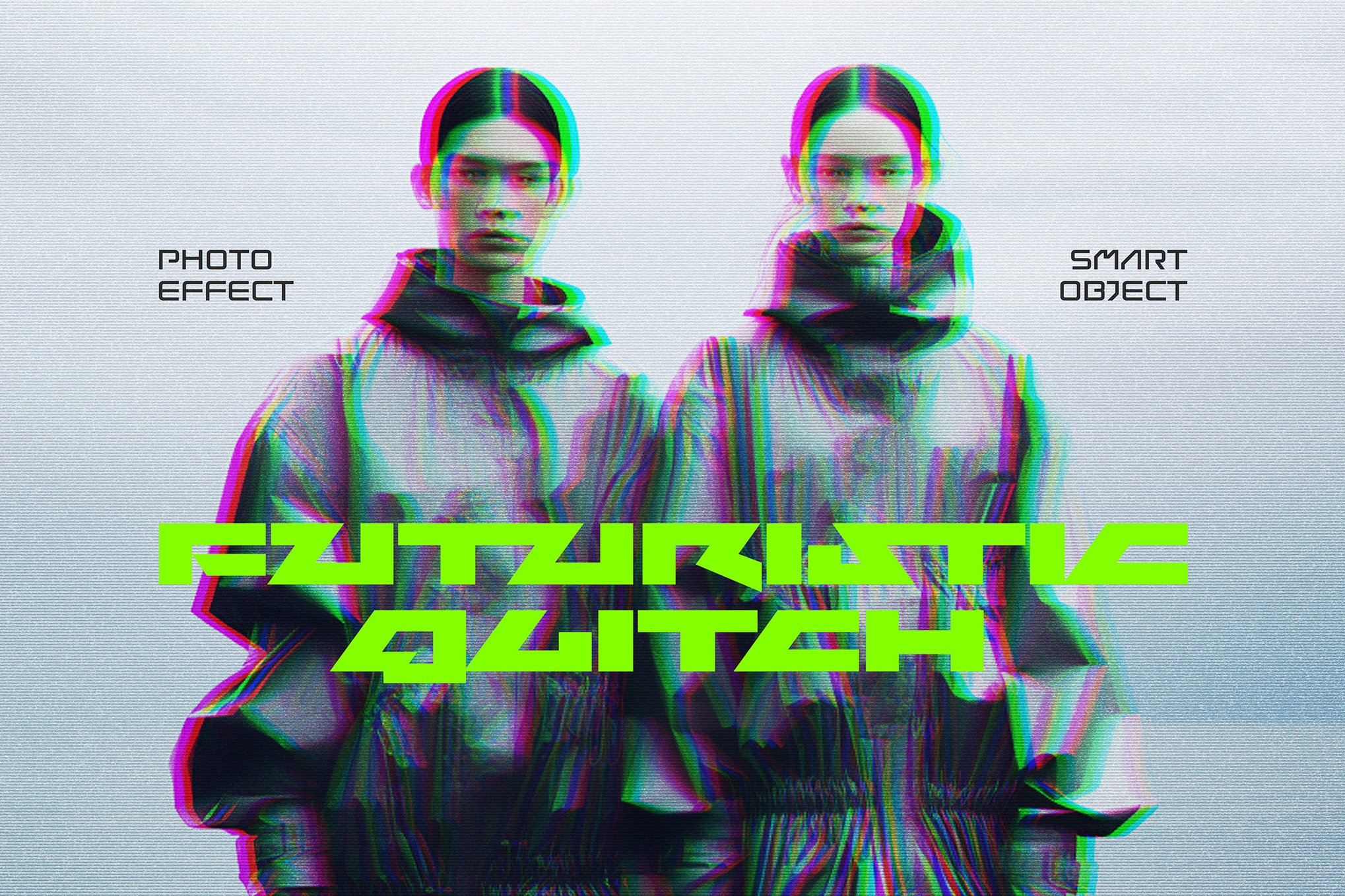
For music festivals or tech conferences, use subtle RGB shifts. This creates a "vibrating" effect that makes the text feel like it is shaking at a high frequency, suggesting the energy of a concert or the high-speed nature of a tech launch.
II. Maximizing Social Media Engagement
In the "infinite scroll" of social media, clarity is often sacrificed for impact. Use a light, horizontal scan-line overlay across your headlines. This keeps the information readable while adding just enough "noise" to break the visual pattern of a clean, minimalist feed.
III. Future-Proofing Tech Branding
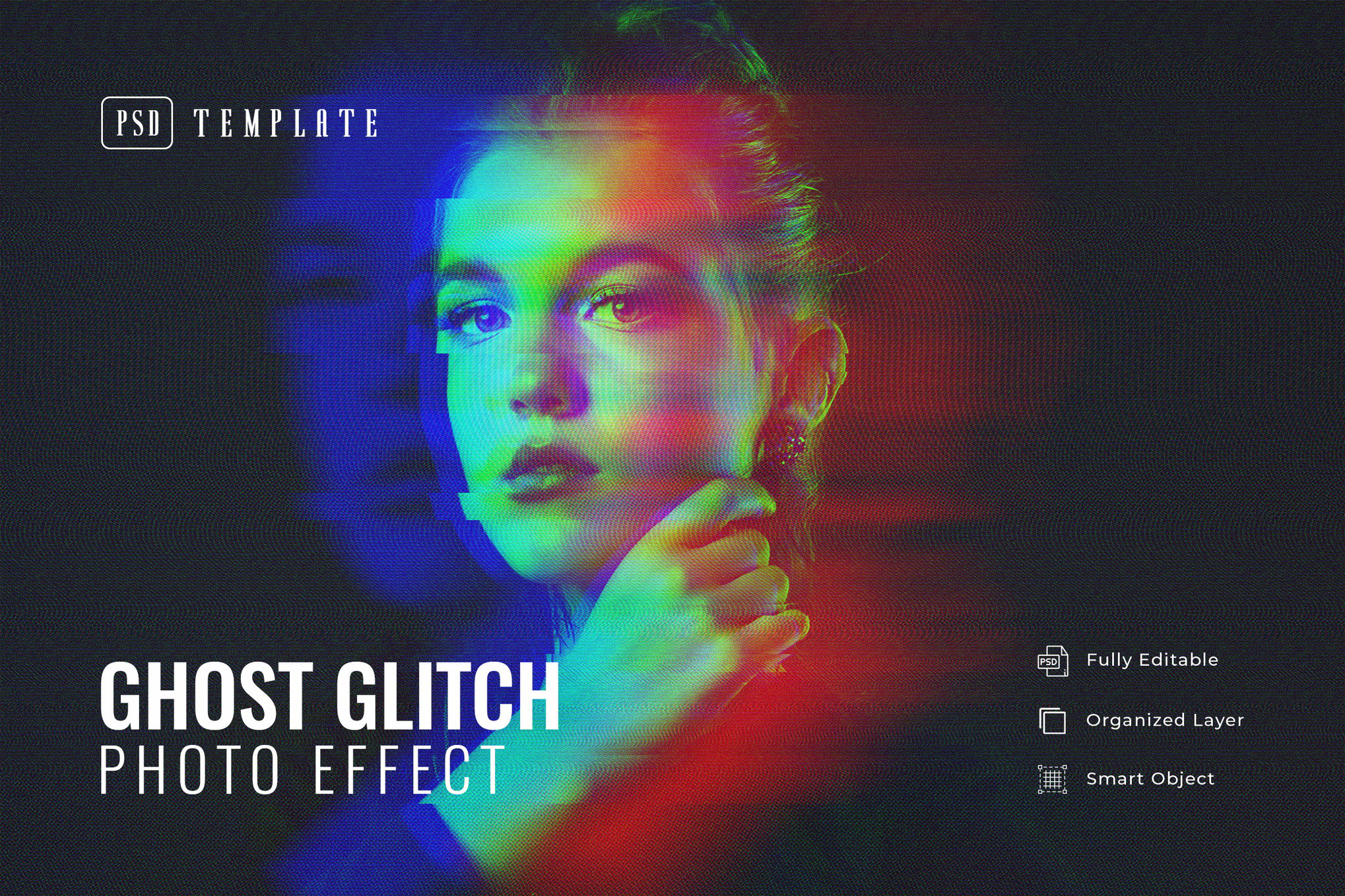
For brands in the crypto, AI, or SaaS spaces, the glitch is a shorthand for "innovation." However, avoid over-distorting the logo. Instead, use a "ghosting" or "frame-offset" effect on the logo elements to imply movement and digital speed.
IV. Dynamic Transitions in Motion
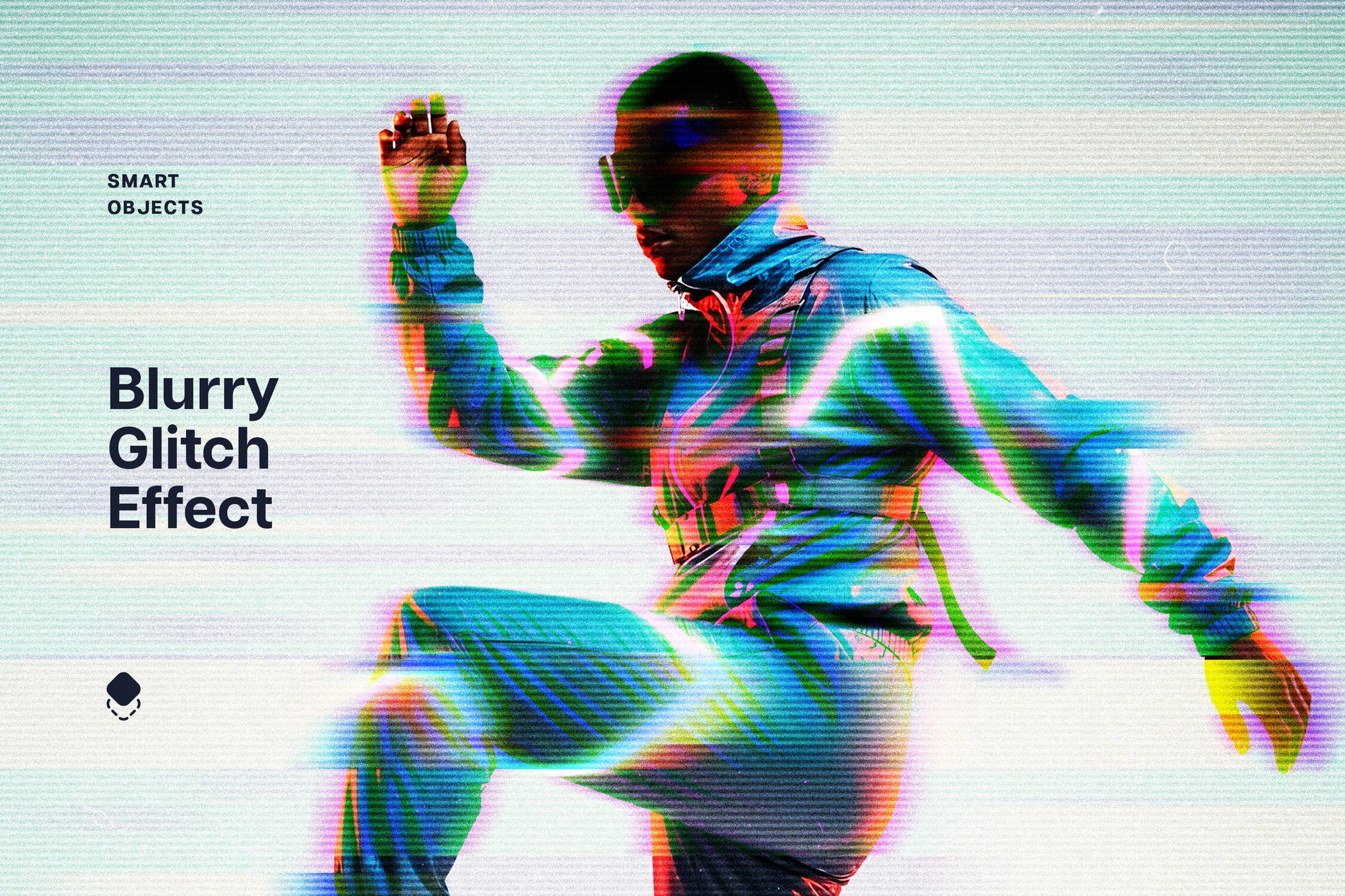
When building video presentations, use the "Glitch Transition" technique. By inserting a 2-frame burst of heavy distortion between two scenes, you provide a natural, logical "break" that signals a shift in topic or theme.
V. Editorial Typography
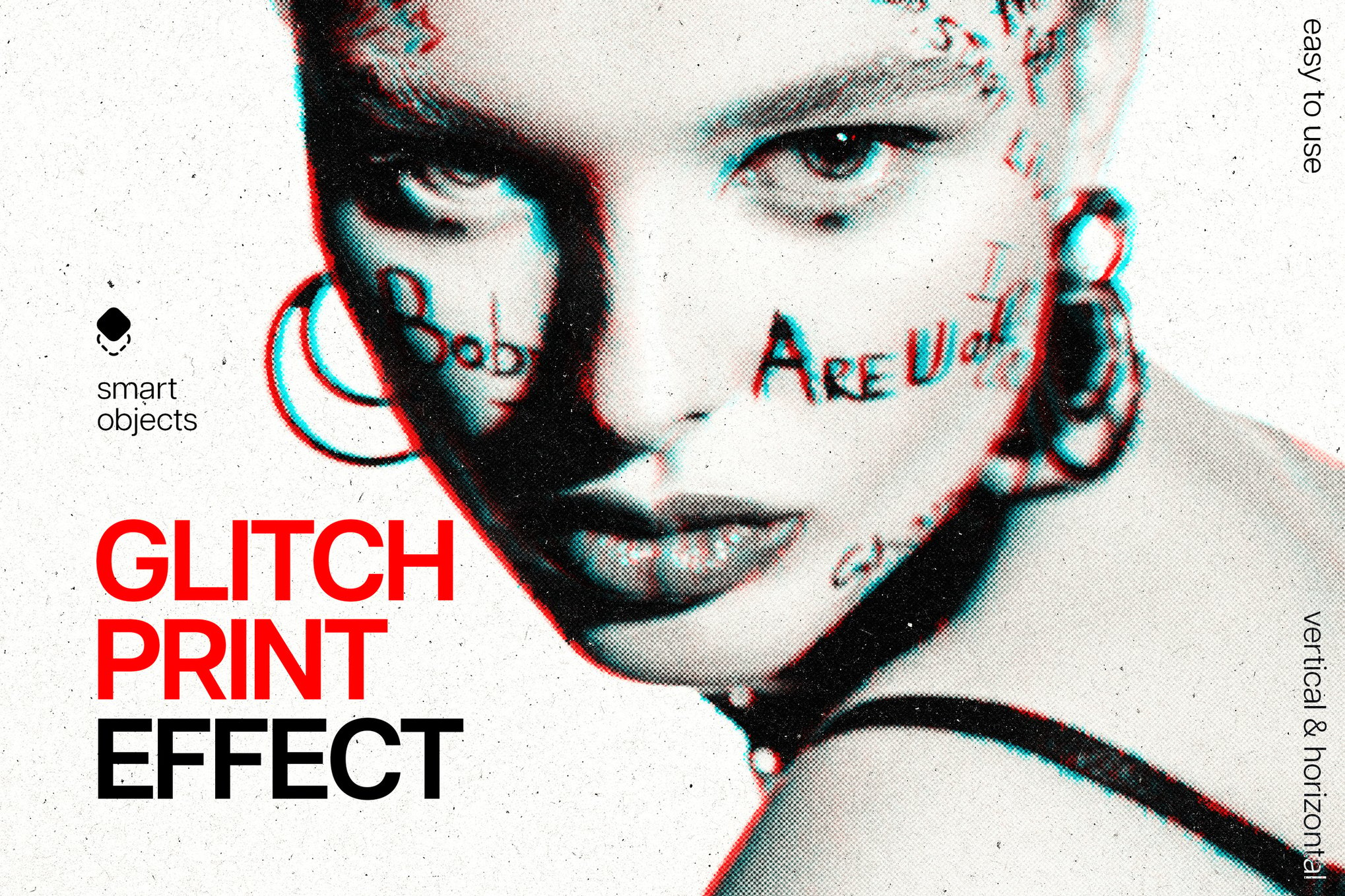
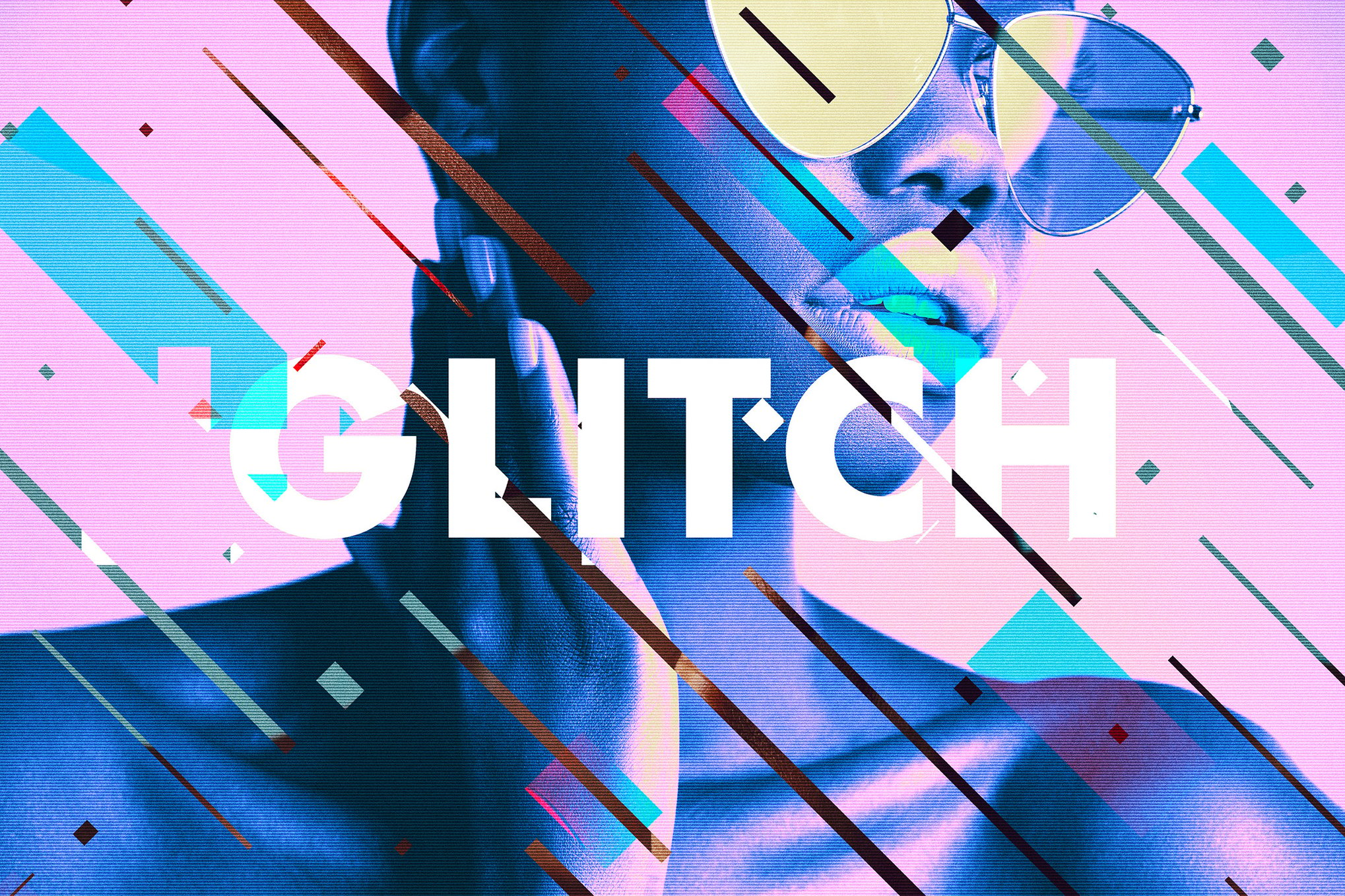
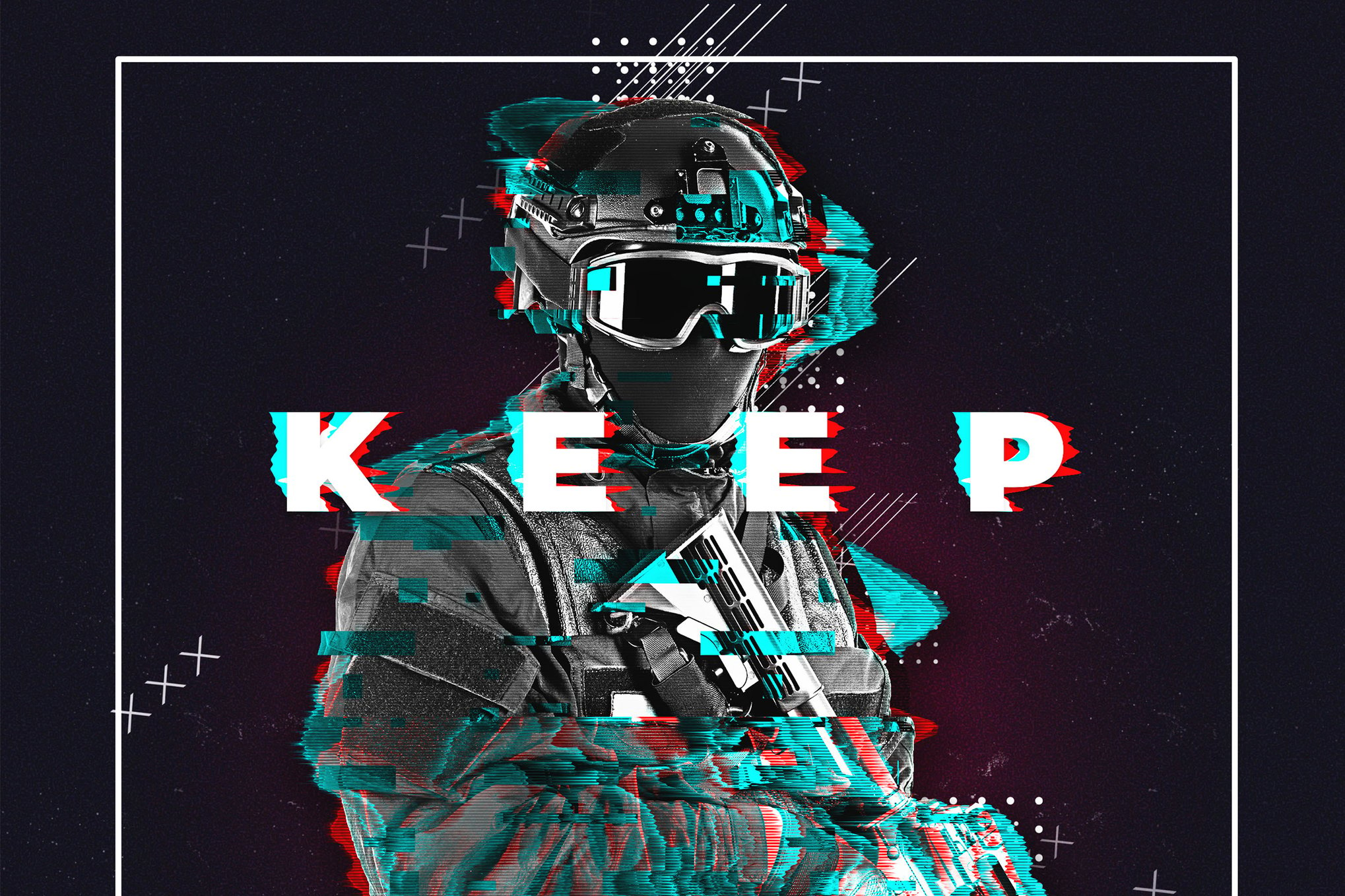
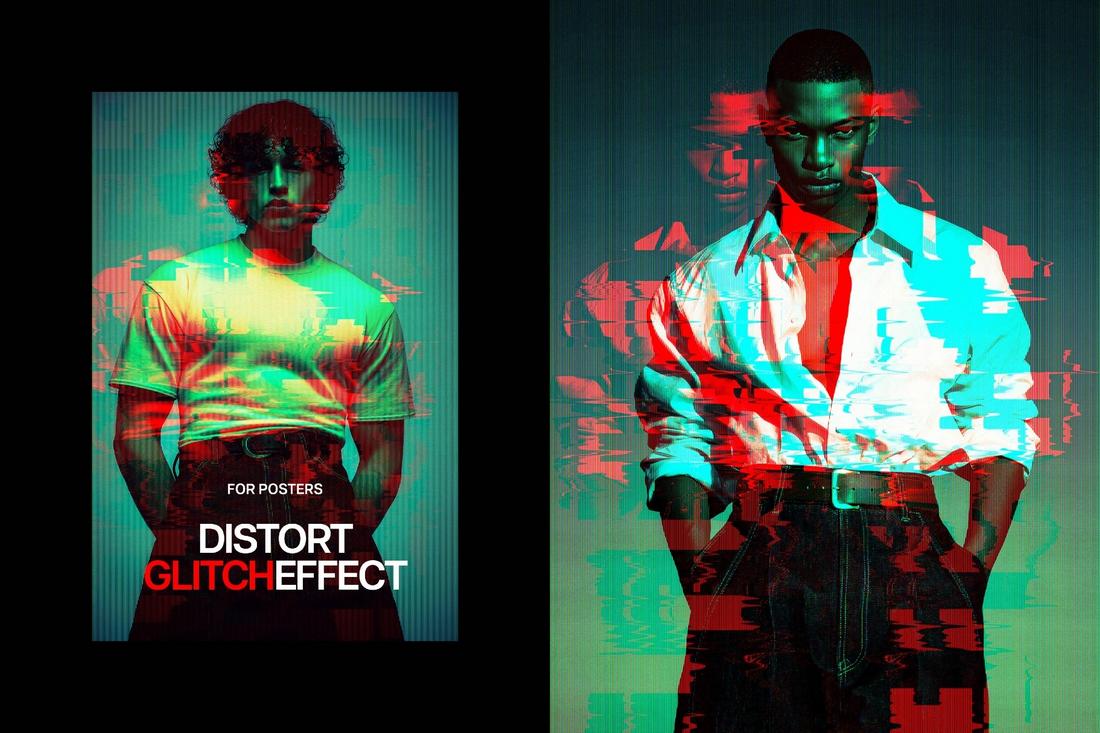
Transforming standard typography into a "glitched" state turns a headline into a piece of art. By offsetting color channels—shifting the Red channel left and the Cyan channel right—you create a 3D-like, hallucinogenic effect that is perfect for magazine covers or editorial spreads.
Accessing Free Resources
For those just beginning their journey into glitch art, there is a vibrant ecosystem of free tools that offer professional-grade results. Platforms like PixelBuddha offer excellent starting points, including:
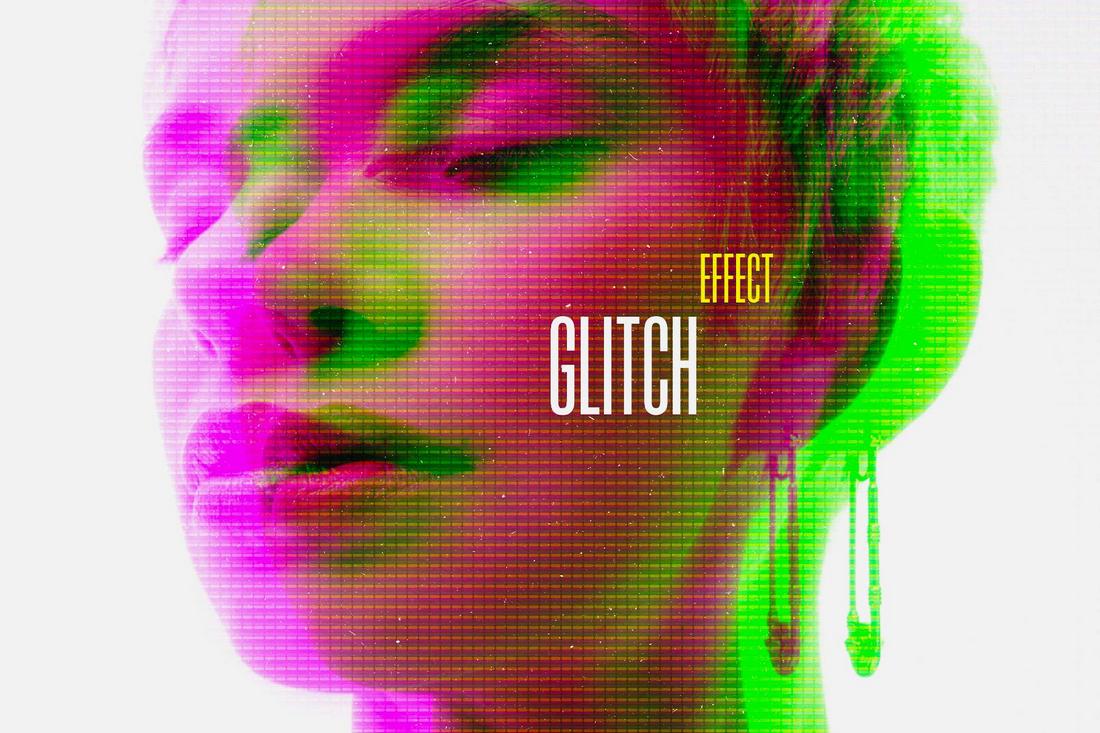
- Digital Glitch Effect PSDs: Great for learning the layers behind the distortion.
- Duotone Glitch Templates: An excellent way to master color manipulation alongside geometric distortion.
- Poster Glitch Kits: These templates allow users to experiment with "Layered Noise" without the steep learning curve of creating textures from scratch.
Conclusion: The Future of the Glitch
The glitch effect is far more than a passing trend. It is a fundamental component of the digital aesthetic, reflecting our relationship with the machines that define our lives. As we move further into an era of generative AI and synthetic media, the "glitch"—a reminder of the human error and hardware limitation—will become an increasingly vital way to signify authenticity.
By mastering these tools, designers can bridge the gap between perfection and personality. Whether you are using a high-end plugin or a free PSD template, the goal remains the same: to create work that feels, for a split second, like it is breaking the screen and reaching out to the viewer. Embrace the distortion, control the chaos, and push the boundaries of what your digital canvas can become.

 Pevita Pearce
 Ali Ikhwan
 Siti Muinah

 Lina Irawan