
 Ammar Sabilarrohman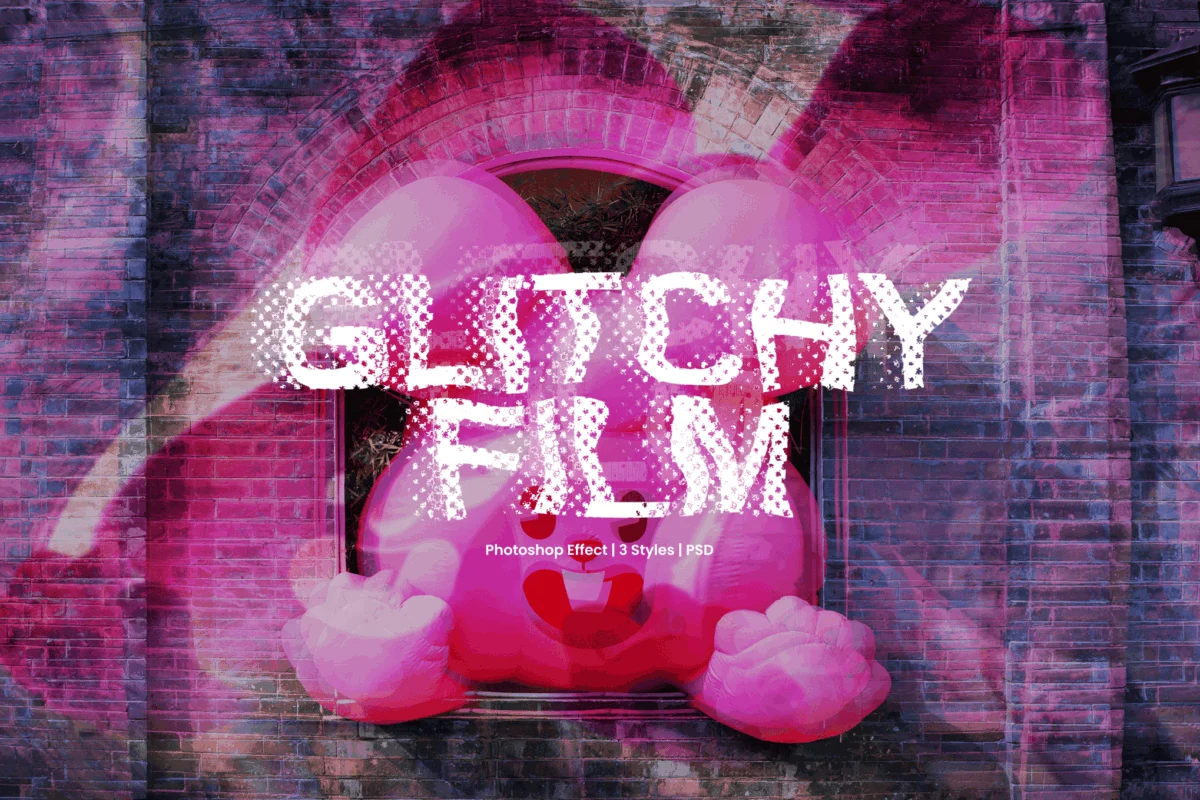
In the realm of contemporary digital design, few aesthetics capture the frenetic, high-octane energy of the modern era quite like the "glitch." What began as a technical failure—a momentary breakdown in hardware or a corrupted data stream—has evolved into a sophisticated visual language. Today, designers are weaponizing this "controlled chaos" to transform static imagery into high-energy, electrifying compositions that resonate with a tech-savvy audience.
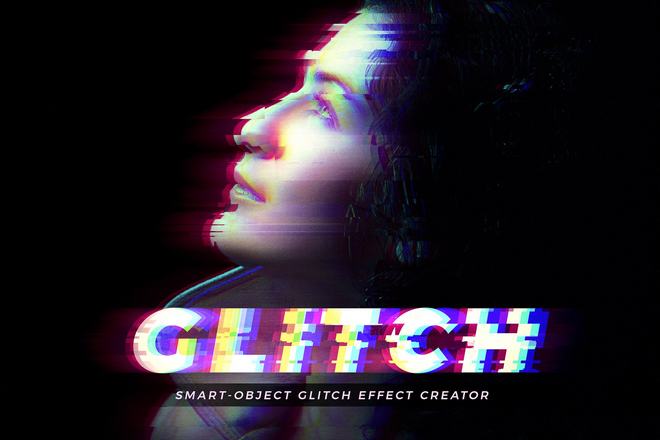
Whether you are crafting immersive album artwork, high-impact motion graphics, or experimental editorial layouts, the strategic application of distortion can push your visual boundaries. To achieve these results without sacrificing hours to manual pixel manipulation, professionals rely on a curated suite of Photoshop actions, layer styles, and PSD templates. This guide explores the essential tools for mastering glitch art and examines how this aesthetic continues to redefine digital branding and visual communication.
The Evolution of the Glitch: From Error to Aesthetic
The rise of the glitch aesthetic is deeply rooted in the history of digital media. In the early days of computing, a glitch was the enemy—a sign of a crashed system, a loose cable, or a corrupted file. However, as digital culture became more pervasive in the 2010s, artists began to find beauty in these accidents.
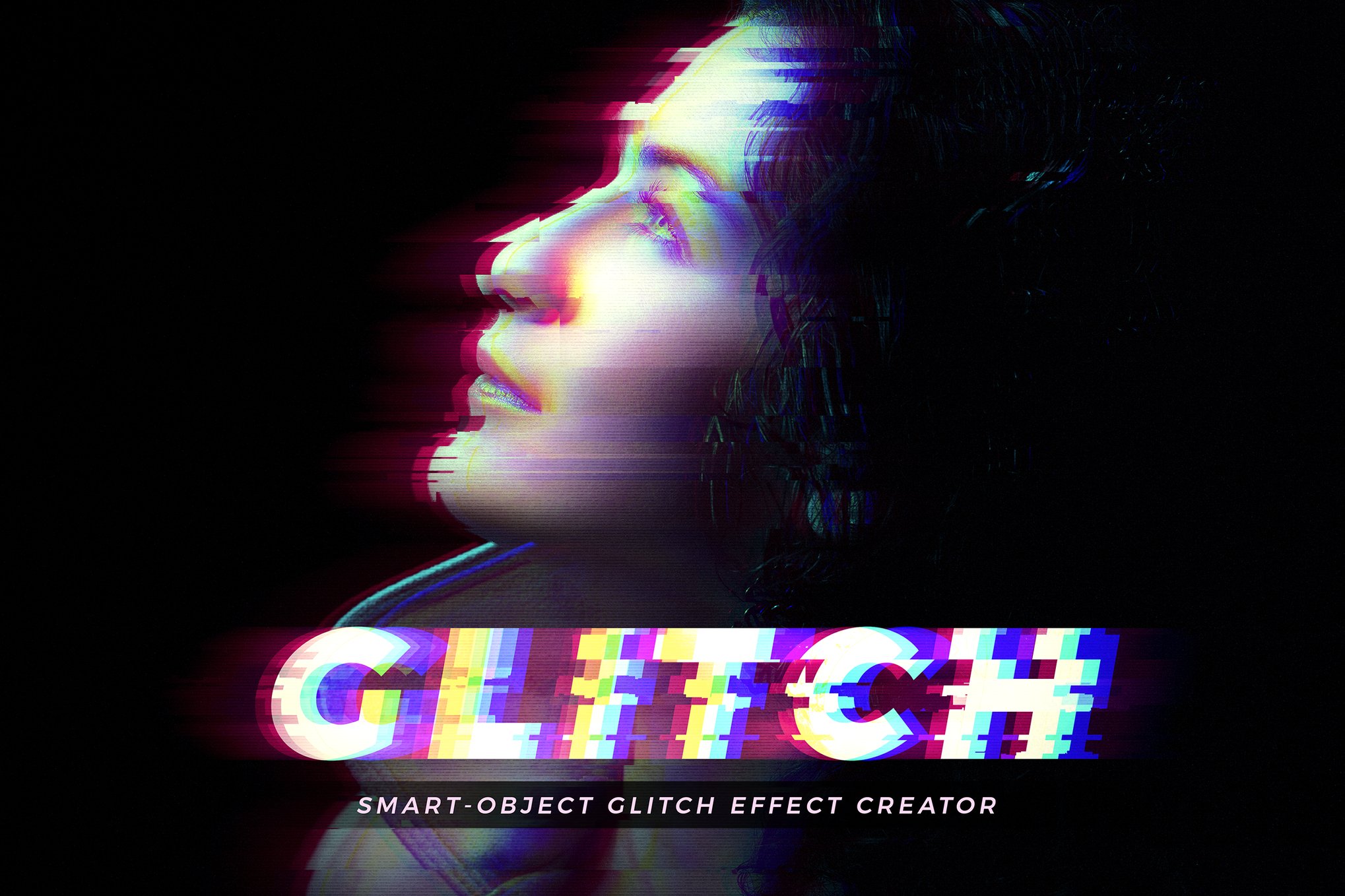
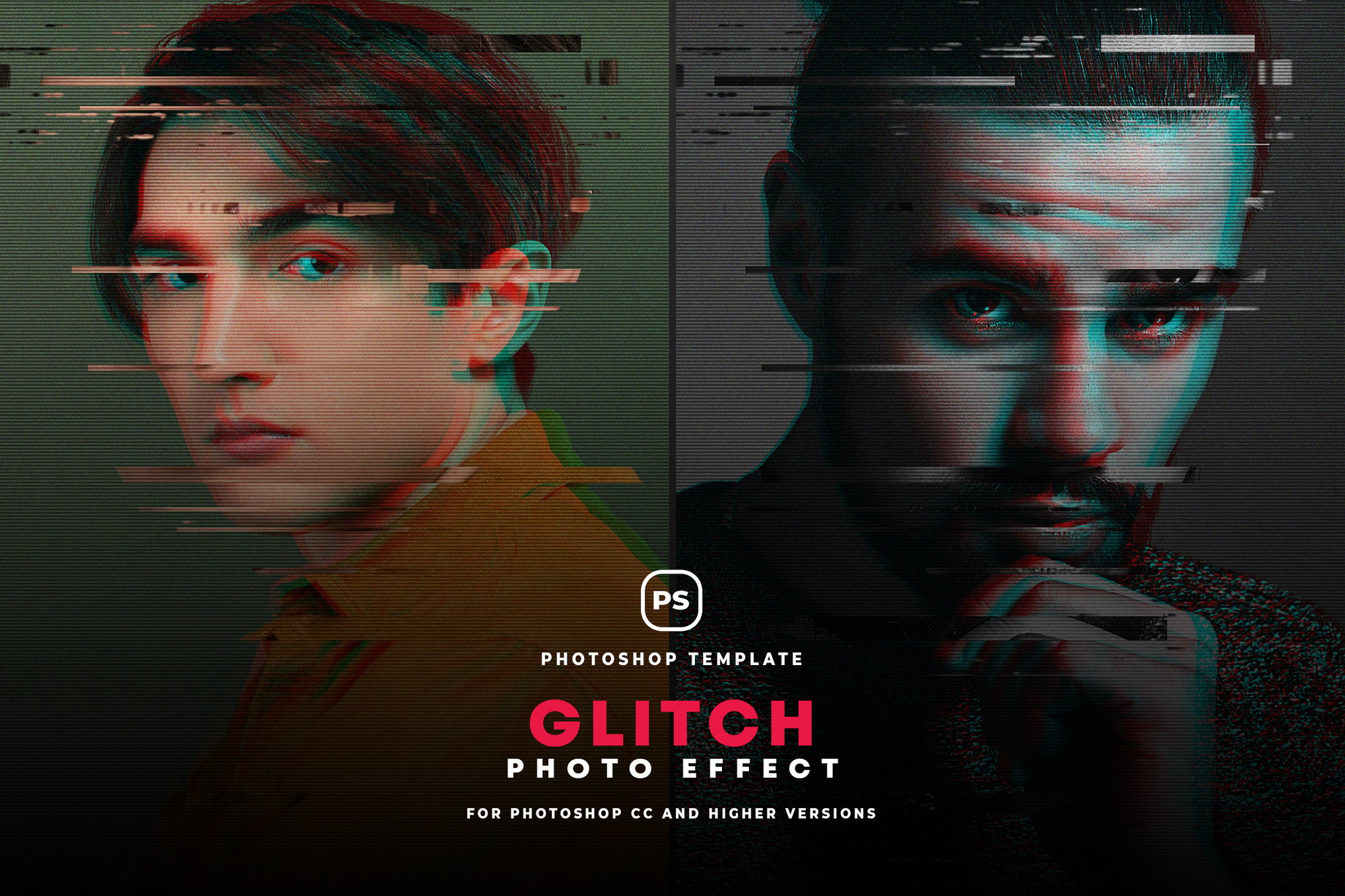
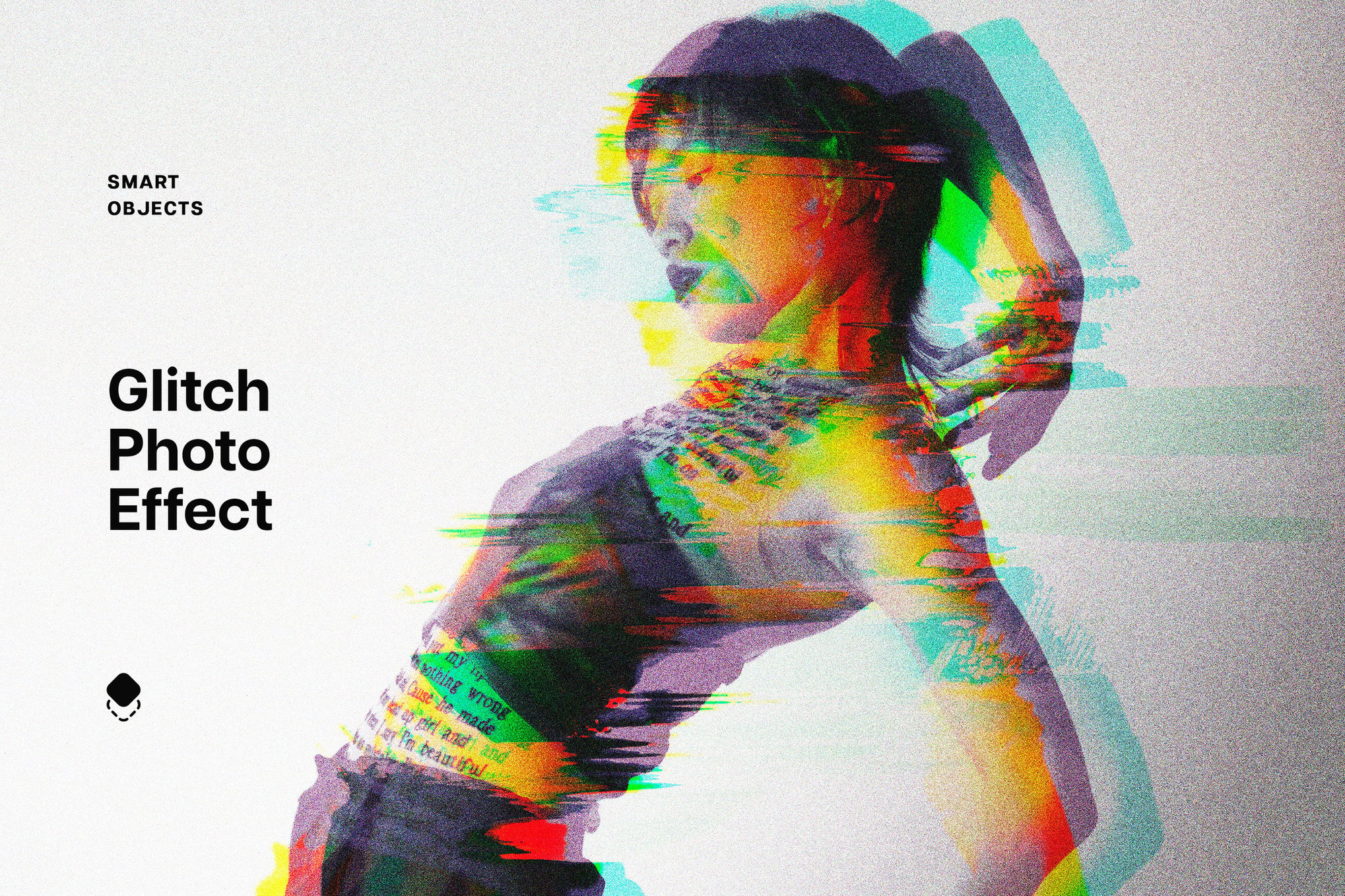
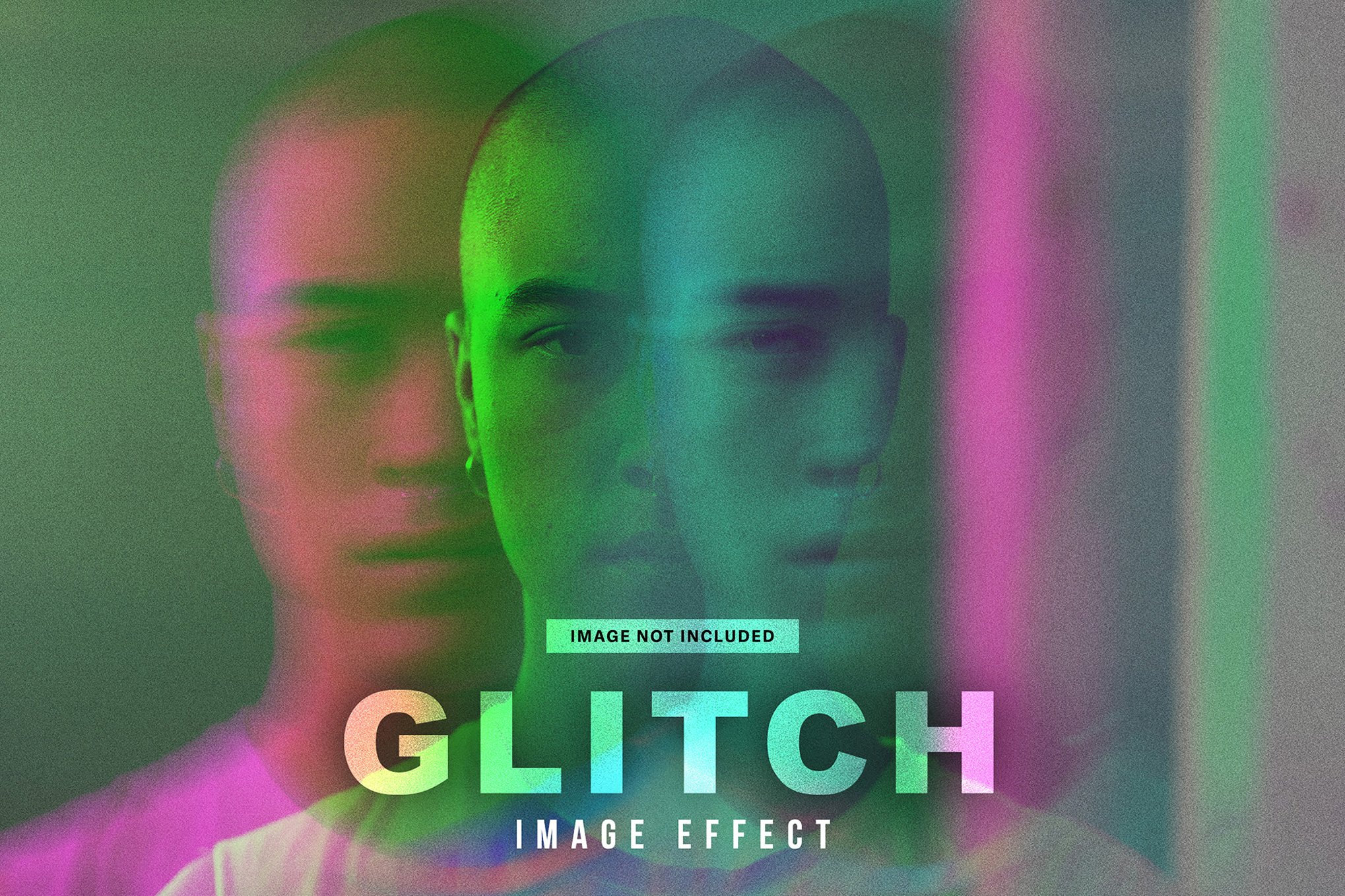
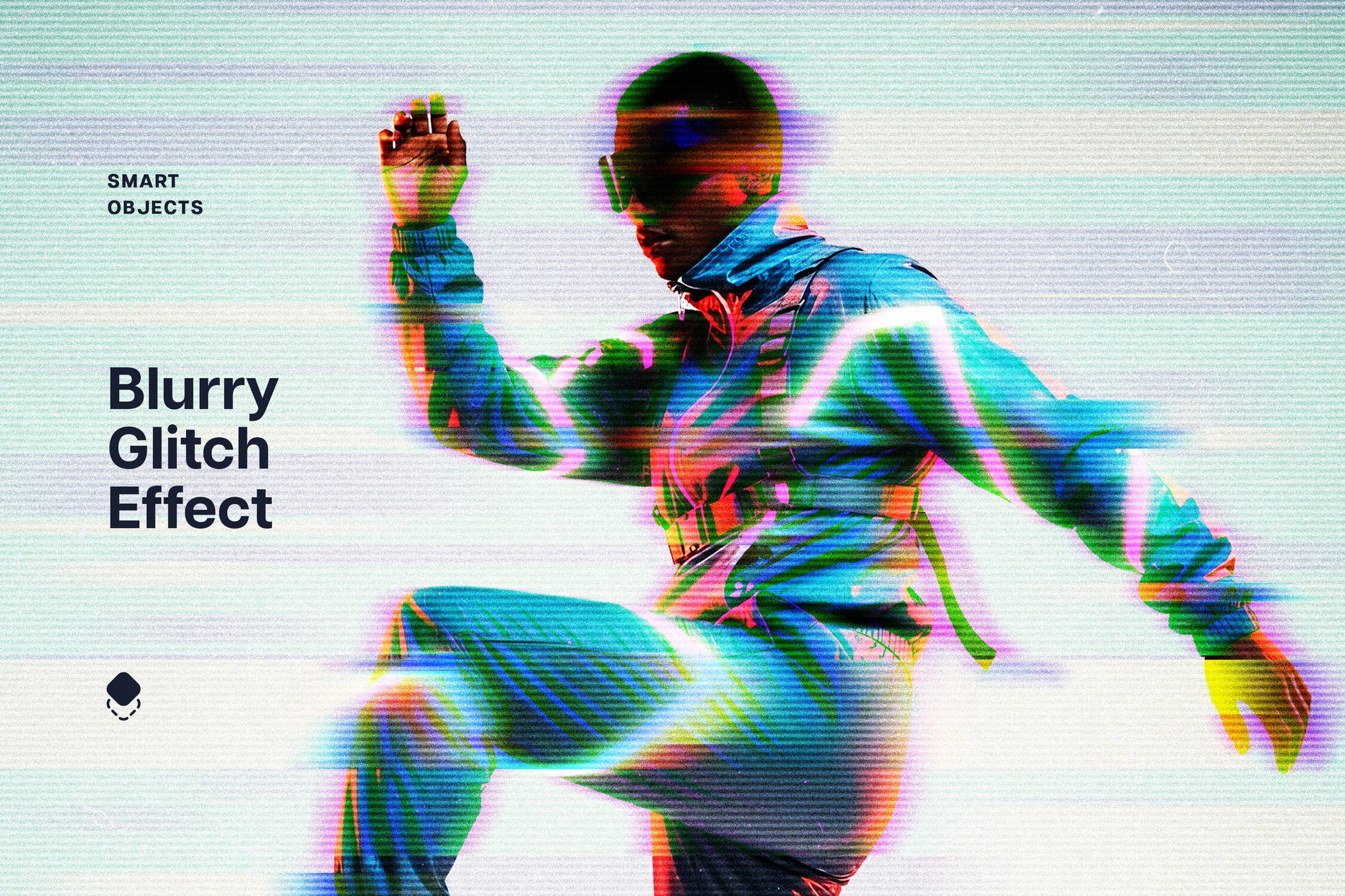
By intentionally breaking images through RGB splitting, scan-line emulation, and pixel displacement, creators could mirror the feeling of living in a hyper-connected, yet fundamentally fragile, digital world. This "digital lo-fi" look quickly migrated from underground message boards to mainstream advertising, tech branding, and streetwear design. Today, the "glitch" is no longer an error; it is a stylistic choice that signals innovation, disruption, and a forward-thinking, cyberpunk sensibility.
Premium Toolkits: Elevating Your Workflow
For professional designers, time is the ultimate commodity. Relying on complex manual processes for every project is unsustainable. Fortunately, a new generation of Photoshop assets allows for high-precision distortion with a single click.
Glitch Studio: The Professional Standard
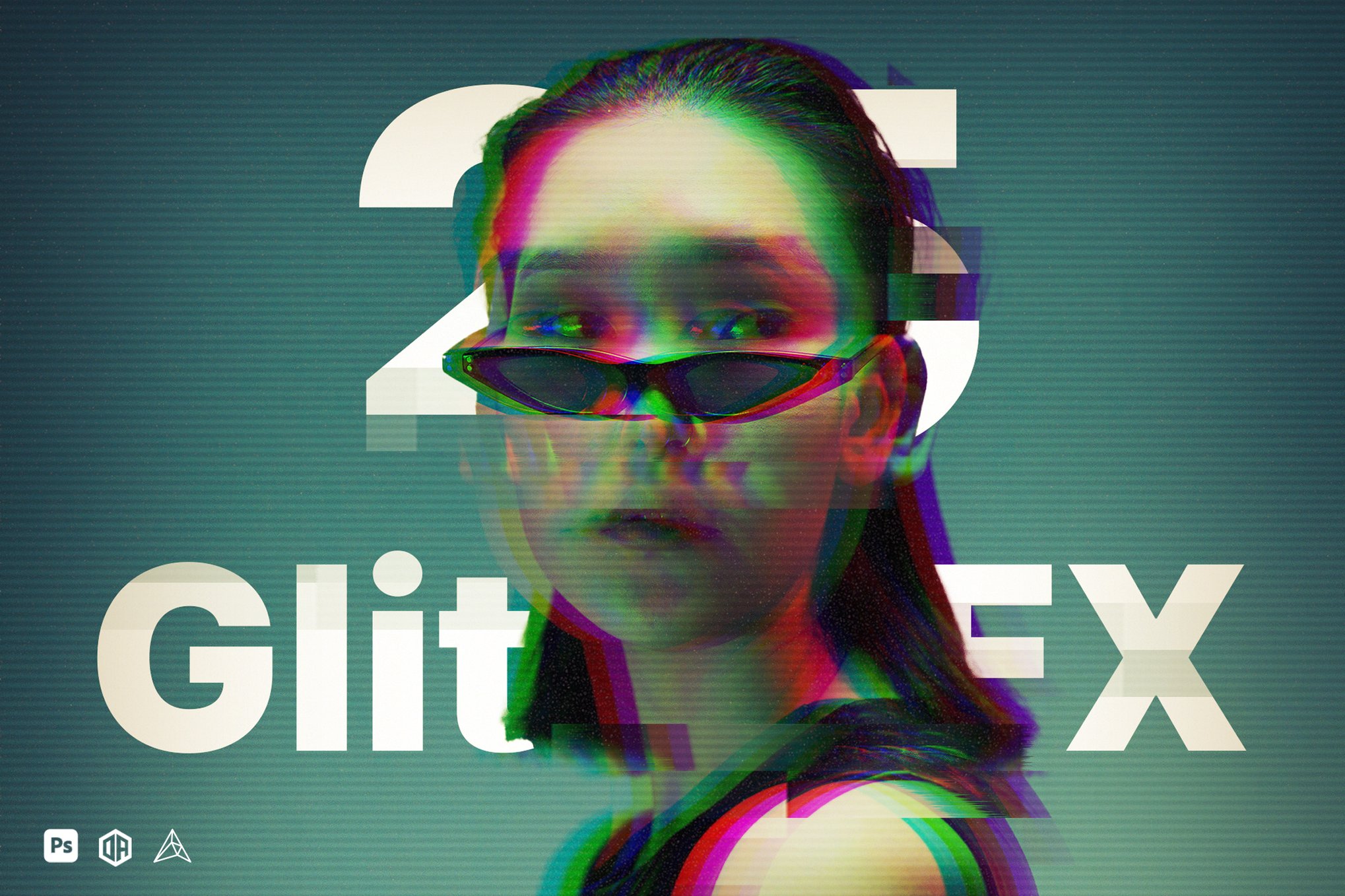
The Glitch Studio plugin stands out as a powerhouse for those seeking variety. Packed with 25 distinct effects categorized into seven creative workflows, it allows for deep customization. By leveraging Photoshop’s native layer options, users can adjust texture density and color shifts, ensuring that the glitch feels organic rather than artificial.
The Precision of PSD Templates
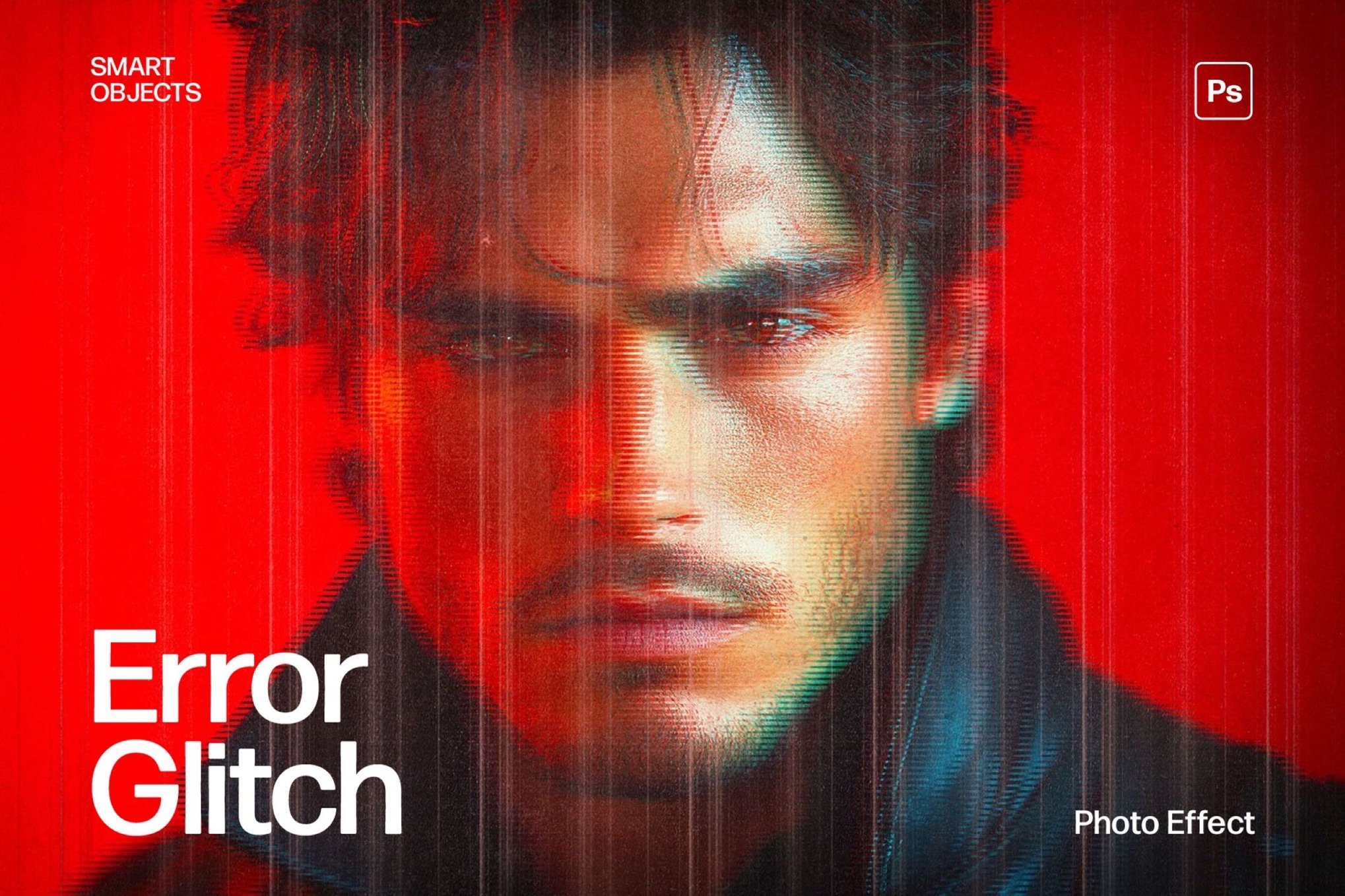
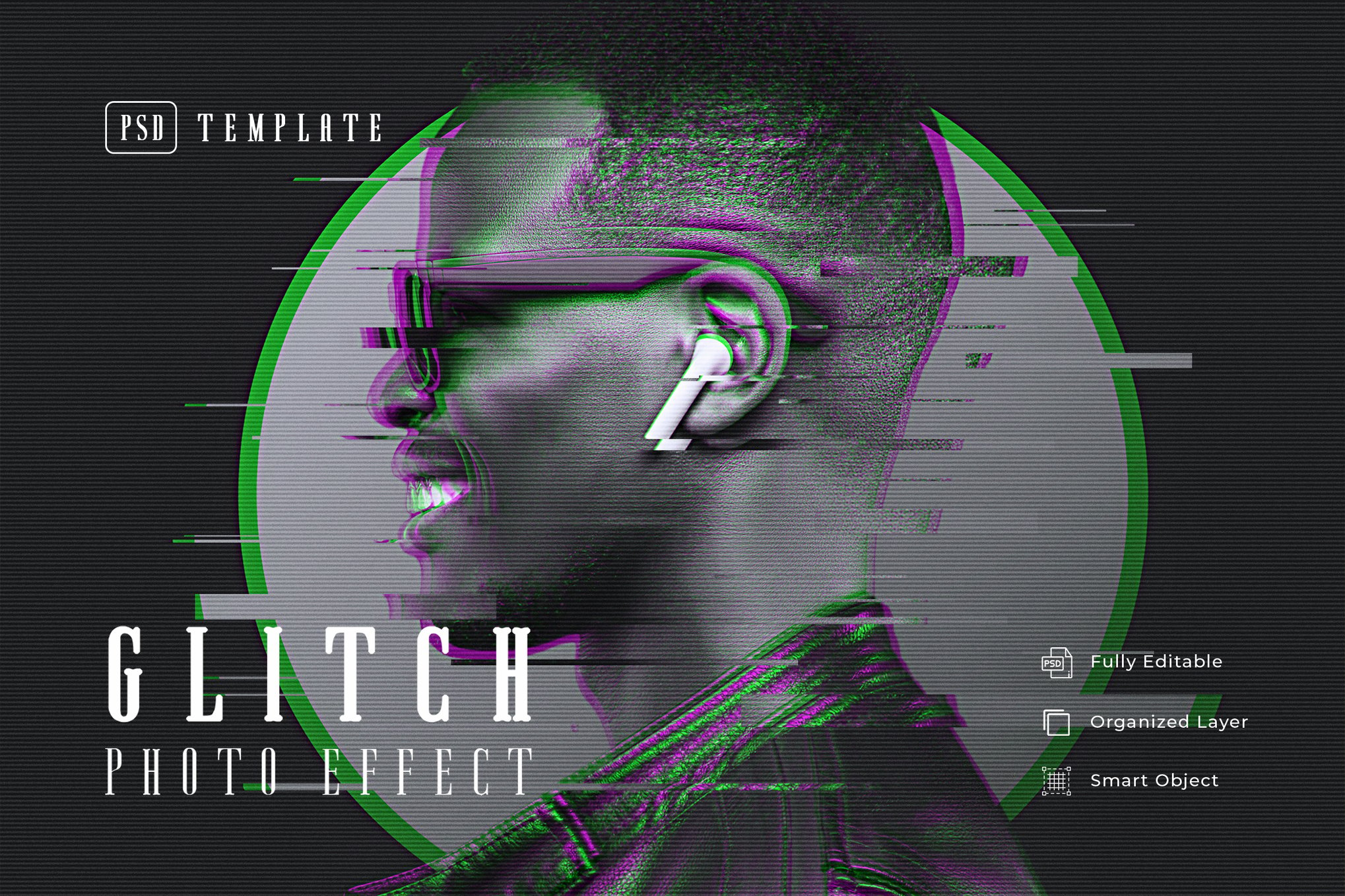
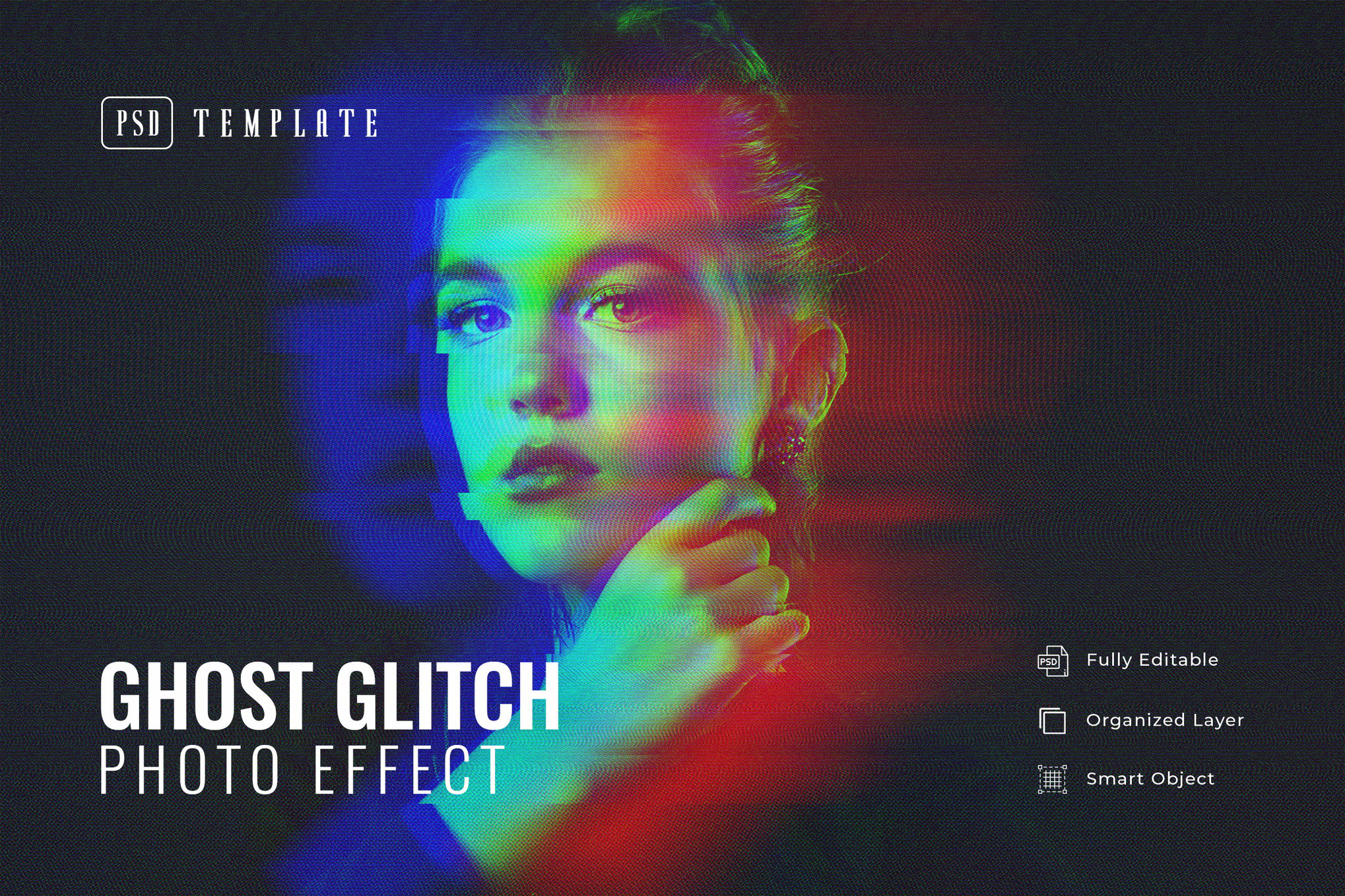
Templates like the Glitch Effect Creator and the Error Glitch Photo Effect offer a more structured approach. These are particularly useful for branding projects where consistency is key. By using Smart Objects, these templates allow you to swap out core imagery while maintaining the integrity of the surrounding distortion, making them ideal for high-resolution posters and digital ad campaigns.
High-Fidelity Distortions
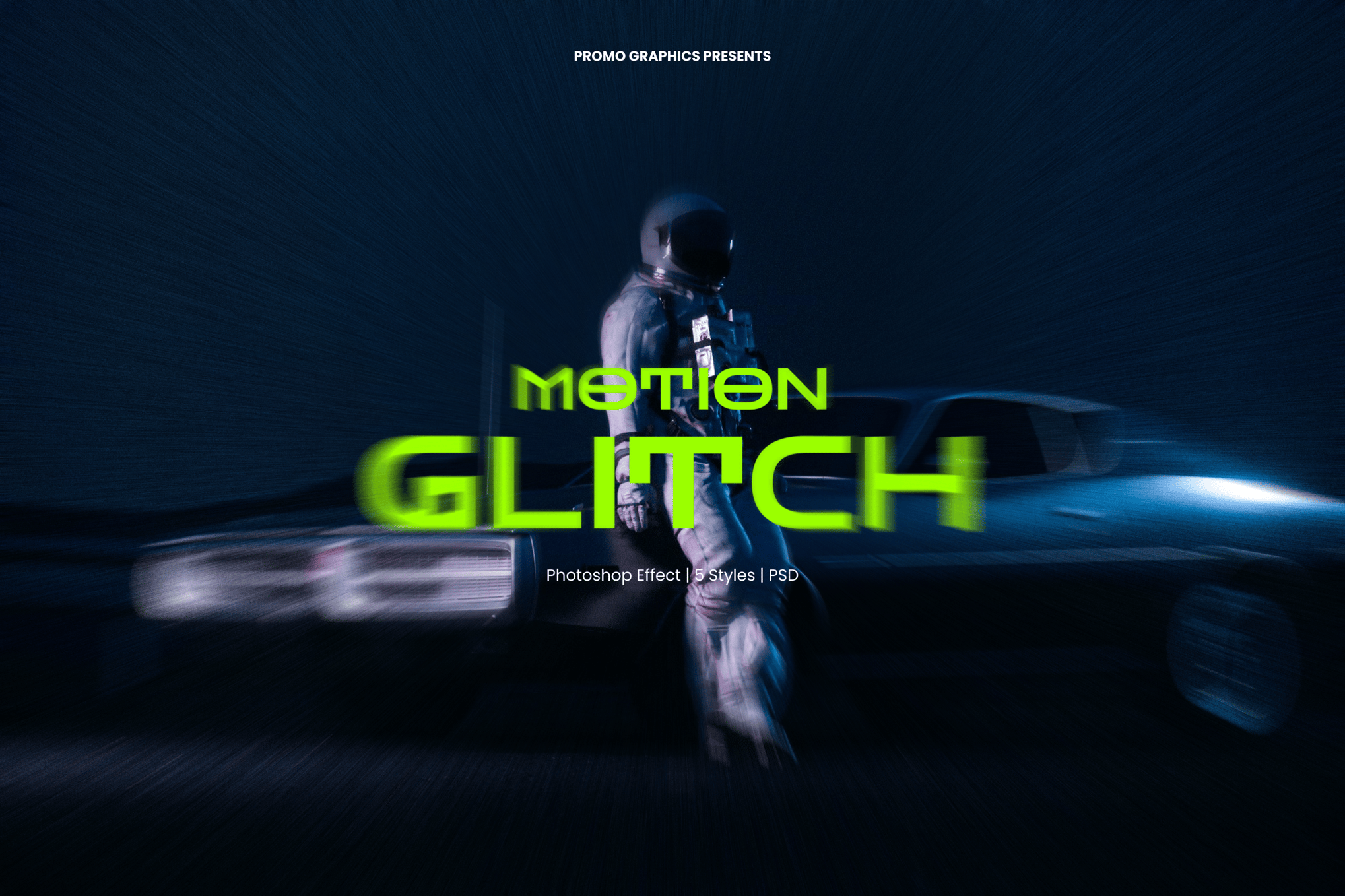
For those working in the gaming or tech sectors, templates such as the Motion Glitch PSD and Futuristic 3D Glitch Effect provide the heavy-duty, sci-fi aesthetic required for high-stakes visual storytelling. These assets often feature resolution settings as high as 4500 x 3000 px, ensuring that the final output remains sharp, even when scaled for large-format printing or cinematic displays.
Chronology of Adoption in Graphic Design
- Pre-2010 (The Discovery Phase): Glitch art was primarily the domain of "databending" enthusiasts and digital artists who manually manipulated binary code to create visual artifacts.
- 2010–2015 (The Mainstream Pivot): Glitch aesthetics entered the fashion and music industry, heavily influenced by the rise of vaporwave and early 90s nostalgia.
- 2016–2020 (The Tooling Era): Photoshop developers began creating automated actions and Smart Object templates, moving glitch art from a niche hobby to a standard professional design tool.
- 2021–Present (The Sophisticated Era): We are currently seeing a move toward high-resolution, 3D-distorted, and subtle "film-glitch" hybrids, where the distortion is used to enhance, rather than replace, the underlying image quality.
Supporting Data: Why Glitch Works
Design metrics suggest that imagery featuring high-contrast distortion and dynamic motion artifacts performs significantly better in "scrolling" environments like Instagram and TikTok. The human eye is biologically wired to track movement and sudden changes. When a user scrolls through a feed of static, clean images, a glitched visual acts as a "pattern interrupt," forcing the eye to stop and process the anomaly. This makes glitch-heavy designs particularly effective for conversion-focused marketing, such as event posters and product launches.
Industry Perspectives: The Professional Application
We reached out to creative directors who frequently utilize these assets. The consensus is clear: the most effective glitch work is "intentional and restrained."
- On Branding: "A brand should not be defined by its glitches," says one lead designer at a London-based creative agency. "The glitch is a punctuation mark. If you cover your entire logo in distortion, you lose brand recognition. If you use it to highlight a specific element, you communicate that your brand is ‘edgy’ and ‘digital-native’."
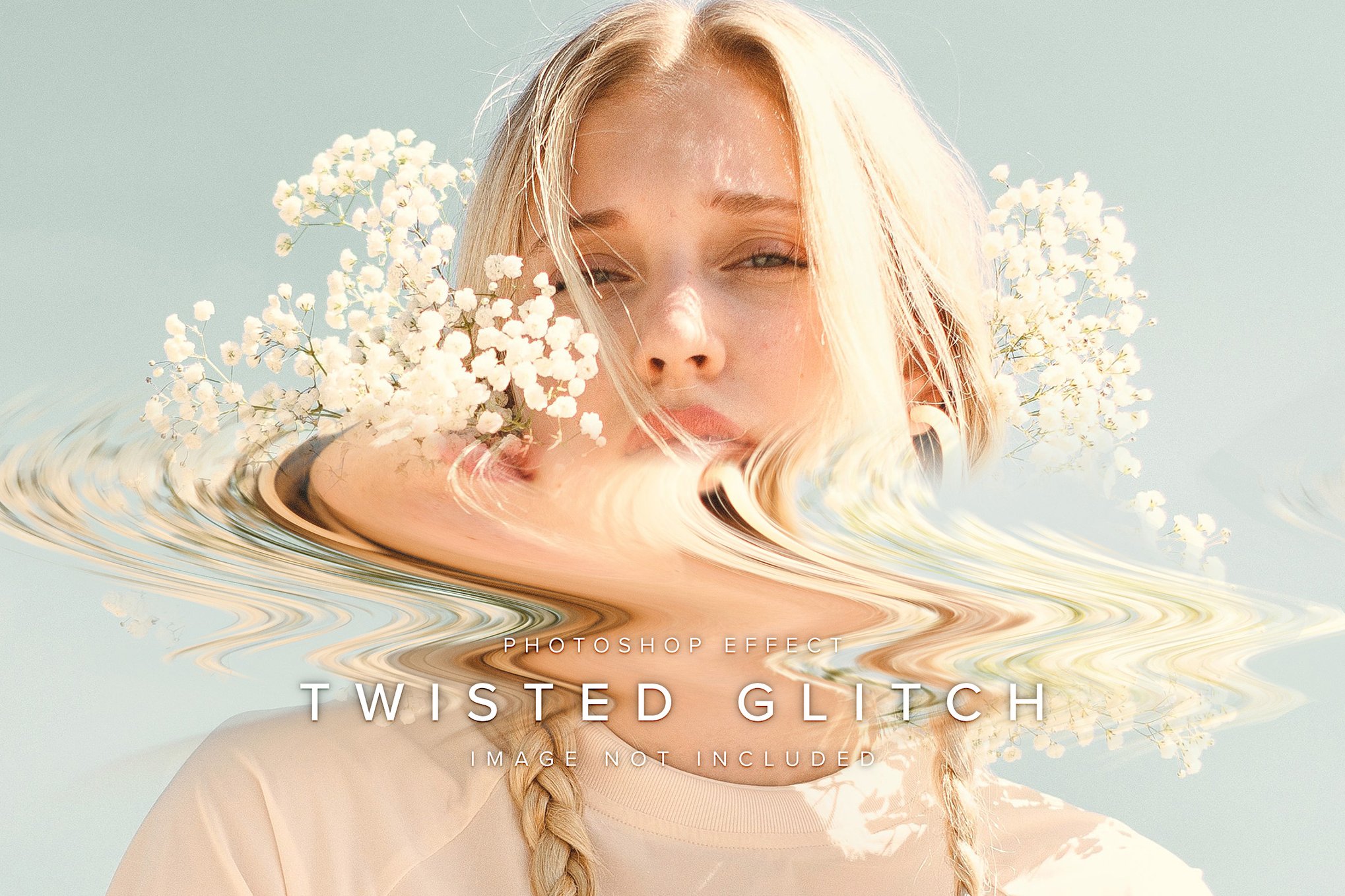
- On Technical Execution: "The beauty of modern PSD templates is the non-destructive nature," notes a senior retoucher. "Because these templates use Smart Objects, I can apply a heavy, broken aesthetic to a high-fashion portrait, show the client the ‘risky’ version, and then dial back the intensity in seconds without having to rebuild the file."
Strategic Implementation: 5 Ways to Use Glitch Effects
If you are looking to integrate these effects into your next project, consider these five strategic approaches:
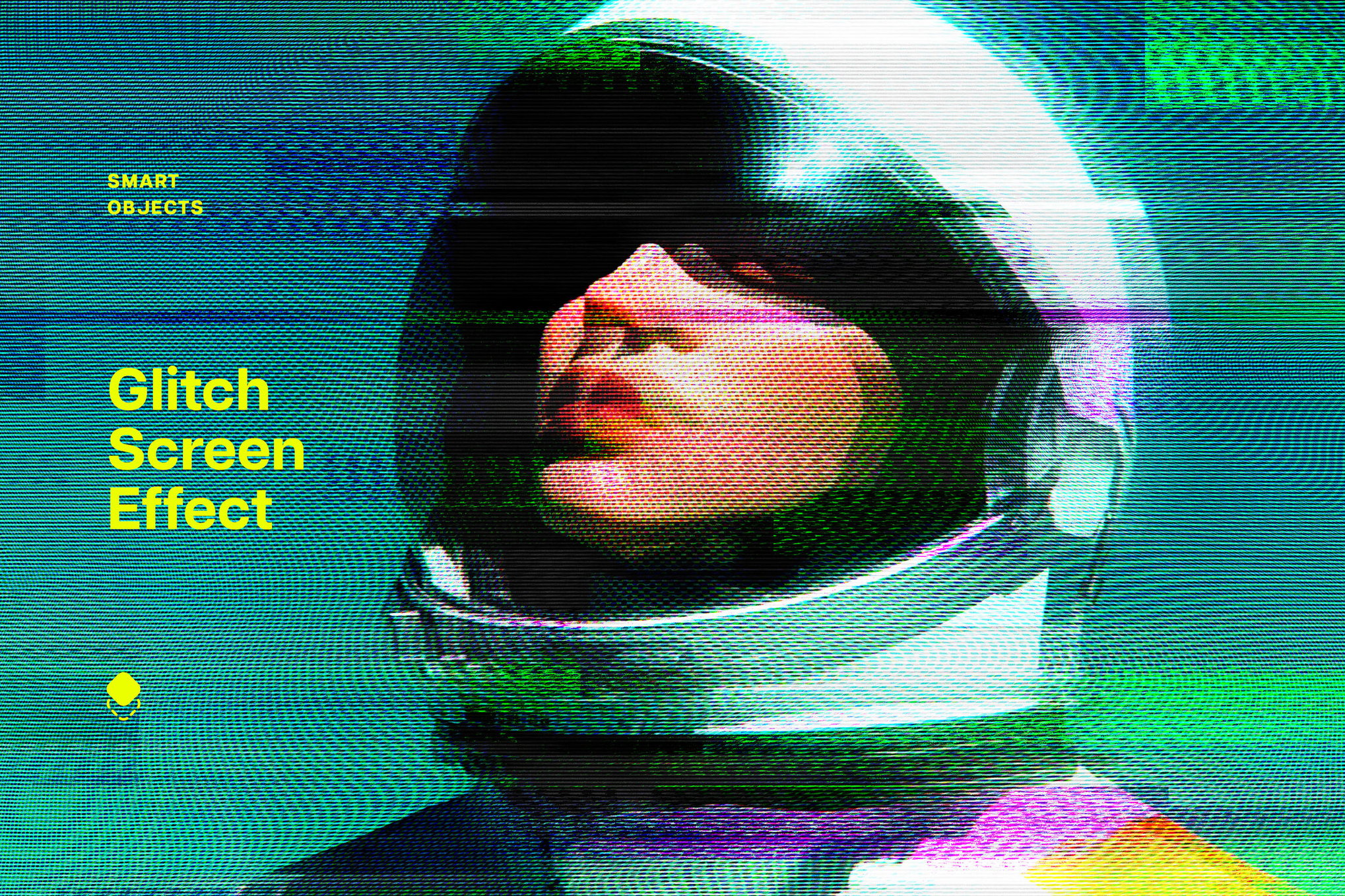
1. Amplifying Event Energy
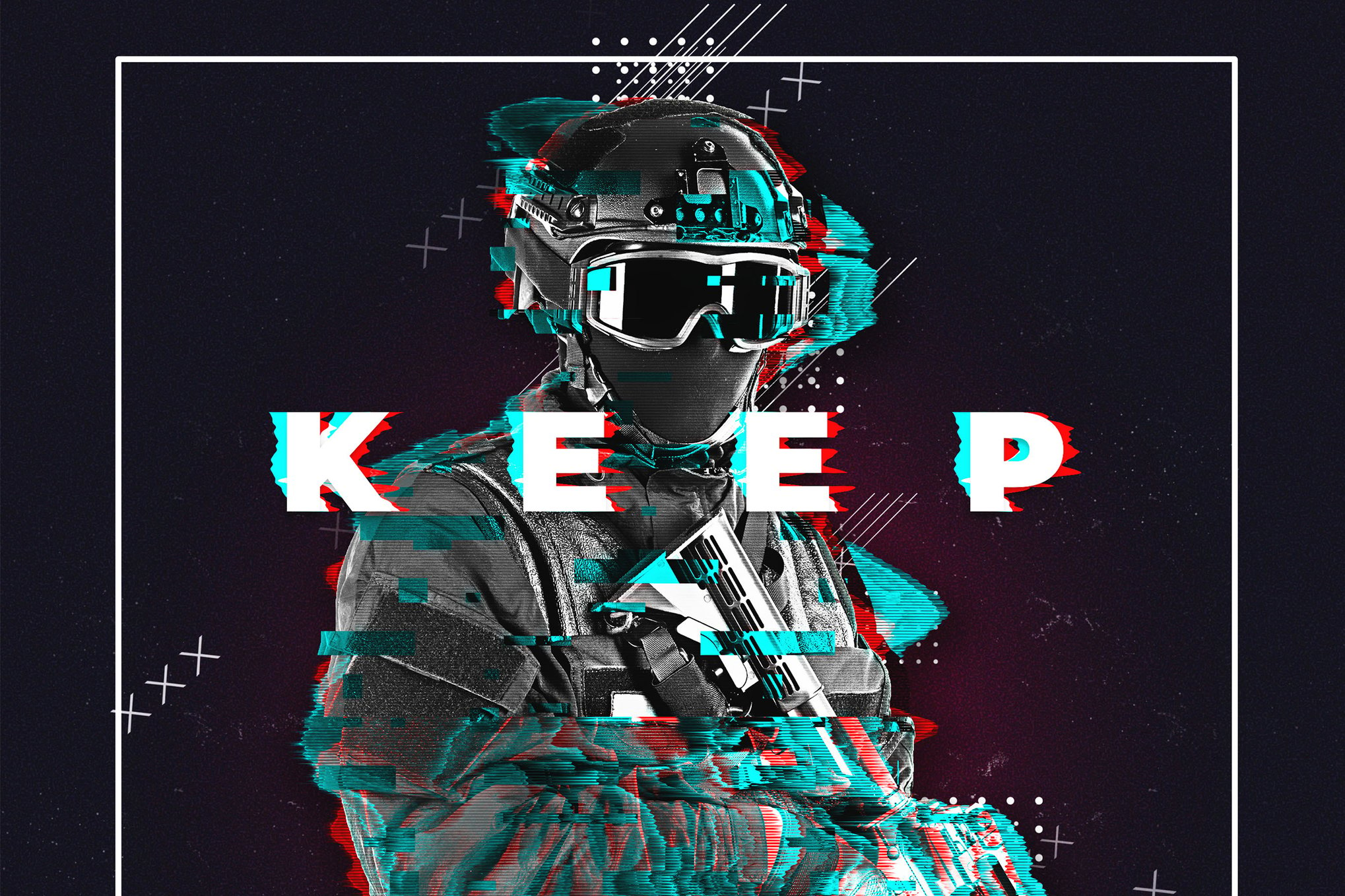
Music festivals, tech conferences, and e-sports tournaments thrive on a sense of urgency. Applying RGB-split effects to your typography and background elements creates a sense of vibration, making the event feel "live" and "unpredictable."
2. Social Media Scroll-Stoppers
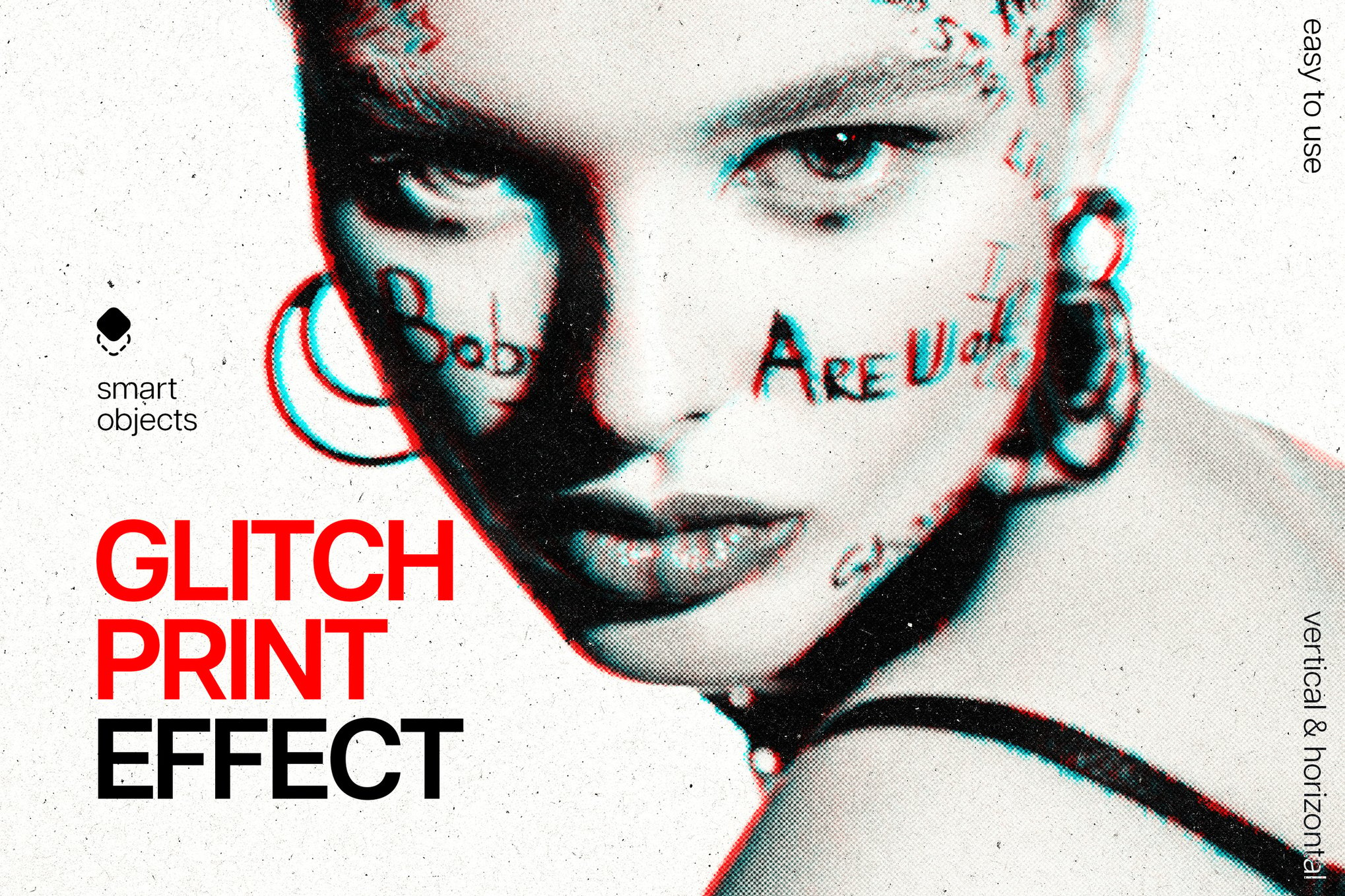
In the attention economy, your graphic has milliseconds to capture interest. Use subtle glitch effects—such as a slight horizontal shift on your headline—to catch the eye. The key is to keep the rest of the image clean so the viewer isn’t overwhelmed.
3. Defining Tech-Forward Branding
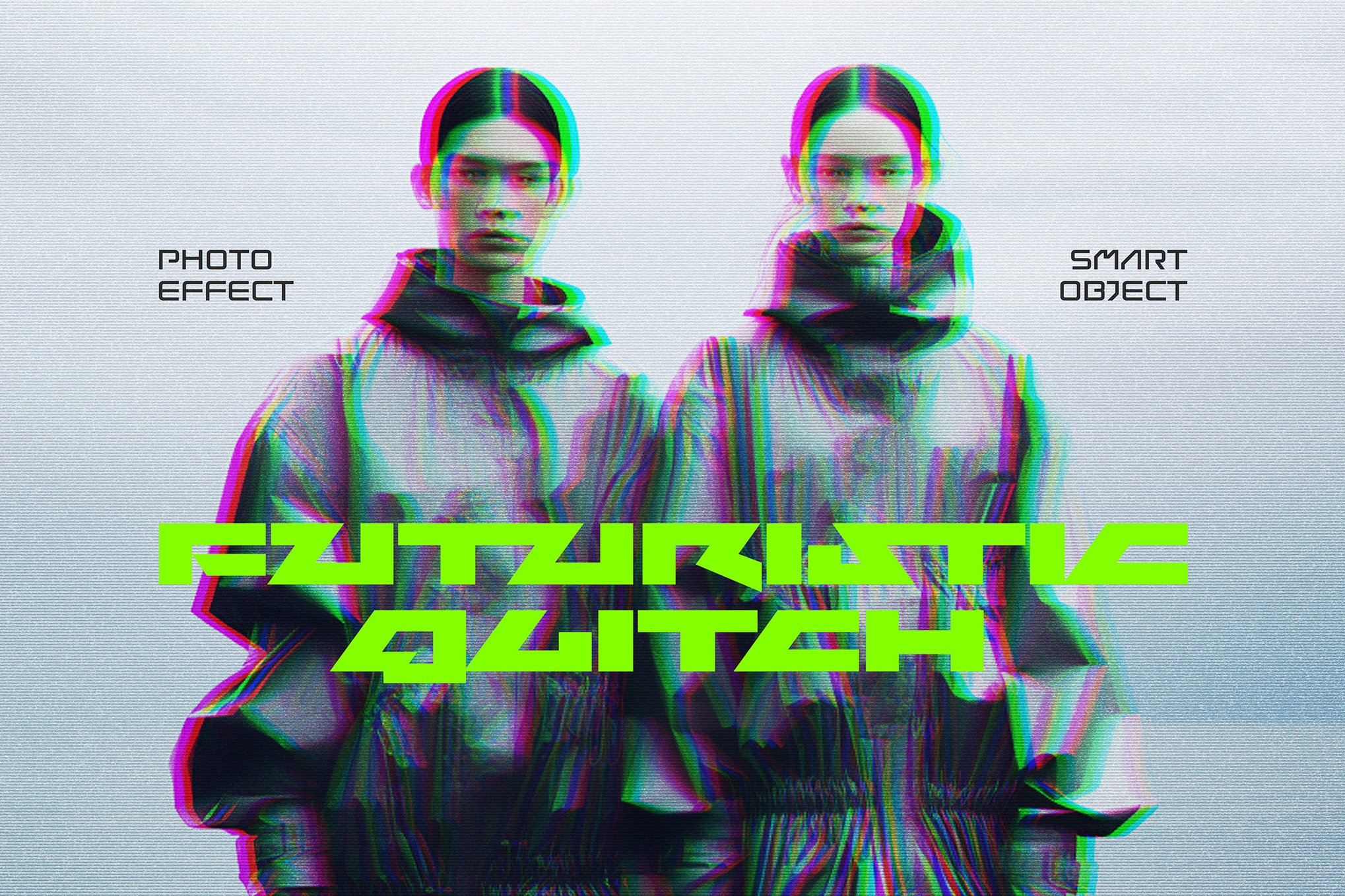
If you are designing for a software company or a cryptocurrency brand, the glitch represents the "code" behind the screen. Use it to suggest that your brand is constantly evolving, innovating, and breaking the mold.
4. Rhythmic Transitions in Video
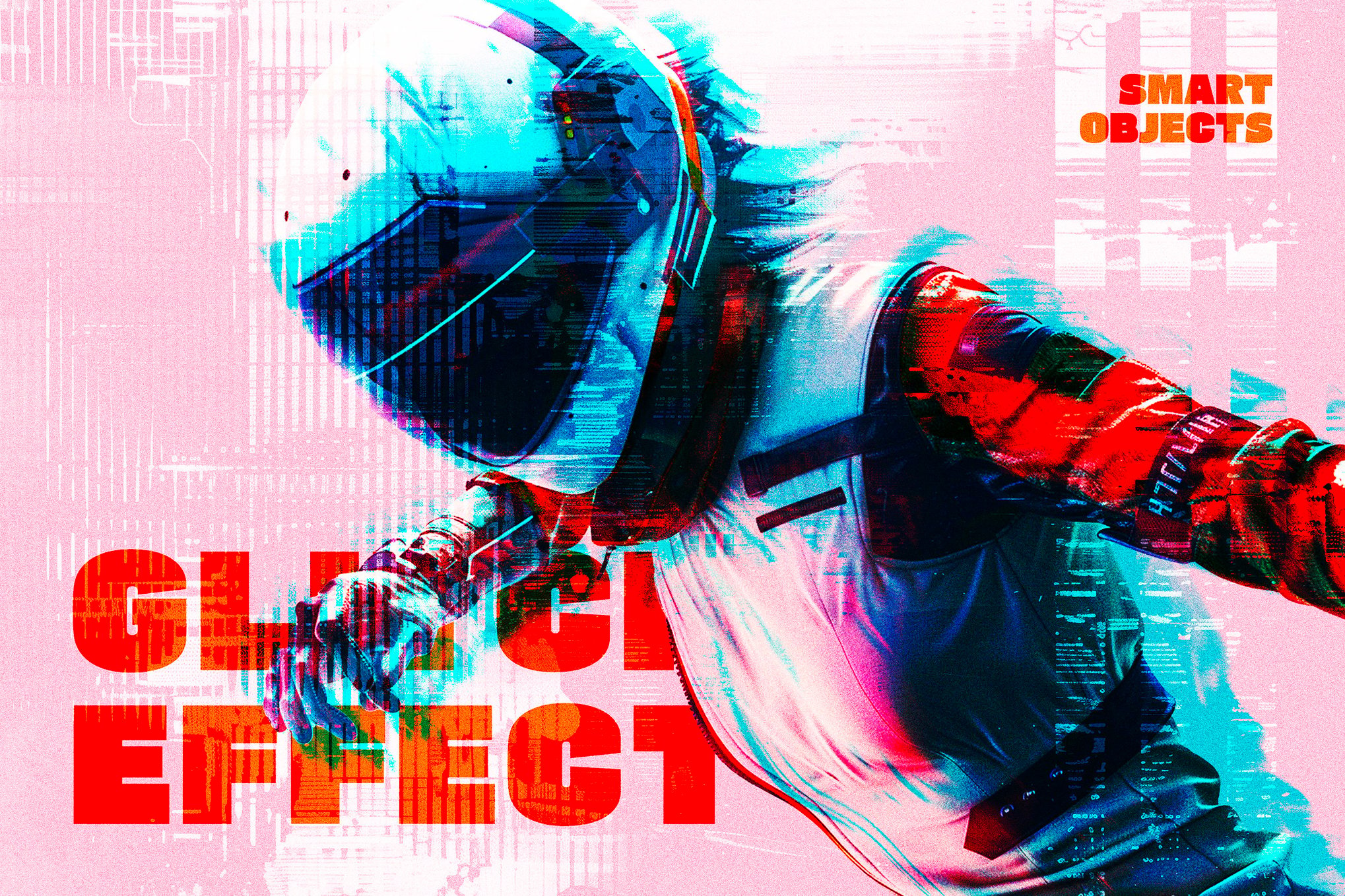
Don’t limit your glitch work to static images. If you are creating a presentation or a promo video, use brief, one-frame glitch transitions between scenes. It adds a layer of professionalism and rhythm that simple "fade" transitions lack.
5. Experimental Typography
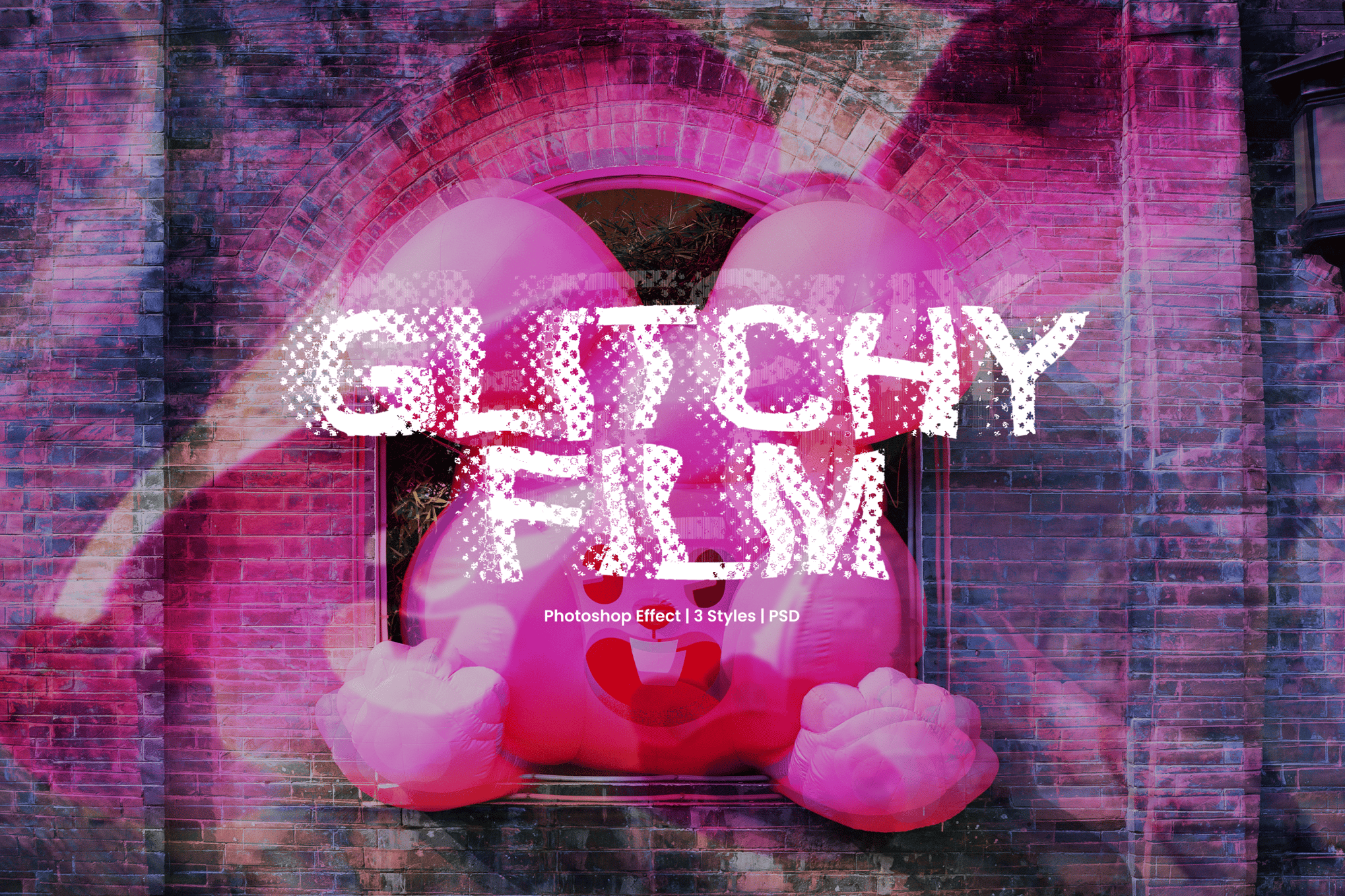
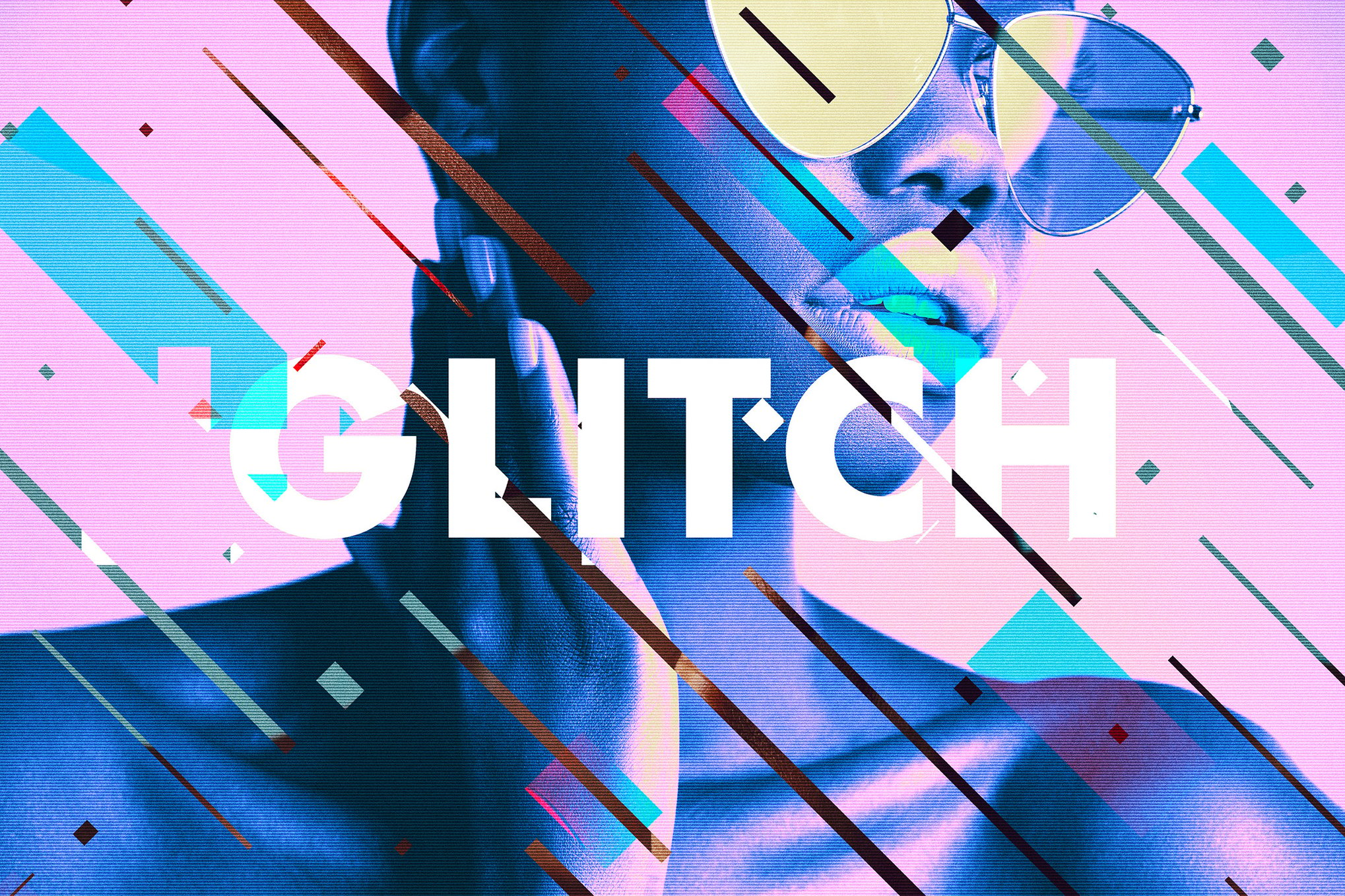
Take a bold sans-serif typeface and use clipping masks to apply glitch textures to the letters. This turns the text itself into the visual hook of the piece, perfect for album covers or magazine spreads.
Implications for the Future of Digital Art
The proliferation of easy-to-use glitch templates has implications for the design industry at large. As these tools become more accessible, the barrier to entry for creating high-end, futuristic visuals has plummeted. This democratizes the aesthetic, allowing freelance designers to compete with large agencies in creating "high-production" looking content.
However, the challenge for the future is avoiding the "template trap." As more brands adopt the glitch look, the style risks becoming a trope. The next frontier of glitch art will likely involve hybridizing these effects with AI-generated imagery and 3D modeling, moving beyond simple 2D distortion into the realm of complex, layered, and interactive visual noise.
Conclusion: The Power of the Controlled Error
The glitch effect is a testament to the fact that perfection is often boring. By intentionally introducing flaws into our digital work, we inject humanity, energy, and a sense of "now" into our designs. Whether you are using a free resource like the Digital Glitch Effect or a premium, multi-layered template, the goal remains the same: to create something that feels like it is vibrating, shifting, and coming alive right in front of the viewer.
As you explore the tools listed in this guide, remember that the most successful designs are those where the glitch serves the message, not the other way around. Keep your layers organized, experiment with the intensity settings, and don’t be afraid to break the rules—after all, that is exactly what the glitch is for.

 Iffa Jayyana
 Ali Ikhwan
 Suro Senen
 Azzam Bilal Chamdy
 Asep Darmawan
 Nana Wu
 Nana
Nana
 Muslim