
 Iffa Jayyana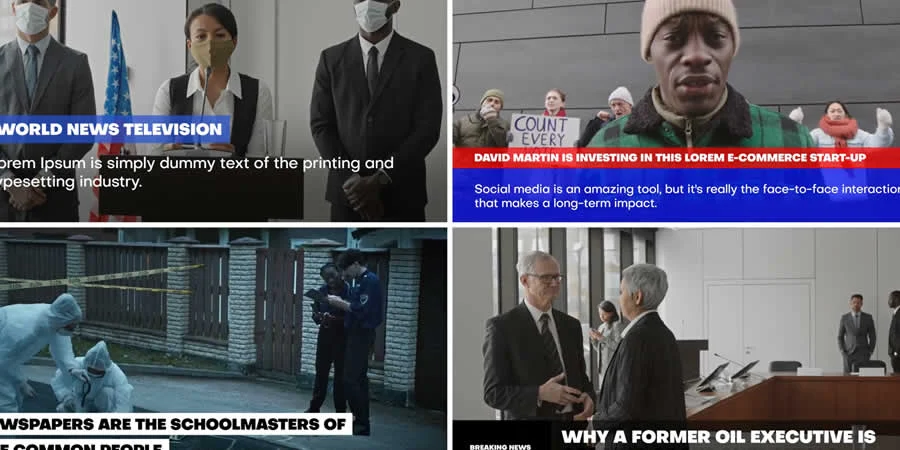
In the modern digital landscape, the difference between an amateur video production and a professional, broadcast-ready experience often comes down to one critical factor: visual consistency. For video creators, motion designers, and content producers, maintaining a cohesive "look and feel" across a suite of assets—intros, lower thirds, transitions, and title cards—is a monumental task that requires significant time and technical expertise.
Enter the Broadcast Package. These comprehensive, pre-built templates for Adobe After Effects act as the backbone of high-end video production, allowing creators to inject cinema-grade polish into their work with minimal friction. Whether you are producing a weekly news segment, a long-form documentary, or a high-energy brand promo, broadcast packages offer a shortcut to professional aesthetics that were once reserved for top-tier broadcast studios.

The Evolution of Broadcast Design: Why Packages Matter
Historically, creating a unified graphic identity for a show or channel required a team of motion graphics designers to spend weeks conceptualizing, animating, and exporting individual elements. If the color palette needed to change or a new title card was required, the entire production chain would face delays.
Broadcast packages have fundamentally disrupted this workflow. By providing a modular system of assets, these templates ensure that every element—from the primary opener to the smallest sub-headline—shares the same design DNA.
The Key Virtues of Pre-Built Templates
- Efficiency: Instead of toggling between multiple disparate projects, creators can manage all their visual assets within a single, unified environment.
- Accessibility: You no longer need to be a seasoned After Effects power user to achieve professional results. Many of these packages are designed with user-friendly interfaces, allowing for quick drag-and-drop customization.
- Scalability: Whether you are working on a single YouTube video or a series of network-style broadcasts, these packages provide the structural foundation necessary for rapid content output.
- Aesthetic Cohesion: By utilizing a template, you ensure that your typography, motion curves, and color grading remain consistent, which is essential for building brand recognition.
2024 Roundup: 12 Elite After Effects Broadcast Packages
To help you navigate the vast marketplace of digital assets, we have curated a list of the 15 most effective After Effects broadcast packages for 2024. These selections have been chosen based on their design versatility, ease of use, and visual impact.
(Note: For those operating within the Adobe Premiere Pro ecosystem, you can find a dedicated selection of broadcast templates here.)
1. After Effects Documentary Broadcast Package
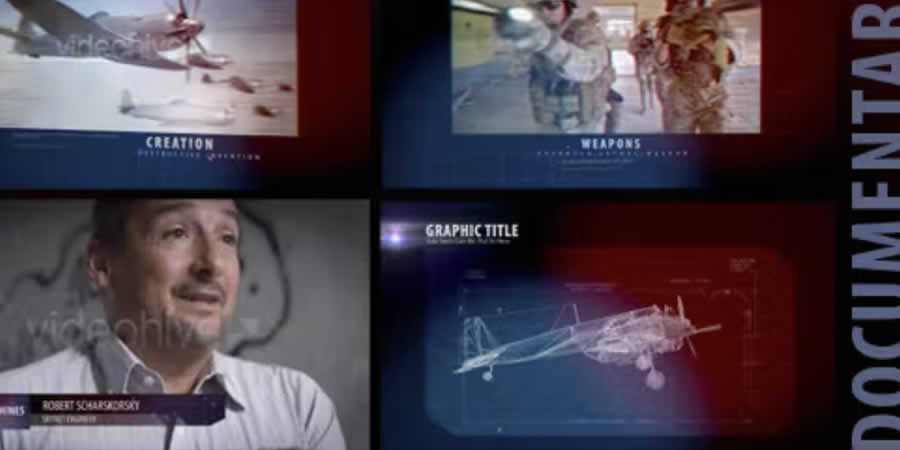
Designed for the nuances of long-form storytelling, this package specializes in understated, elegant graphics. It is perfect for historical documentaries where the visuals must support the narrative rather than overshadow it. Its bundled transitions and overlays are highly adaptable for newscasts as well.
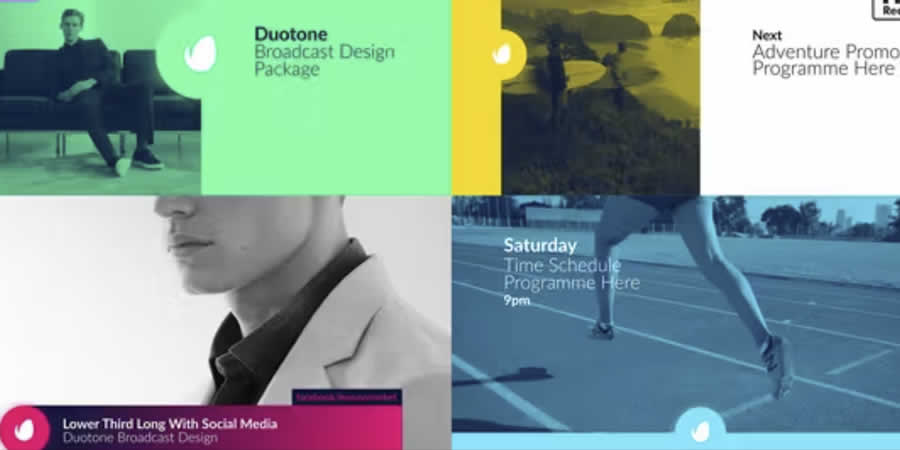
2. Duotone Broadcast Package (MOGRT)
For those who prioritize modern aesthetics, the Duotone package leverages MOGRT (Motion Graphics Template) files. These are exceptionally flexible, allowing for deep customization directly within Premiere Pro or After Effects. They provide the essential graphics needed to keep a broadcast looking contemporary and sharp.
3. Broadcast Identity Package
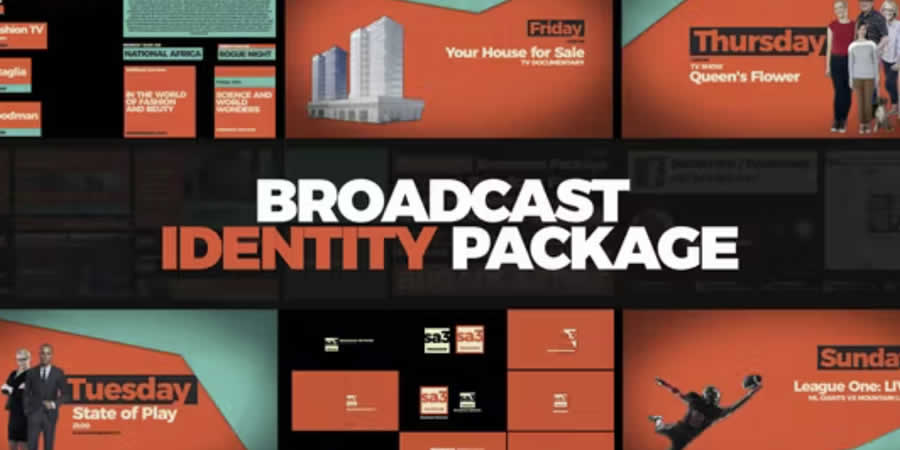
A broadcast is only as strong as its branding. This package focuses on the "identity" layer—high-impact openers, closers, and interstitial branding elements that establish the "vibe" of your production immediately.
4. Film Broadcast Package
High-definition displays demand high-definition design. This package utilizes crisp, full-HD graphics and includes advanced color control features. This allows creators to pivot the entire color scheme of their broadcast with a few simple clicks, matching their footage’s specific lighting and mood.
5. Modular Modern Broadcast Package
The "modular" approach is the gold standard for rapid production. This package breaks down the broadcast into bite-sized components, including transitions and lower-third captions, allowing you to build a video structure that is as simple or as complex as your project requires.
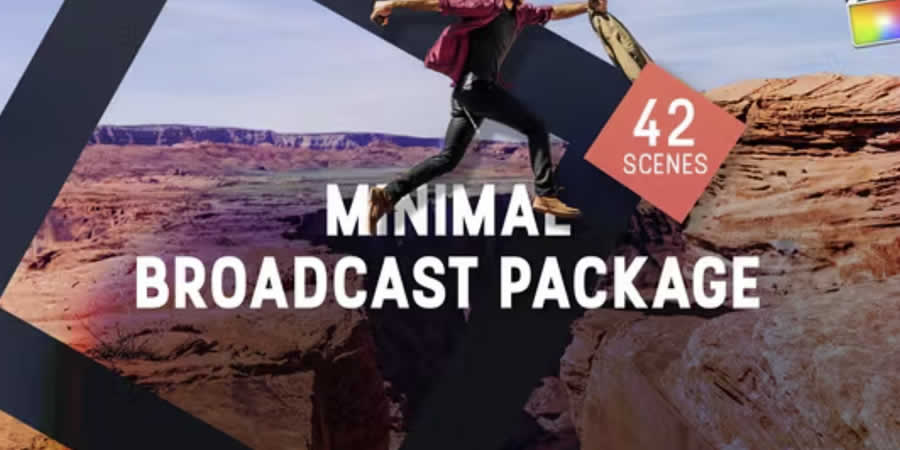
6. Minimal After Effects Broadcast Package
In a world of visual clutter, minimalism is a superpower. This package uses a stripped-back, clean aesthetic that allows your primary content—be it an interview, a product demo, or a data-heavy report—to take center stage without visual distraction.
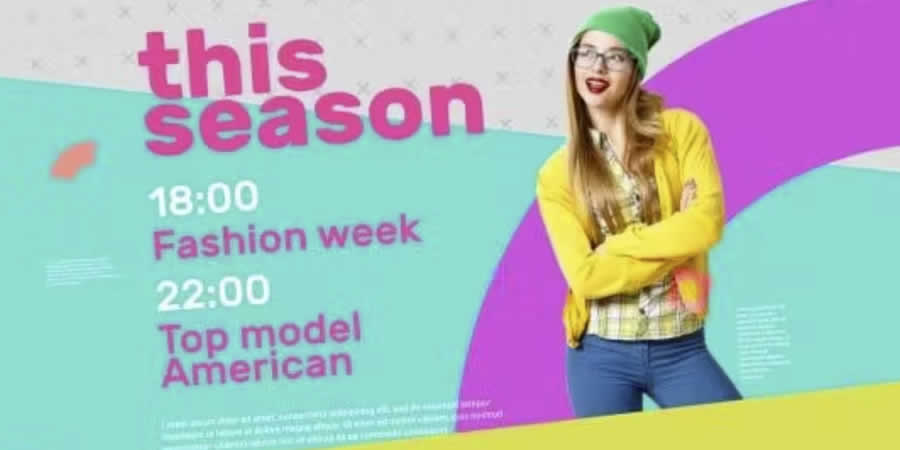
7. Stylish After Effects Broadcast Package
If your content demands a "high-fashion" or "lifestyle" look, this package offers a diverse array of components. From elegant sponsor titles to sophisticated credit rolls, it covers all the bases for premium content creation.
8. One Broadcast Package
True to its name, this is an "all-in-one" solution. It is designed for creators who want to avoid the headache of third-party plugins. It is a robust, no-nonsense suite that is perfect for those who need a reliable, plug-and-play solution.
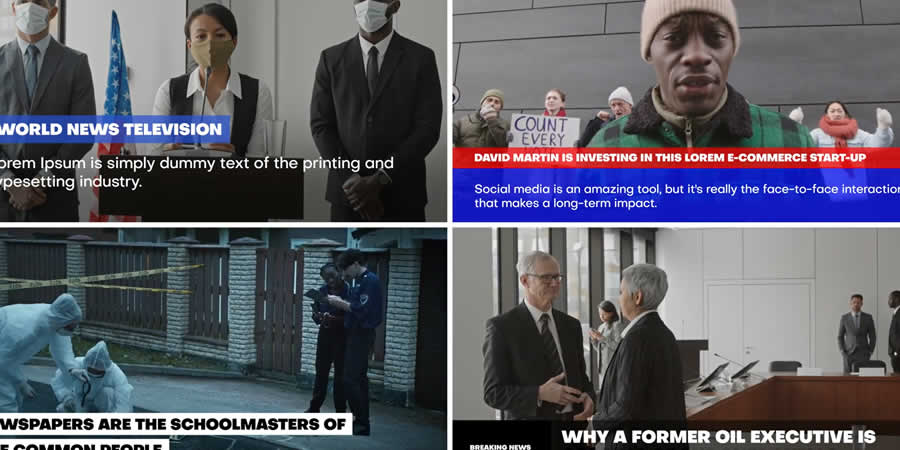
9. Broadcast News Package
Tailored specifically for the high-frequency world of news media, this package includes over 120 unique designs. It is heavily text-focused, providing all the tickers, lower thirds, and breaking-news alerts necessary to convey information quickly and effectively.
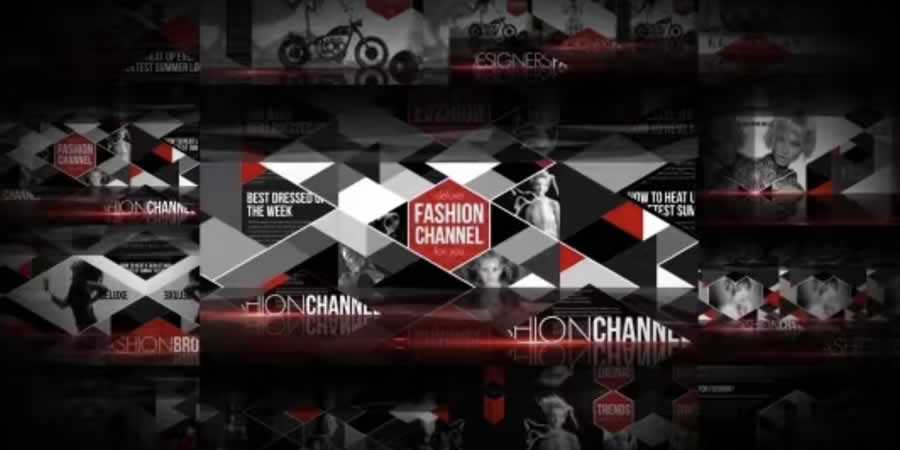
10. Fashion Broadcast Package
Fashion requires a sense of flair and movement. This package offers high-end, dynamic animations that feel at home on a runway or a premium lifestyle vlog. Its color-change features ensure that it can match any brand’s identity.
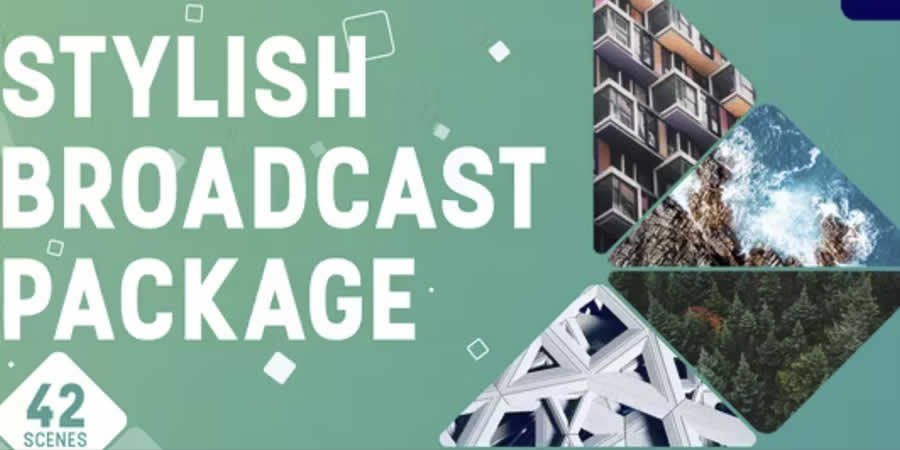
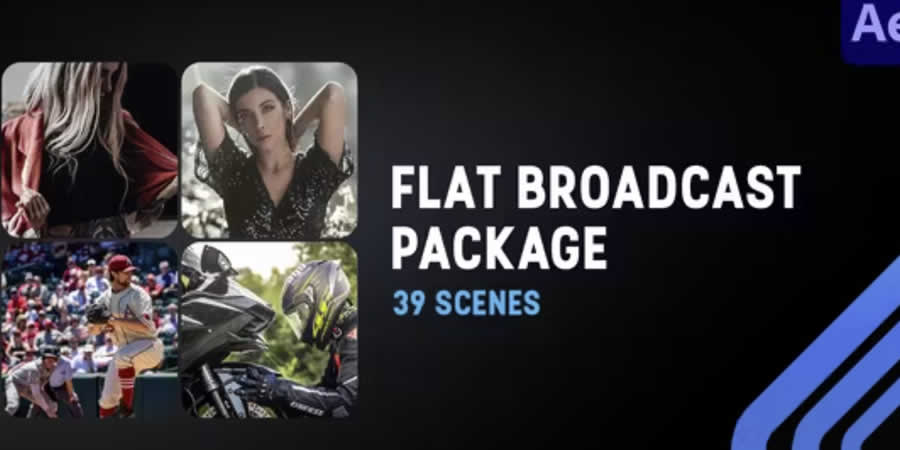
11. Flat Design Broadcast Package
Flat design remains a popular choice for corporate and educational videos. This package provides 39 unique, geometrically clean layouts that bring a professional, approachable, and consistent look to your training or presentation videos.
12. AE Clean Broadcast Package
For the creator who wants a "broadcast" look without the "broadcast" noise, the Clean package is the ideal middle ground. It features placeholders for social media integration, making it a perfect choice for modern influencers and digital media houses.

Technical Implications: How to Install and Customize
The transition from a raw project file to a polished broadcast requires a disciplined workflow. Once you have acquired your chosen package, the installation and deployment process generally follows a standardized chronology:
- Preparation: Ensure your version of Adobe After Effects is updated to the latest release to ensure compatibility with modern expressions and scripting.
- Asset Importation: Unpack the project files. It is highly recommended to organize your project bin immediately, separating the "Global Controls" from the "Individual Compositions."
- Global Color/Style Control: Most professional packages include a "Control" layer. Start here. Adjust your primary brand colors, fonts, and logo placeholders. This ensures that every sub-composition automatically updates to match your brand identity.
- Modular Assembly: Use the "Modular" components (lower thirds, transitions, etc.) to build your sequence. By keeping your project modular, you ensure that if you need to swap a graphic out later, you won’t have to rebuild the entire timeline.
- Rendering: Utilize the Adobe Media Encoder to manage your output settings. For broadcast-standard work, ensure your export settings align with your destination (e.g., ProRes 422 for broadcast or H.264 for web-optimized streaming).
Supporting Data: The Impact of Professional Graphics
According to recent industry trends in video production, viewer retention rates are significantly higher for videos that employ consistent graphic identities. When a viewer sees a professional, high-quality transition or a branded lower third, the perceived value of the content increases.
Broadcast packages are not merely decorative; they are a psychological tool. They signal to the viewer that the content has been curated with care, which builds trust. In a 2023 survey of freelance video editors, 78% of respondents indicated that using broadcast packages reduced their project turnaround time by at least 40%, allowing them to take on more clients without sacrificing quality.
Official Perspectives: The Future of Templates
Industry experts suggest that as Artificial Intelligence (AI) continues to influence the motion graphics space, broadcast packages will become even more "intelligent." We are already seeing the early stages of this with AI-driven MOGRTs that can automatically suggest color palettes based on the video footage imported into the project.
However, the human element remains paramount. A broadcast package is a tool, not a replacement for creative vision. The most successful creators are those who take these high-quality templates and customize them just enough to make them feel unique, while relying on the structural integrity of the template to maintain the technical standard.
Conclusion: Crafting Your Visual Legacy
Whether you are an independent creator or part of a larger production team, the investment in a high-quality After Effects broadcast package is one of the most effective ways to elevate your brand. By choosing a set that aligns with your specific genre—be it news, fashion, or documentary—you are setting yourself up for a streamlined, professional workflow that allows you to spend less time on repetitive motion tasks and more time on the core of your work: storytelling.
As we look toward the remainder of 2024, the bar for visual quality continues to rise. With the right tools in your arsenal, you aren’t just making videos; you are building a broadcast-grade experience that stands out in a crowded digital marketplace.

 Lina Irawan
 Ammar Sabilarrohman
 Nana Wu

 Suro Senen
 Jia Lissa