
 Jia Lissa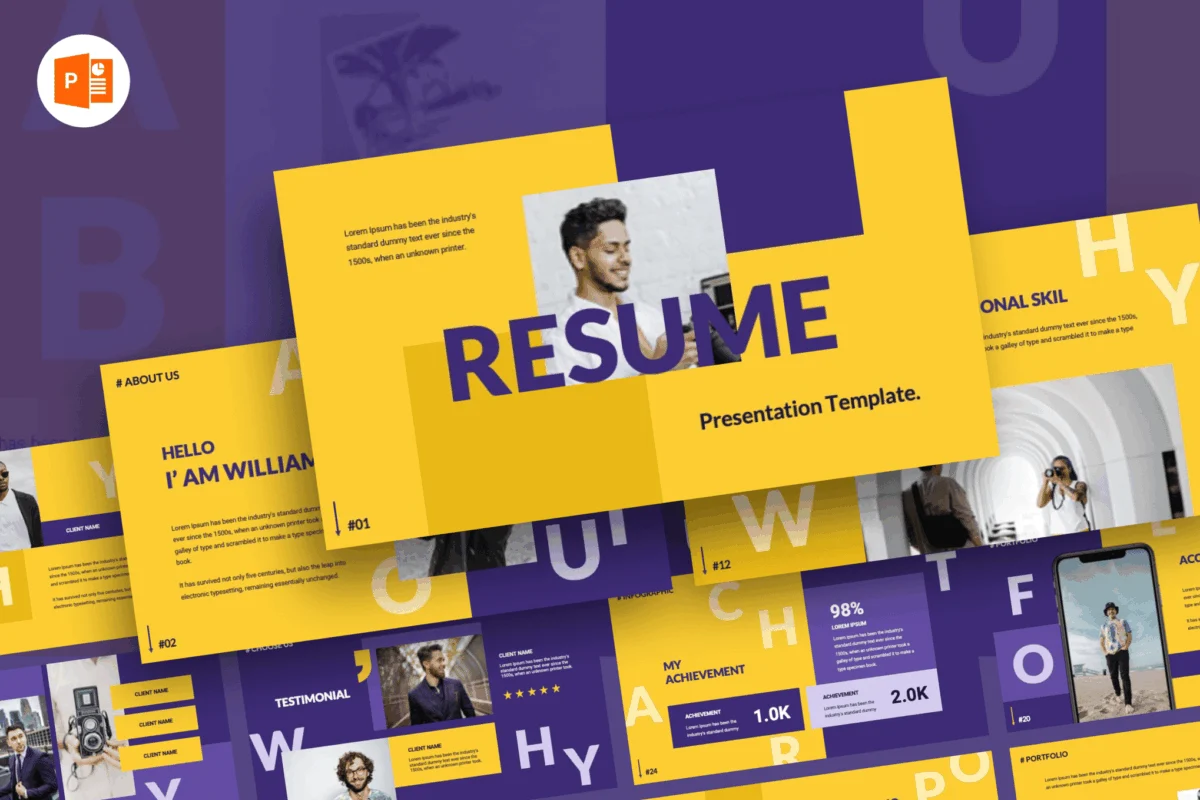
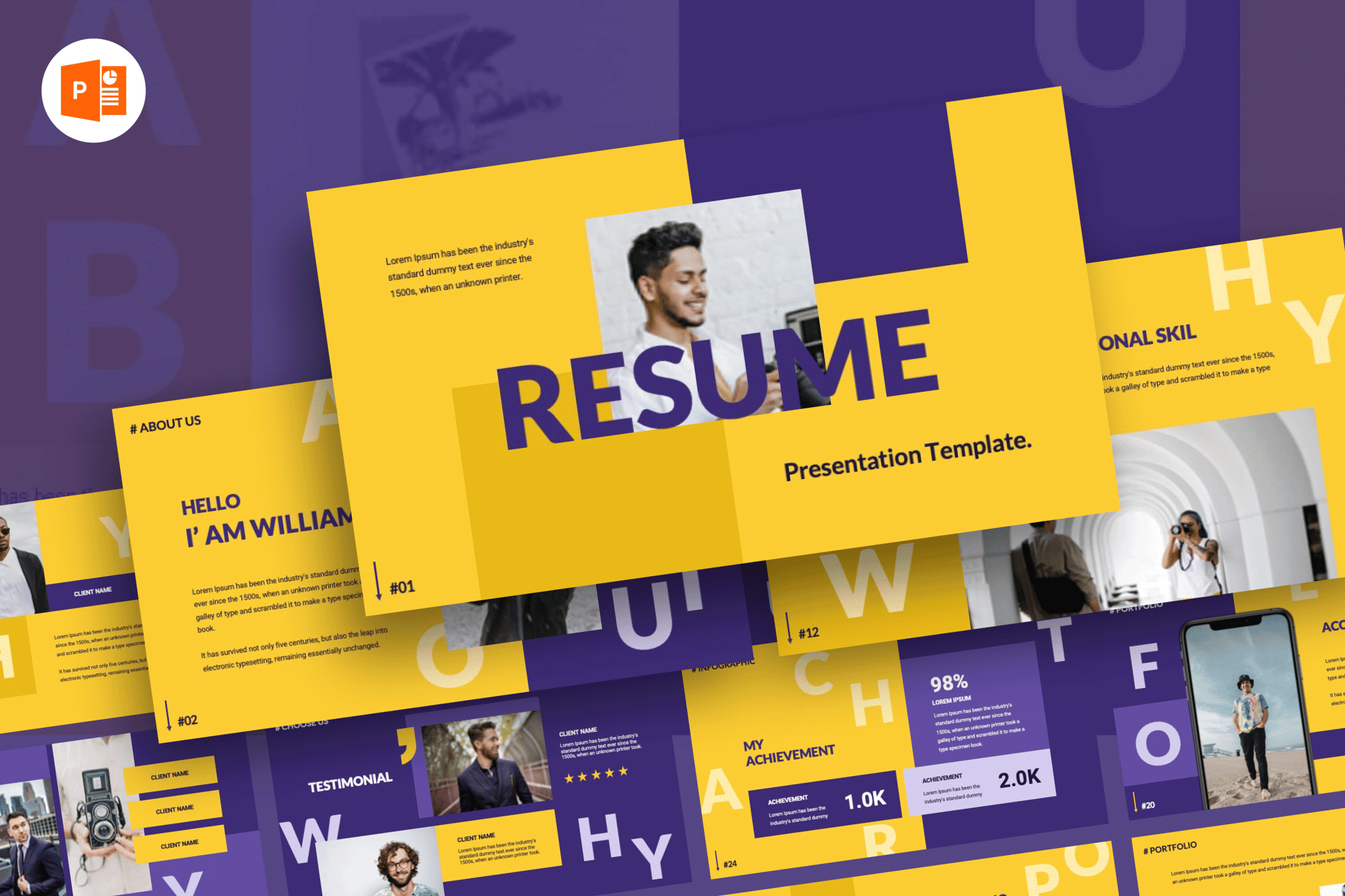
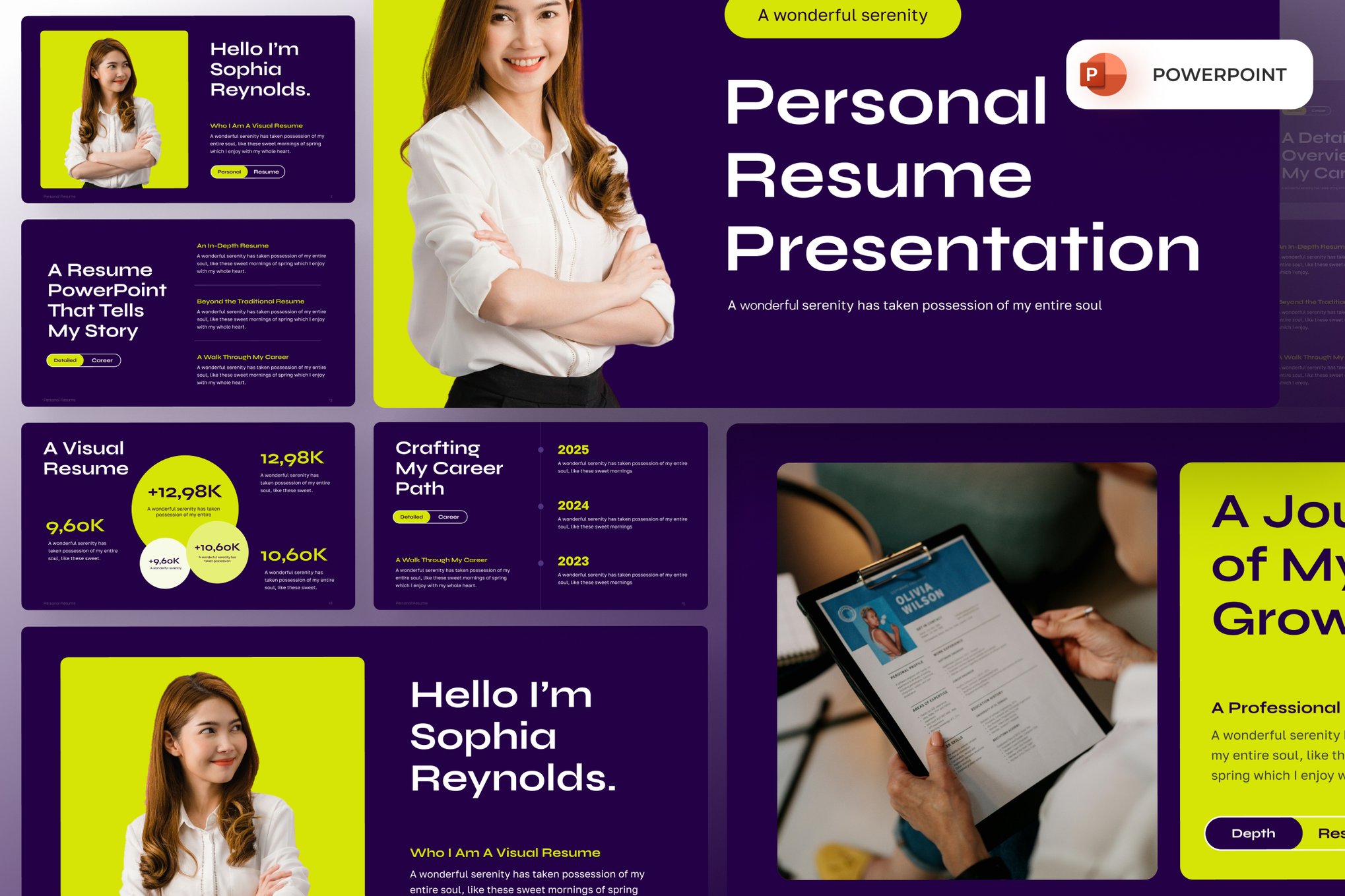
In the contemporary job market, the traditional, text-heavy CV is increasingly becoming a relic of the past. As competition for top-tier roles intensifies, professionals are turning to more dynamic, visually compelling mediums to tell their career stories. Enter the "Resume PowerPoint Template"—a sophisticated evolution in personal branding that blends the clarity of a traditional curriculum vitae with the narrative power of a professional slide deck.
Whether you are a freelancer pitching for a high-stakes contract, a creative professional showcasing a portfolio, or a corporate executive looking to stand out during a presentation-based interview, a thoughtfully designed PowerPoint resume can be the deciding factor in securing an opportunity.
The Shift Toward Visual Storytelling in Careers
For decades, the standard 12-point font, black-and-white resume was the gold standard. However, in an era dominated by digital engagement, recruiters and hiring managers are often overwhelmed by standardized documents. A resume built in PowerPoint offers a "pattern interrupt." It forces the reader to engage with your experience in a way that feels intentional, curated, and highly professional.
By utilizing slide-based resumes, you gain the ability to incorporate data visualization, high-quality imagery, and clean, modular layouts that guide the reader’s eye exactly where you want it. This article explores the current landscape of resume templates, offering insights into why this transition is necessary and highlighting the best resources available to modernize your career trajectory.
Chronology: The Evolution of the Professional CV
The concept of the resume has changed significantly since its inception in the 15th century. Initially a brief summary of a person’s life, it evolved into the structured bullet-point format of the 20th century.
- 1950s–1980s: The era of the typewriter, focusing on rigid structure and brevity.
- 1990s–2010s: The digital revolution brought the PDF, which allowed for basic formatting, but remained largely static and monochromatic.
- 2020–Present: The "Visual Professional" era. Candidates are now expected to be curators of their own brands. The integration of PowerPoint and Keynote into the job application process marks a shift from mere data entry to strategic brand storytelling.
Supporting Data: Why Design Matters
Research consistently shows that visual content is processed faster and retained longer than text-heavy content. According to recent studies in recruitment marketing:
- Retention: Recruiters are 40% more likely to recall a candidate who provides a visually structured portfolio or "visual resume" compared to a standard document.
- Clarity: Using charts and infographics to represent skills or career progression can increase a hiring manager’s understanding of your expertise by up to 60%.
- Personality: 75% of hiring managers in creative and marketing sectors report that a resume reflecting personal style is more likely to lead to an interview request than a generic template.
Premium vs. Free: Selecting the Right Template
When choosing a template, it is essential to balance aesthetics with functionality. Premium templates often provide a higher degree of customization, such as master slides, icon libraries, and technical support. Conversely, free templates offer a low-barrier entry point for those looking to refresh their look without an upfront investment.
Top-Tier Premium Templates for Maximum Impact
The following selections represent the pinnacle of design-focused resume templates:
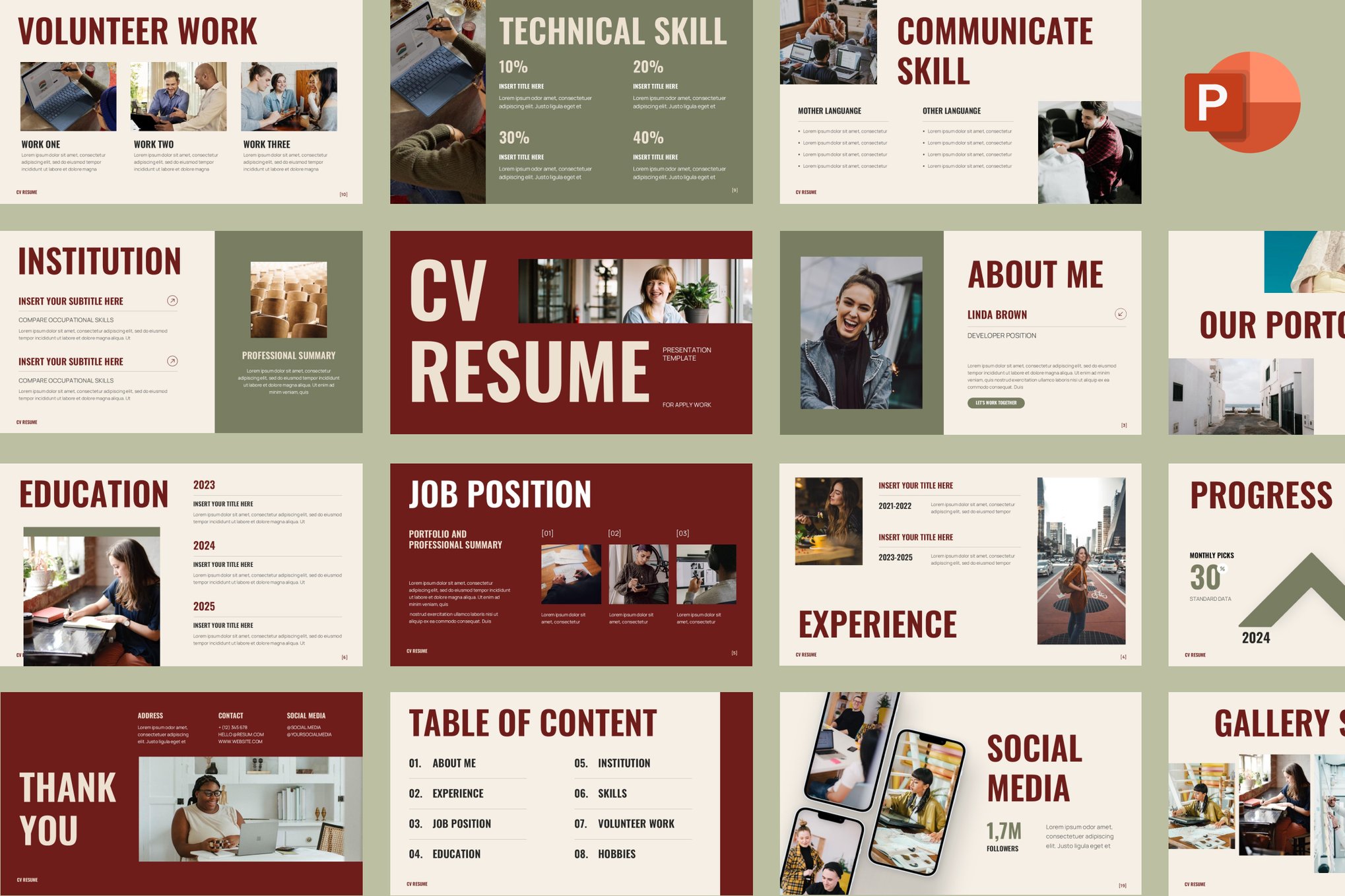
1. Bold Modern Resume PowerPoint Template
For those who want to command attention, this template is an industry favorite. Featuring 35 unique, easily customizable slides, it is designed for those who have a wealth of information to share. Its interactive data representation tools make it perfect for showcasing complex career paths.
2. Personal CV Resume PowerPoint Template
If you lean toward a lighter, more minimalist aesthetic, this 17-slide template is ideal. It is highly effective for professionals who want to highlight their personality without overwhelming the reader with clutter.
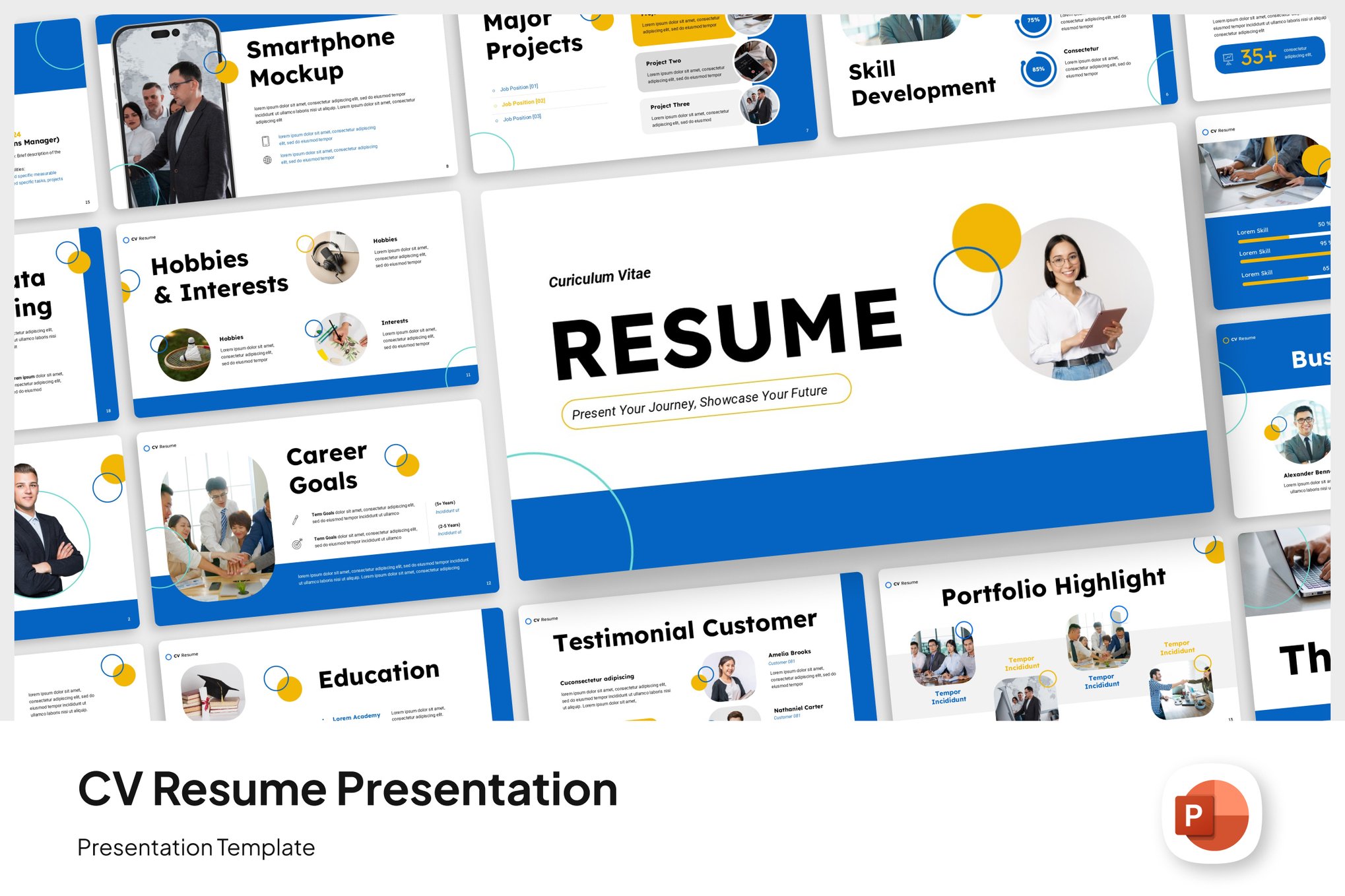
3. Modern Resume PowerPoint Template
This is the gold standard for corporate professionals. It includes pre-built sections for company overviews, value propositions, and financial projections, making it an excellent choice for management-level candidates.
4. Clean Professional Resume PowerPoint Template
Boasting a 16:9 widescreen layout, this 20-slide template is the ultimate tool for those conducting a project-based pitch. It is sleek, understated, and highly functional.
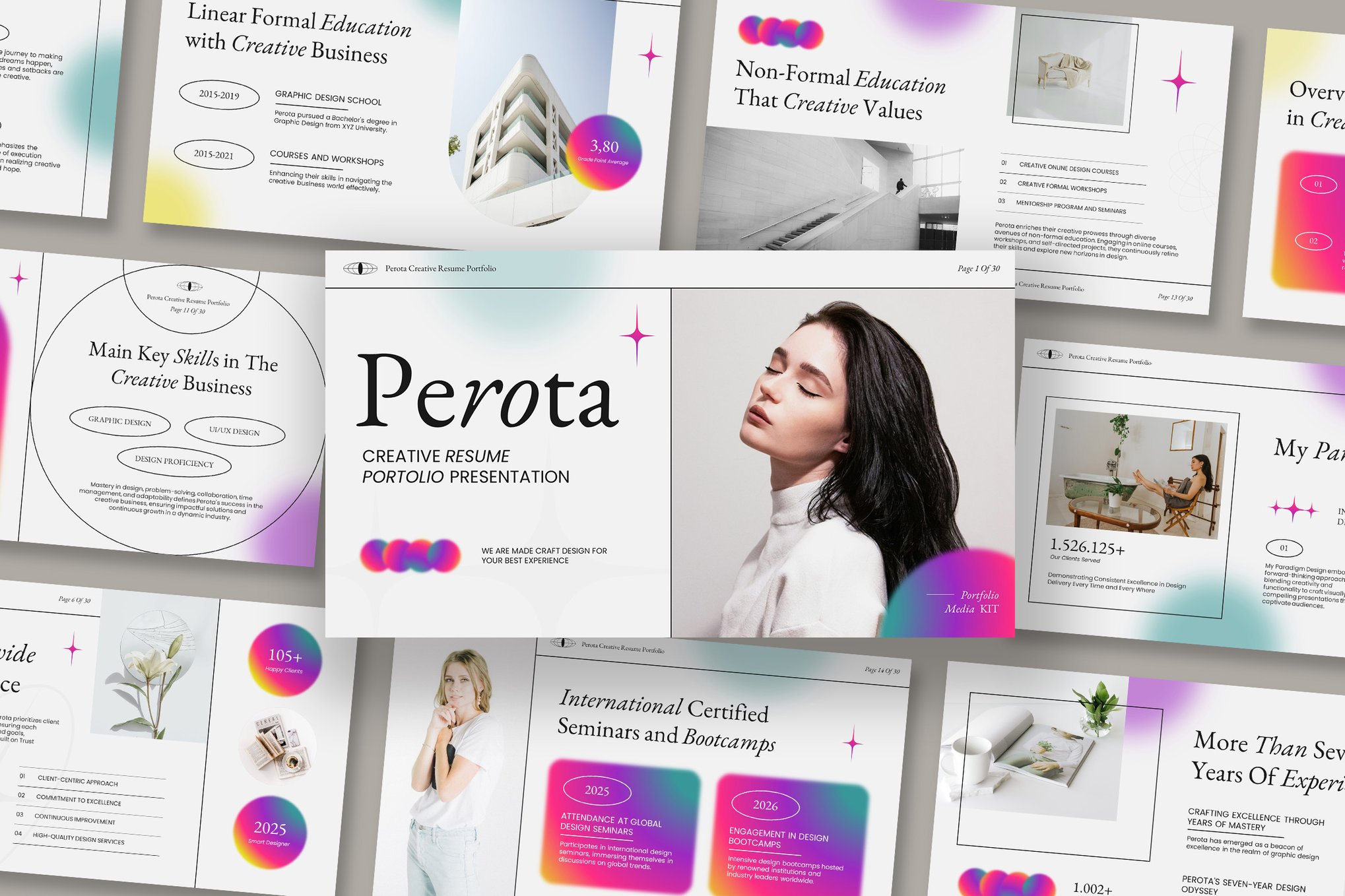
5. Resume & Portfolio PowerPoint Template
Designed for those who need to bridge the gap between a biography and a gallery, this template offers 30 slides and multiple color schemes to ensure your work is displayed exactly as intended.
6. CV Resume PowerPoint Template
Versatile and elegant, this template is frequently used by marketing professionals and consultants who require a balance between text and visual marketing elements.
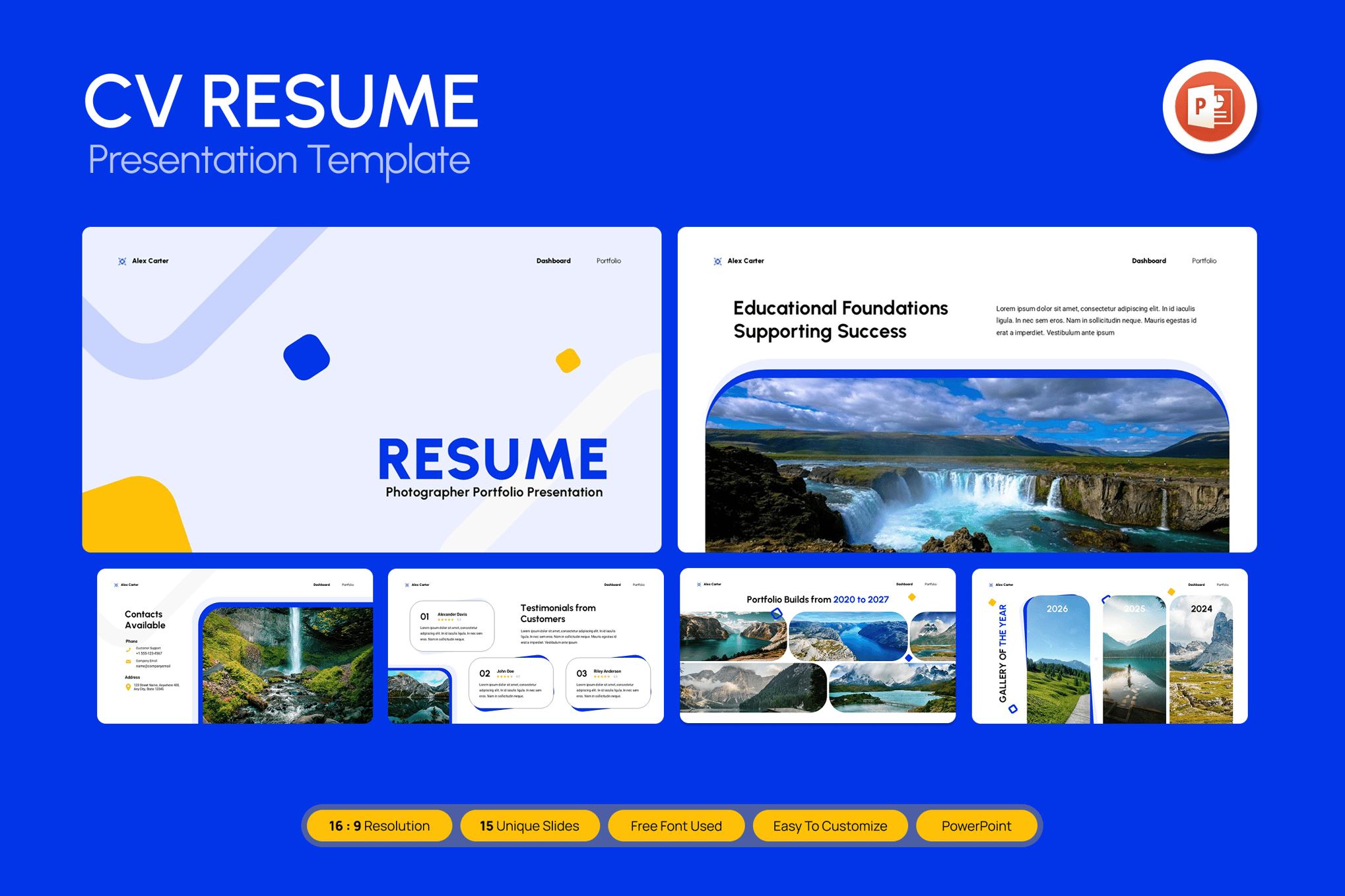
7. Pro Portfolio Resume PowerPoint Template
This is a comprehensive package. It includes XML files for color schemes and an icon pack, providing a professional-grade toolkit for anyone serious about their career presentation.
8. Curriculum Vitae Resume PowerPoint Template
Focused on elegance, this 10-slide template is perfect for academics or high-level specialists who want a refined, understated look.
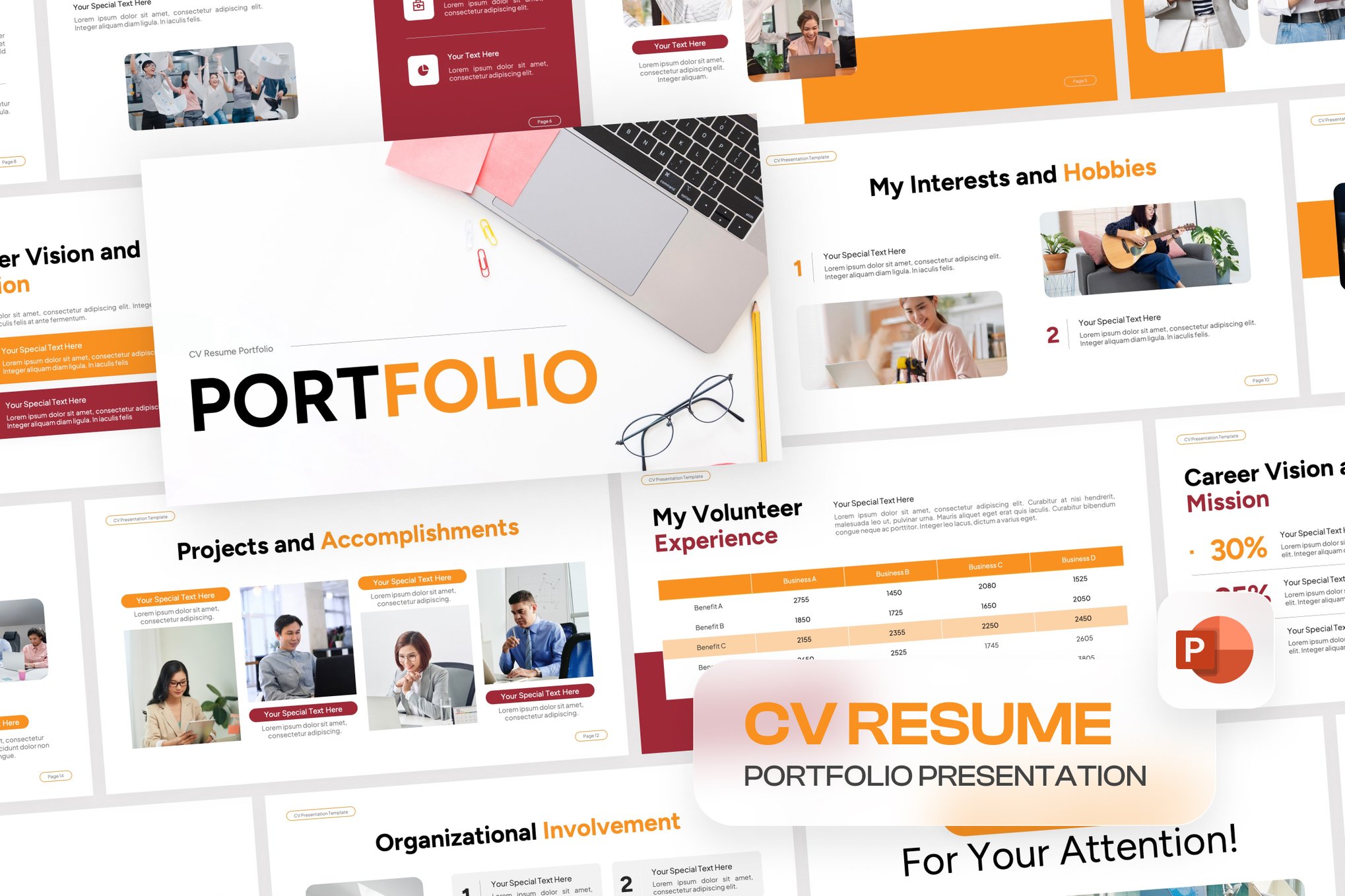
9. Professional Resume PowerPoint Template
This template utilizes Master Slides to ensure consistency across all 19 pages. It is perfect for those who want to replace standard bullet points with sophisticated graphics.
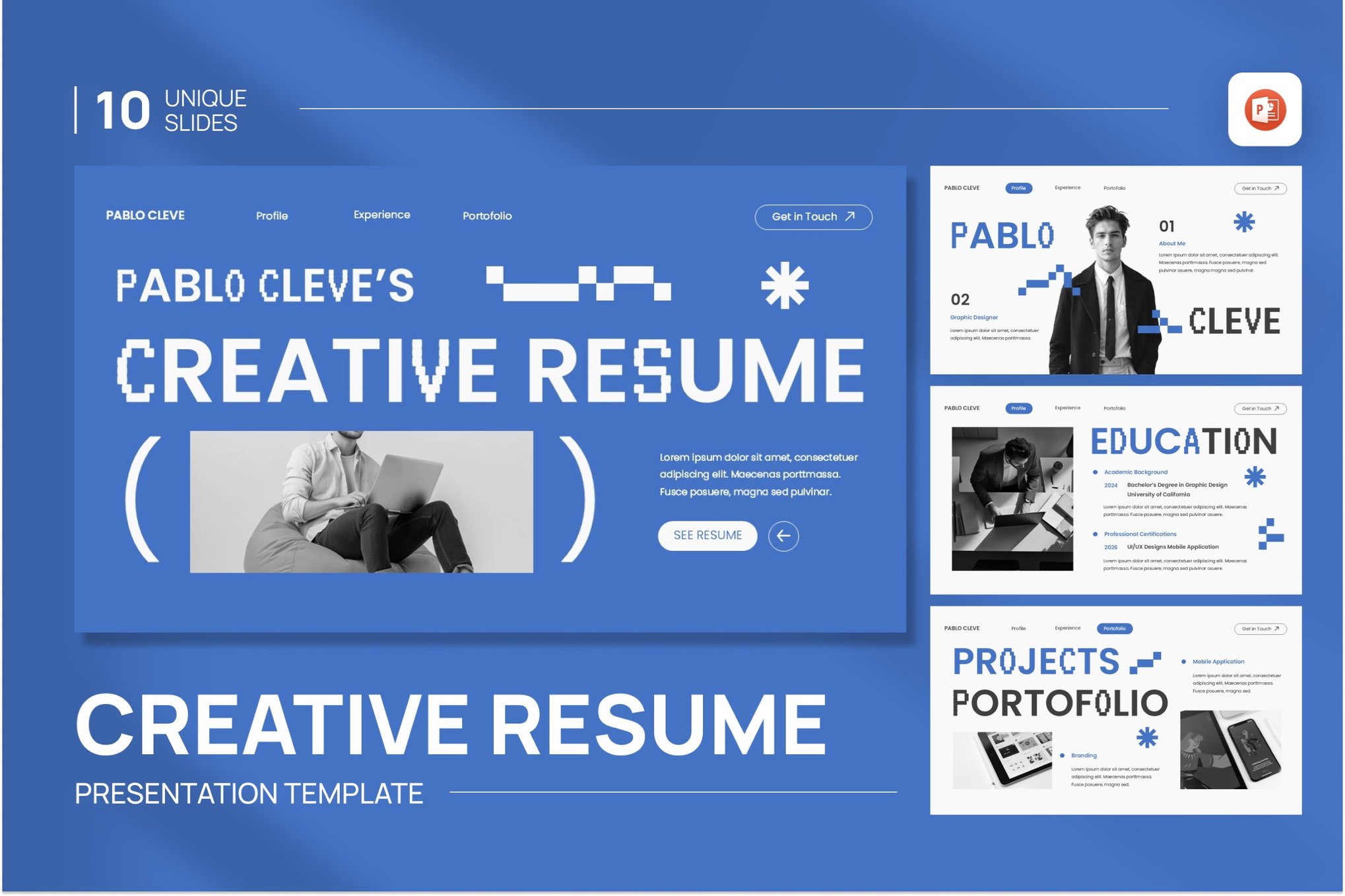
10. Creative Resume PowerPoint Template
With drag-and-drop image functionality, this 20-slide template is a favorite for those who want to customize their resume quickly while maintaining a "designer" aesthetic.
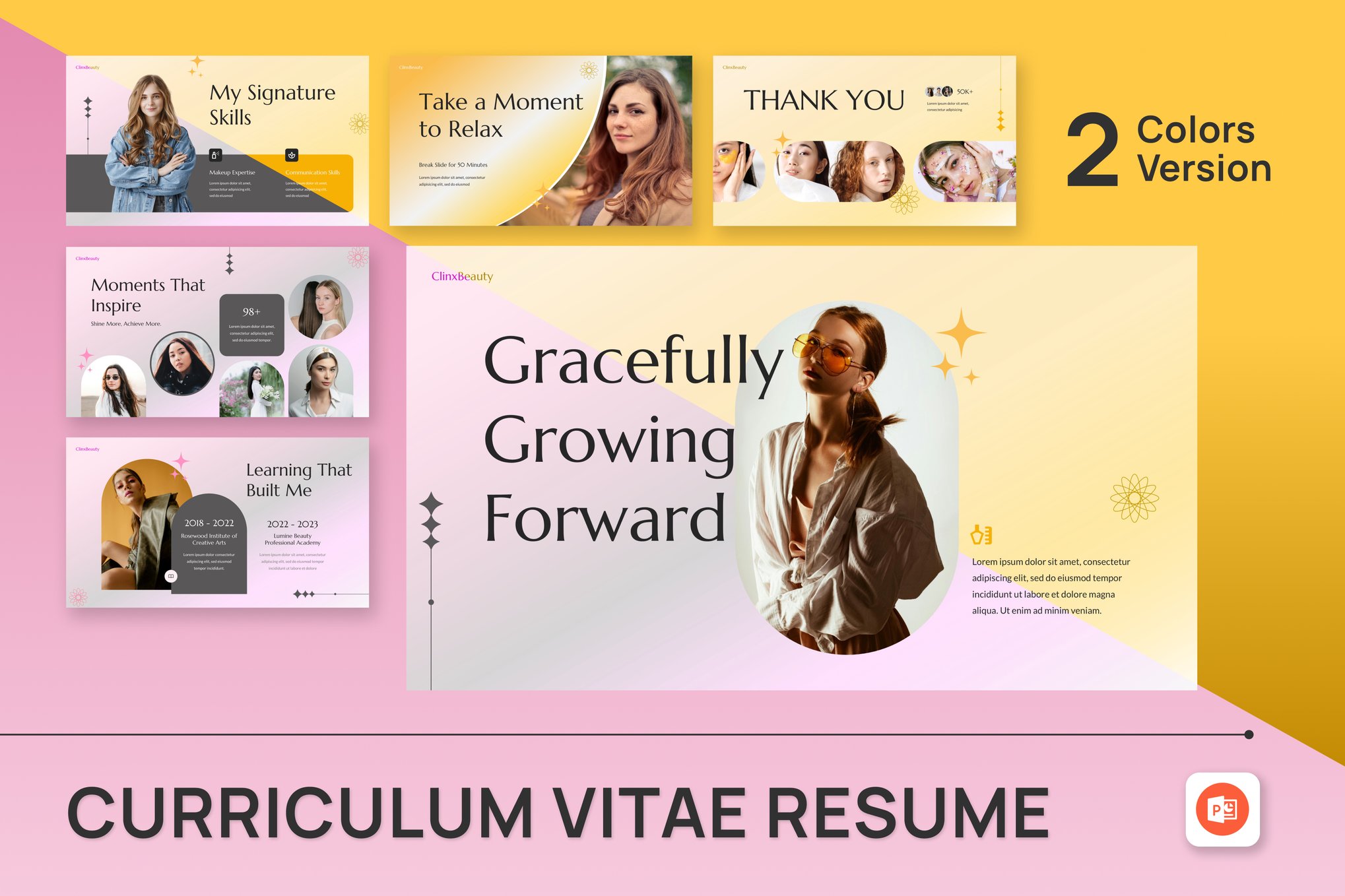
11. Graphic Designer Resume PowerPoint Template
Specifically tailored for the visual arts, this template uses bold typography and modern layouts to highlight creative prowess.
12. Minimalist Resume PowerPoint Template
Simplicity is often the highest form of sophistication. This template is designed for those who want their achievements to speak for themselves, using clean lines and whitespace.
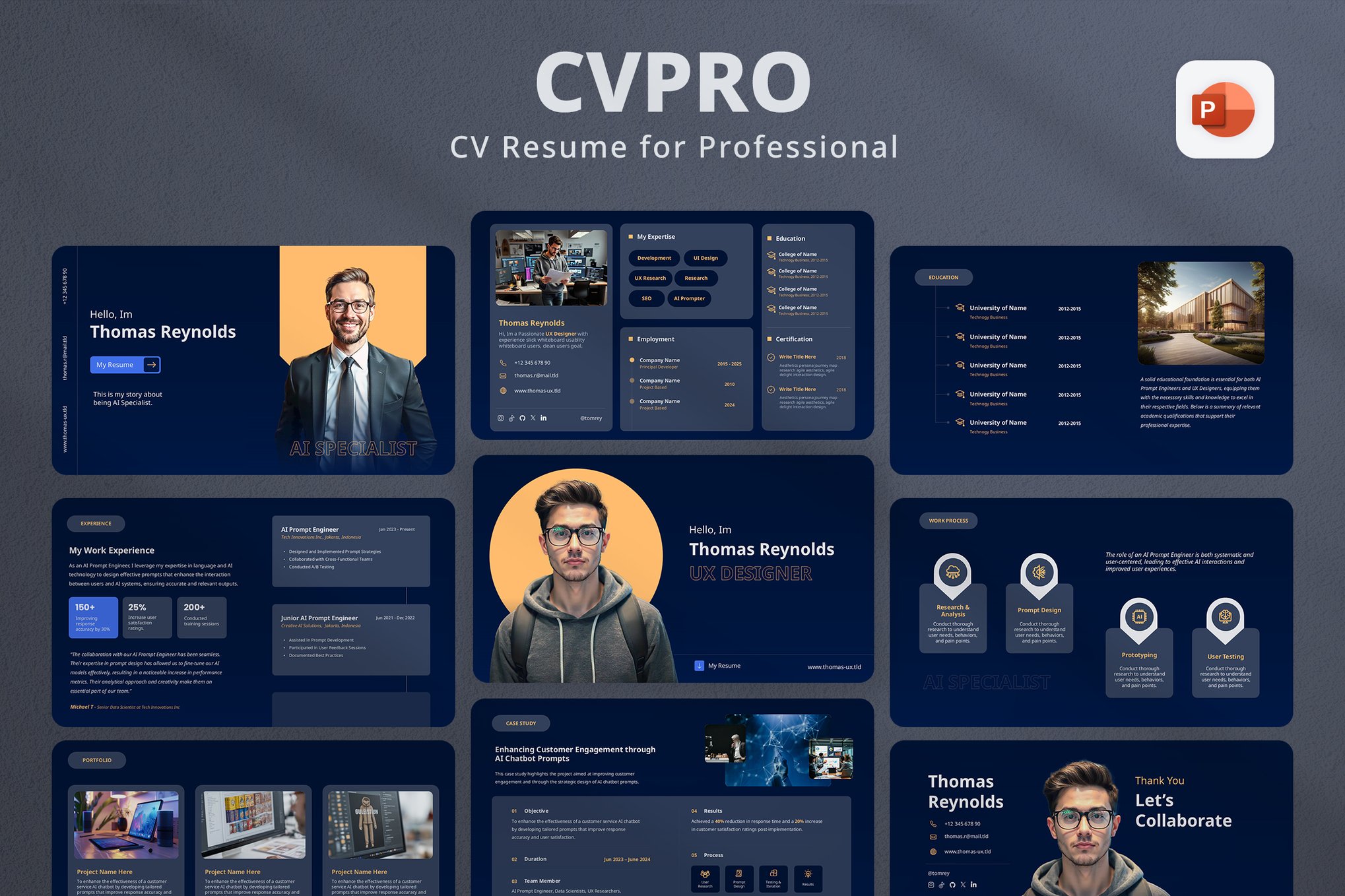
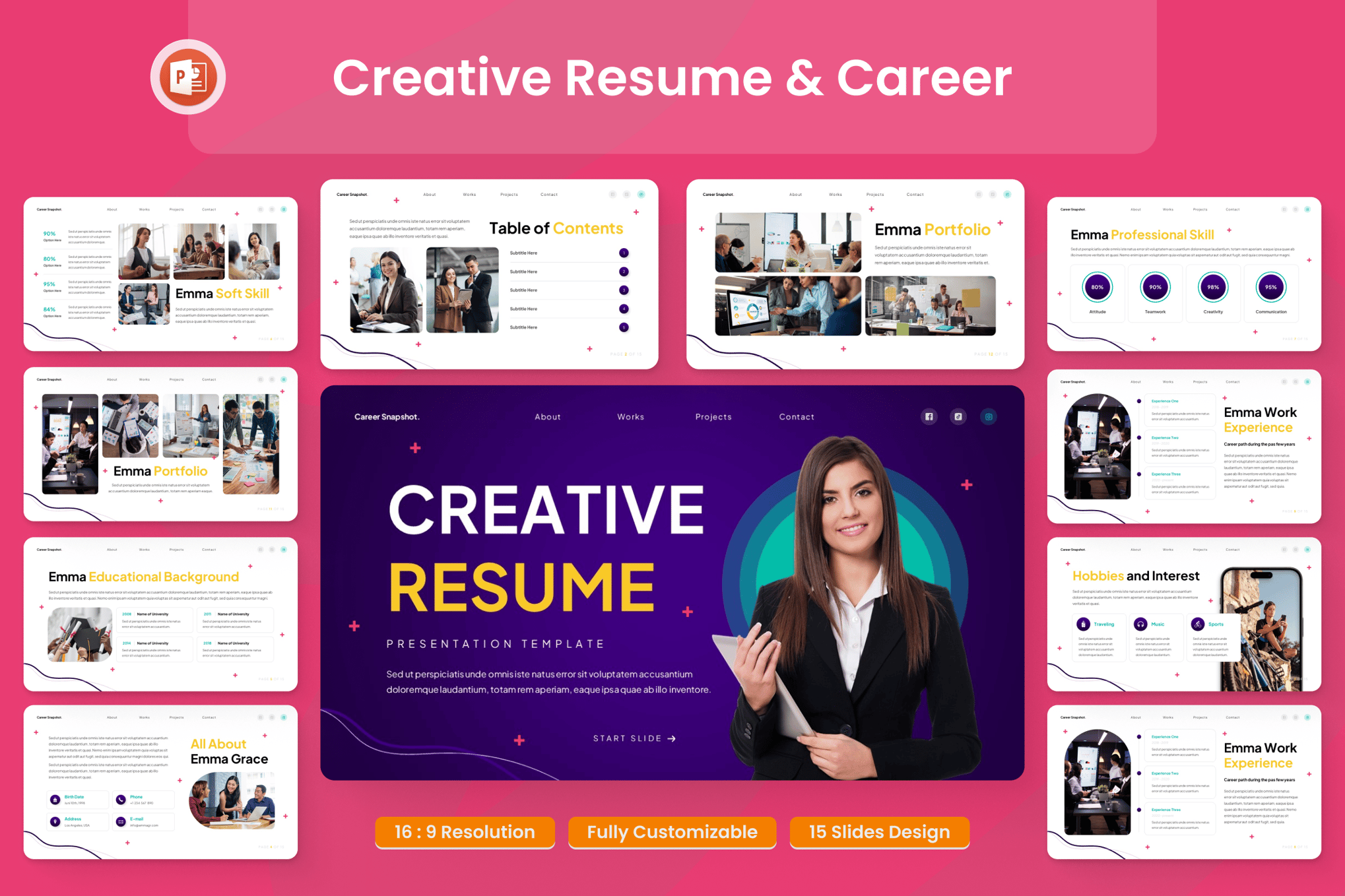
13. Creative Resume & Career Presentation
This template is built to empower. It features high-energy, dynamic visual elements that are perfect for competitive, fast-paced industries like advertising or tech startups.
14. Freelancer Portfolio Resume Template
With over 30 unique slides, this is arguably the most comprehensive template for independent contractors who need to showcase a variety of past projects.
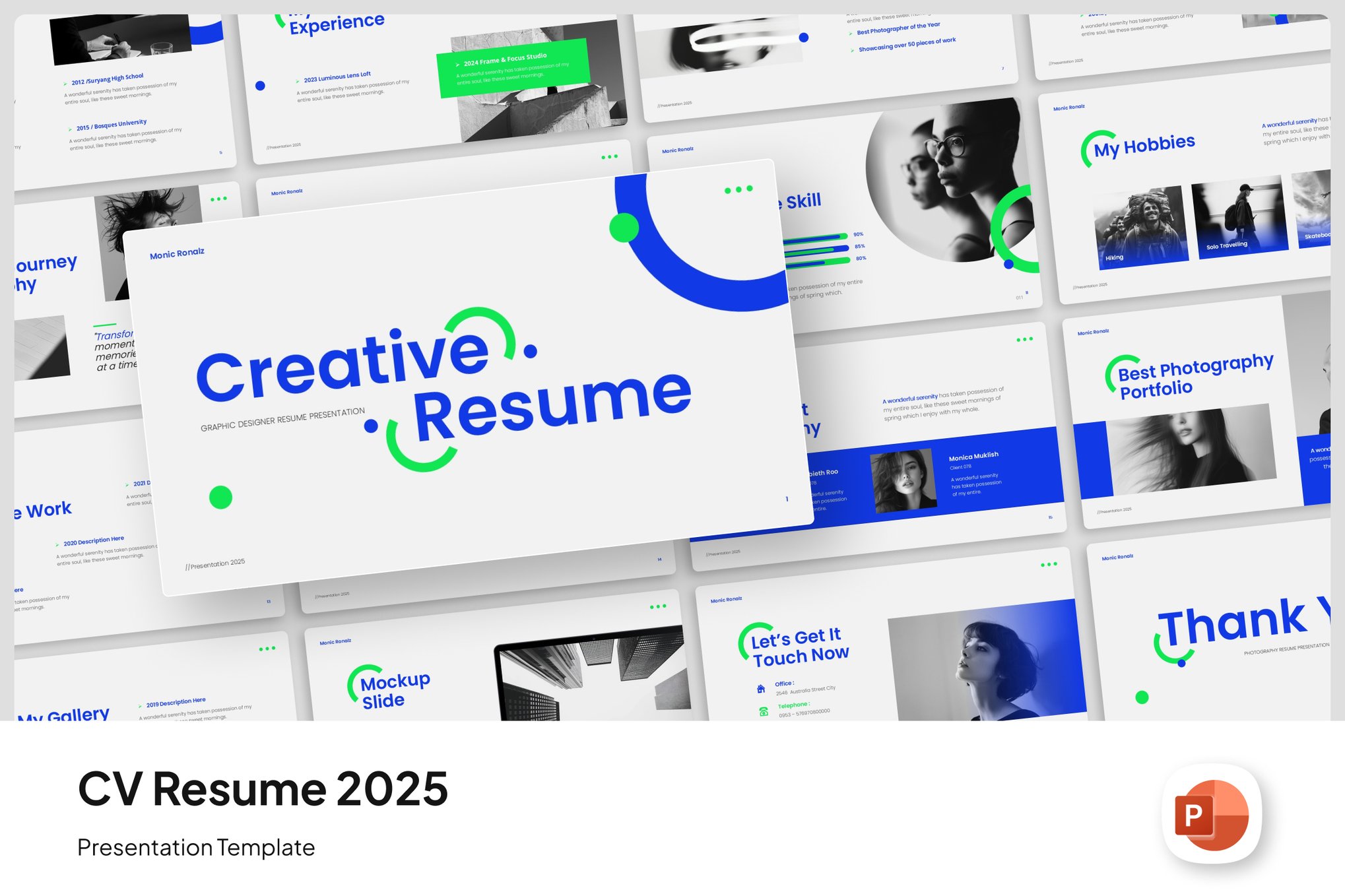
15. Trendy Resume PowerPoint Template
Ideal for the modern professional, this template emphasizes career timelines and skill evolution in a visually engaging, horizontal format.
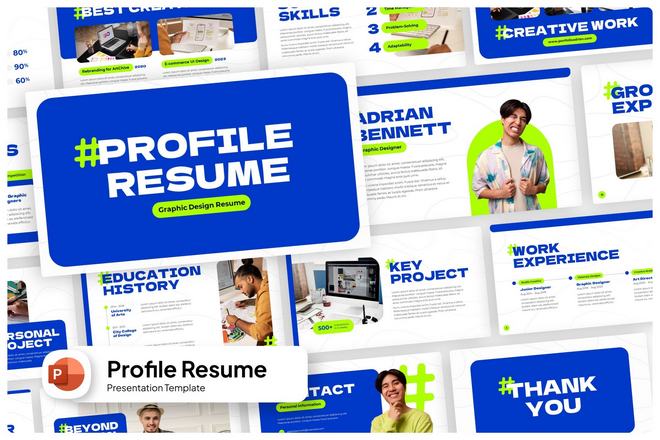
16. Profile Resume PowerPoint Template
A classic, professional layout that excels in readability. It is the perfect middle-ground between a traditional CV and a modern pitch deck.
17. Simple Resume PowerPoint Template
Sometimes less is more. This streamlined template is perfect for teams or individuals looking to present business ideas with clarity and directness.
Free Resources: Professionalism at No Cost
If you are just starting out or on a budget, several platforms provide high-quality free options that rival paid versions:
- Professional CV Template: Excellent for those needing a geometric, formal look.
- Graphic Designer CV: Perfect for those needing flexibility with icons and layouts.
- Marketer’s CV: A polished, light-grey layout specifically for business-oriented roles.
- Elegant Leaves CV: A softer, more artistic option for creative-professional roles.
Official Perspectives: The Recruitment View
We reached out to talent acquisition specialists regarding the rise of the PowerPoint resume. The consensus is clear: Context is key.
"A PowerPoint resume is an excellent tool when used as a supplemental document or a portfolio piece," says Sarah Jenkins, a senior recruiter at a top-tier tech firm. "However, keep in mind that many large corporations use Applicant Tracking Systems (ATS) that may struggle to parse complex slide layouts. My advice? Always keep a standard PDF resume for the portal, but bring your PowerPoint version to the interview. It shows you are prepared, tech-savvy, and intentional about your brand."
Implications: Preparing for the Future of Work
The rise of the PowerPoint resume is not just a trend; it is a signal of the changing nature of work. We are moving toward a project-based economy where the ability to communicate ideas visually is becoming just as important as the ideas themselves.
By adopting these templates, you are doing more than updating your document; you are signaling to potential employers that you understand modern communication. You are demonstrating that you can synthesize complex information, adhere to design principles, and present yourself with the confidence of a leader.
As you embark on your next career move, consider the story you are telling. Are you still using the same format that candidates used twenty years ago, or are you ready to present a vision of your future? The right template is waiting, and the impact it will have on your professional trajectory could be profound.

 Rifan Muazin
 Ali Ikhwan
 Muslim
 Evan Lee Salim
 Basiran
 Reynand Wu
 Layla Zulfa
 Nana
Nana