
 Rifan Muazin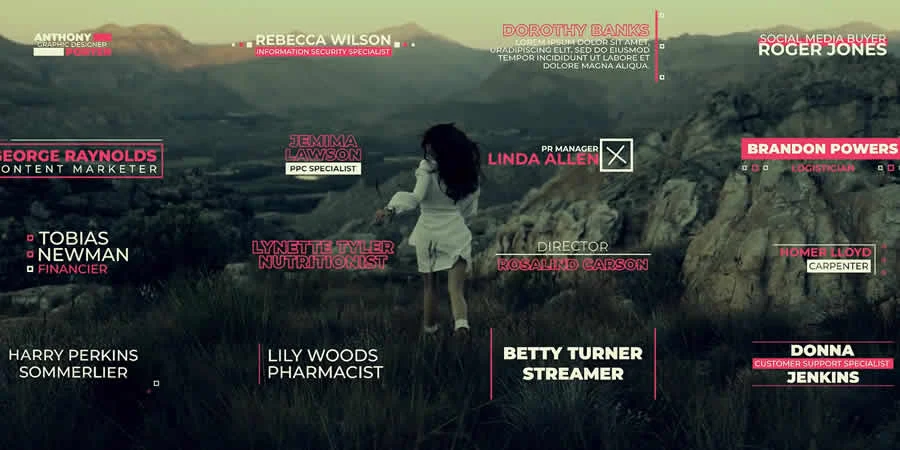
In the rapidly evolving landscape of digital media, DaVinci Resolve has transcended its origins as a world-class color grading suite to become the industry-standard powerhouse for end-to-end video production. Whether you are an independent creator crafting YouTube content, a freelance filmmaker, or a corporate editor, the demand for high-quality motion graphics is constant. However, creating complex animations from scratch is time-consuming and often requires advanced knowledge of Fusion, Resolve’s node-based compositing environment.

This is where professionally curated, free templates become an essential part of your creative arsenal. By leveraging pre-built assets, editors can significantly slash production timelines while maintaining a high aesthetic ceiling. This guide explores the best free resources available today and provides a roadmap for integrating them into your workflow effectively.
The Evolution of the DaVinci Resolve Ecosystem
DaVinci Resolve’s rise to prominence is largely attributed to Blackmagic Design’s decision to offer a feature-rich free version of the software. As the user base expanded, so did the demand for third-party assets. Unlike traditional NLEs (Non-Linear Editors) that rely heavily on third-party plugins, Resolve’s "macro" system allows creators to package complex Fusion compositions into simple, user-friendly templates that can be dragged directly onto a timeline.
Why Templates Are a Professional Necessity
The modern editor operates under tight deadlines. A well-designed template is not a shortcut to "lazy" editing; it is a tool for efficiency. By offloading repetitive tasks—such as animating lower thirds, creating consistent openers, or applying complex transitions—editors can redirect their creative energy toward narrative flow, color grading, and sound design.
Selecting the Right Template: A Critical Checklist
Not all templates are created equal. Before committing a template to your project timeline, it is imperative to evaluate its utility. A visually stunning animation is useless if it is unrenderable or difficult to modify.
- Customizability: Does the template allow for easy font, color, and duration adjustments?
- Performance Impact: How many nodes does the Fusion composition utilize? A template with too many complex nodes can bring even powerful workstations to a crawl.
- Resolution Scalability: Ensure the template is resolution-independent or natively supports your project’s aspect ratio (e.g., 4K vs. 1080p).
- Licensing: Always verify the usage rights. While many are listed as "free," ensure they are cleared for commercial use if you are working for a client.
Curated Categories for Enhanced Production
1. Opener Templates: Establishing the Narrative Tone
The first few seconds of a video are the most critical for audience retention. A high-quality opener sets the mood and establishes your brand identity.
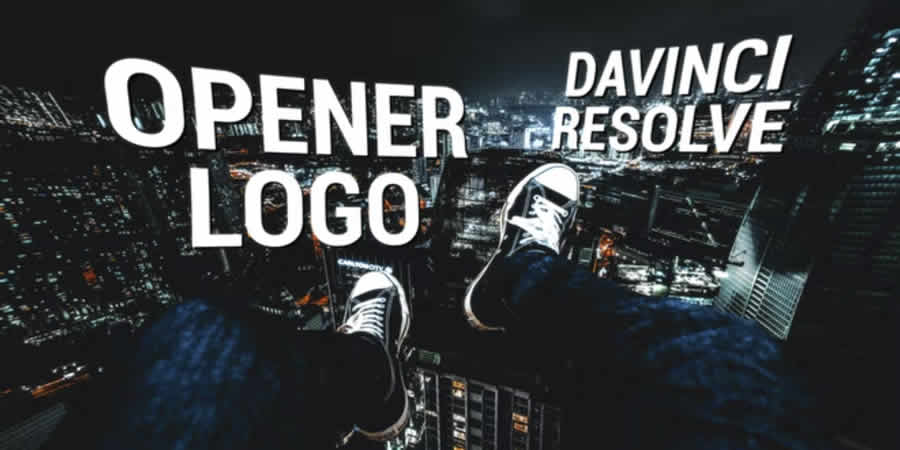
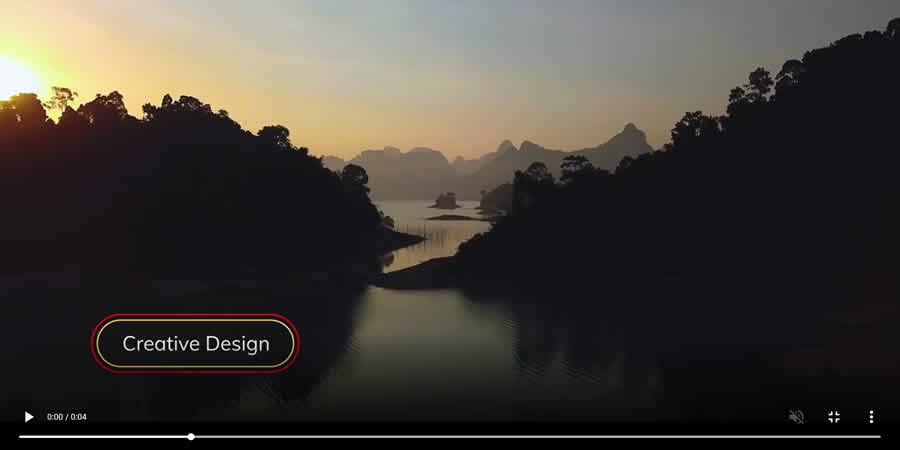
- Modern Opener Logo: Ideal for corporate presentations, these templates prioritize clean lines and professional pacing.
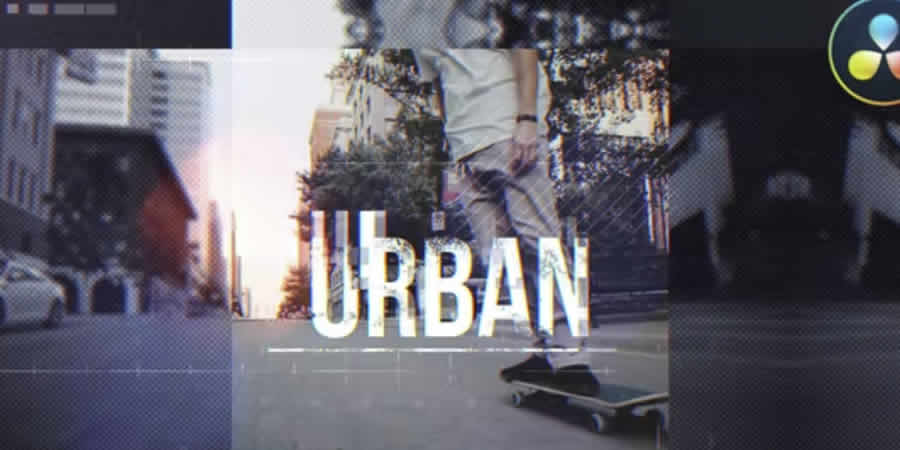
- Urban Opener: Characterized by fast cuts, high-contrast aesthetics, and kinetic typography, these are essential for sports or lifestyle content.
- Dynamic 3D Logo: By utilizing Resolve’s 3D workspace, these templates offer depth and professional polish that instantly increases the perceived production value of a brand reveal.
2. Intro Templates: The Hook
Intros differ from openers by focusing on the "what" and "who" of the video.
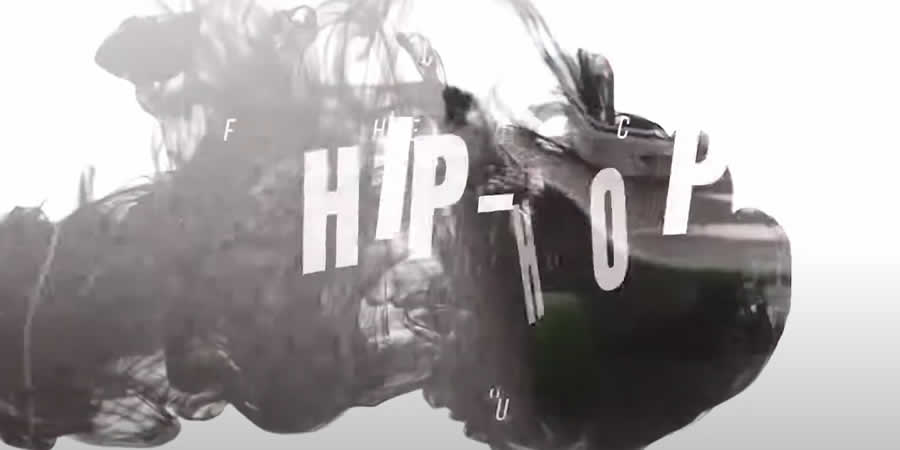
- Hip Hop Intro: Featuring rhythmic, beat-synced animations, these are perfect for music-driven content.
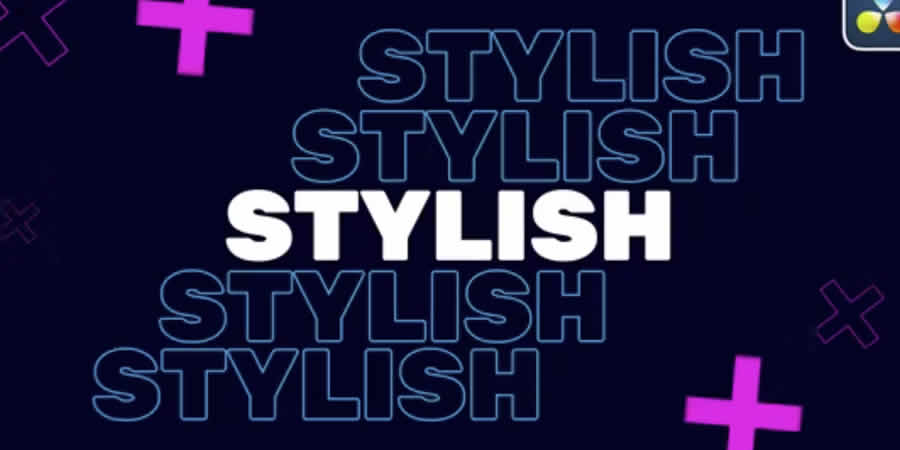
- Stylish Typography: For content that relies on text-based storytelling, these templates offer bold, legible, and aesthetically pleasing motion graphics that keep viewers engaged.
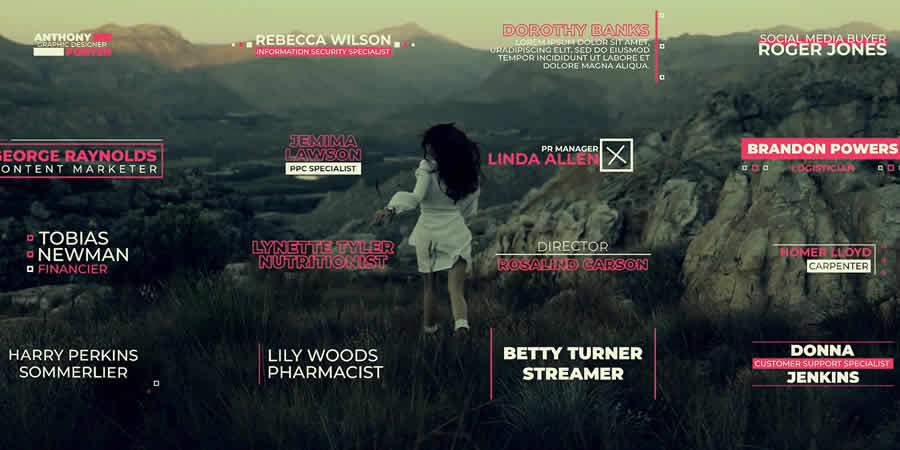
3. Lower Thirds: Subtle Informational Anchors
Lower thirds provide necessary context without obscuring the main action.
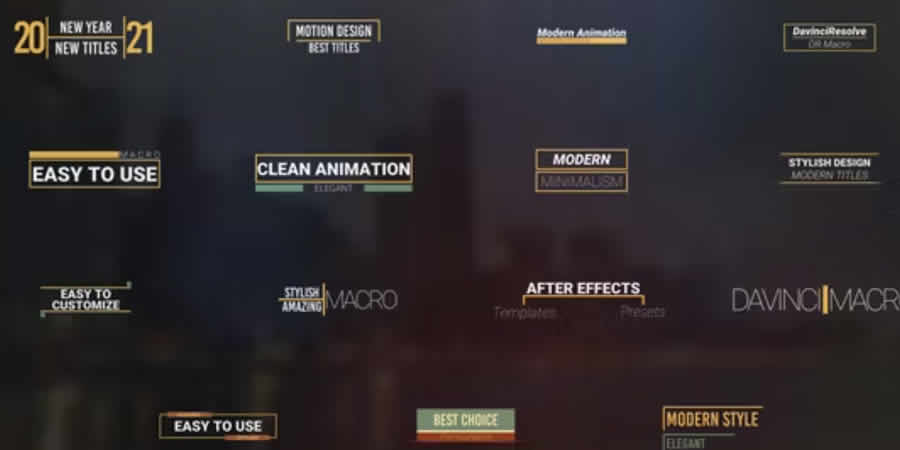
- Thin Border Designs: These represent the gold standard for minimalist, non-intrusive information overlays.
- Elegant 4K Packs: For cinematic projects, high-resolution lower thirds are non-negotiable. Ensure your pack includes animation-in and animation-out sequences to keep the flow smooth.
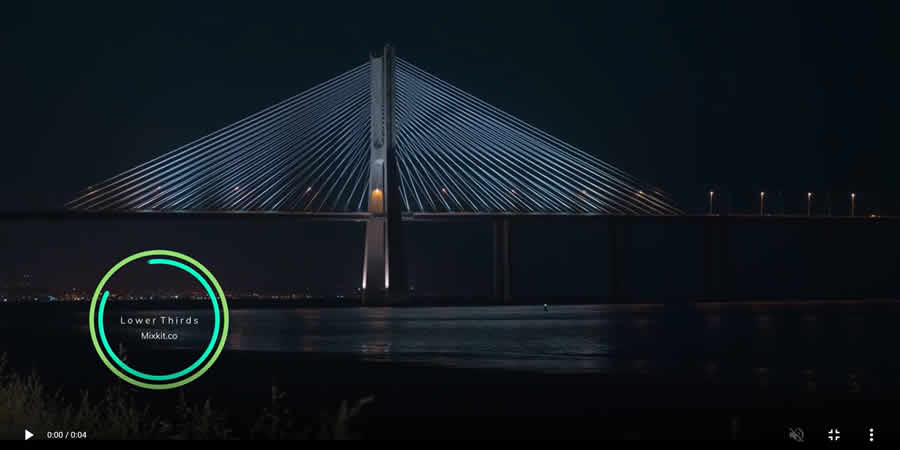
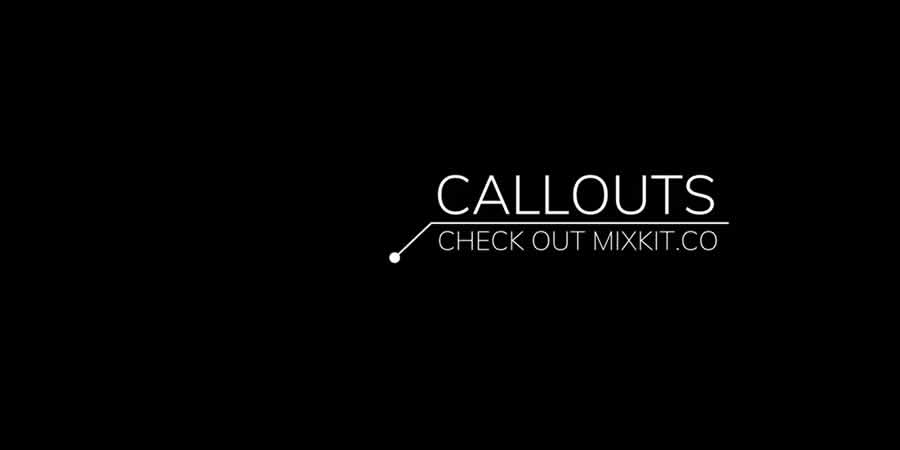
- Interactive Callouts: From simple "Subscribe" buttons to complex radial progress indicators, these assets act as direct calls-to-action (CTAs) that improve audience engagement metrics.
4. Titles and Masks
Titles serve as the centerpiece of your visual communication.
- Glitch Titles: A staple in modern action and sci-fi editing.
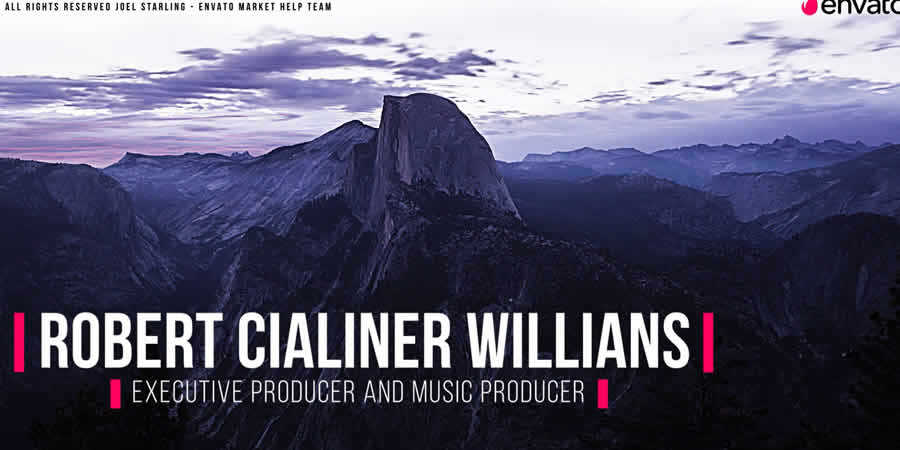
- Video Mask Titles: An advanced technique where footage is revealed through the typography itself. This sophisticated look is surprisingly easy to achieve with the right template.
5. Special Effects and Cinematic Polish
Sometimes, a project requires that extra "cinematic magic."
- Diode/Screen Effects: Perfect for sci-fi or tech-focused video content.
- Realistic Hits and Rumbles: Camera shake and impact effects that add tactile weight to your edit.
- Magic Gradient Tools: A simple way to introduce depth to flat backgrounds, making your text pop.
Technical Implementation: Installation and Optimization
How to Install Templates
Installing templates in DaVinci Resolve is a straightforward process:
- Locate your template files (usually ending in
.settingor as part of aDRFXbundle). - Open the Effects Library in the Edit page.
- Right-click on the "Templates" folder (or the relevant sub-folder).
- Select "Import" or simply drag the files into the appropriate folder within the library to ensure they are accessible in your project.
Optimizing Performance
When working with heavy Fusion templates, consider the following to maintain a smooth playback experience:

- Proxy Media: Generate proxies for your high-resolution footage before applying heavy effects.
- Render Cache: Use the "Smart Cache" or "User" cache features in the Playback menu. This forces Resolve to pre-render the effect, allowing for real-time playback.
- Node Caching: In the Fusion page, you can right-click specific nodes and select "Cache to Disk" to avoid re-calculating complex effects during every frame change.
Implications for the Creative Industry
The democratization of professional-grade motion graphics through free templates has profound implications for the industry. It lowers the barrier to entry, allowing solo creators to compete with larger production houses in terms of visual quality. However, it also shifts the value of an editor’s skill set. The "expert" editor of the future is not necessarily the one who can animate a complex title from scratch, but the one who can curate, modify, and integrate these assets into a cohesive, compelling story.
Final Recommendations for Workflow Consistency
To truly benefit from these tools, consistency is key. Do not treat every video as a blank slate. Create a "Master Template" project in DaVinci Resolve where you store your favorite lower thirds, transitions, and title styles. By customizing these once to match your personal or brand color palette and font choices, you ensure that every video you produce shares a unified, professional aesthetic.
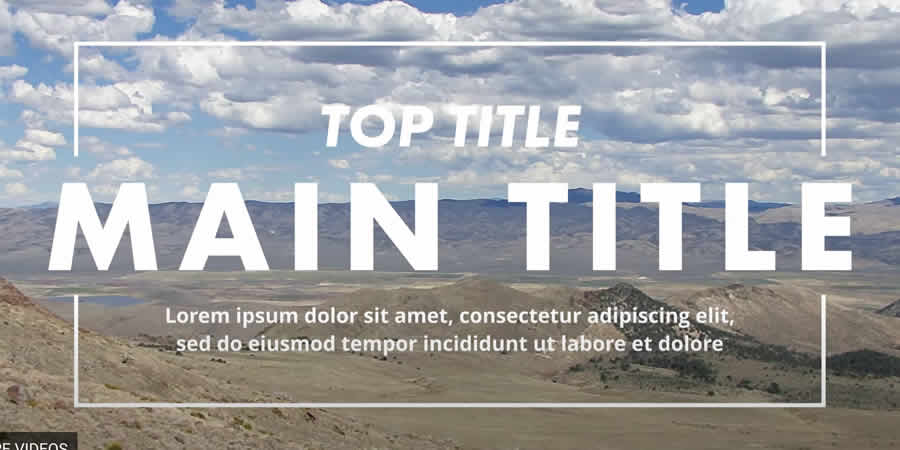
Always test your chosen templates with a short, sample edit before applying them to a full-length production. Check for readability against various background types and ensure the timing of the animations feels natural. Remember, the best template is the one the viewer doesn’t notice—it should enhance your content, not distract from it.
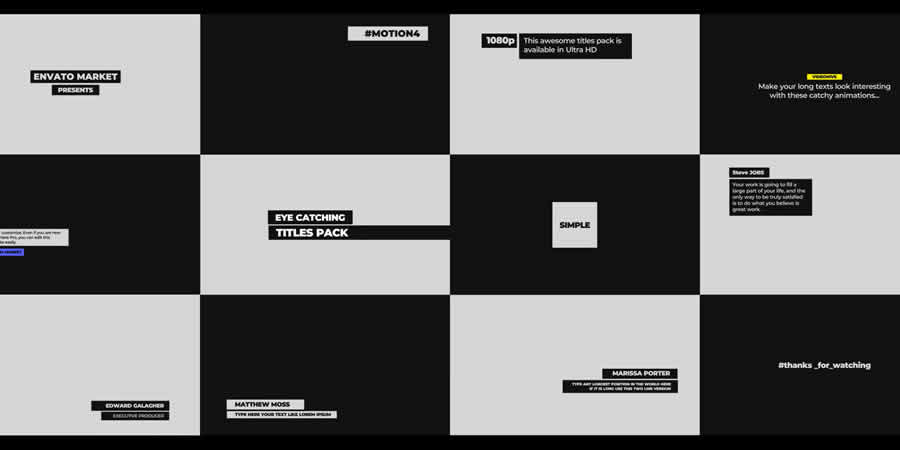
By building a robust library of these free, high-quality assets, you position yourself to spend less time on the "mechanical" aspects of editing and more time on the creative vision that makes your work unique. Explore the resources provided, experiment with new styles, and refine your technical workflow to stay ahead in an increasingly competitive digital landscape.


 Ali Ikhwan
 Lina Hope
 Siti Muinah
 Jia Lissa