
 Nana Wu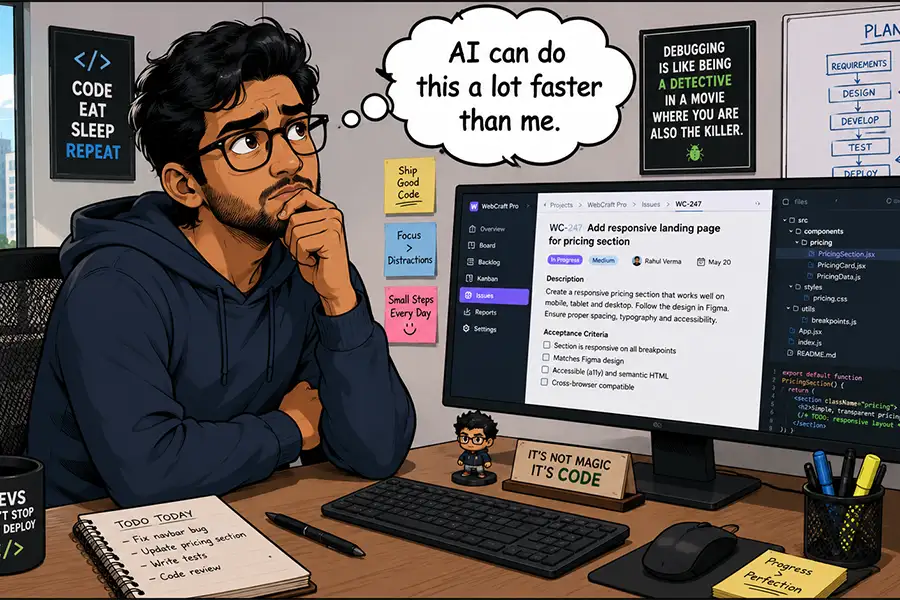
The digital landscape of content management is undergoing a seismic shift. For years, WordPress users have relied on a sprawling ecosystem of third-party plugins to bridge the gap between their websites and the burgeoning world of artificial intelligence. Today, that relationship has changed fundamentally. With the release of WordPress 7.0, the platform has officially integrated the Connectors API, marking the first time AI capabilities have been baked directly into the core of the world’s most popular content management system.
While this evolution promises to redefine how users interact with their sites, it also raises critical questions regarding utility, cost, and the necessity of automation. As AI moves from the periphery to the center of the WordPress dashboard, developers, agencies, and site owners must now weigh the allure of cutting-edge technology against the pragmatic realities of site maintenance and budget management.
Chronology of an Integration: From Plugins to Core
To understand the significance of WordPress 7.0, one must look back at the steady climb toward AI integration.
- 2022–2024 (The Plugin Era): During this period, the WordPress ecosystem saw an explosion of third-party plugins. Developers leveraged APIs from OpenAI, Anthropic, and other providers to offer everything from automated SEO meta-tag generation to AI-assisted copywriting directly within the Block Editor.
- Early 2025 (The Push for Standardization): As AI adoption grew, the WordPress community identified a critical issue: fragmentation. Different plugins used different methods to communicate with AI models, leading to security concerns and performance bottlenecks.
- March 2026 (The Birth of the Connectors API): The WordPress Core team officially announced the Connectors API. Designed to act as a universal bridge, it allows developers to create standardized interfaces for AI models, ensuring that plugins can interact with LLMs without needing to reinvent the wheel.
- Mid-2026 (WordPress 7.0 Deployment): The release of 7.0 solidified the Connectors API as a core feature, moving AI from an "experimental add-on" to a foundational element of the platform.
Strategic Implementation: What is AI Best Suited For?
The central challenge for any site owner is discerning between "can do" and "should do." Just because AI can theoretically perform a task—such as altering a post title or auto-generating an entire plugin—does not mean it is the most effective way to achieve that outcome.
The Problem of Practicality
In many instances, the time required to craft a precise prompt for an AI agent outweighs the time it takes to click a checkbox in a settings menu. When evaluating potential AI workflows, users should apply the "manual effort vs. prompt engineering" test. If a human can complete a task in five seconds through the standard interface, delegating that to an AI introduces unnecessary complexity and potential latency.
The Risk Factor
There is also a question of safety. Complex site architecture, such as database migrations or core file modifications, remains a high-stakes environment. Relying on an AI to perform autonomous "on-the-fly" coding on a production server poses a significant risk to site stability. As the saying goes in the developer community: "Just because you can, doesn’t mean you should."
Supporting Data: The Economics of Tokens and Time
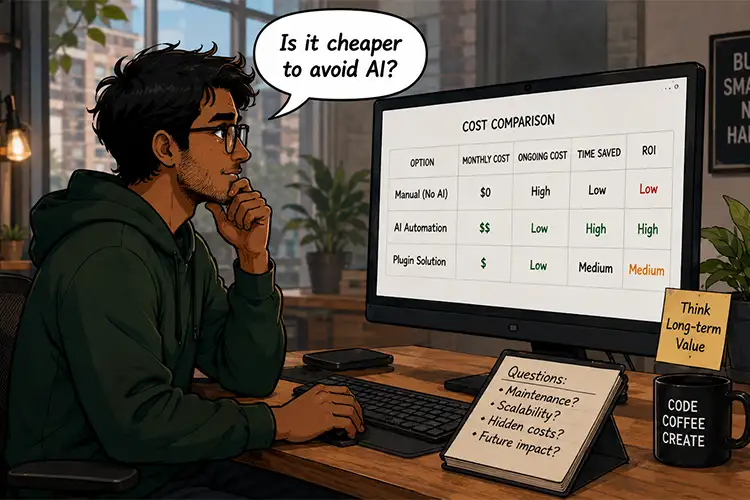
When implementing AI, the primary variable is the cost of tokens. Unlike traditional software, where a plugin is a one-time purchase or annual subscription, AI models operate on a consumption-based model. Every prompt, every analysis, and every automated content tweak incurs a cost.
Budgeting for Automation
For agencies managing dozens or hundreds of client sites, the math becomes complex. If an agency automates image ALT-text generation for 10,000 images, the cumulative cost of tokens could quickly exceed the overhead savings. Therefore, professionals must perform a cost-benefit analysis:
- Direct Labor Cost: The hours a staff member would spend on the task.
- AI Latency/Prompting Cost: The cost of the API calls and the time spent refining prompts.
- Error Correction Cost: The time required to review AI output for accuracy.
If the sum of 2 and 3 is greater than 1, the implementation is economically inefficient.
Official Perspectives and Implications
The WordPress community remains divided on the speed of this integration, though the consensus leans toward cautious optimism.
Developer Perspectives
Many developers argue that the Connectors API is a double-edged sword. On one hand, it lowers the barrier to entry for beginners, allowing them to utilize advanced features that were previously hidden behind code. On the other, senior developers worry about "AI-bloat," where site performance suffers because owners are running heavy AI processes for simple administrative tasks.
The Educational Potential
One of the most profound, yet underrated, implications of the 7.0 release is the educational aspect. AI is increasingly being used as an interactive documentation tool. Instead of reading through long, dry support forums, users can ask the AI how to configure a specific layout or troubleshoot a plugin error. In this capacity, AI acts as a tutor, helping users learn the software better, potentially rendering its own future assistance unnecessary for those specific tasks.
Can AI Do It Better? A Decision Framework
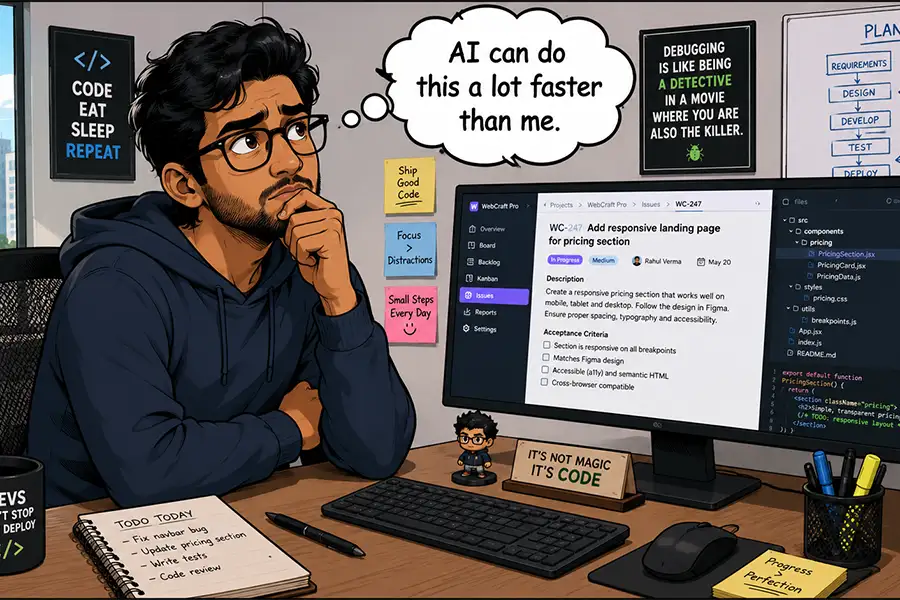
To determine if AI is the right tool for a specific task, users should utilize the following decision-making framework:
1. The Scale Factor
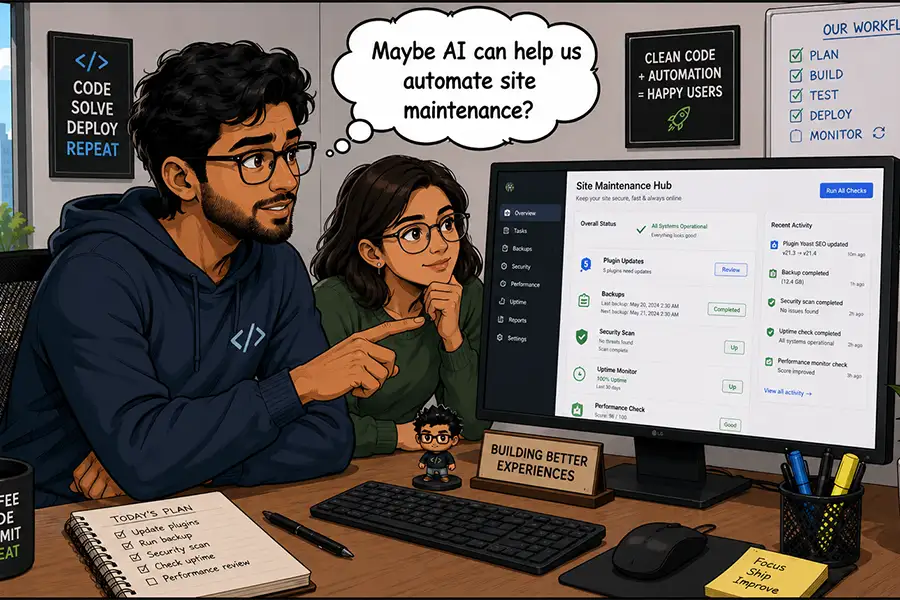
AI shines in environments where volume is the primary bottleneck. As noted, identifying missing ALT attributes across a 5,000-page site is a monumental task for a human. For an AI, it is a matter of seconds. In this context, AI acts as a force multiplier.
2. The Repetition Factor
Tasks that are routine and predictable are ideal for automation. If you find yourself performing the same data-exporting ritual every Monday morning, an AI-driven automation script can be configured to handle the process, freeing up your time for higher-level creative or strategic work.
3. The Complexity Gap
For the novice user, the Block Editor can be intimidating. Using AI to generate a layout structure can bridge the "blank page" syndrome. However, for a seasoned web designer, the time taken to prompt an AI to create a specific grid is often longer than simply dragging and dropping the blocks manually.
The Non-AI Alternative: When to Stick with Tradition
It is essential to remember that the WordPress ecosystem flourished for two decades without native AI. For many tasks, a dedicated, purpose-built plugin remains the gold standard.
Non-AI plugins offer several advantages that current AI models struggle to match:
- Predictable Pricing: Flat-rate or subscription models offer cost certainty that variable token usage cannot.
- Dedicated Support: Human-backed plugins come with support teams, documentation, and a history of bug fixes.
- Specialization: A plugin built specifically for, say, "Database Optimization" will often outperform a general-purpose LLM, which may "hallucinate" code or suggest suboptimal queries.
The "elephant in the room" is that many users are rushing to integrate AI simply because it is the latest trend. A prudent approach involves first searching for a mature, non-AI solution. Only if that solution fails to meet the requirements—or if the task is highly bespoke—should the AI Connectors API be utilized.
Future Outlook: A Balanced Dashboard
As we look beyond the initial release of WordPress 7.0, the role of AI will continue to evolve. It will not replace the site administrator, nor will it make traditional development obsolete. Instead, it will become another tool in the workbench—an incredibly powerful one, but one that requires the steady hand of an experienced human to operate effectively.
The ultimate goal of this integration is not to replace human input, but to eliminate the drudgery of site management. By carefully selecting which tasks to outsource to the machine and which to keep within human control, site owners can build a more efficient, cost-effective, and powerful digital presence.
The integration of AI is not a mandate to automate everything; it is an invitation to work smarter. Whether you choose to dive headfirst into the new Connectors API or proceed with a conservative, plugin-first strategy, the decision rests on your specific workflow. As with all technological advancements, the winners will be those who use the tools to enhance their capabilities, not those who use them to avoid the work entirely.


 Sagoh
Sagoh
 Asep Darmawan
 Raul Delapena Setiawan
 Reynand Wu


 Azzam Bilal Chamdy
 Ali Ikhwan