
 Reynand Wu
In the fast-paced world of digital content creation, the difference between a amateur production and a professional-grade masterpiece often lies in the details. While storyboarding, color grading, and sound design form the backbone of a film, it is the transition—the invisible bridge between two ideas—that dictates the psychological pacing and emotional rhythm of a piece. A well-chosen transition doesn’t just jump from one scene to the next; it guides the viewer’s eye, reinforces the mood, and maintains the thematic integrity of the project.
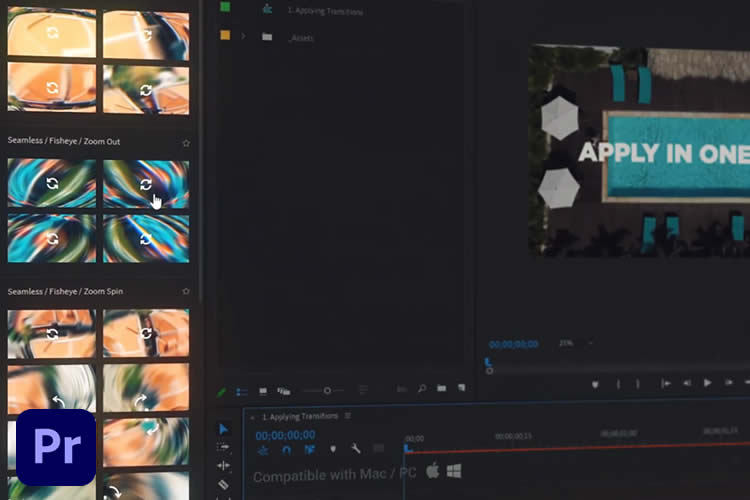
For editors working within Adobe Premiere Pro, the barrier to high-end production value has never been lower. With the rise of professional-grade transition packs, creators can now access library-level effects that once required days of manual keyframing. Whether you are crafting a high-octane sports montage, a somber documentary, or a sleek corporate presentation, the right toolkit can transform your workflow from a tedious technical chore into a fluid creative process.
The Essential Role of Transitions in Modern Storytelling
At their core, transitions are the punctuation marks of cinema. Just as a comma allows a reader to breathe and a period signals the end of an thought, a transition dictates how a viewer absorbs visual information.
The Psychology of Motion
When we talk about "seamless" transitions, we are discussing the cognitive load placed on the audience. A jarring, unmotivated jump cut can pull a viewer out of the narrative. Conversely, a motion-matched zoom or a light-leak blend allows the viewer to glide through time and space without experiencing a sensory disconnect. Professional transition packs are engineered to leverage this psychological fluidity, ensuring that the audience remains immersed in the story rather than distracted by the edit.
Workflow Efficiency
Beyond aesthetics, there is the undeniable factor of production speed. Modern editors operate under tight deadlines. Manually creating complex motion-graphics transitions for every cut is unsustainable. By utilizing modular transition packs—many of which offer "drag-and-drop" functionality—editors can focus on the art of the edit rather than the mechanics of the software.

Categorizing Your Toolkit: A Breakdown of Transition Types
Not all transitions serve the same purpose. To build a versatile editing arsenal, you must understand the categories of effects available in the current market.
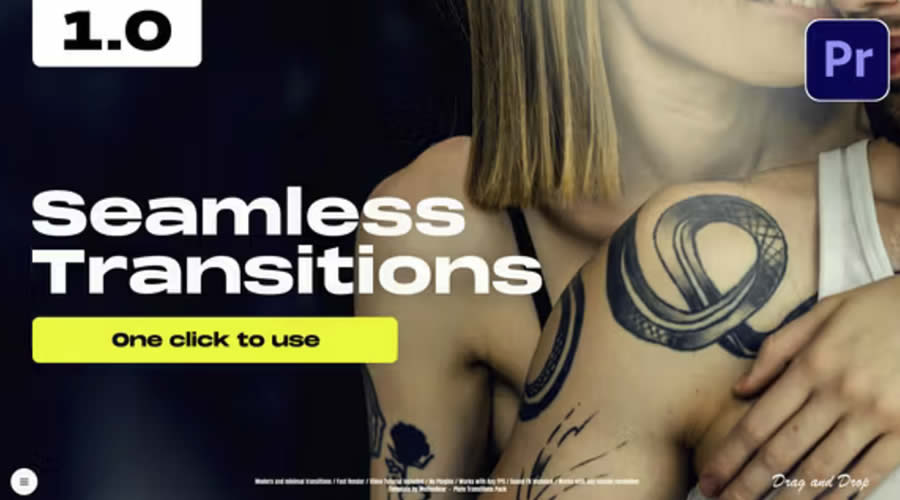
- Seamless/Flow Transitions: Designed to be invisible. These are the workhorses of documentary and narrative film.
- Dynamic/Motion Transitions: Characterized by speed, blur, and directionality. These are essential for music videos, commercials, and action sequences.
- Creative/Stylistic Transitions: These serve an aesthetic purpose, such as VHS distortion, ink splatters, or film grain overlays. They act as visual "flavor" for the edit.
Essential Transition Packs for Adobe Premiere Pro
The following collection represents some of the most robust and highly-rated transition packs currently available, selected for their quality, versatility, and ease of use.
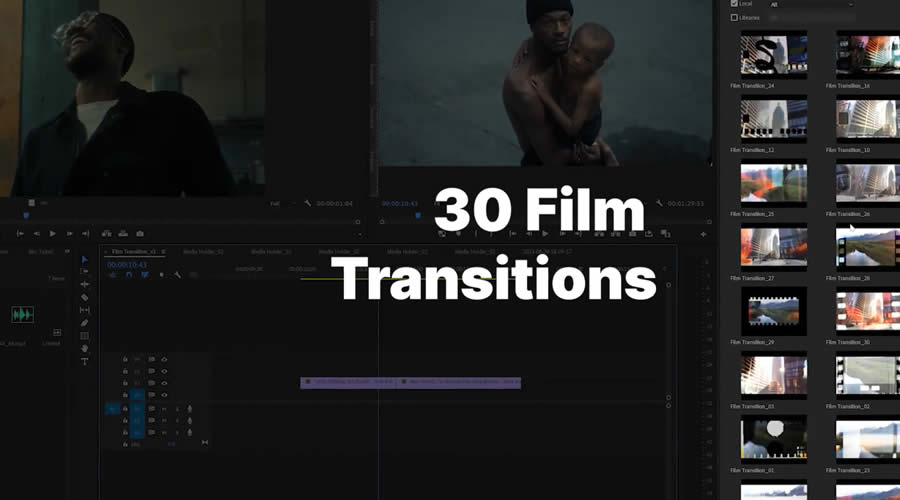
1. The Powerhouse: 1,200+ Premiere Pro Transitions
For editors who demand variety, the 1,200+ Premiere Pro Transitions pack is the gold standard. Spanning 26 distinct categories, this collection is designed to be a "one-stop-shop." Whether you need a subtle cross-dissolve or a complex multi-layered wipe, this pack likely has an iteration of it. Its greatest strength lies in its one-click application, which drastically reduces the time spent in the Effects Control panel.

2. High-Resolution Versatility: 300+ Transitions Pack
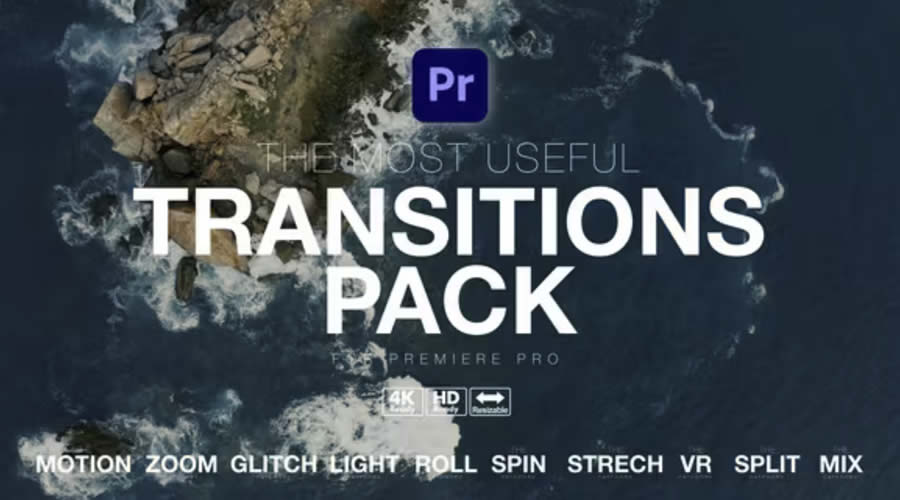
Catering to the 8K-ready generation, the 300+ Transitions Pack is a masterclass in technical compatibility. With categories covering motion, zoom, glitch, and VR, it is uniquely positioned for modern multi-platform content. Because it supports high resolutions, it is an essential asset for editors working on high-end commercial projects where image fidelity is non-negotiable.
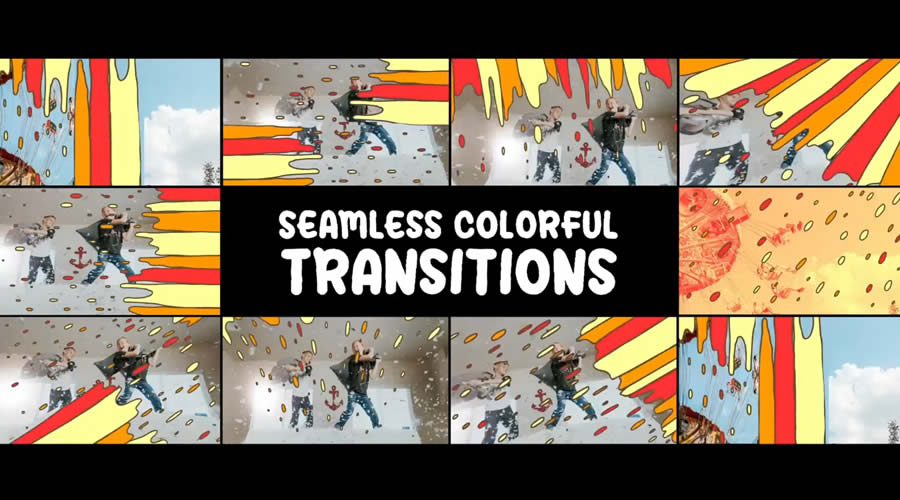
3. The Minimalist’s Choice: Media Transitions Pack
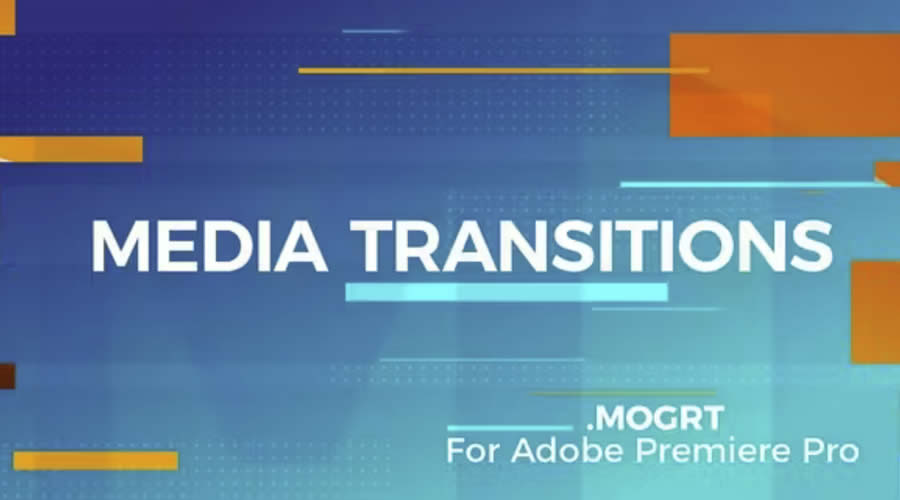
Sometimes, less is more. The Media Transitions Pack focuses on clean, directional wipes (Left, Right, Up, Down). Its primary advantage is the level of granular control offered; users can adjust color and transparency, making it an excellent choice for corporate branding where the transitions need to adhere to specific color palettes.

The "Invisible" Flow: Seamless Transition Packs
In documentary and narrative filmmaking, the goal is to make the editing invisible. These packs are designed to blend disparate clips into a cohesive, singular story.

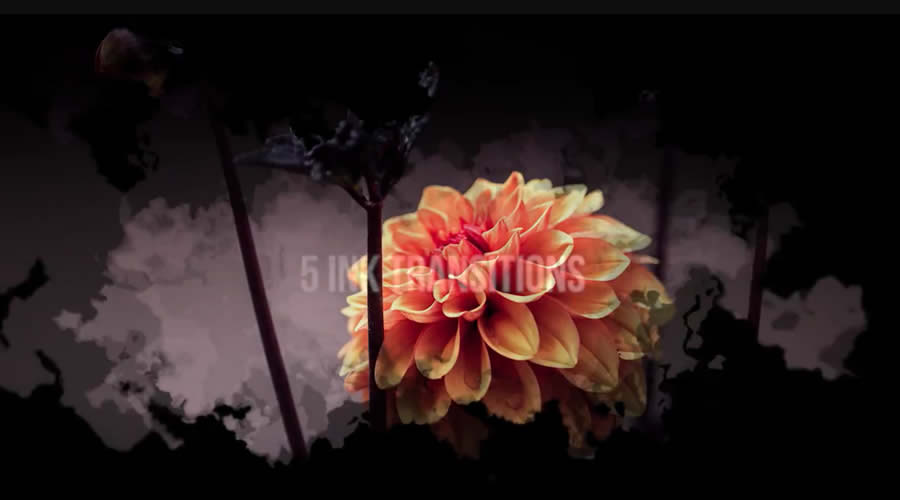
- Seamless Ink Transitions: These 20 unique ink-drawing animations provide an organic, hand-crafted feel that is perfect for artistic projects or intros.
- The Seamless Transition Bundle (700+): This collection is a staple for professional studios. By including sound FX (SFX) with every transition, it saves the editor the step of searching for matching audio cues. The inclusion of sound is a game-changer; it adds an auditory "weight" to the transition that makes the visual movement feel grounded.
- Seamless Film Transitions: Mimicking the organic imperfections of 35mm, 16mm, and 8mm film, these transitions are perfect for creators aiming for a "vintage" aesthetic without the cost of shooting on actual celluloid.
Dynamic Energy: Keeping the Audience Engaged
For content that demands high energy—think YouTube vlogs, fitness content, or cinematic trailers—dynamic transitions are mandatory.

- Dynamic Transition Pack: Featuring ten full-screen, vibrant, color-controllable transitions, this pack is designed for impact. It is perfect for creators who want to inject immediate energy into a sequence.
- Energetic "Blast" Transitions: These utilize realistic animated effects to create a sense of explosive motion. They are highly effective in sports highlights where the pace of the edit needs to match the intensity of the action on screen.
- Dynamic Light Flare Transitions: Light flares are timeless. This pack offers 12 high-energy variations that can bridge a gap in footage while adding a polished, "high-budget" lens flare effect.
Creative Expression: When Style Takes Center Stage
Sometimes the story requires a bit of personality. Creative transition packs allow for stylistic flair that can define the visual identity of a brand or creator.

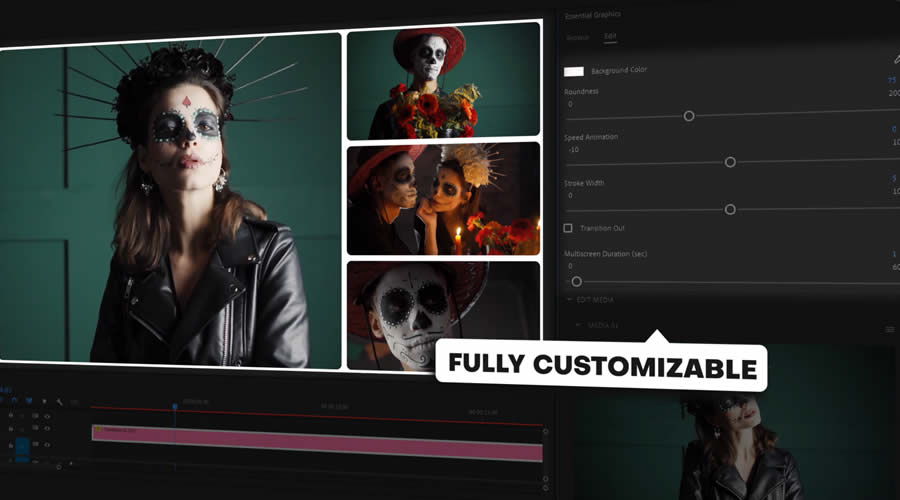
- Multiscreen & Split Screen Transitions: In the era of social media, split-screen content is king. These 80+ transitions make complex multi-screen layouts look easy, turning simple montages into sophisticated compositions.
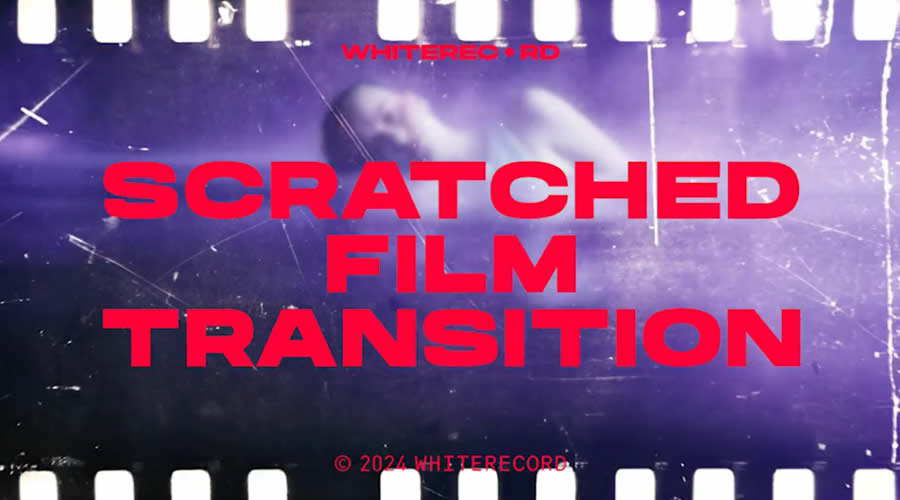
- Textured & Scratch Transitions: These packs, including the Scratched Film and Free Textured options, bring a tactile element to digital video. By simulating paper textures, pencil scribbles, or film decay, they offer an "indie" or "grungy" aesthetic that is currently trending in fashion and music video production.
- VHS & Glitch Transitions: The "retro" aesthetic shows no signs of waning. These packs utilize digital artifacts and analog noise to create a sense of nostalgia, perfect for music videos or social media storytelling.
Technical Integration: How to Install and Manage Your Packs
Integrating these assets into your Premiere Pro workflow is straightforward, but it requires organization.

- Download and Unpack: Ensure your assets are stored in a dedicated, backed-up folder on your hard drive.
- Importing MOGRTs: If your pack uses Motion Graphics Templates (.mogrt), open the Essential Graphics panel in Premiere Pro. Click the "Install Motion Graphics Template" button and navigate to your file.
- Project Organization: Avoid cluttering your project bins. Create a specific bin labeled "Transitions" and use sub-folders for each type (e.g., "Glitch," "Film," "Zoom").
- Testing and Rendering: Always test a transition on a small sequence before applying it to a long-form edit to ensure it doesn’t cause rendering bottlenecks.
Implications for the Future of Editing
The proliferation of these high-quality, accessible transition packs marks a shift in the video industry. We are moving away from an era where "special effects" were the domain of dedicated VFX artists and into an age of "democratized post-production."
The Shift Toward "Template-First" Editing
The implication for professional editors is clear: the market now rewards speed and curatorial taste over technical manual labor. When everyone has access to the same 1,200+ transitions, the true skill lies in the selection. Knowing which transition to use, and why, is what separates a technician from a true storyteller.
Final Thoughts: Let Your Instincts Lead
While the tools listed above are powerful, they should never override the narrative. A transition should always serve the story—never distract from it. As you experiment with these packs, pay attention to the "feel" of your project. If the transition feels forced, it likely is. If it enhances the flow and moves the audience seamlessly from one emotion to the next, you have succeeded.
The goal is to cultivate a toolkit that allows you to execute your creative vision at the speed of thought. By leveraging these professional-grade packs, you aren’t just editing a video; you are sculpting an experience. Explore, experiment, and remember that in the world of film, the best edit is the one the audience never even notices.

 Sagoh
Sagoh
 Asep Darmawan
 Raul Delapena Setiawan



 Azzam Bilal Chamdy
 Ali Ikhwan