
 Nana
Nana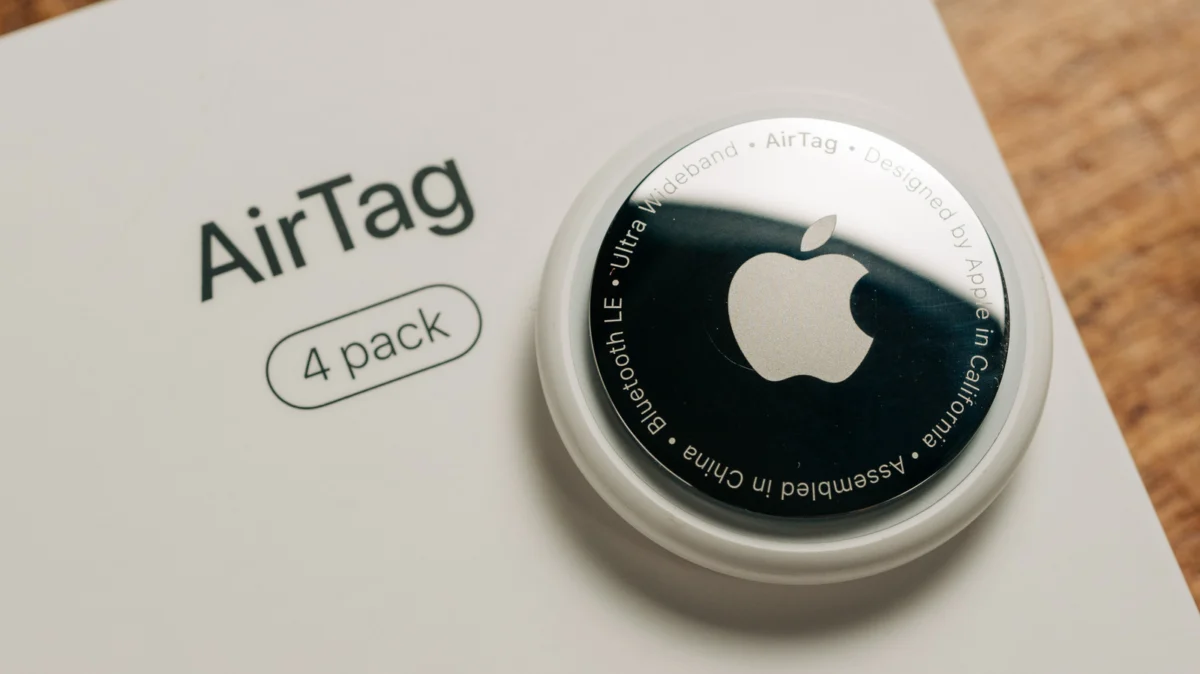
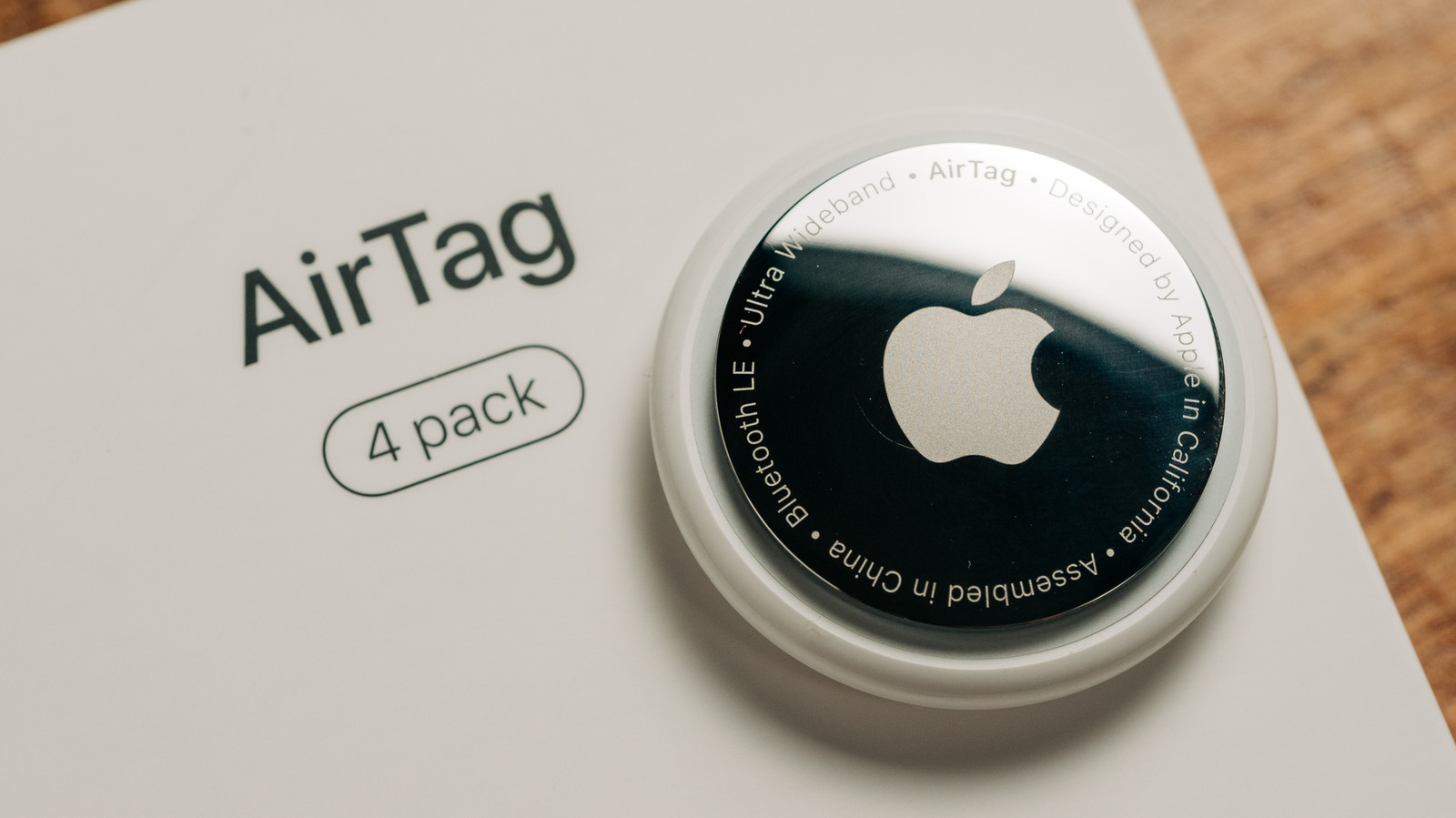
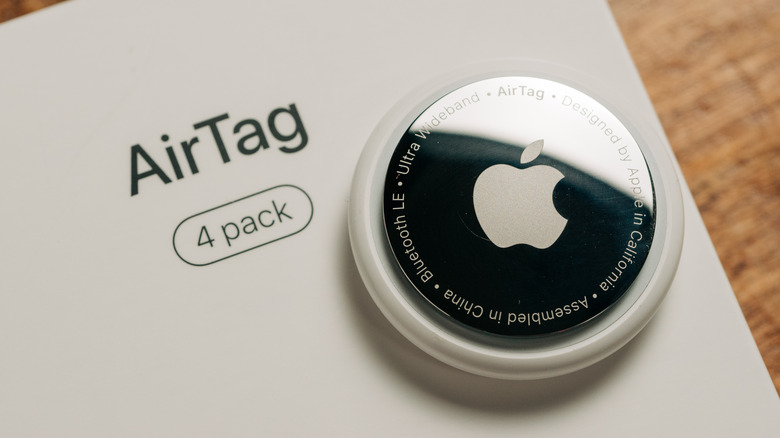
The Apple AirTag has fundamentally transformed the way we keep track of our personal belongings. By leveraging the vast, global "Find My" network, these small, sleek tracking discs have become an essential tool for travelers, commuters, and the chronically forgetful. One of the primary selling points of the AirTag ecosystem is its maintenance-free design; unlike a smartphone or a smartwatch, the AirTag requires no charging cables, power bricks, or inductive pads. Instead, it relies on a simple, user-replaceable coin-cell battery.
While Apple advertises a battery life of "more than a year" for typical usage, many users report varying experiences. For some, a single cell lasts well beyond the 12-month mark, while others find themselves hunting for a replacement after only a few months. Understanding the technical nuances of your AirTag’s power consumption is the key to ensuring your devices remain active when you need them most.
The Anatomy of Power: Understanding the CR2032 Standard
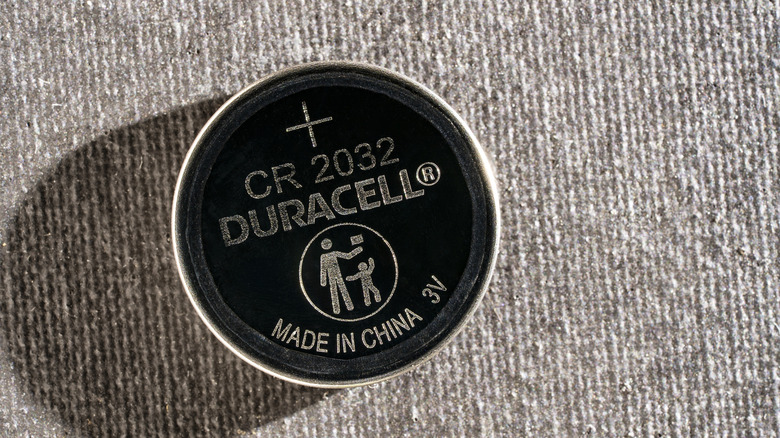
At the heart of every AirTag, including the latest second-generation models, is a standard CR2032 lithium coin-cell battery. These 3V batteries are ubiquitous in modern electronics, powering everything from digital watches and garage door openers to automotive key fobs.
Why the CR2032?
The CR2032 is chosen for its exceptional energy density-to-size ratio. It provides a stable voltage output over a long period, which is critical for a device that needs to remain in a "sleep" state while occasionally broadcasting a Bluetooth signal. These batteries are inexpensive—typically costing less than a dollar when purchased in bulk—and are available at virtually any hardware store, supermarket, or online marketplace.
The Replacement Process
When the time comes to swap out a depleted cell, the process is intentionally straightforward:
- Access: Apply firm pressure to the polished steel underside of the AirTag and rotate it counter-clockwise.
- Remove: Once the cover pops off, the CR2032 battery is exposed. Lift it out and dispose of it responsibly, ideally at a battery recycling center.
- Install: Insert the new battery with the positive (+) side facing upward.
- Reseal: Align the cover, press down, and rotate clockwise until it clicks into place. A brief sound will confirm the unit is powered and active.
Chronology of Battery Performance: From Setup to Exhaustion
To better understand why your battery might be draining faster than expected, it helps to visualize the lifecycle of an AirTag’s power usage.
- Phase 1: Initial Activation: Upon removing the plastic pull-tab, the AirTag initiates its pairing sequence. This creates a baseline "handshake" with your Apple ID, which consumes a small, fixed amount of energy.
- Phase 2: Routine Reporting: In standard operation, the AirTag spends most of its time in a low-power beaconing mode. It communicates with nearby Apple devices, which then securely relay its location to the cloud. This process is highly optimized and is the primary reason the device can last for a year.
- Phase 3: Increased Activity: When a user initiates "Precision Finding" or triggers an audible alarm, the AirTag leaves its low-power state. The Ultra Wideband (UWB) chip engages, and the internal speaker draws significantly more current.
- Phase 4: Warning Threshold: As the voltage drops below a specific threshold, the AirTag automatically disables power-hungry features like Precision Finding and sound alerts to reserve the remaining charge for location tracking.
- Phase 5: Exhaustion: Once the voltage is insufficient to maintain the Bluetooth radio, the device goes silent.
Supporting Data: Factors Influencing Drain
While Apple’s one-year estimate is accurate for "typical" usage, the definition of "typical" is broad. Several variables directly impact the longevity of the coin cell.
1. The Frequency of Interaction
If you find yourself constantly opening the "Find My" app to check on an item—or worse, repeatedly triggering the "Play Sound" feature to entertain yourself or others—you are effectively forcing the AirTag to wake up and perform energy-intensive tasks. Each time you command the tag to chirp, it consumes more power than an entire day of passive background location reporting.
2. Environmental Conditions
Lithium coin cells are sensitive to thermal fluctuations. Extreme heat can increase the self-discharge rate of the battery, while extreme cold can impede the chemical reaction required to produce a current. Apple specifies an operating temperature range of -4°F to 140°F (-20°C to 60°C). If you keep your luggage in an unheated trunk during a winter road trip or in a hot car during the summer, you are placing the battery under unnecessary stress, which will shorten its lifespan.
3. Motion and Pinging
An AirTag that remains stationary (e.g., in a desk drawer) will conserve more energy than one that is constantly in motion. When the internal accelerometer detects movement, the device updates its status more frequently to ensure the Find My network receives the most current location data. Consequently, an AirTag attached to a set of car keys or a frequently used backpack will almost always die sooner than one hidden in a piece of luggage that stays in a closet.
4. Battery Quality and Chemistry
Not all CR2032 batteries are created equal. Generic, low-cost batteries often lack the consistent voltage output required by the AirTag’s internal firmware. Furthermore, Apple has issued a specific warning regarding batteries with a bitterant coating. Many companies apply a non-toxic, bitter-tasting coating to their coin cells to prevent children from swallowing them. This coating can interfere with the physical contact points inside the AirTag, causing the device to appear dead or function intermittently.
Official Responses and Best Practices
Apple provides clear guidance on how to manage these devices, though they are often buried in support documentation.
- The Find My App Interface: Apple removed the persistent battery percentage indicator because the voltage curve of a lithium coin cell is not linear. It stays flat for a long time and then drops off rapidly, making a percentage estimate inherently unreliable. Today, the Find My app will simply display an orange battery icon when the cell reaches a "low" state.
- Strategic Replacements: To avoid the "dead battery" scenario during travel, adopt a proactive replacement strategy. Many users find success by setting a calendar reminder to replace all their AirTag batteries simultaneously on a fixed date (such as their birthday or the start of the new year).
- Optimal Battery Selection: Stick to reputable brands like Duracell, Energizer, or Panasonic. Avoid cells with warning stickers about "bitterant coatings" if you encounter connectivity issues.
Implications for the Future
As we look toward future iterations of the AirTag, the limitations of the CR2032 form factor highlight a broader challenge in wearable technology: the trade-off between size and endurance.
While some users have clamored for a rechargeable AirTag, the current design offers a distinct advantage: instant readiness. A rechargeable device requires downtime to top up the battery, during which the tracker is useless. By sticking with the coin-cell model, Apple ensures that a dead tracker can be brought back to life in under 30 seconds at any gas station in the world.
The implication for the consumer is clear: the AirTag is not a "set it and forget it" device in the absolute sense. It is a tool that requires minimal, periodic maintenance. By understanding the impact of environmental factors, avoiding unnecessary interaction with the "Play Sound" feature, and choosing high-quality replacement batteries, users can ensure that their AirTags remain reliable sentinels for their most important possessions.
In conclusion, the longevity of your AirTag battery is largely a reflection of your own usage patterns. By treating the device as a piece of precision electronics rather than a static tag, you can reliably extend its service life, keeping your items protected and your digital footprint secure for the long haul.

 Raul Delapena Setiawan
 Lina Irawan

 Pevita Pearce
