
 Pevita Pearce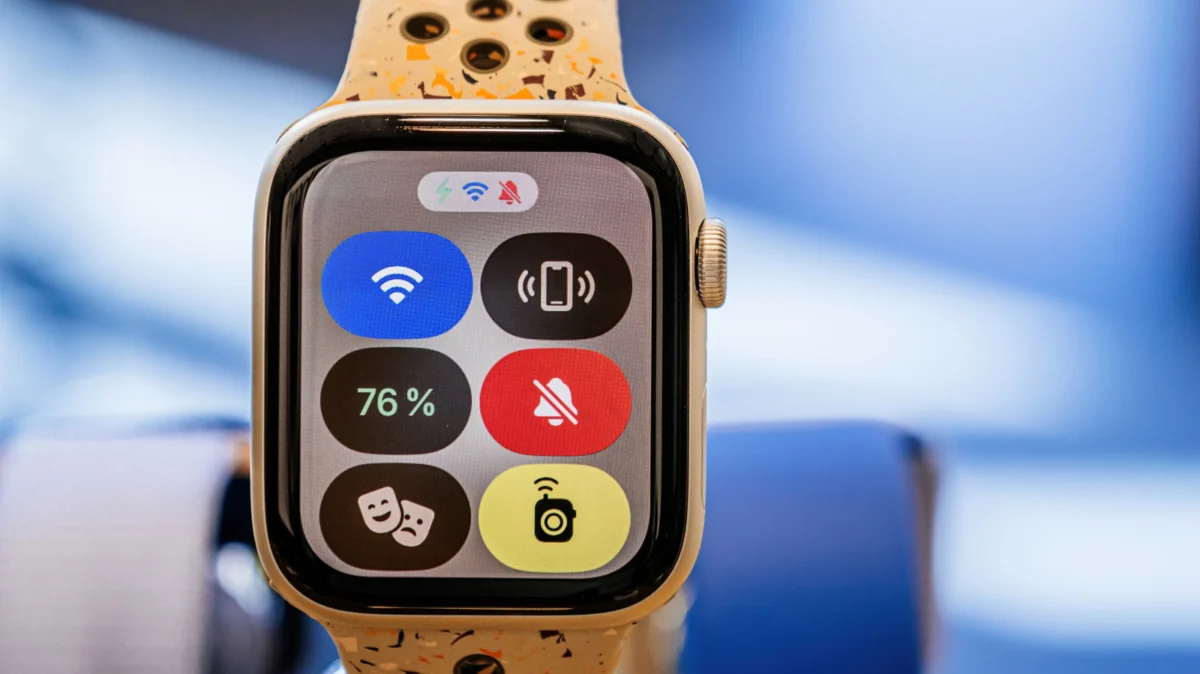
In the modern era of wearable technology, the Apple Watch has transcended its origins as a mere fitness tracker or timepiece. It has become an essential extension of our digital lives, tethering us to our messages, emails, and biometric health data. Yet, this constant connectivity—characterized by glowing OLED displays and haptic alerts—can become a significant social liability. When the cinema lights dim or you step into a boardroom, the last thing you want is a glowing wrist screen drawing unwanted attention. Enter "Theater Mode," an often-overlooked yet critical feature in the watchOS ecosystem.
Understanding the Core Functionality: What is Theater Mode?
At its simplest, Theater Mode is a specialized "do not disturb" state for the Apple Watch. While standard "Do Not Disturb" focuses on silencing auditory alerts, Theater Mode is designed to combat visual and physical disruption.
When activated, the feature triggers three primary changes:
- The Display Goes Dark: The "raise-to-wake" function is instantly disabled. The watch face will not illuminate when you move your arm, preventing the sudden, distracting flash of light that typically occurs when checking the time.
- Visual Silencing: Incoming notifications will not light up the screen.
- Auditory Muting: The device is set to silent mode, ensuring no chimes or alert sounds disturb your surroundings.
Critically, unlike a total shutdown, Theater Mode maintains the watch’s haptic engine. You will still receive a subtle vibration on your wrist, allowing you to remain informed about urgent communications without alerting those around you.
A Chronological Evolution: From watchOS 3.2 to Today
The introduction of Theater Mode marked a turning point in Apple’s design philosophy. When the original Apple Watch launched in 2015, the focus was primarily on functionality and integration. However, as the user base grew, feedback from the community regarding "socially disruptive" tech became impossible to ignore.
- 2015: The original Apple Watch debuts. Users struggle with "wrist-raise" sensitivity in dark environments.
- March 2017: Apple releases watchOS 3.2, introducing Theater Mode as a direct response to user complaints regarding cinema etiquette. It was one of the first "usability" features added to the platform.
- 2019-Present: With the introduction of the Always-On Display (starting with Series 5), the utility of Theater Mode shifted. It became even more vital, as it overrides the always-on functionality to ensure total darkness when desired.
Today, this feature is baked into every modern version of watchOS, remaining one of the most consistent and reliable tools in the Apple ecosystem.
How to Enable and Configure Your Device
Activating Theater Mode is designed to be instantaneous—a necessity for when a movie is about to start or a meeting is commencing.
The Manual Toggle
To access the feature, follow these steps:
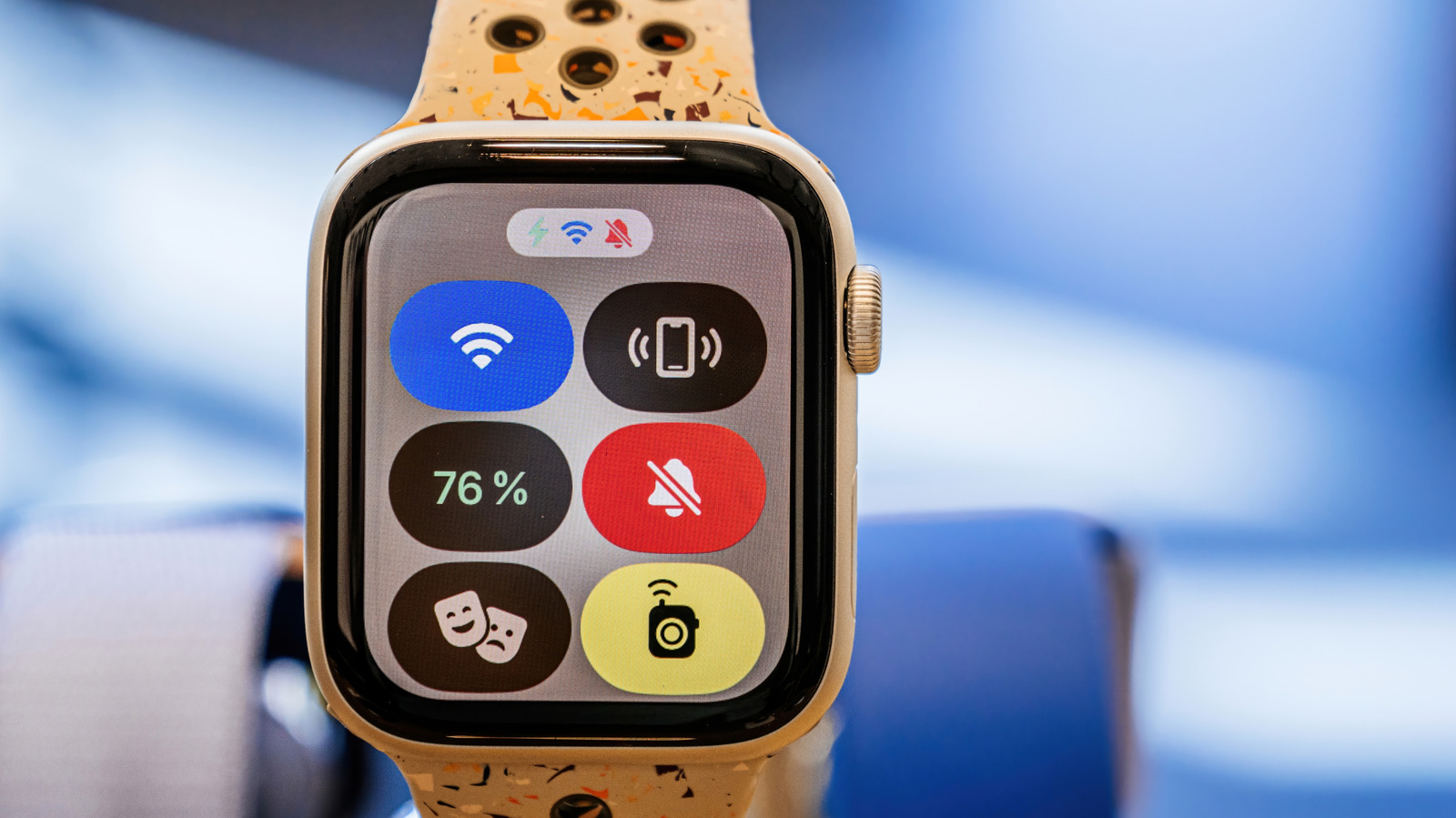
- Access the Control Center: From any watch face, press the flat, oval-shaped side button on the right side of the device.
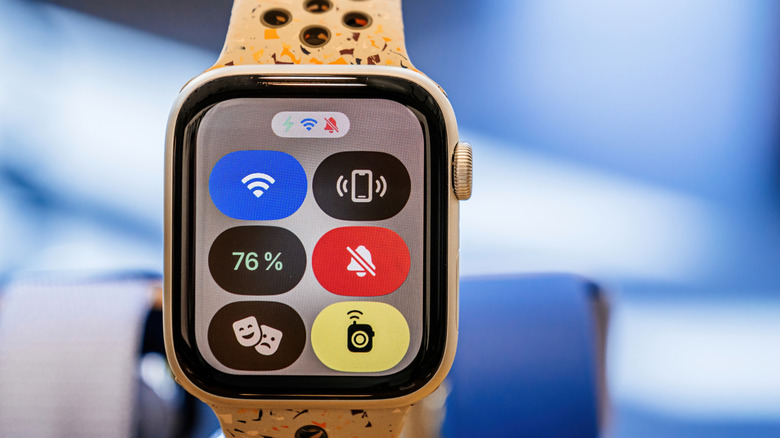
- Locate the Icon: Look for the icon featuring the classic "comedy and tragedy" theater masks.
- Toggle: Tap the icon. It will illuminate to confirm that Theater Mode is active.
Customizing Biometrics and Settings
Beyond the basic toggle, users can refine how their watch behaves while in this mode. One of the most significant, yet lesser-known, benefits is the ability to manage battery consumption and health tracking interruptions.
By navigating to Settings > Theater Mode (on specific versions of watchOS) or managing your alerts via the Watch app on your iPhone, you can dictate which sensors remain active. For instance, if you are attempting to conserve battery during a long flight or an extended conference, you can choose to suppress blood oxygen or heart rate monitoring, which prevents the underside of the watch from flashing green or red light—another subtle, yet effective, way to keep your device unobtrusive.
Implications for Social Etiquette and Beyond
The implications of using Theater Mode extend far beyond the movie theater. In our hyper-connected society, the "right to disconnect" has become a luxury. Theater Mode serves as a tool for digital mindfulness.
The Professional Environment
In high-stakes corporate settings, such as board meetings, presentations, or client interviews, checking your watch—even just to see the time—can be interpreted as a sign of boredom or impatience. By using Theater Mode, you ensure that if you do glance at your watch, it only happens when you explicitly tap the screen. This creates a psychological barrier, allowing you to prioritize the person in front of you over the notification on your wrist.
Battery Optimization
While not the primary intent of the feature, the battery benefits are substantial. The "raise-to-wake" feature is one of the biggest drains on Apple Watch battery life. In a typical day, your watch screen may wake up dozens, if not hundreds, of times. By disabling this via Theater Mode, you can significantly extend your battery longevity during long days where charging is not an option.
Managing "Always-On" Fatigue
For those who own the Series 5 through Series 10 models, the Always-On Display is a double-edged sword. While convenient, it can be distracting in low-light environments. Theater Mode provides a "hard reset" for the display, forcing it into a truly off state that even the Always-On settings cannot match.
Supporting Data: Why "Distraction" Matters
Studies on human-computer interaction suggest that "micro-interruptions"—brief glances at notifications—can reduce cognitive focus by as much as 40%. While the Apple Watch is designed to keep us connected, the lack of control over these interruptions is a common complaint.
By manually choosing to enter a "Theater" state, users are practicing what psychologists call "attentional management." It is a deliberate choice to shift from a reactive state (where the watch tells you when to look) to a proactive state (where you decide when the watch is relevant).
Addressing the Limitations: What Theater Mode Is Not
It is important to note what Theater Mode does not do. It is not a complete disconnect.
- It does not block phone calls: If you have cellular or Wi-Fi connectivity, incoming calls may still register via haptics.
- It does not disable Alarms/Timers: If you have set a silent alarm, the haptic vibration will still trigger.
- It is not automated: Unlike "Sleep Focus," which can be scheduled based on your sleep routine, Theater Mode currently requires manual activation and deactivation. This is a common point of frustration for users who forget to turn it off after a movie, leading to a period of "silent" notifications where they might miss important calls.
Future Outlook: The Potential for Automation
As we look toward future iterations of watchOS, there is significant potential for Apple to integrate AI-driven automation into Theater Mode. Using geolocation, the Apple Watch could theoretically detect when you enter a cinema or a calendar-blocked "meeting" and suggest (or automatically enable) Theater Mode.
Until that level of predictive intelligence is standard, the burden of etiquette remains with the user. However, the simplicity of the current system—a single tap on the side button—ensures that despite its age, the feature remains a pillar of the Apple Watch experience.
Conclusion
The Apple Watch is a marvel of miniaturized engineering, but it is at its best when it works in harmony with the user’s social environment rather than against it. Theater Mode is not just a setting for watching films; it is a vital tool for maintaining professional decorum, optimizing battery life, and regaining control over your digital attention span.
Whether you are a tech enthusiast or a casual user, mastering this mode is an essential step in becoming a more considerate and efficient wearer of wearable technology. Next time you find yourself in a setting where a glowing screen would be a distraction, remember the comedy-tragedy masks. A quick tap is all it takes to keep your digital world as subtle as you need it to be.


 Reynand Wu
 Sagoh
Sagoh
 Raul Delapena Setiawan

 Azzam Bilal Chamdy
 Ali Ikhwan