
 Pevita Pearce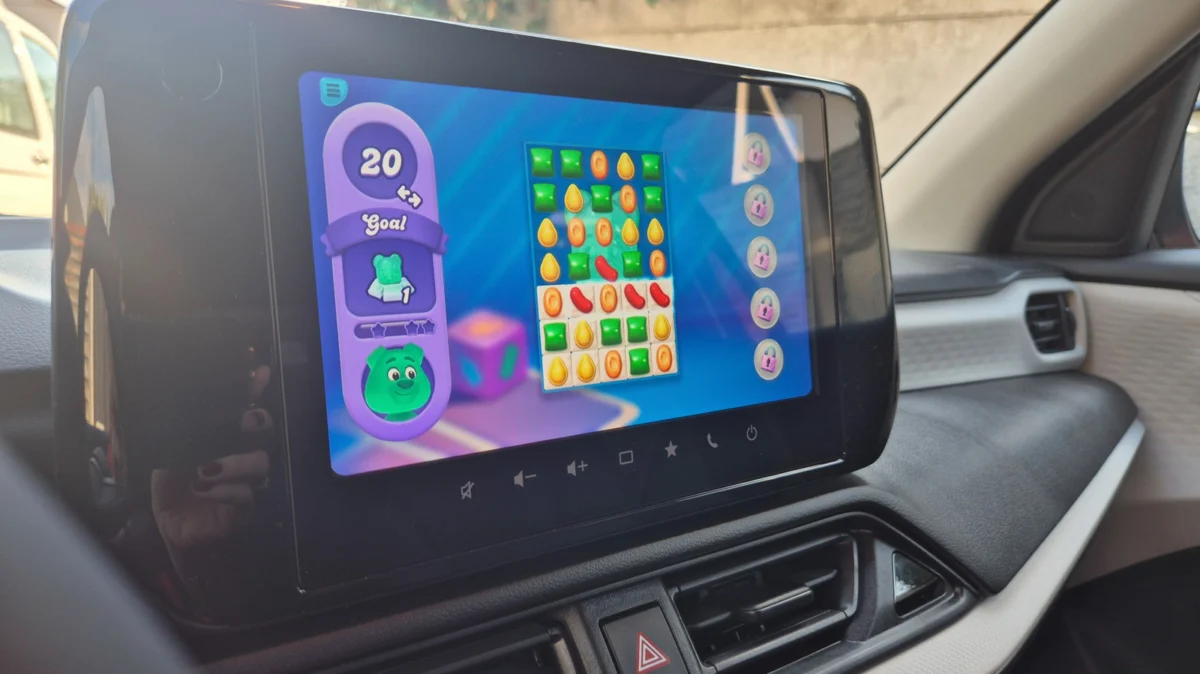
For years, the modern automobile has been evolving from a simple mode of transportation into a mobile lounge—a space where we charge our devices, take conference calls, and catch up on podcasts. Now, thanks to a major update from Google, that space is officially becoming a gaming arcade. As of late 2026, Android Auto has fully integrated gaming support, transforming your vehicle’s infotainment dashboard into a portal for interactive entertainment.
Whether you are waiting for a child to finish soccer practice, sitting in a charging bay waiting for your EV’s battery to top off, or simply taking a necessary mental break on a long-distance haul, the days of staring at your phone while waiting in the driver’s seat are coming to an end.
The Evolution of In-Car Entertainment: A Chronology
The integration of third-party applications into the automotive environment has been a gradual, safety-conscious process. For the better part of a decade, Android Auto was strictly confined to navigation, communication, and media playback.
- The Early Constraints: Initially, Google prioritized "driver distraction" prevention above all else. Interfaces were stripped down to high-contrast, large-button designs to ensure that users kept their eyes on the road.
- The Rise of Utility: As infotainment screens grew larger and high-resolution displays became standard in entry-level vehicles, the demand for more engaging content grew. Google responded by opening the platform to third-party developers for specialized tasks, such as parking apps and weather services.
- The Beta Phase (2025–2026): Throughout 2025, developers began testing lightweight, HTML5-based games within the Android Auto environment. These were limited, experimental, and mostly relegated to "GameSnacks"—Google’s library of lightweight, web-based games designed to load quickly and function on low-bandwidth connections.
- The September 2026 Launch: Following a successful year of beta testing, Google officially opened the gates in September 2026. This marked the shift from simple, browser-based games to full, native application support, inviting major developers to port their titles to the dashboard.
Current Landscape: What Can You Play?
While the library is currently in its nascent stages, the selection is surprisingly robust. There are currently over 35 titles optimized for the dashboard, with a diverse range of genres designed to cater to different types of "parked" users.
The Current Catalog
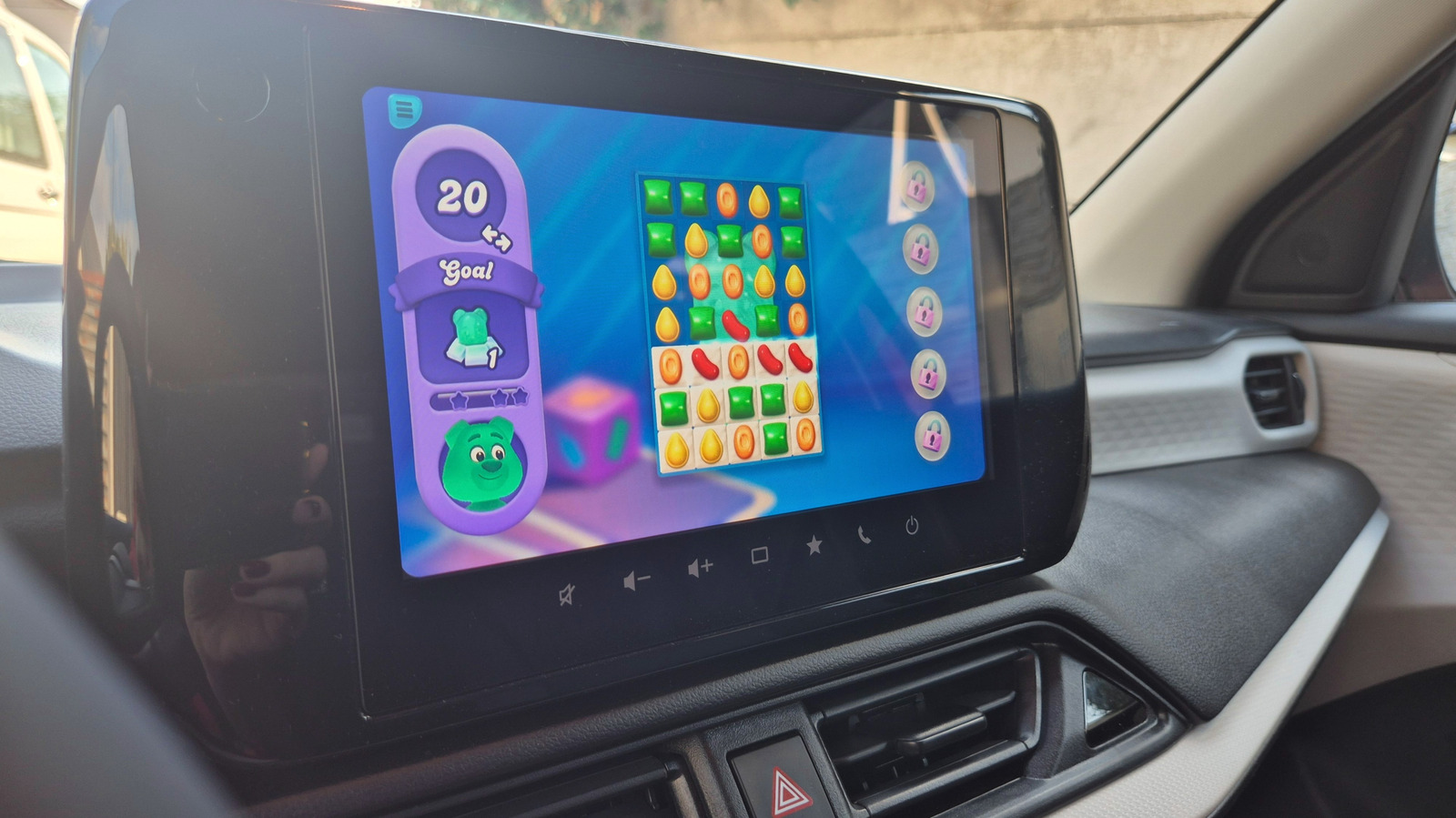
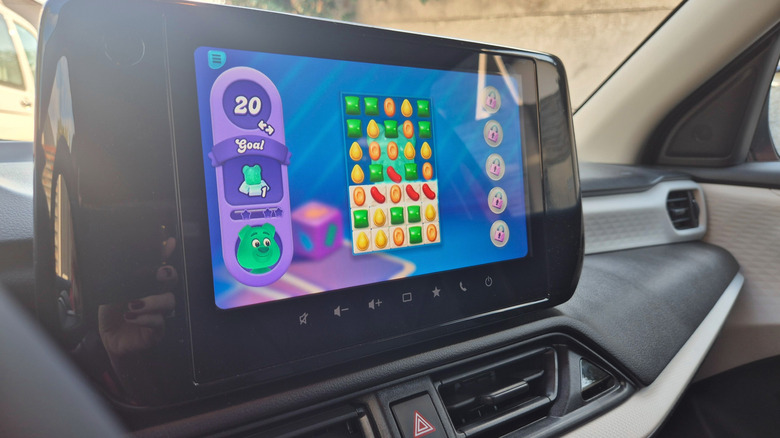
- Casual Classics: Heavy hitters like Angry Birds 2 and Candy Crush Soda Saga have been successfully ported. These games transition well to the larger display, offering a more tactile and immersive experience than their handheld counterparts.
- Kid-Friendly Content: Recognizing that parents are often the ones sitting in parked cars waiting for their children, Google has prioritized educational and child-friendly titles. Games focusing on basic math, letter recognition, and creative coloring are prominently featured in the Android Auto app collection.
- The "GameSnacks" Alternative: For users who do not want to download full applications, the native GameSnacks platform remains available. These are ideal for quick, five-minute sessions that don’t require high-end graphics or deep narrative engagement.
The Limitations of the Current Generation
It is important to manage expectations. You will not currently find high-fidelity, high-latency titles like Call of Duty: Mobile, Hearthstone, or Super Mario Run in the dash library. These games are designed for touch-sensitive screens with rapid, millisecond-perfect inputs—a paradigm that does not always translate to a car’s infotainment screen, which may have higher input lag or different aspect ratios.
The Safety Protocol: Why You Can’t Play While Driving
The most frequent question regarding this update is: "Will I be distracted while driving?" The answer, backed by strict software constraints, is a firm "no."
Google has implemented a hardware-level lockout system. The moment your vehicle’s transmission shifts from "Park" to "Drive" (or "Reverse"), the gaming interface is instantly suspended. The game icon grays out on your launcher, and the screen automatically reverts to the primary navigation or home interface.
Furthermore, unlike some third-party aftermarket solutions that allow for full-screen phone mirroring, Android Auto strictly prohibits this. Full mirroring is a safety hazard, as phone apps are often not designed for the specific aspect ratio or safety standards of a vehicle’s dashboard. By forcing developers to use native Android Auto integration, Google ensures that the game’s UI is optimized for visibility and that it cannot override critical vehicle alerts, such as navigation prompts or incoming emergency calls.
How to Optimize Your Dashboard for Gaming
Setting up your car for gaming is a straightforward process, but it requires a bit of configuration to ensure your favorite titles are accessible.
Step-by-Step Installation
- Browse the Collection: Open the Google Play Store on your smartphone. Navigate to Apps > Categories > Android Auto. Here, you will find the curated list of compatible games.
- Install Locally: Download the desired game to your phone.
- Sync with the Vehicle: Once you connect your phone to your car (via USB or wireless projection), the app should automatically appear in your Android Auto app drawer.
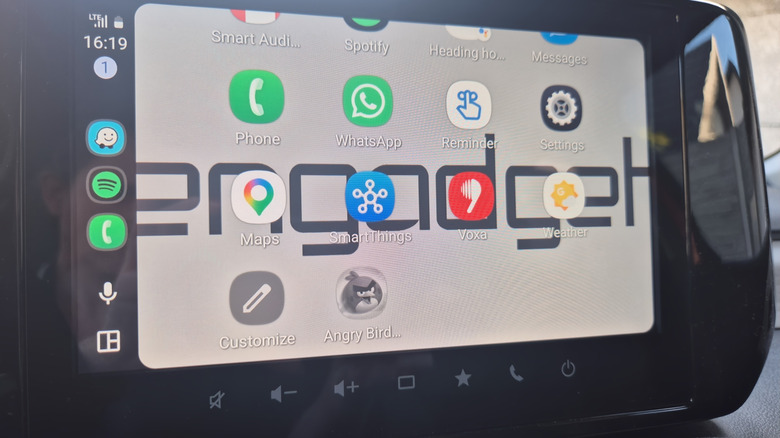
- Customizing the Launcher: If the game doesn’t appear, open the Settings menu on your phone’s Android Auto interface. Select Customize Launcher. From here, you can toggle the visibility of specific apps. Ensure the gaming category is checked.
Controller Support
One of the most exciting aspects of this rollout is controller compatibility. For games like Beach Buggy Racing 2, which require precise steering and acceleration, touch-screen inputs can feel clunky. Many of the new Android Auto-supported titles are compatible with Bluetooth controllers. Connecting a wireless controller to your phone while you are parked can transform your car into a legitimate console-like environment, making the experience far more comfortable than reaching across the dashboard to tap a screen.
Implications for the Future of Automotive Tech
The transition of the car from a "moving tool" to a "third space" is now in full swing. This development has several significant implications for the automotive and tech industries:
1. The Monetization of "Downtime"
For EV owners, charging stops are the new reality. Whether it takes 20 minutes or 45, this "forced" downtime is a goldmine for developers. We are likely to see a shift in marketing, where car manufacturers begin to advertise the "gaming potential" of their infotainment systems as a key selling point for electric vehicles.
2. The Rise of "Dash-Native" Design
As more developers enter this space, we will see the emergence of a new genre of "dash-native" games. These are games built specifically for the unique environment of a car: high-contrast visuals, simplified menus, and support for steering wheel controls or vehicle-integrated buttons.
3. A New Social Dynamic
With the inclusion of games like My Talking Tom Friends, the car becomes a waiting room for families. It turns a stressful wait at a sports practice or school pickup into a communal, interactive experience, potentially reducing the friction of these daily chores.
Final Thoughts: Is it worth the hype?
The introduction of games to Android Auto is not about replacing your home console or gaming PC; it is about reclaiming the time that was previously wasted. It is a refinement of the "third space" concept. While the current selection of 35+ titles is just a starting point, the ecosystem is primed for rapid expansion.
As developers become more comfortable with the platform and as automotive hardware continues to improve, we can expect the complexity and quality of these games to rise. For now, the next time you find yourself sitting in a parking lot, waiting for your kids, or waiting for a charge, you have a new way to kill time—and you won’t even have to look down at your phone to do it. Just remember: when you shift into gear, the fun ends, and the road begins.


 Azzam Bilal Chamdy
 Asep Darmawan
 Suro Senen
 Nana Wu
 Nana
Nana
 Muslim