
 Ali Ikhwan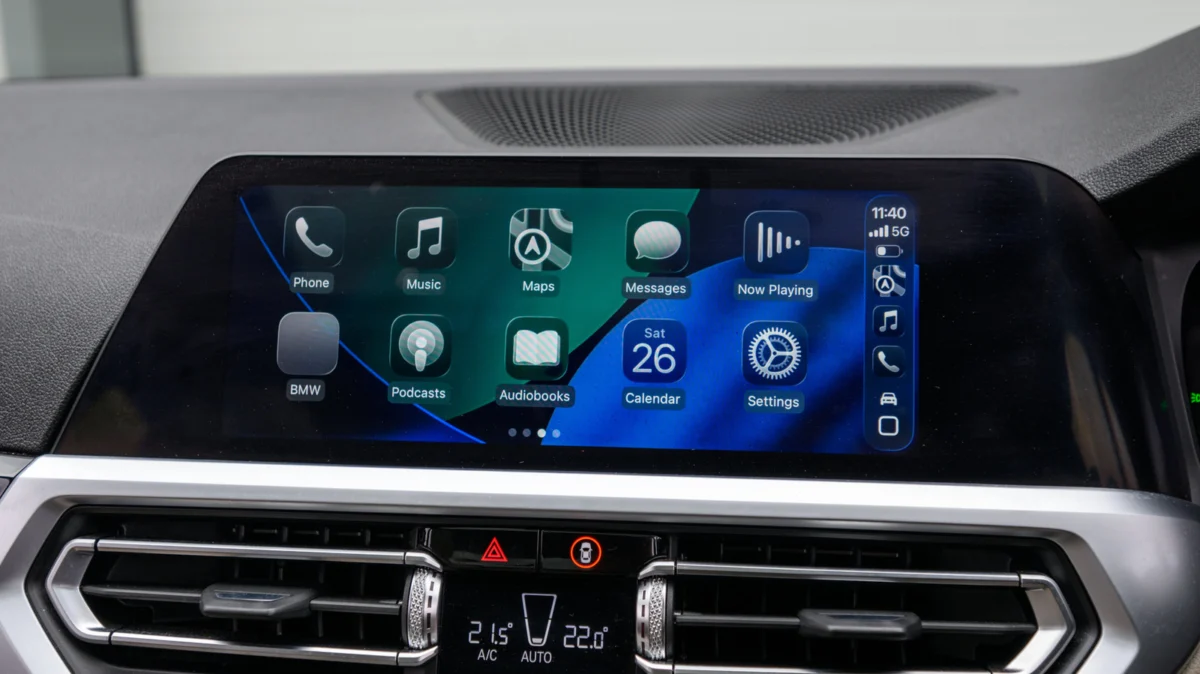
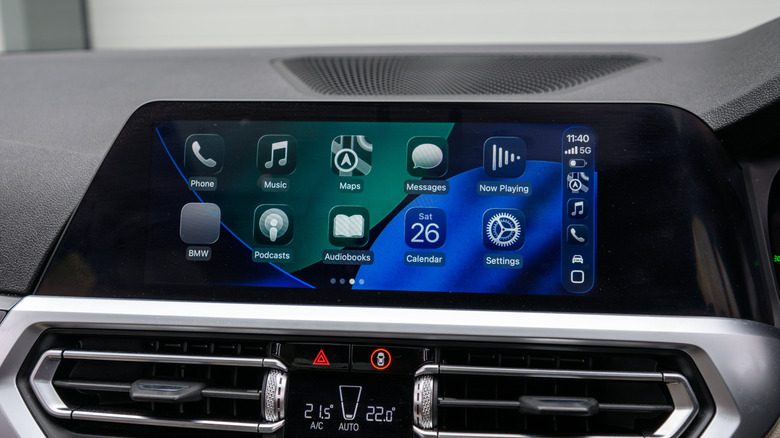
For millions of drivers, Apple CarPlay has become an essential companion for the morning commute, road trips, and quick errands. By mirroring the familiar interface of an iPhone directly onto the dashboard display, it provides a safer, more intuitive way to navigate, listen to music, and manage communications while driving. However, a significant portion of vehicles on the road today—even those manufactured as recently as two or three years ago—still rely on a wired connection. This requires drivers to physically plug their phones into a USB port every time they enter the vehicle.
While wired connections offer high fidelity and consistent charging, they can be cumbersome. If you’ve ever found yourself digging through your center console for a frayed Lightning or USB-C cable, you’ve likely wondered if there is a way to achieve the seamless convenience of factory-installed wireless CarPlay without trading in your vehicle for a brand-new model. The answer is a resounding "yes," but navigating the market of third-party wireless adapters requires a nuanced understanding of hardware, compatibility, and wireless standards.
The Evolution of Connectivity: From Cable to Cloud
The history of automotive connectivity has been one of rapid iteration. When Apple first introduced CarPlay in 2014, the ecosystem was entirely tethered. The mandate was simple: ensure stability and minimize latency by offloading the processing power to the iPhone while using the vehicle’s infotainment screen as a simple display.
As automotive hardware matured, manufacturers began integrating Wi-Fi Direct and Bluetooth 5.0 into their head units to support wireless projection. However, this feature was often reserved for high-end trim levels or luxury vehicles, leaving mid-range and entry-level buyers stuck with legacy wired setups.
The emergence of the "CarPlay adapter" industry represents a massive shift in the aftermarket accessory space. These devices function as a "man-in-the-middle" bridge. They connect to the vehicle’s USB data port, masquerading as a wired iPhone, while simultaneously hosting a Wi-Fi hotspot and Bluetooth handshake to talk to your actual phone. Once the bridge is built, the vehicle’s infotainment system is tricked into believing it is operating a native wireless connection.
Compatibility: The Golden Rule Before You Buy
Before you commit to a purchase, it is imperative to understand the fundamental limitation of these adapters: they are not magic. They cannot add CarPlay functionality to a car that does not already support it.
Verifying Your Vehicle’s Infrastructure
If your head unit does not have a "CarPlay" icon in its menu, an adapter will do nothing for you. In such cases, you are looking at a much more involved project, such as installing a third-party head unit (like those from Pioneer or Kenwood) or purchasing a standalone portable CarPlay display that mounts to your dashboard.

If your car does have CarPlay, check the following before pulling out your credit card:
- USB Port Type: Many older vehicles utilize USB-A ports, while the newest vehicles are transitioning exclusively to USB-C. Many adapters come with a USB-A plug but include a C-adapter. Ensure your vehicle’s port can provide enough power to sustain the adapter’s Wi-Fi radio.
- Infotainment Software Version: Some proprietary systems (specifically those from older Honda or Toyota models) have been known to have handshake issues with specific adapters. Spend ten minutes on owner forums like CarPlayLife or Reddit’s r/CarPlay to see if users with your specific vehicle year and model have reported success with your chosen adapter.
- OS Compatibility: As Apple updates iOS, the security protocols governing CarPlay change. An adapter that worked perfectly with iOS 16 might face authentication errors with iOS 18 if the manufacturer hasn’t pushed a firmware update.
The Technical Specs That Actually Matter
When browsing Amazon or manufacturer websites, the technical jargon can be overwhelming. Don’t let the marketing buzzwords distract you. Focus on these three critical performance indicators:
1. Wi-Fi Frequency Support (The 5GHz Standard)
Early-generation wireless adapters often relied on 2.4GHz Wi-Fi. While this frequency has great range, it is notoriously prone to interference from other devices, Bluetooth signals, and even building infrastructure. If your adapter doesn’t support 5GHz, you will notice "stuttering" in your audio and significant lag when using GPS maps. Always verify that the unit supports 5GHz Wi-Fi for a stable, high-bandwidth connection.
2. Bluetooth Handshake Speed
Bluetooth is the "invitation" protocol; it tells your phone that the car is ready to connect. A high-quality adapter should support Bluetooth 5.0 or higher. This allows for a near-instantaneous "handshake" between the iPhone and the adapter. If the unit takes 45 seconds to connect every time you turn the ignition, you will quickly grow frustrated and revert to using a cable.
3. Firmware Updateability
This is perhaps the most important feature. Because Apple frequently updates its software, your adapter will eventually become obsolete unless it can be updated. Look for units that allow you to download firmware files via a smartphone browser interface. If a manufacturer does not provide a clear path for firmware updates, assume the device will be a "paperweight" within 18 to 24 months.
Practical Implications and Daily Use
Once you have successfully installed your adapter, the user experience should be seamless. However, there are behavioral changes to keep in mind.
The "Auto-Reconnect" Phenomenon
High-end adapters feature an "auto-reconnect" function. When you walk into the garage or start the engine, the adapter should ping your phone and re-establish the link within 10 to 15 seconds. If you share the vehicle with another driver, look for "multi-device management" features. Some units can store multiple profiles and will prioritize the phone that was last connected or the one currently paired to the car’s Bluetooth.
Power Management and Heat
Because these adapters are small, they can get quite warm. If you are on a five-hour road trip, it is often better to use a dedicated USB car charger for your phone (connected to a cigarette lighter port) while letting the adapter handle the data connection. This prevents your phone’s battery from draining due to the high-intensity wireless data exchange.
Steering Wheel Controls and Siri
A common concern is whether the adapter will break your car’s native physical controls. A well-engineered adapter is designed to be "transparent." It should pass through signals from your steering wheel (volume, track skipping) and allow for full "Hey Siri" functionality. If you find that Siri is unresponsive or delayed, check the adapter’s settings; some have a "latency buffer" that can be adjusted to prioritize either sound quality or response time.
Official Stances and Market Outlook
While Apple has not officially endorsed third-party wireless adapters, they have remained permissive of the technology, provided the adapters adhere to the MFi (Made for iPhone) security protocols. Major manufacturers like Ottocast, Carlinkit, and others have carved out a massive niche by filling the gap between consumer desire and automotive manufacturer latency.
According to industry analysts, the demand for these adapters is expected to grow as the average age of vehicles on the road continues to rise. With the average car in the United States now exceeding 12 years of age, aftermarket solutions for modernizing legacy tech are becoming a multi-billion dollar segment of the automotive accessories market.
Final Recommendations for the Discerning Buyer
If you are ready to make the switch, approach your purchase as a calculated investment:
- Avoid the "Ultra-Cheap" Bargains: Adapters priced under $20 are often clones using outdated chips that will frustrate you with constant disconnects. Aim for the $40–$70 range, where manufacturers like Ottocast or reputable third-party brands provide better chipset support and consistent firmware updates.
- Prioritize Support: Check if the company has an active customer support email or a community forum. If a company is ghosting its users on product pages, they will not help you when an iOS update breaks your device.
- Keep Your Cable as a Backup: Even the best wireless adapters can experience a "glitch" or a temporary signal drop in areas with high radio interference (like busy city centers). Always keep a standard USB-to-Lightning/USB-C cable in your glove box. It is the ultimate insurance policy.
In conclusion, moving to wireless CarPlay is one of the most rewarding quality-of-life upgrades you can make for your vehicle. By choosing hardware that supports the latest wireless standards, verifying your vehicle’s specific compatibility, and ensuring the device is future-proofed through firmware updates, you can enjoy the freedom of a truly wireless digital cockpit.


 Nila Kartika Wati
 Jia Lissa
 Reynand Wu
 Nana Muazin
 Layla Zulfa