Rifan Muazin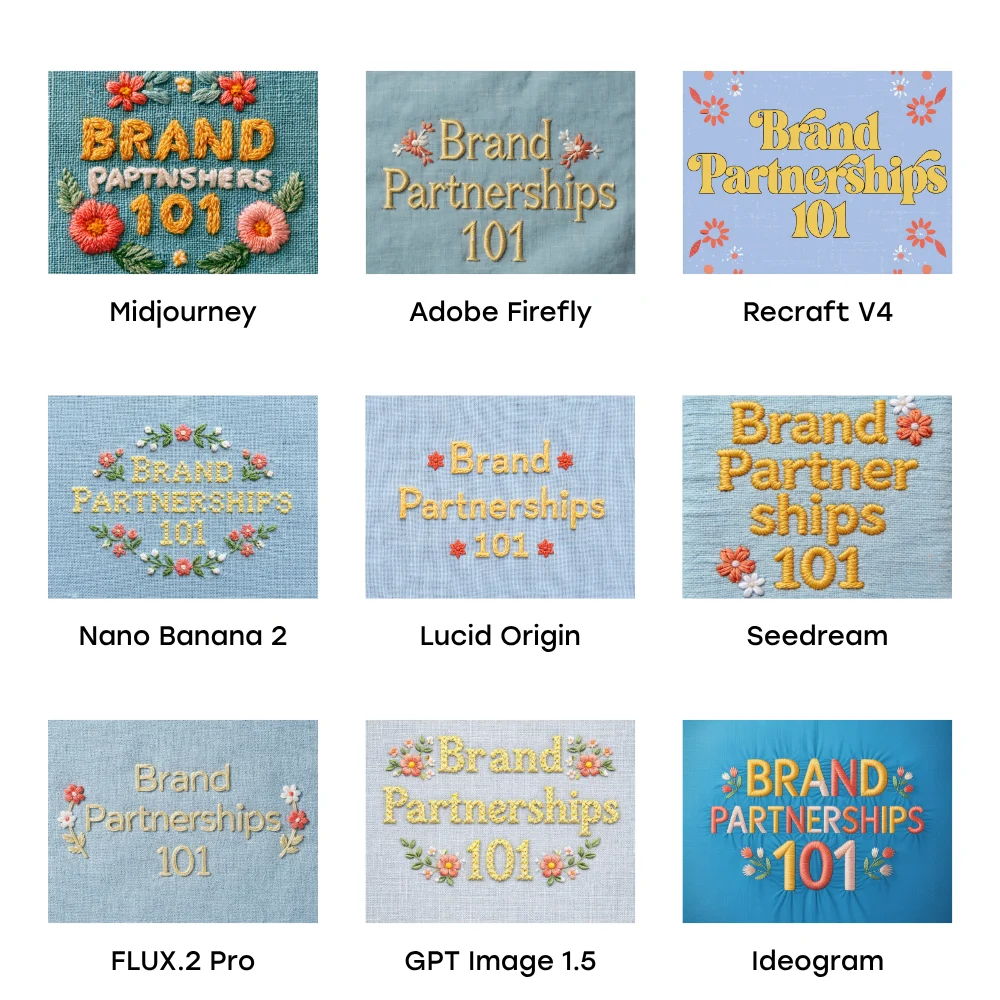
For years, the creative workflow for social media managers and independent content creators followed a rigid, familiar path: ideate, draft, photograph, and edit. If you needed an image, you either took it yourself or sourced it from a stock library. For many of us, the idea of using AI image generators felt like an unnecessary detour—why spend twenty minutes prompting a machine to create a "realistic photo" when I could simply pick up my phone and capture the real thing in thirty seconds?
However, this perspective overlooks a significant, untapped potential. AI isn’t just a replacement for photography; it is a tool for closing the "creative gap"—the space between the complex, vibrant visuals we see in high-end campaigns and the limited resources we have at our desks.
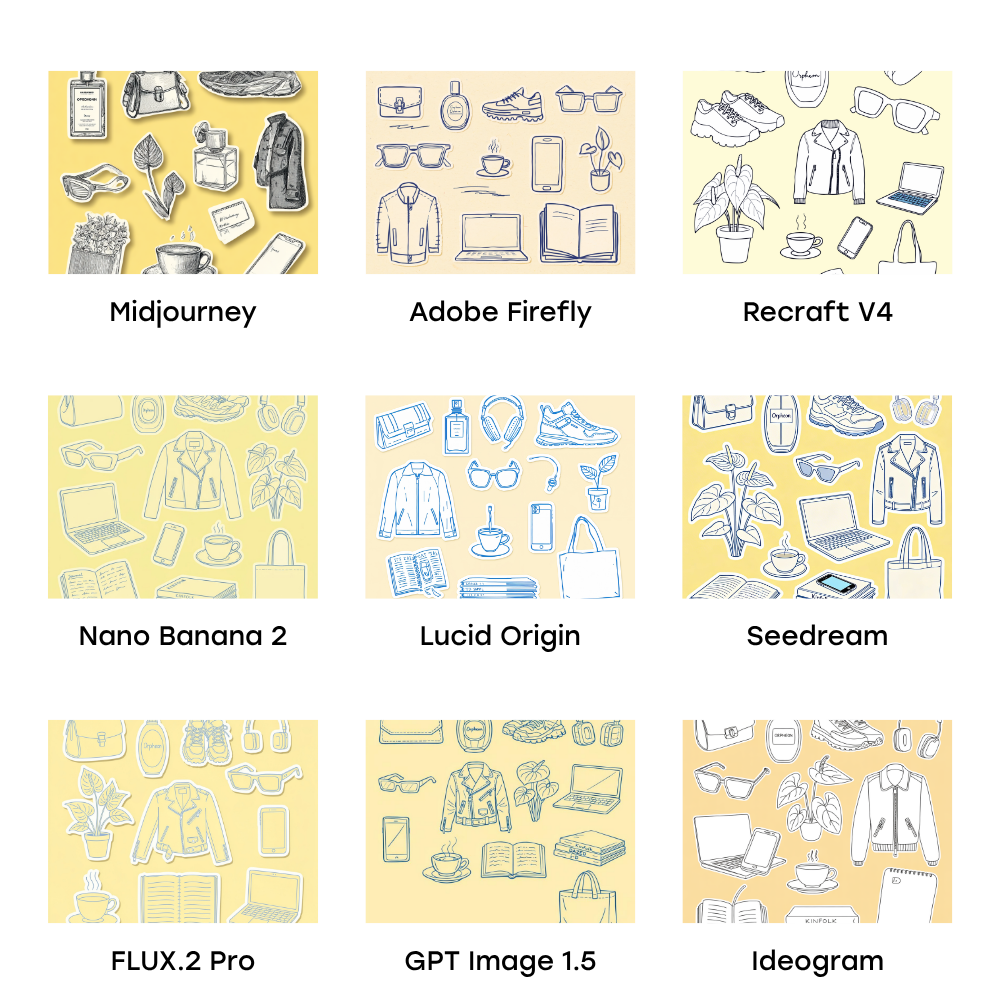
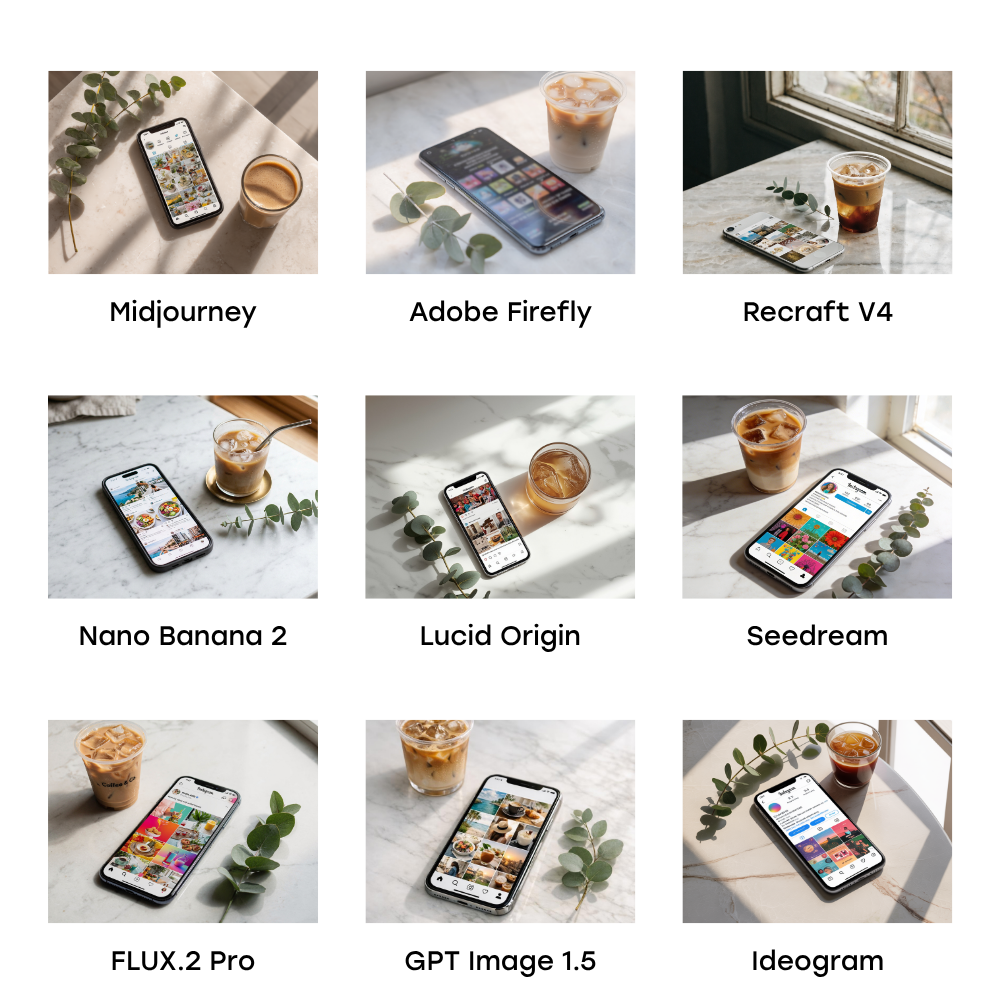
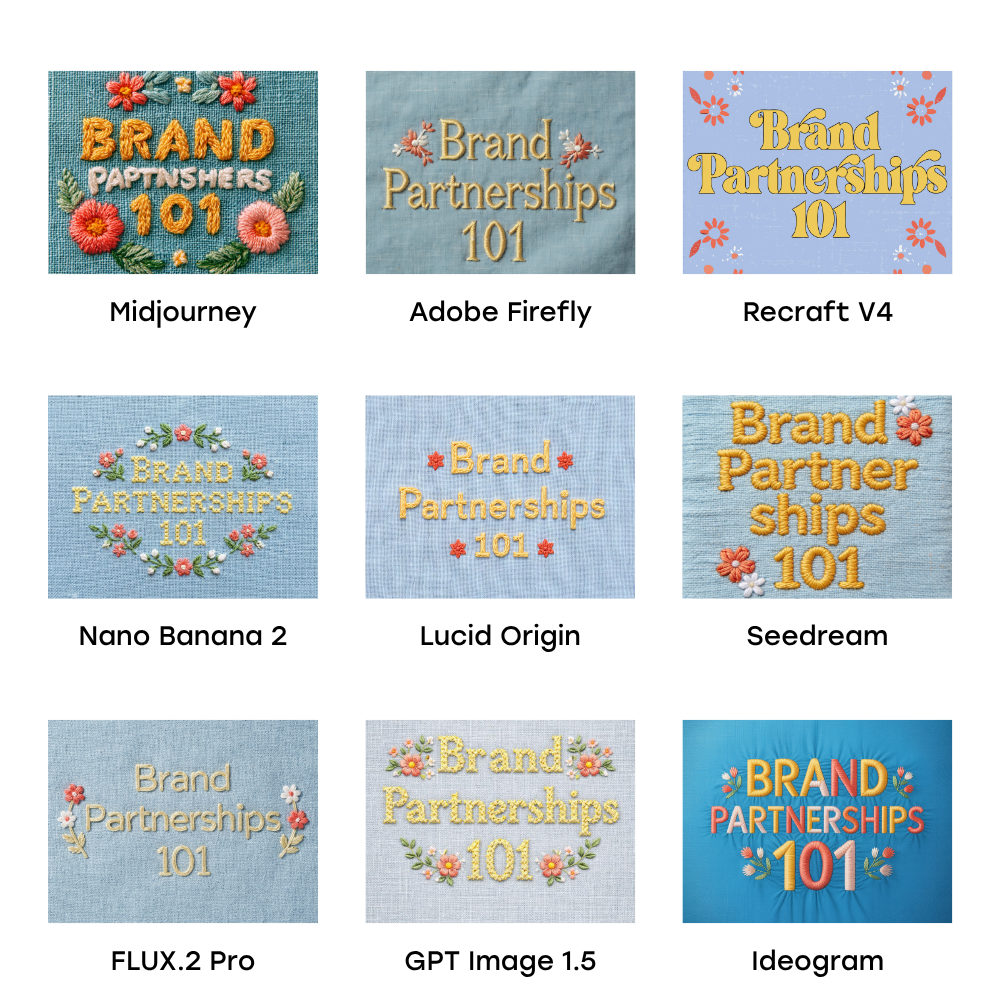
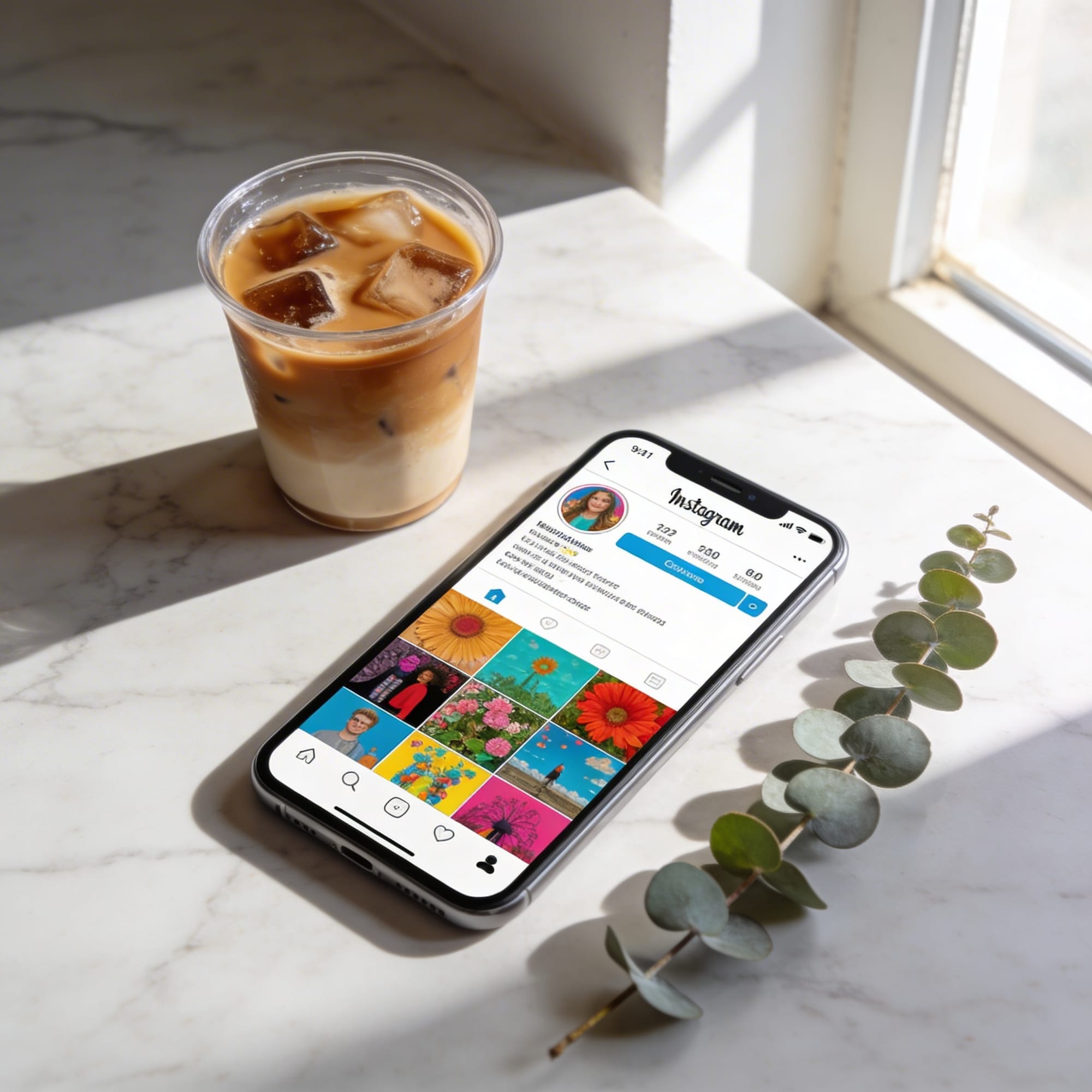
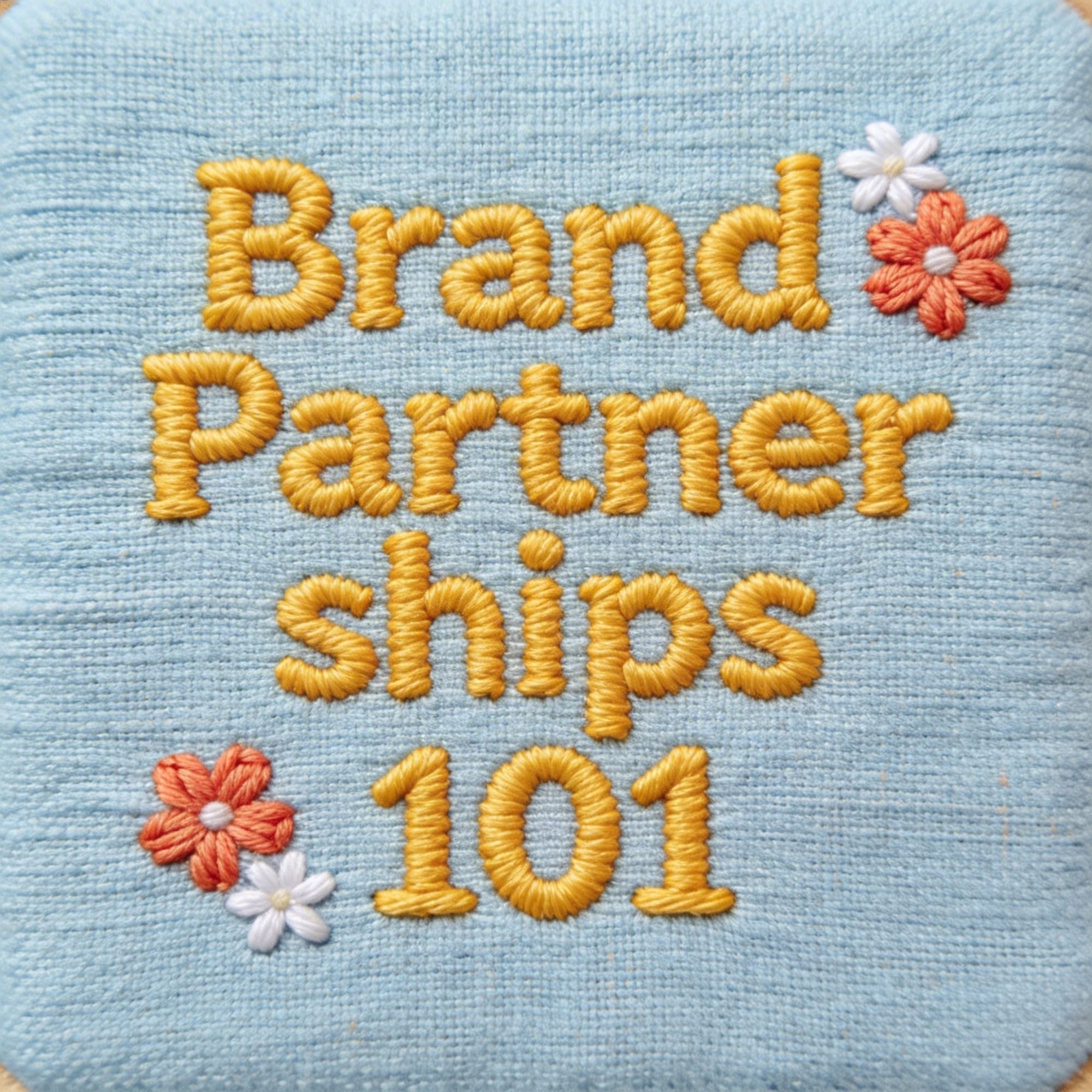
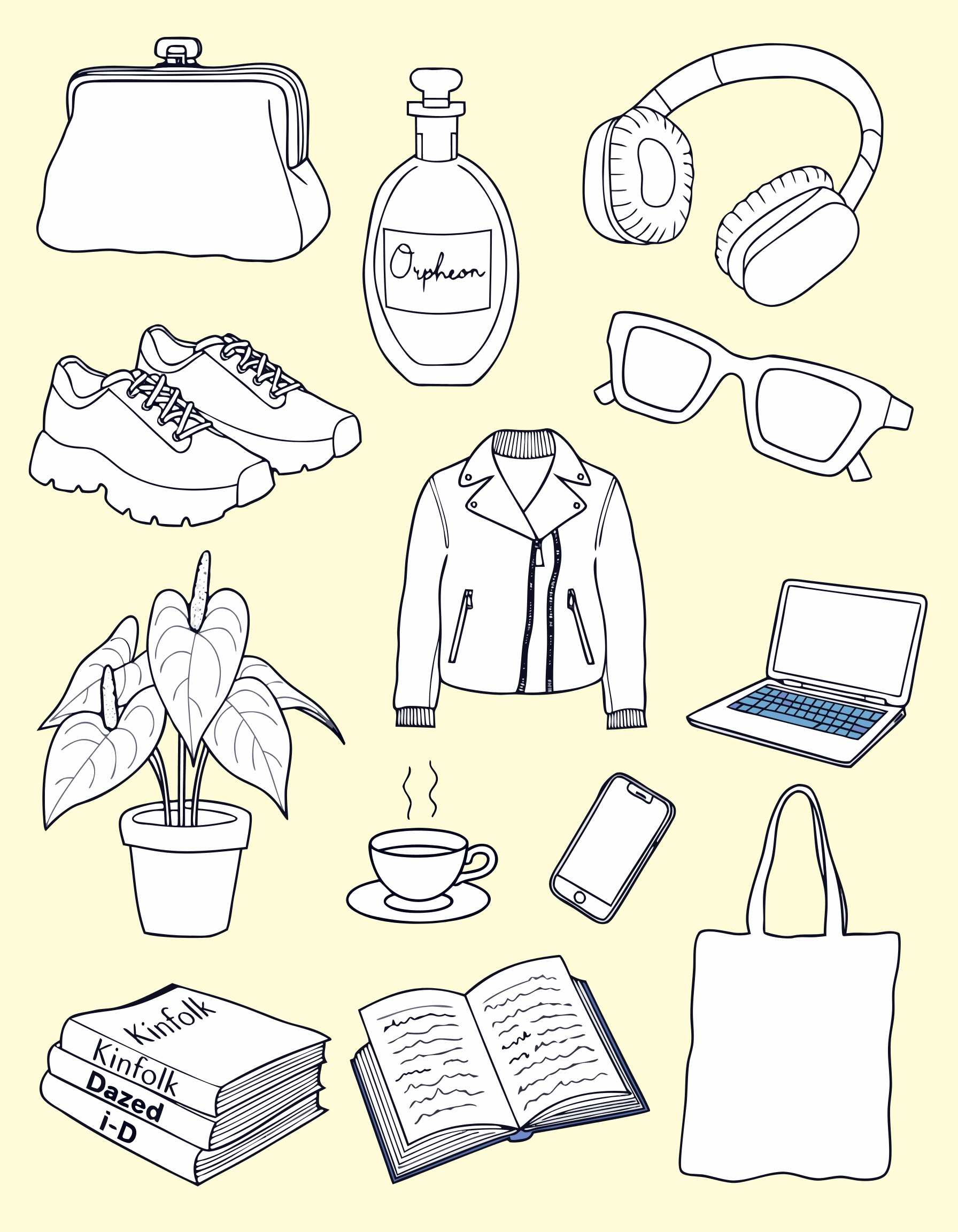
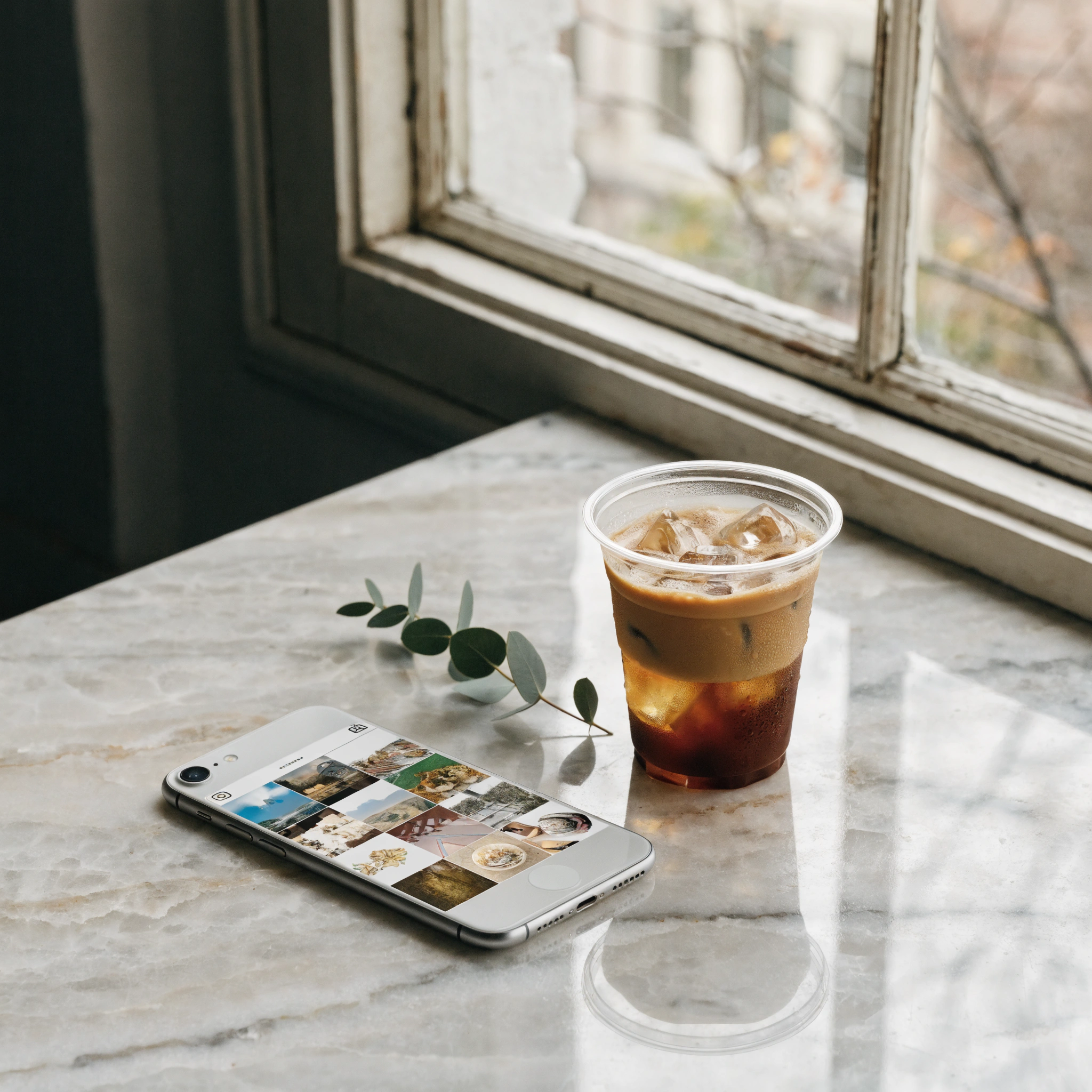
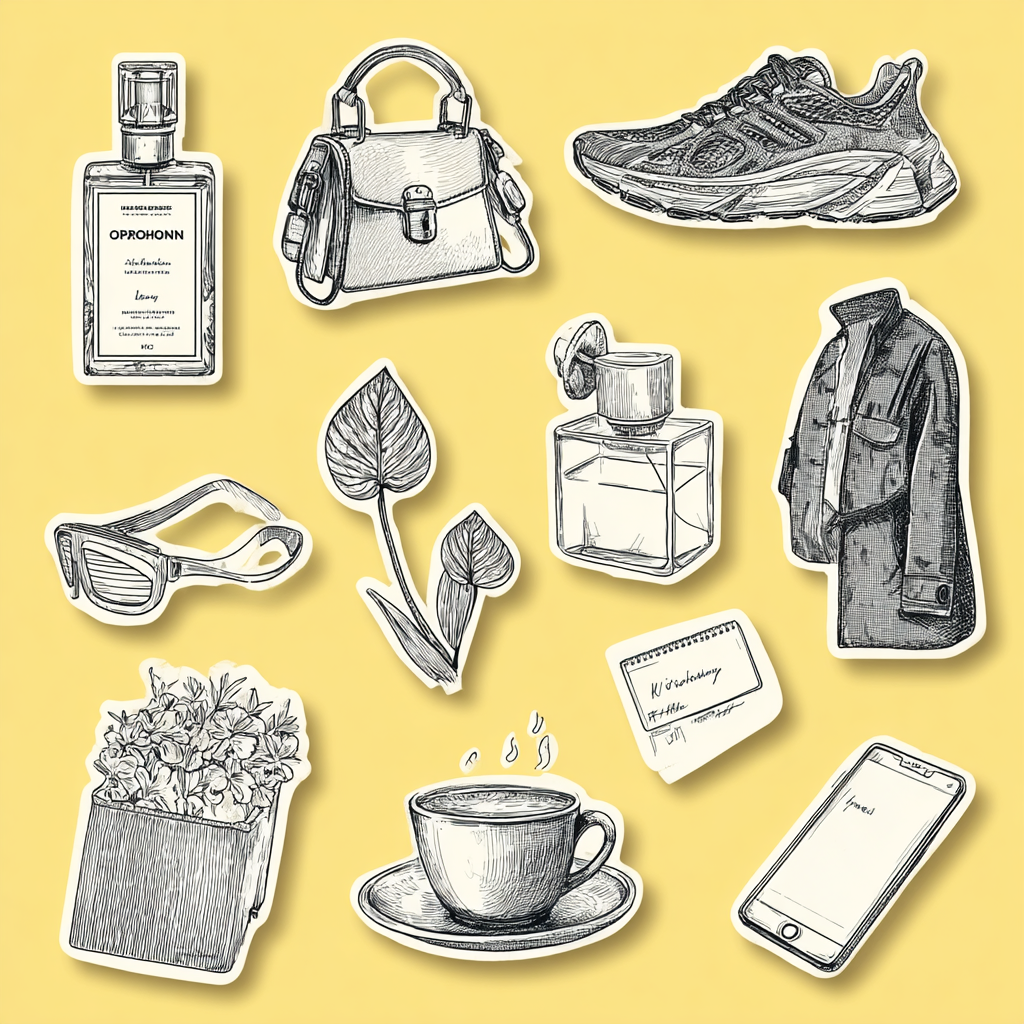
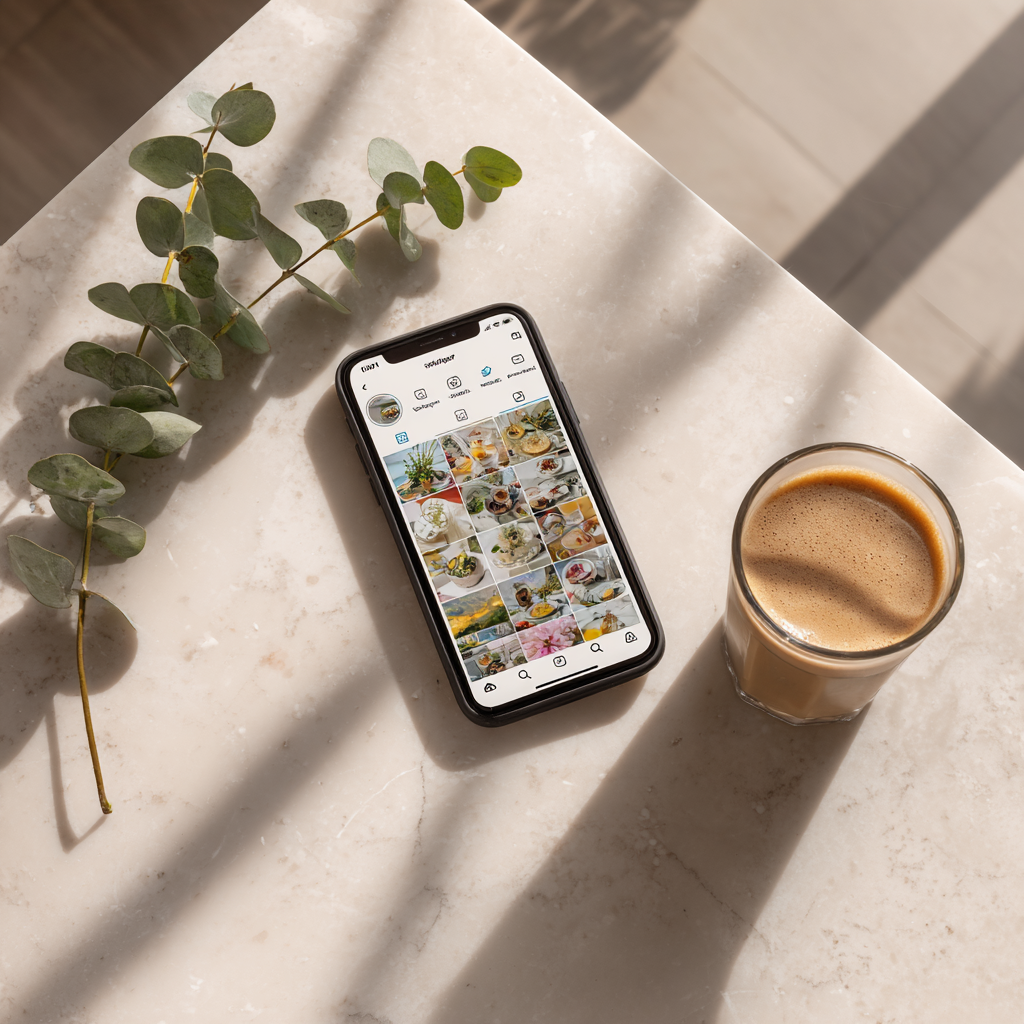
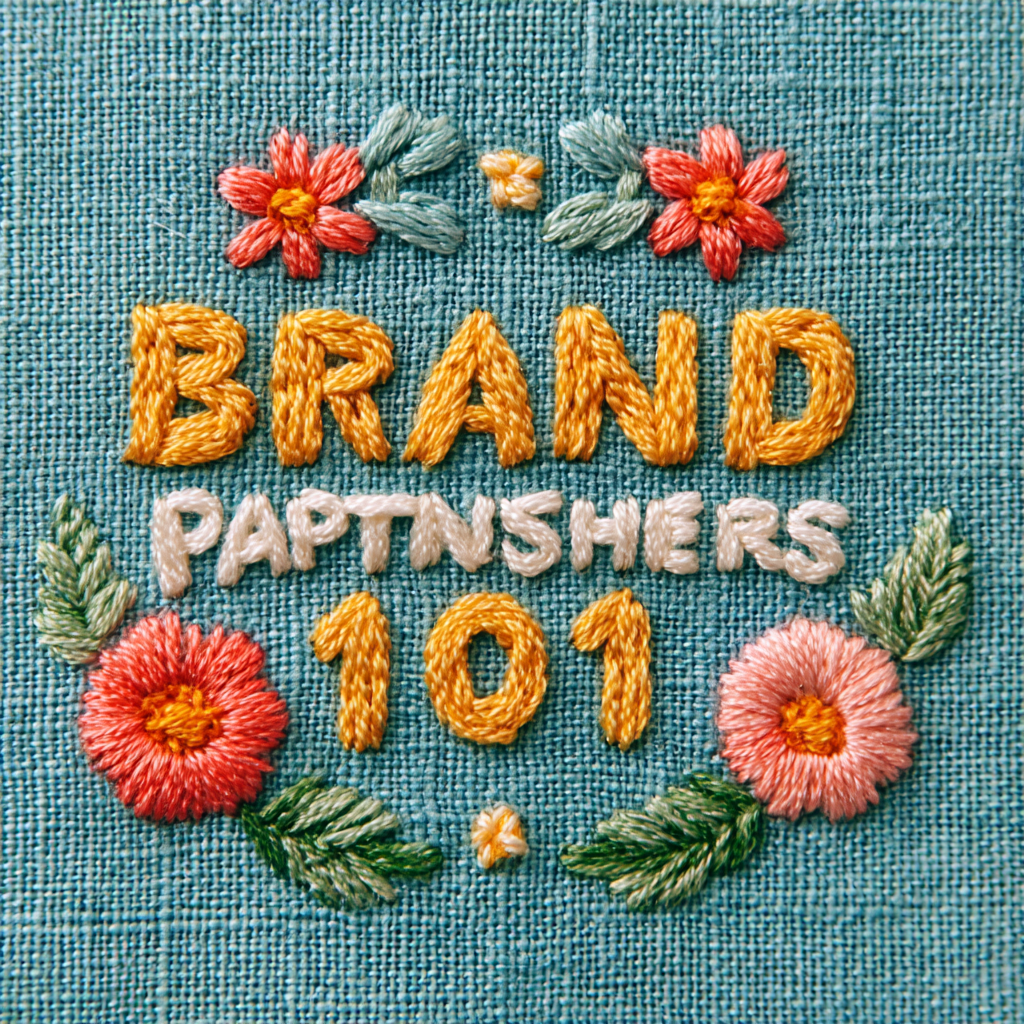
I recently put nine of the leading AI image generation models to the test, focusing on three specific tasks: a complex illustrated sticker sheet, a high-fidelity styled product shot, and a tactile, text-based graphic. The results were not only surprising but fundamentally shifted how I approach content creation.
The Evolution of AI Prompting: Moving Beyond "Beautiful"
When I began this experiment, my initial prompts were failures. I asked for "high-quality, beautiful images," and the tools responded with generic, soulless results. The bottleneck in AI creation is no longer the technology—it is the human ability to communicate intent.
Through extensive research into communities like r/Midjourney and technical guides from platforms like Envato, I discovered that successful prompting relies on a specific hierarchy of information.
The Anatomy of a Perfect Prompt
- Prioritize the Subject: The AI processes the first few words with the most weight. Start with exactly what is in the frame ("a ceramic mug on a wooden desk") before adding the style ("editorial lifestyle photography").
- Leverage Camera Language: If you want photorealism, speak the language of photography. Use terms like "shallow depth of field," "35mm film grain," "golden hour lighting," and "f/2.8 aperture."
- Describe, Don’t Code: While hex codes have their place in branding, most models respond more accurately to descriptive color names like "butter yellow" or "seafoam green."
- Anchor the Style: If you don’t define the medium, the tool will default to a generic, flat aesthetic. Use specific technique descriptors like "ink hatching," "gouache blocks," or "stipple shading" to force the model into a specific artistic lane.
The Testing Ground: Evaluating the Top Nine Models
To maintain consistency, I utilized Leonardo.ai as a primary hub for several models, while testing others like Midjourney, Recraft, and Adobe Firefly as standalone platforms. The following table summarizes the key players:
| AI Generator | Primary Strength | Best For |
|---|---|---|
| Nano Banana 2 | Real-world object accuracy | Complex illustration |
| Seedream | Text spelling & layout | Typography-heavy design |
| Recraft V4 Pro | Professional design control | Branding & vector-style work |
| Midjourney | Artistic & mood-driven | Creative, high-concept visuals |
| Adobe Firefly 5 | Workflow integration | Adobe Creative Cloud users |
| FLUX.2 Pro | Unique perspective | Creative liberty |
| Ideogram 3.0 | Text-to-graphic reliability | Text-heavy graphics |
| GPT Image 1.5 | Convenience | ChatGPT power users |
| Lucid Origin | Dimensionality | Quick 3D-style assets |
Detailed Performance Analysis
1. Nano Banana 2 (Google)
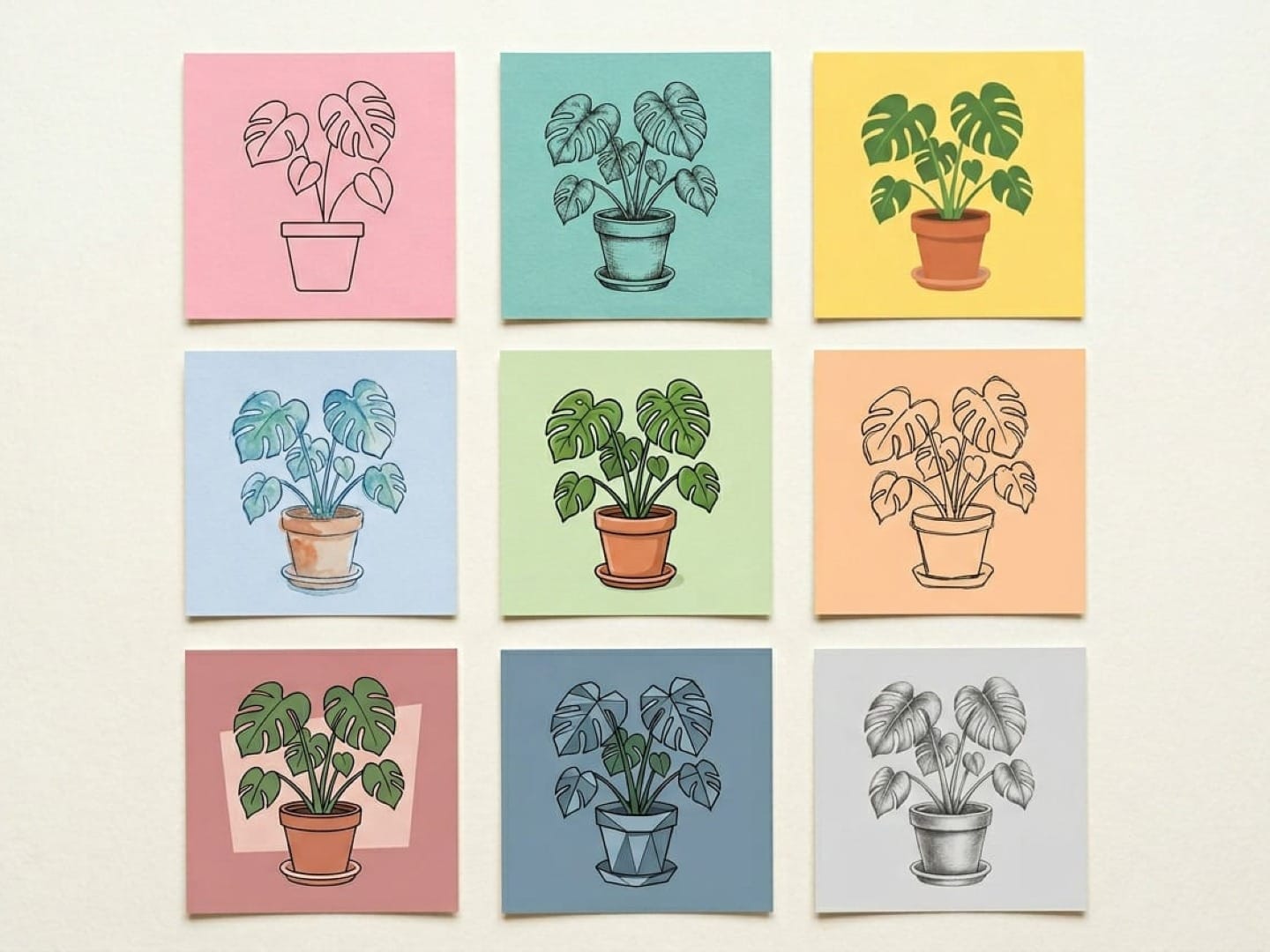
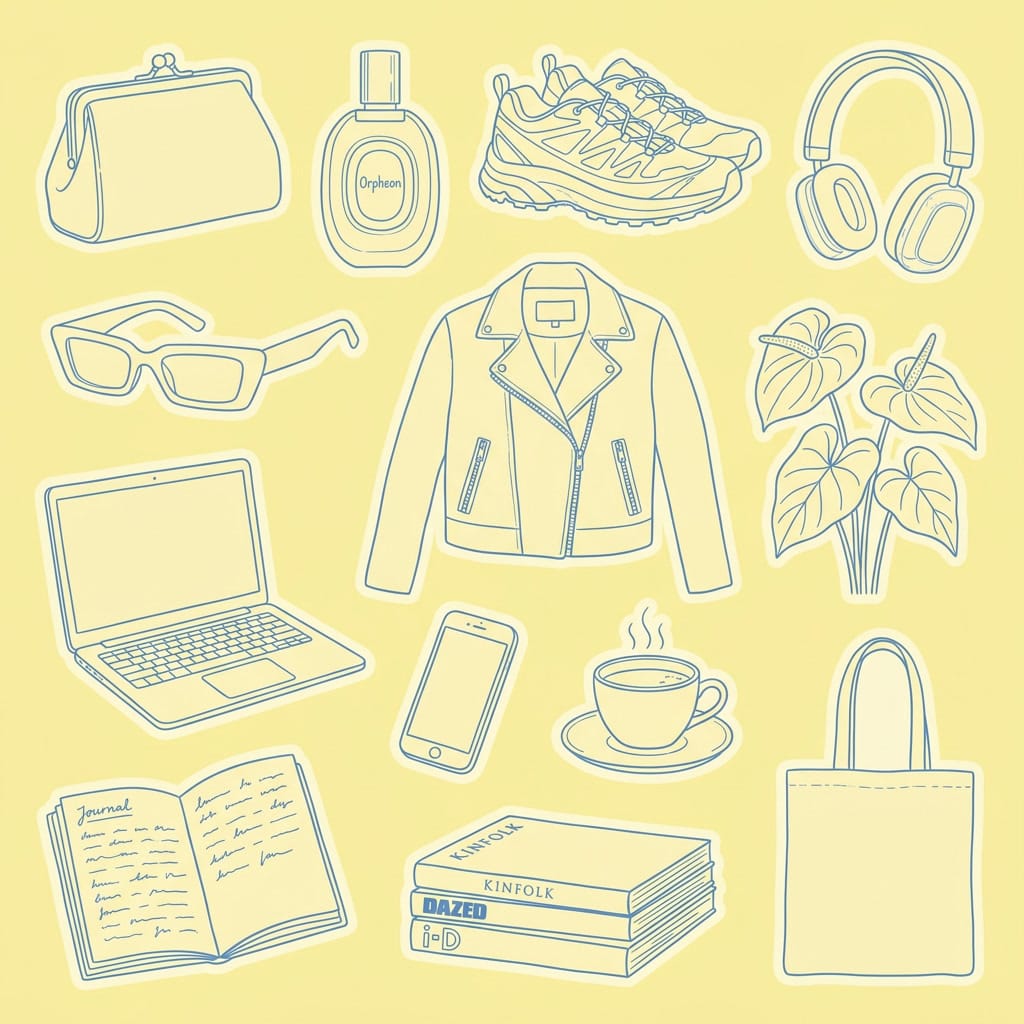
Nano Banana 2 emerged as the most consistent model. When prompted for specific real-world items—such as a Diptyque perfume bottle or specific sneaker brands—it demonstrated an impressive knowledge base, rendering the objects with high accuracy and realistic proportions. It was the clear winner for my sticker sheet challenge, handling the complex list of 13 individual objects with ease.
2. Seedream (ByteDance)
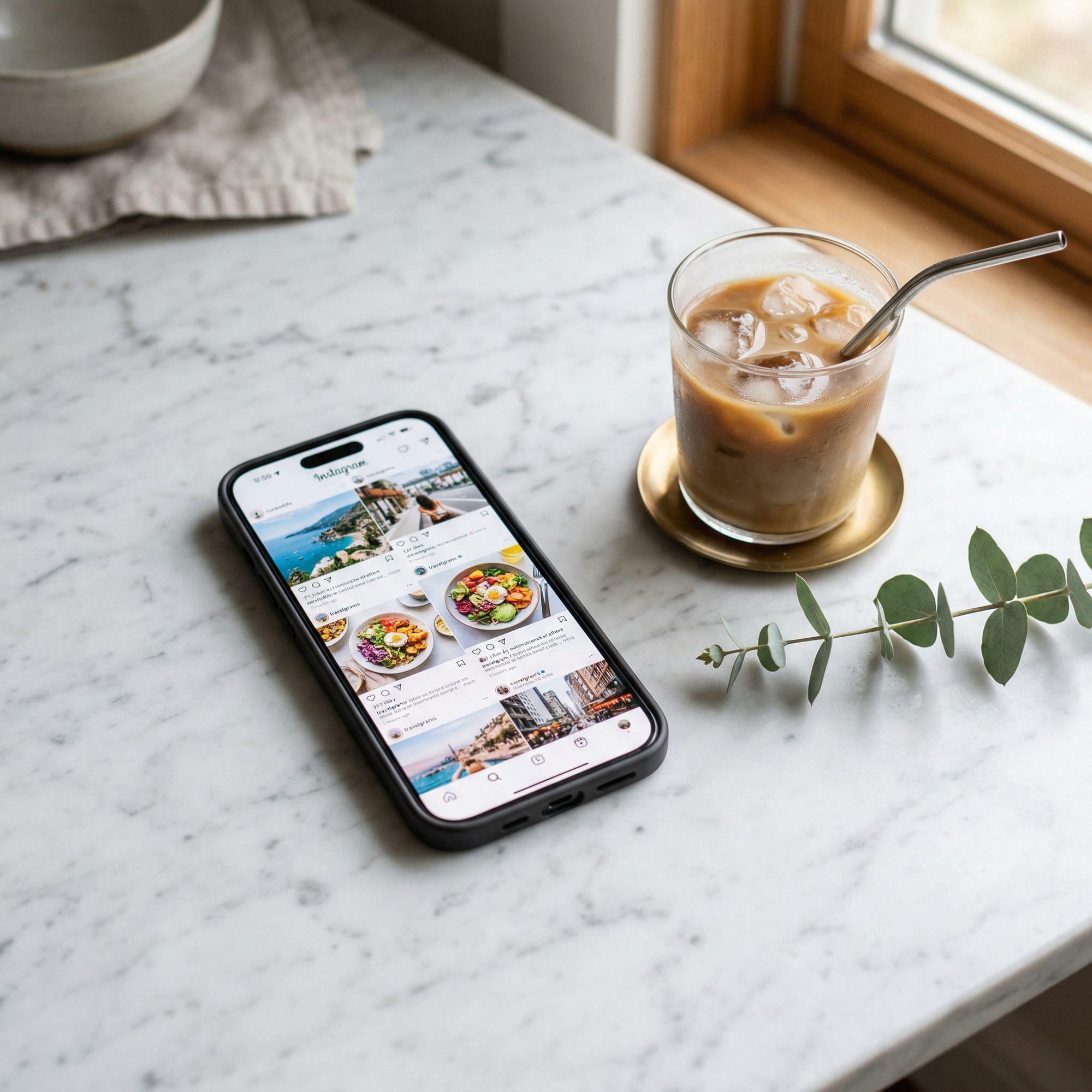
Integrated within the CapCut ecosystem, Seedream is a powerhouse for social media creators. Its text-generation capabilities were, quite simply, the best in the group. Every label and word I requested appeared spelled correctly. While it struggled slightly with the "realism" of the product shot, its ability to render legible, stylized text makes it an essential tool for video-adjacent creators.
3. Recraft V4 Pro
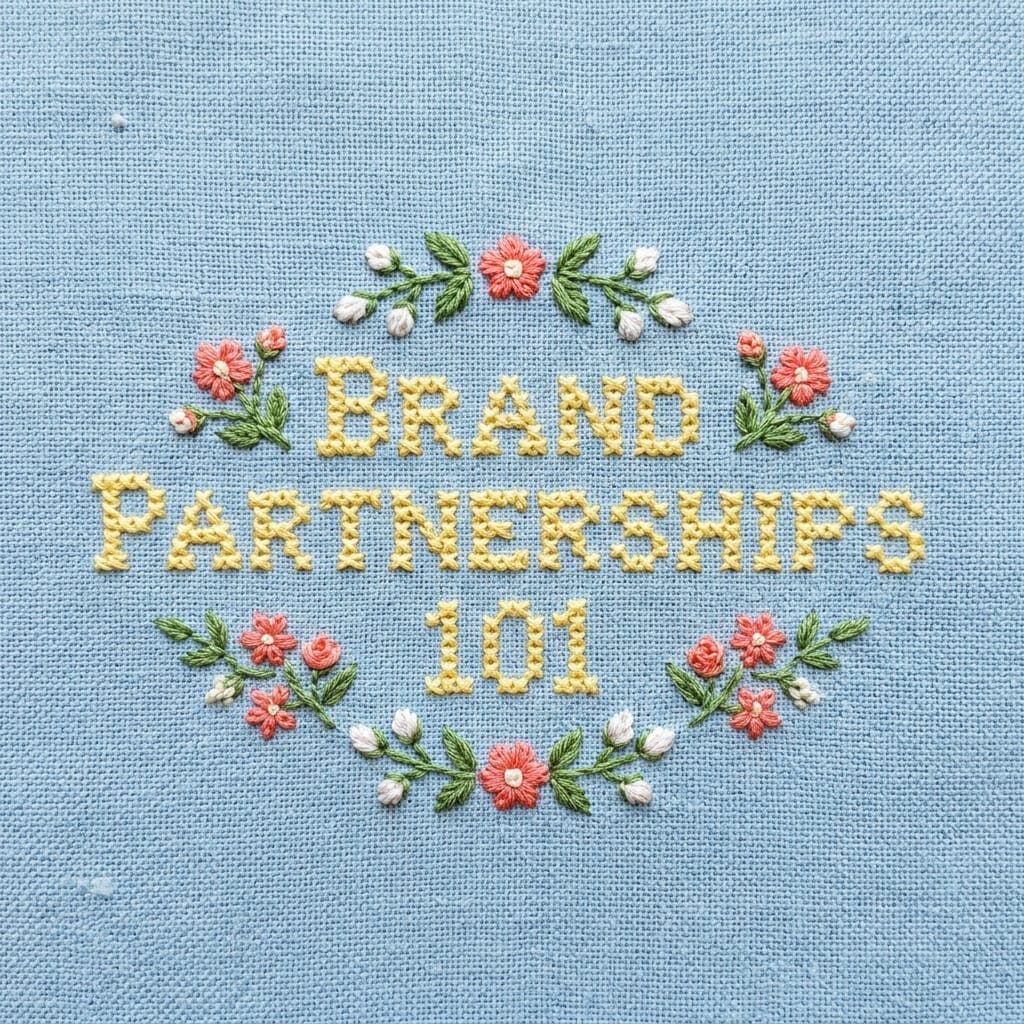
Recraft is the sophisticated choice for designers. It allows for granular control over visual style and offers an agentic chat feature to refine outputs. Its ability to handle reference images and brand-specific color palettes makes it the most "professional" tool on the list. While it occasionally hallucinated dimensions, the aesthetic quality of its output was consistently high-end.
4. Midjourney
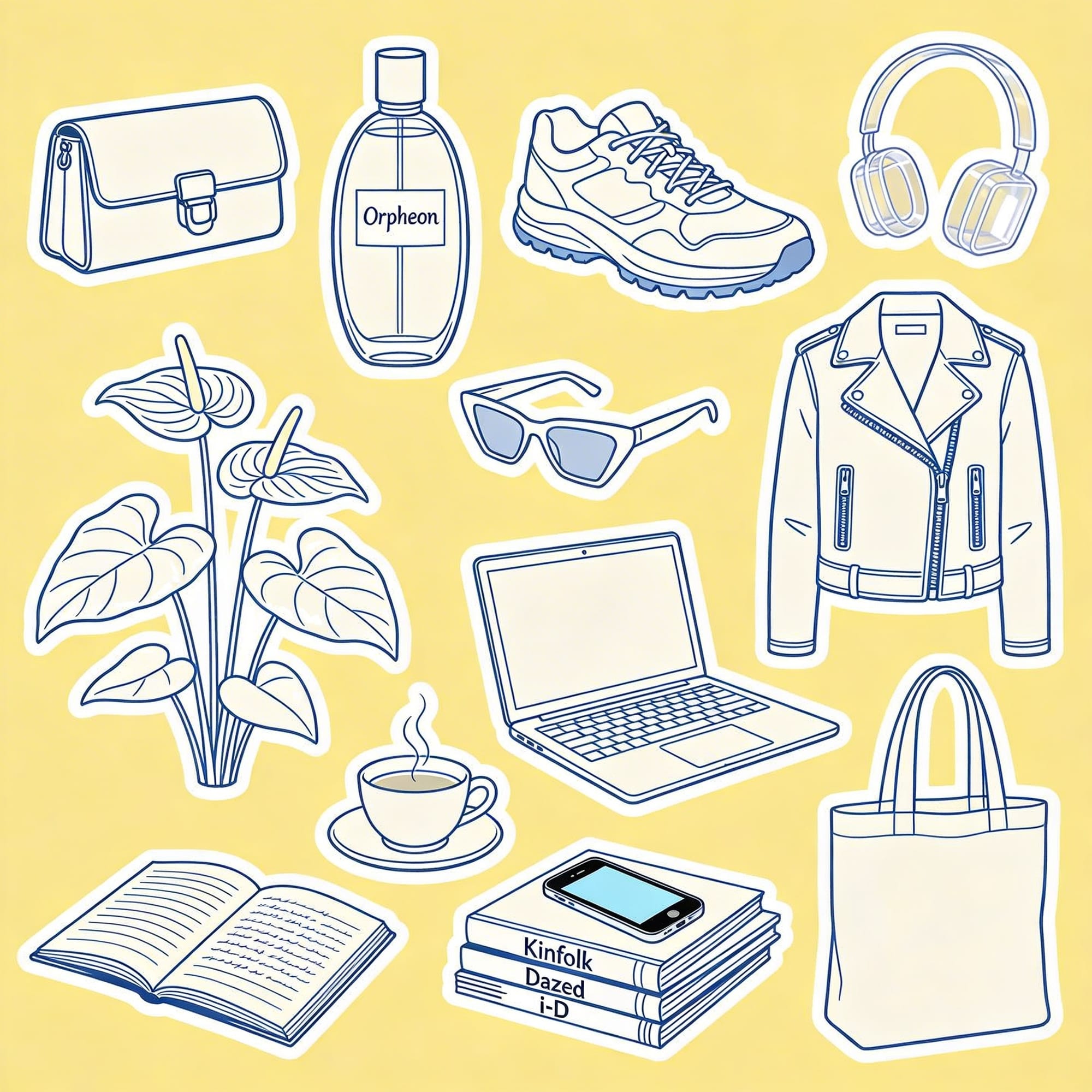
Midjourney remains the king of mood. If you need a stunning, atmospheric image, it is unmatched. However, it faltered significantly in my specific, object-heavy tests. Midjourney struggles with precision; when asked for 13 distinct objects, it tended to merge them or omit them entirely. It is best used for abstract, artistic, or emotive content rather than literal product documentation.
5. Adobe Firefly 5
Firefly is unique due to its ethical training—it avoids copyrighted material, which manifests in its refusal to generate certain branded items like the "iPhone." For creators embedded in the Adobe ecosystem (Photoshop/Illustrator), the seamless workflow makes it a time-saver. Its embroidery generation for the typography test was remarkably detailed, showing genuine textural depth.
Implications for the Future of Creative Work
The rise of these tools presents a significant shift in the creator economy. We are moving toward a hybrid future where "original" content is no longer synonymous with "human-made from scratch."
The Commercial Reality
While these tools provide the ability to create, they create a legal gray area. The U.S. Copyright Office has maintained that AI-generated output lacks the human authorship required for copyright protection. For brands, this means that while AI-generated assets are excellent for social media engagement, they should be used with caution for "hero" assets or core intellectual property.
The "AI Look"
As these models improve, the "AI-ness"—the slightly distorted text, the floating objects, the unrealistic lighting—is rapidly vanishing. We are reaching a point of saturation where the process of creation is becoming invisible. The differentiator for creators will not be the ability to generate an image, but the taste, strategy, and curation required to know what to generate and how to deploy it.
FAQs: Navigating the AI Landscape
What is the best AI image generator overall?
For most social media tasks, Nano Banana 2 provides the best balance of object accuracy and style. However, if your brand requires text-heavy graphics, prioritize Seedream or Ideogram 3.0.
Can I use these for my business?
Most platforms offer commercial licenses on paid tiers. Always verify the terms of service for the specific model. Note that even with a commercial license, you likely do not "own" the copyright to the output in the traditional sense.
Do I need design experience?
Not necessarily, but you need a solid grasp of "prompt engineering." Understanding how to layer descriptors, lighting, and composition is now a fundamental skill for the modern digital creator.
How do I integrate this into my workflow?
My recommended workflow is:
- Generate: Use an AI tool to create the base assets.
- Refine: Bring those assets into a tool like Canva or Figma to add your specific brand fonts and layout.
- Schedule: Use a tool like Buffer to automate the posting process across all your platforms, ensuring that your AI-assisted content reaches your audience without adding manual administrative tasks to your day.
Final Thoughts
We are no longer living in a world where a lack of drawing ability prevents you from creating high-quality, illustrative content. The tools are here, they are becoming increasingly precise, and they are ready to be integrated into your creative stack. The key to mastering this era is to treat AI as a collaborator—a very talented, slightly erratic intern that follows instructions perfectly only if you know how to give them. Start with a clear subject, anchor your style, and don’t be afraid to experiment.


 Nana Wu
 Suro Senen
 Reynand Wu
 Nila Kartika Wati
 Raul Delapena Setiawan
 Dwi Wanna
 Muslim