Nana Wu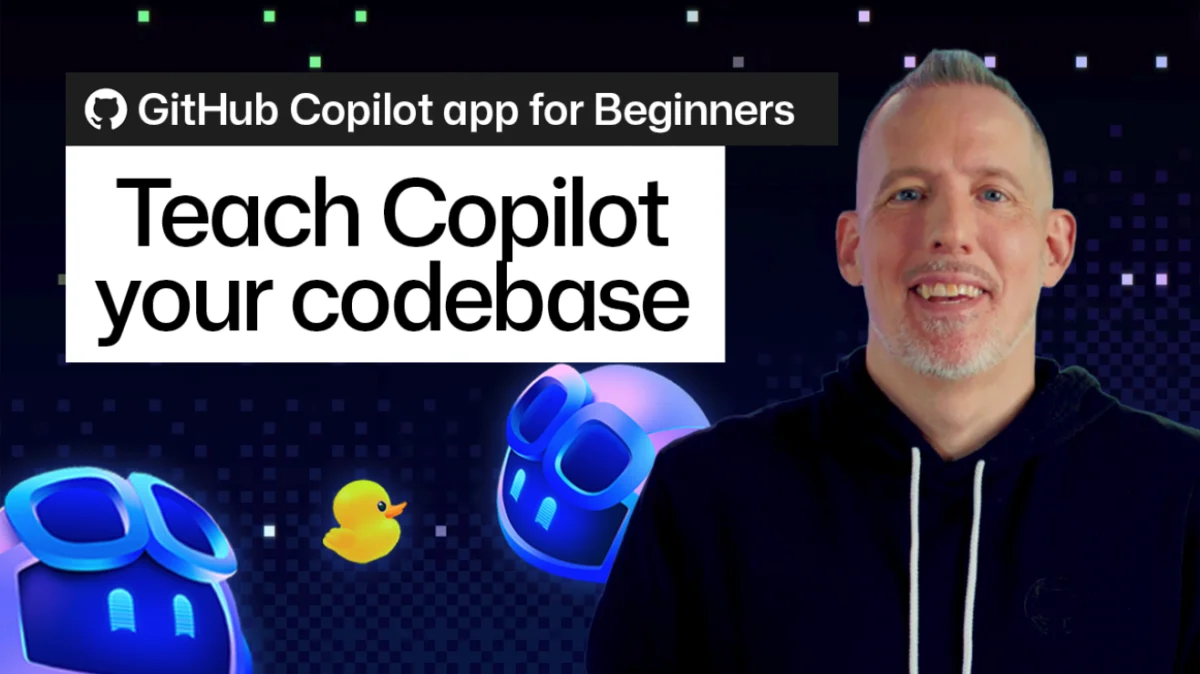
In the modern software development lifecycle, artificial intelligence has shifted from being a novel curiosity to a cornerstone of daily productivity. However, as developers lean more heavily on tools like GitHub Copilot, a common frustration emerges: the "generic" AI. While Copilot is undeniably powerful, it often lacks the nuanced understanding of a specific team’s "house rules"—the unique architectural patterns, naming conventions, and proprietary workflows that define a professional codebase.
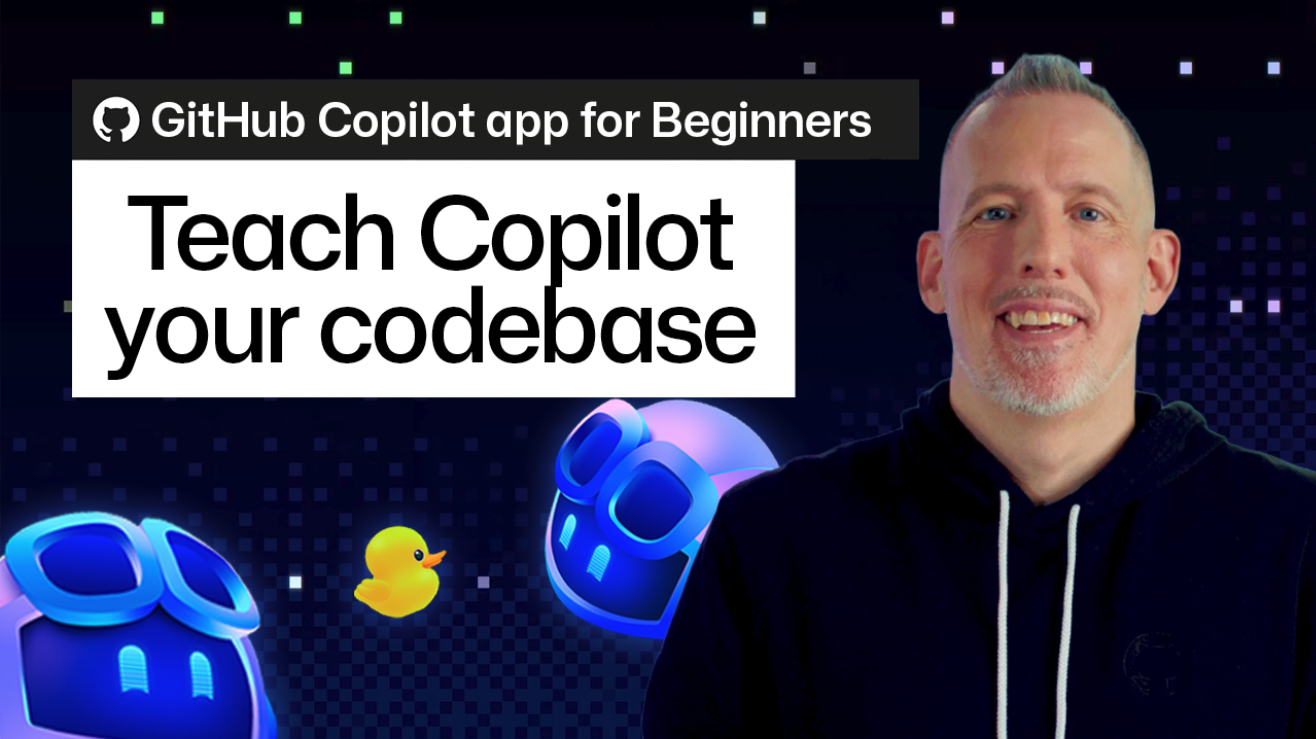
To bridge this gap, GitHub is evolving the Copilot ecosystem into a deeply programmable environment. By moving beyond simple code completion and into the realm of repository-specific configuration, developers can now turn Copilot into a domain-aware partner. This article explores how you can tailor Copilot through custom instructions, agent skills, custom agents, and Model Context Protocol (MCP) servers to create a truly bespoke AI-assisted development experience.
The Core Philosophy: Context is King
Every codebase is a unique ecosystem. Whether you are working on a massive monolithic legacy system or a collection of microservices, there are unwritten rules regarding how components are structured, which linting scripts take precedence, and which testing frameworks are mandated.
When Copilot operates without this context, it defaults to general best practices. While often helpful, these generalities can lead to "hallucinated" patterns that conflict with your team’s established standards. By embedding project-specific intelligence directly into your repository, you allow Copilot to act not as a guest, but as an informed member of your development team. This reduces the cognitive load on developers, who no longer need to manually reiterate standards or correct AI-generated code to match the repository’s style guide.
Chronology of Customization: A Four-Tiered Approach
To effectively customize Copilot, it is helpful to view the configuration as a layered hierarchy, ranging from simple rule-setting to the deployment of complex, autonomous agents.
1. The Foundation: Repository-Level Custom Instructions
The most immediate way to align Copilot with your team’s standards is through custom instructions. By adding a .github/copilot-instructions.md file to your repository, you establish a "system prompt" for the AI. This file acts as the baseline context for all interactions within the project.
Beyond global rules, developers can implement path-specific instructions within a .github/instructions directory. By utilizing the applyTo field, these files provide granular guidance. For instance, you might have specific security protocols that apply only to your /api directory, or stylistic requirements unique to your /ui component library. When Copilot interacts with these files, it intelligently merges the global rules with the path-specific ones, ensuring the output is always compliant.
2. Procedural Precision: Packaging Skills
Custom instructions are excellent for static rules, but what about dynamic procedures? Many tasks—such as performing a security audit, executing a release candidate checklist, or debugging a failed CI/CD pipeline—are repetitive and procedural.
This is where Agent Skills become essential. A skill is a self-contained unit of logic, residing in .github/skills. Each skill folder contains a SKILL.md file, which defines the scope and intent of the procedure. By packaging these skills, you enable Copilot to load relevant scripts and documentation only when needed. Instead of guessing how to run your team’s custom quality-check script, Copilot can reference the skill definition and execute the process according to your established internal protocol.
3. The Specialist: Custom Agents
While skills handle discrete tasks, Custom Agents are designed for broader, more complex responsibilities. An agent acts as a specialized persona. For example, you might create an "Accessibility Specialist" agent. Unlike a standard Copilot interaction, this agent is configured specifically to audit CSS files, HTML templates, and interaction flows across the entire project to ensure WCAG compliance.
Custom agents, defined in .github/agents, act as the "command center" for the AI. They hold the configuration for the agent’s specific tools, instructions, and context windows. This is the ideal solution for recurring, high-level workflows that require the AI to synthesize information across multiple file types and disparate data sources.
4. External Connectivity: The Power of MCP
The final tier of customization is the Model Context Protocol (MCP). While instructions and agents help Copilot understand your repository, MCP servers allow it to interact with the world outside of your Git history.
By connecting an MCP server—such as the Playwright integration—you transform Copilot from a static code assistant into an active browser user. You can prompt Copilot to "test the current checkout flow using the Playwright MCP server." The AI will then launch the application, navigate the UI, and report back on functional failures. This represents a seismic shift: Copilot is no longer just writing code; it is verifying the behavior of that code in a live environment.
Supporting Data: Why Tailoring Matters
The effectiveness of these tools is backed by the shift toward "Context-Aware Development." According to recent internal data from developer productivity studies, context-switching accounts for over 30% of time lost during the development cycle. By providing the AI with the necessary context, organizations report:
- Reduction in Code Review Cycles: Because the AI follows established conventions from the start, there are fewer "nitpick" comments related to style and architecture during PR reviews.
- Faster Onboarding: New team members can rely on the "repository-embedded knowledge" to understand project-specific idiosyncrasies, reducing the reliance on tribal knowledge.
- Consistency at Scale: For organizations with hundreds of repositories, standardizing these instructions across projects ensures that "house rules" are enforced uniformly, regardless of which developer is working on the task.
Official Perspective: The Vision for GitHub Copilot
GitHub’s leadership has framed this transition as the "Agentic Future of Coding." According to senior advocates within the organization, the goal is not merely to build a better autocomplete tool, but to build a platform where "the repository is the interface."
"When we look at the evolution of Copilot, we are seeing a move away from the ‘chat-only’ model," says Christopher Harrison, a Senior Developer Advocate at GitHub. "By embedding skills and agents into the repository, we are enabling developers to codify their expertise. The AI doesn’t just learn from the code; it learns from the intent behind the code, the processes that keep the software healthy, and the tools that verify its performance."
This vision suggests that in the near future, we will move toward "self-healing" repositories, where agents are continuously monitoring for regressions, updating documentation, and applying patches based on the custom instructions defined by the engineering team.
Implications for Development Teams
The shift toward highly customized AI workspaces carries significant implications for team management and engineering culture:
- Documentation as Code: Instructions and skills are now a form of documentation that the computer can actually execute. Teams that prioritize clear documentation will see a disproportionate increase in AI-driven productivity.
- The Rise of the "AI Engineer": We will see the emergence of a new sub-discipline where developers specialize in crafting the instructions, skills, and agents that power their team’s AI. These "AI Architects" will be responsible for ensuring that the AI’s behavior scales alongside the codebase.
- Security and Governance: As agents gain the ability to run scripts and access browser environments via MCP, security becomes paramount. Teams must treat these configuration files with the same level of scrutiny as application code, ensuring that instructions do not introduce vulnerabilities or bypass safety protocols.
Taking the Next Step: Getting Started
The barrier to entry for these features is intentionally low. For those looking to begin, the "Awesome Copilot" community repository serves as an excellent starting point. It contains a wealth of open-source instructions, skills, and agent profiles that can be adapted to almost any technology stack.
Recommendations for immediate implementation:
- Audit your pain points: Identify one recurring convention you find yourself explaining in code reviews. Draft that into a
.github/copilot-instructions.mdfile this week. - Start small: Do not attempt to build a complex agent for every task. Begin with a single
SKILL.mdfor a repetitive quality check. - Iterate: Treat your instructions as a living document. As your project architecture evolves, your AI configuration should evolve with it.
By taking these steps, you are not just using a tool; you are building an intelligent extension of your team. The future of software development isn’t just about writing code faster—it’s about building systems that are, by design, smarter, more consistent, and deeply aligned with the goals of the developers who create them.

 Lina Irawan
 Asro
Asro

 Nana
Nana
 Rifan Muazin
 Ali Ikhwan
 Evan Lee Salim