
 Jia Lissa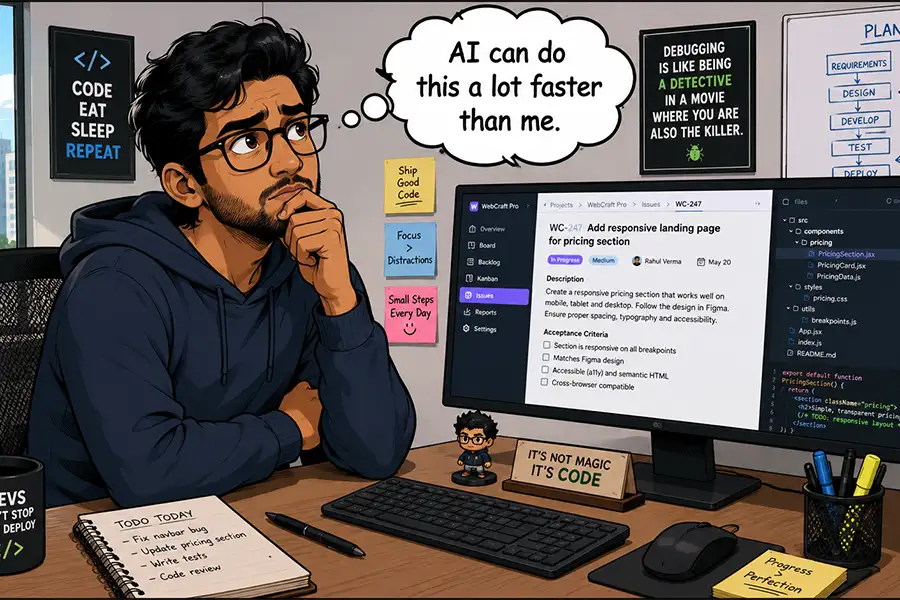
The release of WordPress 7.0 marks a pivotal inflection point in the evolution of the world’s most popular Content Management System (CMS). With the introduction of the official Connectors API, WordPress has transitioned from a platform that merely "supports" third-party AI integrations to one that treats artificial intelligence as a first-class citizen within its core architecture. While developers have experimented with AI-driven plugins for years, this official framework standardizes how the CMS communicates with large language models (LLMs) and other cognitive services, effectively democratizing access to high-level automation.
However, the ease with which users can now tap into the power of AI has birthed a new, critical dilemma: Just because we can automate a task, does it mean we should? As the industry pivots toward this "AI-first" workflow, stakeholders must distinguish between meaningful innovation and costly, redundant technological theater.
The Chronology of Integration: From Plugins to Core
To understand the magnitude of the 7.0 update, one must look at the trajectory of the WordPress ecosystem over the last decade.
- The Early Plugin Era (2020–2024): The initial wave of AI in WordPress was largely fragmented. Independent developers released plugins that relied on unstable, non-standardized connections to OpenAI or Anthropic. These tools were often difficult to configure, prone to breaking during core updates, and lacked a unified interface.
- The Experimental Phase (2025): As LLMs matured, the WordPress community began pushing for better integration. Discussions within the Make WordPress core team shifted from "if" AI should be included to "how" to implement it securely.
- The Core Implementation (March 2026): The official announcement of the Connectors API in WordPress 7.0 provided a secure, standardized pipeline. This removed the need for developers to build custom API wrappers from scratch, allowing for a "plug-and-play" experience with various AI models.
- The Present (Mid-2026): We are currently in the adoption phase. Site owners and agencies are actively testing the API to see which tasks offer the highest Return on Investment (ROI).
The Economics of Automation: Cost vs. Utility
The most immediate constraint facing the mass adoption of AI within WordPress is the "token economy." Unlike traditional software, where a plugin is a one-time purchase or an annual subscription, AI models operate on a consumption-based model. Every time an automated script runs—whether it’s to rewrite a meta description or audit code—it consumes tokens.
The Hidden Cost of Over-Automation
For small-scale bloggers or hobbyists, the cost of these tokens may seem negligible. However, for agencies managing hundreds of client sites, an "AI-everything" strategy can quickly become a financial liability.
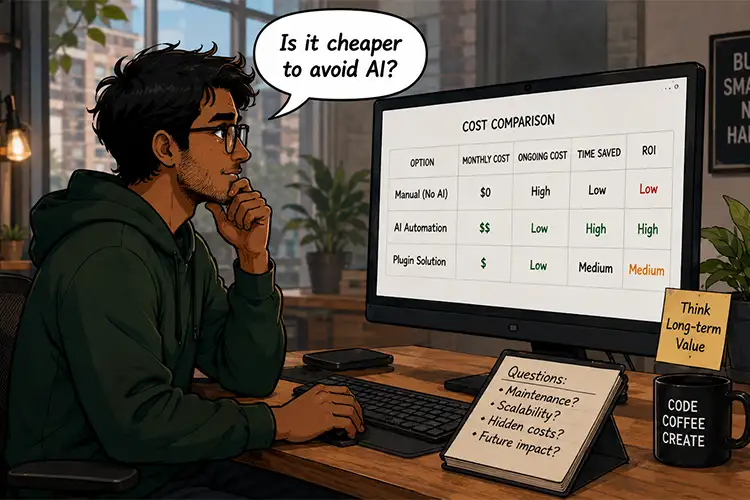
- Operational Expense (OpEx): If an automated workflow runs across 500 websites, even a fractional cent cost per action can balloon into a significant monthly bill.
- Performance Overhead: While the Connectors API is efficient, excessive reliance on external AI calls can introduce latency, potentially slowing down the backend experience for site administrators.
The central question for the budget-conscious user is: Does the time saved by the AI offset the cost of the tokens used to perform the task?
Evaluating Task Suitability: The "Better or Faster" Metric
When determining whether to deploy AI for a specific WordPress task, professionals should utilize a simple, three-tiered framework.
1. The Human-AI Equilibrium
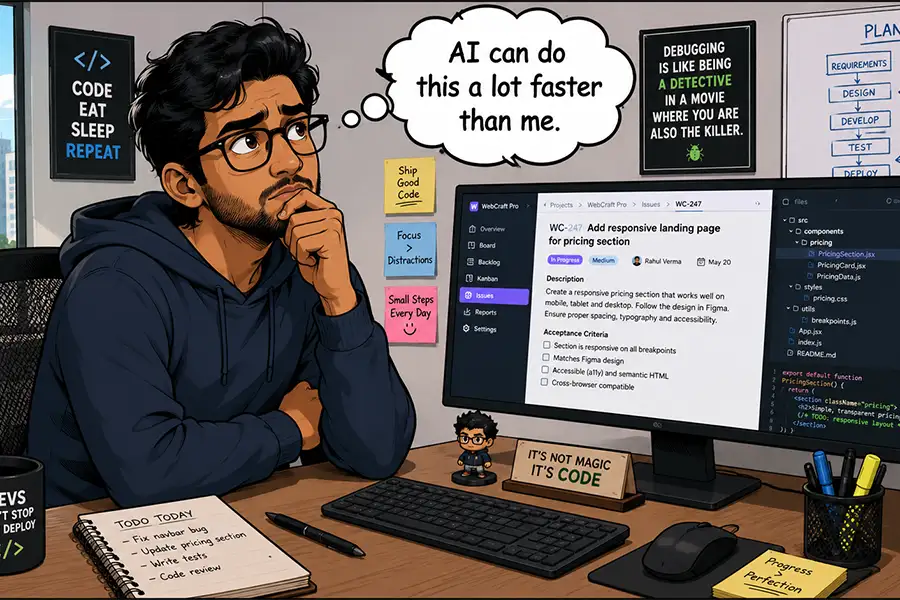
For tasks involving basic site administration—such as toggling a checkbox, changing a post status, or updating a simple theme setting—AI is often a step backward. The time required to draft a clear prompt, verify the AI’s output, and execute the command often exceeds the time it would take to click a button manually.
2. High-Efficiency Use Cases: Scale and Complexity
AI excels where humans struggle with volume. Consider the tedious process of auditing thousands of legacy images for SEO compliance.
- The Human Approach: A developer manually checks every image, writes an ALT tag, and saves the changes. This could take days.
- The AI Approach: A script iterates through the media library, identifies missing attributes, generates contextually relevant text based on image analysis, and inserts the data.
3. The Educational Paradox
Perhaps the most underrated application of AI in WordPress is its role as a tutor. Rather than using AI to perform a task, users are increasingly using it to learn how to perform the task themselves. By asking the AI to "explain how to build a custom query in the Block Editor," a novice developer can gain the knowledge required to solve a problem independently, effectively reducing the future need for AI assistance.
The "Non-AI" Alternative: When Legacy Solutions Win
The existence of a shiny new API does not render the last 20 years of plugin development obsolete. The WordPress ecosystem is defined by its deep repository of specialized, non-AI tools.
- Reliability: Traditional plugins designed for data export or site migration are often battle-tested, predictable, and cost-predictable. They do not suffer from the "hallucination" risks associated with LLMs.
- Support Structures: When a dedicated plugin breaks, there is usually a support ticket system or a community forum where a human expert can provide a solution. With AI, troubleshooting often involves "prompt engineering" until the model behaves, which can be an exercise in frustration.
- Compliance and Privacy: Many corporate environments have strict policies against feeding proprietary or sensitive data into external LLMs. In these instances, standard plugins that process data locally on the server are not just better—they are a compliance requirement.
Official Perspectives and Industry Implications
The WordPress community’s reaction to the Connectors API has been one of cautious optimism. The core contributors emphasize that the API is intended to be a facilitator, not a replacement for human judgment.
"The goal of the Connectors API isn’t to turn WordPress into an AI-driven autonomous agent," says one lead contributor on the official development blog. "It is to provide a standardized, secure bridge so that developers can build meaningful, helpful tools that augment human creativity."
The Implications for Developers
For the agency and developer community, this shift mandates a change in service offerings. Agencies are no longer just "website builders"; they are becoming "workflow architects." The value they provide is no longer in the manual labor of building pages, but in the strategic implementation of AI tools that automate the drudgery, allowing them to focus on high-value tasks like user experience (UX) design, conversion rate optimization, and brand strategy.
Conclusion: The Path Forward
The integration of AI into the WordPress core is not a mandate to automate your entire business—it is an invitation to experiment. As we look toward the future, the most successful WordPress users will be those who apply a discerning filter to their workflows.
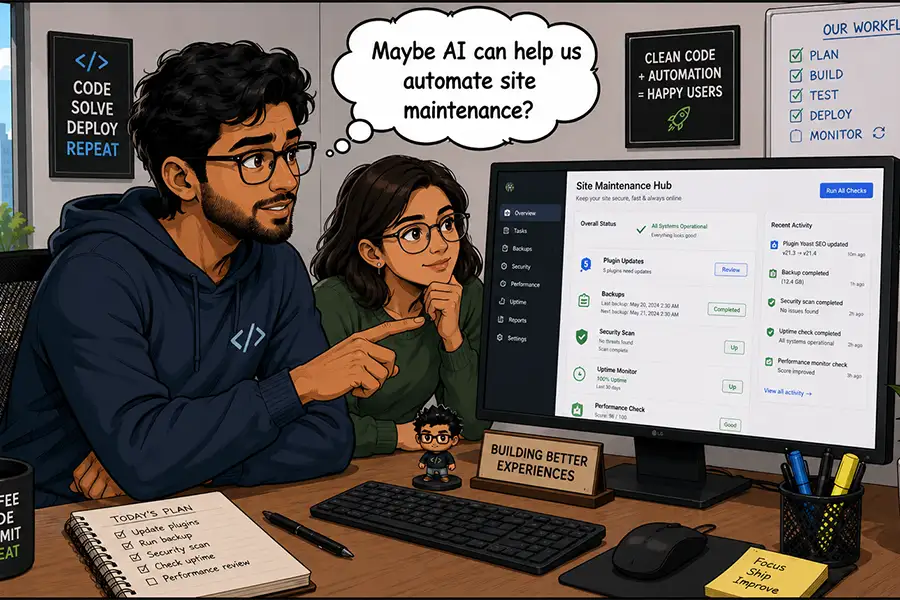
Before integrating a new AI feature, ask:
- Is this a repetitive, high-volume task? If yes, automate.
- Is the cost of error high? If yes, rely on human oversight or traditional, deterministic software.
- Will this save me time in the long run? If you are spending more time prompting than doing, rethink your process.
Ultimately, WordPress 7.0 provides the tools, but the strategy remains yours. Whether you choose to leverage these new capabilities to scale your operations or prefer to keep your hands on the wheel, the choice—and the responsibility—is now firmly in your hands. Embrace the technology where it provides value, but do not lose sight of the foundational principles of web management: clarity, security, and human-centric design.


 Lina Irawan
 Pevita Pearce
 Suro Senen

 Evan Lee Salim

 Ali Ikhwan
 Lina Hope