
 Pevita Pearce
The traditional password has been the gatekeeper of the digital world for decades. From the early days of mainframe computing to the modern era of cloud-native applications, the "something you know" model has been the bedrock of authentication. However, this model is fundamentally broken. As cyberattacks grow more sophisticated, the password has evolved from a security feature into a primary vulnerability.
Today, a paradigm shift is underway. Industry leaders, including Google, Apple, and Microsoft, are championing a transition to passkeys—a cryptographic standard that eliminates the need for users to memorize or store sensitive credentials. By leveraging WebAuthn, developers can now build authentication systems that are not only more user-friendly but fundamentally immune to common threats like phishing and credential stuffing.
The Inherent Fragility of Password-Based Authentication
To understand why passkeys are necessary, we must first confront the systemic failures of password-based security. For years, developers have shouldered the burden of implementing complex security layers: salting hashes, enforcing entropy requirements, and managing "forgot password" workflows. Despite these efforts, the underlying model remains precarious.
1. The Phishing Epidemic
Phishing remains the most effective attack vector against users. Because a password is a static string, it can be harvested with terrifying ease. If an attacker directs a user to a pixel-perfect clone of a legitimate site, the user will often unknowingly input their credentials, handing over the keys to their account. Even with multi-factor authentication (MFA) via SMS, attackers have developed real-time proxying tools to capture and reuse one-time codes, rendering traditional MFA insufficient.
2. Credential Stuffing and Reuse
The sheer volume of online accounts has led to "credential fatigue." Because users cannot realistically maintain a unique, high-entropy password for every service, they resort to password reuse. Consequently, a breach at a low-security site often leads to a cascade of compromises across the victim’s entire digital life. Attackers utilize automated scripts to perform credential stuffing, testing leaked email-and-password pairs across thousands of platforms in seconds.
3. The Burden of Data Breaches
Every server that handles password-based logins is a high-value target. Even when companies follow best practices—such as using strong, salted hashing algorithms—the storage of these credentials creates a liability. If a database is leaked, users are exposed. Passkeys solve this by ensuring the server never sees the user’s secret; it only stores a public key, which is useless to an attacker even if the database is fully exfiltrated.
The Mechanics of Passkeys: A Cryptographic Leap
Passkeys are built on the W3C’s Web Authentication API (WebAuthn). Unlike a password, which is a shared secret, a passkey is a public-key cryptographic pair.
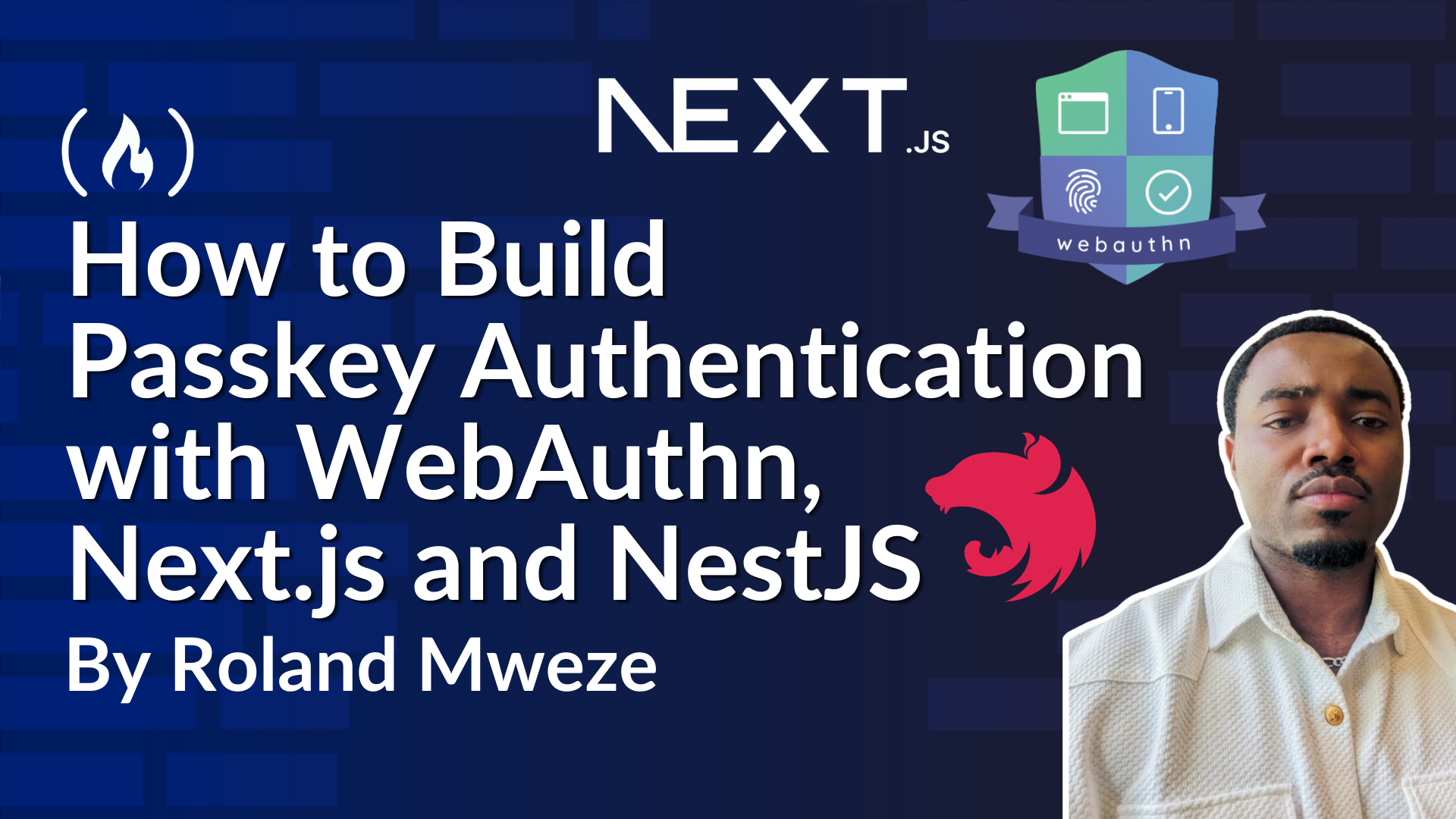
When a user registers for an account, their device generates a unique key pair. The private key remains securely stored within the device’s hardware (like a Secure Enclave or TPM), locked behind biometric authentication—fingerprint or facial recognition—or a device PIN. The server receives only the public key. During authentication, the server sends a "challenge" to the device, which the device signs with the private key. The server then verifies the signature using the stored public key.
Because the private key never leaves the user’s device, there is nothing for a phisher to steal, and nothing for a database breach to expose.
Implementation: Building a Modern Authentication Stack
For developers, implementing this architecture involves a synergy between a robust backend (like NestJS) and a responsive frontend (like Next.js). Using libraries like SimpleWebAuthn allows developers to abstract away the complex cryptography required for WebAuthn.
Project Architecture and Setup
A production-grade implementation requires a clear separation of concerns. The backend must handle the generation of registration and authentication options, while the frontend interacts with the browser’s WebAuthn API.
- The Backend (NestJS & PostgreSQL): The server must maintain a registry of users and their associated public keys. Critically, it must store the
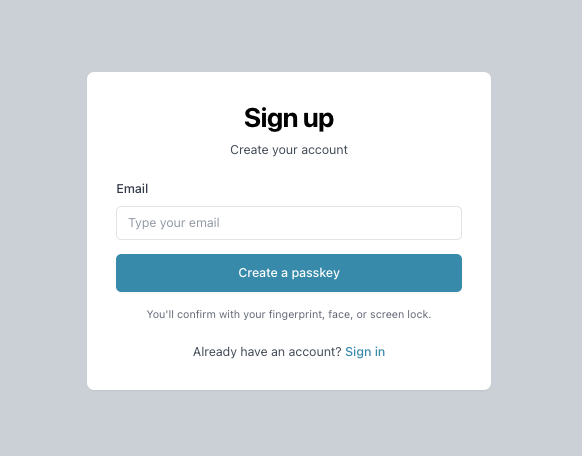
webauthnId(a unique, non-identifiable user handle), thecredentialPublicKey, and acounter(to prevent signature replay attacks). - The Frontend (Next.js): The frontend acts as the orchestrator. When a user initiates a sign-up, the browser invokes the operating system’s native UI, allowing the user to select their preferred biometric method.
The Registration and Authentication Lifecycle
The process follows a strict, two-step protocol:
- Registration: The client requests a challenge from the server. The browser generates the key pair and returns the public key to the server, which validates the origin and the RP ID (Relying Party ID).
- Authentication: The client requests a challenge again. The user authenticates via biometrics. The device signs the challenge. The server verifies this signature against the stored public key. If the signature matches, the server issues a secure JWT (JSON Web Token).
Strategic Considerations for Developers
Building with passkeys requires shifting one’s mindset from "managing secrets" to "managing signatures."
Avoiding Common Security Pitfalls
- Challenge Integrity: Never store a challenge as
undefinedor a blank string. Always use a proper null value to ensure challenges are single-use and cannot be replayed. - User Binding: Always verify the user identity alongside the credential. If you search for an authenticator by ID alone, you risk an account takeover scenario where a malicious actor uses their own passkey to log into a different user’s account.
- Cross-Platform Constraints: Understand the difference between
platformandcross-platformauthenticators. Whileplatformis convenient for biometric-only flows,cross-platformallows for hardware security keys, providing a more inclusive experience.
The Implications for Business and Privacy
The move toward passkeys is not merely a technical upgrade; it is a business imperative.
Enhanced Conversion Rates
One of the greatest enemies of user growth is friction. "Forgot password" flows are a leading cause of user abandonment. By removing the need to remember, enter, or reset passwords, companies can drastically lower the barrier to entry, leading to higher sign-up conversion rates and reduced support costs related to account recovery.
Privacy by Design
Passkeys inherently respect user privacy. Because the public keys are unique to every site, there is no cross-site correlation, making it harder for malicious entities to track a user’s behavior across the web. Furthermore, biometric data remains on the device, never reaching the server.
The Future of Identity
As we look forward, the ecosystem is rapidly maturing. Features like "Passkey Autofill" (Conditional UI) are already beginning to mirror the convenience of existing password managers, allowing browsers to suggest a passkey as soon as a user clicks an email input field.
Conclusion
The transition away from passwords is inevitable. The combined threats of AI-driven phishing and large-scale data breaches have rendered the traditional password obsolete. By implementing passkey authentication using frameworks like NestJS and Next.js, developers are not just building a better user experience—they are participating in the creation of a more resilient and secure digital infrastructure.
While the technical complexity of public-key cryptography might seem daunting at first, tools like SimpleWebAuthn have lowered the threshold for adoption. The path forward is clear: replace the shared secret with the digital signature. Your users, your security team, and your bottom line will thank you for it.
For those looking to get started, the complete source code for a reference implementation is available on GitHub, providing a concrete template for migrating your applications toward a passwordless future.

 Nana Wu
 Iffa Jayyana
 Nila Kartika Wati
 Muslim
 Jia Lissa
 Rifan Muazin