
 Azzam Bilal Chamdy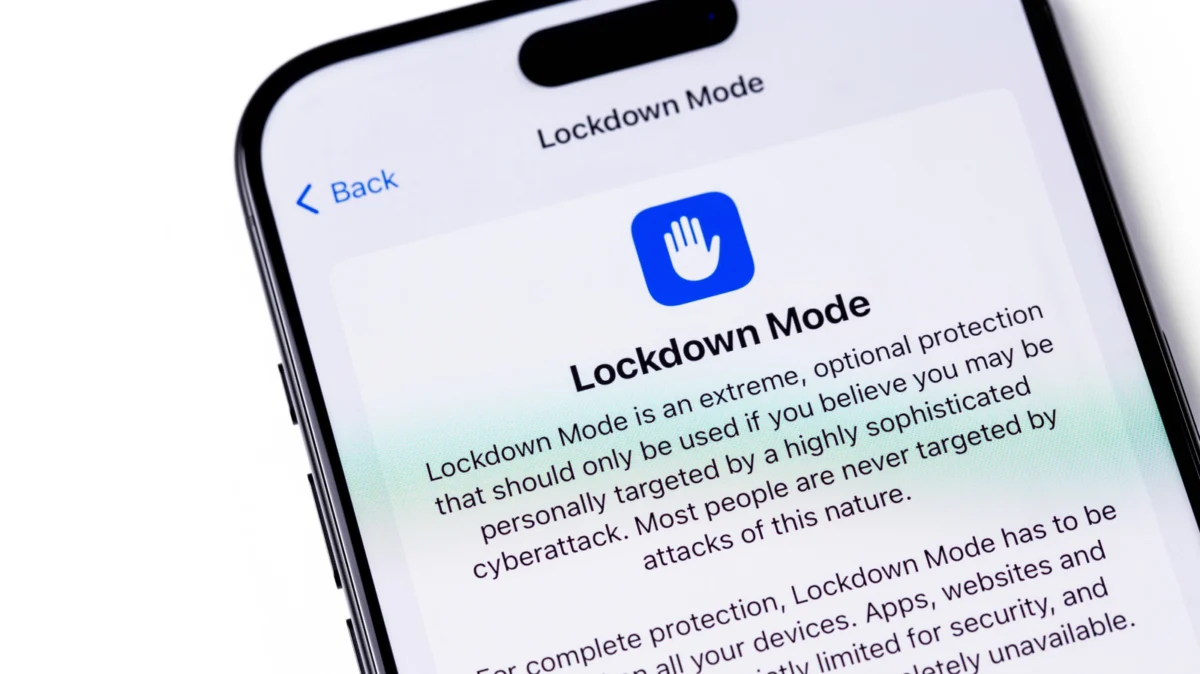
In the modern digital landscape, the smartphone has become an extension of the self—a repository for intimate conversations, financial data, and real-time location tracking. For the average user, the standard security protocols built into iOS—such as FaceID, end-to-end encryption, and routine security patches—are more than sufficient to thwart casual hackers. However, for a small, high-risk subset of the global population, the threat profile is far more sophisticated. Enter Apple’s "Lockdown Mode," an uncompromising, extreme security setting designed to turn an iPhone from a Swiss Army knife of convenience into a hardened digital vault.
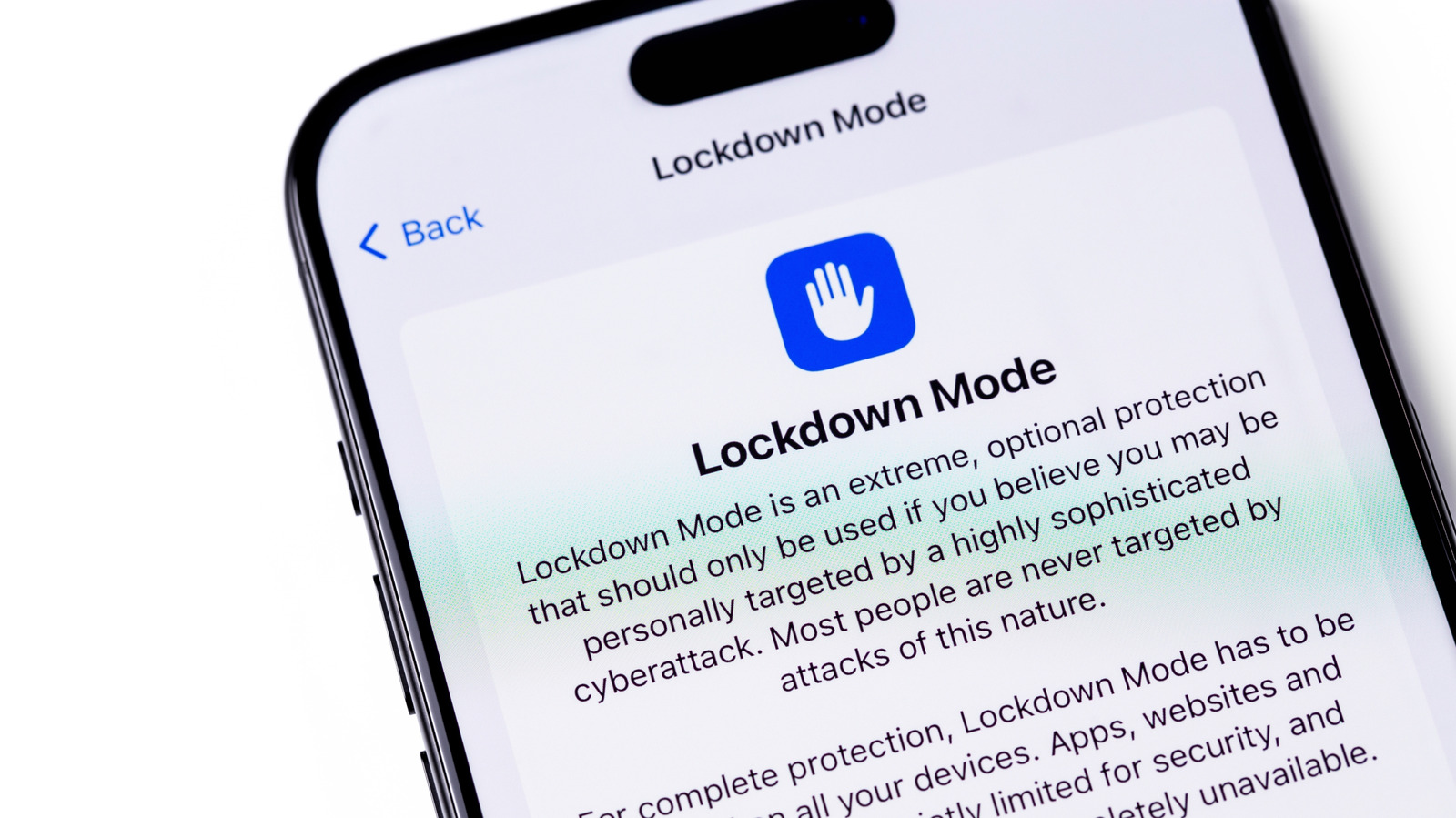
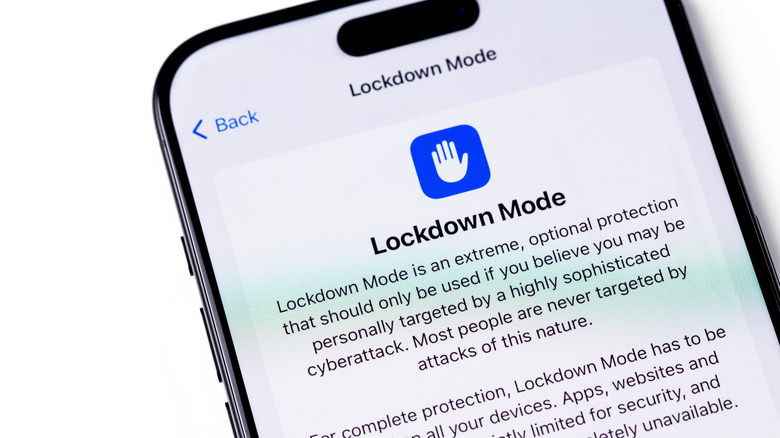
First introduced in 2022, Lockdown Mode is not a feature for the general public. It is a strategic response to the rise of state-sponsored "mercenary" spyware, such as the infamous Pegasus suite. While it offers unparalleled protection, it comes at a significant cost: the systematic dismantling of the features that make an iPhone "smart."
Main Facts: What is Lockdown Mode?
At its core, Lockdown Mode is a "break-glass-in-case-of-emergency" security protocol. When enabled, the operating system undergoes a fundamental shift in how it handles incoming data, external connections, and web rendering. By narrowing the device’s "attack surface"—the number of points where an unauthorized party can enter the system—Apple effectively shuts off the pathways most commonly exploited by zero-click spyware.
When active, the device enters a state of near-total isolation. In the Messages app, most attachment types are blocked, and link previews are disabled to prevent the loading of malicious scripts. Web browsing undergoes a radical transformation: complex web technologies, including specific JavaScript compilations, are restricted or disabled, which can cause many websites to render incorrectly or appear stripped of their functionality.
Beyond software, hardware interfaces are constrained. When the device is locked, wired connections to computers or accessories are blocked, rendering "juice jacking" or unauthorized data extraction via USB impossible. Wireless connectivity is also tightened, with the device refusing to join non-secure Wi-Fi networks and completely abandoning support for legacy 2G and 3G cellular standards, which are often used in "stingray" surveillance operations to intercept signals.
A Chronology of Conflict: The Rise of Pegasus and the Response
The necessity for such an extreme measure did not emerge in a vacuum. The catalyst was the persistent and alarming evolution of commercial spyware.
- 2016–2021: Security researchers and investigative journalists began documenting the widespread deployment of NSO Group’s Pegasus spyware. The software was found on the devices of human rights activists, politicians, and journalists globally. These attacks were often "zero-click," meaning they required no interaction from the user to install.
- July 2021: The Pegasus Project, a massive collaborative journalistic investigation, revealed the scale of global surveillance, prompting a public outcry and intense pressure on tech giants to fortify their ecosystems.
- July 2022: Apple officially announced the introduction of Lockdown Mode as part of its iOS 16, iPadOS 16, and macOS Ventura updates. It was a direct response to the "mercenary spyware" threats that had plagued its users.
- September 2023: The "Blastpass" exploit was identified. This sophisticated attack used a malicious image file sent via iMessage to compromise iPhones. Researchers noted that while the exploit was highly effective against standard devices, it was completely neutralized on iPhones running Lockdown Mode. This served as the first major public proof-of-concept for the feature’s efficacy.
Supporting Data: The Trade-off of Security
The effectiveness of Lockdown Mode is mathematically tied to the features it sacrifices. To understand why it works, one must understand how modern exploits function. Most spyware relies on the complexity of a modern OS—the way an iPhone interprets a complex PDF, renders a GIF, or executes a background script on a webpage.
By disabling these "features," Apple is essentially saying that convenience is the enemy of security. The following is a summary of the functional compromises:
- Messages: Blocked attachments, disabled link previews, and restricted message functionality.
- Web Browsing: Just-In-Time (JIT) JavaScript compilation is disabled, breaking many interactive web elements.
- FaceTime: Incoming calls are blocked unless the caller is already in the user’s contacts or has been recently contacted by the user.
- Connectivity: USB accessories and chargers are blocked while the device is locked; legacy cellular protocols are disabled.
- Apple Services: Home invitations, Game Center, and Shared Albums are either limited or completely disabled.
- Profiles: Configuration profiles—often used by schools, corporations, or VPN services—cannot be installed.
Official Responses and the "Bug Bounty" Incentive
Apple’s commitment to this feature is underscored by its willingness to pay for its own security flaws. Through the Apple Security Bounty program, the company has offered massive financial incentives for researchers to find ways to bypass Lockdown Mode.
In a significant show of confidence, Apple has offered a 100 percent bonus—reaching up to $2 million in some cases—for researchers who can successfully demonstrate a way to breach the lockdown protections. This "adversarial" approach to security ensures that the feature is constantly tested by the brightest minds in white-hat hacking, keeping the barrier for entry for malicious actors as high as possible.
Apple also remains proactive in notifying users. If the company’s internal threat intelligence detects that a user is being targeted by state-sponsored spyware, they will send a "Threat Notification" via email and iMessage. For these individuals, Apple strongly advises the immediate activation of Lockdown Mode.
Implications: Who is This For?
The primary implication of Lockdown Mode is the acknowledgment that for certain individuals, privacy is not a luxury, but a matter of physical safety.
The High-Risk Demographic
Journalists, political dissidents, human rights defenders, and high-ranking government officials operate in environments where their devices are high-value targets. For these users, the inconvenience of not having a preview of a link or the inability to use certain website features is a small price to pay for preventing an invisible agent from accessing their microphones, cameras, or private messages.
The "Curiosity" Factor
For the average consumer, Lockdown Mode is likely to be an exercise in frustration. While it is technically "available" to anyone on iOS 16 or later, it is not a "privacy mode" in the way a VPN or an ad-blocker is. It is a protective suit of armor. Just as a soldier would not wear full ballistic gear to a grocery store, the average user does not need to subject their device to the restrictions of Lockdown Mode.
The Psychological Aspect
There is a profound psychological benefit to the existence of this mode. It provides a sense of agency to those who feel vulnerable. Even if they are not currently being targeted, the ability to toggle a "hardened" state offers peace of mind.
Conclusion: A Necessary Extremity
Lockdown Mode is a testament to the arms race between cybersecurity developers and those who seek to exploit the digital world. By creating a feature that is intentionally "broken" in terms of convenience, Apple has created a sanctuary for those who truly need it.
While it is not a panacea—no software is 100% impenetrable—it shifts the power dynamic. It forces attackers to use more expensive, more detectable, and harder-to-develop exploits. For the vast majority of the world, keeping software updated and using strong, unique passwords remains the best defense. But for the small percentage of users standing in the crosshairs of state-sponsored surveillance, Lockdown Mode is a vital tool that keeps the digital world from becoming a panopticon.
As technology continues to integrate further into our lives, the existence of such a feature serves as a reminder: in the digital age, sometimes the most secure device is the one that does the least.


 Pevita Pearce
 Suro Senen

 Lina Irawan
 Muslim