
 Suro Senen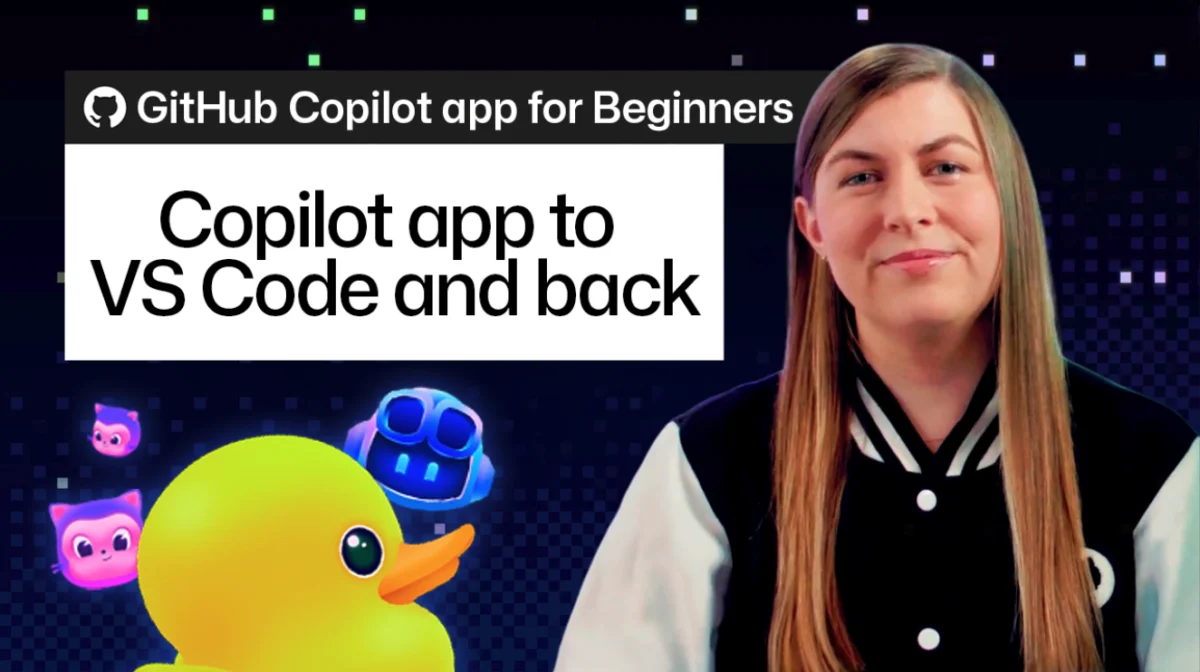
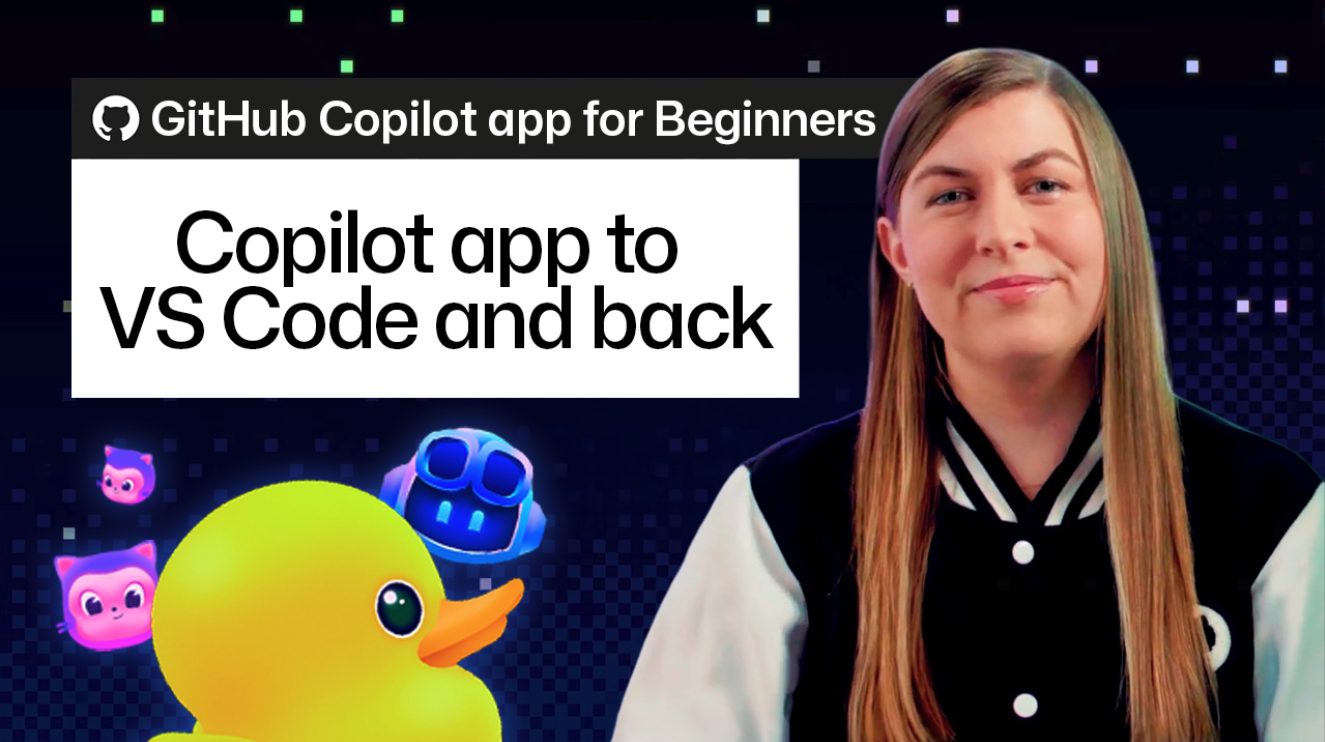
In the rapidly evolving landscape of AI-assisted software development, the ability to maintain context is the ultimate competitive advantage. GitHub has recently unveiled a transformative feature that allows developers to bridge the gap between the GitHub Copilot app—a high-level AI environment—and the rigorous, detail-oriented ecosystem of Visual Studio Code.
For many engineers, the challenge has historically been a fragmented workflow. You begin a task in a conversational AI interface, watching an agent architect a solution, only to find yourself performing "context surgery" when it comes time to move that code into your local environment. You are forced to manually copy-paste, reconcile branch differences, and re-explain your requirements to your IDE. That friction is now a thing of the past.
This guide explores the mechanics, implications, and professional best practices for utilizing this seamless transition to ensure your development workflow remains fluid, efficient, and context-aware from initial ideation to final deployment.
The Evolution of the AI-Developer Workflow
The Problem of Context Fragmentation
Historically, AI agents have operated as "black boxes" of productivity. A developer would prompt an agent, receive a significant block of code, and then be left to their own devices to verify, debug, and implement that code within a local project structure. This "handoff" phase was fraught with potential for error: lost conversation history, forgotten implementation constraints, and the overhead of manual file management.
The Solution: A Unified Thread
The new integration between the GitHub Copilot app and VS Code is designed to treat the "Session" as a living entity. A session is no longer just a log of text; it is a repository of intent. It encapsulates the task definition, the agent’s reasoning, the proposed code changes, and the associated worktree. By allowing developers to "Open in VS Code," GitHub ensures that the bridge between the high-level planning phase and the low-level execution phase is perfectly aligned.
Chronology: A Step-by-Step Transition
Moving your work from the Copilot app to the professional rigor of VS Code is a streamlined, seven-stage process designed to minimize cognitive load.
1. Initiating the Handover
Before moving, take a moment within the Copilot app to review the agent’s progress. Because the session contains the full history of the conversation, there is no need to summarize your goals or recreate your constraints. The session effectively acts as a persistent record of the "why" behind the code.
2. The One-Click Migration
By selecting the "Open in VS Code" option within the session, you trigger an automated workspace setup. The system identifies the associated worktree, opens your VS Code instance, and anchors the existing conversation to the Copilot sidebar. This ensures that when you arrive in your IDE, you aren’t starting over—you are simply changing your vantage point.
3. Rigorous Inspection of Agentic Output
Once in VS Code, treat the agent’s output with the same skepticism you would apply to a junior developer’s pull request. Open the Source Control view, navigate the diffs, and perform a line-by-line audit. Verify that the implementation logic holds up against your project’s architecture and that the agent hasn’t inadvertently introduced side effects or deprecated patterns.
4. Hands-On Refinement
Not every nuance can be captured by an AI prompt. Whether it is a subtle UI spacing issue, a specific naming convention that violates your team’s style guide, or a complex edge case that requires a human touch, you can now make direct edits. Because these edits are made within the session’s worktree, they are instantly recognized as part of the broader, ongoing project.
5. Local Validation and Testing
The true test of code is execution. Utilize the integrated terminal in VS Code to run your local build commands—npm test, pytest, or custom CI/CD scripts. If your development server generates a localhost URL, you can leverage VS Code’s integrated browser to visualize UI changes instantly. This cycle of "Edit-Run-Verify" is the core of modern professional development.
6. The Iterative Feedback Loop
One of the most powerful features of this integration is the ability to maintain the conversation. If a test fails, you don’t need to troubleshoot in isolation. You can simply ask the Copilot sidebar, "The test failed with a dependency error; can you check the imports?" The agent retains the context of the previous work, allowing for a collaborative, back-and-forth debugging process.
7. Closing the Loop: Commit and Deploy
Once the code passes all tests and meets your standards, the final step is native to your existing Git workflow. Use the Source Control view to commit and push your changes. Because the branch is already linked to the session, your PR is automatically updated, creating a seamless path from AI-generated draft to production-ready code.
Supporting Data: Why Context Preservation Matters
Research into developer productivity indicates that "context switching" is the primary source of cognitive fatigue in software engineering. When a developer must move from a chat interface to an IDE, they experience a "cognitive tax"—a period of time required to re-orient themselves to the codebase.
By keeping the conversation, the worktree, and the editor in a single, persistent session, GitHub’s integration effectively reduces this tax to near zero. Developers spend more time writing and verifying code and significantly less time managing the environment in which that code lives.
Official Perspective: The Vision for AI-Assisted Development
According to industry leaders at GitHub, the goal of this integration is to redefine the role of the AI agent. "The agent should not be a tool that you use and then move away from," says Kayla Cinnamon, Senior AI Developer Tools Advocate. "It should be an extension of your development environment that follows you from the brainstorming session to the final merge."
This philosophy underscores a shift in how we view AI. Instead of a "chat-bot" that gives you answers, the agent is becoming a "co-pilot" in the truest sense—a partner that understands your project’s state, your personal coding style, and the specific requirements of your repository.
Implications for Future Workflows
The Democratization of Complex Tasks
This workflow allows developers to delegate repetitive or "boilerplate" coding tasks to the AI with confidence. Because the transition to the local environment is so smooth, developers are more likely to use AI for larger, more complex implementation tasks, knowing they can easily take over the reins for the final "polishing" phase.
Enhanced Code Quality
The ease of running local tests and performing hands-on edits ensures that AI-generated code is subjected to the same level of scrutiny as human-written code. By removing the friction of the "move to IDE" step, developers are less likely to skip the critical validation and testing phases of their work.
Collaborative Development
The session-based approach also holds promise for team environments. As these sessions become more portable, the ability to share a session’s context with a teammate could revolutionize code reviews and collaborative debugging. The future of software development is not just about writing code faster; it is about maintaining a coherent, shared understanding of what that code is supposed to do.
Conclusion: Mastering the AI-Powered IDE
The integration of the GitHub Copilot app with VS Code is more than just a convenience; it is a fundamental shift in the developer experience. By eliminating the artificial boundaries between the "AI workspace" and the "IDE workspace," GitHub has empowered developers to maintain their flow state, ensure the integrity of their code, and leverage the full power of AI without sacrificing control.
To get the most out of this workflow, start treating your AI agent as an active participant in your local development cycle. Whether you are scaffolding a new component, refactoring a legacy module, or debugging a complex service, the session is your anchor. By staying connected to that session, you ensure that every line of code is backed by the full context of your project, leading to faster iterations and more reliable results.
The era of manual context-copying is over. The era of the unified, AI-assisted workspace has begun. Download the latest version of the GitHub Copilot app, integrate it with your VS Code environment, and experience the next generation of professional software development.

 Jia Lissa
 Nila Kartika Wati
 Raul Delapena Setiawan
 Reynand Wu
 Sagoh
Sagoh

 Azzam Bilal Chamdy
 Ali Ikhwan