
 Azzam Bilal Chamdy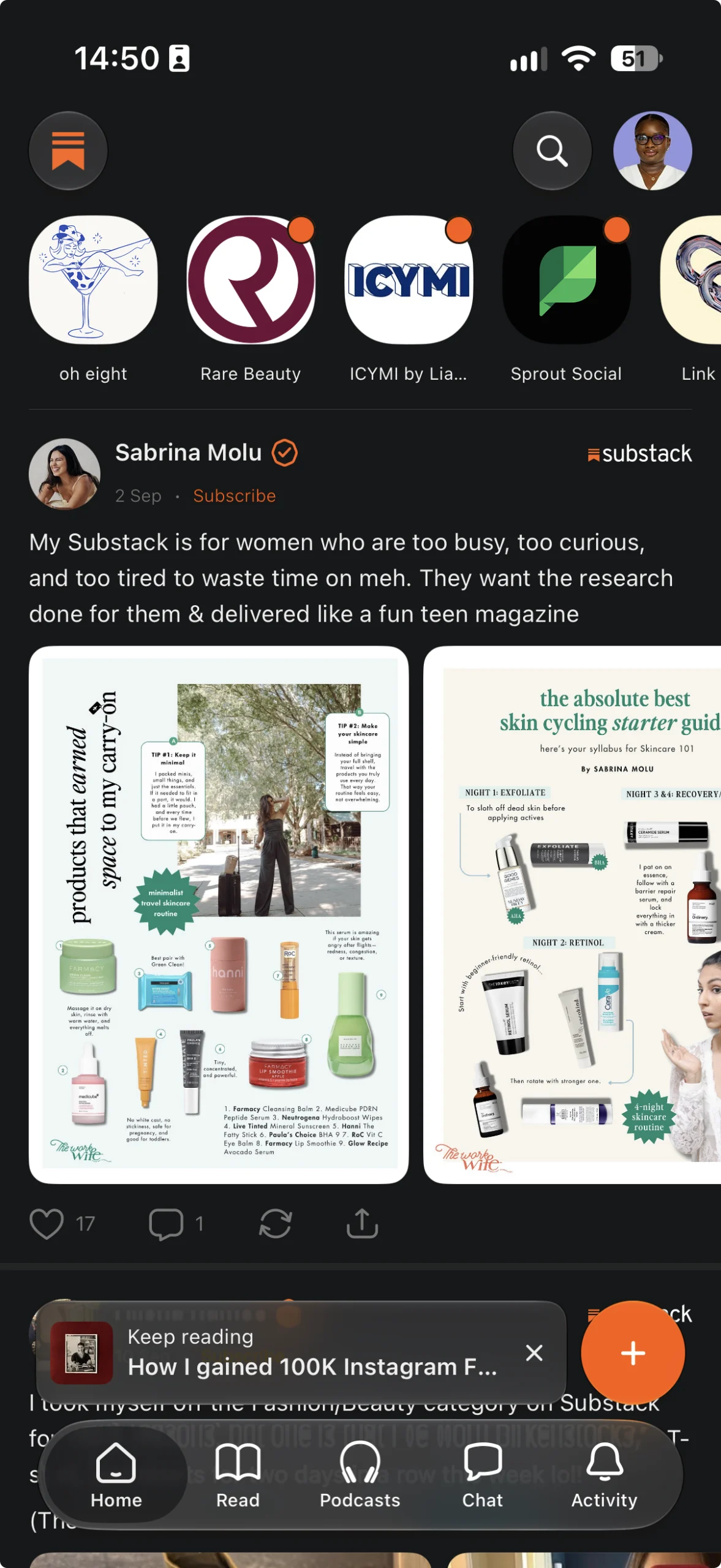
For years, the greatest challenge for independent creators on Substack wasn’t the writing—it was the rhythm. Building an audience requires consistent visibility, yet the platform’s primary engine, the newsletter, is a long-form, slow-burn medium. When Substack introduced "Notes," the platform’s short-form social feed, it provided a much-needed bridge between newsletters. However, the lack of robust scheduling tools initially made maintaining a daily presence feel like a logistical hurdle.

That has changed. Whether you are a casual writer or a professional publisher, the ability to schedule Substack Notes is now a reality. This guide explores the two primary ways to manage your feed: the native Substack scheduler and the integration with Buffer, analyzing how each serves different creator needs.
Main Facts: The New Landscape of Content Scheduling
Scheduling has shifted from a "nice-to-have" feature to an essential pillar of audience growth. As of September 2026, writers have two distinct avenues to automate their presence on the platform:
- The Native Substack Scheduler: Built directly into the web and mobile interfaces, this tool allows for simple, one-off scheduling. It is ideal for creators who focus exclusively on Substack and need a streamlined, no-frills experience.
- The Buffer Integration: Leveraging Substack’s official API, this professional-grade tool treats your publication as a social media channel. It allows for cross-platform posting, centralized calendar management, and granular performance analytics.
Both methods support text, images, links, and video. Both are free to start, though they serve fundamentally different workflows. Choosing between them depends entirely on your commitment to cross-channel promotion and your need for data-driven insights.
A Chronology of Progress
The journey toward a scheduled Substack experience has been iterative. For much of its early history, Substack Notes were a live-only environment. Creators were forced to be "always on," tethered to their devices to maintain a presence in the feed.
- The Early Era: Until early 2026, the only way to post to Notes was manual. Some power users resorted to third-party browser extensions or manual reminders, which were fragile and often broke with platform updates.
- March 23, 2026 (The Turning Point): Substack officially rolled out native scheduling across the web, iOS, and Android. This was a watershed moment for the platform, signaling that Substack recognized the need for a more sustainable, "set-it-and-forget-it" content workflow.
- Late 2026: Integration partners, most notably Buffer, matured their API connections. This allowed for the current "unified calendar" experience, where creators could finally view their Substack output alongside their activity on LinkedIn, X, Threads, and Bluesky.
The Mechanics: How to Schedule Your Notes
Using the Native Substack Scheduler
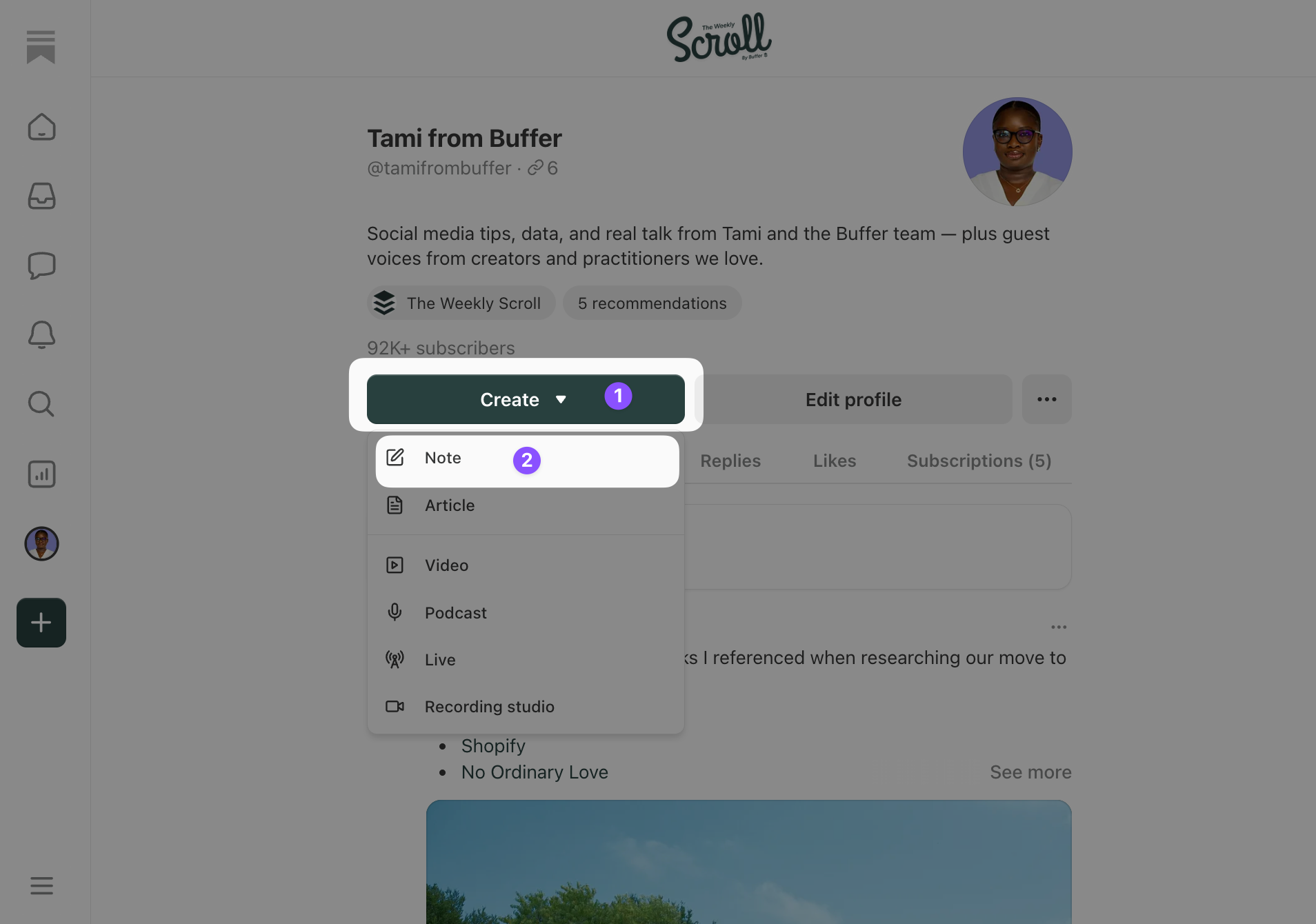
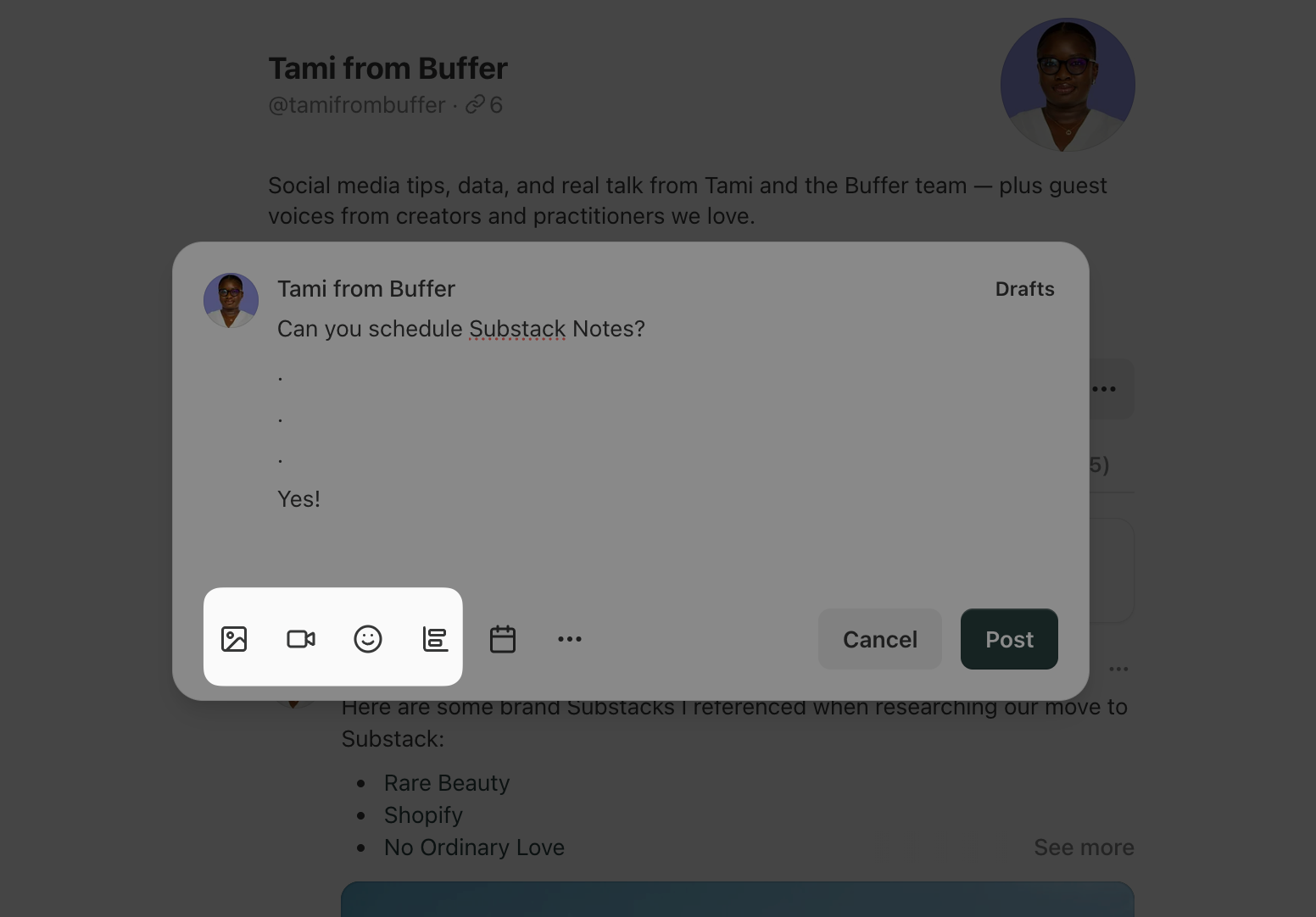
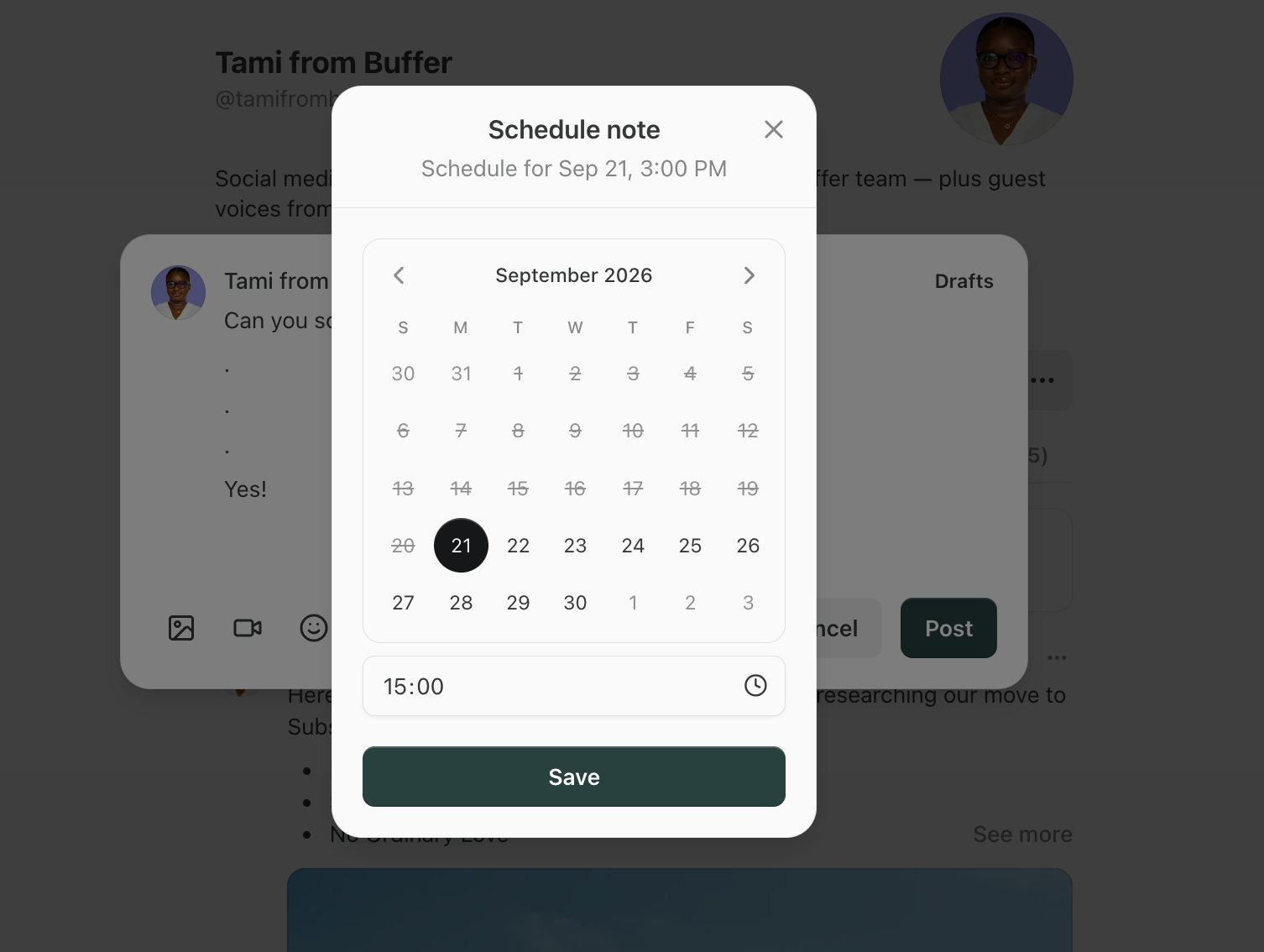
The native tool is designed for simplicity. On the web, you simply start a new note, write your content, and look for the schedule icon—a small calendar clock—next to the "Post" button. You can select a date and time up to three months in advance.
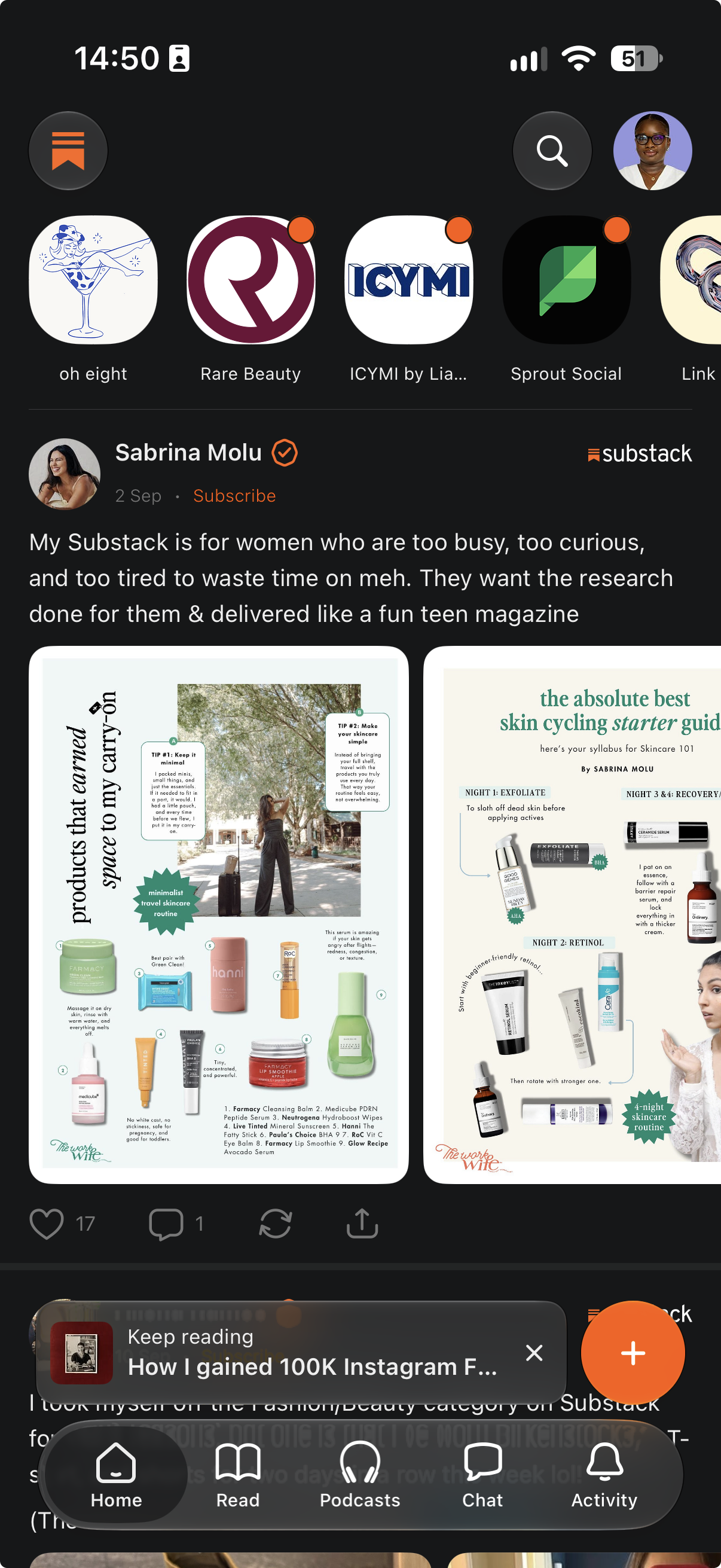
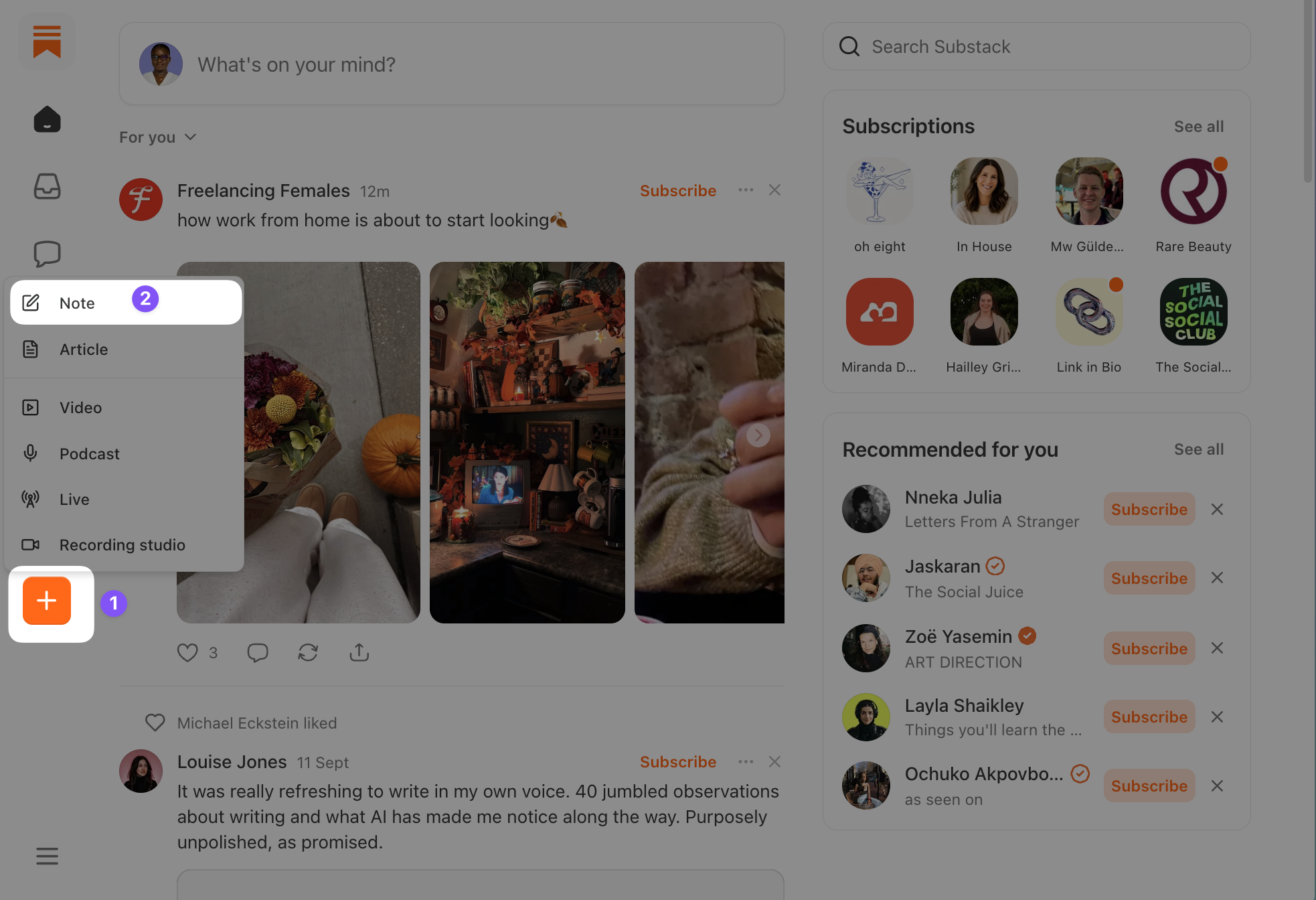
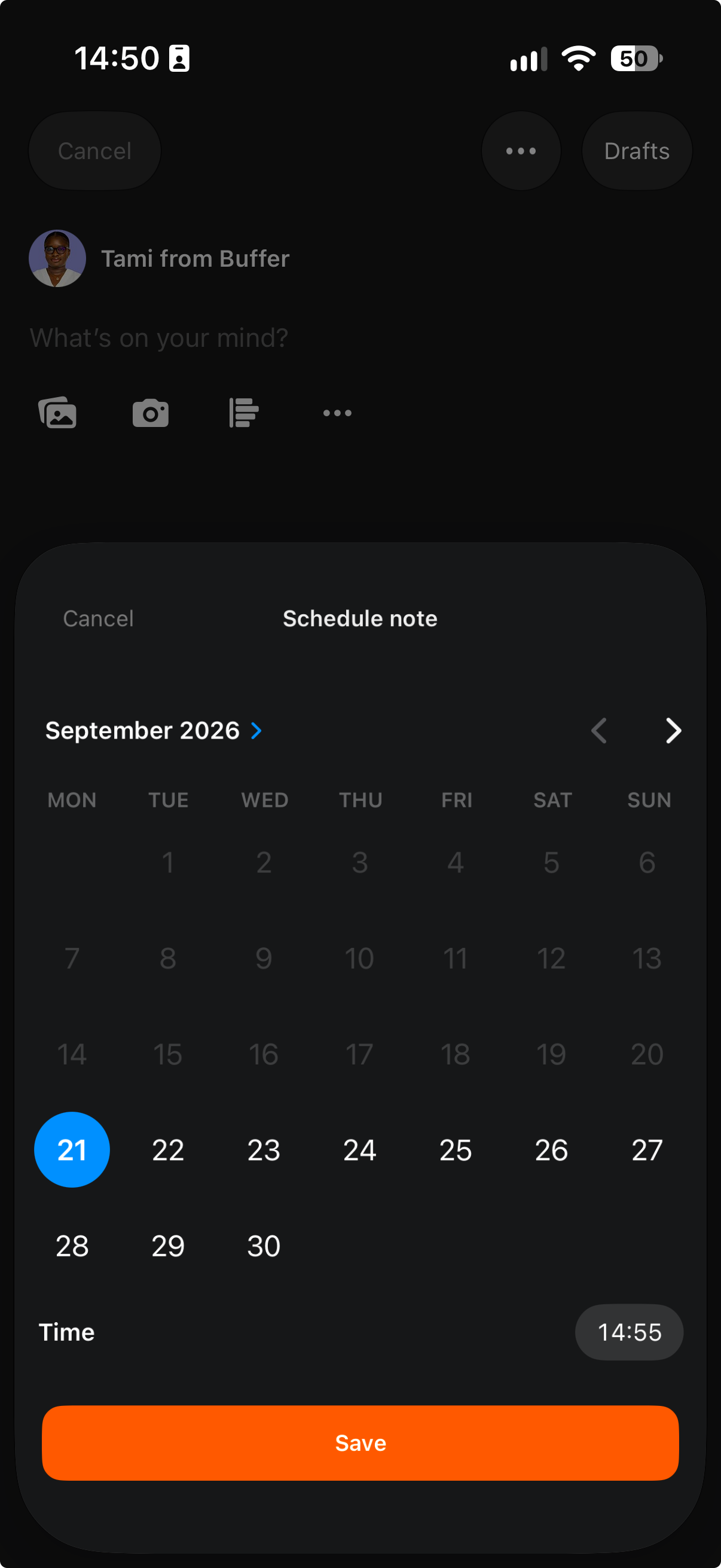
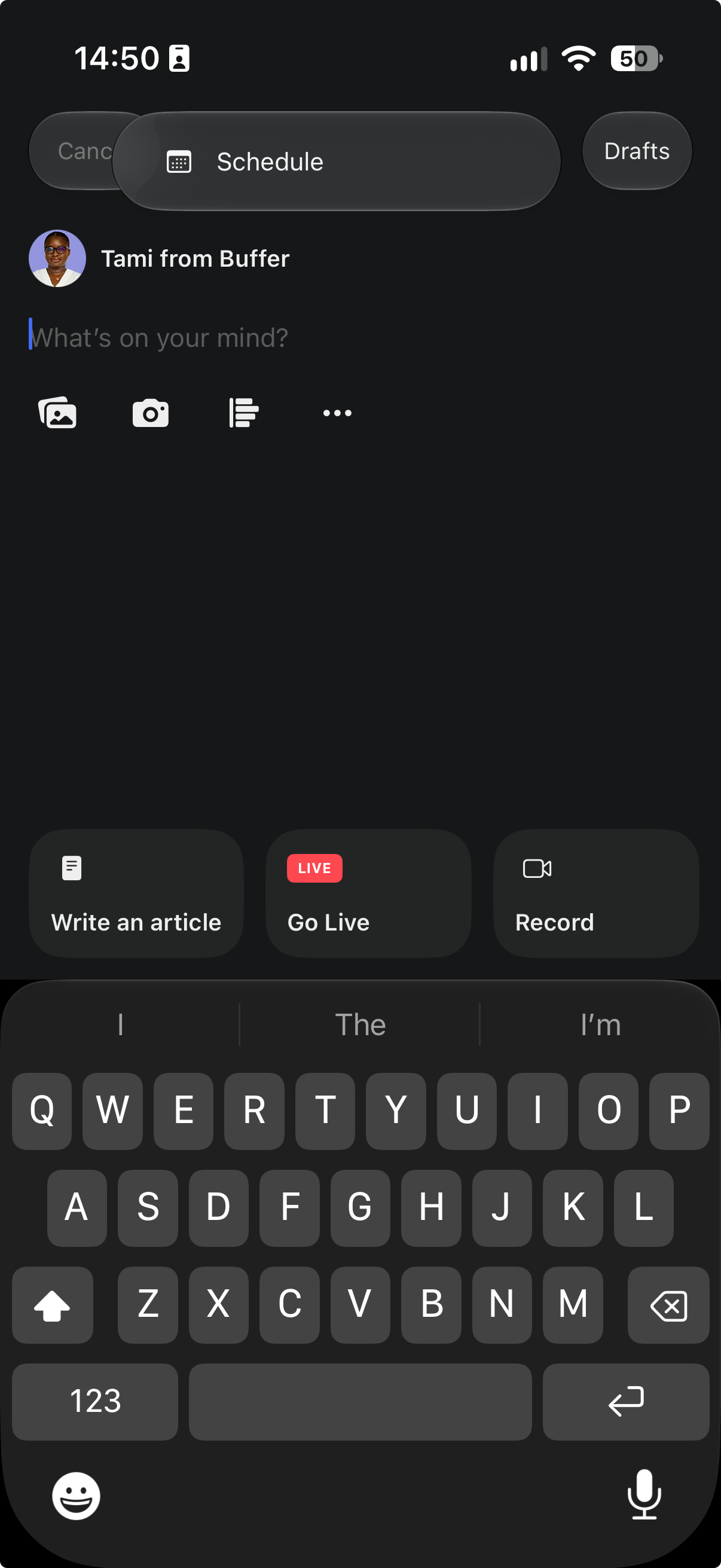
On mobile, the process is equally intuitive. Within the Substack app, hit the + button to initiate a draft. Once your thought is composed, tap the three-dot menu (…) in the top corner and select "Schedule." Your note will be moved to your "Drafts" folder, where it will remain until the designated time. You can edit or reschedule these at any point before they go live.
The Power-User Approach: Scheduling via Buffer
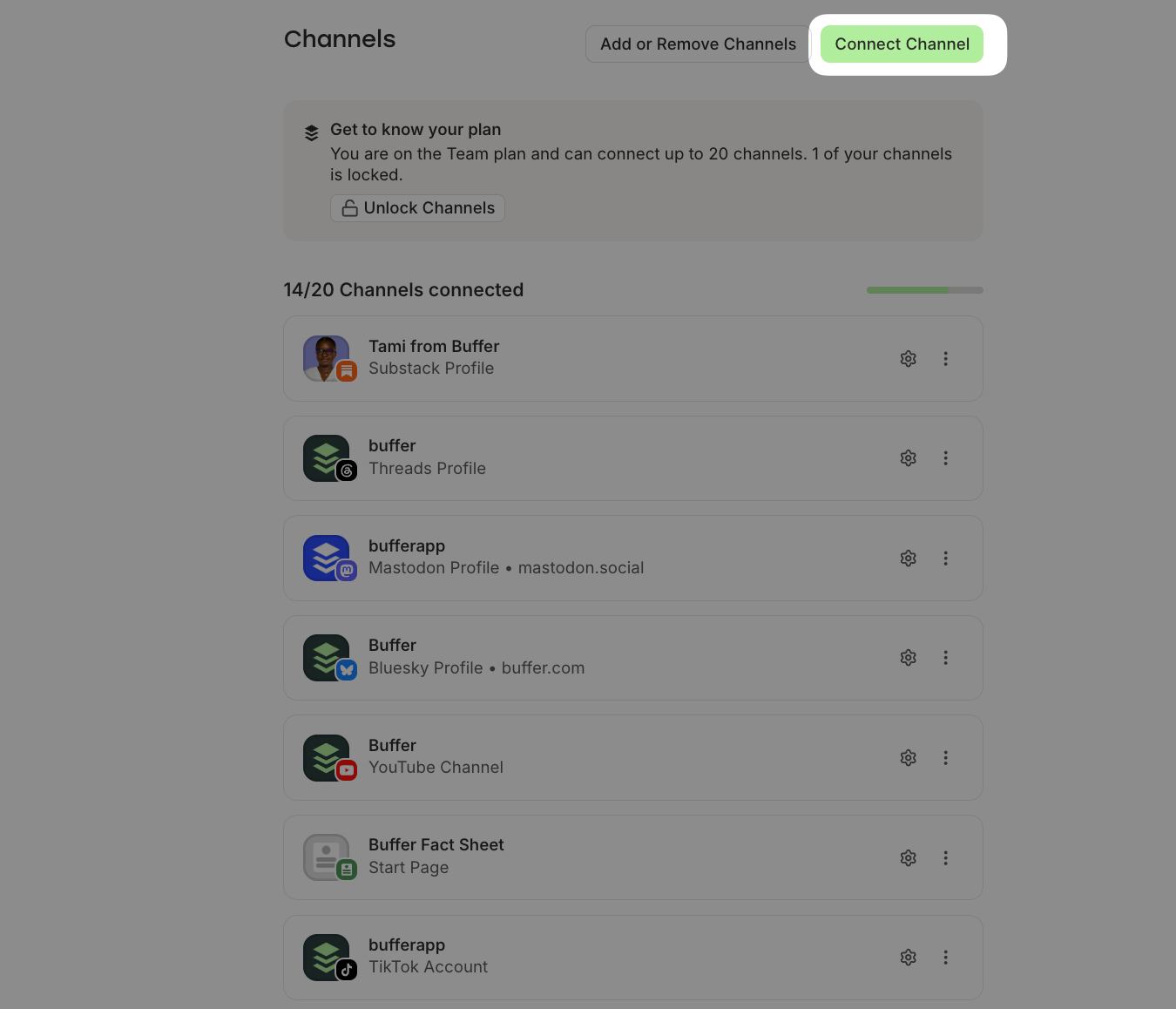
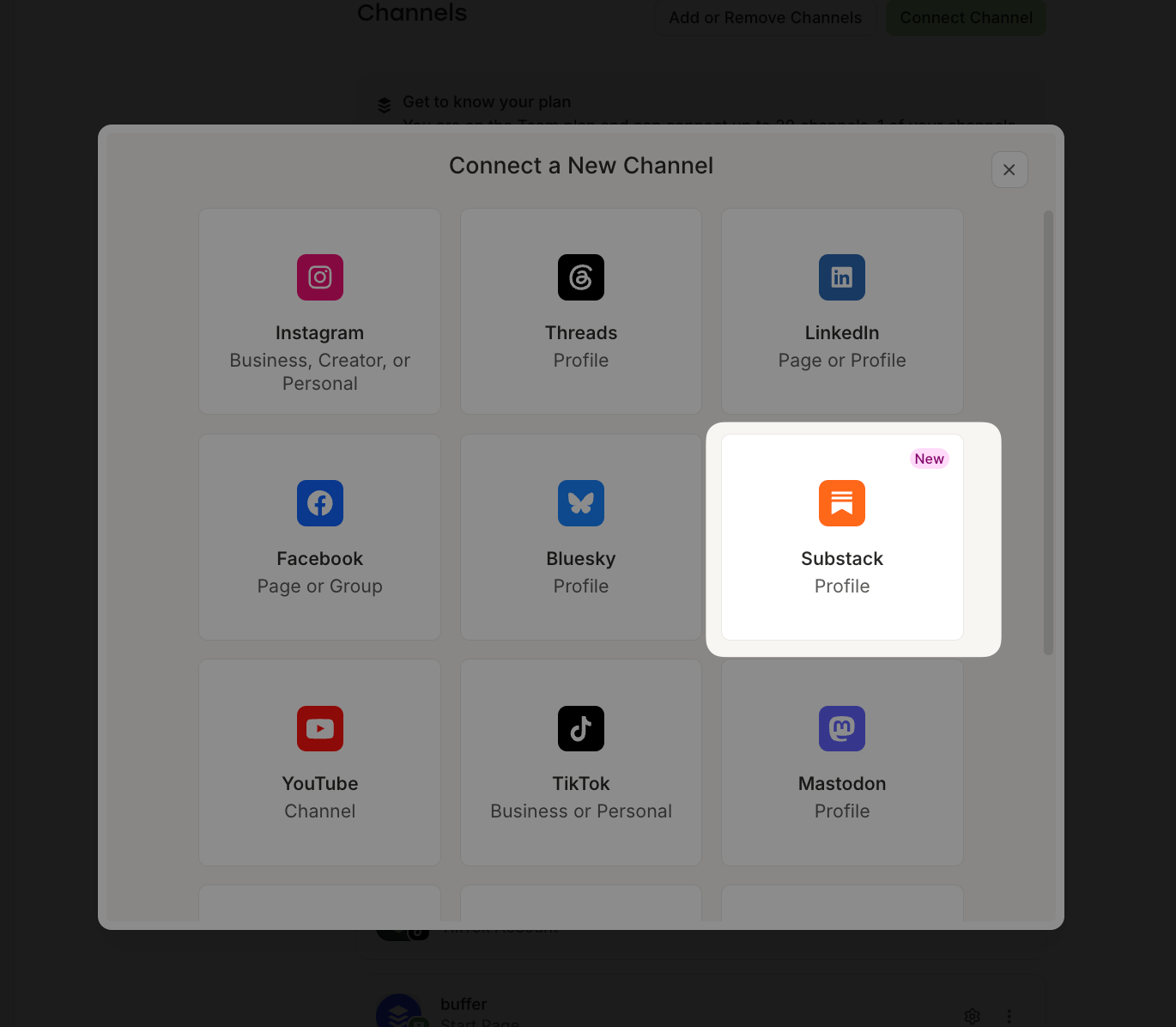
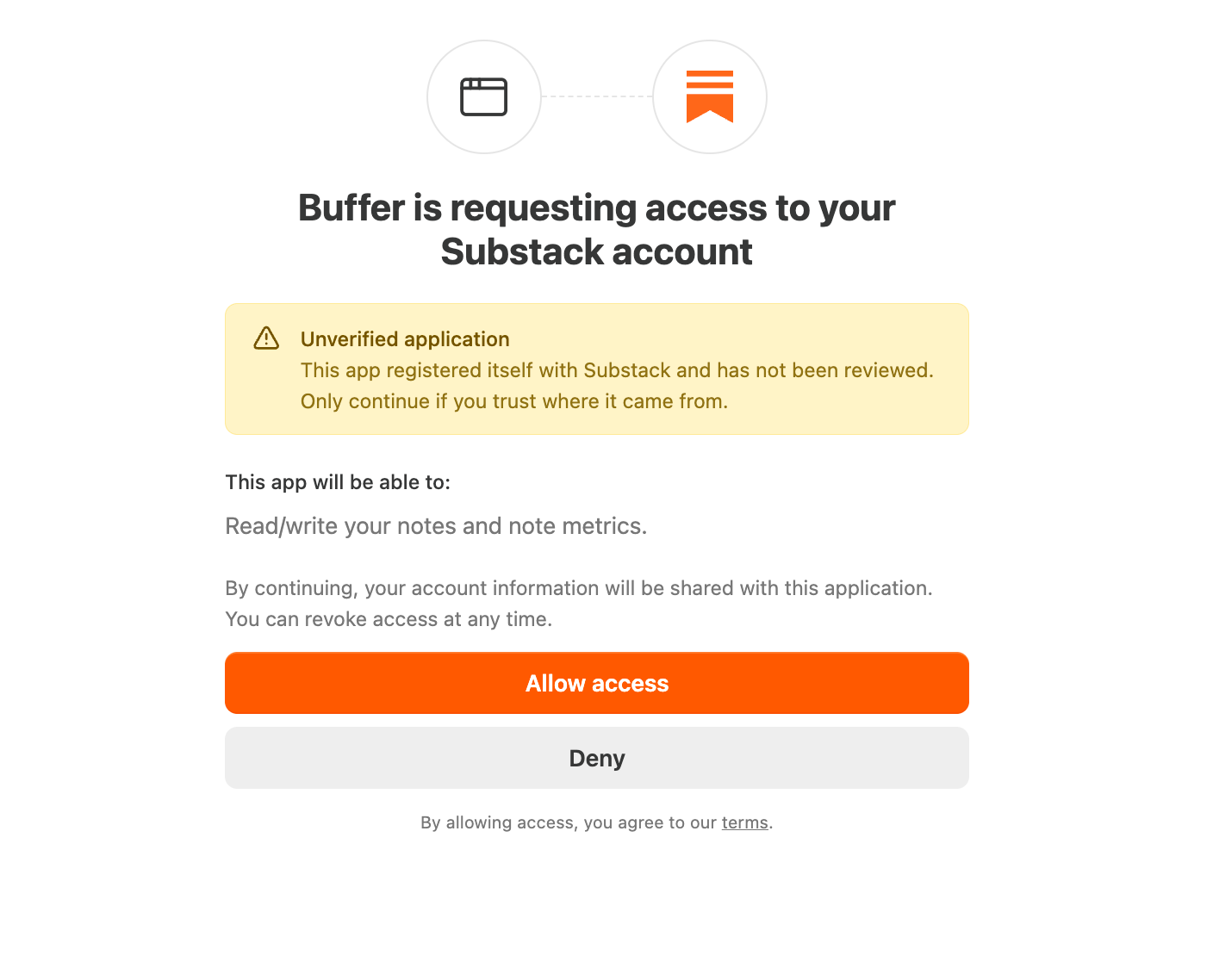
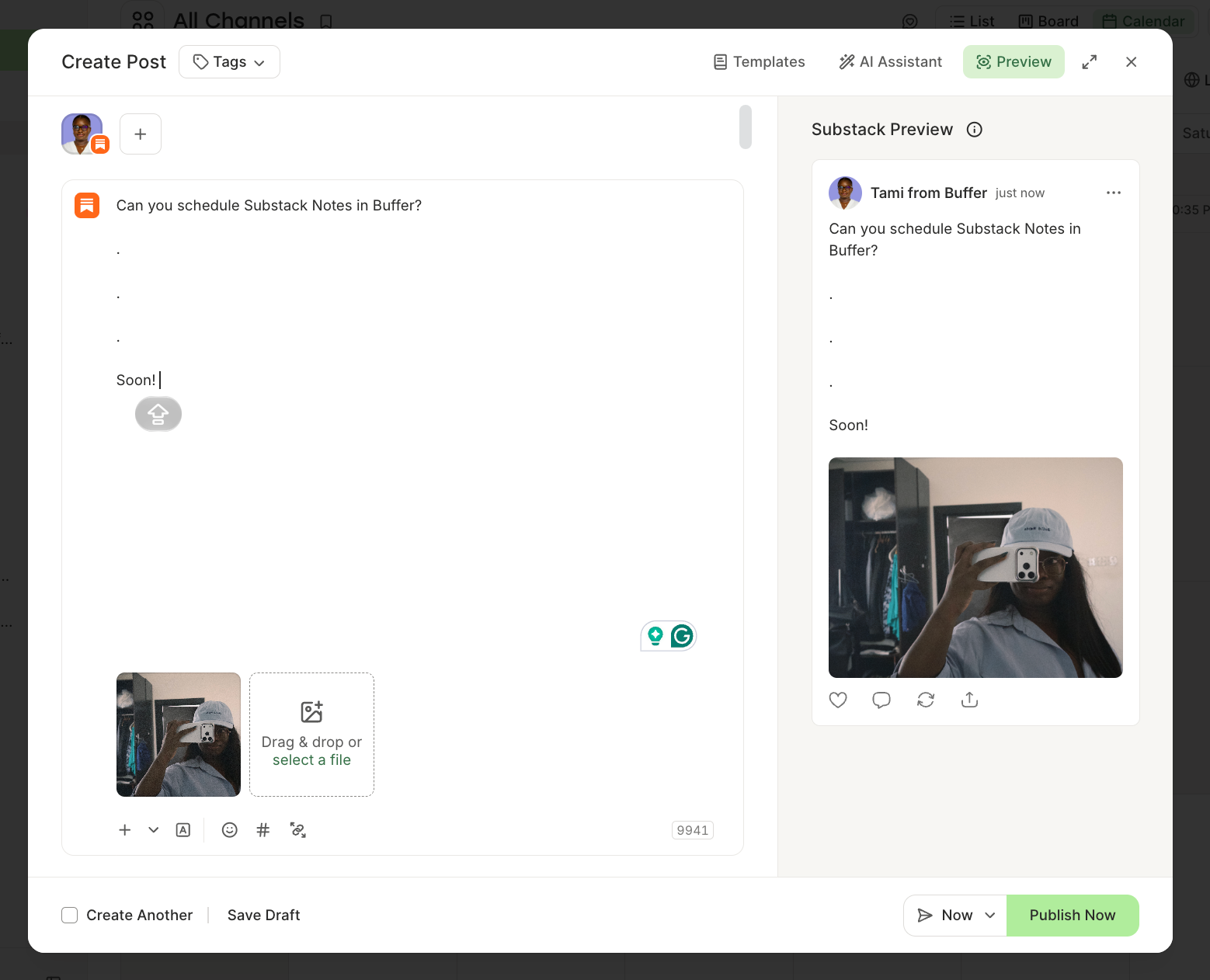
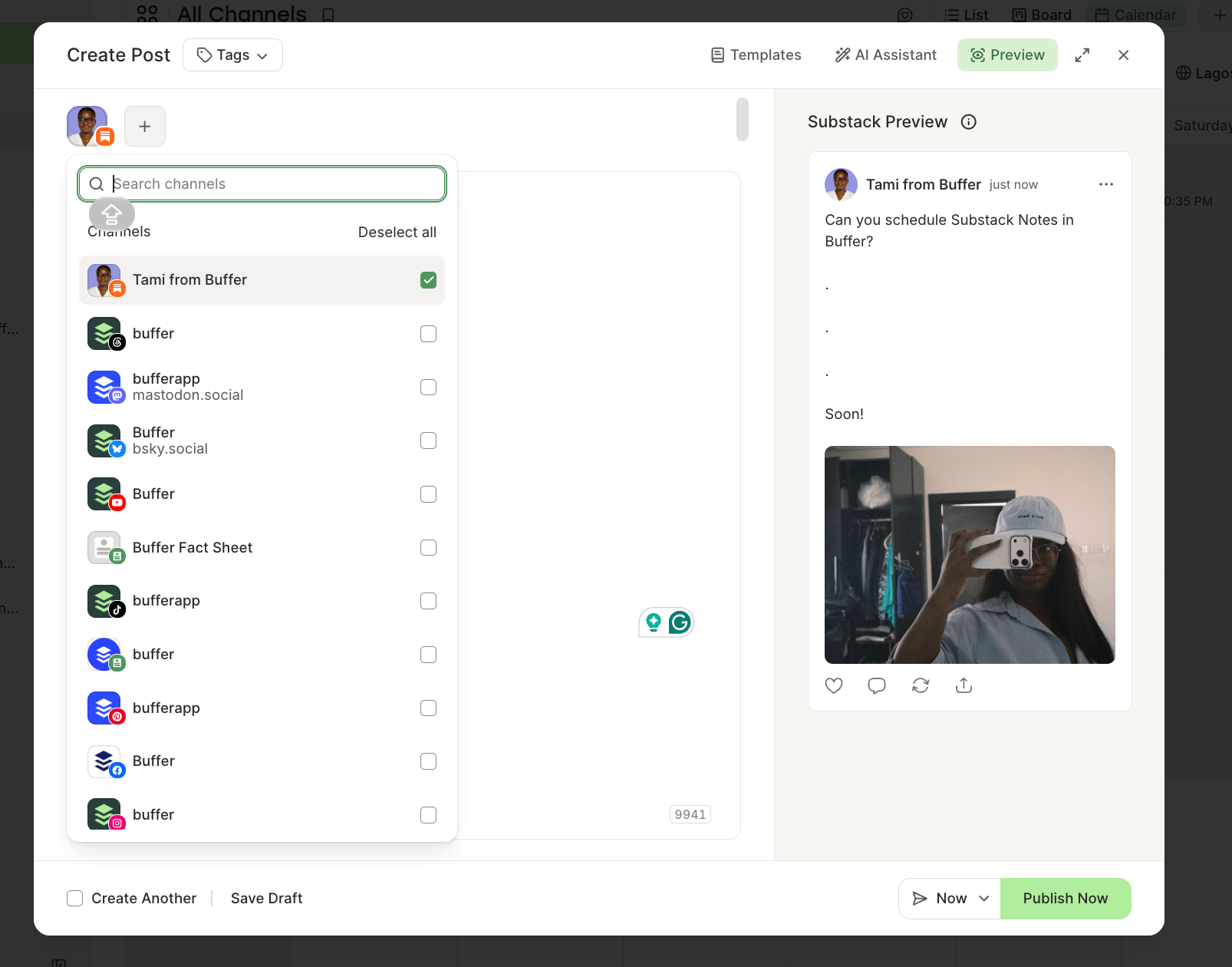
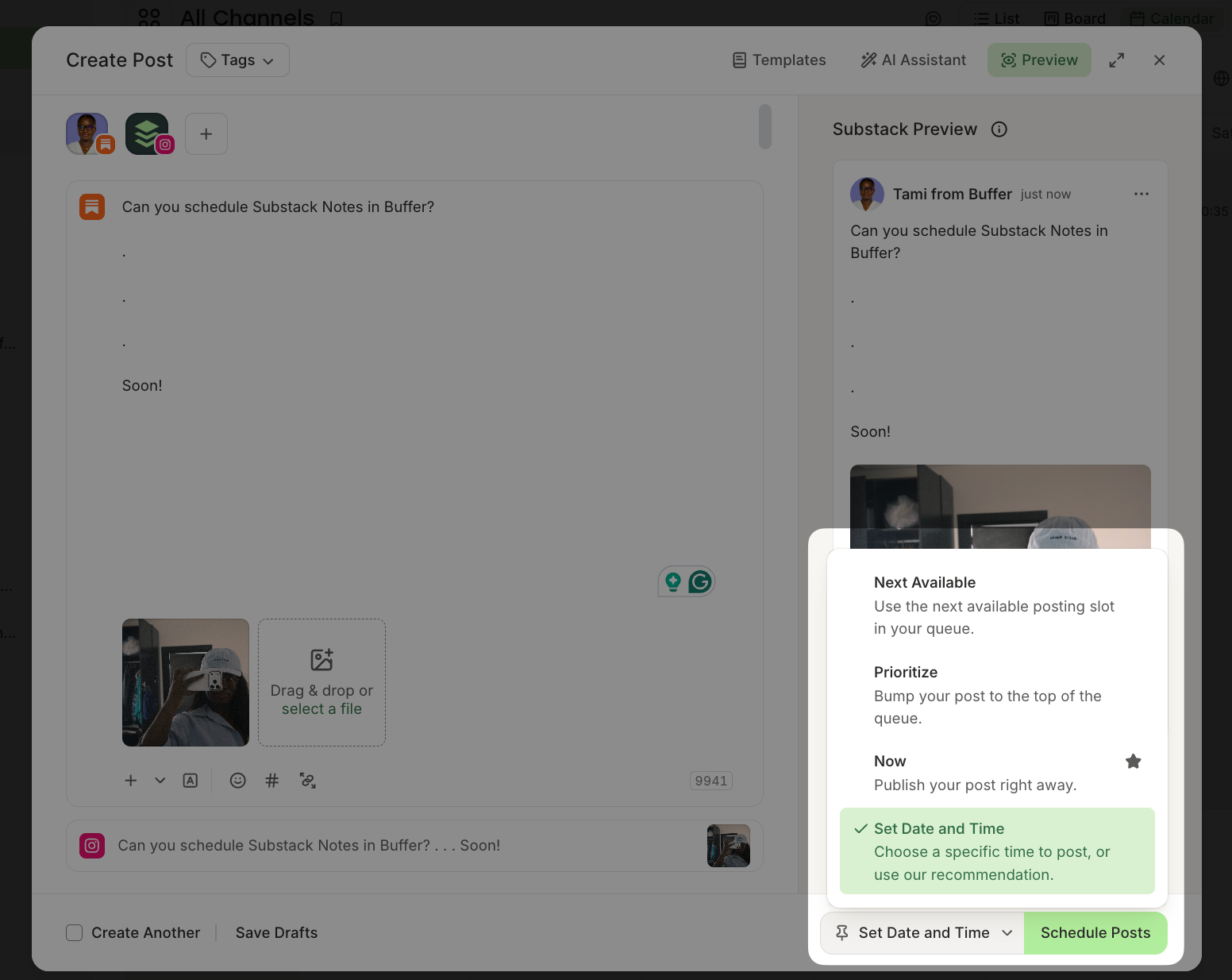
For those managing multiple channels, the Buffer integration is a game-changer. By connecting your Substack publication as a channel within the Buffer dashboard, you gain the ability to:
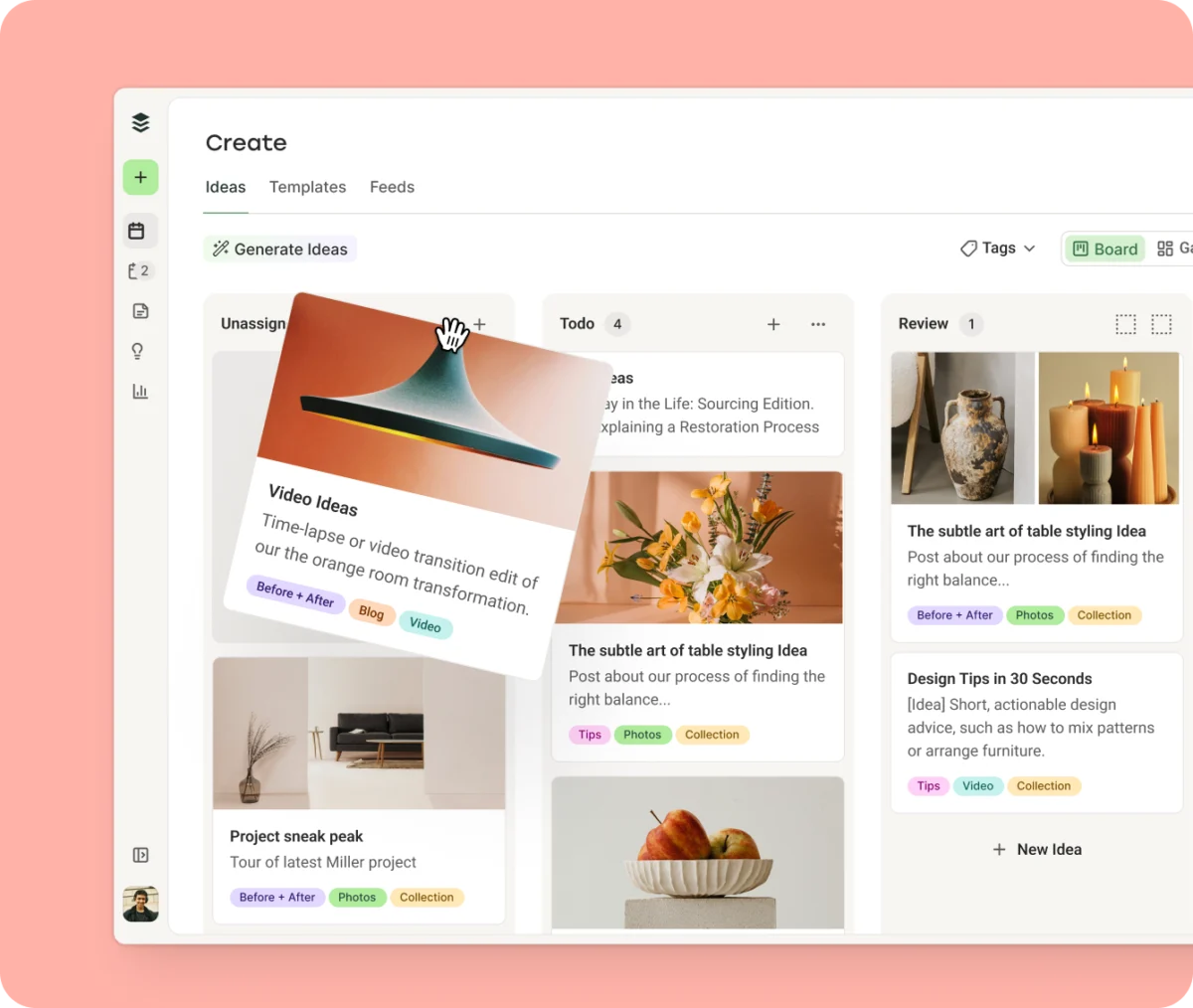
- Visualize: Use a drag-and-drop calendar view to plan your week.
- Synchronize: Send the same core message to LinkedIn, X, and Substack simultaneously.
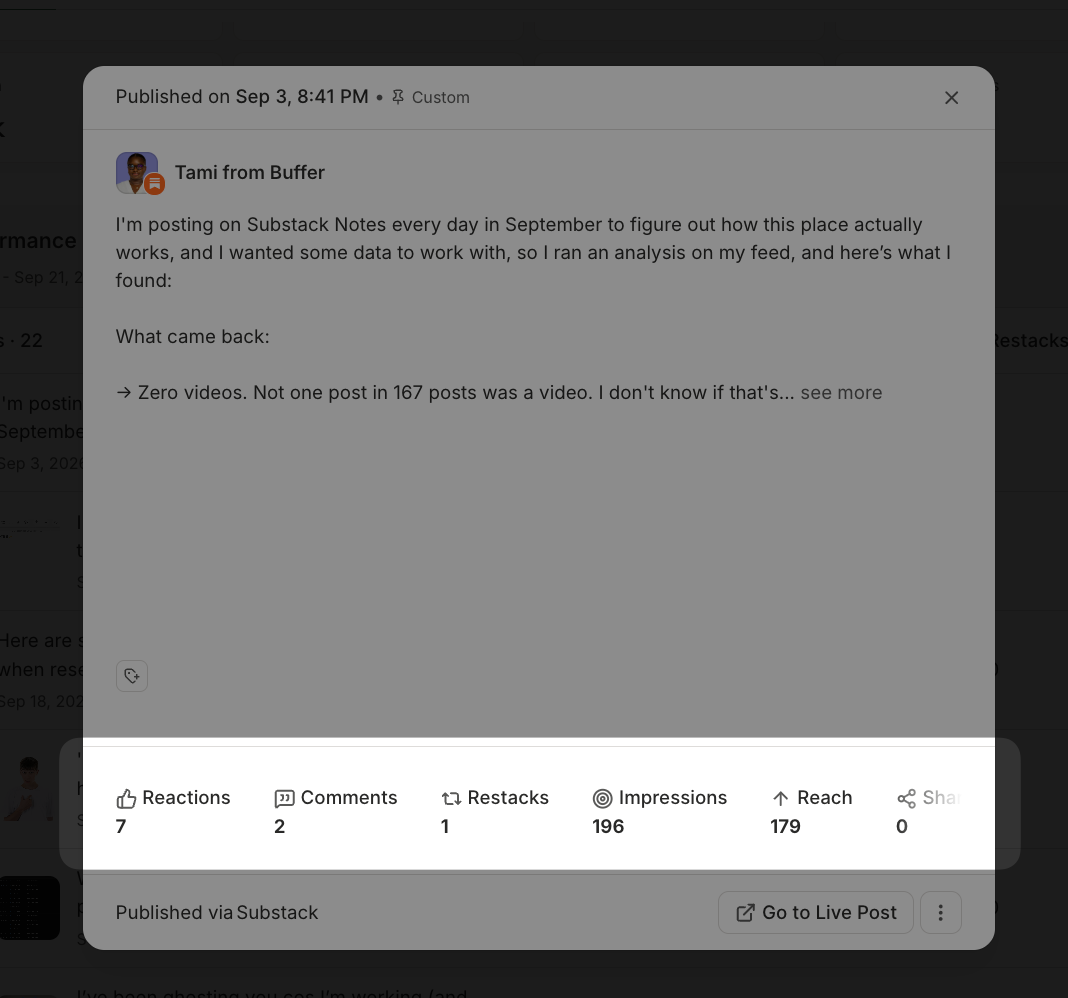
- Analyze: Track not just likes and replies, but actual subscriber conversion data—knowing exactly which post convinced a reader to click "Subscribe."
Supporting Data: Why Consistency Matters
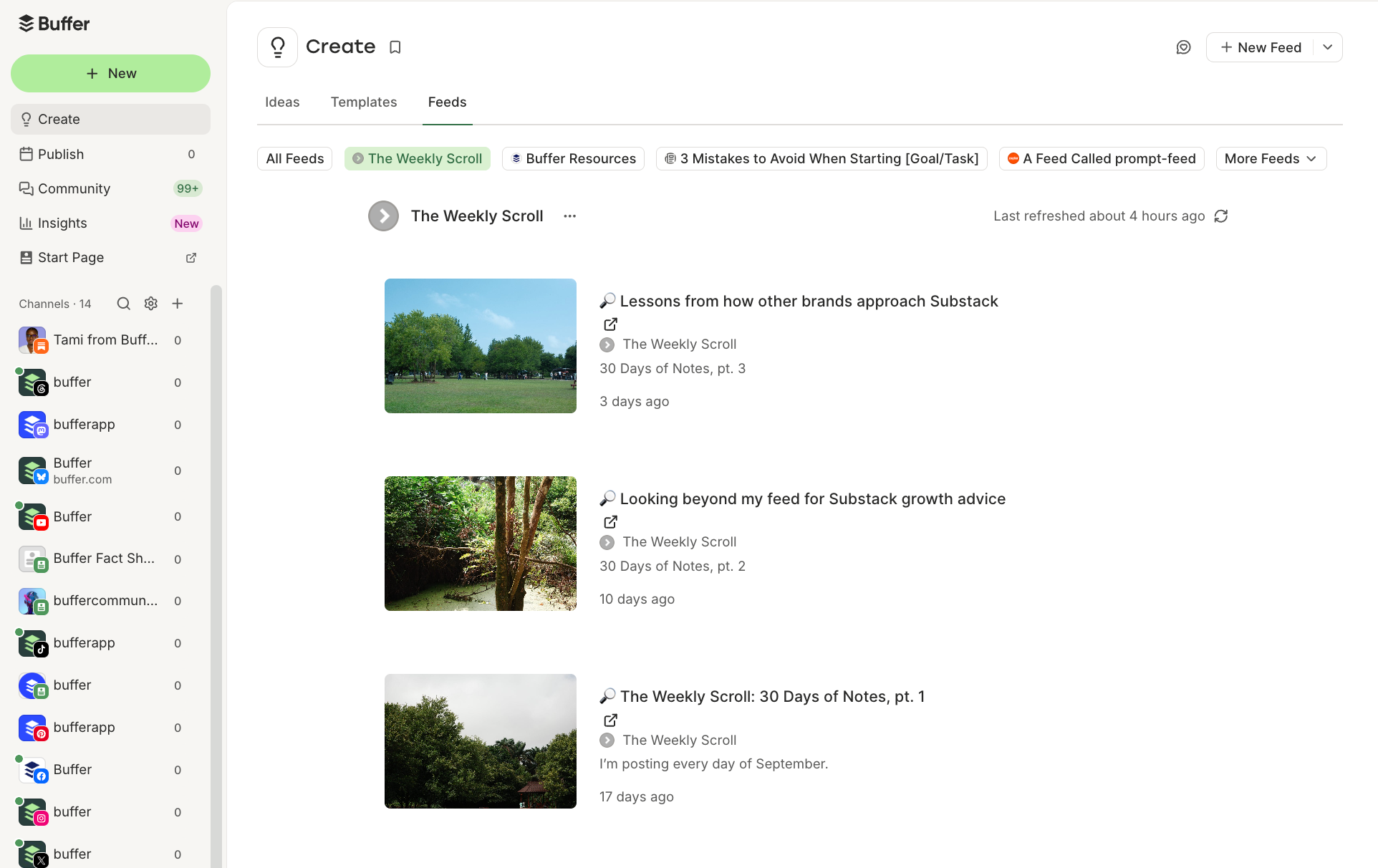
The shift toward scheduling is driven by data. In my own experiment this month, managing the publication The Weekly Scroll, I transitioned from ad-hoc posting to a daily, scheduled cadence.
The findings were clear: when you remove the friction of manual posting, your output frequency naturally rises. Data shows that creators who post to Notes at least once a day see a significantly higher rate of "cross-pollination"—where readers discover the writer through a short-form post and subsequently subscribe to their long-form newsletter.
Furthermore, analytics provided by professional tools like Buffer demonstrate that scheduled posts do not suffer from any "algorithmic penalty." A scheduled Note functions exactly like a live one. The only variable that truly matters is your engagement—being present to reply to comments within the first hour of publication is far more important than whether you hit "Post" manually or had an app do it for you.
Official Responses and Platform Logic
Substack’s approach to these tools is rooted in its commitment to the "independent writer." By building the scheduler into the core product, they have effectively leveled the playing field for writers who don’t have large teams.
Partnerships like the one with Buffer serve a different purpose: they provide an enterprise-grade layer for creators who are treating their newsletters as full-fledged media businesses. According to representatives from both sides, these integrations are built on official, supported APIs, ensuring that your content remains secure and compliant with platform rules. You aren’t "hacking" the system; you are utilizing the tools the platform provides to scale your reach.
Implications: The Future of the "Always-On" Creator
What does this mean for the future of independent publishing?
First, the "burnout cycle" is being mitigated. When you can batch-create content for a week or even a month, you free up your mental bandwidth to focus on deep-dive research and writing—the actual value proposition of a paid newsletter.
Second, the line between "social media" and "newsletter" continues to blur. With tools that allow you to push content across all social channels simultaneously, Substack is positioning itself not just as a newsletter host, but as a holistic content hub.
FAQ: Addressing Common Concerns
- Is it truly free? Yes. Both Substack’s native scheduler and the base tier of tools like Buffer offer free options to get started.
- Can I schedule a Restack? Currently, no. Both native and third-party tools are limited to original posts. Interaction (replies and restacks) must remain a manual, human-centric activity.
- Does the audience know? No. There is no indicator on a published Note that it was scheduled. To your readers, the experience is seamless and authentic.
- Can I use media? Absolutely. Both tools support images, video, and embedded links.
Final Thoughts: Pick a Time and Post
If you have been holding back on Substack Notes because of the time commitment, the barrier to entry has officially been removed. Start small. Use the native scheduler to plan your next three posts. Once you find your rhythm and realize that your "Notes" are becoming a consistent lead-generation engine for your newsletter, consider moving to a more centralized management system like Buffer.
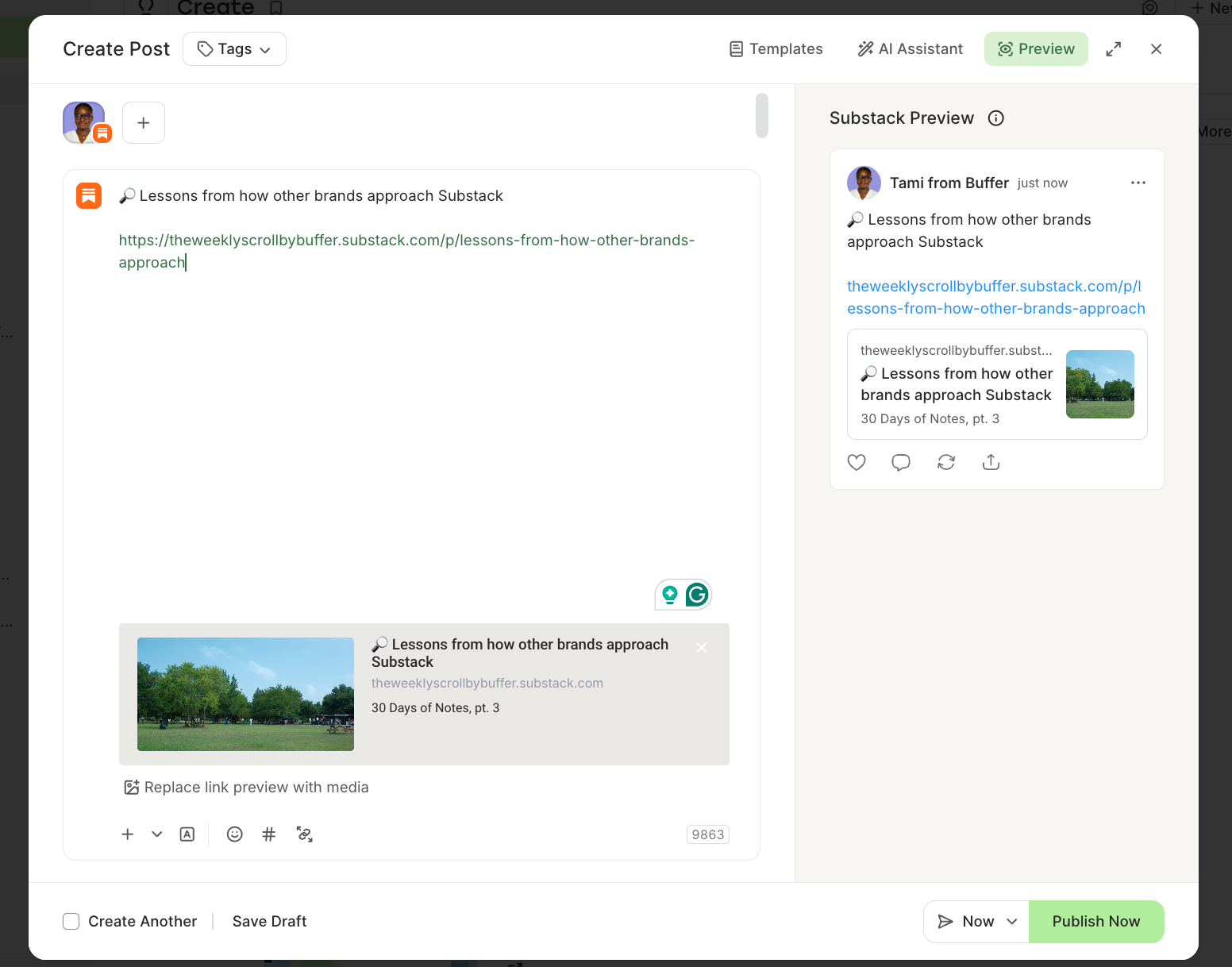
The goal of these tools isn’t to automate your personality or turn your writing into a robotic stream of content. The goal is to give you back the most precious commodity a creator has: time. Use the time you save by scheduling to do the work that actually matters—responding to your subscribers, building community, and writing the content that keeps them coming back.

 Iffa Jayyana
 Reynand Wu
 Laily UPN
 Rifan Muazin
 Suro Senen
 Lina Hope
 Lina Irawan