
 Nana Muazin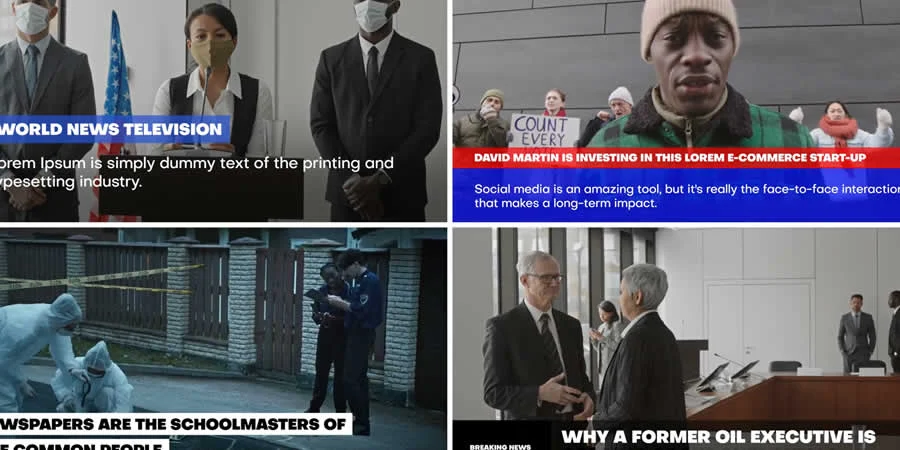
In the fast-paced world of digital media, the difference between a amateur clip and a professional-grade production often boils down to visual identity. For video creators, editors, and motion designers, broadcast packages represent the gold standard for efficiency and aesthetic cohesion. These comprehensive template suites—containing intros, lower thirds, transitions, and title sequences—are no longer just tools for television networks; they are essential assets for any creator looking to establish a recognizable brand identity in a crowded digital landscape.
As we move through 2024, the demand for high-quality, broadcast-ready content has reached an all-time high. Whether you are producing a YouTube series, a corporate documentary, or a live-streamed newscast, the challenge remains the same: how to maintain a cinematic look while managing tight production deadlines. The solution, increasingly, lies in the strategic use of premium After Effects broadcast packages.

The Evolution of Broadcast Graphics: Why Templates Matter
Broadcast packages are more than just a collection of visual effects; they are architectural frameworks for storytelling. In traditional video production, creating custom graphics from scratch for every segment of a project would be prohibitively expensive and time-consuming.
By utilizing pre-built packages, creators can bridge the gap between creative vision and technical execution. These templates offer a "plug-and-play" versatility that allows even novice editors to implement professional motion graphics. By centralizing assets—such as logo reveals, ticker bars, and interstitial transitions—into a single, unified design language, creators ensure that their branding remains consistent across every frame of their content.
Chronology of the Template Revolution
The shift toward template-driven production began in the early 2010s with the rise of digital marketplaces. Initially, these templates were rudimentary, often suffering from "over-designed" aesthetics that limited their utility. However, as the user base for Adobe After Effects expanded, so did the sophistication of these packages.
By 2018, the industry saw a surge in "modular" design, where creators could swap elements without breaking the underlying logic of the project file. Today, in 2024, we are witnessing the era of "Essential Graphics" and MOGRT (Motion Graphics Template) files. These files allow creators to control color, font, and animation speed directly within Premiere Pro, effectively blurring the lines between compositing and editing. This evolution has democratized high-end broadcast production, making cinematic visuals accessible to creators operating with limited budgets and hardware.
Curating the Best: 15 Essential After Effects Packages for 2024
Selecting the right broadcast package is a foundational decision. Below, we examine some of the top-performing assets currently defining the visual landscape.
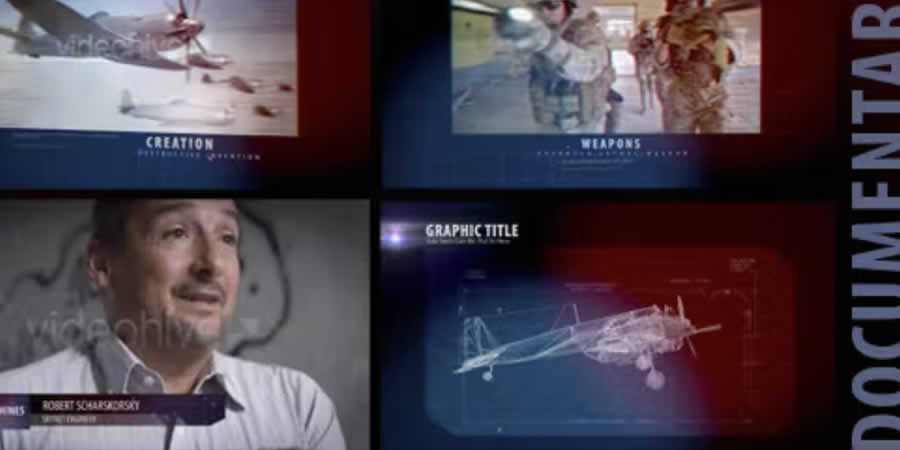
1. After Effects Documentary Broadcast Package
Specifically engineered for long-form storytelling, this package focuses on subtlety. Its transitions are designed to guide the viewer’s eye through historical footage or interview segments, ensuring the graphics support the narrative rather than distracting from it.
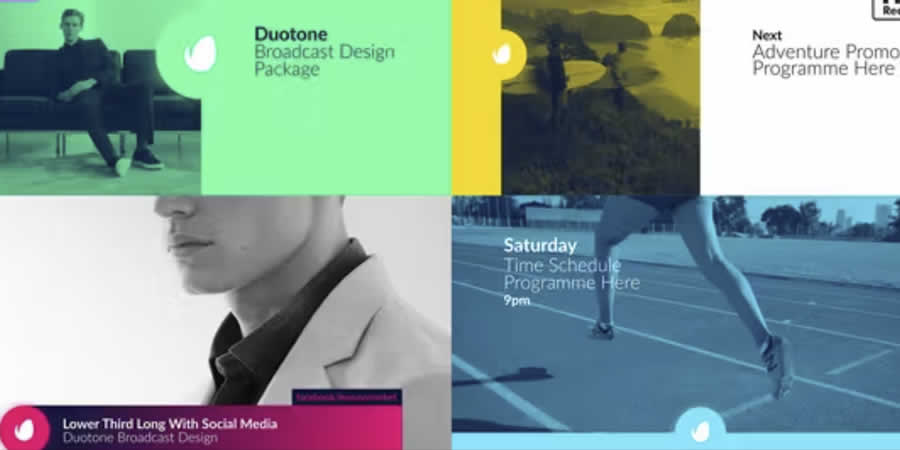
2. Duotone Broadcast Package
In a world of saturated colors, the duotone trend offers a clean, sophisticated look. Utilizing MOGRTs, this package is perfect for creators who need to maintain a strict brand color palette while keeping their animations modern and punchy.
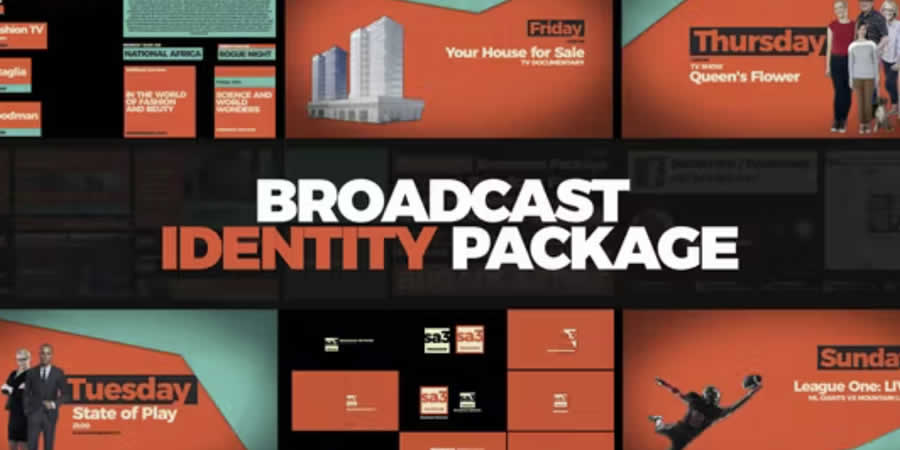
3. Broadcast Identity Package
Every channel needs a "look." This package provides the essential openers and closing bumpers that give a project its personality. It is the perfect starting point for recurring series or podcast video adaptations.
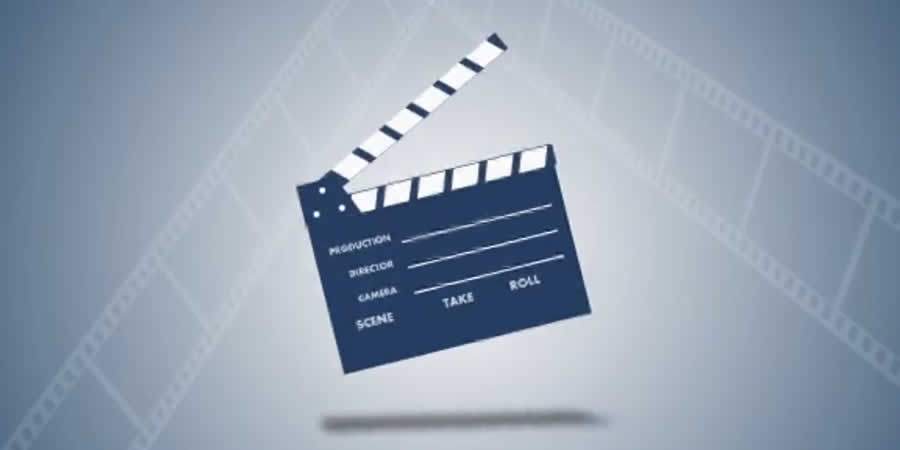
4. Film Broadcast Package
Designed for high-resolution displays, this pack excels in its use of full-HD, high-fidelity graphics. It is particularly effective for cinematic trailers or high-end product showcases where the quality of the motion graphic needs to match the quality of the raw footage.
5. Modular & Modern Broadcast Package
For the creator who values flexibility, this package uses a modular structure. Users can drag and drop scenes to create a custom flow, making it an excellent choice for fast-paced news or social media content updates.
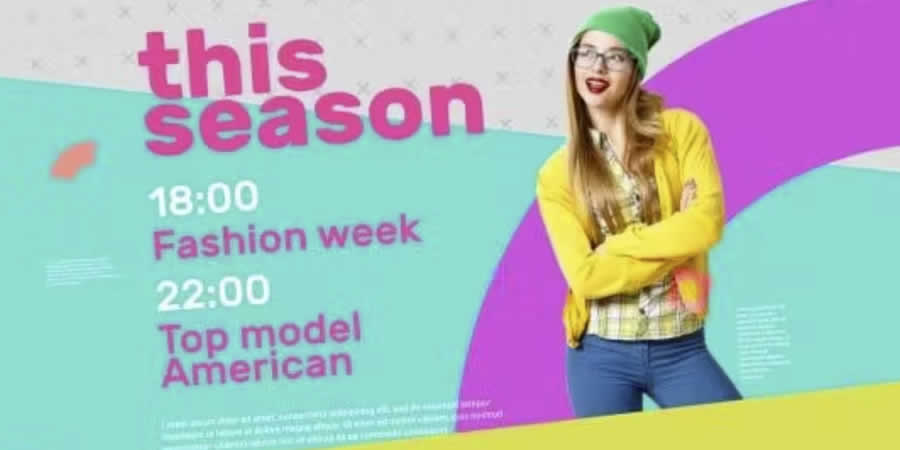
6. Minimal After Effects Broadcast Package
Minimalism is a design philosophy that never goes out of style. By stripping away unnecessary clutter, this package allows the primary content to take center stage, making it ideal for tutorials or tech reviews.
7. Stylish Broadcast Package
This package covers the "extra" details—the sponsor logos, the end-credits, and the aesthetic transitions that elevate a video from "content" to "programming."
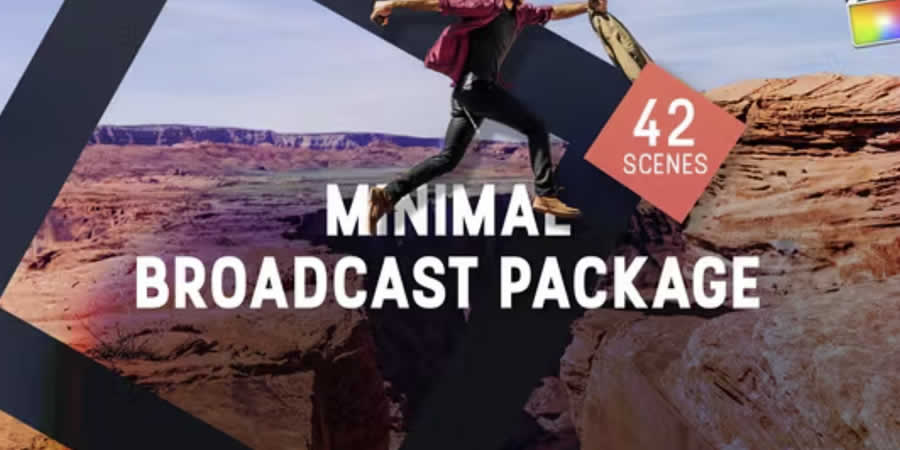
8. The "One" Broadcast Package
Named for its all-in-one approach, this template requires zero third-party plugins, making it a reliable choice for editors working on multiple machines or those who want to avoid the common "missing effect" errors.
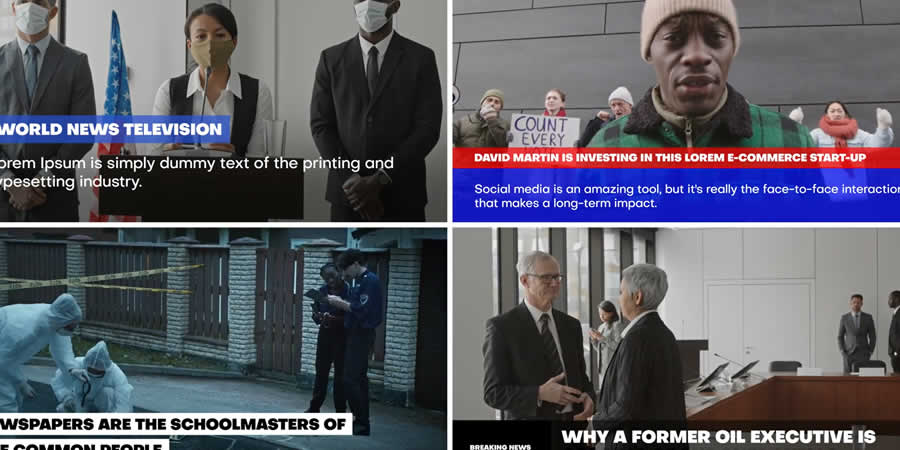
9. Broadcast News Package
With over 120 individual design elements, this is a titan of utility. It is specifically optimized for text-heavy content, offering a wide array of lower-thirds and ticker options that mirror the feel of professional 24-hour news cycles.
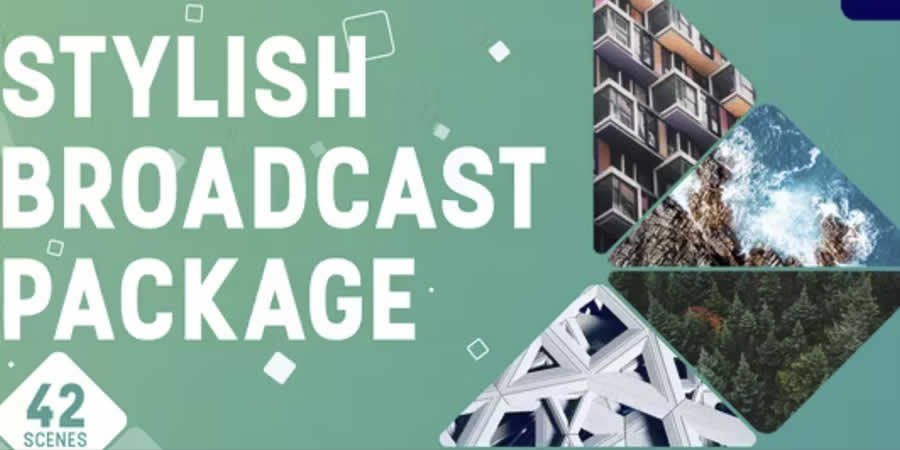
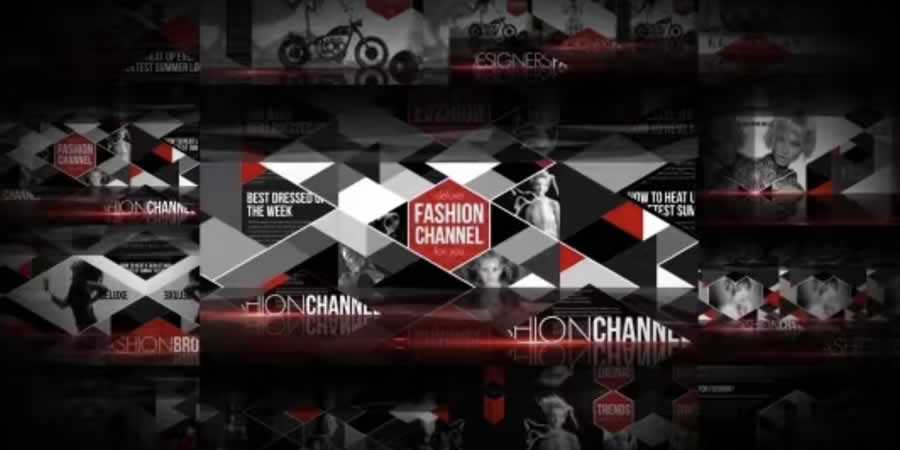
10. After Effects Fashion Broadcast Package
Fashion requires a specific visual language—one that is elegant, airy, and high-contrast. This package provides the polish required for brand lookbooks or high-end event coverage.
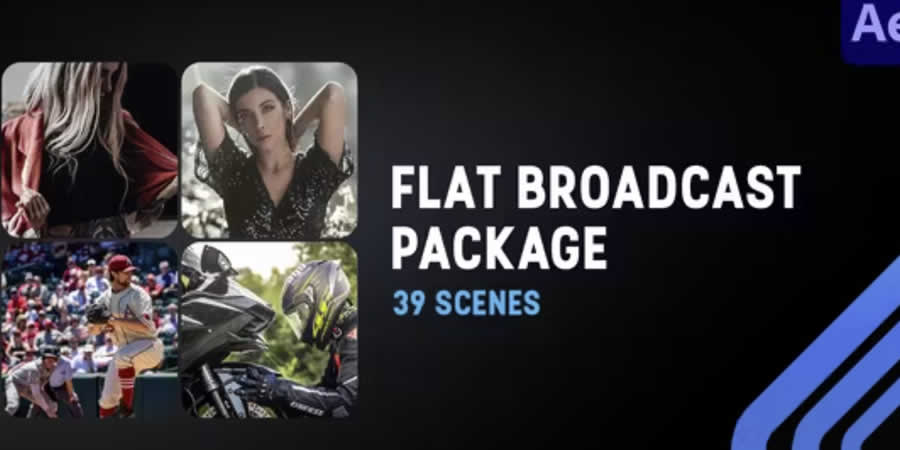
11. Flat Design Broadcast Package
Flat design remains the standard for web-based video content. This pack offers 39 unique, vector-style layouts that are easy to render and visually clean across both mobile and desktop screens.

12. AE Clean Broadcast Package
When the content is complex, the graphics must be simple. This package is the ultimate "utility player," featuring unobtrusive placeholders for social media handles and call-to-action buttons.
Supporting Data: The Impact on Production Efficiency
Industry data suggests that the implementation of broadcast packages reduces the time spent on motion graphics by approximately 60% to 75%. For an independent production house, this equates to thousands of dollars in saved labor costs per year.
Furthermore, consistency is a key metric in audience retention. Viewers are more likely to subscribe to a channel that presents a professional, cohesive brand identity. By using a broadcast package, creators signal that their content is a serious endeavor, which in turn leads to higher engagement rates, better sponsor conversion, and increased brand loyalty.
Official Responses and Industry Trends
Leading motion designers and industry experts agree that while templates are powerful, the true skill lies in customization. "The best broadcast packages are the ones you can’t tell are templates," says one industry lead. "The goal isn’t to look like everyone else using the pack; the goal is to use the architecture of the template as a foundation to build something that feels uniquely your own."
The current trend is shifting toward "generative" templates—graphics that automatically resize based on the length of the text input. As AI integration continues to influence the Adobe Creative Cloud suite, we expect future broadcast packages to include features that can auto-adjust lighting and color grading based on the mood of the imported footage.
Implications for the Future of Video Creation
As we look toward the remainder of 2024 and beyond, the implications of these tools are profound. We are seeing a democratization of professional aesthetics that was previously reserved for large-scale production studios.
Key Takeaways for Creators:
- Invest in Flexibility: Prioritize packages that offer modularity and global color control.
- Prioritize Brand Consistency: Use the same package for all episodes in a series to build long-term brand equity.
- Don’t Overload: Use motion graphics to enhance, not distract. The best designs are often the ones the viewer barely notices.
- Technical Literacy: Learn the basics of After Effects, even when using templates. Knowing how to adjust keyframes will allow you to break out of the template’s default settings when necessary.
In conclusion, broadcast packages are the secret weapon of the modern video creator. They are not a replacement for creativity, but a catalyst for it. By providing a stable, professional foundation, they liberate the creator to focus on what truly matters: the story they are telling. Whether you are a seasoned motion designer or a beginner just starting your journey, incorporating these tools into your workflow is a decisive step toward professionalizing your output and finding your unique voice in the digital world.

 Sagoh
Sagoh
 Asep Darmawan
 Raul Delapena Setiawan
 Reynand Wu


 Azzam Bilal Chamdy
 Ali Ikhwan