
 Sagoh
Sagoh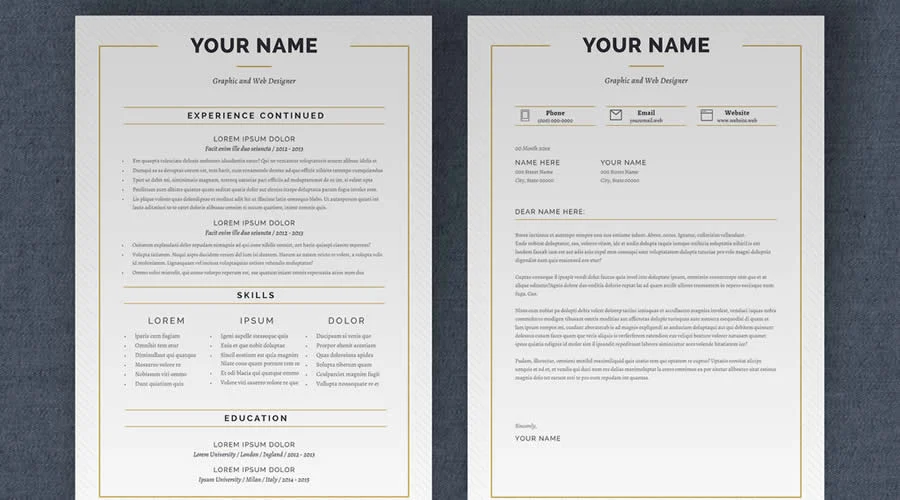
In the modern job market, where recruitment algorithms and HR managers often spend mere seconds scanning a document, the visual architecture of your resume is as critical as the professional experience listed within it. Adobe InDesign remains the industry gold standard for this task, offering an unparalleled level of precision in typography, grid-based alignment, and page geometry. By utilizing a professionally crafted InDesign template, job seekers can move beyond the constraints of word processors to create high-impact, scannable, and aesthetically sophisticated career narratives.
The Strategic Advantage of InDesign for Career Documents
The primary advantage of InDesign lies in its "professional-grade" control. Unlike document-based software that forces text into rigid, often unpredictable flow patterns, InDesign treats the resume as a canvas. Designers have granular control over leading, kerning, and baseline alignment, ensuring that the visual hierarchy directs the recruiter’s eye exactly where it needs to go: your most significant achievements.

A well-structured template provides the underlying grid—a skeleton of white space and alignment—allowing the user to concentrate on the substantive content: skills, metrics, and narrative. Whether you are aiming for a minimalist, single-page executive summary or a multi-page creative portfolio, these templates bridge the gap between technical expertise and design excellence.
Chronology of the Modern Resume Design
The evolution of the resume has shifted from plain-text ASCII files of the early 90s to the current era of "designed experiences."
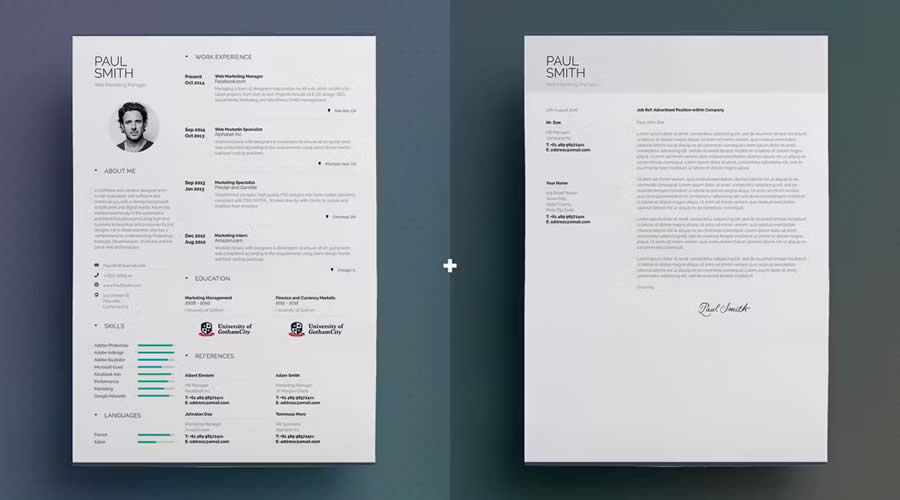
- 1990s – 2000s: The era of the Word document, characterized by standard fonts (Times New Roman) and rigid, boring tables.
- 2010s: The rise of graphic design platforms and the emergence of "Creative Resumes," which prioritized color, custom icons, and infographics.
- 2020s – Present: A shift toward "Functional Minimalism." Modern recruiters now prefer clean, highly readable layouts that are optimized for both screen viewing and ATS (Applicant Tracking System) parsing.
This chronology demonstrates that while trends change, the demand for legibility remains the constant variable.
Supporting Data: Why Design Matters
Research into recruiter behavior consistently shows that the "F-pattern" reading style is prevalent. Recruiters scan top-to-bottom and left-to-right, looking for headers and bullet points. Templates that utilize strong, clear typographic hierarchies—such as bolded job titles, italicized dates, and strategic white space—are statistically more likely to be reviewed in full than those that present a dense "wall of text."
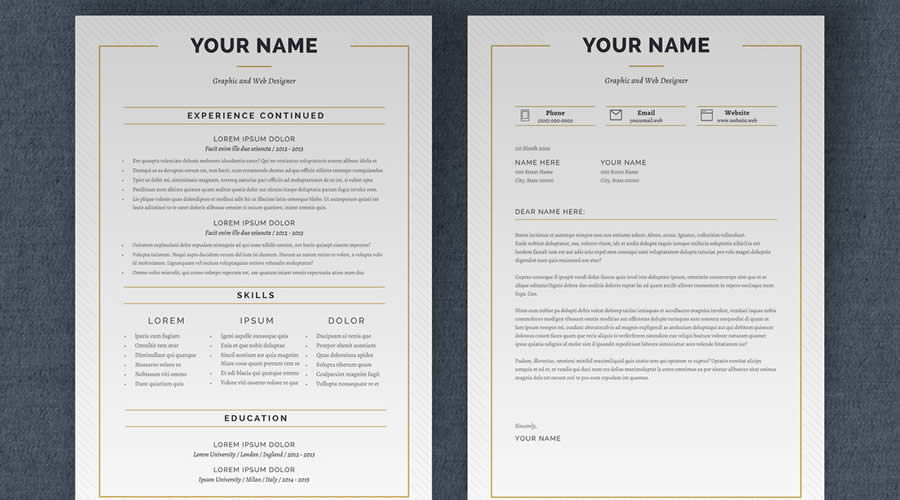
Furthermore, for creative roles, the resume serves as a "first deliverable." If an applicant cannot demonstrate a mastery of layout, spacing, and font selection on their own resume, the assumption is that they lack these skills for client work.
Top InDesign Resume Templates: A Curated Selection
To assist your job hunt, we have curated a list of the most effective InDesign templates available today.
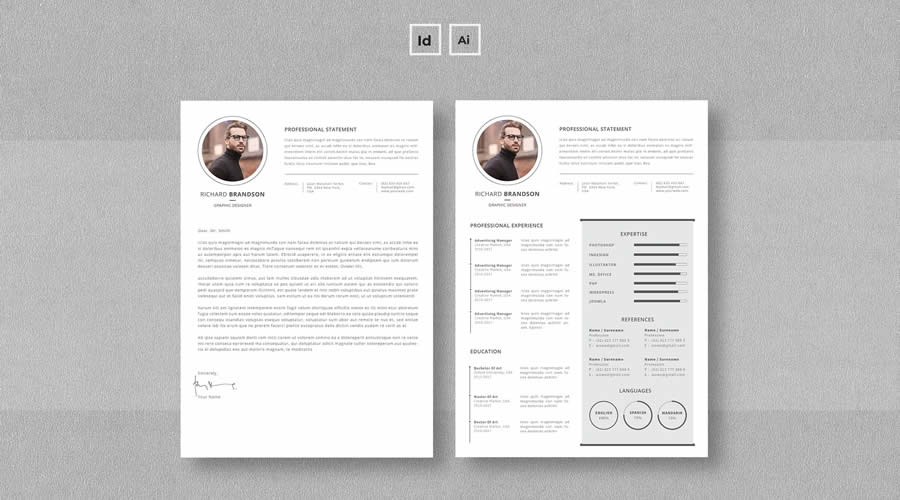
1. Simple Resume & CV Template Vol. 6
For those who prioritize brevity, this template offers a clean, one-page design. It is specifically built to include a matching cover letter, ensuring a unified brand identity for your application.
- Format: INDD
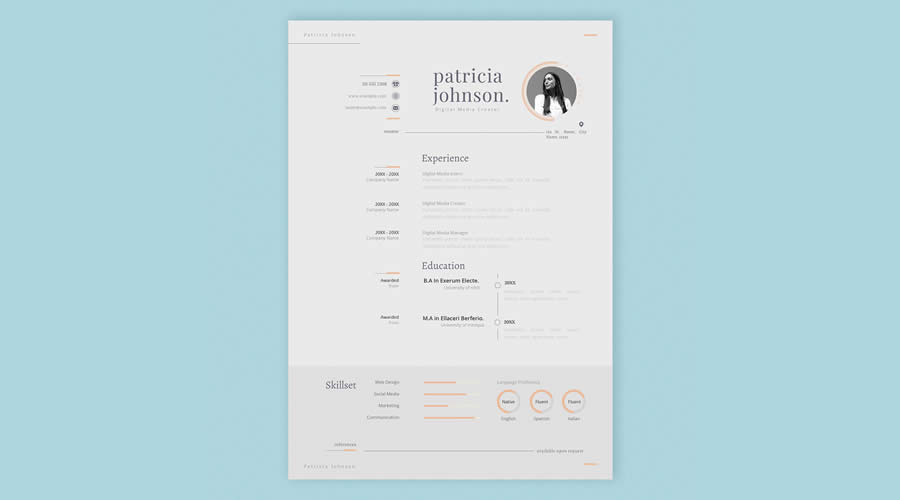
2. Free Linear Resume Layout
A sophisticated, three-page layout that uses bold typography to establish hierarchy. It is an excellent choice for professionals with extensive career histories who need to maintain clarity across multiple pages.
- Format: INDD | Free
3. Minimalist InDesign Resume Layout
This template offers maximum flexibility, providing both INDD and IDML files. By including both, it ensures compatibility with older versions of Adobe Creative Cloud, making it a reliable choice for long-term use.
- Format: INDD/IDML
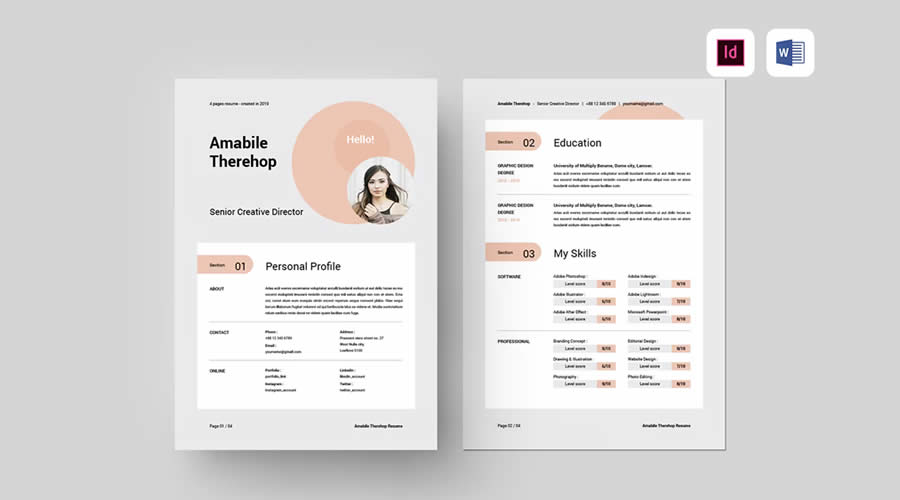
4. Clean & Elegant Free Resume
Featuring classic serif typography, this one-page layout is designed for those in traditional corporate or legal fields. It eschews modern trends for a timeless, professional aesthetic.
- Format: INDD | Free
5. Modern & Professional InDesign Template
Spanning four pages, this layout is ideal for senior-level candidates. It uses a spacious grid to ensure that dense information remains readable and visually organized.
- Format: INDD (also available in Word)
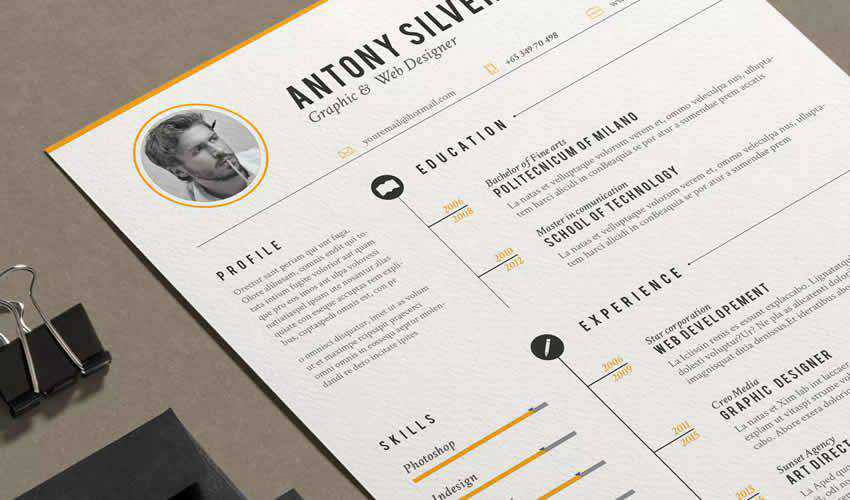
6. Vintage Resume Template
If you are working in creative industries like branding, publishing, or boutique design, a touch of vintage flair can make your application stand out. This set includes matching icons for visual interest.
- Format: INDD
7. Free CV/Resume Set
A quintessential minimalist template. It is designed to be easily editable, allowing users to swap out colors and fonts with minimal effort.
- Format: INDD | Free
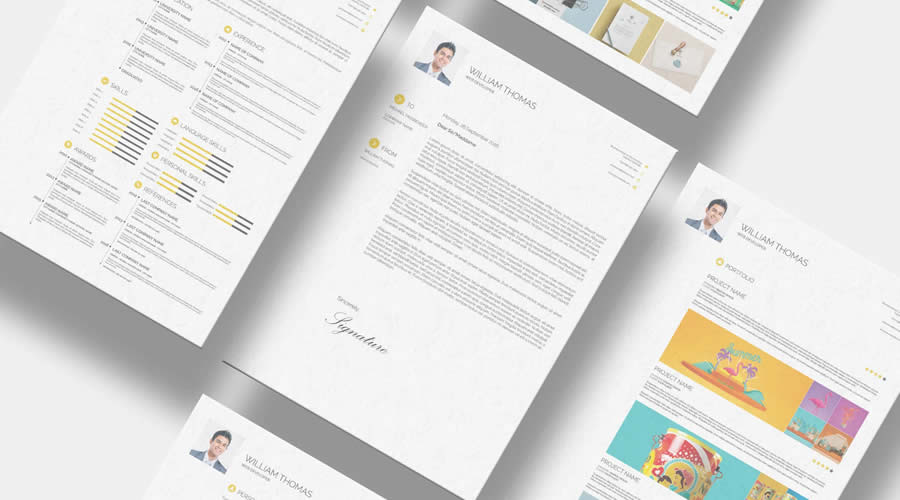
8. Free Resume & Business Card Set
Ideal for those attending networking events or in-person interviews. Having a resume that matches your business card creates an immediate sense of professional legitimacy.
- Format: INDD | Free
9. Minimalist-Style Resume
This template leverages white space as a design element. By reducing clutter, it forces the reader to focus on the specific language of your achievements.
- Format: INDD
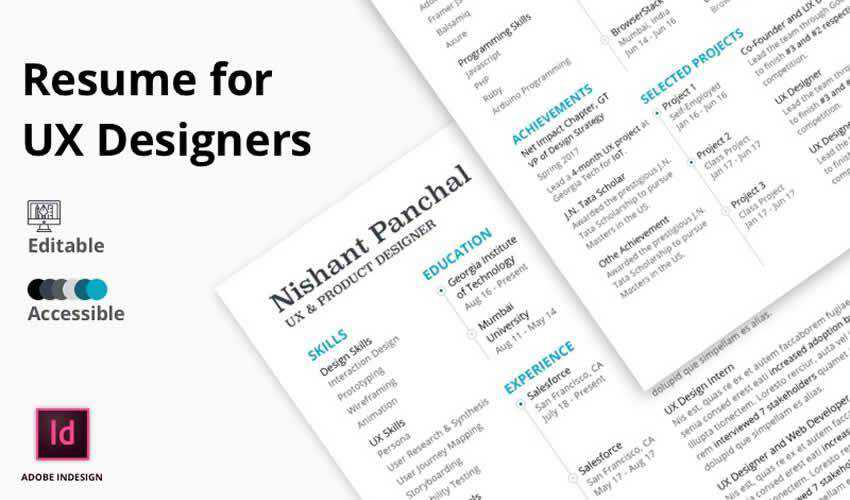
10. Free UX Designer Resume Template
Designed specifically for the tech industry, this template excels in visual hierarchy. It is optimized for those who want to show off their understanding of UX principles through their own documents.

- Format: INDD | Free
11. Simple & Free Resume/CV Set
Offering three unique design variations in one pack, this set allows you to A/B test which layout resonates better with your target industry.
- Format: INDD | Free
12. Free Simple Dynamic Resume & Cover Letter
This template is built for speed and adaptability. It includes pre-styled paragraph blocks that make formatting updates nearly instantaneous.

- Format: INDD | Free
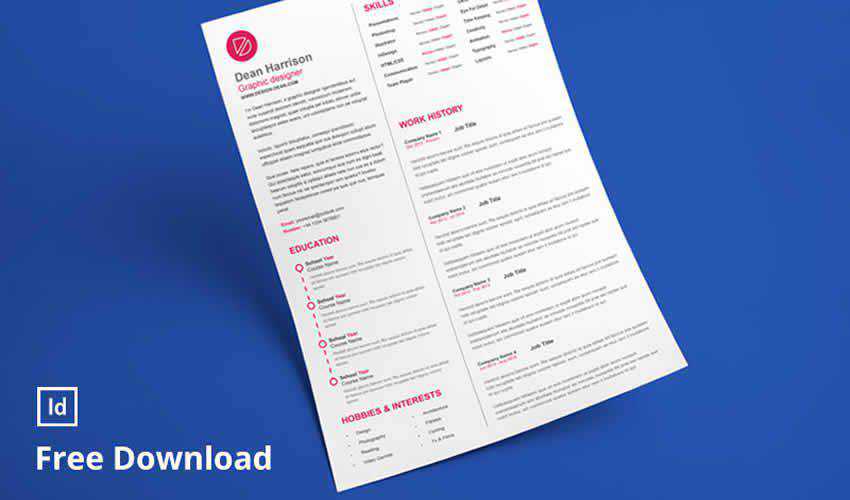
13. Free Clean Designer Resume
A grid-based masterpiece. It provides dedicated areas for portfolio links, which is essential for creative professionals looking to direct traffic to their work.
- Format: INDD | Free
Implications: The "Rules of Engagement"
Choosing a template is only the first step. The implications of your design choices can impact your job prospects significantly:
- The ATS Trap: While InDesign offers beautiful layouts, be wary of excessive graphic elements. If you are applying to a large corporation with automated systems, ensure your text remains selectable and searchable.
- File Compatibility: Always check if your template provides an IDML file. This ensures that even if a recruiter or a printer has a slightly older version of InDesign, they can still open your document without layout shifts.
- The "One-Size-Fits-All" Fallacy: Never send the exact same file to every company. Use InDesign’s "Parent Pages" feature to quickly swap out specific project highlights or skills to match the keywords in a specific job description.
Professional Best Practices for Editing and Exporting
To ensure your document maintains its integrity from your desktop to the recruiter’s screen, follow these professional protocols:
- Keep the Folder Intact: Do not move the
.inddfile out of its parent folder. InDesign relies on "linked" assets—fonts, icons, and photos—located in subfolders. - Typography Matters: If a template calls for a specific font you don’t own, replace it with a high-quality alternative from Adobe Fonts. Never use a "placeholder" font that looks amateurish.
- PDF Export Settings: Always export as "High-Quality Print" for physical interviews, but consider "Smallest File Size" for online portals, ensuring your file size stays under 2MB for fast loading.
- Naming Convention: A professional file name is non-negotiable. Use:
FirstName_LastName_Resume_Role.pdf.
Final Recommendations: The Human Factor
The strongest design is the one that disappears. Your goal is not to have a recruiter notice your "beautiful template," but rather to have them notice your "impressive career."
When customizing these templates, prioritize readability above all else. Avoid the temptation to fill every inch of white space. A well-designed, airy, and clean resume suggests confidence and clarity of thought—two traits that are highly valued by every hiring manager. Before hitting "send," perform a final check: is your contact information accurate? Are your dates consistent? Is the PDF searchable?
By leveraging the power of Adobe InDesign, you are not just submitting a document; you are presenting a curated artifact of your professional identity. Choose your template wisely, edit with precision, and let your achievements take center stage.

 Asep Darmawan
 Nana
Nana
 Raul Delapena Setiawan
 Reynand Wu


 Azzam Bilal Chamdy
 Ali Ikhwan