
 Basiran
The return to campus is a time defined by a unique mixture of anticipation and logistical anxiety. For modern students, the challenge of balancing rigorous academic workloads, extracurricular leadership, and personal well-being is compounded by an ever-increasing digital footprint. As students navigate the transition into a new semester, Google is positioning its generative AI engine, Gemini, as an essential academic co-pilot. By integrating sophisticated AI tools directly into the Google Workspace ecosystem, the company aims to move beyond simple word processing, offering a suite of intelligent features designed to streamline the cognitive load of higher education.
The Evolution of the Academic Toolkit
The modern student’s digital workspace has traditionally consisted of disparate applications: spreadsheets for planning, documents for drafting, and email for communication. However, the manual effort required to synchronize these tools often leads to inefficiency. Yulie Kwon Kim, VP of Product for Google Workspace, emphasizes that the integration of Gemini is intended to fundamentally shift how students manage time and produce high-quality work. By embedding AI into the "fabric" of everyday tools—Docs, Sheets, Slides, Gmail, and Meet—Google is attempting to create a frictionless environment where the machine handles the administrative heavy lifting, leaving the student to focus on critical thinking and creative synthesis.
Chronology: From Concept to Classroom Integration
The integration of generative AI into productivity software has been a rapid, iterative process. Over the past 18 months, Google has moved from early-stage experimental features to robust, enterprise-grade tools.
- Early 2024: Introduction of "Help me write" and basic AI-assisted drafting across Docs and Gmail.
- Mid-2024: The rollout of advanced data visualization tools and "Sheets canvas," allowing users to transform static data into interactive dashboards.
- August 2026: The current phase, marked by the deployment of comprehensive "Deck Generation" in Slides and advanced note-taking capabilities in Google Meet, coincides with the back-to-school season.
This trajectory highlights a strategic pivot: moving from AI as a chatbot that sits on the side of a screen to an active participant that understands the context of a user’s files and ongoing projects.
Supporting Data: Seven Pillars of AI-Driven Productivity
The effectiveness of these tools lies in their specific application to common academic pain points. Based on current feature sets, the following seven strategies represent the current "gold standard" for using Gemini in a campus setting.
1. The Semester Dashboard: Sheets Canvas
Managing a syllabus is a perennial challenge. The new "Sheets canvas" functionality allows students to move beyond basic grid structures. By prompting Gemini, students can convert a standard spreadsheet—populated with deadlines, subjects, and priorities—into a dynamic Kanban board. This visual transformation allows for real-time tracking, color-coded urgency, and filterable views, effectively turning a spreadsheet into a personalized project management application.
2. Synthesizing Knowledge: Docs for Study Guides
The transition from raw lecture notes to structured study materials is often where students lose the most time. Gemini in Docs can now ingest disorganized notes and distill them into bulleted takeaways and predictive exam questions. Furthermore, the ability to generate infographics from text provides a visual learning aid that helps solidify complex concepts, catering to different learning styles.
3. Automated Presentations: Deck Generation
The design phase of a presentation is frequently a time-sink. Using "Deck Generation" in Google Slides, students can feed a research paper or a set of notes into the engine, which then creates a structured, visually coherent slideshow. The tool even allows for "style referencing," where a student can upload a previous presentation to ensure that new slides match their established aesthetic preferences regarding typography and color palettes.
4. Inbox Management: The AI-Powered Filter
Gmail’s new "AI Inbox" feature addresses the overwhelming influx of university communication. By prioritizing newsletters, administrative announcements, and urgent project threads, the tool suggests to-dos and highlights key topics. This allows students to triage their communication effectively, ensuring that critical information is never lost in the noise.
5. Intelligent Meeting Summaries: Google Meet
Group projects often devolve into arguments over who is taking notes. Gemini’s integration into Google Meet offers a solution: the "Take notes" feature automatically transcribes discussions, extracts action items, and generates a summary document. This feature works for both virtual calls and in-person sessions via mobile, ensuring that no decisions are forgotten during collaborative brainstorming.
6. Video Storytelling: Google Vids
As academic projects increasingly shift toward multimedia, Google Vids provides a collaborative video-editing environment. Students can generate scripts, select music, and even incorporate AI avatars. The ability to treat a video project like a Google Doc—with real-time collaboration and "editor" access for teammates—removes the technical barriers that often discourage students from pursuing video-based assignments.
7. Automated Assessments: Google Forms
To test mastery of material, Gemini in Forms can generate custom quizzes. By pulling content from specific research files or public web resources, the AI constructs multiple-choice questions with answer keys. This allows for self-paced, iterative testing, which is widely considered one of the most effective methods for long-term retention of information.

Official Responses and Strategic Vision
Google’s strategy is clearly focused on long-term user retention and the creation of a "walled garden" that is too productive to leave. By offering 12-month free access to premium AI plans for eligible college students, Google is betting that if students adopt these tools early in their academic careers, they will remain committed to the ecosystem as they transition into the professional world.
"We want to change how you think about managing your time," says Kim. By lowering the barrier to entry through free access, Google is not just selling a product; it is establishing a baseline expectation for what an AI-augmented workflow looks like.
Implications for Higher Education
The widespread adoption of these tools carries significant implications for the future of learning.
- Efficiency vs. Cognitive Development: While these tools drastically reduce the time spent on administrative tasks, educators remain concerned about the impact on critical thinking. If an AI summarizes every reading and creates every study guide, students may miss the formative struggle of synthesizing information themselves.
- The Digital Divide: The provision of free 12-month plans is a significant gesture toward equity. However, the reliance on high-speed internet and consistent hardware remains a challenge for students in underserved regions.
- Changing Evaluation Metrics: As AI becomes ubiquitous, university departments may need to rethink how they evaluate student performance. The "take-home essay" may become less relevant, while oral defenses, in-class participation, and AI-literacy assessments may rise in importance.
Conclusion: A New Era of Academic Management
The integration of Gemini into Google Workspace represents a transition from tools that merely store information to tools that process it. As students return to campus this year, the question will not be whether they use AI, but how effectively they can leverage it to augment their unique intellectual capacities. By automating the mundane, Google is attempting to clear the path for deeper inquiry—provided that students use these tools as a starting point for discovery, rather than a substitute for it.
As these technologies continue to evolve, the classroom of tomorrow will look vastly different from the one of yesterday. For now, the "semester planner" and the "automated study guide" are the first steps in a broader transformation of the educational landscape, one that promises to make the university experience more streamlined, more collaborative, and significantly more efficient.


 Nana
Nana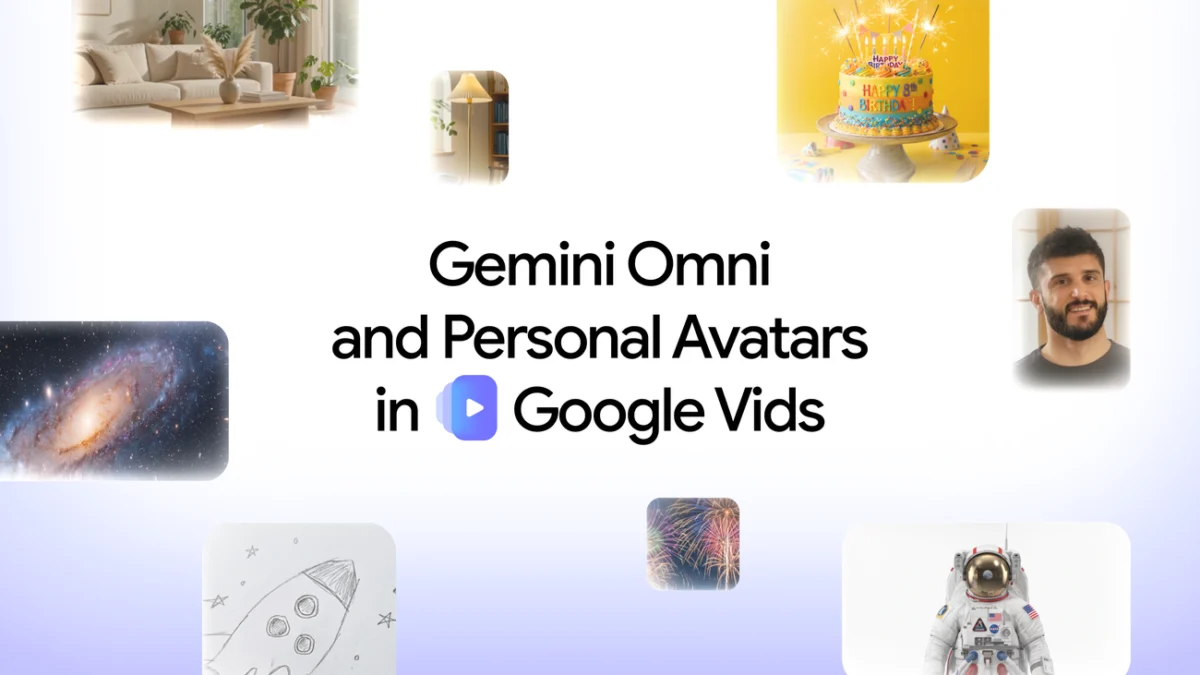
 Siti Muinah
 Raul Delapena Setiawan
 Reynand Wu
 Sagoh
Sagoh

 Azzam Bilal Chamdy
 Ali Ikhwan