
 Siti Muinah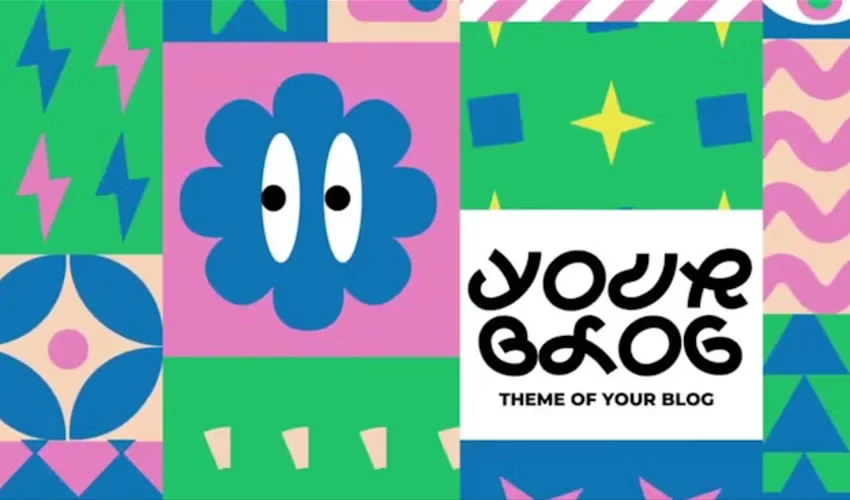
Adobe After Effects stands as the industry standard for motion graphics, visual effects, and compositing. While it grants designers unparalleled creative control, the reality of high-pressure production environments is that building every animation from an empty composition is rarely practical. A well-constructed template provides the necessary structure, precise timing, and technical framework, allowing creators to pivot from tedious technical setup to the nuanced details that define a project’s aesthetic identity.

By leveraging professionally built templates, motion designers can maintain consistency across large-scale projects while significantly reducing turnaround times. However, the true value of a template lies not in its default state, but in its potential for transformation.

The Strategic Role of Templates in Modern Production
In the current landscape of digital content creation, efficiency is as critical as artistry. Templates serve as a foundation for common production needs, including title sequences, logo reveals, photo slideshows, video openers, and lower thirds. Whether you are working on a corporate video, a YouTube channel, or a cinematic portfolio piece, a template acts as a sophisticated scaffolding.

The most effective templates offer modularity. They allow for the seamless swapping of colors, typography, footage, and audio. However, the quality of these assets varies wildly. Some templates are masterpieces of organization, featuring color-coded layers and comprehensive documentation, while others may be reliant on outdated plugins or specific versions of After Effects. Savvy designers always verify these dependencies—such as required fonts or third-party presets—before committing to a download.

Chronology and Evolution of Motion Assets
The evolution of After Effects templates has mirrored the growth of the creator economy. A decade ago, templates were largely the domain of high-end broadcast agencies. Today, platforms like Motion Array, Envato Elements, and Adobe Stock have democratized access to professional-grade motion graphics.

We have moved from rigid, difficult-to-modify "cookie-cutter" files to flexible, expressions-driven projects. Modern templates now frequently include "Essential Graphics" panels, which allow editors to make complex changes—such as shifting colors or resizing text boxes—directly within Adobe Premiere Pro without ever needing to touch the original After Effects project.

Curated Categories: Elevating Your Motion Graphics
Title Sequences: The Art of First Impressions
A title sequence is the handshake of your video. It prepares the viewer for the narrative or information to follow. Designing these from scratch involves hundreds of keyframes, motion curves, and light leaks. Instead, utilize free templates like the "Funny Shapes" pack for playful projects or the "2001 Space Odyssey" style for a touch of cinematic nostalgia. For professional business environments, the "Clean & Simple" title templates provide a minimalist aesthetic that conveys authority without distraction.

Logo Reveals: Building Brand Presence
A logo reveal turns a static brand mark into a dynamic narrative. The best reveals are brief—often lasting under five seconds. Whether you opt for a high-tech "Orbital HUD" style or a subtle, professional "MoGraph Lines" reveal, the objective remains the same: to give your brand a sense of movement and energy. Remember, the goal of a logo animation is to enhance the brand, not to overpower it with unnecessary visual clutter.

Slideshows and Galleries
Slideshows are the backbone of portfolio presentations and event documentation. The challenge here is pacing. A good template manages the transitions, but you must curate the photos. From "Polaroid" style vintage looks to "Parallax Scrolling" that creates a 3D effect from 2D images, these templates allow you to showcase multiple assets in a cohesive, rhythmic way.

Openers and Intros: Setting the Pace
Video openers are the most complex templates, as they must synthesize footage, typography, and sound into a single, cohesive unit. Whether you need an "Instagram Opener" for social media or a "Corporate Intro" for a client pitch, these files provide the backbone for your visual storytelling.

Technical Considerations: Beyond the Preview
A polished preview on a download site does not guarantee a perfect project file. Before integrating a template into your workflow, consider these technical checkpoints:

- Plugin Dependencies: Does the project require Red Giant Universe, Sapphire, or other premium plugins? If you don’t own them, the template will likely break.
- Versioning: Always check the compatibility. A project built in After Effects 2024 may not open correctly in older versions due to changes in the underlying architecture.
- Performance: If your machine struggles, consider "Proxies." Pre-rendering heavy effects into a single video file before placing it in your main timeline can save hours of frustration.
Best Practices for Customization
The most common mistake is using a template exactly as it comes out of the box. To make the work truly yours:

- Modify the Timing: Most default templates are timed to a generic beat. Adjust the keyframes to match the specific rhythm of your chosen soundtrack.
- Typography Choices: Never stick to the default font. Typography is the quickest way to change the "feel" of a template from "corporate" to "creative" or "modern."
- Color Grading: Use the template’s global color controllers to match your brand’s palette. A uniform color scheme makes disparate elements feel like a single, unified project.
Implications for the Future of Motion Design
As AI-assisted motion tools continue to emerge, the role of the template designer is shifting toward creating "Smart Assets." These are systems that intelligently adapt to the user’s footage, automatically adjusting contrast, timing, and color based on the content placed within them.

For the professional motion designer, templates are not a shortcut that replaces skill; they are a productivity multiplier. By offloading the mechanical, repetitive aspects of animation to well-built templates, designers can dedicate their limited time to the higher-level conceptual work that truly adds value to a project.

Final Recommendations for Success
If you are new to After Effects, treat every downloaded template as a classroom. Open the layers, look at the expressions, and try to understand how the creator achieved a specific movement. If you are a seasoned pro, use templates to handle the "grunt work" while you focus on the creative direction.

Always keep an untouched copy of the original project file in a separate folder. If you make a mistake during customization, you can always revert to the source. Finally, remember that the best animation is invisible—it should support your content, guide the viewer’s eye, and disappear into the story, leaving behind only the message you intended to deliver.

By balancing technical discipline with creative intuition, you can utilize the vast library of available After Effects templates to produce world-class motion graphics that stand out in an increasingly crowded digital landscape.

 Sagoh
Sagoh
 Asep Darmawan
 Raul Delapena Setiawan
 Reynand Wu


 Azzam Bilal Chamdy
 Ali Ikhwan